
Gritty Vanguard Menswear Poster
Generates a bold blue-and-black streetwear fashion campaign poster with a monochrome male portrait, oversized typography, and distressed print texture.
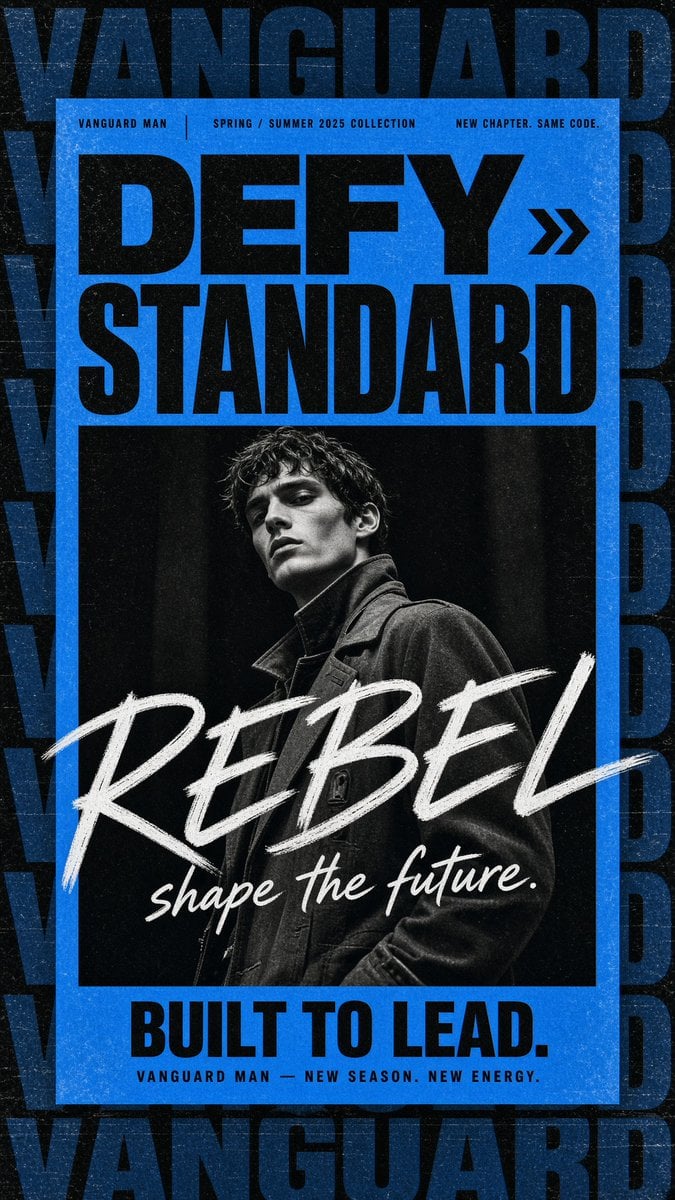
- Prompt included
- Model and format preset
- Free template
The prompt behind this image
Copy the exact prompt behind Gritty Vanguard Menswear Poster, or open it in the studio and make it yours.
Create a gritty high-fashion menswear campaign poster for {argument name="brand name" default="VANGUARD MAN"}, vertical 9:16 canvas. Use a black, distressed background with oversized repeated dark navy-blue block lettering spelling “VANGUARD” stacked and cropped along the top, sides, and bottom like a wallpaper pattern. Center a bright electric-blue rectangular poster panel with a thick blue border and worn print texture. At the top of the blue panel, place three small uppercase microtext labels in a thin condensed sans-serif: left “VANGUARD MAN”, center “SPRING / SUMMER 2025 COLLECTION”, right “NEW CHAPTER. SAME CODE.” separated by thin vertical dividers. Below, set the main headline in huge heavy black condensed sans-serif: {argument name="headline text" default="DEFY STANDARD"}, arranged as two lines, with a black double-chevron arrow icon to the right of “DEFY”. Under the headline, insert one large black-and-white editorial fashion portrait: a young male model with wet tousled dark hair, sharp cheekbones, serious expression, looking slightly downward at camera, wearing a dark structured coat with high collar, dramatic low-key studio lighting, high contrast, grainy monochrome. Across the lower half of the portrait, overlay an oversized rough white brush-script word {argument name="brush word" default="REBEL"} diagonally from left to right, with a smaller white handwritten tagline beneath it: {argument name="script tagline" default="shape the future."}. At the bottom of the blue panel, add a bold black condensed sans-serif slogan {argument name="bottom slogan" default="BUILT TO LEAD."}, and beneath it small spaced uppercase text “VANGUARD MAN — NEW SEASON. NEW ENERGY.” Make the whole design look like a worn screen-printed streetwear poster with visible dust, scratches, paper grain, ink speckles, slight scuffs, and strong black/blue/white contrast. Keep exactly one portrait, one double-chevron icon, three top microtext labels, one headline block, one brush-script overlay, one bottom slogan, and one small footer line; no extra logos or watermarks.
How to use Gritty Vanguard Menswear Poster in 3 steps
- 1Upload ImagePNG, JPG or paste
Add your photo
Upload the photo the template builds on. The prompt, model and format are already set.
- 2…a portrait of your subject in softgolden-hour light, 85mm…
Personalize
Edit the subject and creative details for your destination.
- 3Generate
Generate
Press Generate — your image is created in PicX Studio, so you can compare it with the original and refine one variable at a time.
More like this
Templates with the same subject, style or setup. Open one to see its prompt.

Japan Travel Brochure Poster

Cartoon TV Show Poster Pack

Trendy Cafe Drink Promo Poster

Urban Fashion Editorial Collage Streetwear Poster

Premium Fashion Editorial Cover Layout System

Polo Ralph Lauren Luxury American Heritage Fashion Campaign

Monochrome Halftone Editorial Fashion Poster

Retro Mirror Luxury Fashion Campaign Poster

Luxury Fashion Campaign Typography Poster System

Premium Fashion Editorial Campaign Poster System

Ultra-Stylized High-Fashion Streetwear Poster

Urban Fashion Editorial Collage Poster
Make it yours
Gritty Vanguard Menswear Poster works as-is. These are the safest ways to change it without losing the look.
Change one field
Copy a single group, rewrite it, and generate again so you can see what that field is doing.
Keep the frame, change the subject
Hold the composition and light of Gritty Vanguard Menswear Poster, then swap wardrobe, props or the person for a new take.
| If the result… | Why | Fix |
|---|---|---|
| The result drifts from the preview | Too many fields changed at once. | Reuse Gritty Vanguard Menswear Poster as-is first, then change one group — subject, light, or setting. |
| The model over-stylizes the scene | The prose prompt leaves finish and camera underspecified. | Add one camera or lighting sentence and stay on GPT Image 2. |
More GPT Image 2 templates
Other prompts made for GPT Image 2.

Six VTuber Japanese Logo Sheet

Realistic Portrait of Woman and Deer

The Vista Modular Condo Poster

AI Model Routing Comparison Infographic

2.5D Anime Art Board

Isometric Productivity Desk Scene

New York Double Exposure Poster

Four-Panel AI Landscape Comparison

Japanese Tatami Lifestyle Magazine Cover

NESCAFÉ Coffee Map Poster
More image prompts
Fresh picks from across the catalog.
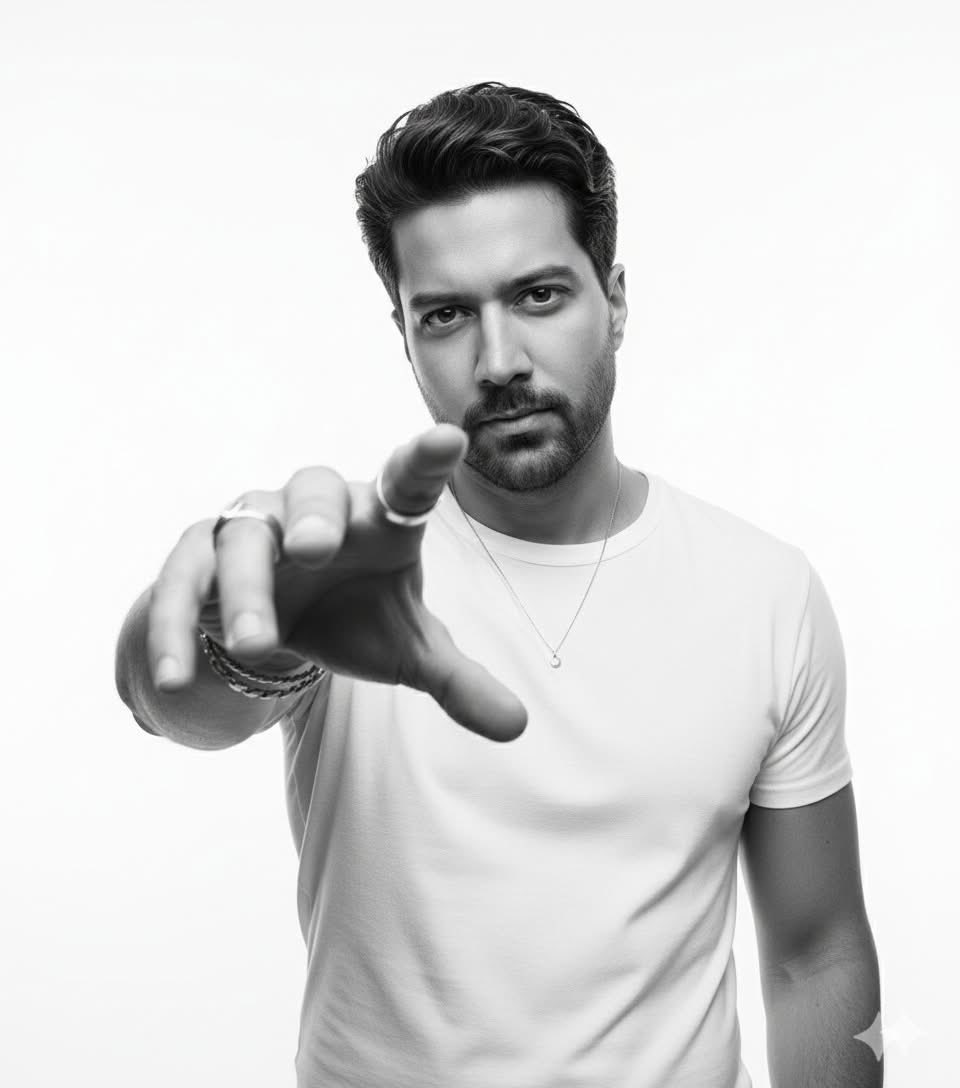
High-Key B&W Cinematic Portrait
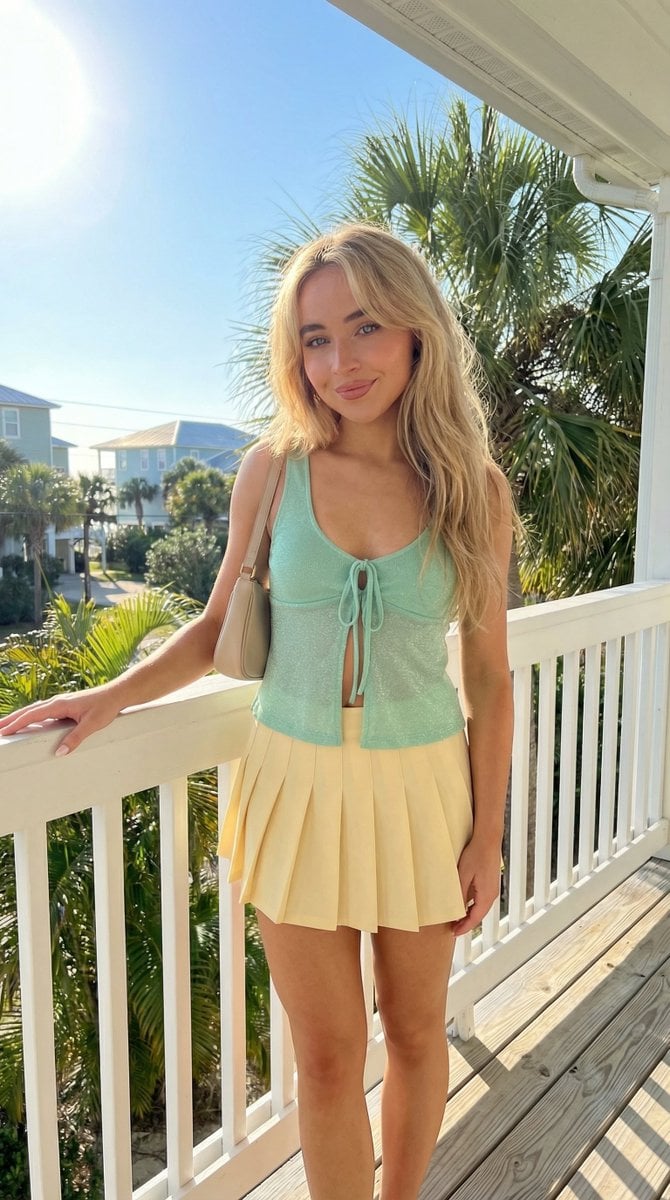
Tropical Balcony Full Body Shot Prompt

Cinematic Portrait with Bioluminescent Butterfly Interaction
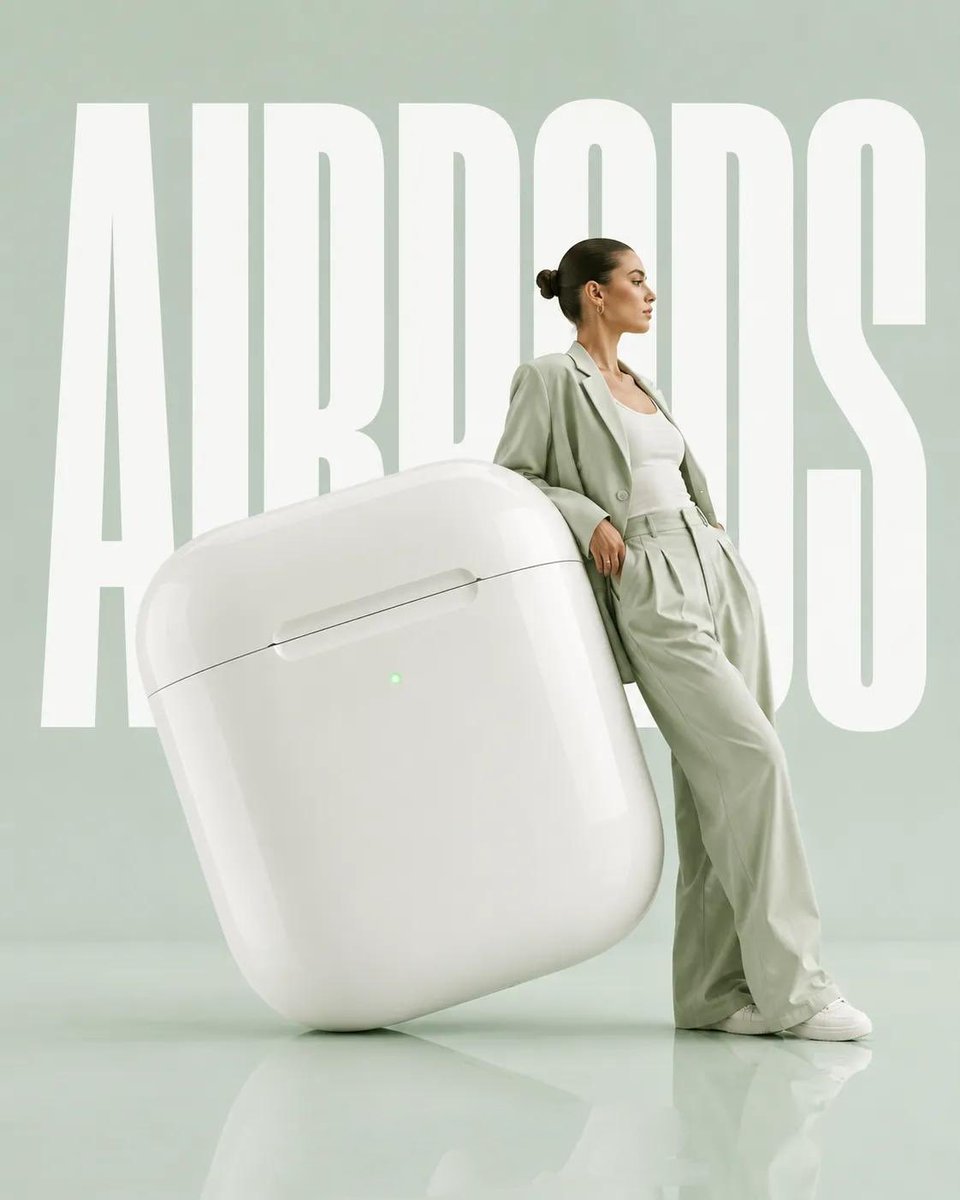
Surrealist Fashion Advertising Poster
Photorealistic Fireworks Display Prompt for Dreamina AI
Character Profile Annotation Overlay
Fashion Editorial Green Cap Portraits
Dynamic Video Prompt: Banana Float Rocket
Tarot Celtic Cross Spread Reading Generation Prompt
Advertising Visual Prompt: Chocolate Bar Process Display
Browse template categories
Gritty Vanguard Menswear Poster questions
How do I use the Gritty Vanguard Menswear Poster template?
Add your photo if the template asks for one, edit the prompt if you like — the template's model and format are already selected — and press Generate. Your version opens in PicX Studio.
Can I customize the Gritty Vanguard Menswear Poster template?
Yes. You can change the subject, setting, lighting, mood, format, and available model controls before creating your image.
Is the Gritty Vanguard Menswear Poster template free?
Opening and editing this template is free. Generating uses credits, shown on the Generate button when you are signed in.
Which AI model should I use?
Start with GPT Image 2, which is the model associated with this template. You can compare another compatible model for a different finish.
Looking for something else? Browse all templates.

Your photo, any look
Thousands of ready templates for every top image and video model, from one credit balance.