How do I use the Minimalist Geometric Napoleon Portrait template?
Choose the primary action to open PicX Studio with the available template settings. Review the model and format, personalize the creative direction, and generate when ready.
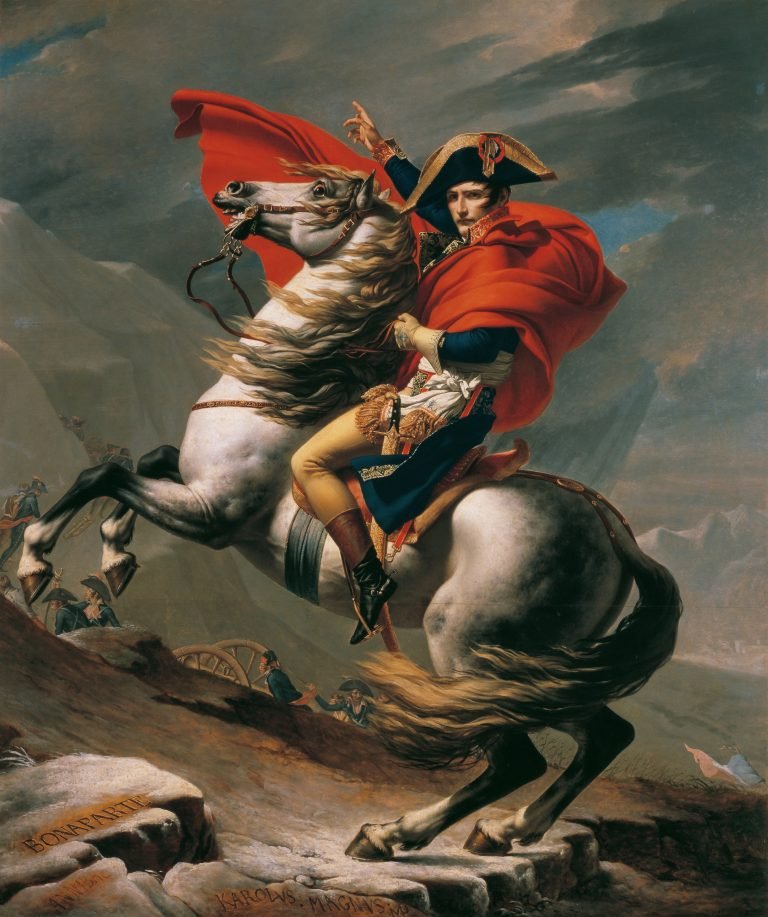
Transforms a classical equestrian battle painting into a clean faceted minimalist poster while preserving the original pose and composition. Change the subject, setting, or lighting one variable at a time.
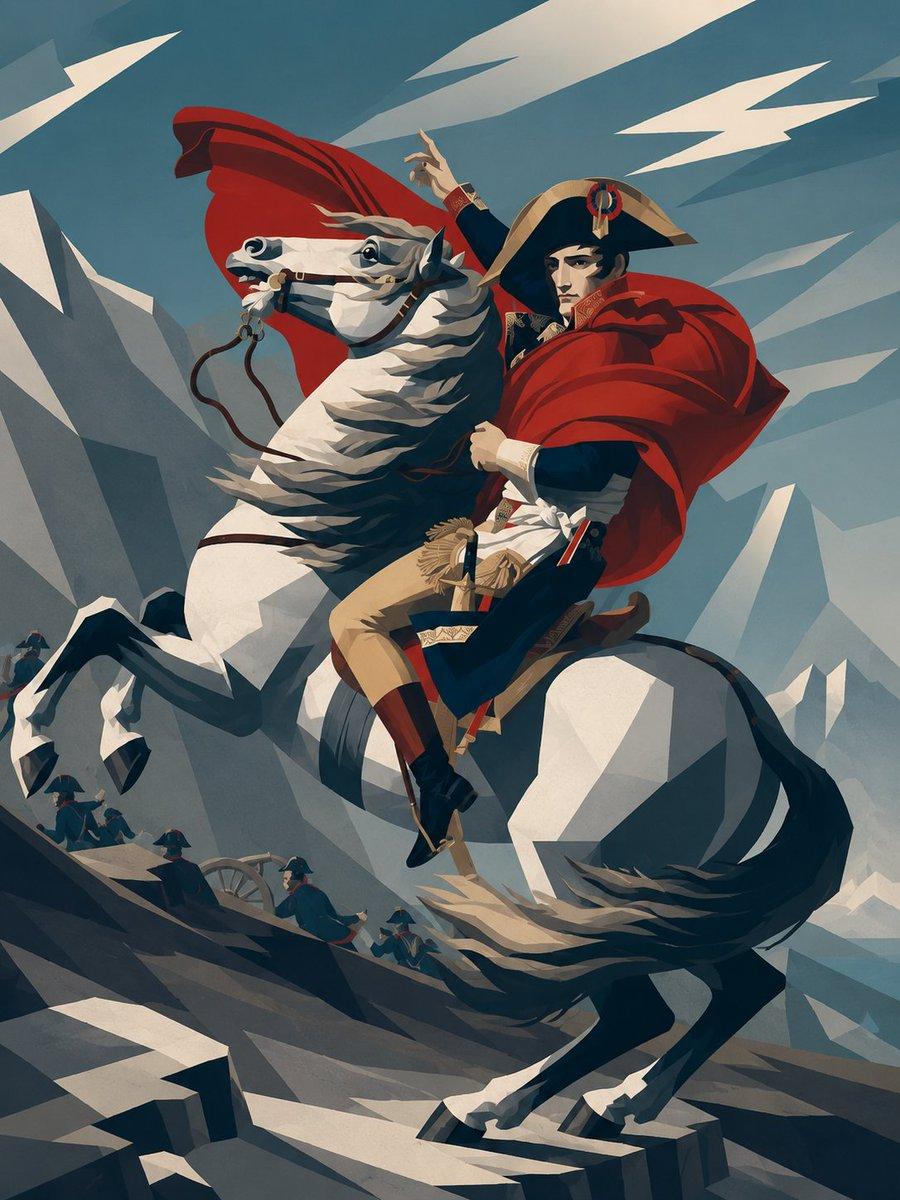
Using REFERENCE_0 as the source composition, transform the painting into a minimalist, stylized geometric poster portrait. Preserve the same rider-on-rearing-horse pose, overall framing, dramatic red cloak, military costume, horse direction, mountainous battlefield setting, and the intentionally blurred face area. Replace the classical oil-painting texture with clean flat-color vector shapes, sharp angular planes, simplified shadows, and a limited palette of deep navy, slate blue, cream white, tan, black, and vivid red. Make the mountains, clouds, horse anatomy, cloak folds, and ground into faceted polygonal forms with crisp edges and high-contrast graphic lighting. Simplify all background soldiers and battlefield details into small abstract silhouettes; keep exactly 5 visible small soldier figures along the lower-left slope and one cannon wheel. Remove the carved foreground text on the rocks and avoid adding any new text. Keep the composition vertical and heroic, with dynamic diagonal motion and a modern editorial illustration feel.
Minimalist Geometric Napoleon Portrait needs input media to work. Open it in the studio and these load alongside the prompt — pick whichever ones your chosen model can take.
Choose the primary action to open PicX Studio with the available template settings. Review the model and format, personalize the creative direction, and generate when ready.
Yes. You can change the subject, setting, lighting, mood, format, and available model controls before creating your image.
This template is free to open and customize. Generation usage is shown in PicX Studio before you create.
Start with GPT Image 2, which is the model associated with this template. You can compare another compatible model for a different finish.
© 2026 PicX Studio. All rights reserved.

Follow a topic to a crawlable collection of related PicX Studio templates.
43,474 public templates available. Verified via the PicX Studio public templates API; refreshed hourly.
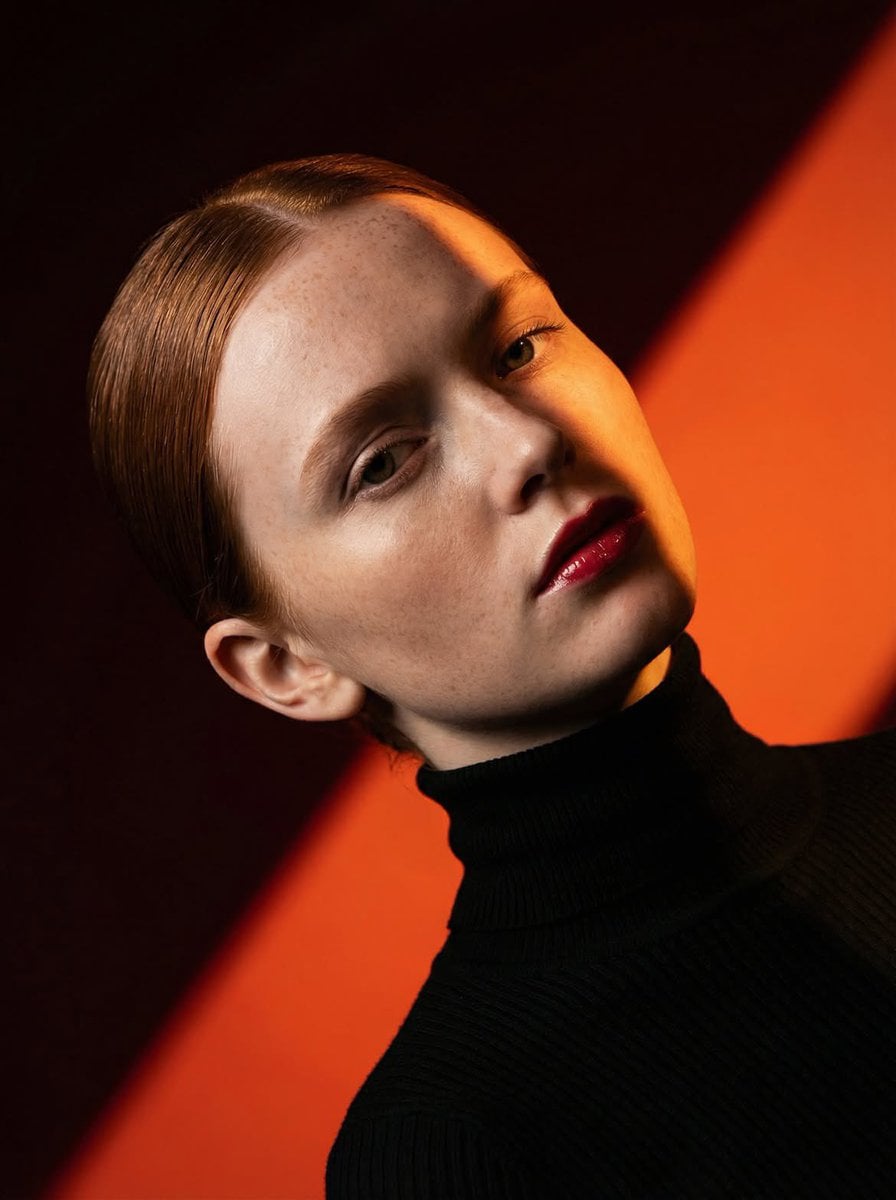



![118-google-nano-banana-pro-skincare-product- — A professional skincare shot of a [product container] with [cap/lid], labeled [brand, product, descriptor, volume](/_next/image?url=https%3A%2F%2Fcdn.picxstudio.com%2Fuploads%2Fpost118_img0_332898b8-29ea-42a9-87ab-9ed746a3f944.jpg&w=828&q=100)

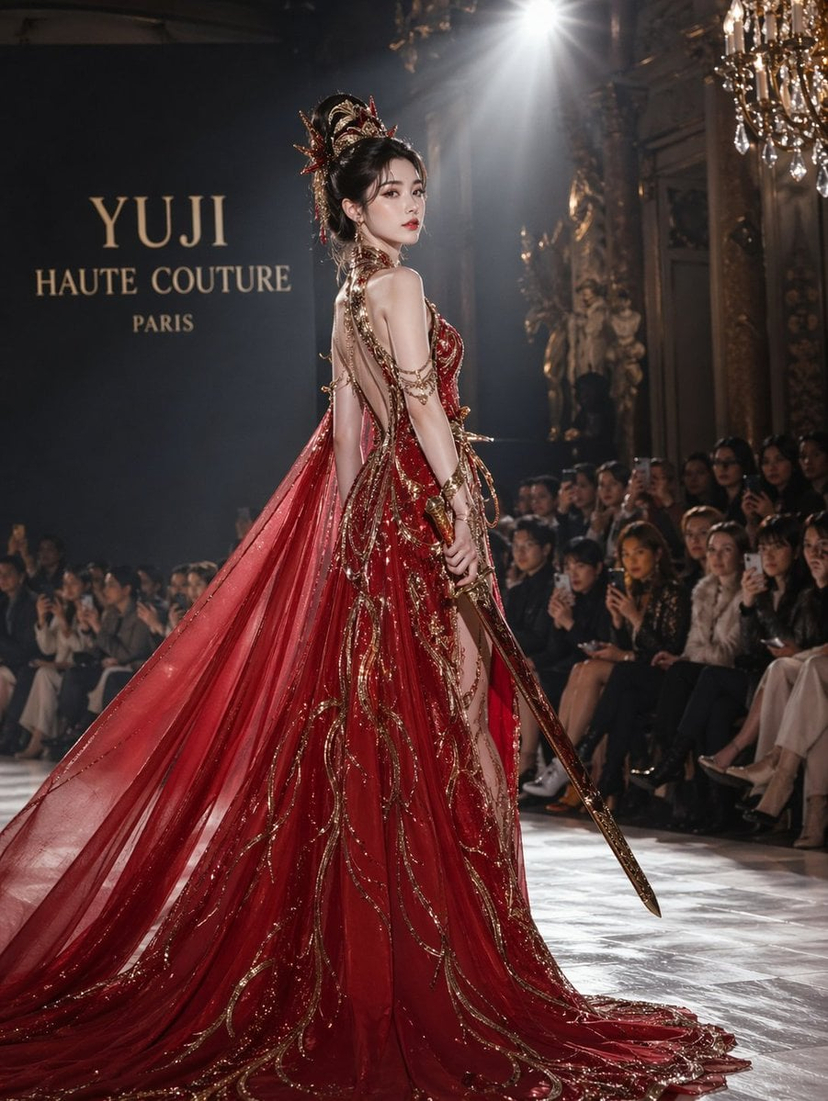


![69-untitled — FORMAT: 15s / 145 BPM / 14 SHOTS
SUBJECT: @[image1]
WARDROBE: Clean modern outfit
ENVIRONMENT: Street / indoor transitions
MOOD: Discovery → contr](/_next/image?url=https%3A%2F%2Fcdn.picxstudio.com%2Fuploads%2Fpost69_img0_d45faecf-38c3-4bcb-81a4-f6eb1cf42bb2.jpg&w=828&q=100)




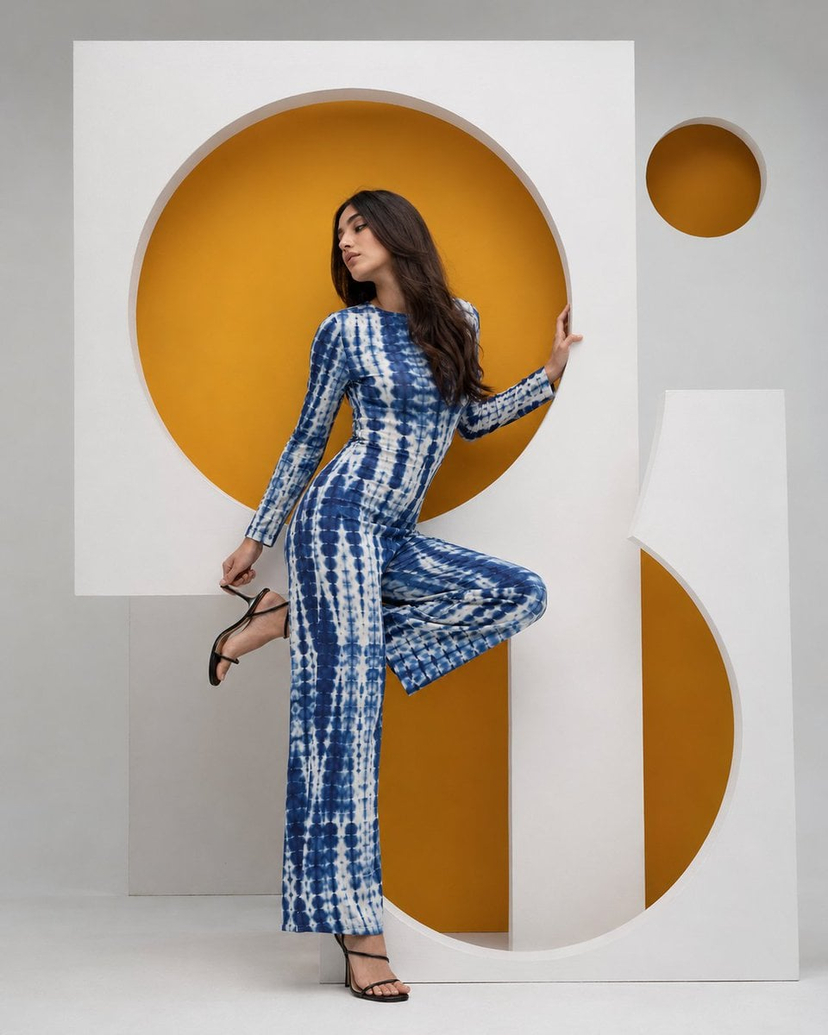









![Minimalist Flat Vector Travel Poster — Premium minimalist flat-vector travel poster for {argument name="city name" default="[CITY_NAME]"}, 3:4 vertical format.](https://cms-assets.youmind.com/media/1787917359711_3ug846_HQX205cbMAA6F6S-300x400.jpg)

























![Drone Art Character Projection over Night Sea — [参照画像の特徴:入力画像]
上記の特徴を持つキャラクターの形を、夜空に浮かぶ無数の発光するドローンが形成しているリアルな写真。
場所は夜の海の上空。暗い空に数千個のドローンのLEDライトが点描画…](https://pbs.twimg.com/media/G9FShwyboAAhHaO.jpg)