
Storm Wizard Casting Lightning
A cinematic photorealistic fantasy prompt for generating a dramatic wizard portrait with storm lighting and crackling magical energy.
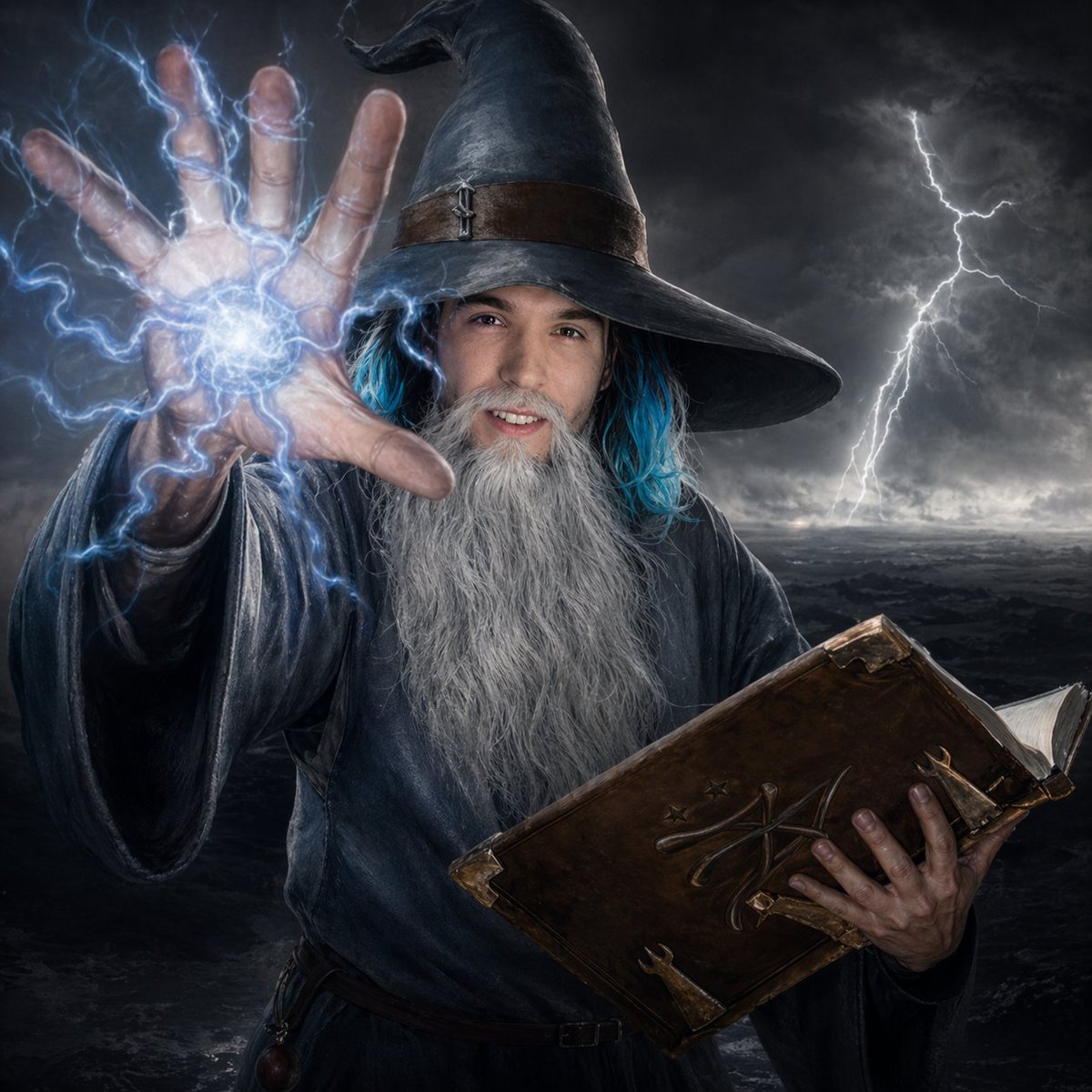
- Prompt included
- Model and format preset
- Free template
The prompt behind this image
Copy the exact prompt behind Storm Wizard Casting Lightning, or open it in the studio and make it yours.
A dramatic dark-fantasy portrait of an elderly wizard standing in a stormy wasteland under a black, cloud-choked sky. He wears a tall, weathered pointed hat with a brown leather band and a tiny metal clasp, and a heavy dark blue-gray robe with wide sleeves. His face is mostly hidden in shadow beneath the hat brim, with long strands of glowing {argument name="accent hair color" default="electric blue"} hair peeking out at the sides and a very long flowing silver-white beard reaching down his chest. The wizard thrusts his left hand toward the camera in a powerful forced-perspective pose, fingers spread, conjuring a bright orb of blue-white magical energy in his palm with crackling lightning arcs wrapping around the hand and sleeve. In his right arm he clutches a large ancient leather spellbook with worn corners, metal fittings, embossed arcane markings on the cover, and a few pages visible. The background shows a barren dark landscape and exactly 1 prominent lightning bolt striking on the right side of the frame. Cinematic high-contrast lighting, hyper-detailed skin and fabric texture, moody photorealism, sharp focus on the hand and beard, intense fantasy atmosphere, centered composition, square crop.
How to use Storm Wizard Casting Lightning in 3 steps
- 1Upload ImagePNG, JPG or paste
Add your photo
Upload the photo the template builds on. The prompt, model and format are already set.
- 2…a portrait of your subject in softgolden-hour light, 85mm…
Personalize
Edit the subject and creative details for your destination.
- 3Generate
Generate
Press Generate — your image is created in PicX Studio, so you can compare it with the original and refine one variable at a time.
More like this
Templates with the same subject, style or setup. Open one to see its prompt.
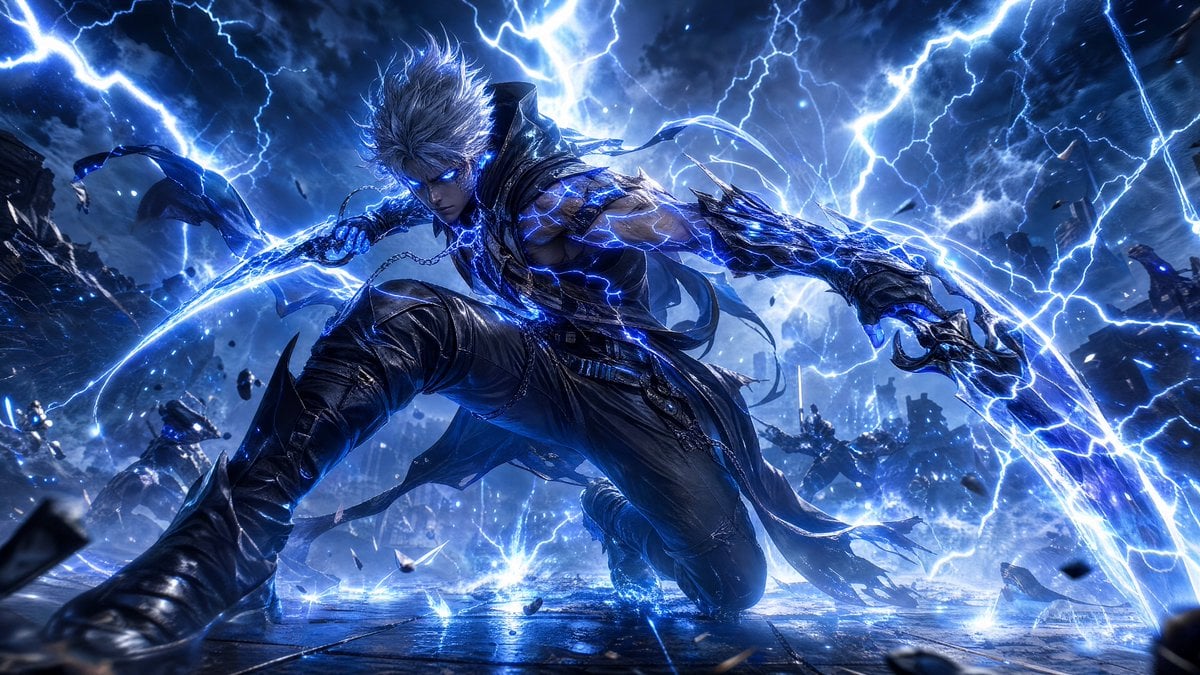
Storm-Born Lightning Rogue Character
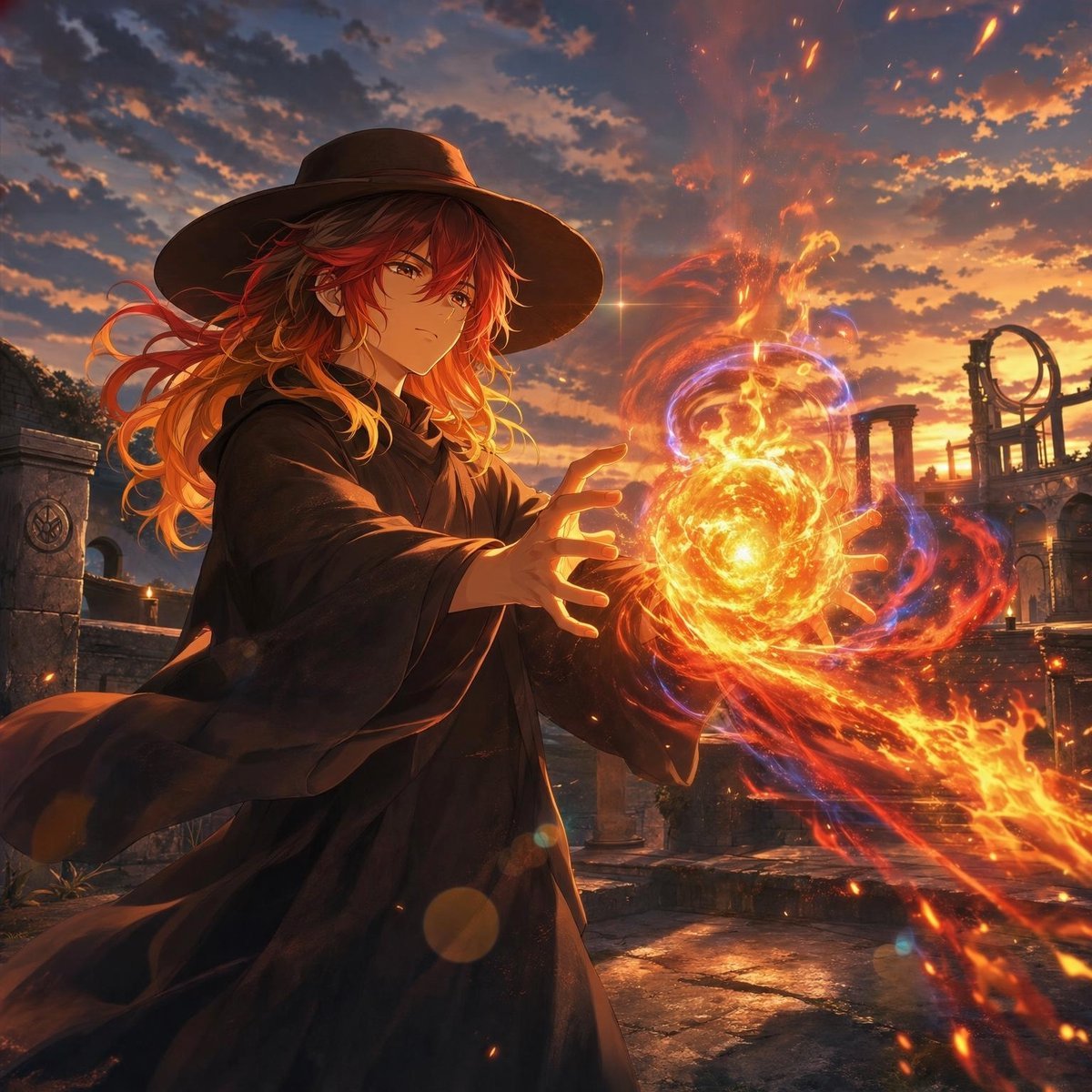
Anime Witch Casting Fire Spell
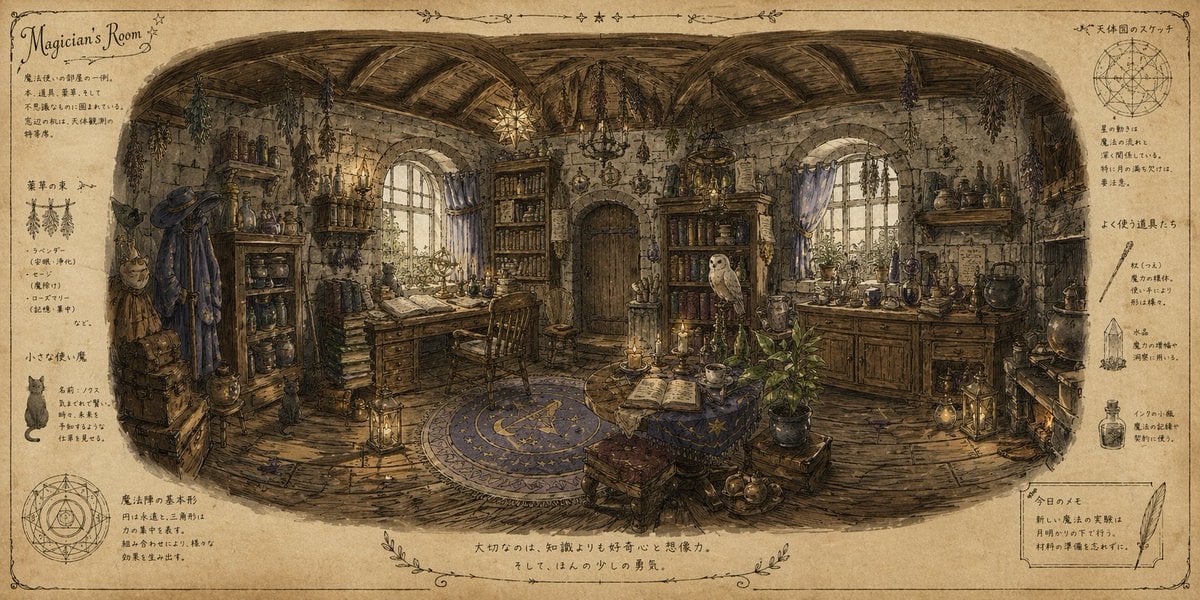
Wizard's Room Illustration
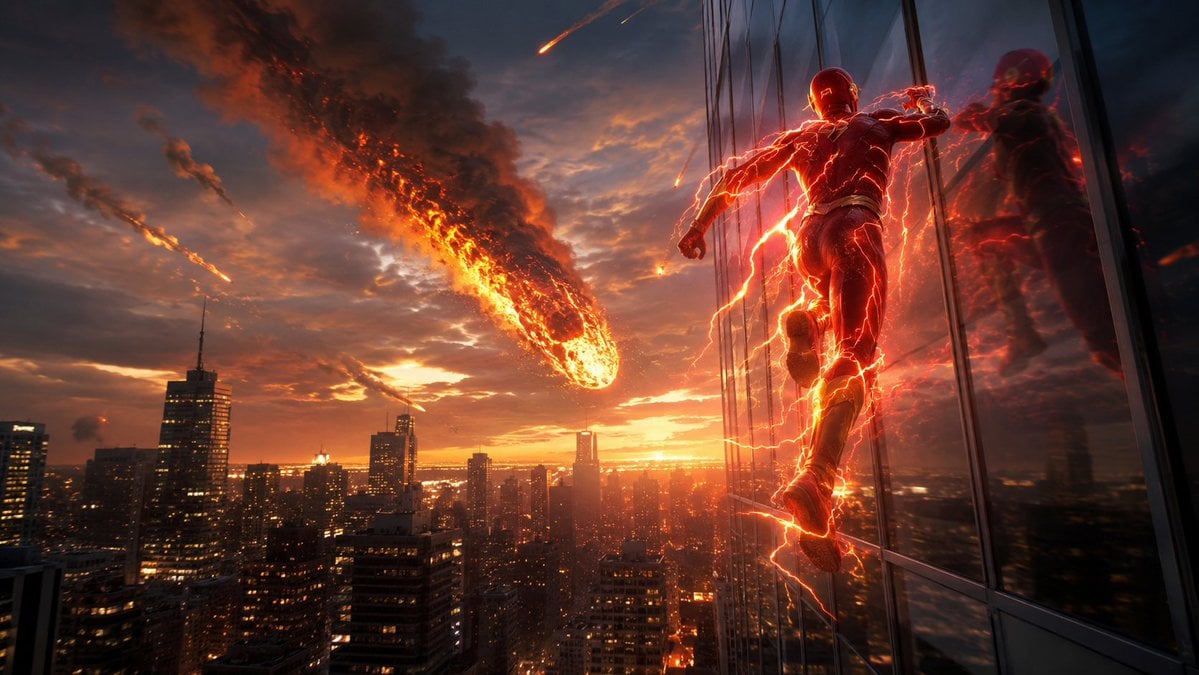
Red Lightning Hero Meteor City
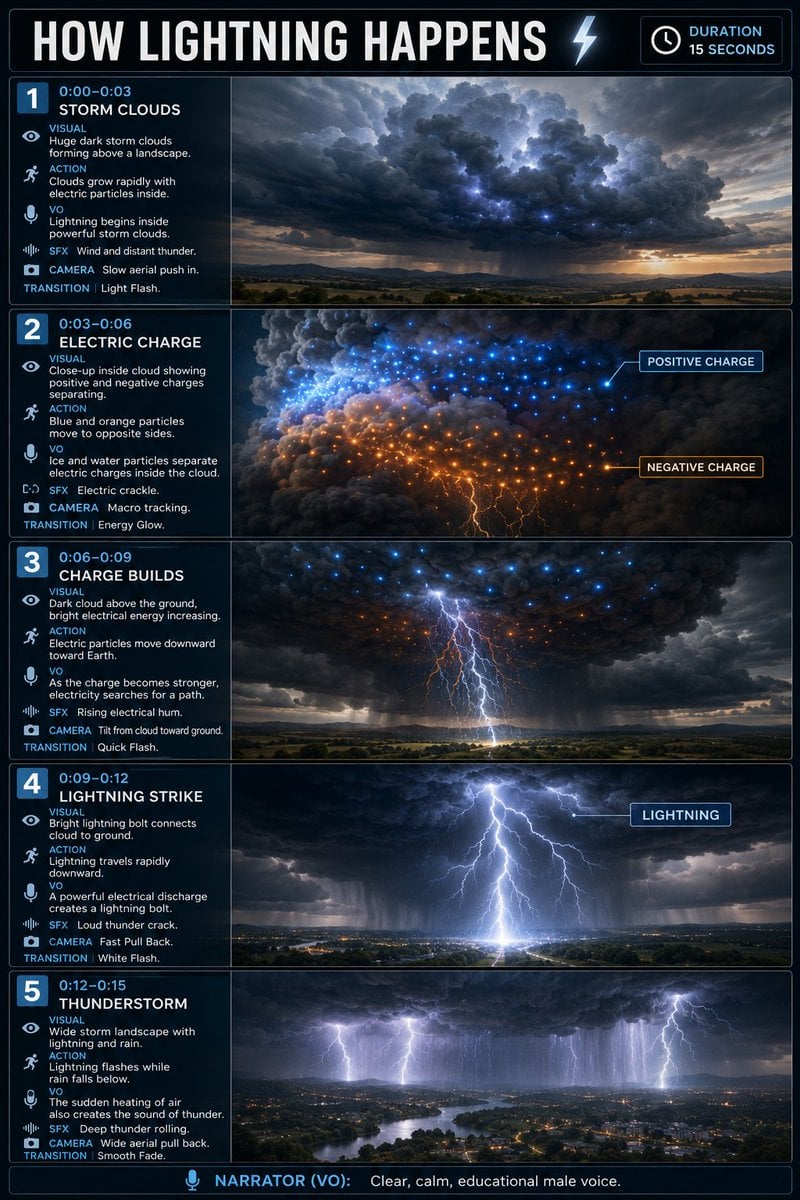
Educational Lightning Storyboard Infographic

LIGHTING each element still lit by its original source, windows casting
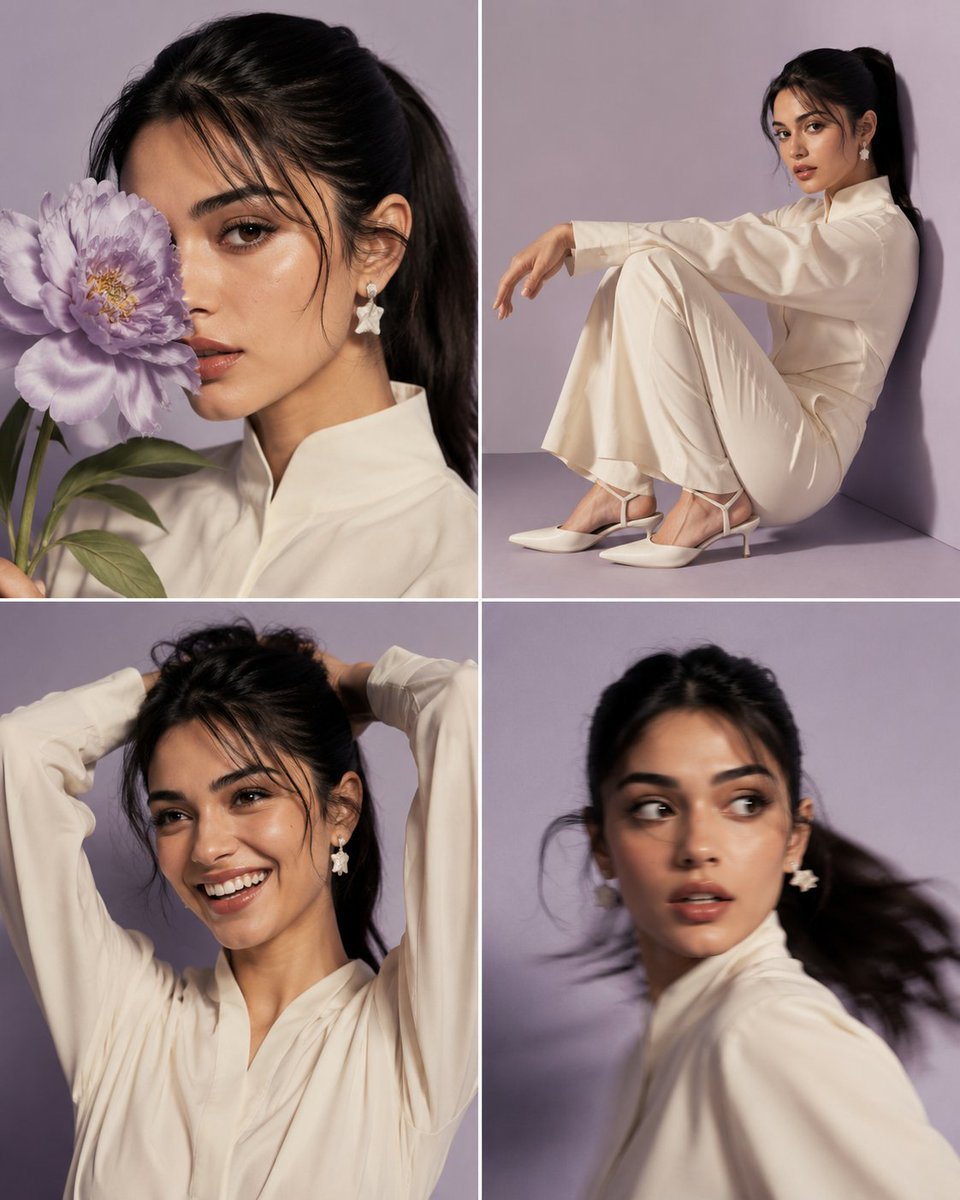
Beauty Campaign Casting Contact Sheet
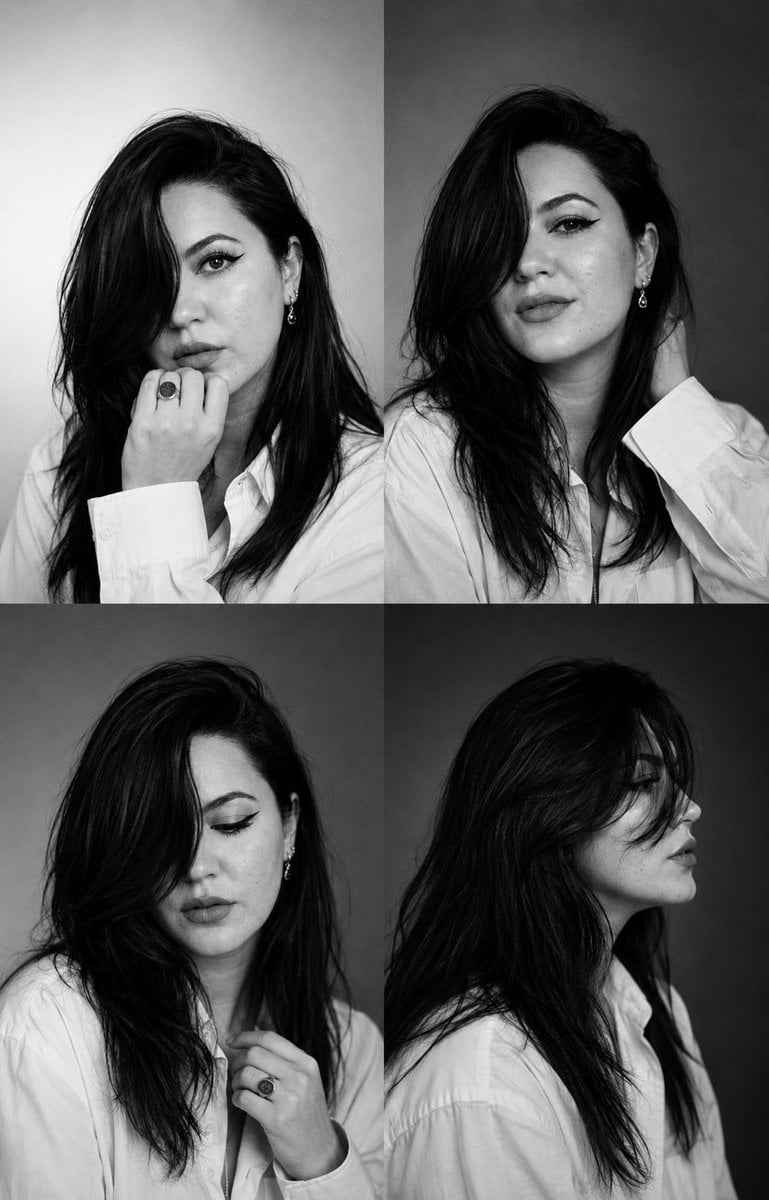
Fashion Casting Contact Sheet
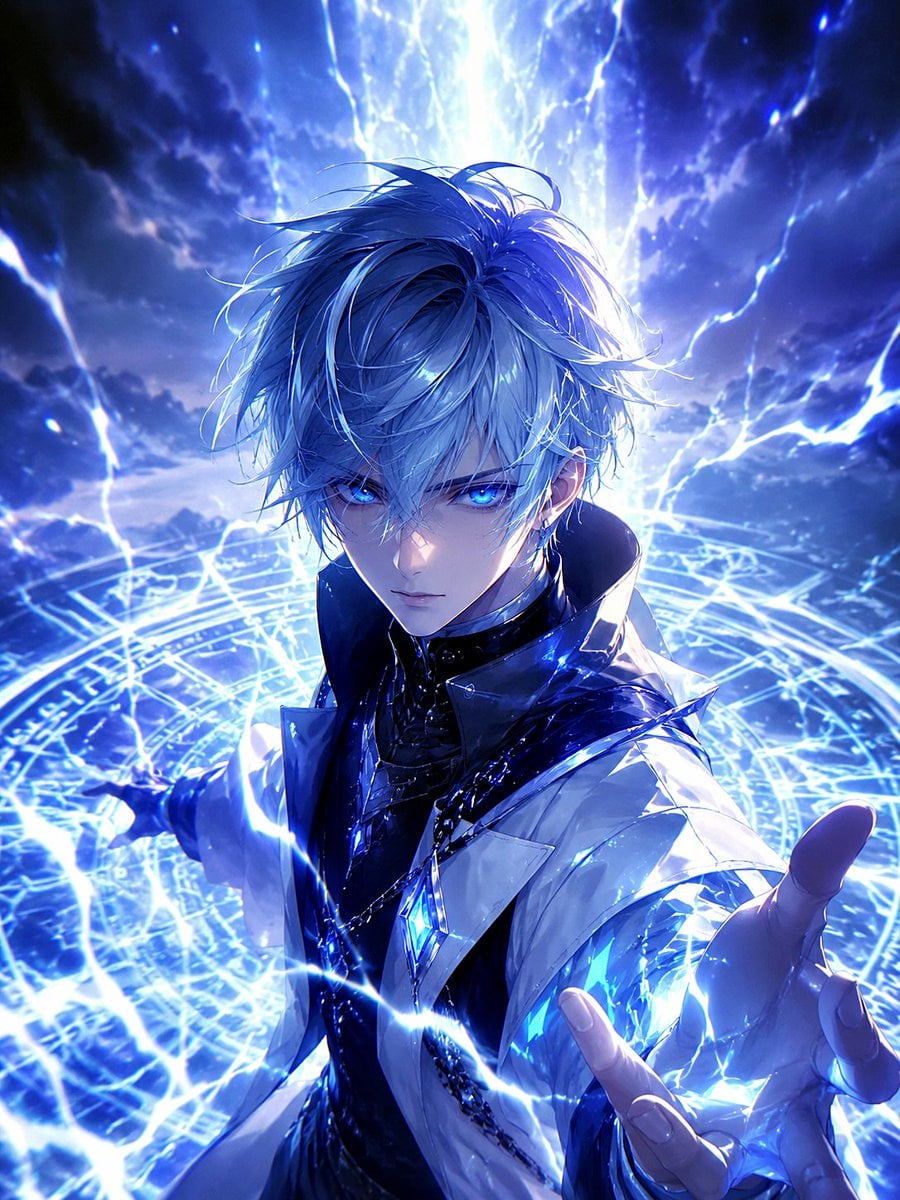
Blue Lightning Anime Mage
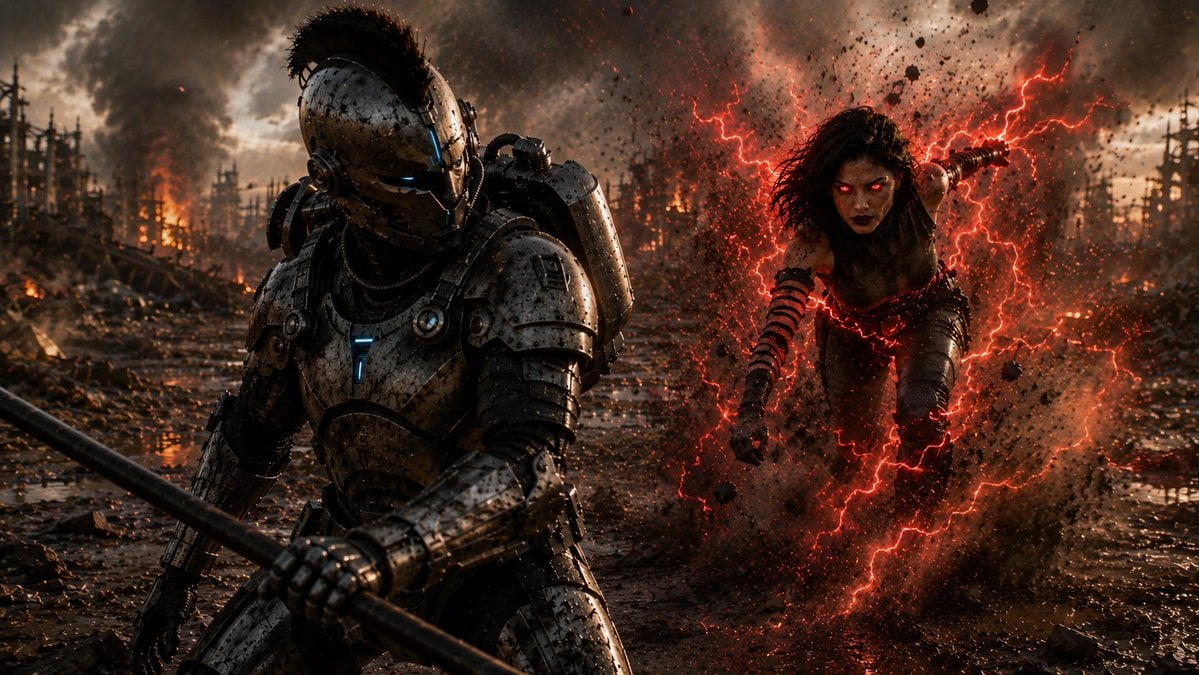
Cyber Knight vs Red Lightning Attacker
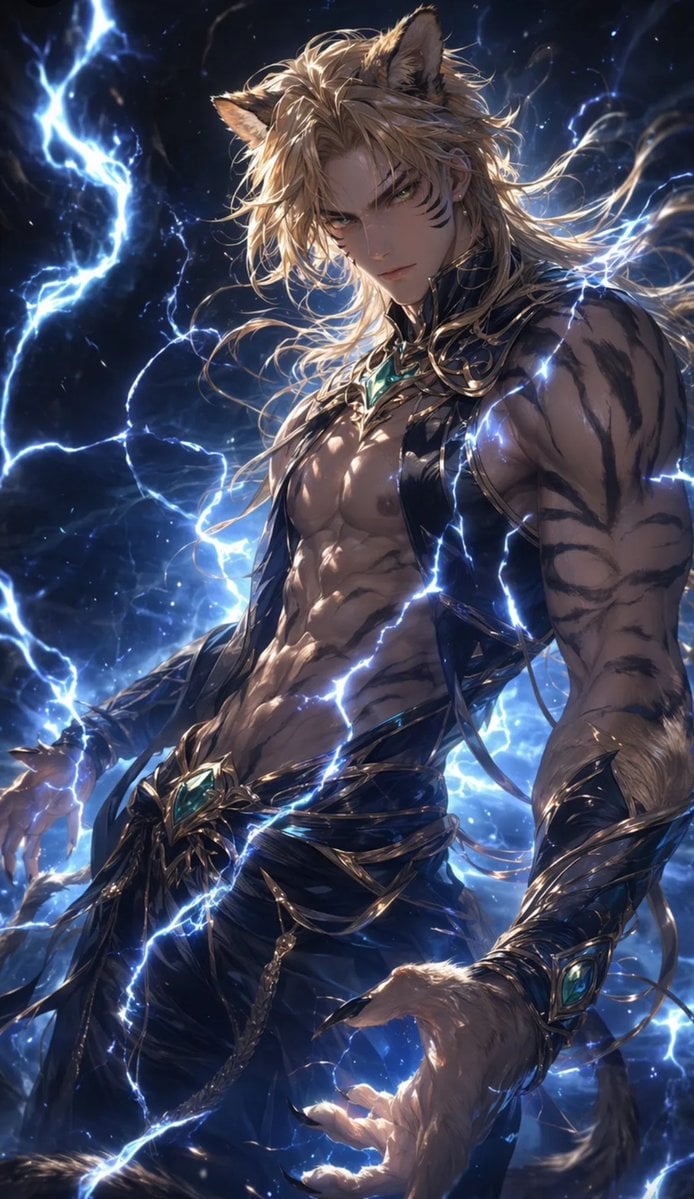
Tiger Beastman Lightning Warrior
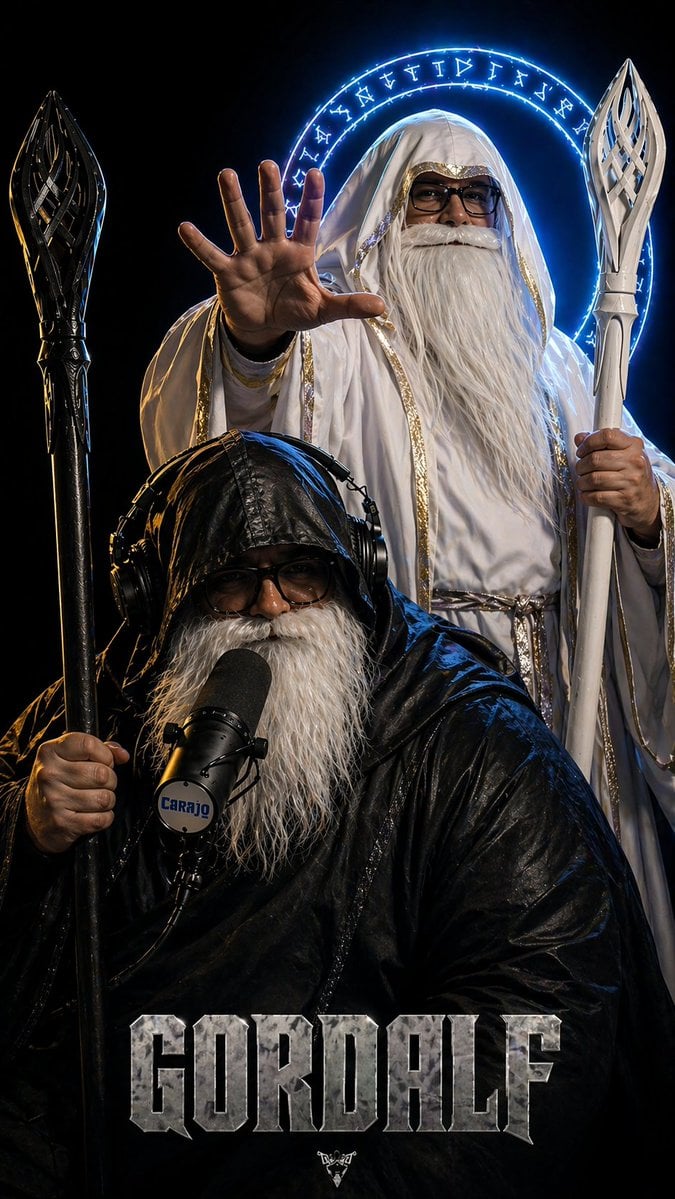
Dark Fantasy Wizard Podcast Poster
Make it yours
Storm Wizard Casting Lightning works as-is. These are the safest ways to change it without losing the look.
Change one field
Copy a single group, rewrite it, and generate again so you can see what that field is doing.
Keep the frame, change the subject
Hold the composition and light of Storm Wizard Casting Lightning, then swap wardrobe, props or the person for a new take.
| If the result… | Why | Fix |
|---|---|---|
| The result drifts from the preview | Too many fields changed at once. | Reuse Storm Wizard Casting Lightning as-is first, then change one group — subject, light, or setting. |
| The model over-stylizes the scene | The prose prompt leaves finish and camera underspecified. | Add one camera or lighting sentence and stay on GPT Image 2. |
More GPT Image 2 templates
Other prompts made for GPT Image 2.

Six VTuber Japanese Logo Sheet

Realistic Portrait of Woman and Deer

The Vista Modular Condo Poster

AI Model Routing Comparison Infographic

2.5D Anime Art Board

Isometric Productivity Desk Scene

New York Double Exposure Poster

Four-Panel AI Landscape Comparison

Japanese Tatami Lifestyle Magazine Cover

NESCAFÉ Coffee Map Poster
More image prompts
Fresh picks from across the catalog.
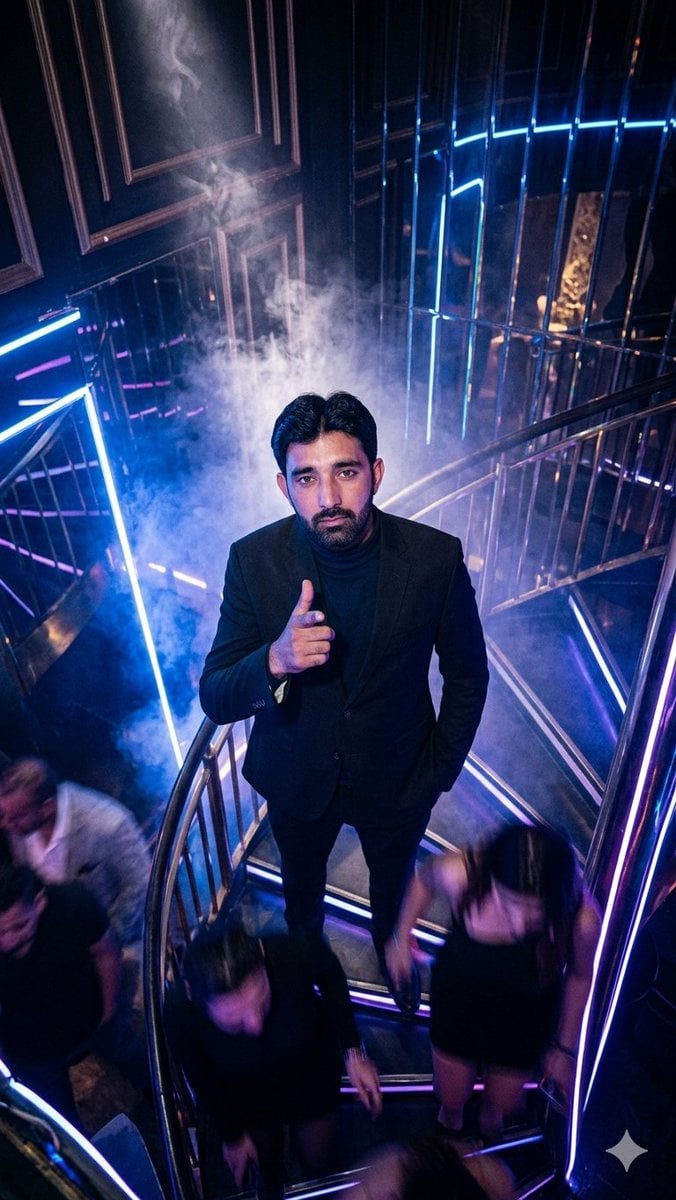
Overhead Nightclub Staircase Portrait
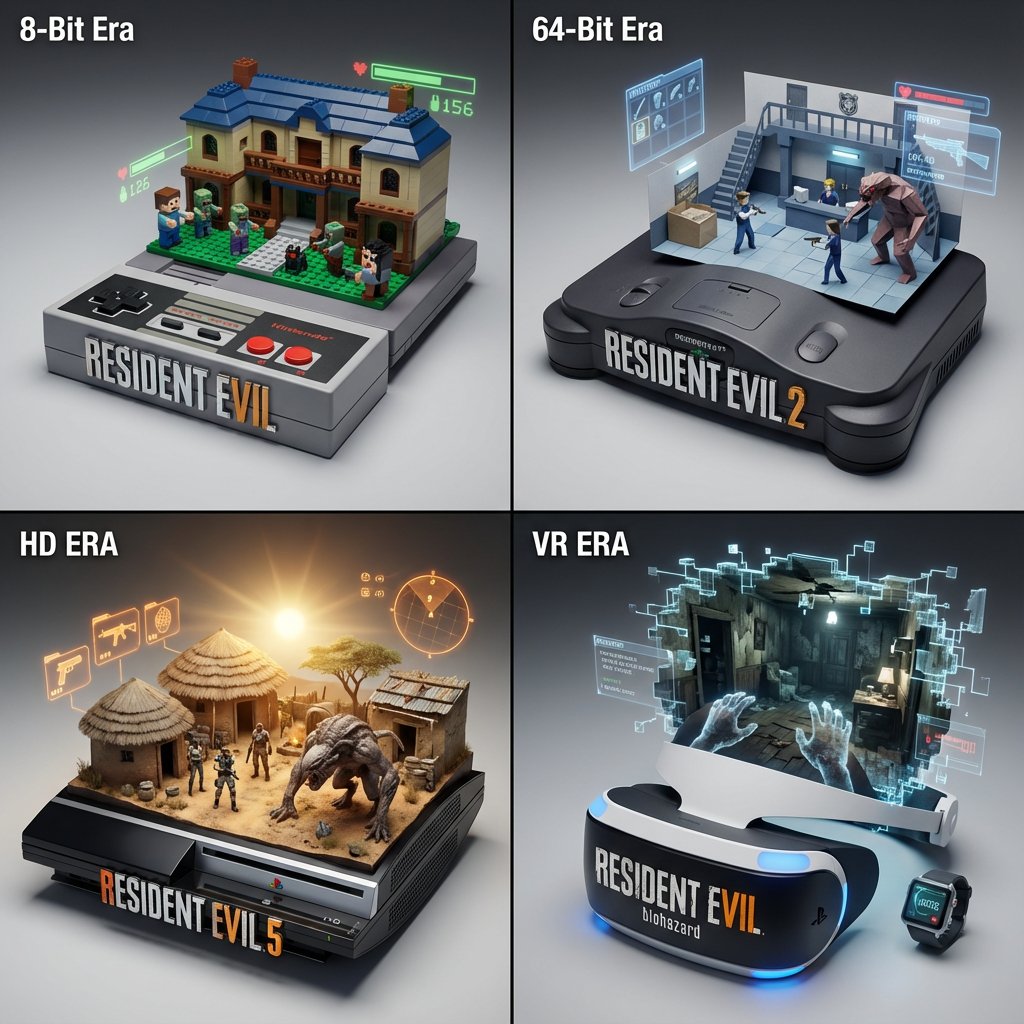
Gaming History Console Architecture Grid Template
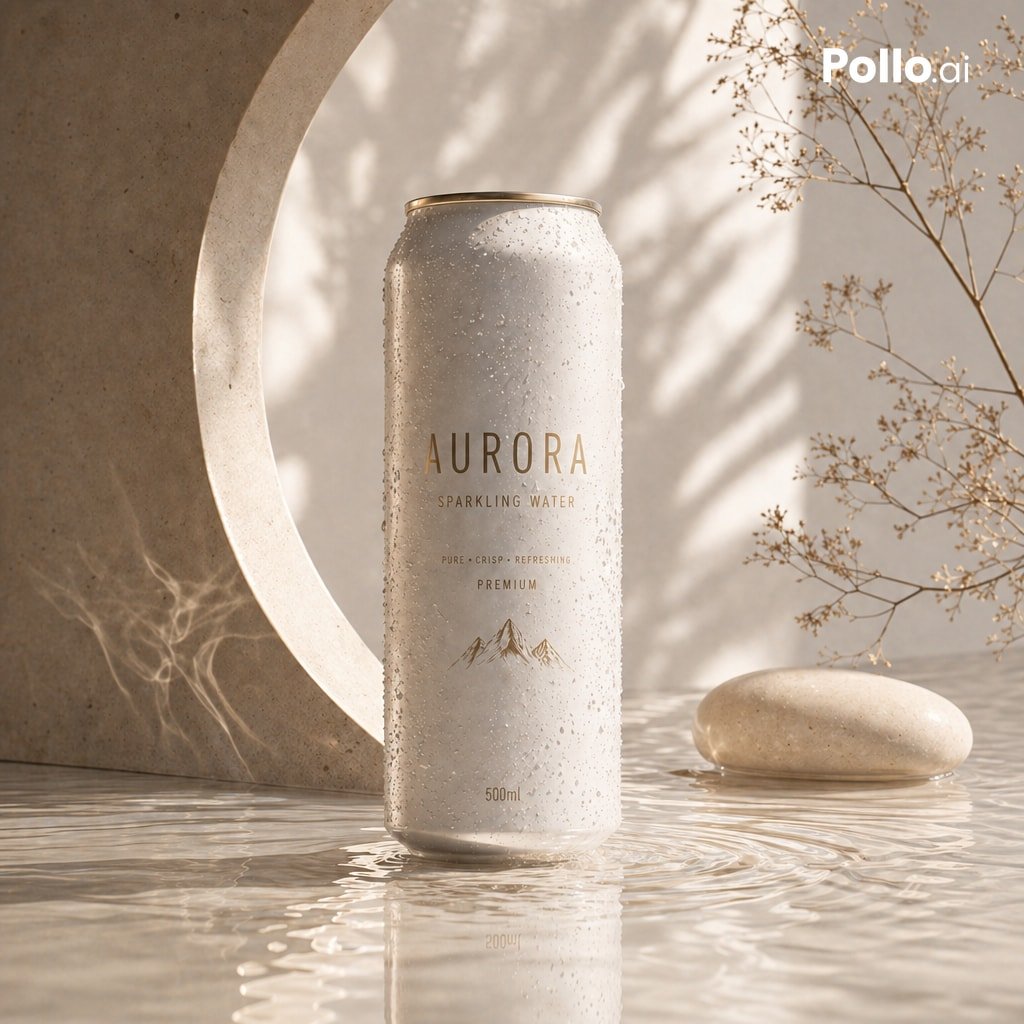
Luxury Sparkling Water Can Ad
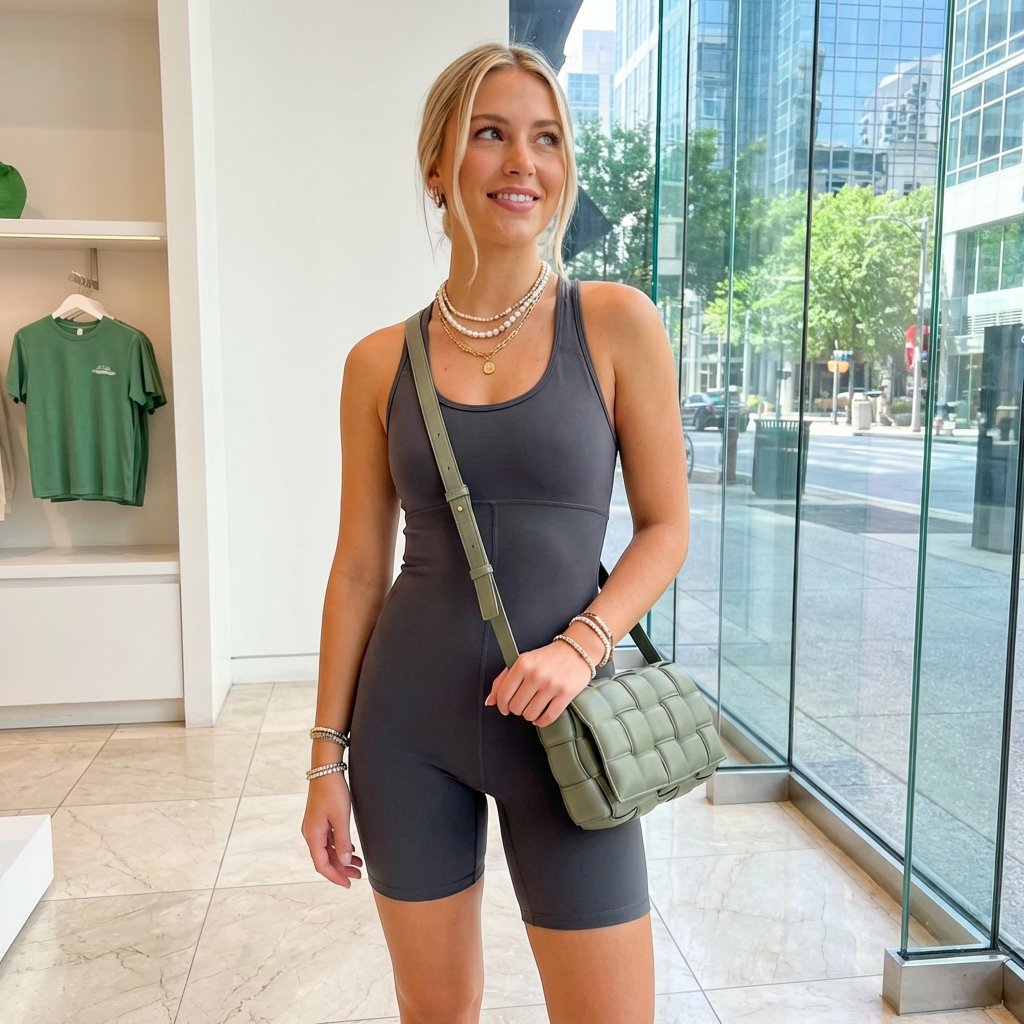
Highly Realistic Portrait of a Young Blonde Woman in a Modern Boutique

Food Action Photography Prompts for Melted Cheese and Gooey Textures
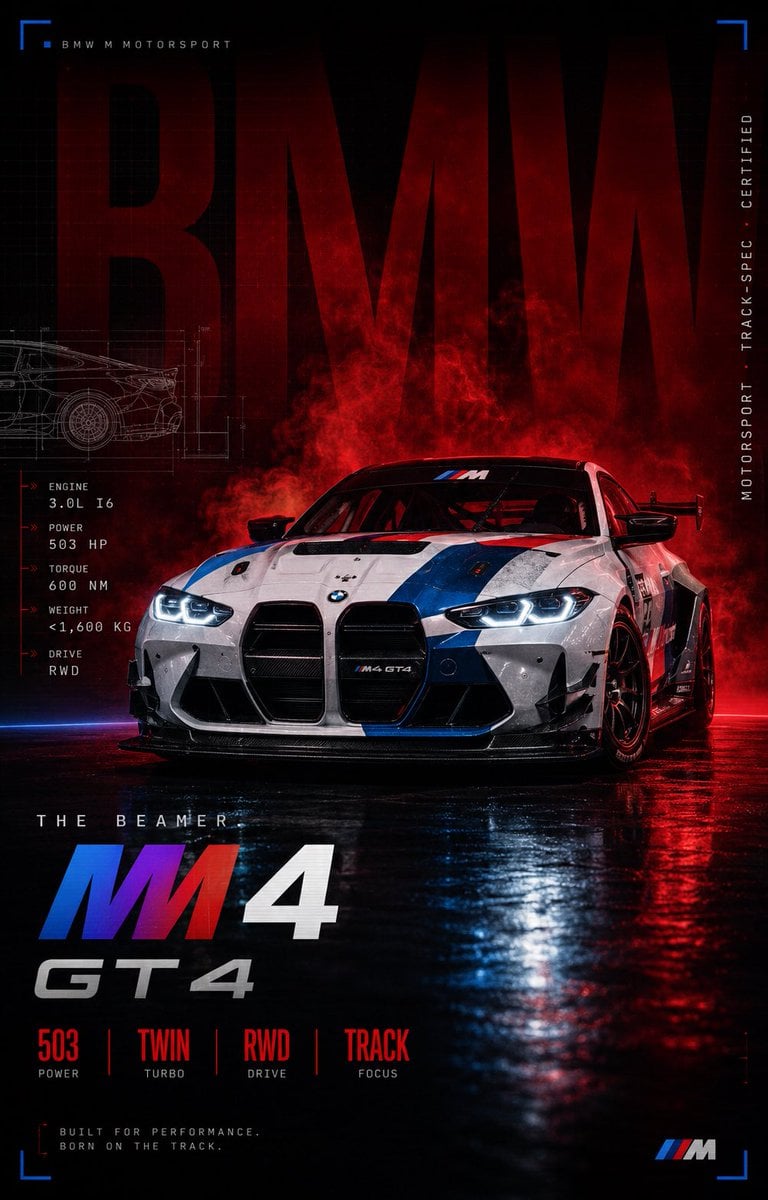
BMW M4 GT4 Motorsport Poster
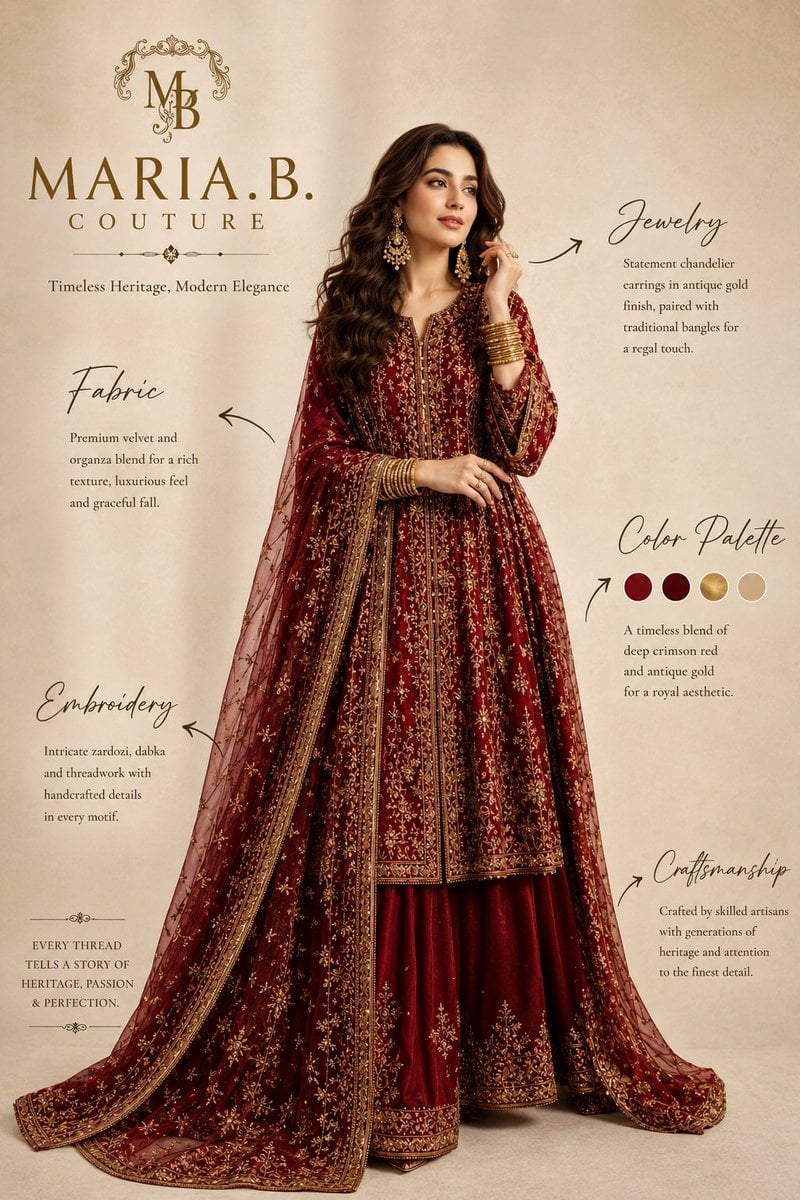
Pakistani Luxury Fashion Campaign
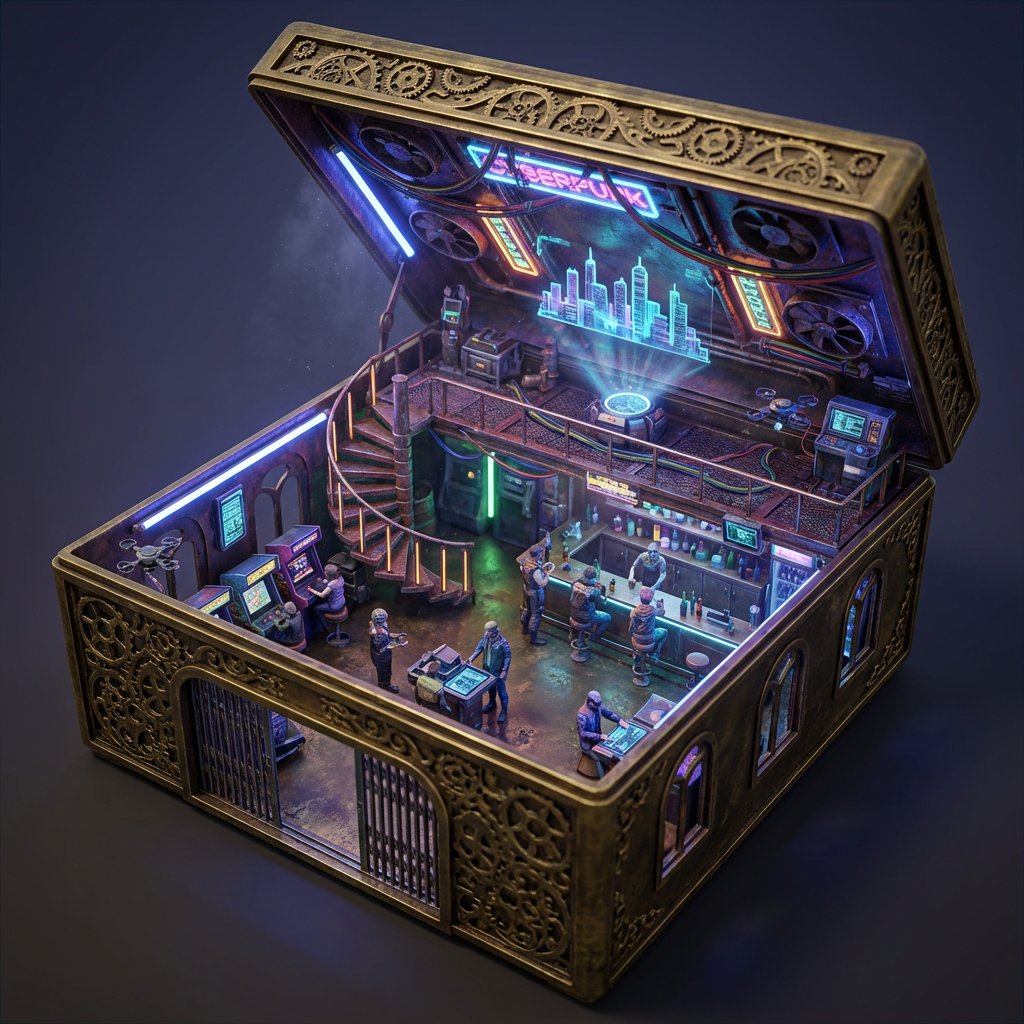
Ornate Box Diorama Prompt (Cyberpunk Pub)
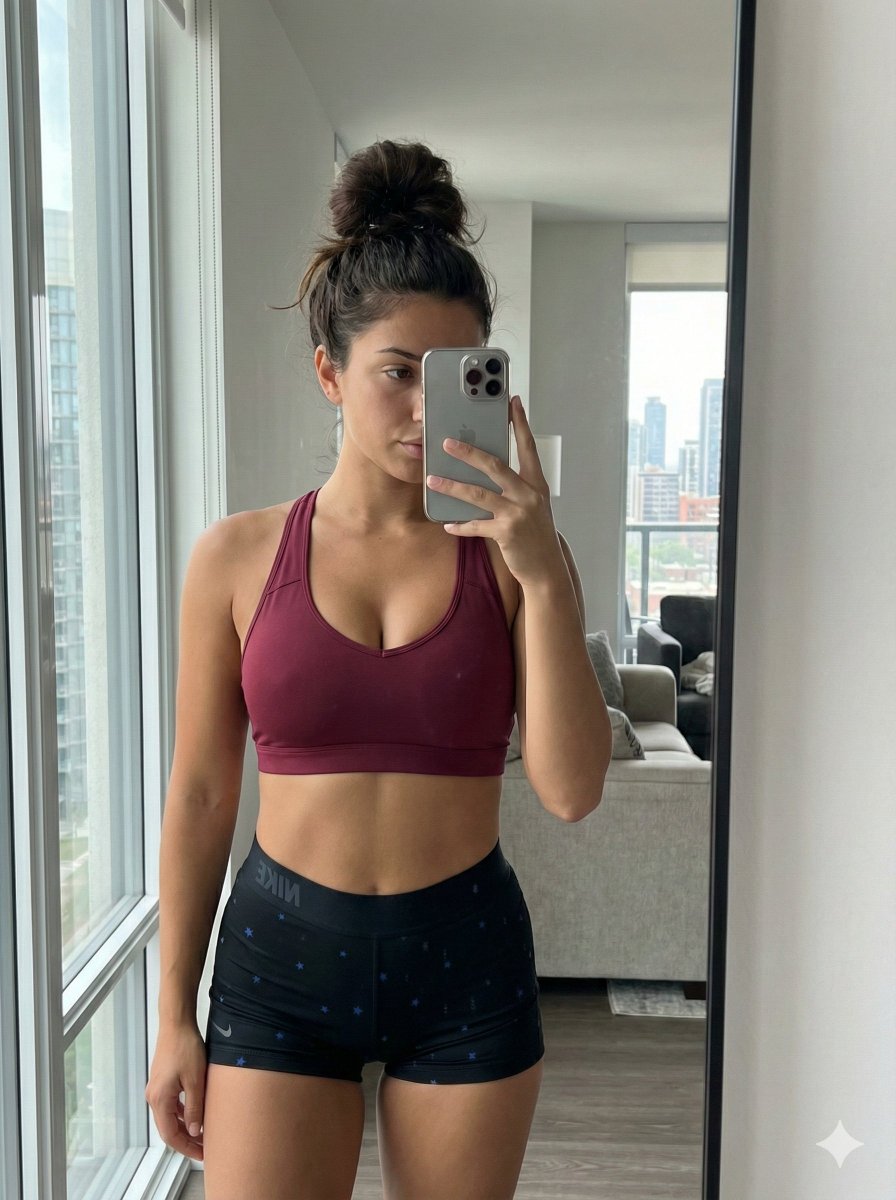
Mirror Selfie with Curvy Physique and ControlNet Constraints

3D Depth Luxury Birthday Poster
Browse template categories
Storm Wizard Casting Lightning questions
How do I use the Storm Wizard Casting Lightning template?
Add your photo if the template asks for one, edit the prompt if you like — the template's model and format are already selected — and press Generate. Your version opens in PicX Studio.
Can I customize the Storm Wizard Casting Lightning template?
Yes. You can change the subject, setting, lighting, mood, format, and available model controls before creating your image.
Is the Storm Wizard Casting Lightning template free?
Opening and editing this template is free. Generating uses credits, shown on the Generate button when you are signed in.
Which AI model should I use?
Start with GPT Image 2, which is the model associated with this template. You can compare another compatible model for a different finish.
Looking for something else? Browse all templates.

Your photo, any look
Thousands of ready templates for every top image and video model, from one credit balance.