
Vintage Cruise Ship in Istanbul
This prompt generates a nostalgic film-style travel photograph of a cruise ship approaching the Istanbul waterfront, ideal for retro postcard, editorial, or social-media aesthetic imagery.
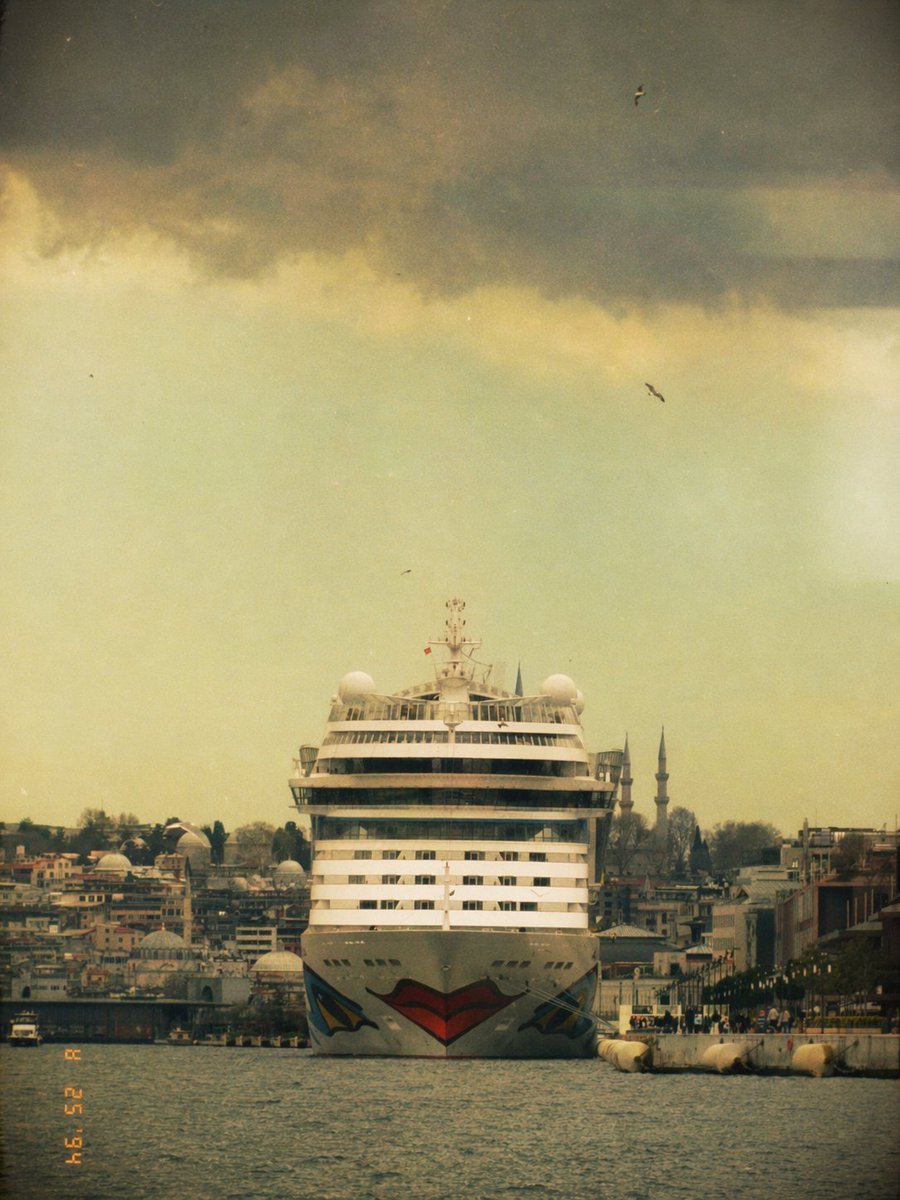
- Prompt included
- Model and format preset
- Free template
The prompt behind this image
Copy the exact prompt behind Vintage Cruise Ship in Istanbul, or open it in the studio and make it yours.
A front-facing photograph of a massive white cruise ship centered in the frame on the water in Istanbul, seen from a low distance across a narrow harbor channel, with the ship moving slowly toward the camera. The bow has a bold stylized lips graphic painted in red and black, creating a playful viral Instagram-filter feel. Behind and around the ship is a dense waterfront cityscape with low buildings, docks, and exactly 2 slender mosque minarets rising on the right side of the skyline. The composition is symmetrical and cinematic, with the ship dominating the vertical center, dark water in the foreground, and a huge dramatic sky above. The sky is filled with heavy storm clouds across the upper third, but the lower sky glows in pale yellow-green haze, giving the image a vintage, dreamy, slightly eerie atmosphere. Include exactly 4 small birds scattered in the sky. Apply a nostalgic analog film look with faded colors, grain, dust specks, soft blur, light vignette, muted contrast, and a slightly weathered 1990s tourist snapshot aesthetic. Add an orange camcorder-style date stamp in the lower left corner reading {argument name="date stamp" default="02 25 '94"}. Vertical 3:4 framing, centered composition, realistic photography, moody travel postcard tone, city and ship details slightly softened by haze.
How to use Vintage Cruise Ship in Istanbul in 3 steps
- 1Upload ImagePNG, JPG or paste
Add your photo
Upload the photo the template builds on. The prompt, model and format are already set.
- 2…a portrait of your subject in softgolden-hour light, 85mm…
Personalize
Edit the subject and creative details for your destination.
- 3Generate
Generate
Press Generate — your image is created in PicX Studio, so you can compare it with the original and refine one variable at a time.
More like this
Templates with the same subject, style or setup. Open one to see its prompt.












Make it yours
Vintage Cruise Ship in Istanbul works as-is. These are the safest ways to change it without losing the look.
Change one field
Copy a single group, rewrite it, and generate again so you can see what that field is doing.
Keep the frame, change the subject
Hold the composition and light of Vintage Cruise Ship in Istanbul, then swap wardrobe, props or the person for a new take.
| If the result… | Why | Fix |
|---|---|---|
| The result drifts from the preview | Too many fields changed at once. | Reuse Vintage Cruise Ship in Istanbul as-is first, then change one group — subject, light, or setting. |
| The model over-stylizes the scene | The prose prompt leaves finish and camera underspecified. | Add one camera or lighting sentence and stay on GPT Image 2. |
More GPT Image 2 templates
Other prompts made for GPT Image 2.

Six VTuber Japanese Logo Sheet

Realistic Portrait of Woman and Deer

The Vista Modular Condo Poster

AI Model Routing Comparison Infographic

2.5D Anime Art Board

Isometric Productivity Desk Scene

New York Double Exposure Poster

Four-Panel AI Landscape Comparison

Japanese Tatami Lifestyle Magazine Cover

NESCAFÉ Coffee Map Poster
More image prompts
Fresh picks from across the catalog.
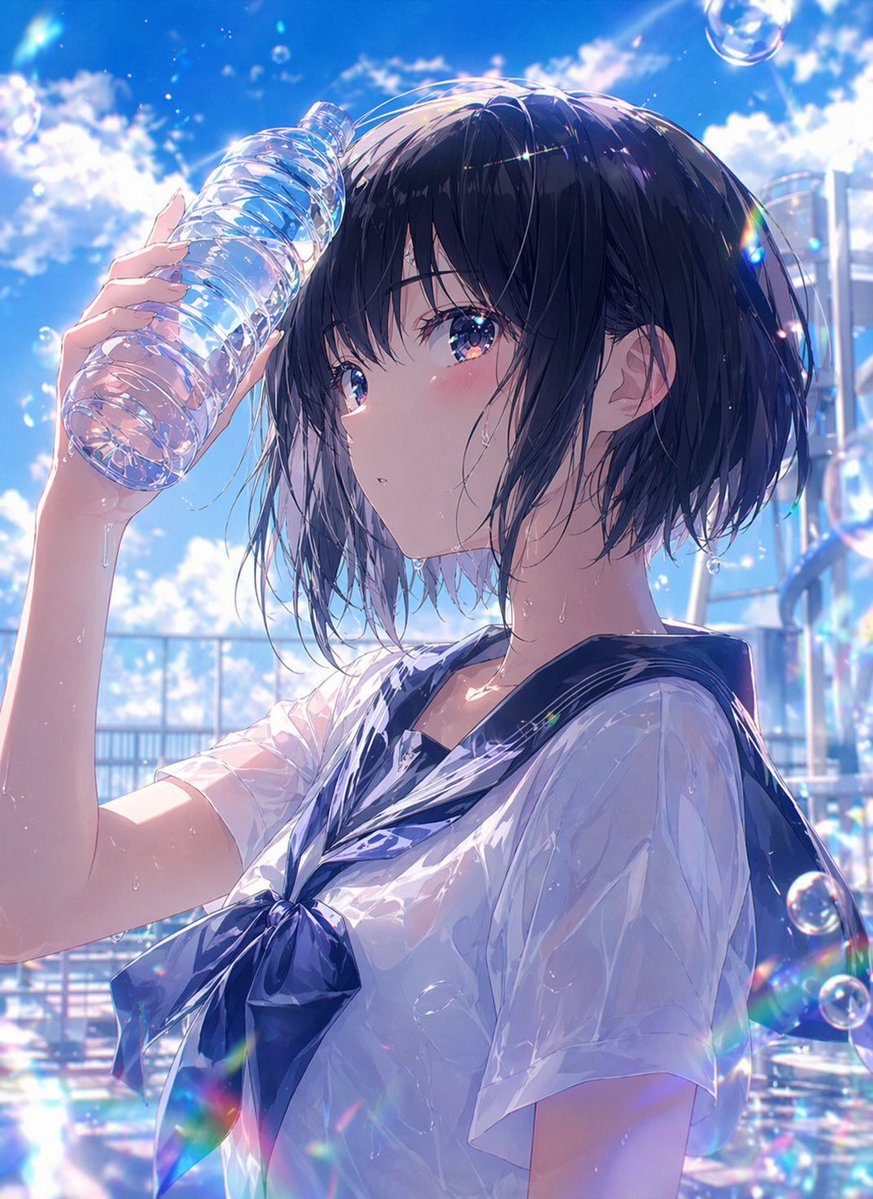
Wet Summer Anime Schoolgirl Portrait
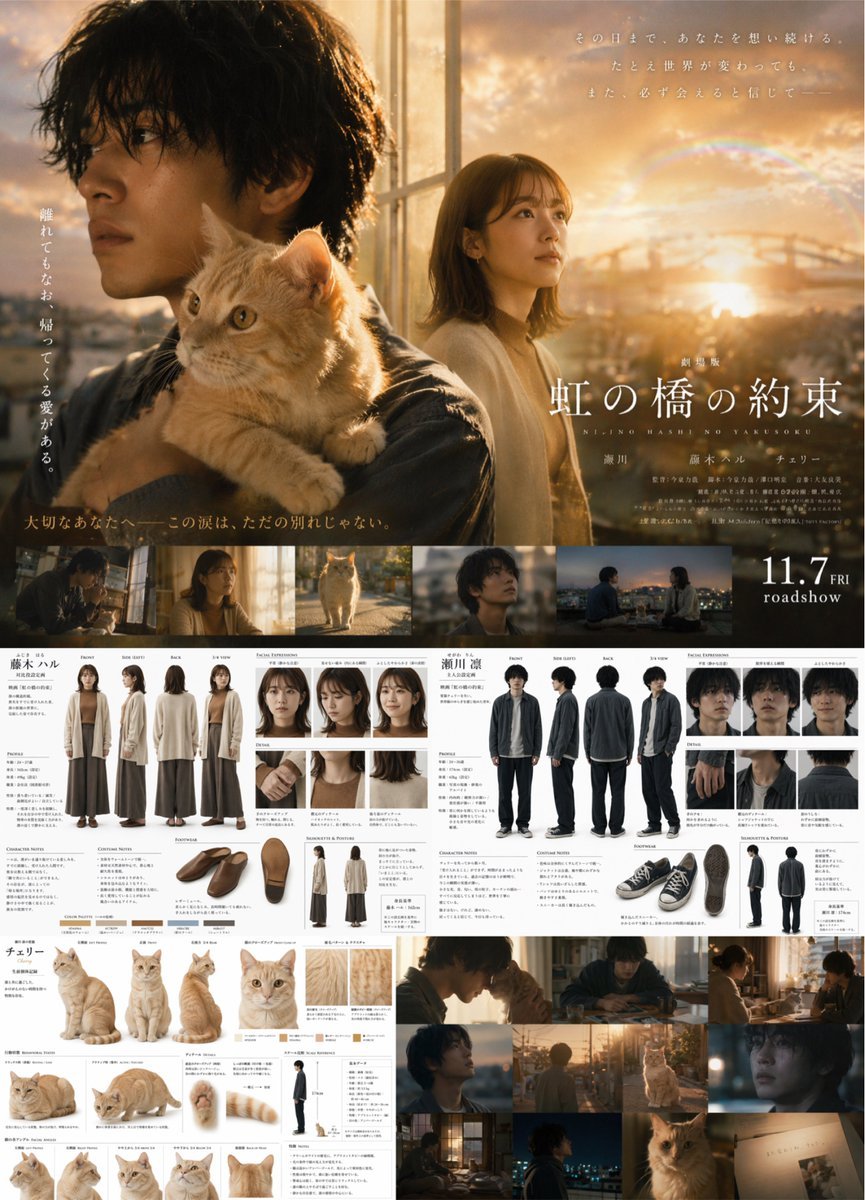
Live-Action Movie Poster & Character Sheet
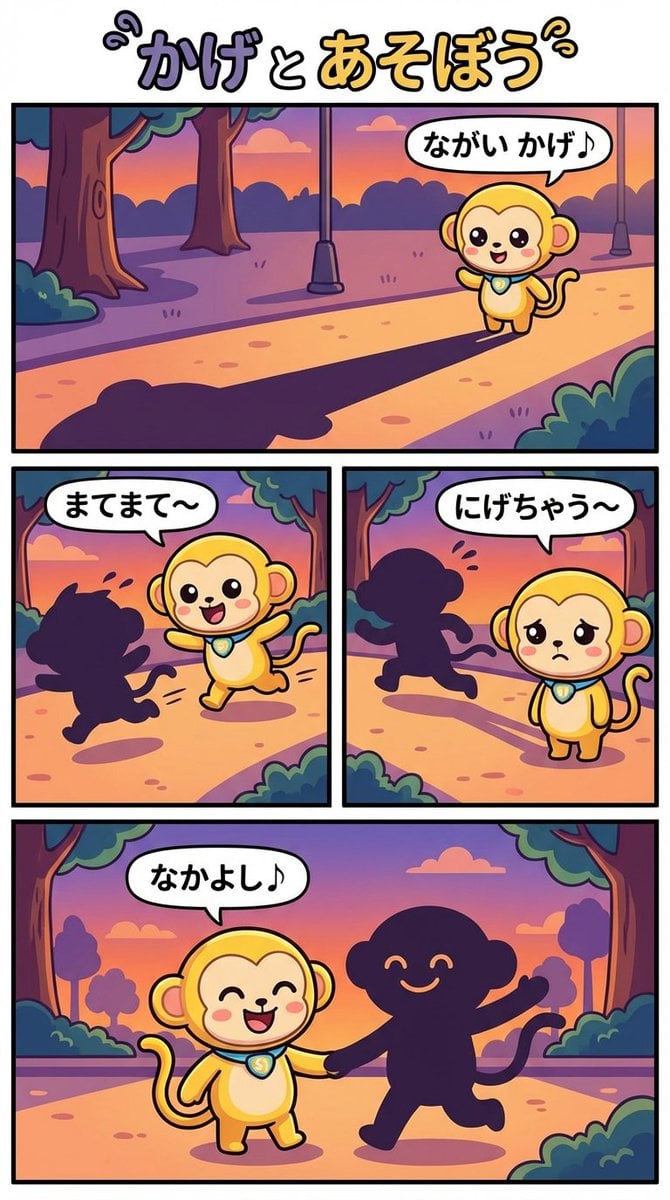
Daily Nano: Playing with Shadows 4-Panel Comic
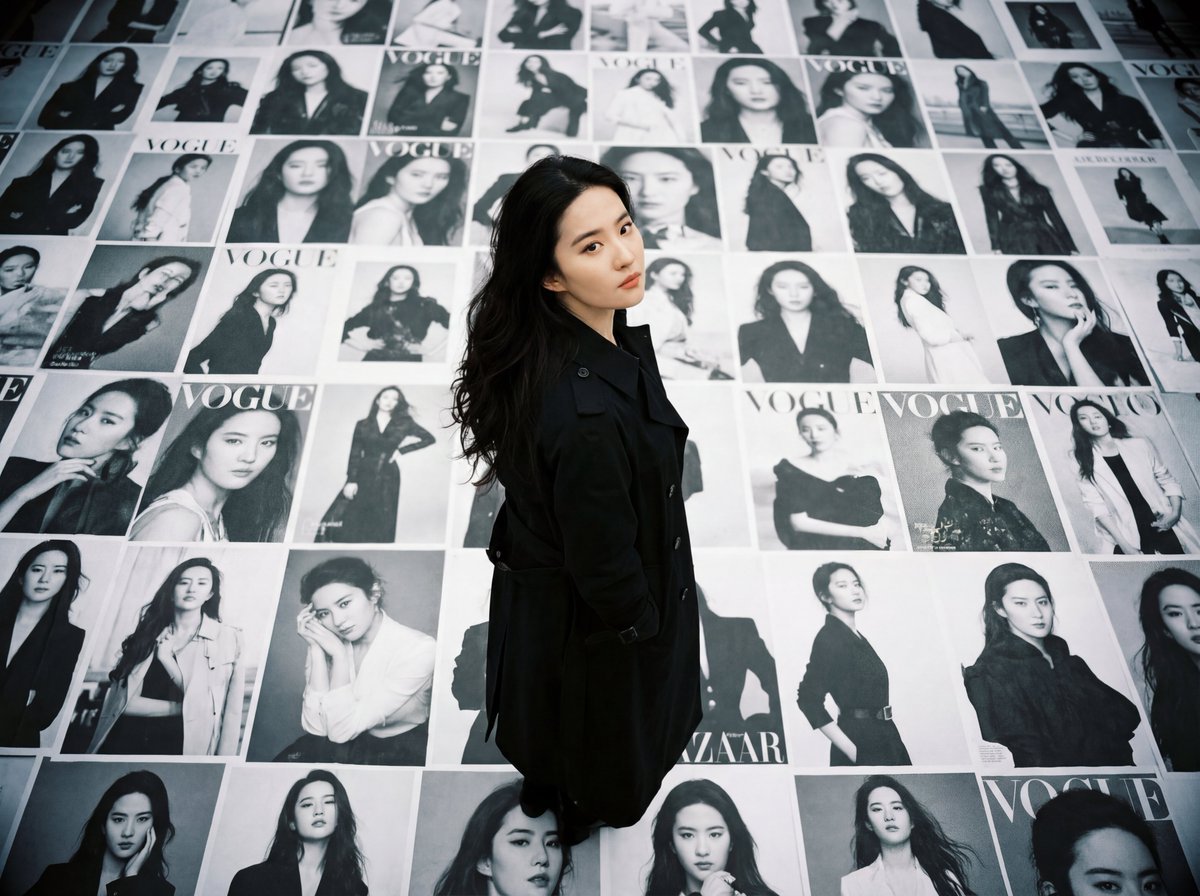
LOMO Ic-a Style Japanese Actress Portrait
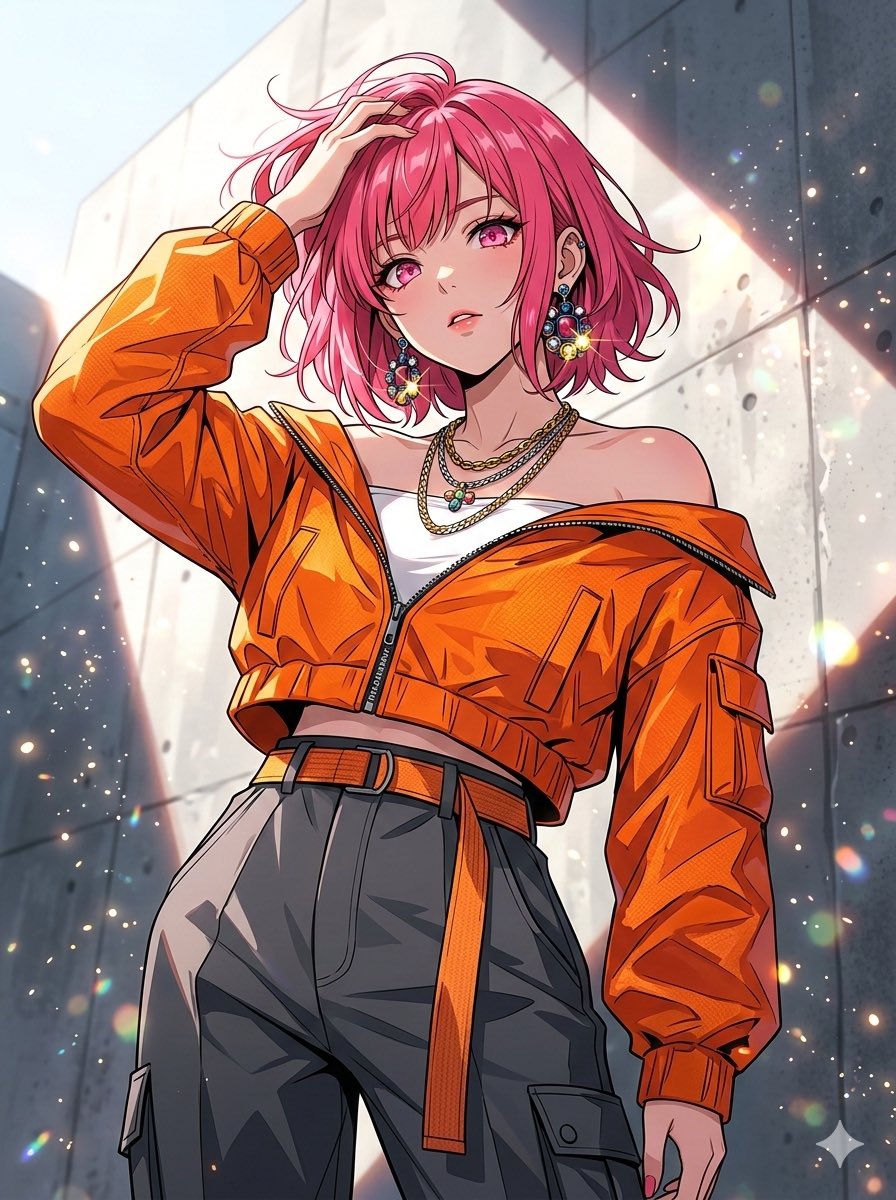
Nano Banana 2 vs Pro Comparison (Character Art)
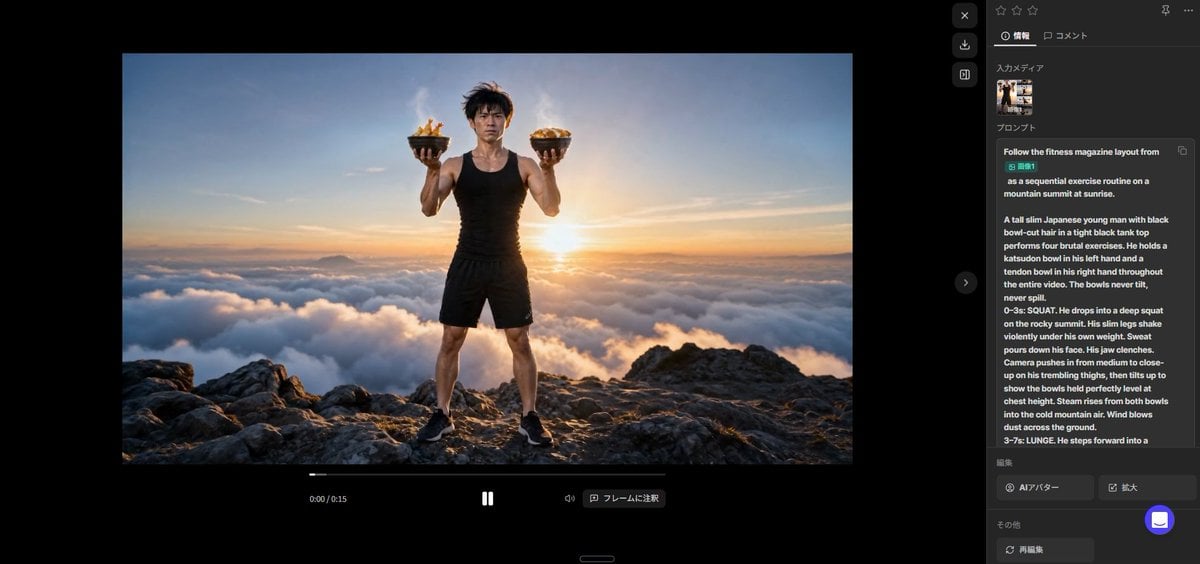
Fitness Magazine Page Motion Sheet
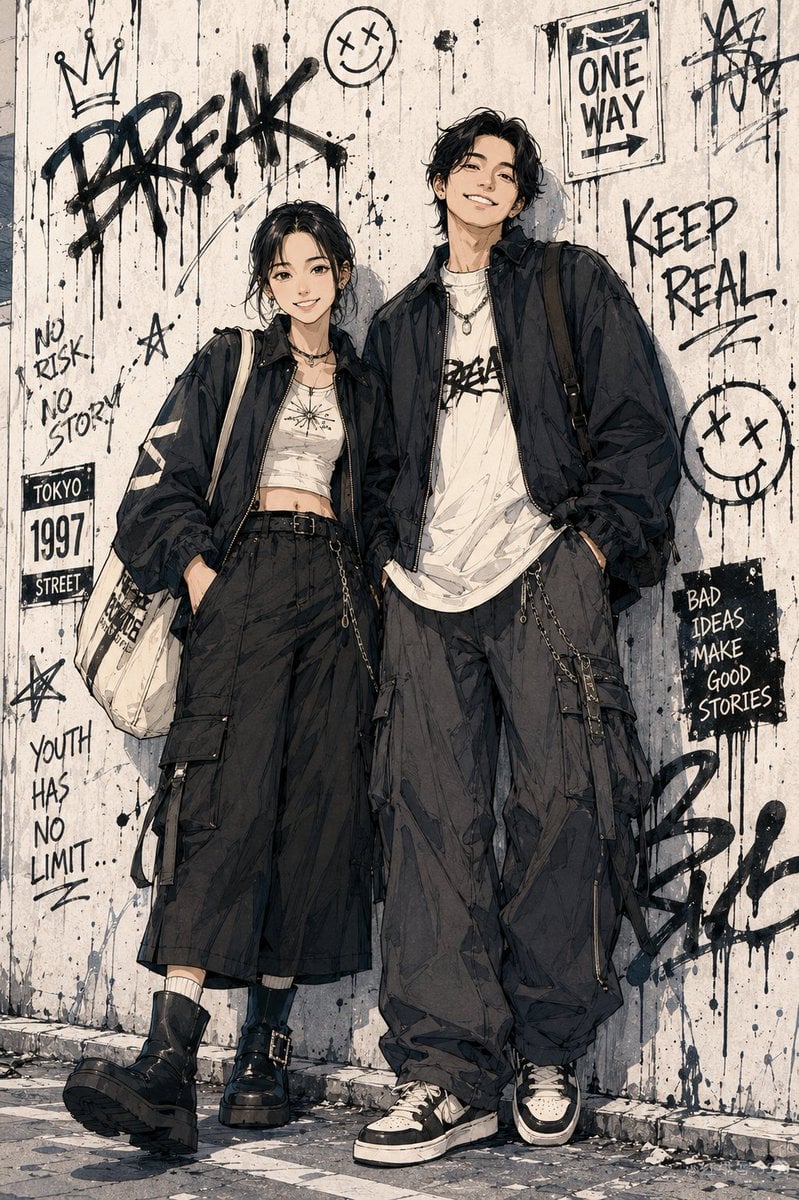
Shonen Manga Character Poster
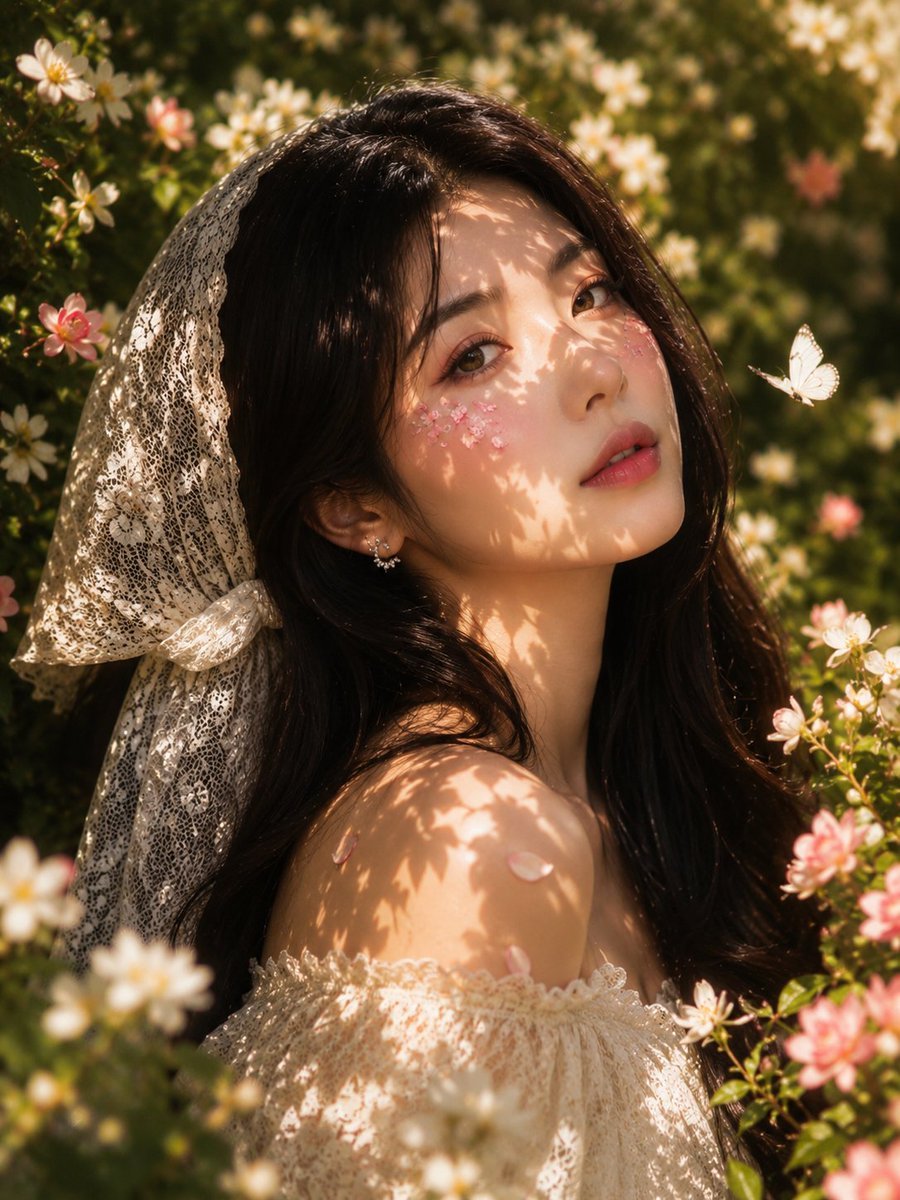
Golden Hour Floral Portrait
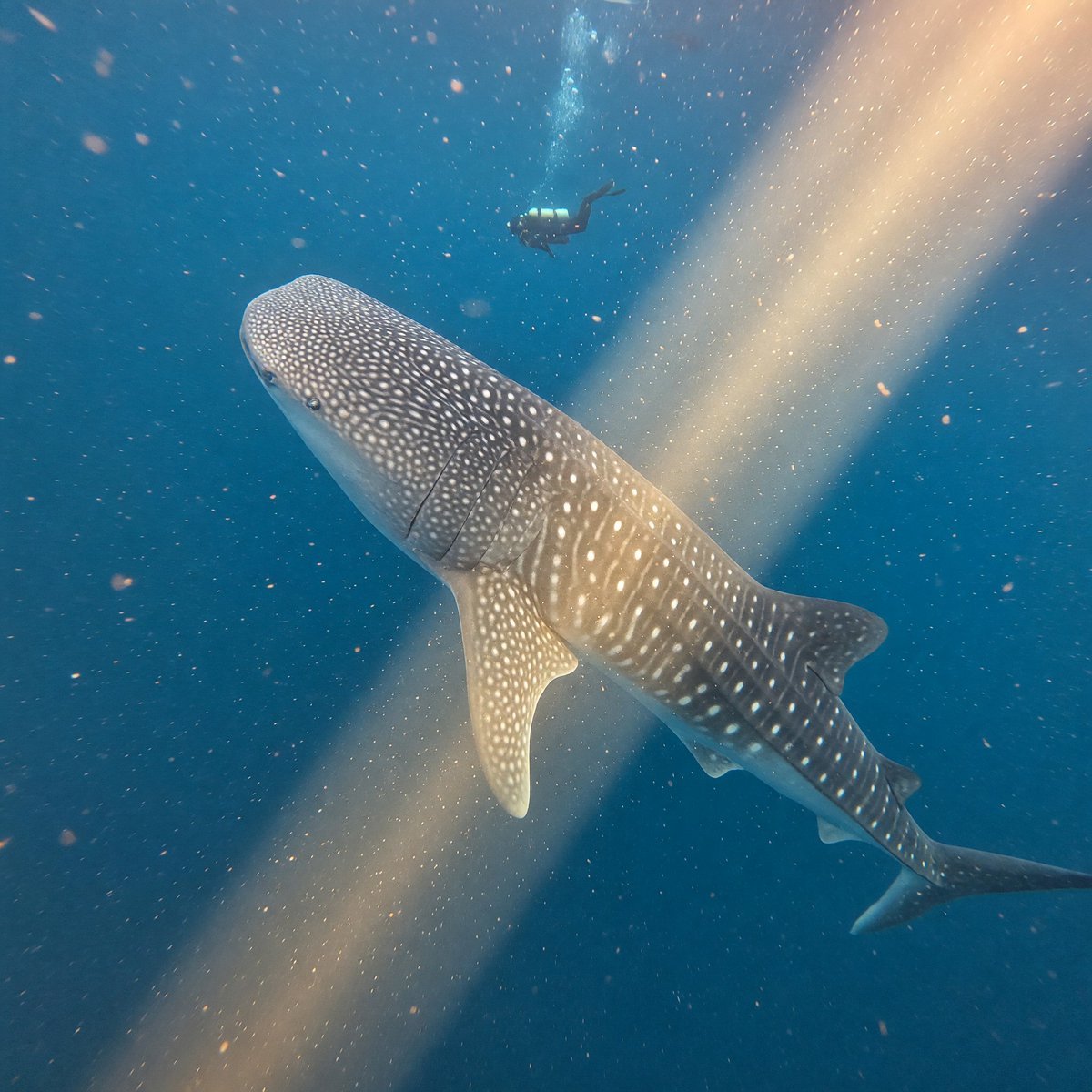
Whale Shark in Sunbeam
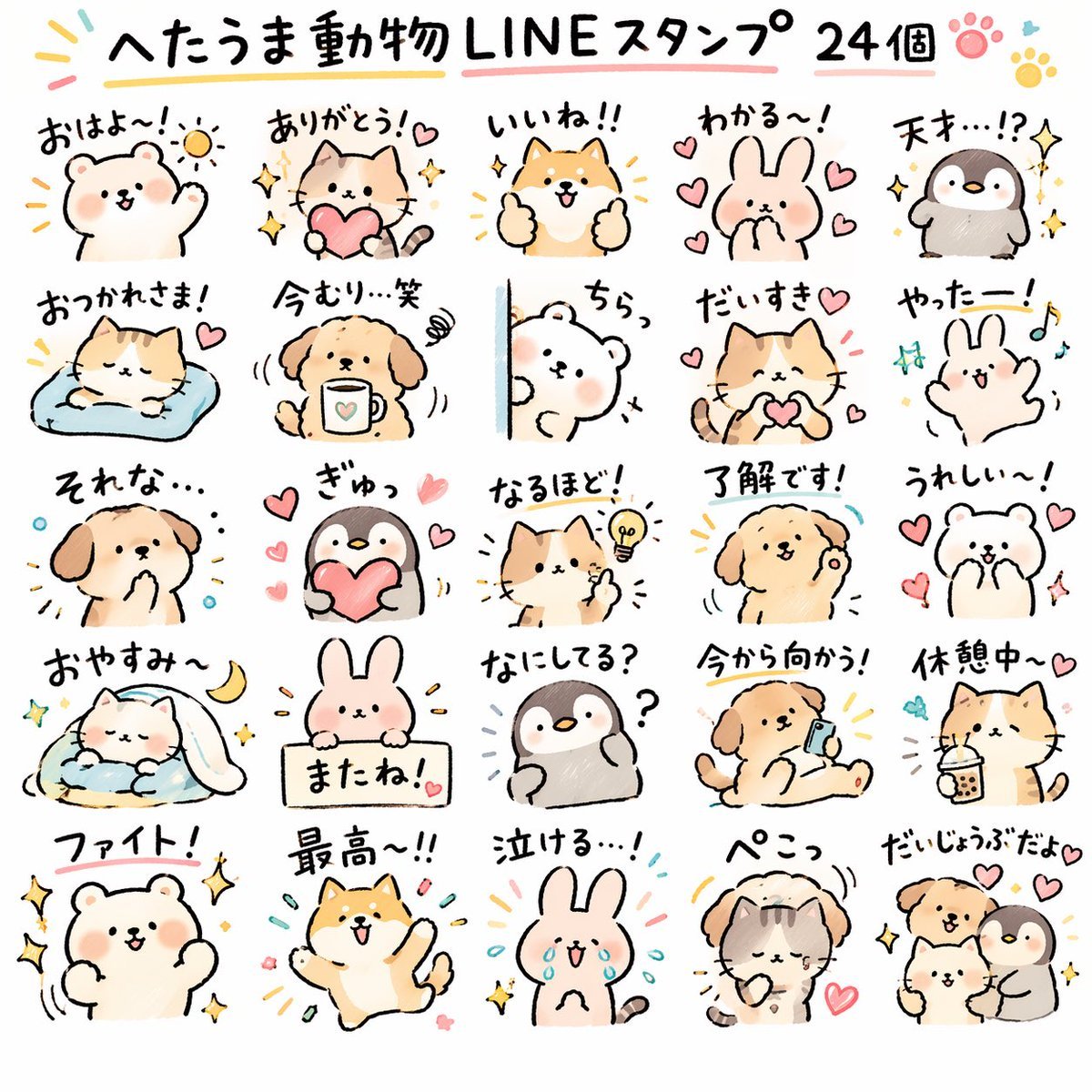
Quirky Animal Sticker Set
Featured in prompt roundups
Hand-picked collections that include this template.
Browse template categories
Vintage Cruise Ship in Istanbul questions
How do I use the Vintage Cruise Ship in Istanbul template?
Add your photo if the template asks for one, edit the prompt if you like — the template's model and format are already selected — and press Generate. Your version opens in PicX Studio.
Can I customize the Vintage Cruise Ship in Istanbul template?
Yes. You can change the subject, setting, lighting, mood, format, and available model controls before creating your image.
Is the Vintage Cruise Ship in Istanbul template free?
Opening and editing this template is free. Generating uses credits, shown on the Generate button when you are signed in.
Which AI model should I use?
Start with GPT Image 2, which is the model associated with this template. You can compare another compatible model for a different finish.
Looking for something else? Browse all templates.

Your photo, any look
Thousands of ready templates for every top image and video model, from one credit balance.