How do I use the Cinematic Male Editorial Collage template?
Edit the prompt in the box under the preview — the template's model and format are already selected — and press Generate. Your version appears right on this page.
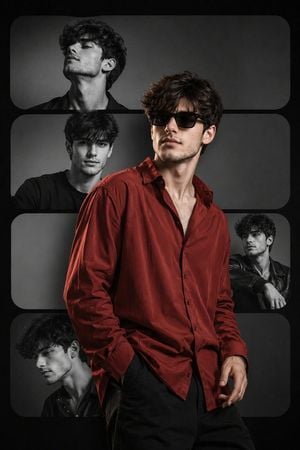
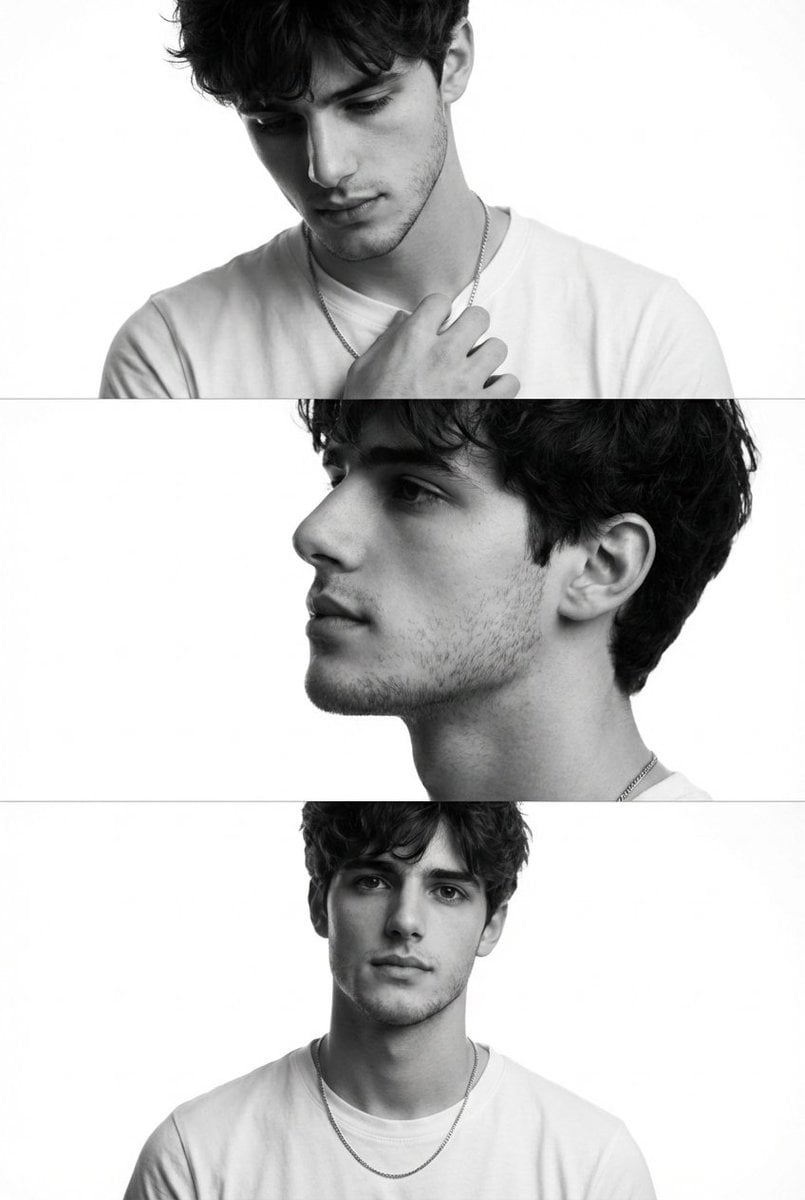
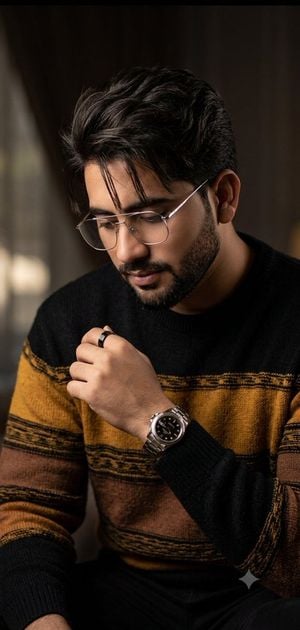
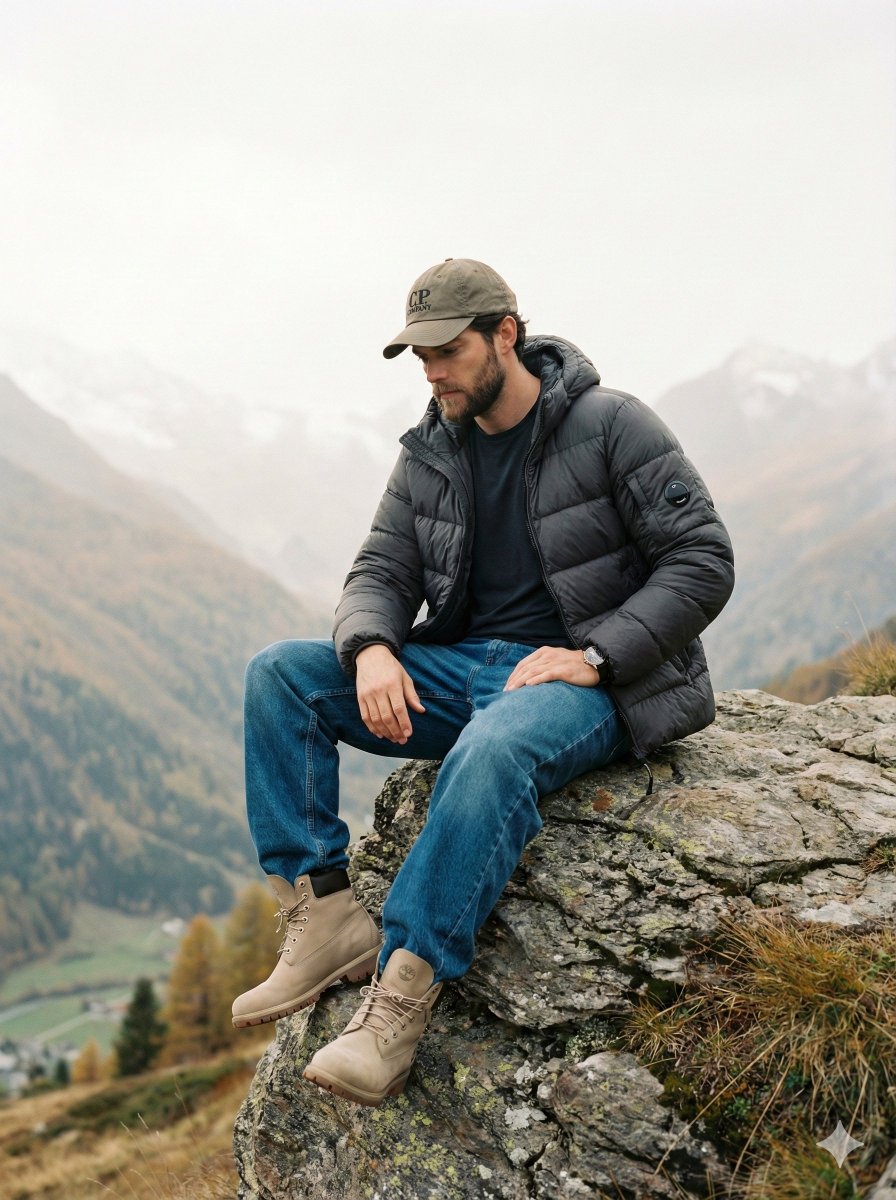
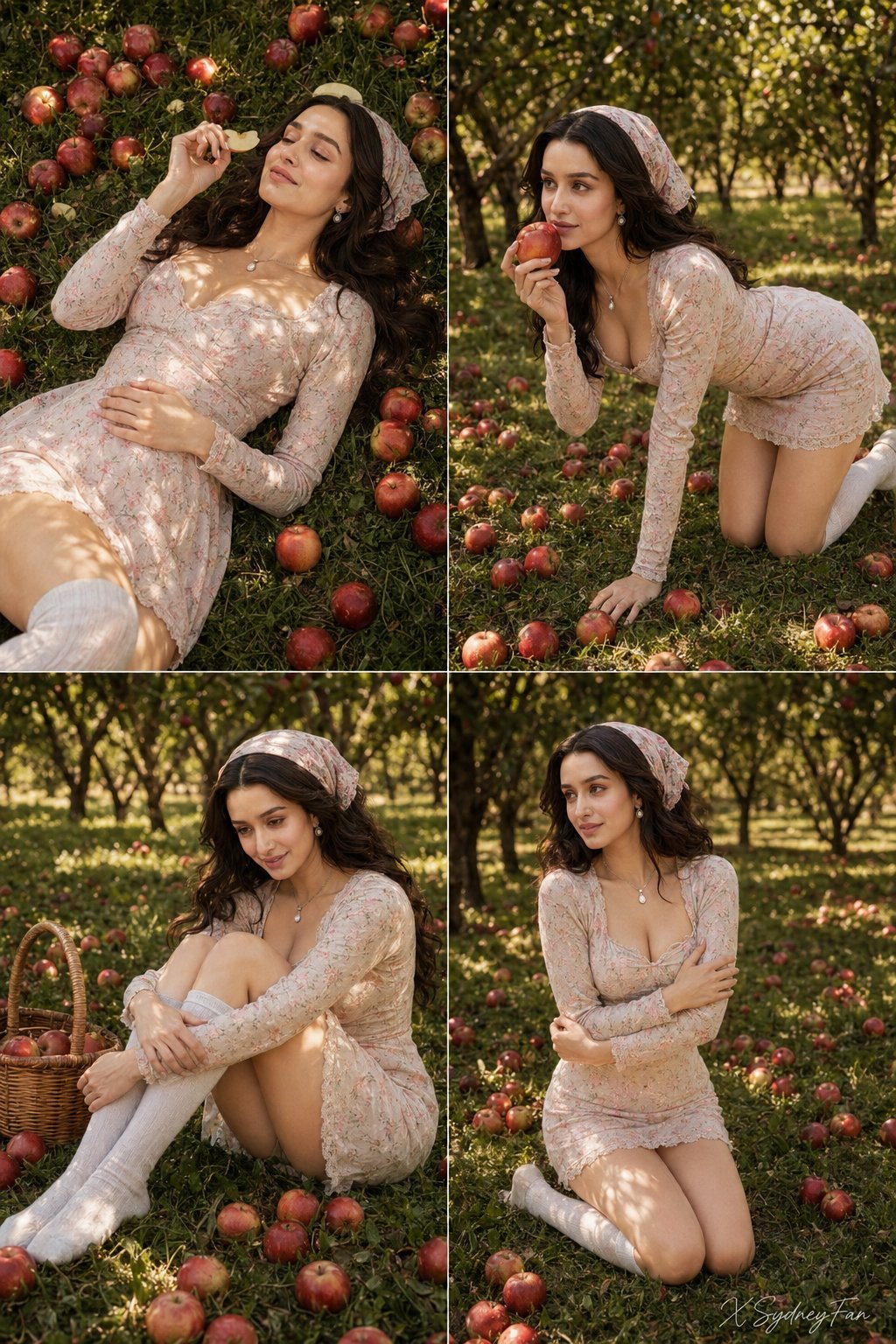
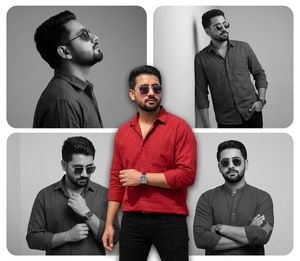
A multi-panel editorial layout prompt for creating a cinematic male portrait collage with specific poses and stylistic typography.

Use my uploaded face image as the primary identity reference. Preserve my exact facial features, face shape, hairstyle, hair texture, skin tone, eye shape, and overall likeness with high fidelity. Create a cinematic aesthetic male portrait collage inspired by the reference image. Make a {argument name="layout" default="5-panel editorial layout"} featuring only me in different stylish poses. Top left: close-up side profile looking away, soft confident expression, wearing a clean white t-shirt and minimal chain. Top right: low-angle portrait looking upward, wearing a black open-collar shirt, relaxed confident vibe. Bottom center: seated pose on a chair, one hand near face, wearing a black button-up shirt, calm thoughtful expression. Side panels: dramatic black-and-white profile shots with fashion magazine style. Keep my natural hairstyle but enhance it with {argument name="hair style" default="textured messy volume"}. Add cinematic street photography lighting, dark moody tones, high contrast, film grain, subtle scratches, luxury fashion editorial aesthetic. Add handwritten typography elements like {argument name="text" default="“Never look back”"} and “Collect moments, not things” in a stylish red and white brush script. Ultra-realistic photography, professional portrait shoot, 4K detail, Instagram aesthetic.
Use my uploaded face image as the primary identity reference. Preserve my exact facial features, face shape, hairstyle, hair texture, skin tone, eye shape, and overall likeness with high fidelity. Create a cinematic aesthetic male portrait collage inspired by the reference image. Make a {argument name="layout" default="5-panel editorial layout"} featuring only me in different stylish poses. Top left: close-up side profile looking away, soft confident expression, wearing a clean white t-shirt and minimal chain. Top right: low-angle portrait looking upward, wearing a black open-collar shirt, relaxed confident vibe. Bottom center: seated pose on a chair, one hand near face, wearing a black button-up shirt, calm thoughtful expression. Side panels: dramatic black-and-white profile shots with fashion magazine style. Keep my natural hairstyle but enhance it with {argument name="hair style" default="textured messy volume"}. Add cinematic street photography lighting, dark moody tones, high contrast, film grain, subtle scratches, luxury fashion editorial aesthetic. Add handwritten typography elements like {argument name="text" default="“Never look back”"} and “Collect moments, not things” in a stylish red and white brush script. Ultra-realistic photography, professional portrait shoot, 4K detail, Instagram aesthetic.
Edit the prompt in the box under the preview — the template's model and format are already selected — and press Generate. Your version appears right on this page.
Yes. You can change the subject, setting, lighting, mood, format, and available model controls before creating your image.
Opening and editing this template is free. Generating uses credits, shown on the Generate button when you are signed in.
Start with Nano Banana 2, which is the model associated with this template. You can compare another compatible model for a different finish.
Follow a topic to a crawlable collection of related PicX Studio templates.