How do I use the Cute CAD Cleanup Explainer Comic template?
Choose the primary action to open PicX Studio with the available template settings. Review the model and format, personalize the creative direction, and generate when ready.
Generates a vertical Japanese-style mascot infographic explaining how AI cleans cluttered 2D technical drawings for faster document preparation. Change the subject, setting, or lighting one variable at a time.
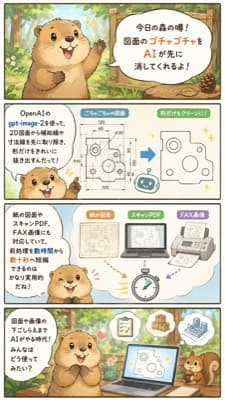
{"type":"vertical Japanese explainer comic infographic","style":"cute 2D watercolor storybook illustration with soft ink outlines, warm forest colors, rounded speech bubbles, light cream backgrounds, friendly business-tech tone","format":{"aspect_ratio":"9:16 vertical smartphone poster","panel_count":4,"layout":"four stacked rectangular panels separated by thin dark borders"},"main_character":{"species":"raccoon or tanuki mascot","appearance":"round beige-brown body, darker ears and paws, cream muzzle and belly, big glossy eyes, cheerful open mouth, expressive small hands","role":"friendly forest rumor narrator explaining an AI workflow"},"theme":"using {argument name="AI tool name" default="gpt-image-2"} to preprocess 2D drawings by removing auxiliary guide lines, dimension lines, captions, and handwritten notes so only the clean shape remains","visible_text":{"top_title":"今日の森の噂! 図面のゴチャゴチャをAIが先に消してくれるよ!","tool_label":"OpenAIの gpt-image-2を使って、2D図面から補助線や寸法線を先に取り除く下ごしらえが、読み込みやすくなるんだって!","middle_caption":"紙の図面やスキャンPDF、FAX形式にも対応して、納品後に取引先から来た“手書きメモ入り”図面でも素早く整理できちゃうね","bottom_caption":"図面を整理してくれるまでAIがサポート。こんな使い方も増えてきたね!"},"layout":{"sections":[{"title":"forest rumor introduction","position":"top panel","count":1,"description":"the raccoon stands in a sunny forest beside a wooden sign-like speech bubble announcing that AI can erase messy drawing clutter first"},{"title":"before and after CAD cleanup","position":"second panel","count":3,"labels":["left explanation bubble with tool name","center messy 2D mechanical drawing full of dimensions and construction marks","right simplified clean outline drawing with only the main shape"],"description":"a blue arrow points from the cluttered drawing to the clean extracted shape; small sparkle marks and a tiny robot icon emphasize automation"},{"title":"document input examples","position":"third panel","count":4,"labels":["紙の図面","スキャンPDF","FAX形式","stopwatch icon"],"description":"three document cards show acceptable sources, including paper drawing, scanned PDF, and fax format, with colored arrows pointing toward a stopwatch to suggest faster preprocessing; the raccoon smiles from the lower left"},{"title":"AI-supported work scene","position":"bottom panel","count":5,"labels":["raccoon narrator","laptop with cleaned drawing","floating checklist document","floating thumbs-up badge","small squirrel assistant"],"description":"the raccoon sits at a desk in the forest with an open laptop showing a cleaned technical shape, while helpful icons float above and a squirrel watches from the right"}]},"art_direction":"keep all text legible in Japanese, use rounded sans-serif lettering, pale blue and cream UI panels, small sparkles, simple CAD-like line drawings, cozy woodland background with trees and sunlight, cute productivity infographic suitable for social media","customization":{"headline":"{argument name=\"headline text\" default=\"今日の森の噂! 図面のゴチャゴチャをAIが先に消してくれるよ!\"}","mascot":"{argument name=\"mascot animal\" default=\"raccoon\"}","workflow_result":"{argument name=\"cleanup result\" default=\"remove auxiliary lines and dimension lines, leaving only the main shape\"}"}}
Choose the primary action to open PicX Studio with the available template settings. Review the model and format, personalize the creative direction, and generate when ready.
Yes. You can change the subject, setting, lighting, mood, format, and available model controls before creating your image.
This template is free to open and customize. Generation usage is shown in PicX Studio before you create.
Start with GPT Image 2, which is the model associated with this template. You can compare another compatible model for a different finish.
© 2026 PicX Studio. All rights reserved.

Follow a topic to a crawlable collection of related PicX Studio templates.
43,474 public templates available. Verified via the PicX Studio public templates API; refreshed hourly.



![Cute 3D render of a, matte surface, kneaded clay icon style, simple — Cute 3D render of a [subject], matte surface, kneaded clay icon style, simple stylized des](https://images.meigen.ai/tweets/2042931585100795991/0.jpg)

![Pop Art Superhero Explosion Poster — [Subject] bursting forth in a Pop Art Powerhouse explosion of vibrant colors and bold outlines. Use a Ben-Day dot pattern a](https://images.meigen.ai/tweets/2075580941272019292/0.jpg)







![Photo of a cute ball-shaped version of a, with big adorable over-sized — Make a photo of a cute ball-shaped version of a [animal], with big adorable over-sized](https://images.meigen.ai/tweets/2027298143134478451/0.jpg)
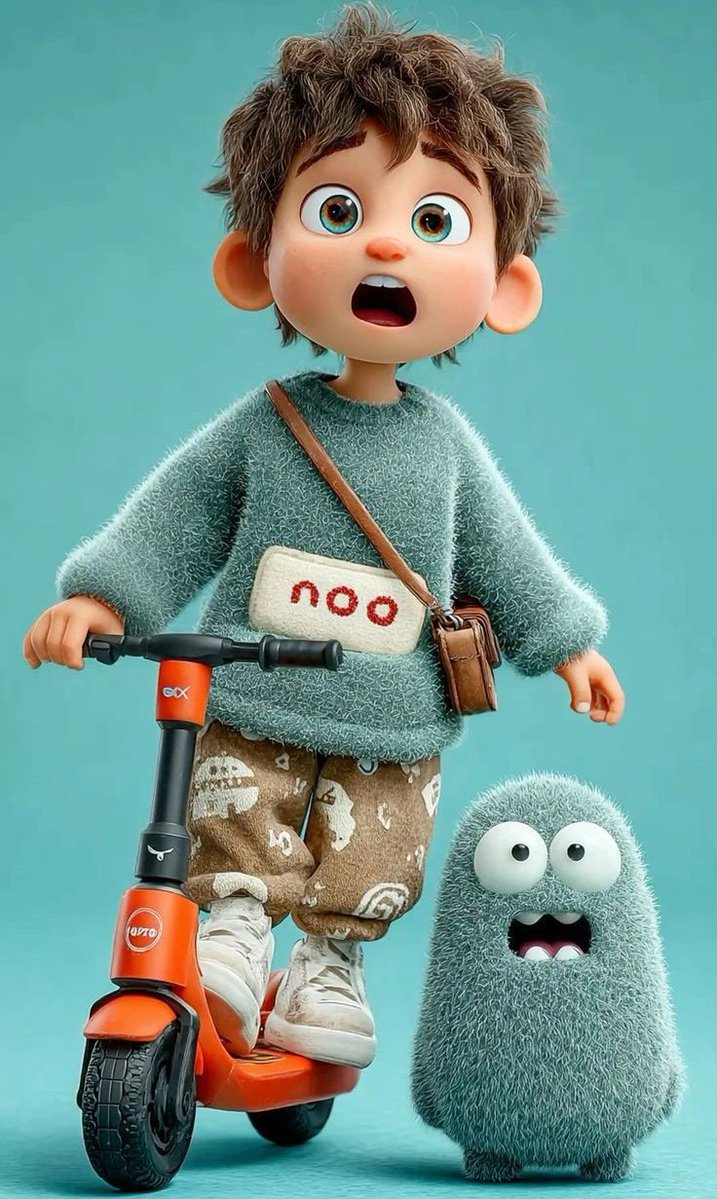



![Minimalist Flat Vector Travel Poster — Premium minimalist flat-vector travel poster for {argument name="city name" default="[CITY_NAME]"}, 3:4 vertical format.](https://cms-assets.youmind.com/media/1787917359711_3ug846_HQX205cbMAA6F6S-300x400.jpg)




















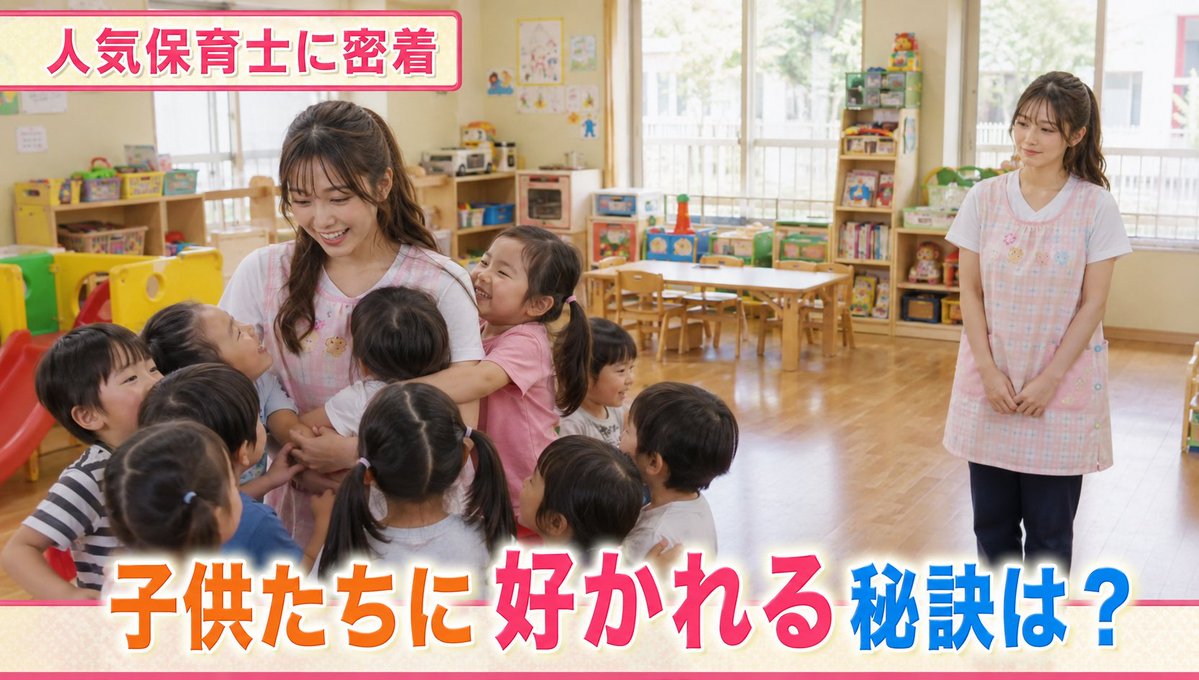


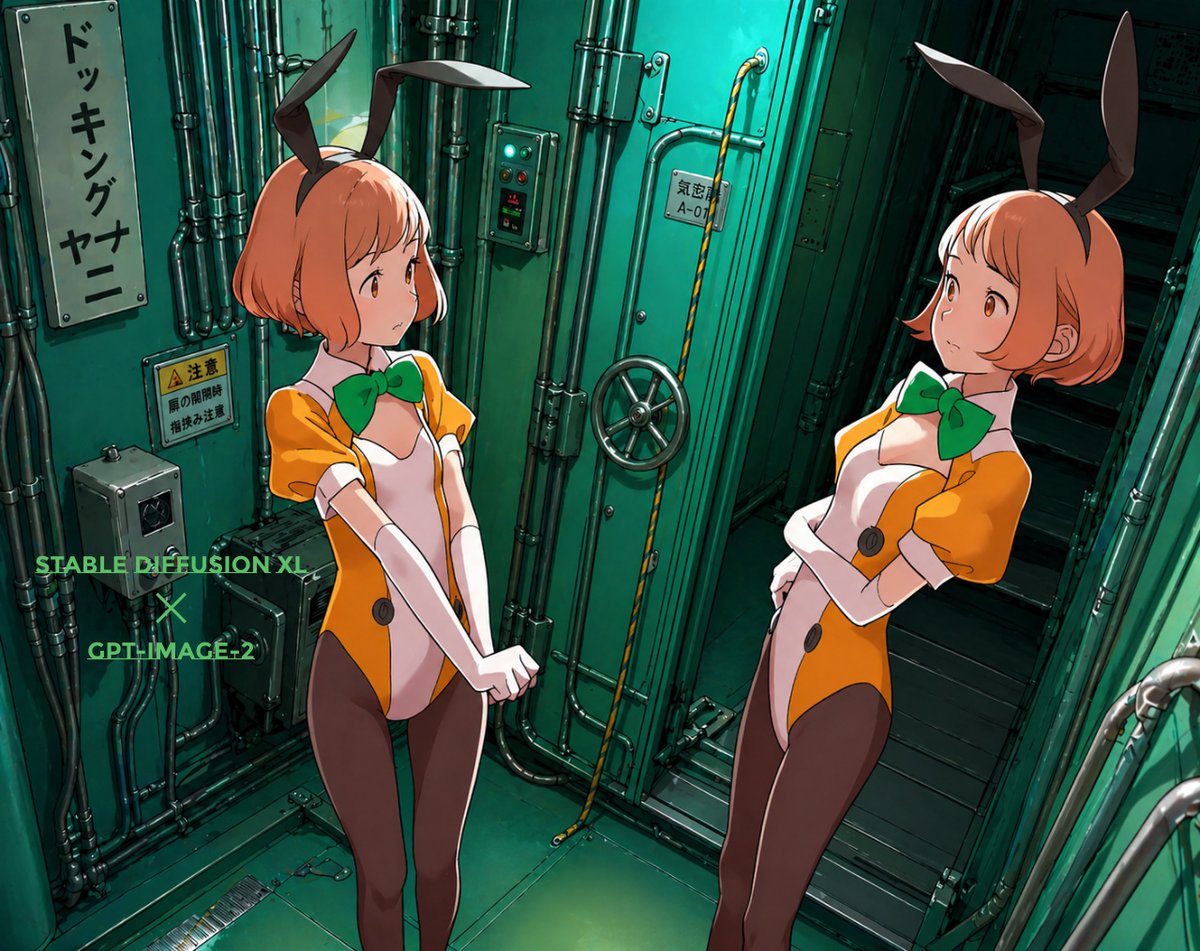

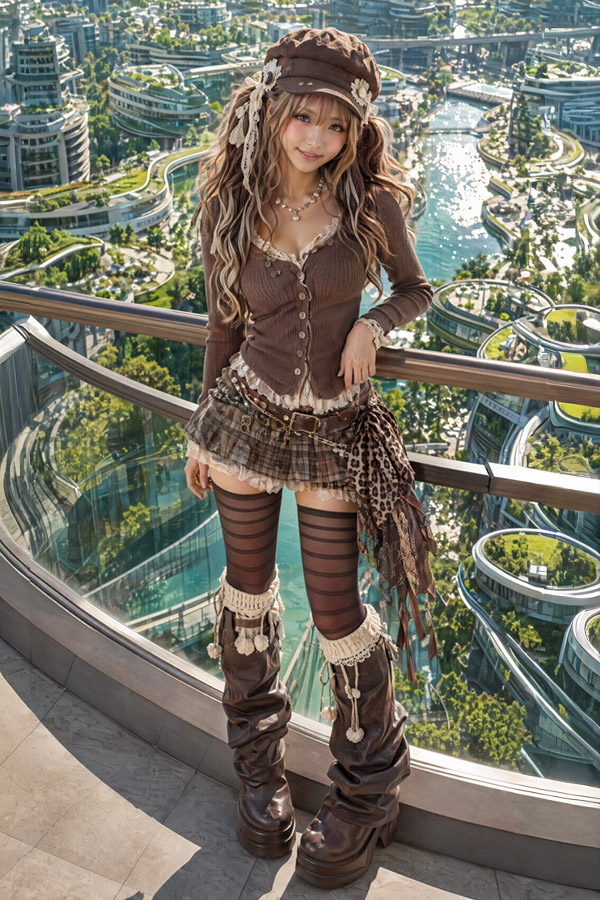







![75-cinematic-sport-in-midjourney-v7 — [close-up] of [an athlete performing a key action] in [sport-specific environment],
with dramatic lighting, high-speed ph](/_next/image?url=https%3A%2F%2Fcdn.picxstudio.com%2Fuploads%2Fpost75_img0_29c96604-31bd-49f1-88dd-2396ed946239.jpg&w=828&q=100)