
Chinese Viral AI Comic Post Screenshot
Creates a smartphone screenshot of a Chinese social media post featuring a two-panel ancient palace AI comic with circled engagement metrics.
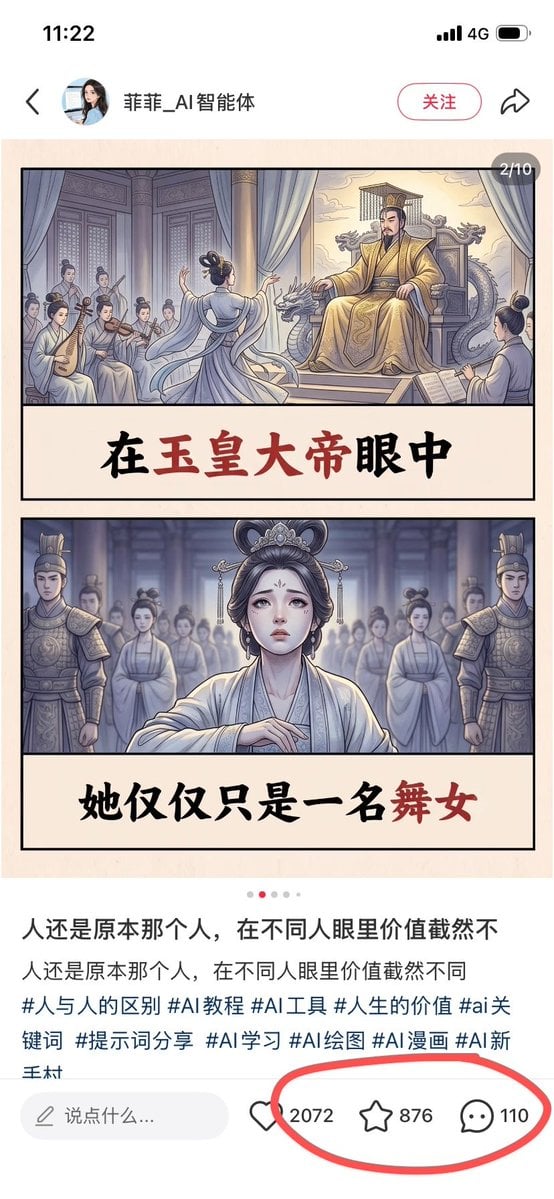
- Prompt included
- Model and format preset
- Free template
The prompt behind this image
Copy the exact prompt behind Chinese Viral AI Comic Post Screenshot, or open it in the studio and make it yours.
Goal: Create a realistic screenshot of a Chinese social media post on a smartphone, showing a viral AI-generated illustrated story card about an ancient palace dancer and an emperor, with engagement metrics circled in red. Canvas: Vertical smartphone screenshot, 9:16 aspect ratio, white app interface background, clean mobile UI. The status bar at the top shows 11:22, 4G signal, and battery icon. Top app header: Include a back arrow on the left, a small circular female profile avatar, the account name {argument name="account name" default="菲菲_AI智能体"}, a rounded pink outline follow button labeled “关注”, and a share arrow icon on the right. Main image post: A beige comic-style image card centered below the header, with a small dark rounded page indicator at the top-right reading “2/10”. The card contains exactly 2 stacked illustrated panels, each bordered in black, separated by large cream caption bands with bold Chinese brush-calligraphy text. Panel 1: Ancient Chinese imperial palace scene in soft muted watercolor comic style. On the right, a stern emperor in ornate golden robes sits on a dragon-carved throne under curtains, with palace architecture behind him. In the center foreground, a graceful female dancer in pale flowing robes performs with her back partially turned. On the left, exactly 5 seated female musicians in traditional robes play instruments, including pipa and string instruments. The caption band below reads “在玉皇大帝眼中”, with “玉皇大帝” emphasized in dark red and the rest in black. Panel 2: Frontal dramatic portrait of the same dancer standing in a palace hall, looking sad and vulnerable, wearing pale white-blue hanfu, ornate hair accessories, and delicate makeup. Behind her are exactly 2 armored palace guards, one on each side, plus a blurred group of palace women in the background. Cool blue-gray lighting creates a solemn atmosphere. The caption band below reads “她仅仅只是一名舞女”, with “舞女” emphasized in dark red and the rest in black. Post text below image: Show a carousel dot row with exactly 5 dots, the second dot red and the other 4 light gray. Then display the Chinese caption text in two lines: “人还是原本那个人,在不同人眼里价值截然不” and “人还是原本那个人,在不同人眼里价值截然不同”. Beneath it, show hashtags in blue-gray text: “#人与人的区别 #AI教程 #AI工具 #人生的价值 #ai关键词 #提示词分享 #AI学习 #AI绘图 #AI漫画 #AI新手村”. Bottom interaction bar: Include a rounded comment input field labeled “说点什么...”. To the right, show exactly 3 engagement items: a heart icon with {argument name="like count" default="2072"}, a star/favorite icon with {argument name="favorite count" default="876"}, and a comment bubble icon with {argument name="comment count" default="110"}. Draw a thick hand-drawn red oval around these 3 metrics only. Visual style: The app UI should look like a real screenshot, while the embedded artwork should look like polished AI comic illustration with ink outlines, soft watercolor shading, muted palace colors, and cinematic ancient Chinese drama atmosphere. Constraints: Keep all visible Chinese text legible and accurately placed. Do not add extra panels, extra engagement icons, watermarks, or unrelated UI elements.
How to use Chinese Viral AI Comic Post Screenshot in 3 steps
- 1Upload ImagePNG, JPG or paste
Add your photo
Upload the photo the template builds on. The prompt, model and format are already set.
- 2…a portrait of your subject in softgolden-hour light, 85mm…
Personalize
Edit the subject and creative details for your destination.
- 3Generate
Generate
Press Generate — your image is created in PicX Studio, so you can compare it with the original and refine one variable at a time.
More like this
Templates with the same subject, style or setup. Open one to see its prompt.

Pop Art Superhero Explosion Poster

Hero Portrait Comic Multi-Panel Poster

Minecraft Next-Gen Voxel World Screenshot

Mirror Selfie Chibi Characters Pixar Style

Brutalist Cogito Chinese Typography Poster
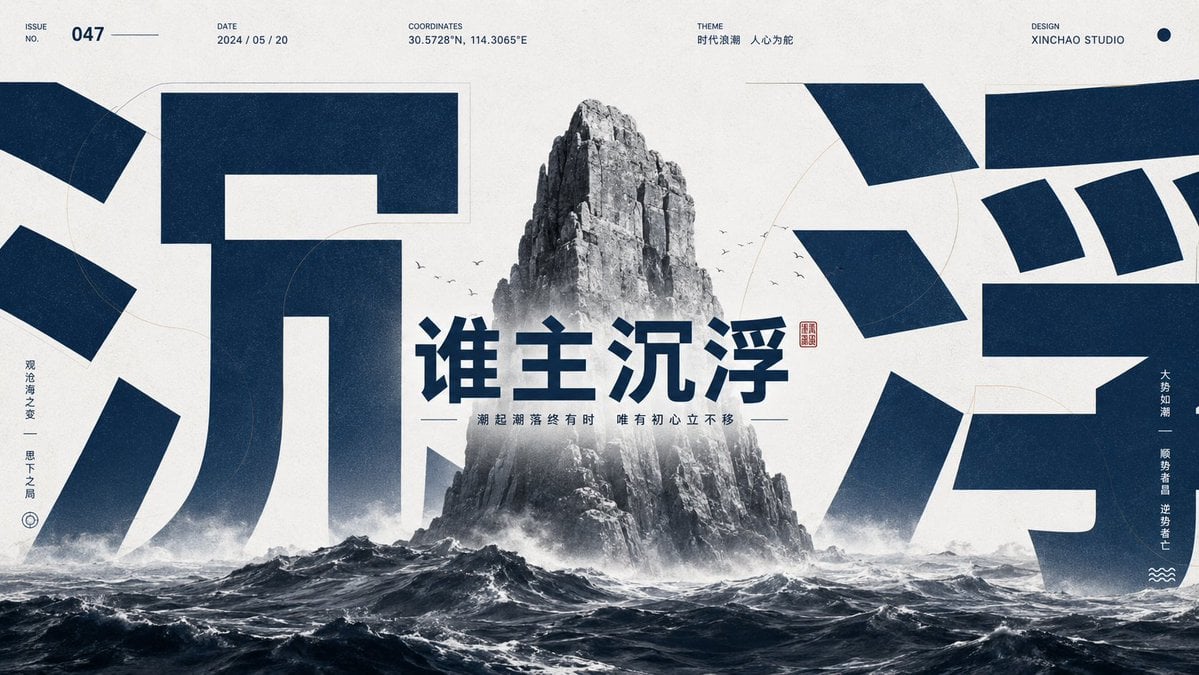
Monumental Chinese Ocean Poster
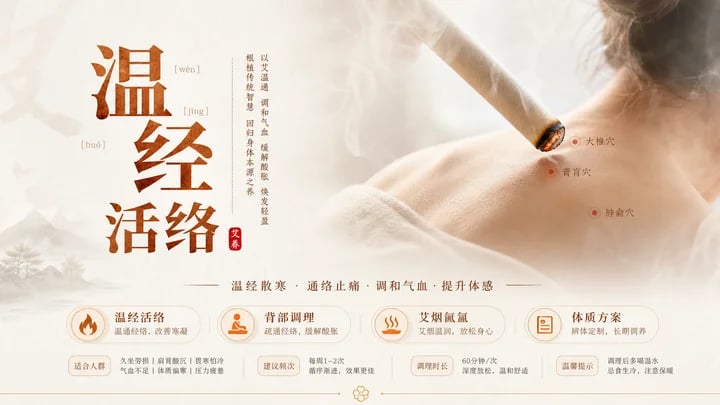
Traditional Chinese Moxibustion Poster
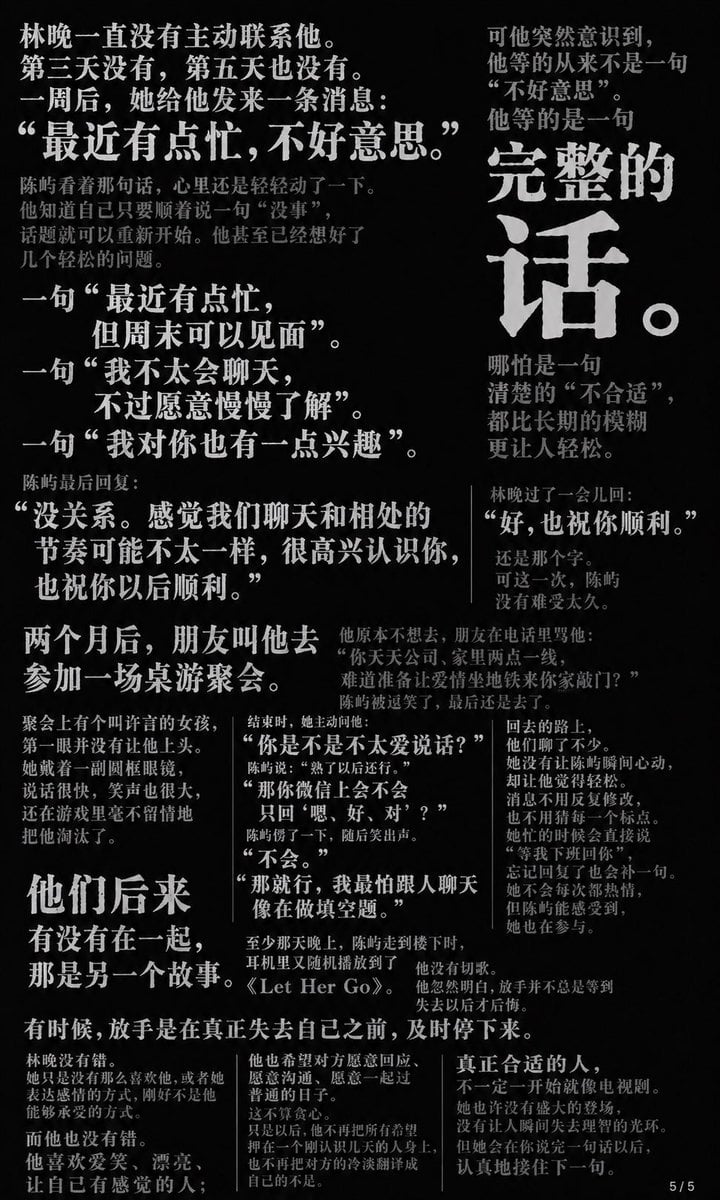
Chinese Novel Quote Typography Poster
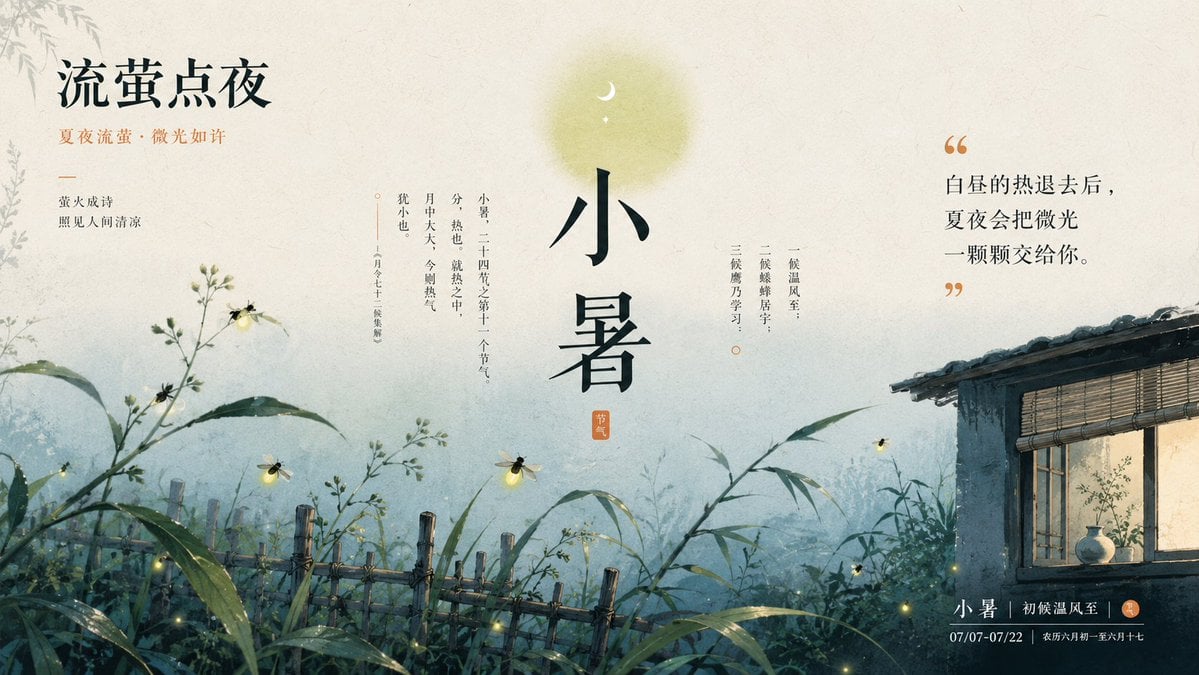
Chinese Firefly Summer Night Poster
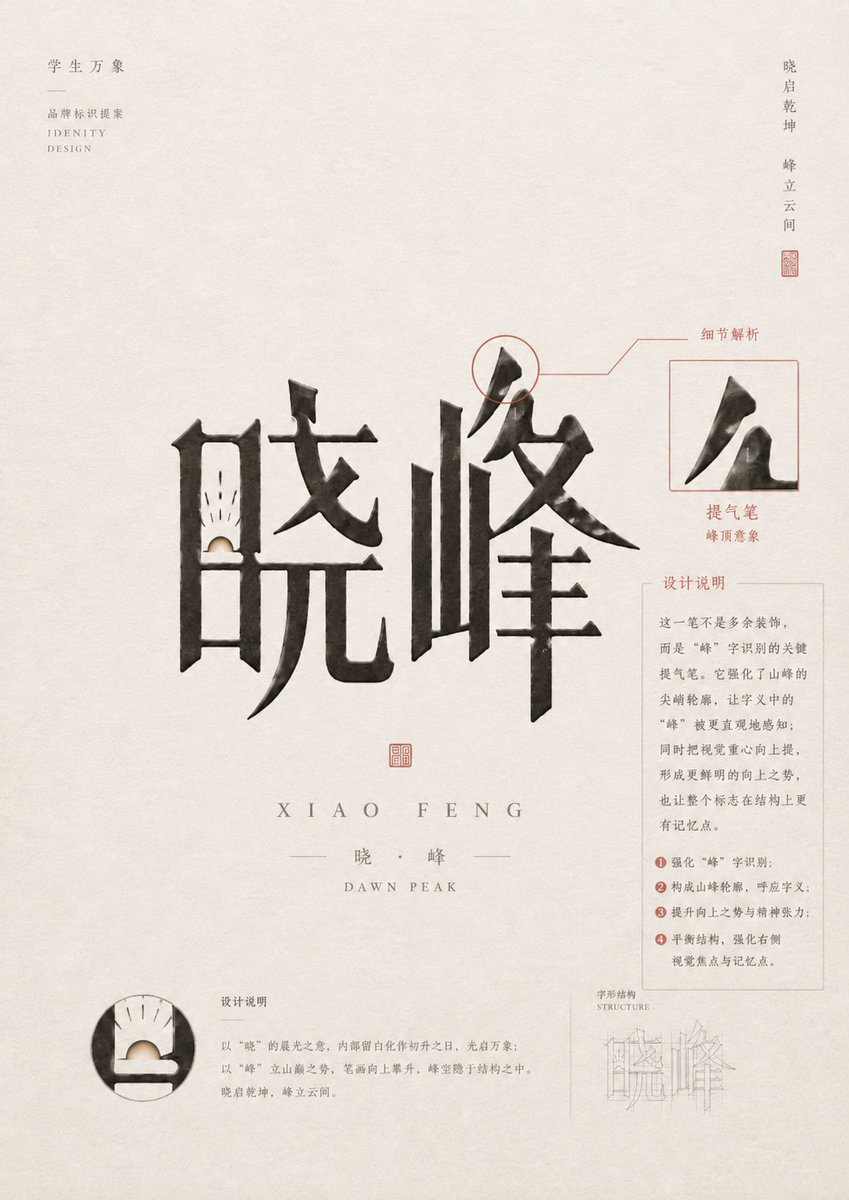
Chinese Calligraphy Identity Poster
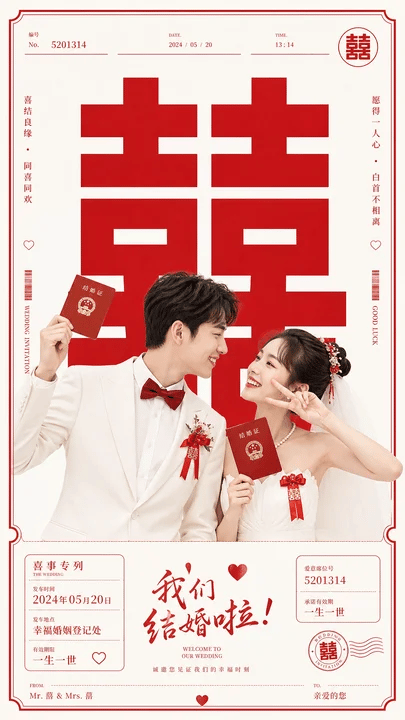
Chinese Wedding Invitation Poster
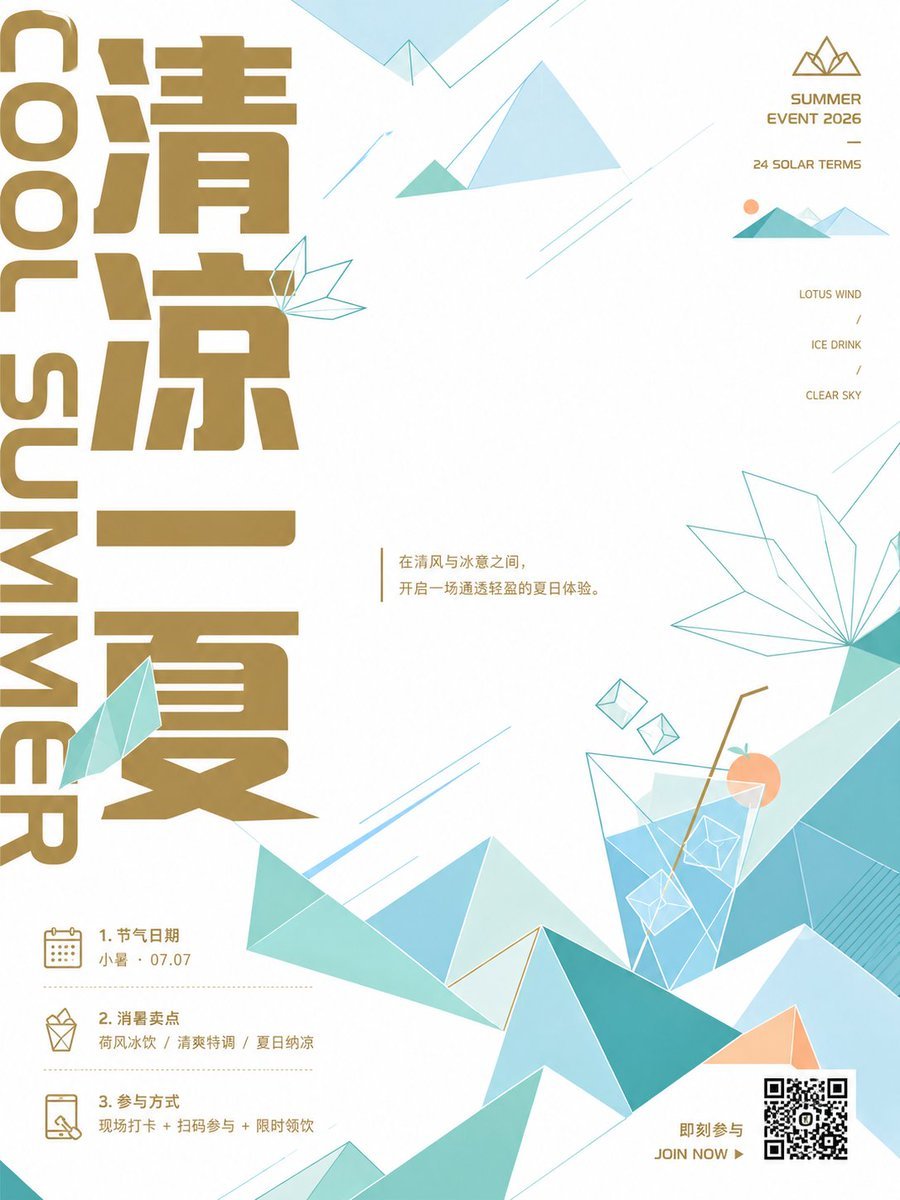
Minimalist Chinese Summer Solar Term Poster
Make it yours
Chinese Viral AI Comic Post Screenshot works as-is. These are the safest ways to change it without losing the look.
Change one field
Copy a single group, rewrite it, and generate again so you can see what that field is doing.
Keep the frame, change the subject
Hold the composition and light of Chinese Viral AI Comic Post Screenshot, then swap wardrobe, props or the person for a new take.
| If the result… | Why | Fix |
|---|---|---|
| The result drifts from the preview | Too many fields changed at once. | Reuse Chinese Viral AI Comic Post Screenshot as-is first, then change one group — subject, light, or setting. |
| The model over-stylizes the scene | The prose prompt leaves finish and camera underspecified. | Add one camera or lighting sentence and stay on GPT Image 2. |
More GPT Image 2 templates
Other prompts made for GPT Image 2.

Six VTuber Japanese Logo Sheet

Realistic Portrait of Woman and Deer

The Vista Modular Condo Poster

AI Model Routing Comparison Infographic

2.5D Anime Art Board

Isometric Productivity Desk Scene

New York Double Exposure Poster

Four-Panel AI Landscape Comparison

Japanese Tatami Lifestyle Magazine Cover

NESCAFÉ Coffee Map Poster
More image prompts
Fresh picks from across the catalog.
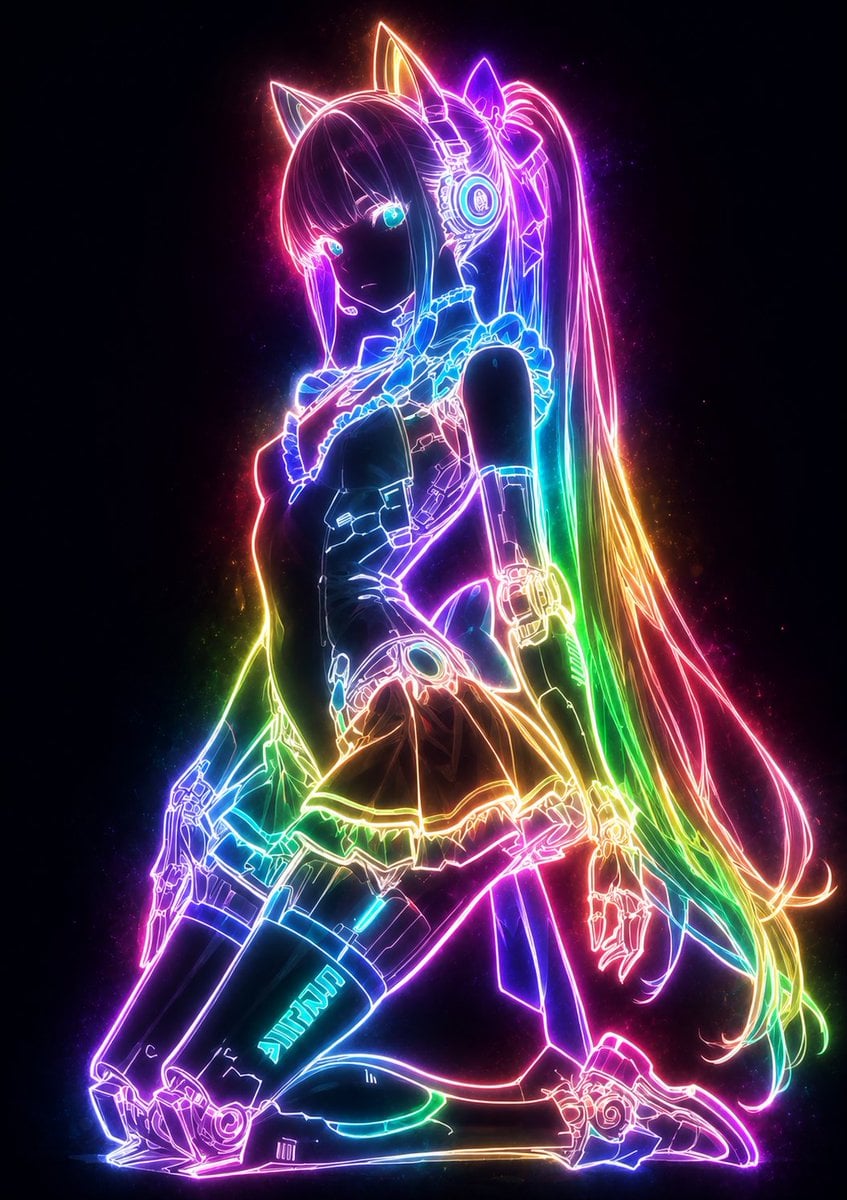
Mystical Luminous Outline Style
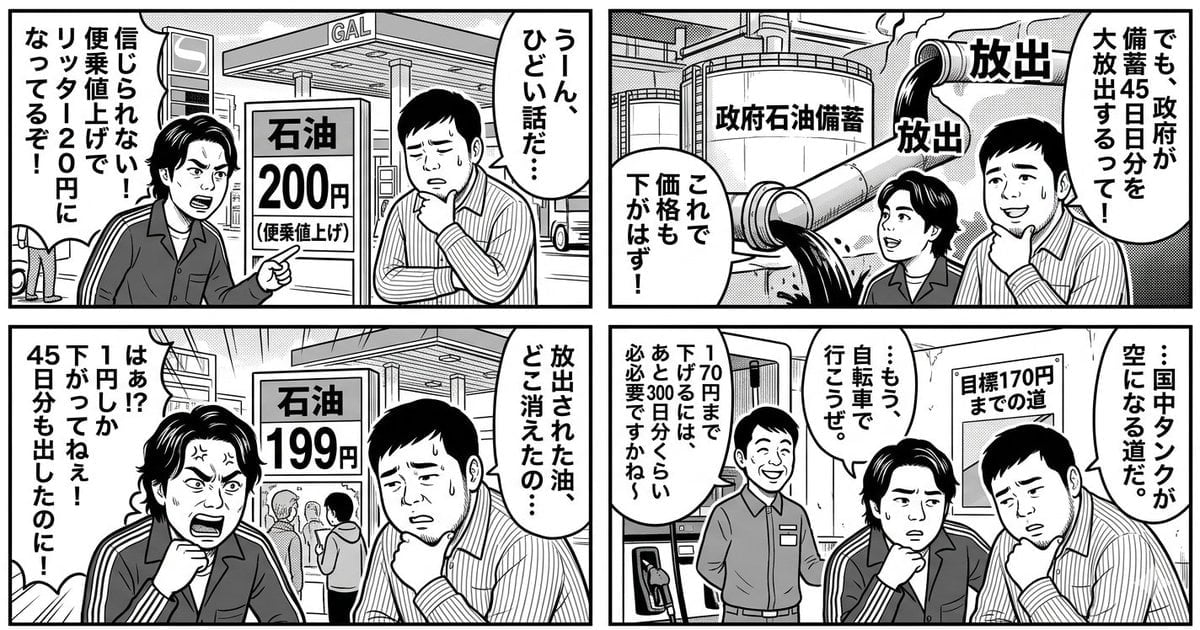
Panel Manga: The Long Road to 170 Yen Gasoline Price
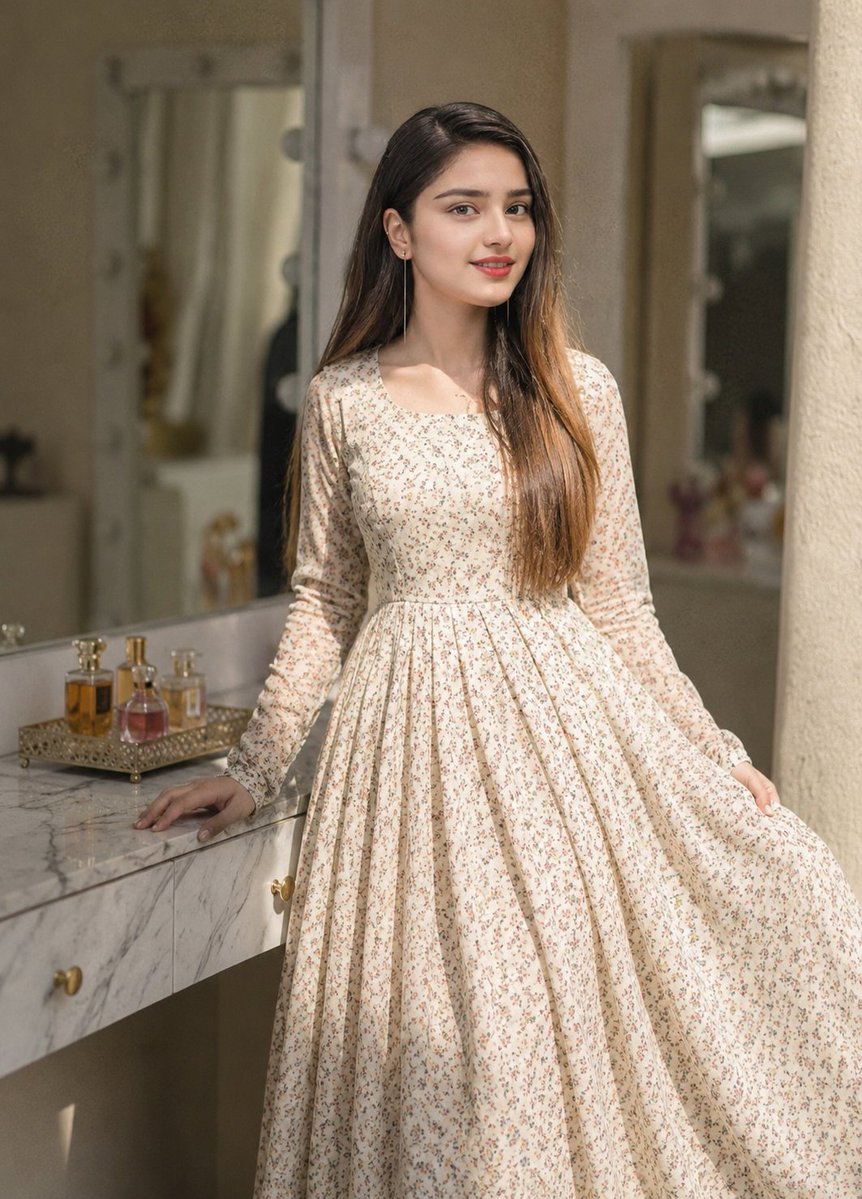
Floral Dress Vanity Portrait
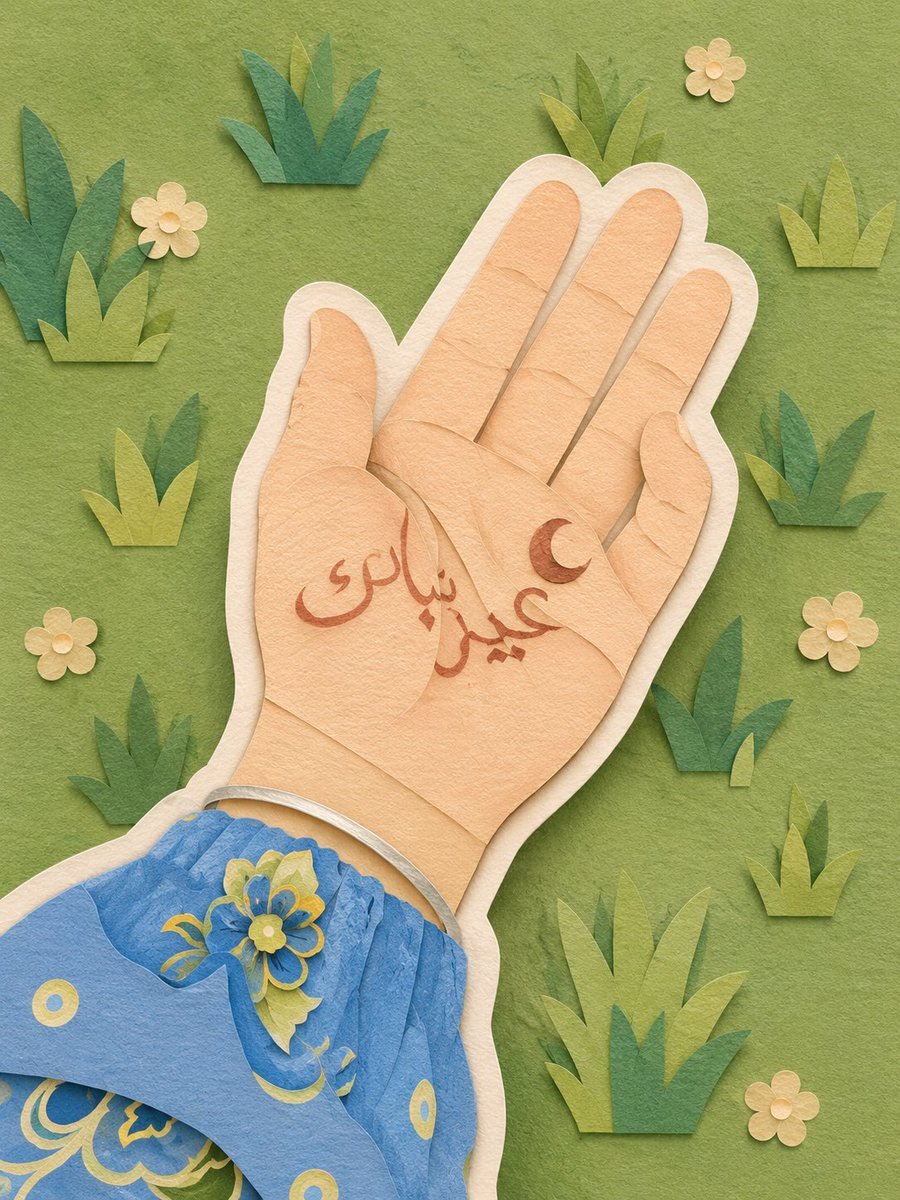
Layered Paper-Cut Illustration
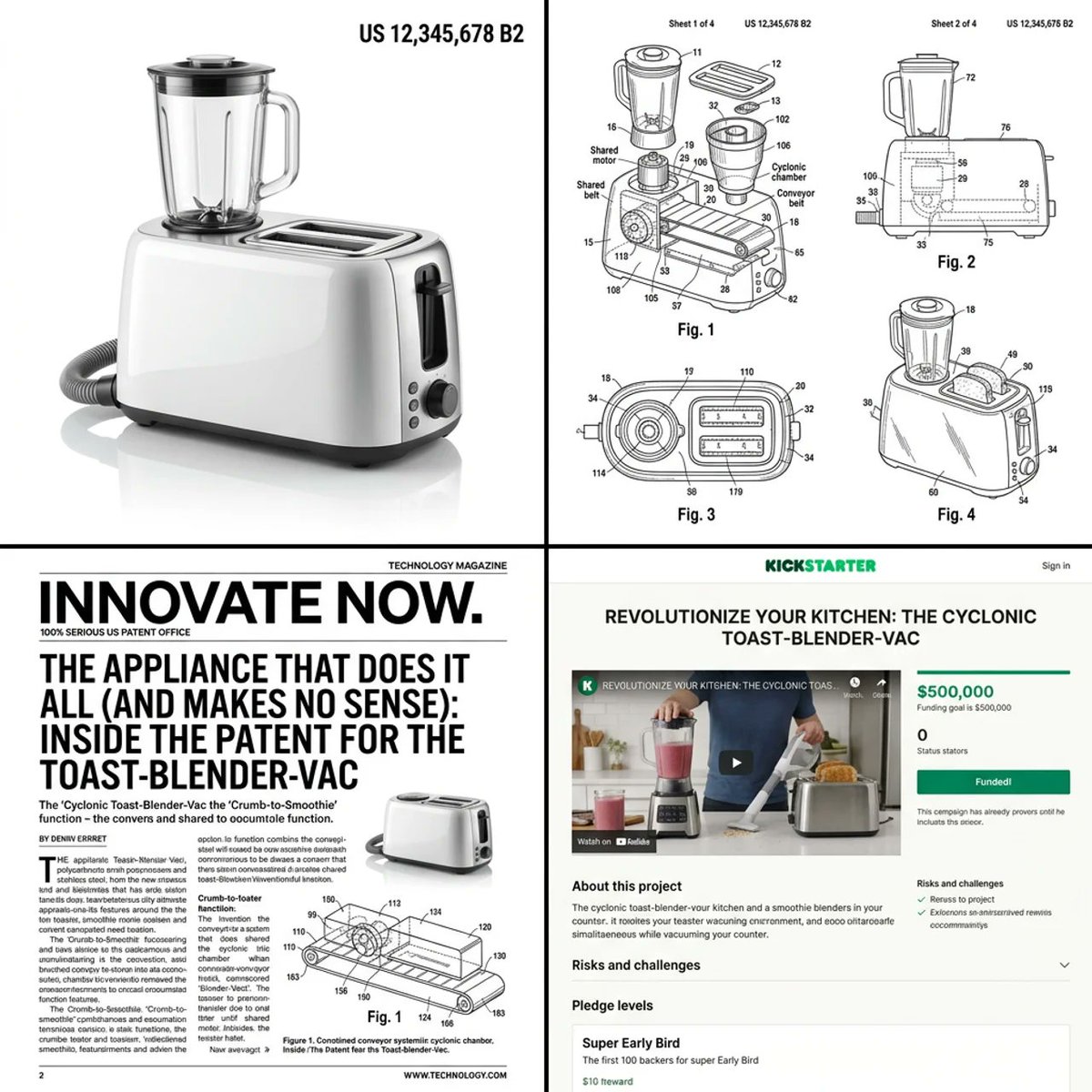
Multi-step prompt for generating absurd patent documents and product renders
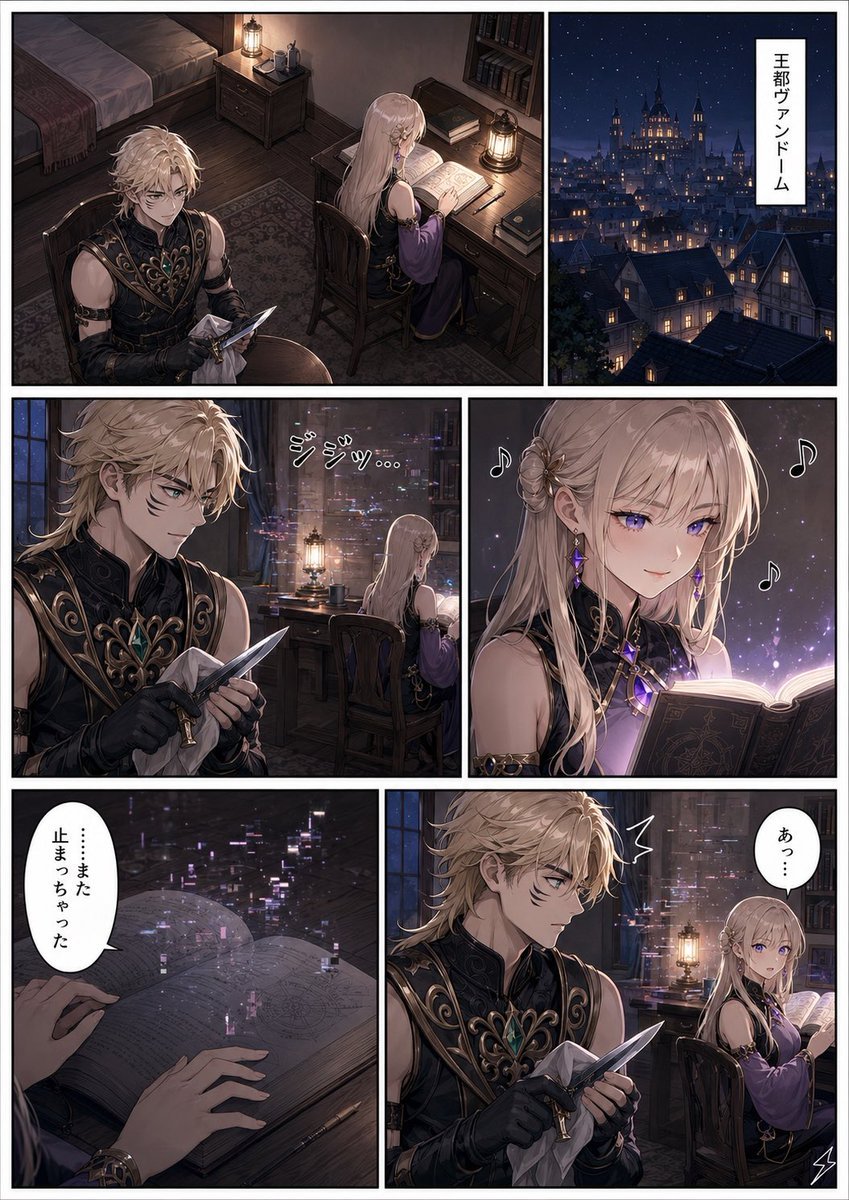
Dark Fantasy Manga Page Generator
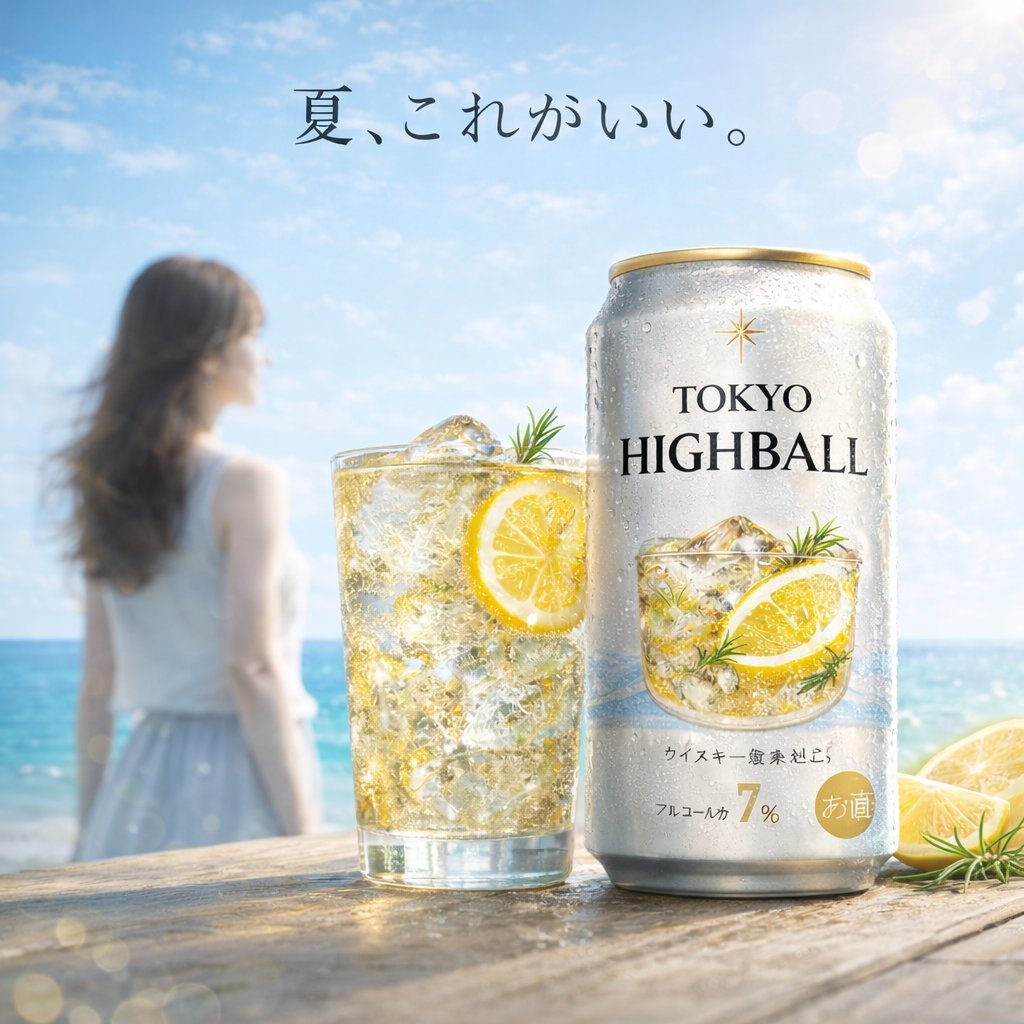
Summer Beach Beverage Commercial Shot
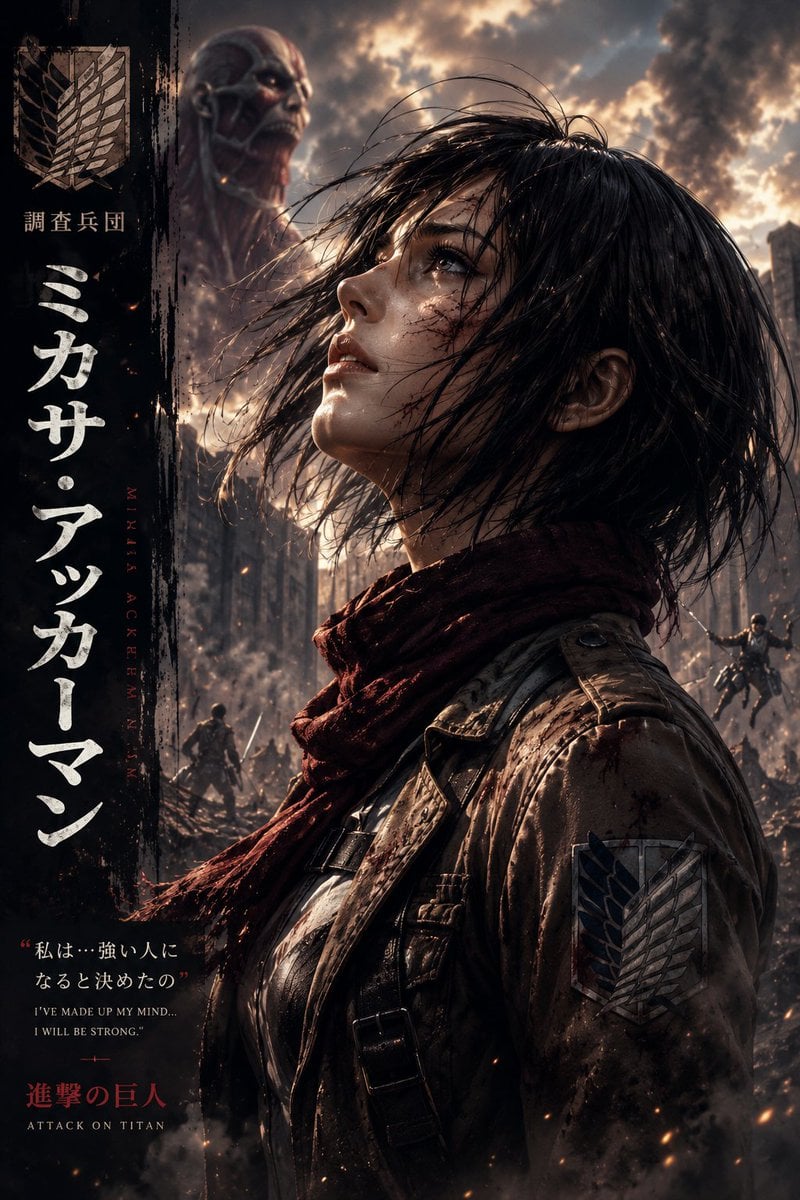
Dark Fantasy Anime Character Poster
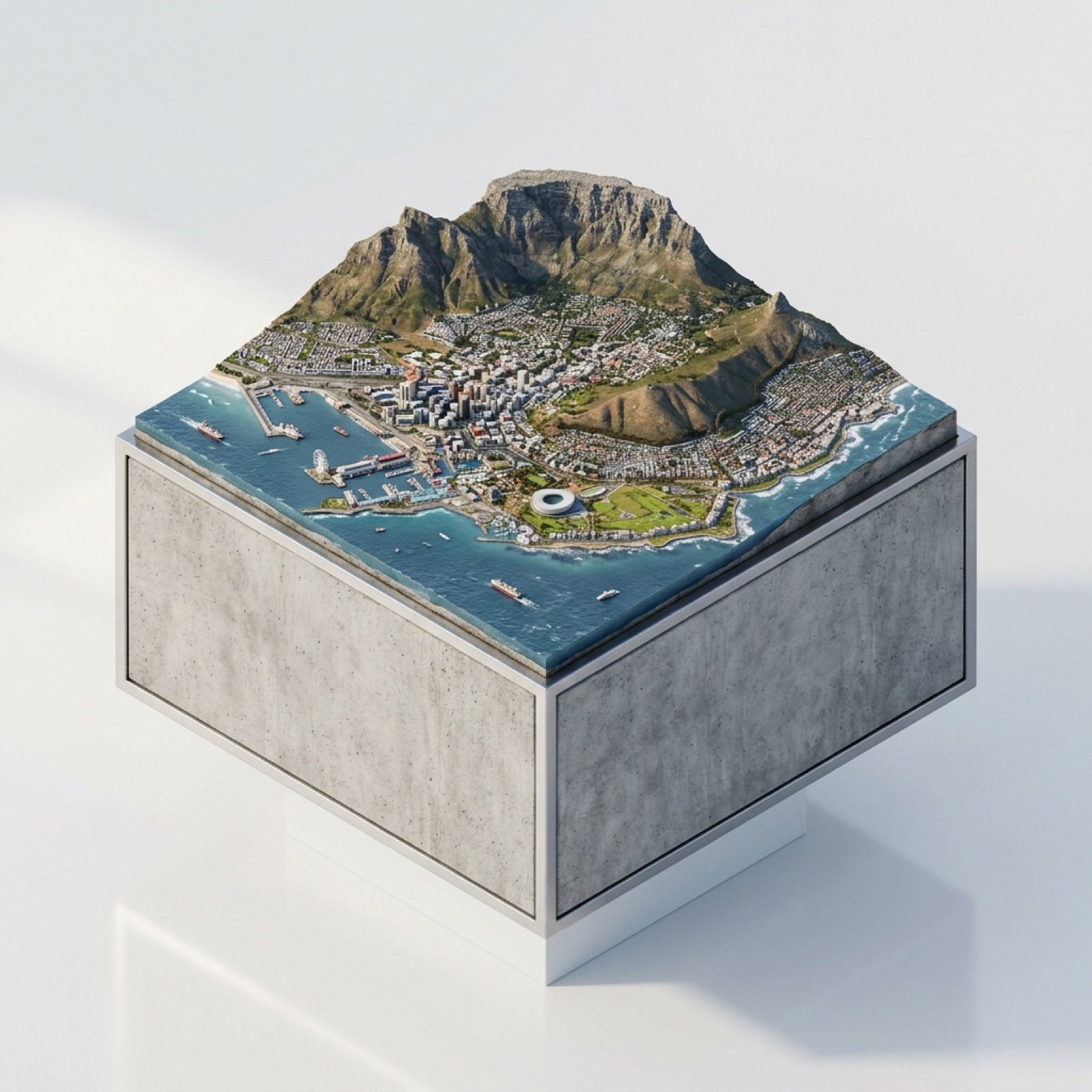
3D Miniature Cape Town Diorama on Floating Cube
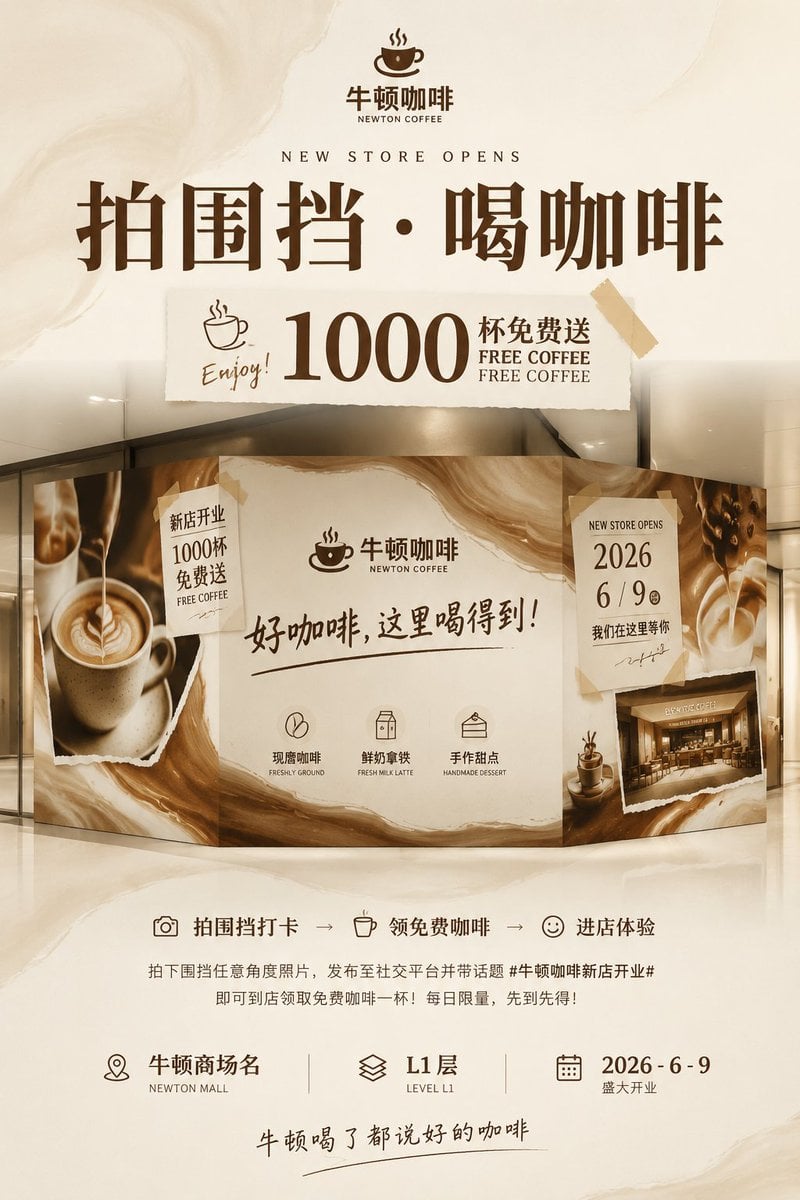
Newton Coffee Opening Poster
Browse template categories
Chinese Viral AI Comic Post Screenshot questions
How do I use the Chinese Viral AI Comic Post Screenshot template?
Add your photo if the template asks for one, edit the prompt if you like — the template's model and format are already selected — and press Generate. Your version opens in PicX Studio.
Can I customize the Chinese Viral AI Comic Post Screenshot template?
Yes. You can change the subject, setting, lighting, mood, format, and available model controls before creating your image.
Is the Chinese Viral AI Comic Post Screenshot template free?
Opening and editing this template is free. Generating uses credits, shown on the Generate button when you are signed in.
Which AI model should I use?
Start with GPT Image 2, which is the model associated with this template. You can compare another compatible model for a different finish.
Looking for something else? Browse all templates.

Your photo, any look
Thousands of ready templates for every top image and video model, from one credit balance.