
Xiaohongshu Comic Post Screenshot
Generates a realistic Xiaohongshu-style mobile post screenshot with a two-panel hand-drawn lifestyle comic and circled engagement metrics.
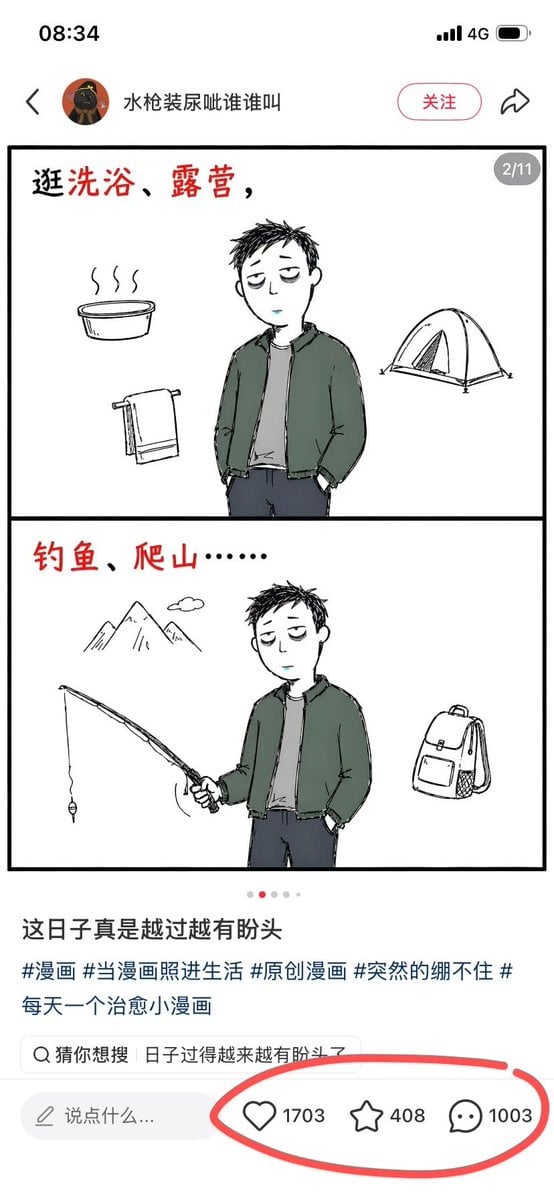
- Prompt included
- Model and format preset
- Free template
The prompt behind this image
Copy the exact prompt behind Xiaohongshu Comic Post Screenshot, or open it in the studio and make it yours.
Goal: Create a realistic smartphone screenshot of a Xiaohongshu-style post featuring a simple two-panel hand-drawn comic about a tired young man trying outdoor activities, with engagement metrics circled in red. Canvas: Vertical mobile screenshot, 9:16 aspect ratio, white app interface, iPhone-like status bar at the top showing 08:34, signal bars, “4G”, and a battery icon. Top app header: Show a back arrow on the left, a small circular avatar, the username {argument name="account name" default="水枪装尿呲谁谁叫"}, a rounded pink-outline follow button labeled “关注”, and a share arrow icon on the right. Main post image: A large white comic card with a thick black rectangular border, divided into exactly 2 stacked panels by one horizontal black divider. Add a small gray rounded page indicator in the top-right corner of the comic card reading “2/11”. Use loose black ink line art with muted watercolor fills, casual sketch style, lots of white space. Comic panel 1: At the top left, handwritten red-and-black Chinese text reads {argument name="first panel text" default="逛洗浴、露营,"}. In the center, draw a slim tired young man with short messy black hair, pale face, droopy eyes, dark green jacket, gray shirt, and dark pants, hands in pockets. Around him place exactly 3 simple activity icons: a steaming bath tub on the left, a hanging towel at lower left, and a camping tent on the right. Comic panel 2: At the top left, handwritten red-and-black Chinese text reads {argument name="second panel text" default="钓鱼、爬山……"}. Draw the same tired young man centered slightly right, holding a fishing rod in one hand with the line and hook hanging down, the other hand in his pocket. Around him place exactly 3 simple outdoor icons: mountains with a tiny cloud at upper left, the fishing rod and hook extending from his hand toward the left, and a backpack on the right. Below the comic: Add a carousel dot indicator with exactly 4 dots, the second dot red and the other 3 gray. Then show the bold caption {argument name="caption text" default="这日子真是越过越有盼头"}. Below it, show exactly 5 hashtag phrases in blue-gray Chinese: “#漫画”, “#当漫画照进生活”, “#原创漫画”, “#突然的绷不住”, “#每天一个治愈小漫画”. Add a rounded search suggestion bar with a magnifying glass icon and Chinese text beginning with “猜你想搜|日子过得越来越有盼头了”. Bottom interaction area: Add a pale comment input pill on the left with a pencil icon and placeholder “说点什么...”. On the right, show exactly 3 interaction icons with counts: a heart icon with {argument name="like count" default="1703"}, a star icon with “408”, and a comment bubble icon with “1003”. Draw a thick freehand red circle around these three engagement metrics, as if marked with a digital pen. Visual style and constraints: Keep the screenshot clean and realistic, with crisp UI elements and a slightly imperfect hand-drawn comic. Use black, white, muted green, gray, pale pink, and red accents. Preserve all visible Chinese UI text exactly where specified. Do not add extra panels, extra icons, watermarks, or unrelated decorations.
How to use Xiaohongshu Comic Post Screenshot in 3 steps
- 1Upload ImagePNG, JPG or paste
Add your photo
Upload the photo the template builds on. The prompt, model and format are already set.
- 2…a portrait of your subject in softgolden-hour light, 85mm…
Personalize
Edit the subject and creative details for your destination.
- 3Generate
Generate
Press Generate — your image is created in PicX Studio, so you can compare it with the original and refine one variable at a time.
More like this
Templates with the same subject, style or setup. Open one to see its prompt.

Pop Art Superhero Explosion Poster

Hero Portrait Comic Multi-Panel Poster

Minecraft Next-Gen Voxel World Screenshot

Spider-Man Noir Detective Rain Alley

Gpt2 E Commerce Main Image 9 Panel Product Tvc Storyboard
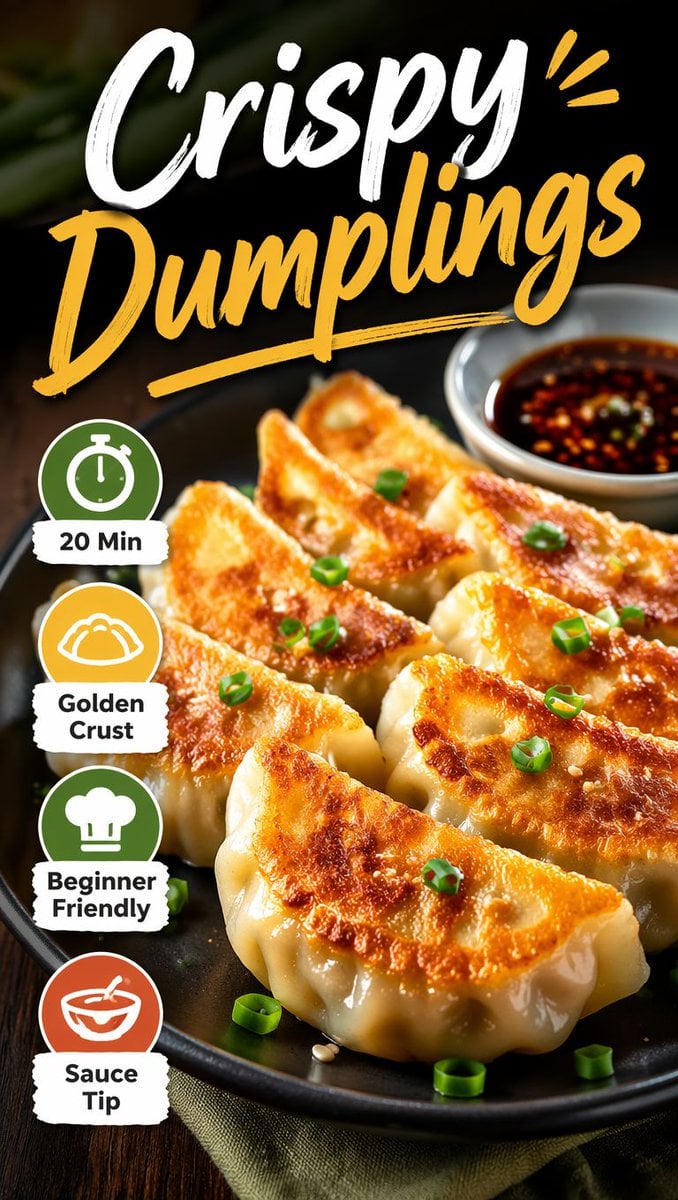
Xiaohongshu Food Cover Transformation
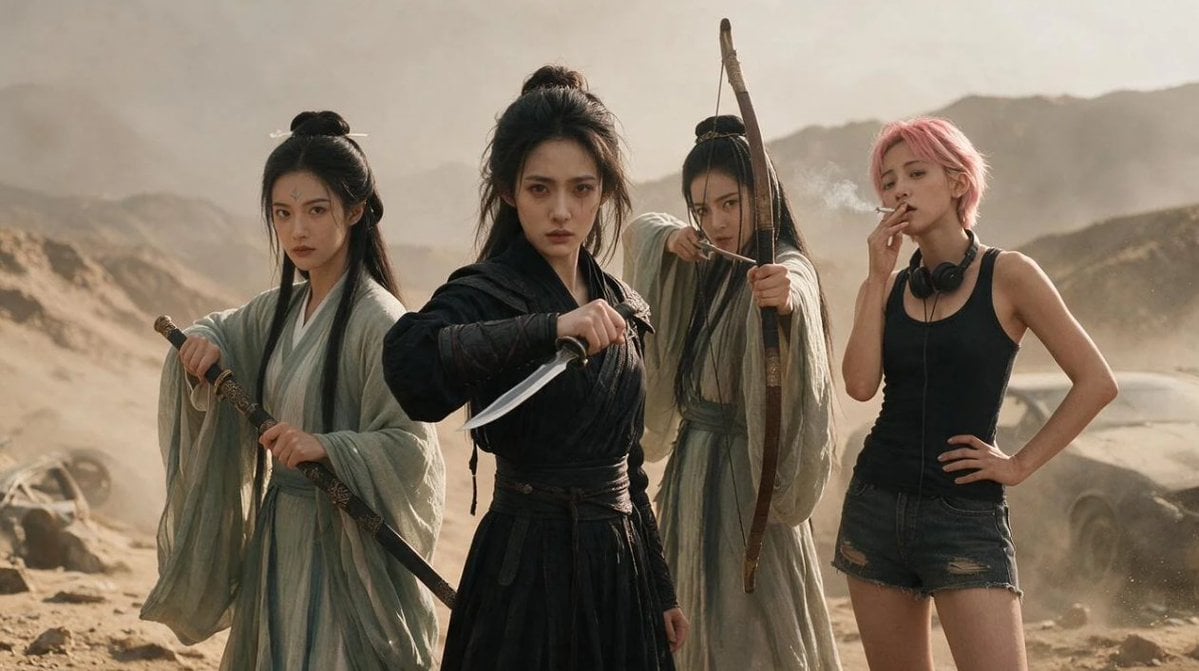
Post-Apocalyptic Wuxia Standoff
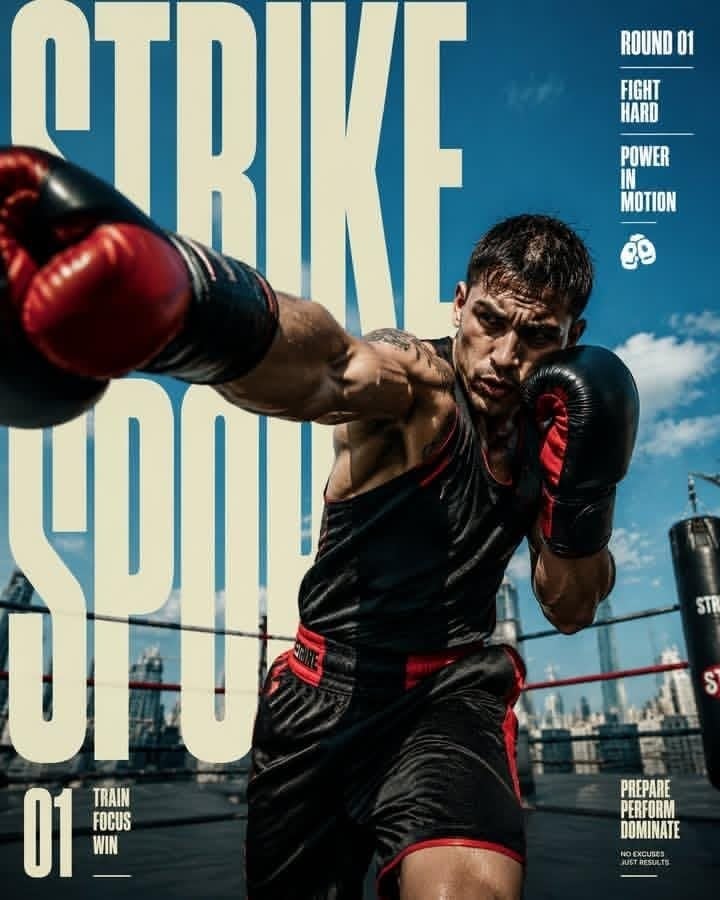
Strike Sport Boxer Editorial Poster
Vintage Family Road Trip Newspaper Poster
ChatGPT Mobile Photo Carousel Screenshot

ChatGPT Bonus Banner Screenshot
Here Be Monsters London Poster
Make it yours
Xiaohongshu Comic Post Screenshot works as-is. These are the safest ways to change it without losing the look.
Change one field
Copy a single group, rewrite it, and generate again so you can see what that field is doing.
Keep the frame, change the subject
Hold the composition and light of Xiaohongshu Comic Post Screenshot, then swap wardrobe, props or the person for a new take.
| If the result… | Why | Fix |
|---|---|---|
| The result drifts from the preview | Too many fields changed at once. | Reuse Xiaohongshu Comic Post Screenshot as-is first, then change one group — subject, light, or setting. |
| The model over-stylizes the scene | The prose prompt leaves finish and camera underspecified. | Add one camera or lighting sentence and stay on GPT Image 2. |
More GPT Image 2 templates
Other prompts made for GPT Image 2.

Six VTuber Japanese Logo Sheet

Realistic Portrait of Woman and Deer

The Vista Modular Condo Poster

AI Model Routing Comparison Infographic

2.5D Anime Art Board

Isometric Productivity Desk Scene

New York Double Exposure Poster

Four-Panel AI Landscape Comparison

Japanese Tatami Lifestyle Magazine Cover

NESCAFÉ Coffee Map Poster
More image prompts
Fresh picks from across the catalog.
Fitness Magazine Page Motion Sheet
Selfie to Professional Headshot Prompt
European City Travel Illustration
Night Empress Digital Collage
Authentic Japanese Kimono Selfie Portrait

8K Cinematic Winter Adventure Photo on a Vintage Train
Candid Hookah Lounge Lifestyle Photo
Mysterious Portrait with Butterflies
8 LINE stickers from a person image
Minimalist Children's Book Illustration
Browse template categories
Xiaohongshu Comic Post Screenshot questions
How do I use the Xiaohongshu Comic Post Screenshot template?
Add your photo if the template asks for one, edit the prompt if you like — the template's model and format are already selected — and press Generate. Your version opens in PicX Studio.
Can I customize the Xiaohongshu Comic Post Screenshot template?
Yes. You can change the subject, setting, lighting, mood, format, and available model controls before creating your image.
Is the Xiaohongshu Comic Post Screenshot template free?
Opening and editing this template is free. Generating uses credits, shown on the Generate button when you are signed in.
Which AI model should I use?
Start with GPT Image 2, which is the model associated with this template. You can compare another compatible model for a different finish.
Looking for something else? Browse all templates.

Your photo, any look
Thousands of ready templates for every top image and video model, from one credit balance.