
Japanese UV Protection Manga Comic
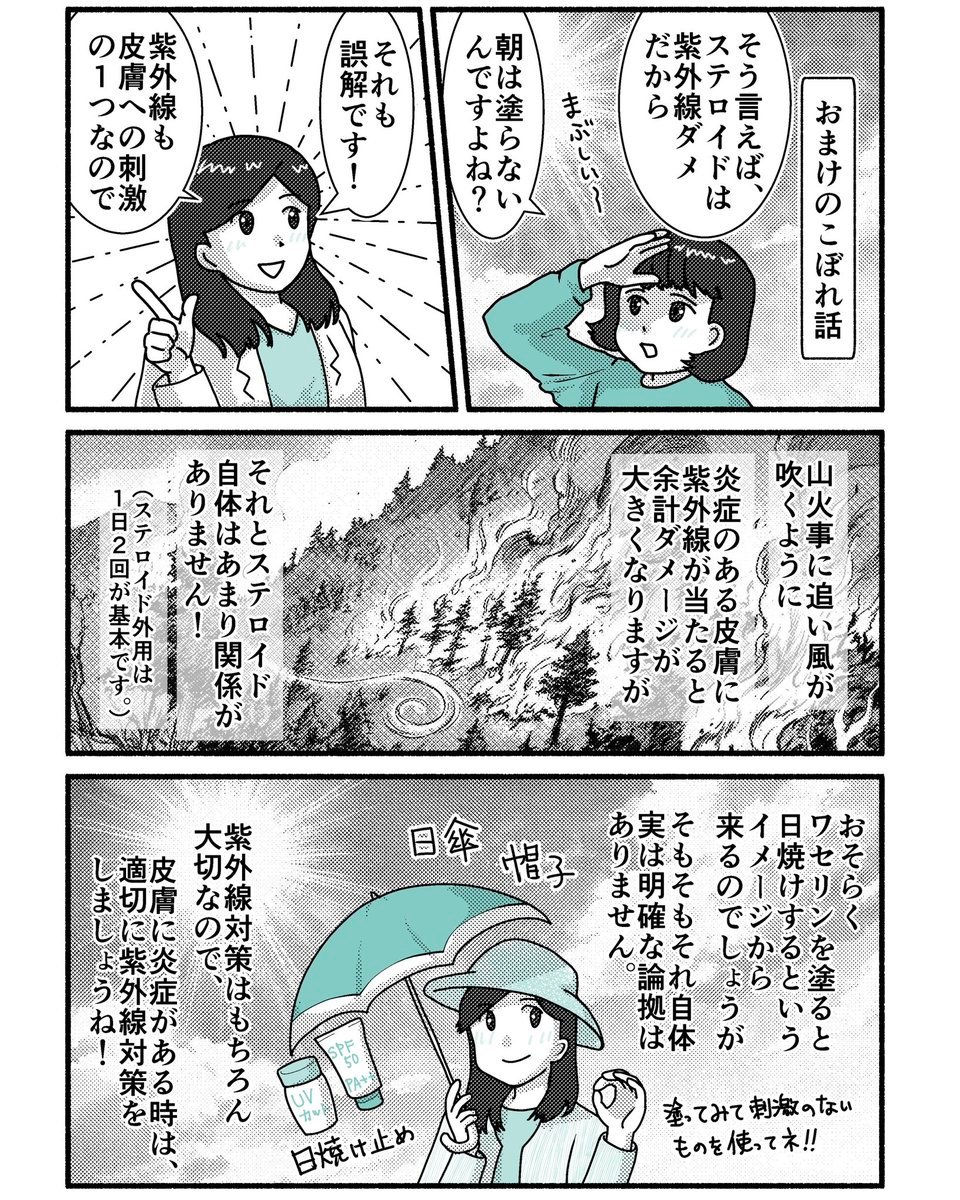
A four-panel educational Japanese manga page explaining steroid use, ultraviolet irritation, and practical sun protection with teal accent colors.
- Prompt included
- Model and format preset
- Free template
The prompt behind this image
Copy the exact prompt behind Japanese UV Protection Manga Comic, or open it in the studio and make it yours.
Goal: Create a black-and-white Japanese manga explainer comic about ultraviolet rays, steroids, and sun protection, with selective teal coloring. Use clean, friendly educational manga art, thick black panel borders, screentone shading, hand-drawn linework, vertical Japanese typography, and a slightly retro printed-comic texture. Canvas: Portrait 4:5 page, white background, four-panel manga layout. Use exactly 4 panels: two equal panels across the top row, one wide horizontal panel in the middle, and one wide horizontal panel at the bottom. Keep generous black gutters and slightly imperfect inked borders. Layout and panels: Panel 1, top left: a smiling young female doctor or explainer with shoulder-length black hair, wearing a white coat over a teal shirt, points upward with one finger. Radiating emphasis lines burst behind her. Add two vertical speech balloons containing the Japanese explanation text from {argument name="comic dialogue text" default="それも誤解です! / 紫外線も皮膚への刺激の1つなので"}. Panel 2, top right: a young girl with a short black bob and teal sweatshirt touches her forehead as if puzzled, with a small annoyed sound effect and a vertical title placard on the right. Include the Japanese text from {argument name="top right panel text" default="おまけのこぼれ話 / そう言えばステロイドは紫外線ダメだから / 朝は塗らないんですよね? / まぶしい〜"}. Panel 3, middle wide panel: a dramatic monochrome forest wildfire scene on a mountainside, with smoke and flames blowing in the wind, dense pine trees, a winding road, and a small spiral wind mark. Overlay vertical rectangular narration boxes. Include the Japanese text from {argument name="middle narration text" default="山火事に追い風が吹くように / 炎症のある皮膚に紫外線が当たると余計ダメージが大きくなりますが / それとステロイド自体はあまり関係がありません! / (ステロイド外用は1日2回が基本です。)"}. Panel 4, bottom wide panel: the young girl now smiles calmly while protected from the sun, holding a teal parasol and wearing a wide-brim hat. Around her, show exactly 4 labeled sun-protection items/details: 1 teal umbrella, 1 wide-brim hat, 1 sunscreen tube labeled SPF 50 PA++, and 1 UV-cut bottle labeled UV cut. Add small handwritten sound-effect labels near the hat and umbrella, plus a note near the bottom right. Include the Japanese text from {argument name="bottom panel text" default="おそらくワセリンを塗ると日焼けするというイメージから来るのでしょうが / そもそもそれ自体実は明確な論拠はありません。 / 紫外線対策はもちろん大切なので、皮膚に炎症がある時は、適切に紫外線対策をしましょうね! / 塗ってみて刺激のないものを使ってネ!!"}. Character details: Use one recurring young girl character with black bob hair and rounded eyes, plus one young female doctor/explainer with shoulder-length black hair. Keep faces simple, cute, and expressive, with minimal noses and manga dot eyes. Use teal only for clothing and sun-protection accessories; everything else should be black, white, and screentone gray. Visual style: Educational Japanese web manga, crisp ink, halftone gradients, vertical speech balloons, high-contrast black borders, mild paper grain, and professional comic composition. No full-color rendering, no photorealism, no watermark, no extra panels, and no extra characters.
How to use Japanese UV Protection Manga Comic in 3 steps
- 1Upload ImagePNG, JPG or paste
Add your photo
Upload the photo the template builds on. The prompt, model and format are already set.
- 2…a portrait of your subject in softgolden-hour light, 85mm…
Personalize
Edit the subject and creative details for your destination.
- 3Generate
Generate
Press Generate — your image is created in PicX Studio, so you can compare it with the original and refine one variable at a time.
More like this
Templates with the same subject, style or setup. Open one to see its prompt.
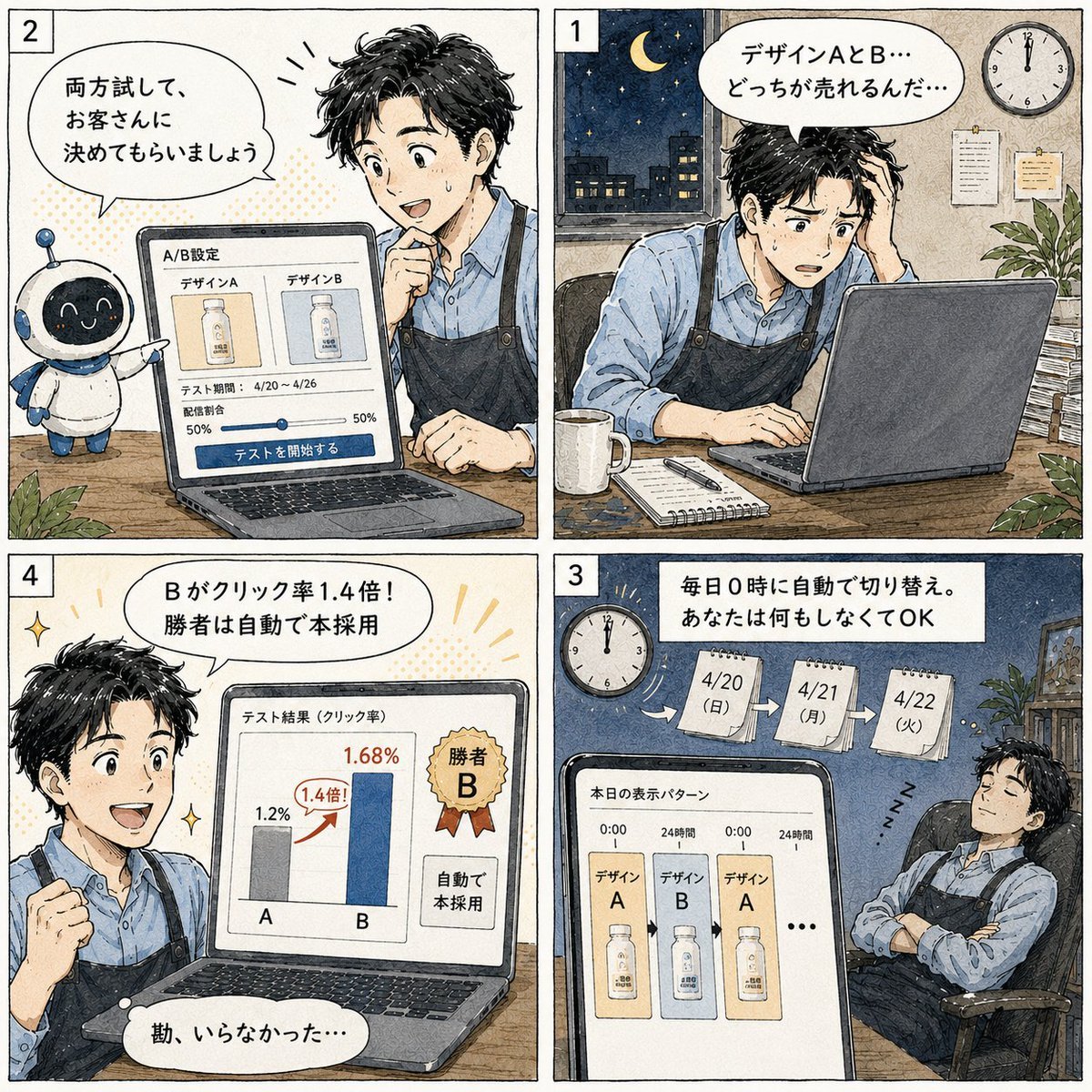
Japanese Manga A/B Testing Comic

Minecraft Japanese Research Lab Exploration

Cute AI Manga Lesson Comic Page

Japanese Architectural Concrete Studio Fashion Campaign

Japanese Minimalist Concrete Studio Fashion Editorial

Blue Backdrop Luxury Fashion Portrait Campaign

Pop Art Superhero Explosion Poster

Hero Portrait Comic Multi-Panel Poster

Spider-Man Noir Detective Rain Alley
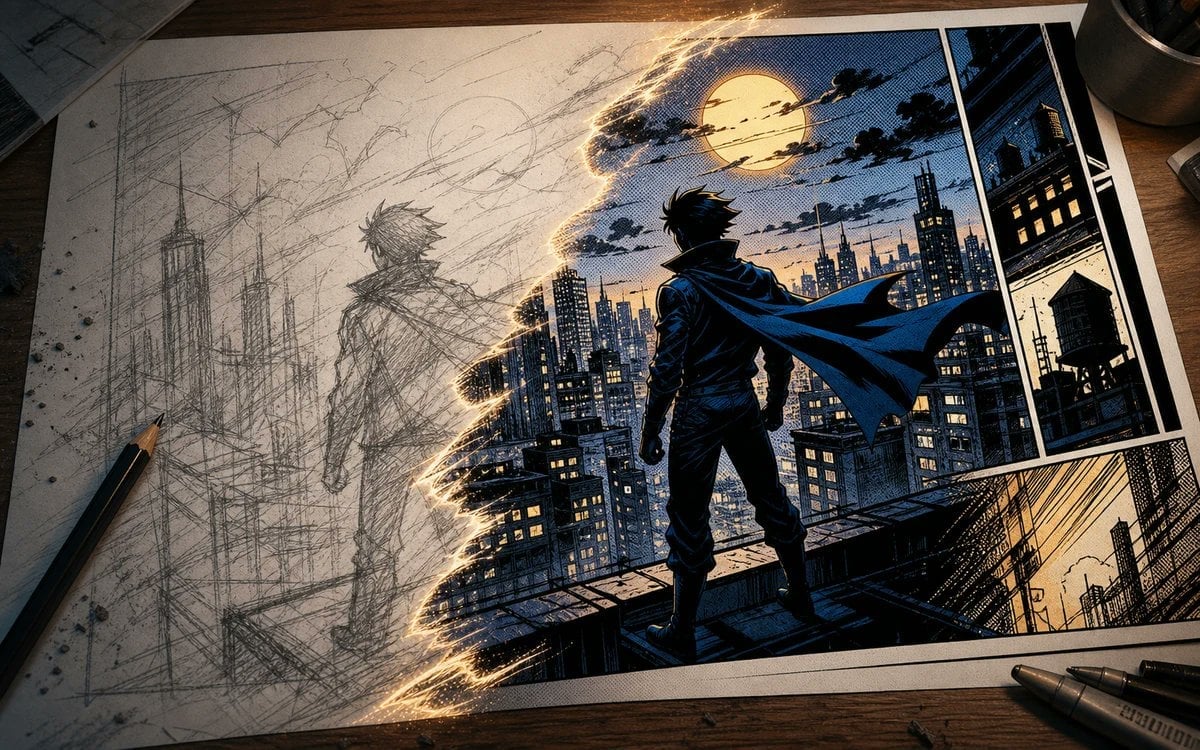
Sketch to Manga Comic Transformation
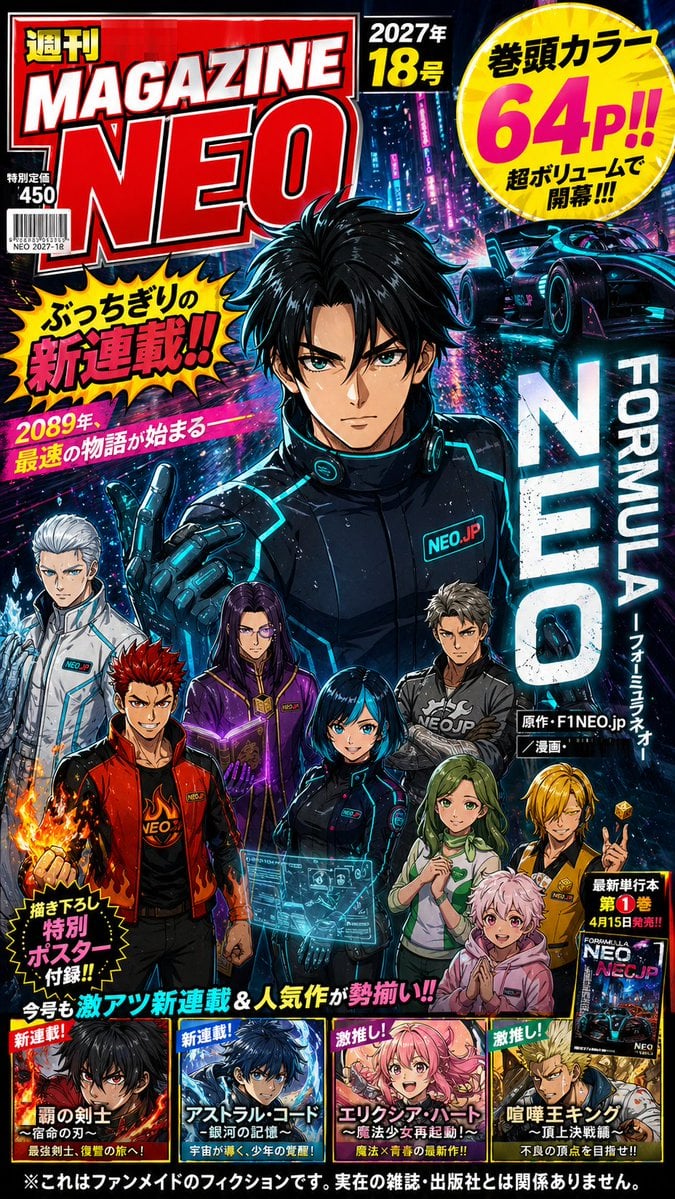
Cyberpunk Japanese Manga Cover
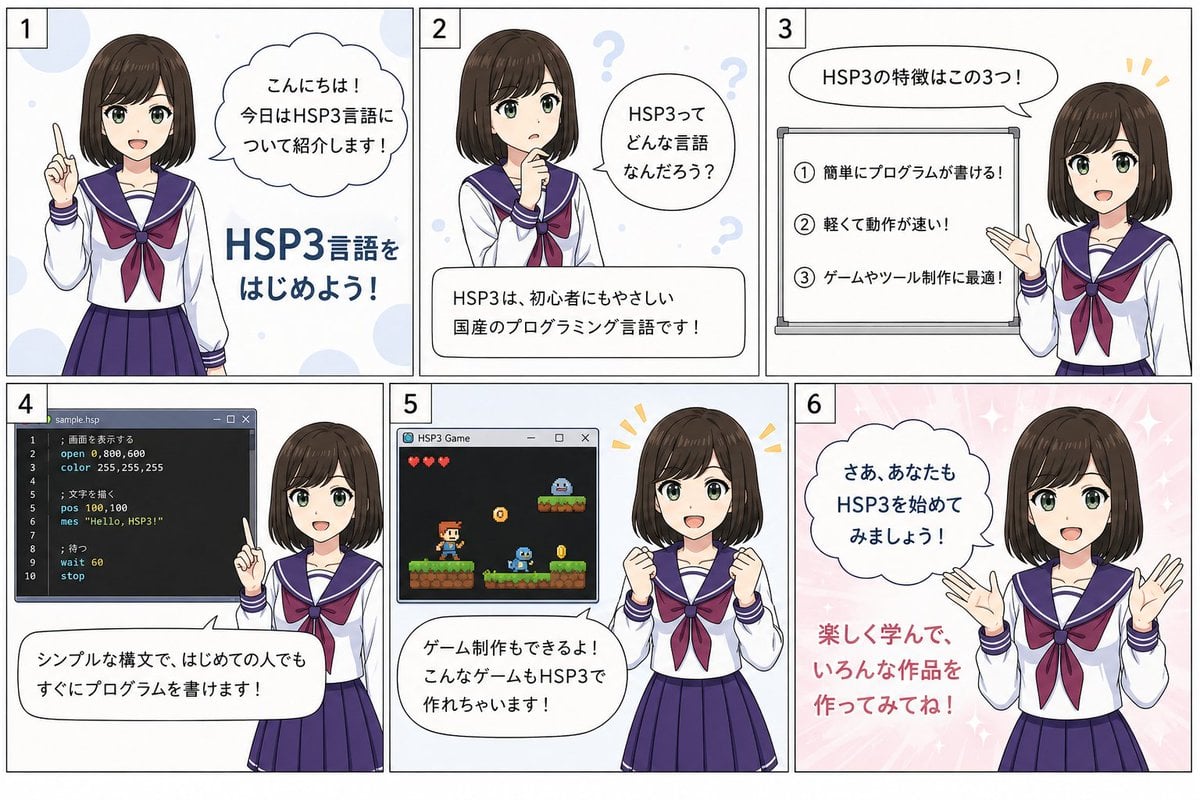
HSP3 Manga Introduction Comic
Make it yours
Japanese UV Protection Manga Comic works as-is. These are the safest ways to change it without losing the look.
Change one field
Copy a single group, rewrite it, and generate again so you can see what that field is doing.
Keep the frame, change the subject
Hold the composition and light of Japanese UV Protection Manga Comic, then swap wardrobe, props or the person for a new take.
| If the result… | Why | Fix |
|---|---|---|
| The result drifts from the preview | Too many fields changed at once. | Reuse Japanese UV Protection Manga Comic as-is first, then change one group — subject, light, or setting. |
| The model over-stylizes the scene | The prose prompt leaves finish and camera underspecified. | Add one camera or lighting sentence and stay on GPT Image 2. |
More GPT Image 2 templates
Other prompts made for GPT Image 2.

Realistic Portrait of Woman and Deer

The Vista Modular Condo Poster

AI Model Routing Comparison Infographic

2.5D Anime Art Board

Isometric Productivity Desk Scene

New York Double Exposure Poster

Four-Panel AI Landscape Comparison

NESCAFÉ Coffee Map Poster

Brutalist Cogito Chinese Typography Poster

Cinematic Luxury Terrace Portrait
More image prompts
Fresh picks from across the catalog.
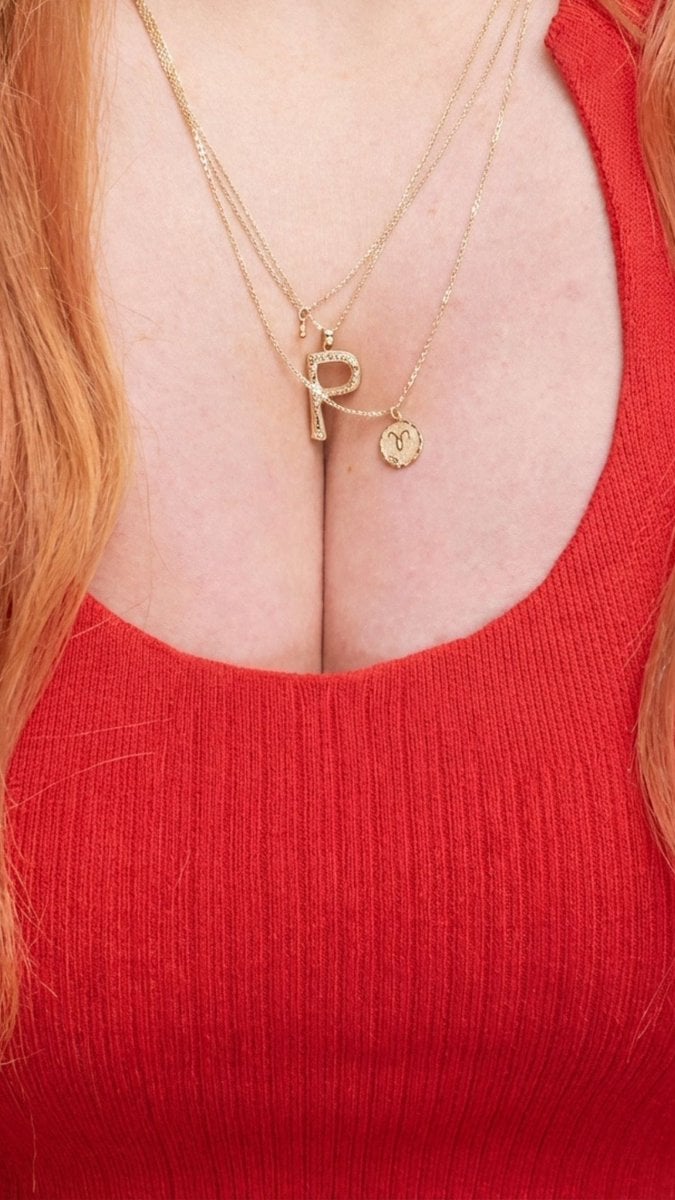
Jewelry Product Photography of Layered Gold Necklace
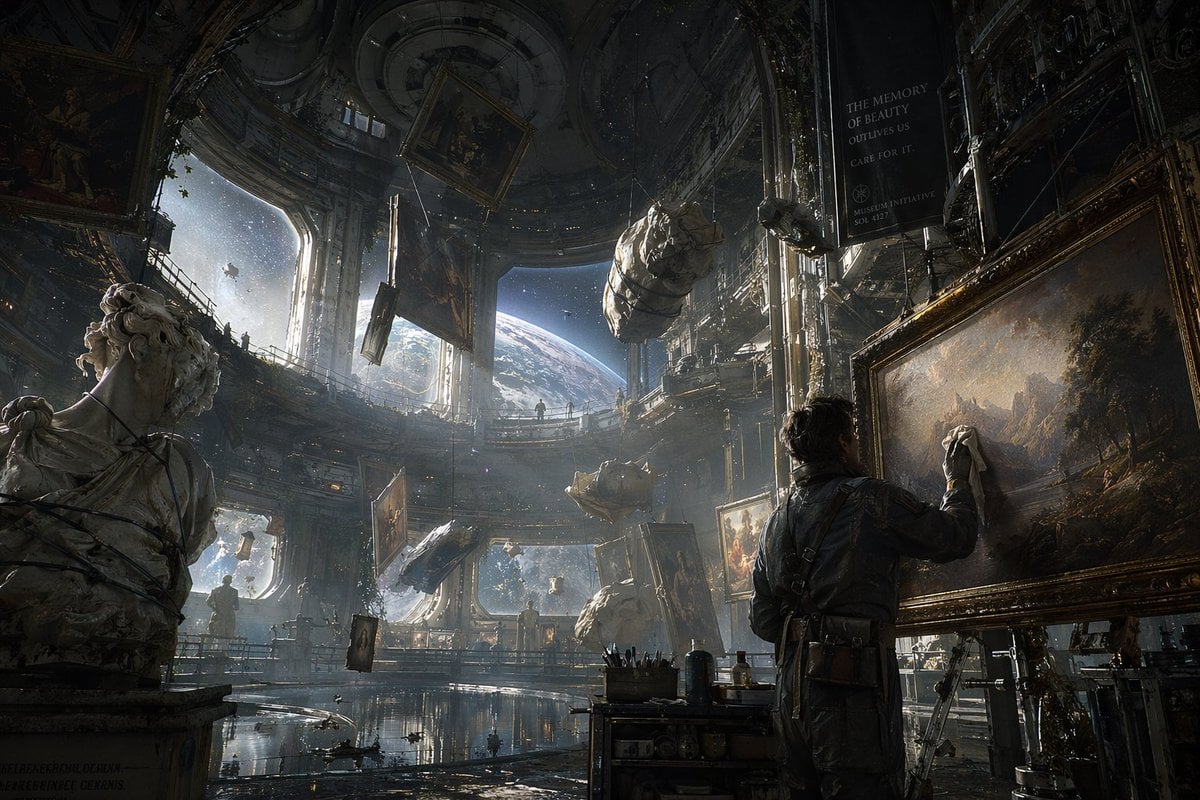
Sci-Fi Orbital Art Museum

Japanese Company Setup Landing Page
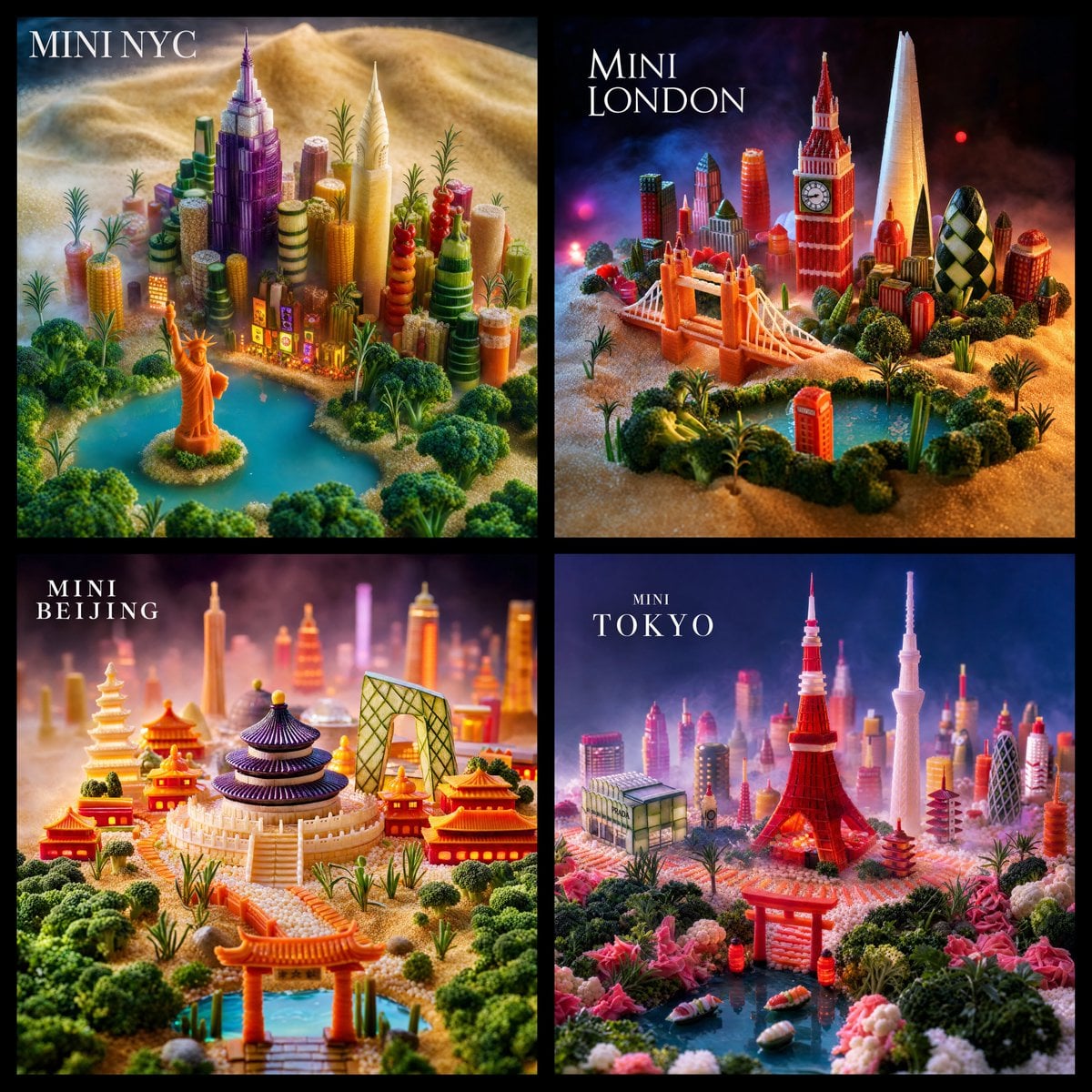
Mini World Foodscape Grid
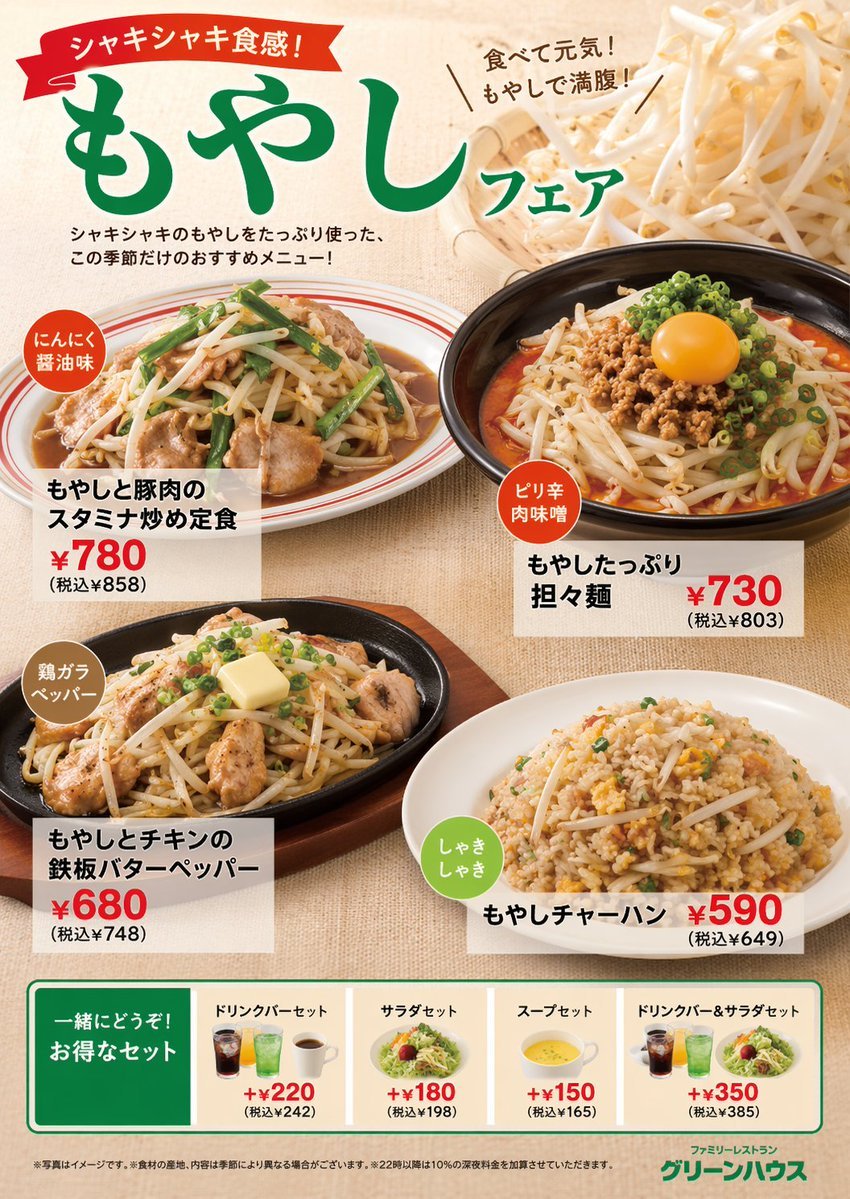
Japanese Restaurant Promotional Menu Poster
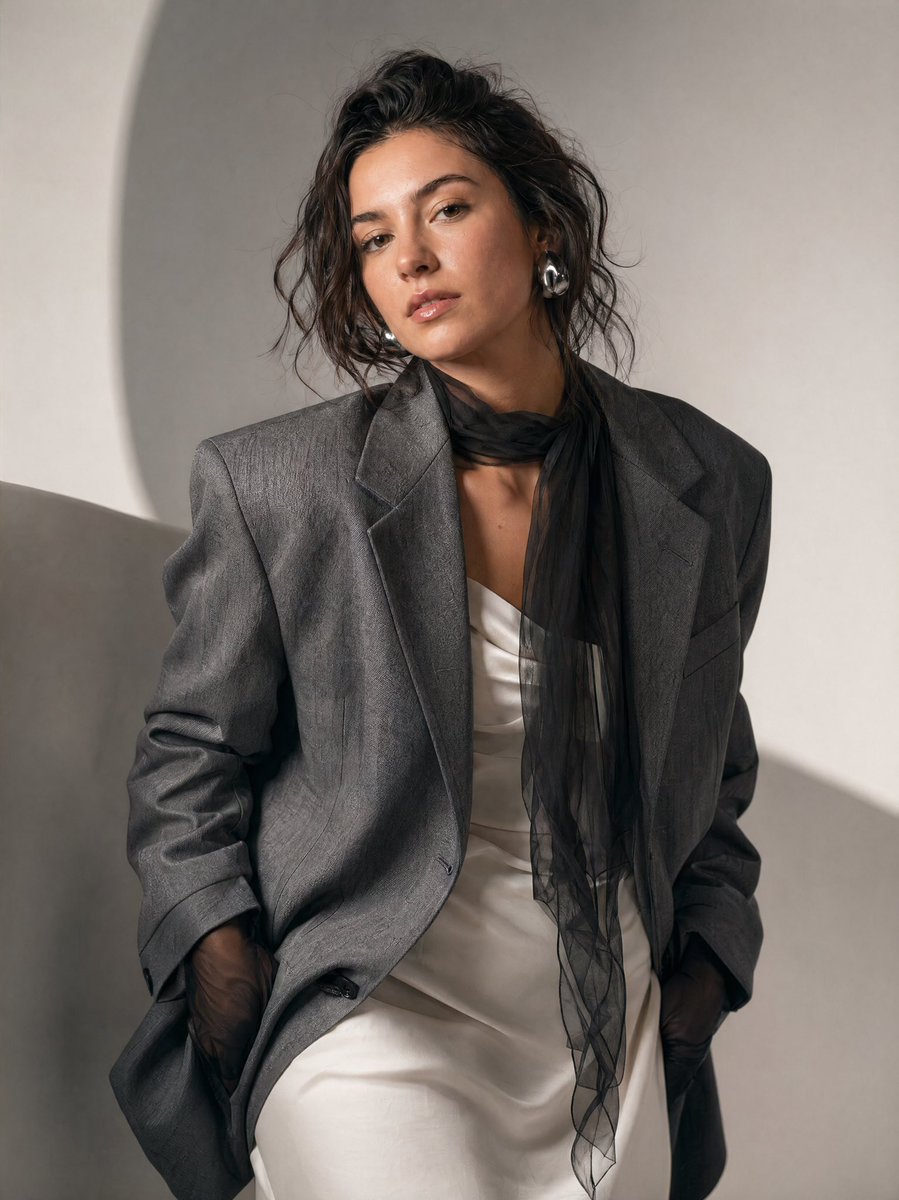
High-Fashion Editorial Portrait Prompt
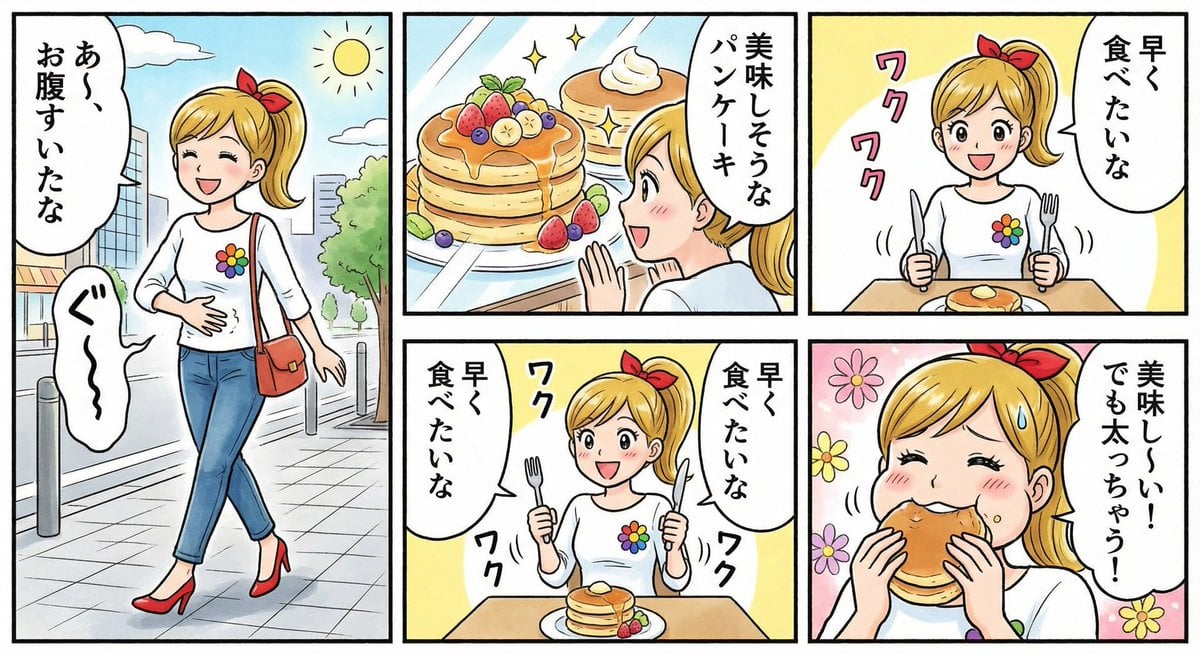
Four-panel manga about a hungry woman and pancakes

Cinematic Black and White Biker Portrait
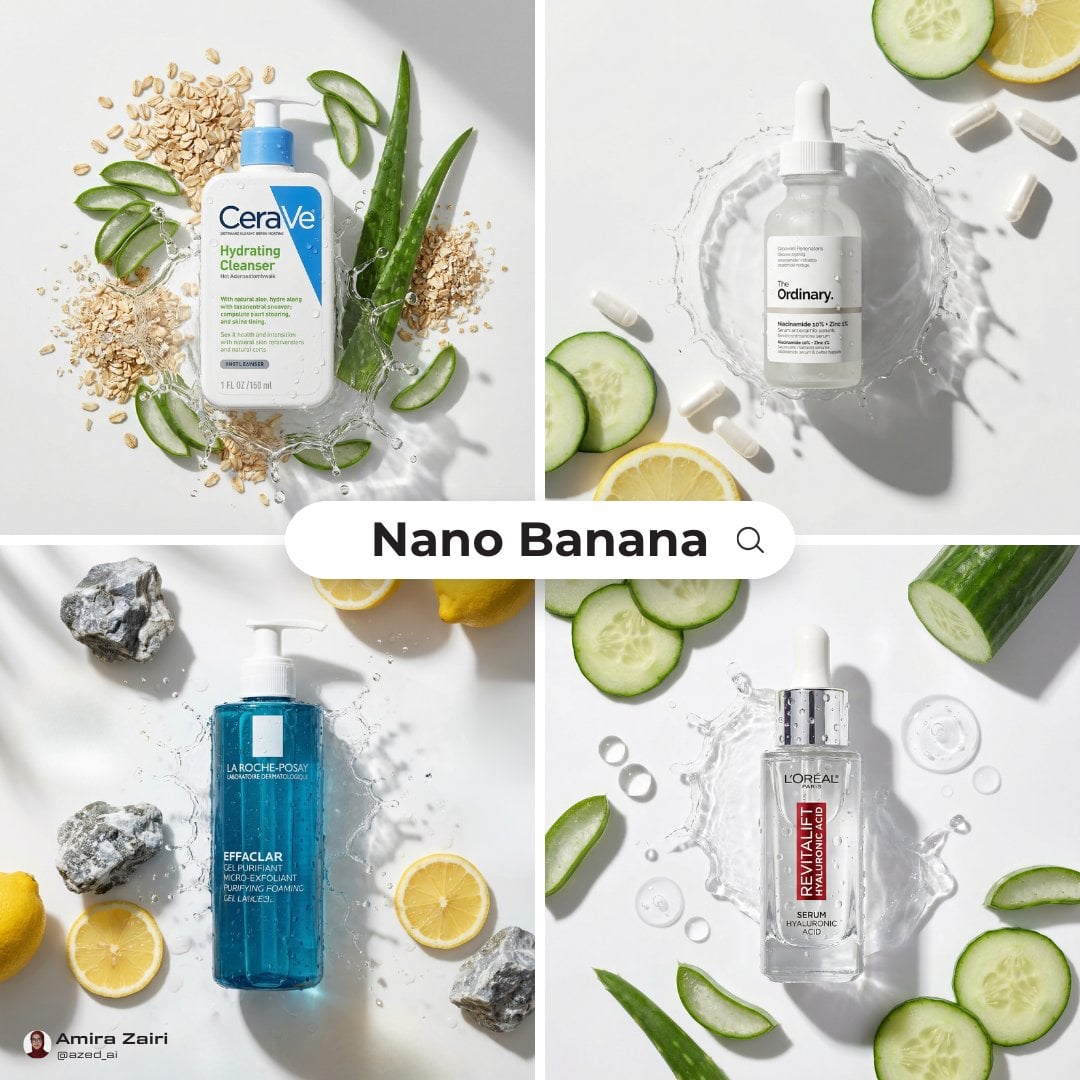
High-End Skincare Product Macro Photography Ad
Backlit Indoor Window Portrait
Browse template categories
Japanese UV Protection Manga Comic questions
How do I use the Japanese UV Protection Manga Comic template?
Add your photo if the template asks for one, edit the prompt if you like — the template's model and format are already selected — and press Generate. Your version opens in PicX Studio.
Can I customize the Japanese UV Protection Manga Comic template?
Yes. You can change the subject, setting, lighting, mood, format, and available model controls before creating your image.
Is the Japanese UV Protection Manga Comic template free?
Opening and editing this template is free. Generating uses credits, shown on the Generate button when you are signed in.
Which AI model should I use?
Start with GPT Image 2, which is the model associated with this template. You can compare another compatible model for a different finish.
Looking for something else? Browse all templates.

Your photo, any look
Thousands of ready templates for every top image and video model, from one credit balance.