
Four-Panel Anime AI Upload Comic
A structured prompt for generating a cute vertical four-panel anime manga comic about a girl celebrating image upload support in an AI playground.
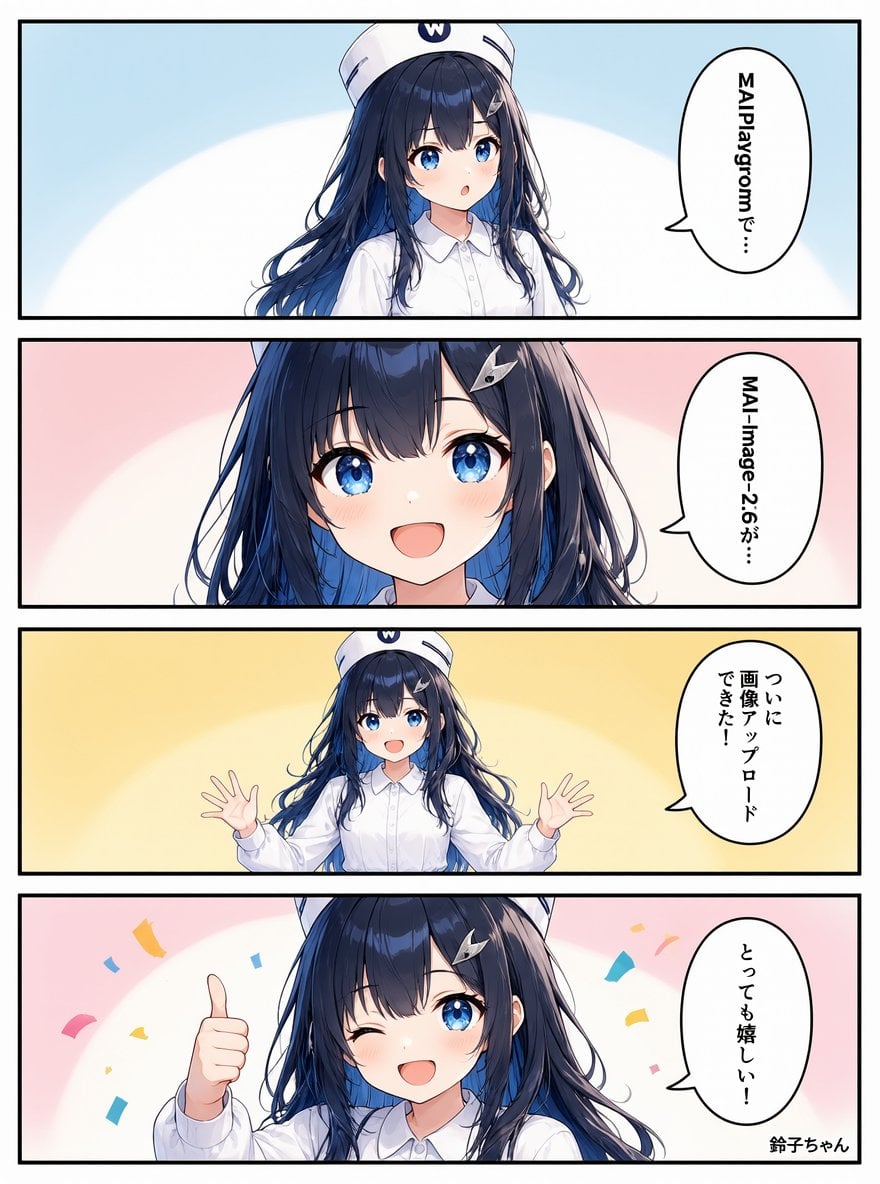
- Prompt included
- Model and format preset
- Free template
The prompt behind this image
Copy the exact prompt behind Four-Panel Anime AI Upload Comic, or open it in the studio and make it yours.
Goal: Create a vertical 4-panel manga comic featuring {argument name="character name" default="Suzuko-chan"}, a cheerful anime girl reacting to successful image upload in an AI playground. Canvas: Portrait manga page, 3:4 aspect ratio, white outer margin, four equal horizontal panels stacked vertically, thick black panel borders and gutters. Clean high-resolution anime illustration with polished line art, soft cel shading, bright eyes, and pastel gradient backgrounds. Character details: One recurring character appears in all 4 panels: a cute teenage anime girl with long flowing navy-blue hair, large sparkling blue eyes, fair skin, soft blush, a silver hair clip on the right side of her bangs, a crisp white button-up shirt, and a white sailor-style cap with a small blue “W” emblem. Keep her design consistent across all panels. Layout and exact panel count: Use exactly 4 horizontal comic panels. Panel 1: Pale blue gradient background with a large soft white oval glow behind the character. Medium shot of the girl centered slightly left, looking surprised with a small open mouth. On the right, place one vertical oval speech bubble with black Japanese text reading {argument name="panel 1 speech" default="MAIPlaygromで…"}. Panel 2: Pale pink gradient background with a white oval glow. Close-up of the girl’s face filling most of the panel, smiling brightly with wide blue eyes and blush. On the right, place one vertical oval speech bubble with black Japanese text reading {argument name="panel 2 speech" default="MAI-Image-2.6が…"}. Panel 3: Warm yellow gradient background with a white oval glow. Waist-up shot of the girl, smiling with both hands raised open in excitement. On the right, place one vertical oval speech bubble with black Japanese text reading {argument name="panel 3 speech" default="ついに画像アップロードできた!"}. Panel 4: Pale pink background with white glow and scattered colorful confetti pieces. Close-up/medium shot of the girl winking with one blue eye open, smiling widely, giving a thumbs-up toward the viewer. On the right, place one vertical oval speech bubble with black Japanese text reading {argument name="panel 4 speech" default="とっても嬉しい!"}. Add a small signature-like caption at the bottom right reading “鈴子ちゃん”. Discrete visible elements to include: exactly 4 panels, exactly 4 speech bubbles, exactly 1 recurring anime girl, exactly 1 thumbs-up pose in the final panel, exactly 1 two-hands-raised pose in the third panel, exactly 1 small bottom-right character-name caption, and colorful confetti only in the final panel. Visual style: Modern Japanese webcomic/anime style, delicate facial features, glossy detailed hair, vivid blue eyes with star-like highlights, soft pastel color palette, clean black outlines, no halftone texture, no gritty effects. Constraints: Keep all text vertical inside oval speech bubbles, preserve the Japanese text as written, avoid adding extra panels, extra characters, extra logos, or additional captions. Make the comic readable and neatly aligned.
How to use Four-Panel Anime AI Upload Comic in 3 steps
- 1Upload ImagePNG, JPG or paste
Add your photo
Upload the photo the template builds on. The prompt, model and format are already set.
- 2…a portrait of your subject in softgolden-hour light, 85mm…
Personalize
Edit the subject and creative details for your destination.
- 3Generate
Generate
Press Generate — your image is created in PicX Studio, so you can compare it with the original and refine one variable at a time.
More like this
Templates with the same subject, style or setup. Open one to see its prompt.

Four-Panel Anime Face Comparison
Cute Four-Panel Cat Jealousy Comic
Four-Panel Anime Book Recommendations
Silksong 4-panel comic from uploaded character

Gpt2 E Commerce Main Image 9 Panel Product Tvc Storyboard

Four-Panel AI Landscape Comparison

Four-Panel AI Landscape Comparison
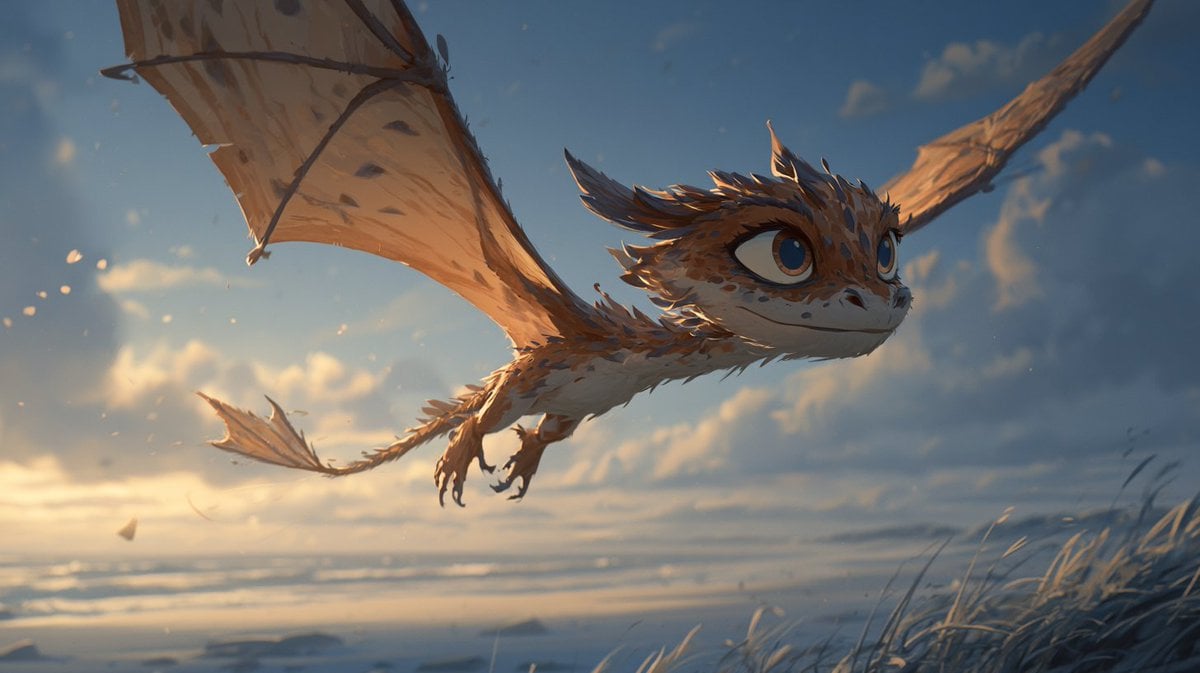
Multi-Panel Comic Illustration
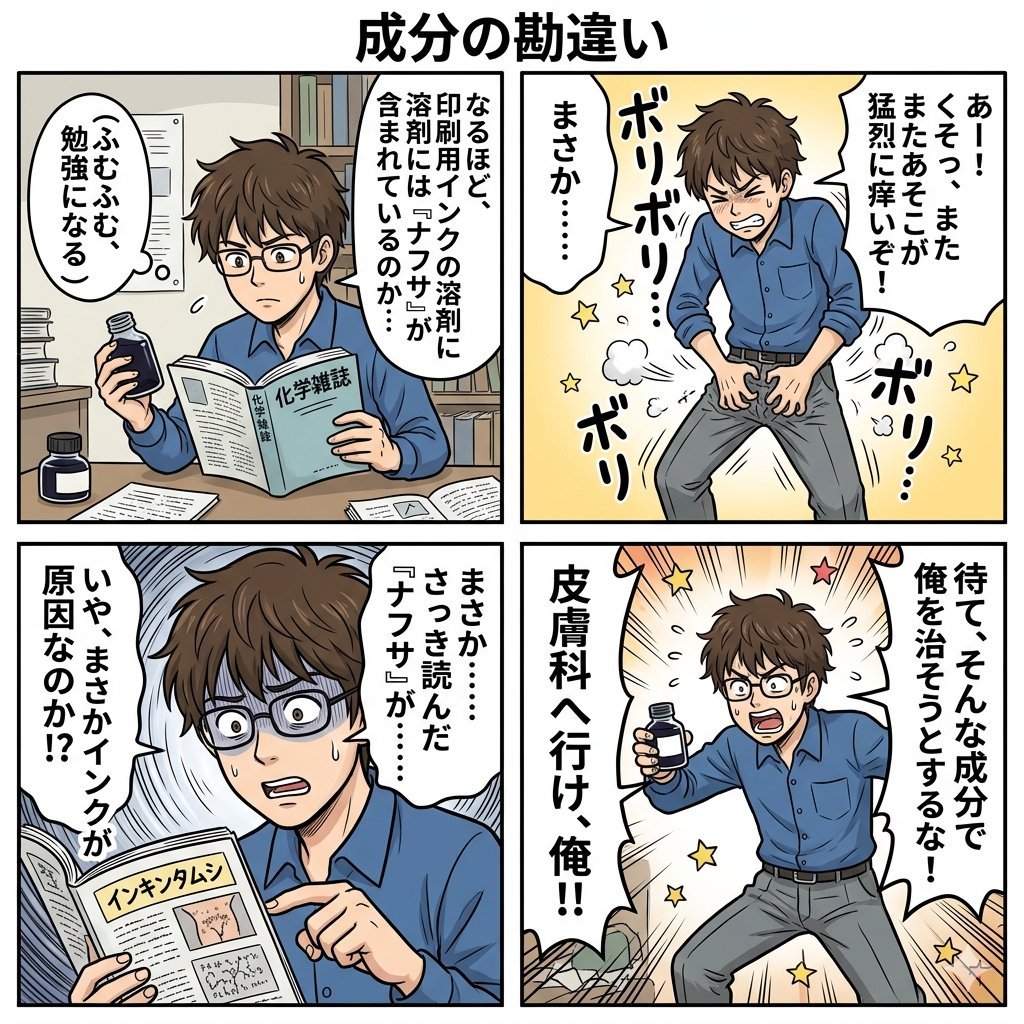
Component Differences Four-Panel Manga
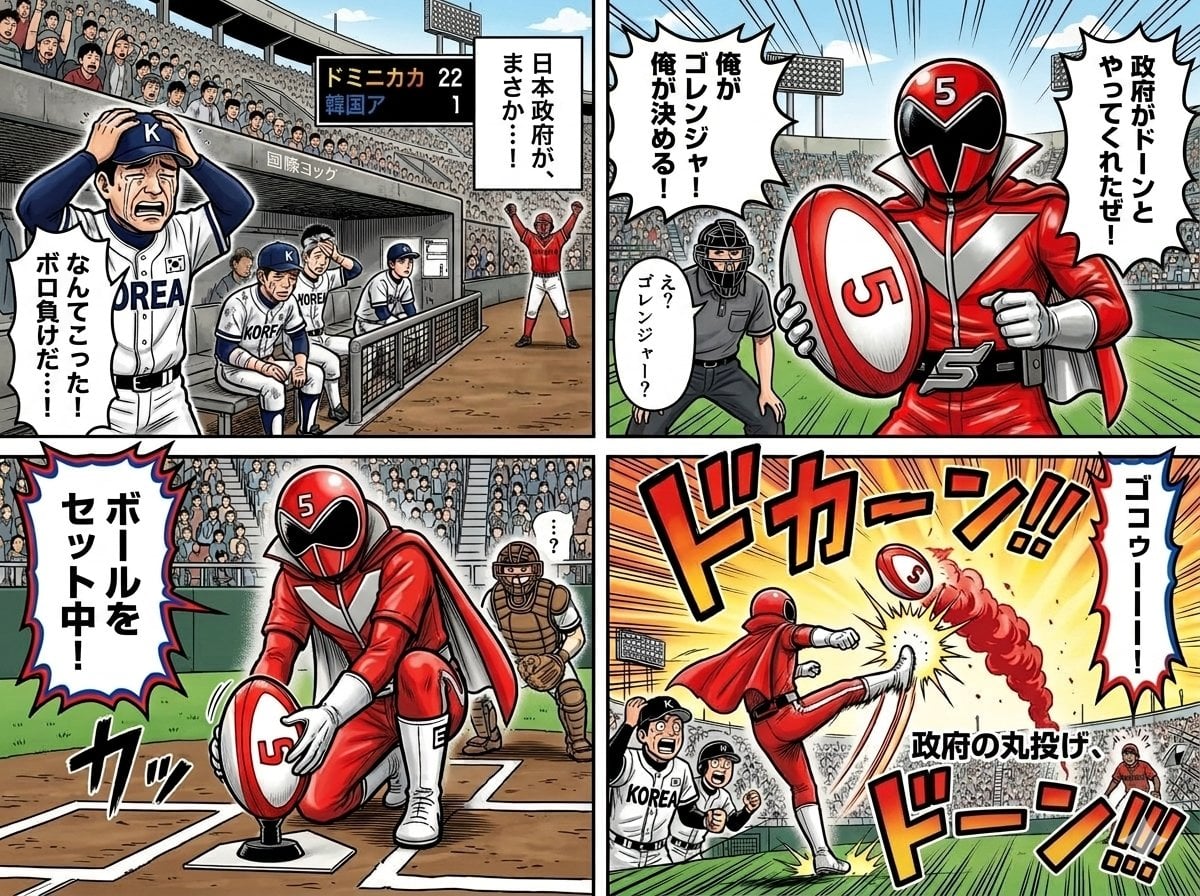
Four-Panel Manga with Sentai and Rugby

Cel 2D Finale Fireworks

Cel 2D Garden Maze
Make it yours
Four-Panel Anime AI Upload Comic works as-is. These are the safest ways to change it without losing the look.
Change one field
Copy a single group, rewrite it, and generate again so you can see what that field is doing.
Keep the frame, change the subject
Hold the composition and light of Four-Panel Anime AI Upload Comic, then swap wardrobe, props or the person for a new take.
| If the result… | Why | Fix |
|---|---|---|
| The result drifts from the preview | Too many fields changed at once. | Reuse Four-Panel Anime AI Upload Comic as-is first, then change one group — subject, light, or setting. |
| The model over-stylizes the scene | The prose prompt leaves finish and camera underspecified. | Add one camera or lighting sentence and stay on GPT Image 2. |
More GPT Image 2 templates
Other prompts made for GPT Image 2.

Six VTuber Japanese Logo Sheet

Realistic Portrait of Woman and Deer

The Vista Modular Condo Poster

AI Model Routing Comparison Infographic

2.5D Anime Art Board

Isometric Productivity Desk Scene

New York Double Exposure Poster

Japanese Tatami Lifestyle Magazine Cover

NESCAFÉ Coffee Map Poster

Brutalist Cogito Chinese Typography Poster
More image prompts
Fresh picks from across the catalog.
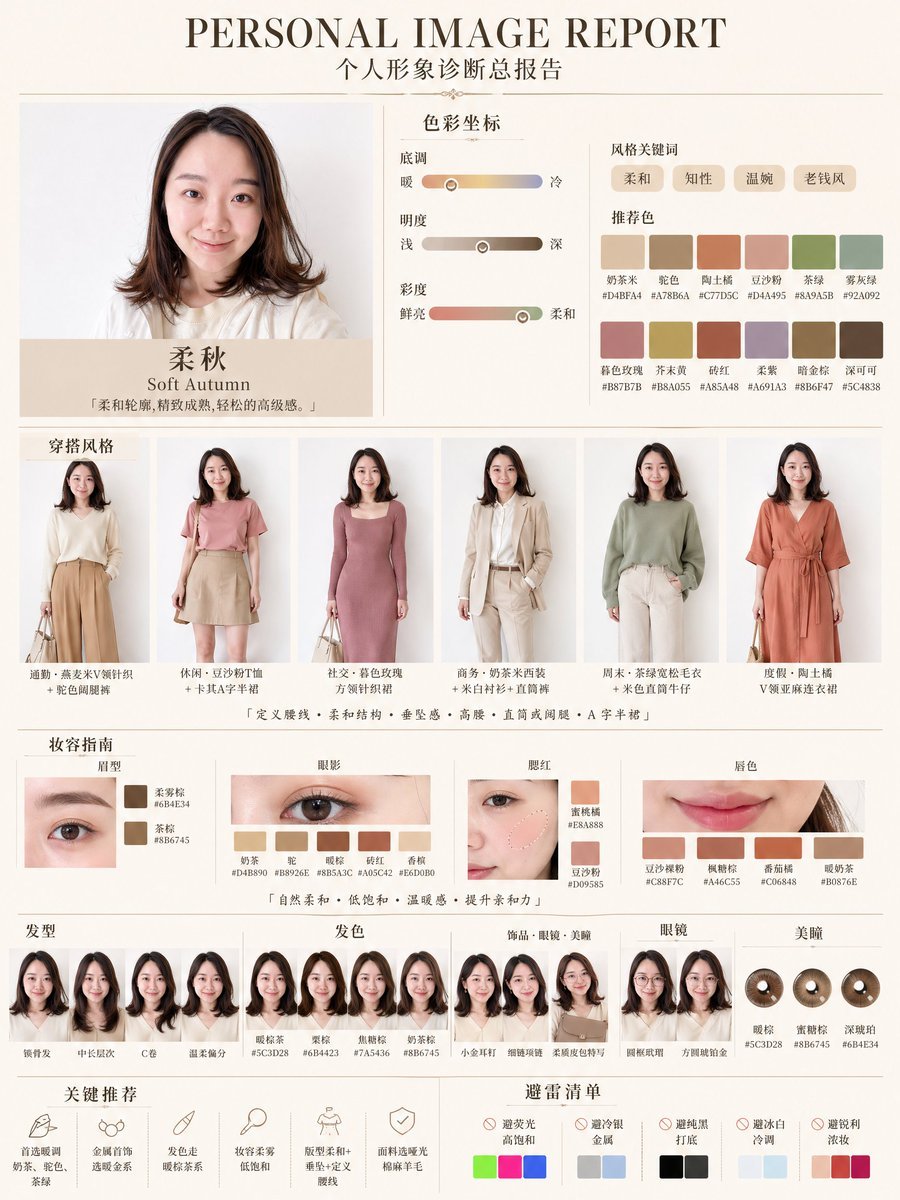
Soft Autumn Personal Image Report
Hyper-Detailed Prone Selfie with Anatomical Realism
Cinematic surreal garden portrait prompt

Earbuds E-commerce Infographic
Underwater Bubble Silhouette Prompt
Midnight K-Fashion Editorial Portrait from Reference Image
Censored Point-Cloud Portrait
Stylish Person in Cargo Pants Against Ethereal Landscape
Dynamic Multi-Angle Portrait Grid Generation

Gpt2 E Commerce Main Image Minimalist Product Ad Pure Crunch
Browse template categories
Four-Panel Anime AI Upload Comic questions
How do I use the Four-Panel Anime AI Upload Comic template?
Add your photo if the template asks for one, edit the prompt if you like — the template's model and format are already selected — and press Generate. Your version opens in PicX Studio.
Can I customize the Four-Panel Anime AI Upload Comic template?
Yes. You can change the subject, setting, lighting, mood, format, and available model controls before creating your image.
Is the Four-Panel Anime AI Upload Comic template free?
Opening and editing this template is free. Generating uses credits, shown on the Generate button when you are signed in.
Which AI model should I use?
Start with GPT Image 2, which is the model associated with this template. You can compare another compatible model for a different finish.
Looking for something else? Browse all templates.

Your photo, any look
Thousands of ready templates for every top image and video model, from one credit balance.