
Monochrome Fashion Editorial Collage
A sophisticated prompt for generating a high-contrast black-and-white editorial collage of a model in a luxury studio setting with a clean, high-fashion aesthetic.
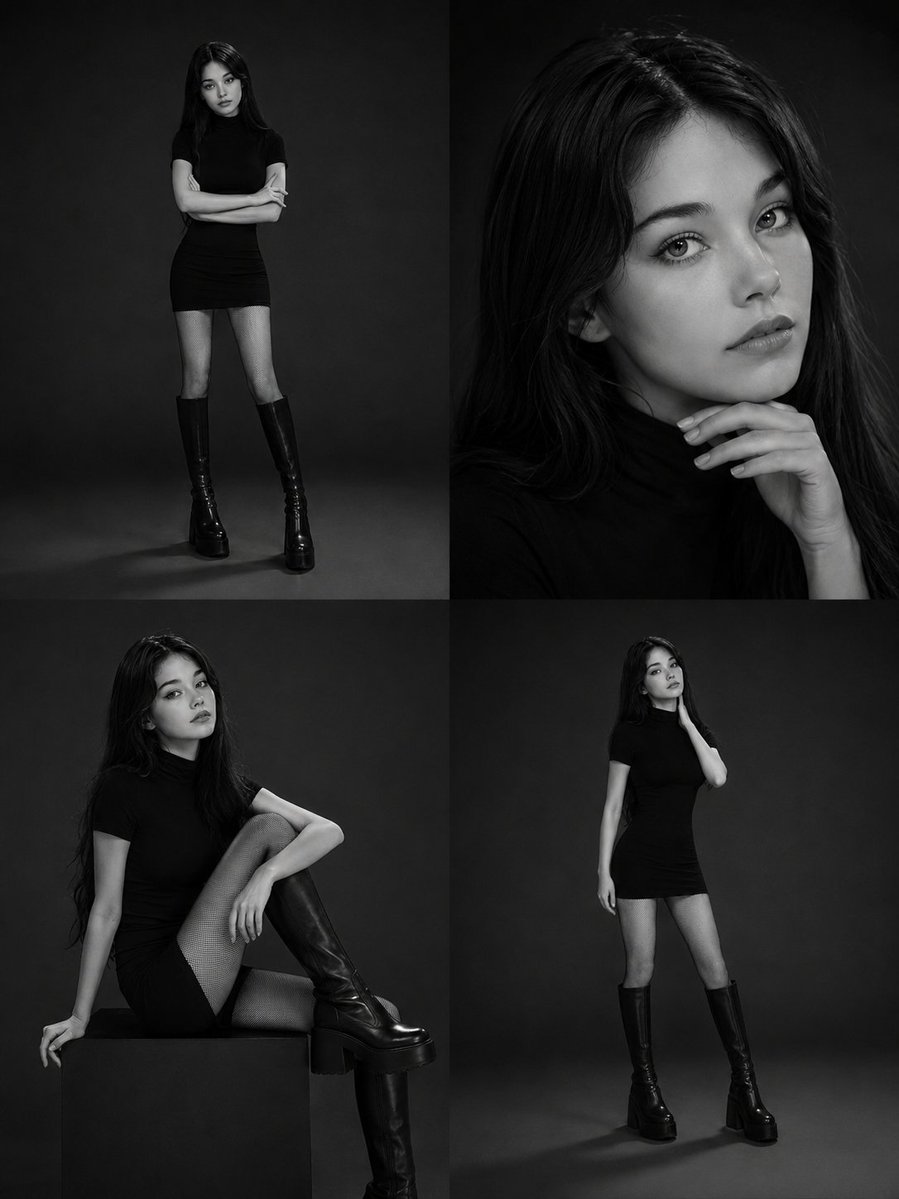
- Prompt included
- Model and format preset
- Premium template
The prompt behind this image
Copy the exact prompt behind Monochrome Fashion Editorial Collage, or open it in the studio and make it yours.
[Reference Image] Using the provided reference image, create an ultra-realistic 2×2 editorial collage featuring the same elegant young woman in a luxury monochrome studio photoshoot. The entire composition should be in high-contrast black and white, with a timeless fashion magazine aesthetic She has {argument name="hair style" default="long, sleek jet-black hair with a precise center part"}, flawless porcelain skin, sharp cat-like eyes, naturally defined brows, subtle eyeliner, and soft matte lips. Her expression is calm, mysterious, and confident, embodying a high-fashion runway model. She is dressed in a {argument name="outfit" default="minimalist fitted black mock-neck mini dress with short sleeves, paired with black fishnet tights and chunky knee-high platform leather boots"}. The styling is clean, sophisticated, and modern with no distracting accessories. Create four distinct frames: 1. Top Left: Full-body standing portrait with arms crossed, facing the camera against a seamless black studio backdrop. 2. Top Right: Tight beauty close-up with one hand gently resting beneath the chin, intense editorial gaze, soft facial lighting. 3. Bottom Left: Seated pose on a low black cube, one knee raised, showcasing the boots and fishnet tights in a graceful fashion-editorial composition. 4. Bottom Right: Full-body standing portrait with one hand lightly touching the neck, elongated posture, minimalist runway-inspired pose. The background should be a seamless dark studio with soft gradient lighting and subtle shadows. Use diffused softboxes to sculpt the face and body while maintaining dramatic contrast. Emphasize photorealistic skin texture, detailed hair strands, elegant fabric folds, and premium editorial quality. Style: {argument name="aesthetic" default="luxury fashion campaign, monochrome photography, Vogue Korea editorial, Saint Laurent aesthetic"}, minimalist studio portrait, Korean model, high-fashion magazine cover, fine art photography, cinematic lighting, photorealistic, DSLR medium-format quality, 85mm lens, shallow depth of field, masterpiece, best quality, ultra realistic, 8K. Negative Prompt low quality, blurry, bad anatomy, extra fingers, extra limbs, duplicate body parts, distorted face, asymmetrical eyes, cartoon, anime, CGI, plastic skin, watermark, logo, text, oversaturated lighting, poorly drawn hands, unrealistic proportions, noise, artifacts, low resolution. Style Keywords black and white editorial, luxury fashion studio, monochrome portrait, Korean model aesthetic, minimalist couture, Vogue-inspired, Saint Laurent campaign, fine art photography, dramatic soft lighting, high-end beauty portrait, photorealistic, ultra detailed, 8K.
How to use Monochrome Fashion Editorial Collage in 3 steps
- 1Upload ImagePNG, JPG or paste
Add your photo
Upload the photo the template builds on. The prompt, model and format are already set.
- 2…a portrait of your subject in softgolden-hour light, 85mm…
Personalize
Edit the subject and creative details for your destination.
- 3Generate
Generate
Press Generate — your image is created in PicX Studio, so you can compare it with the original and refine one variable at a time.
More like this
Templates with the same subject, style or setup. Open one to see its prompt.
untitled
Google Gemini Nano Banana Pro
Conceptual Fashion Portrait in Spider We
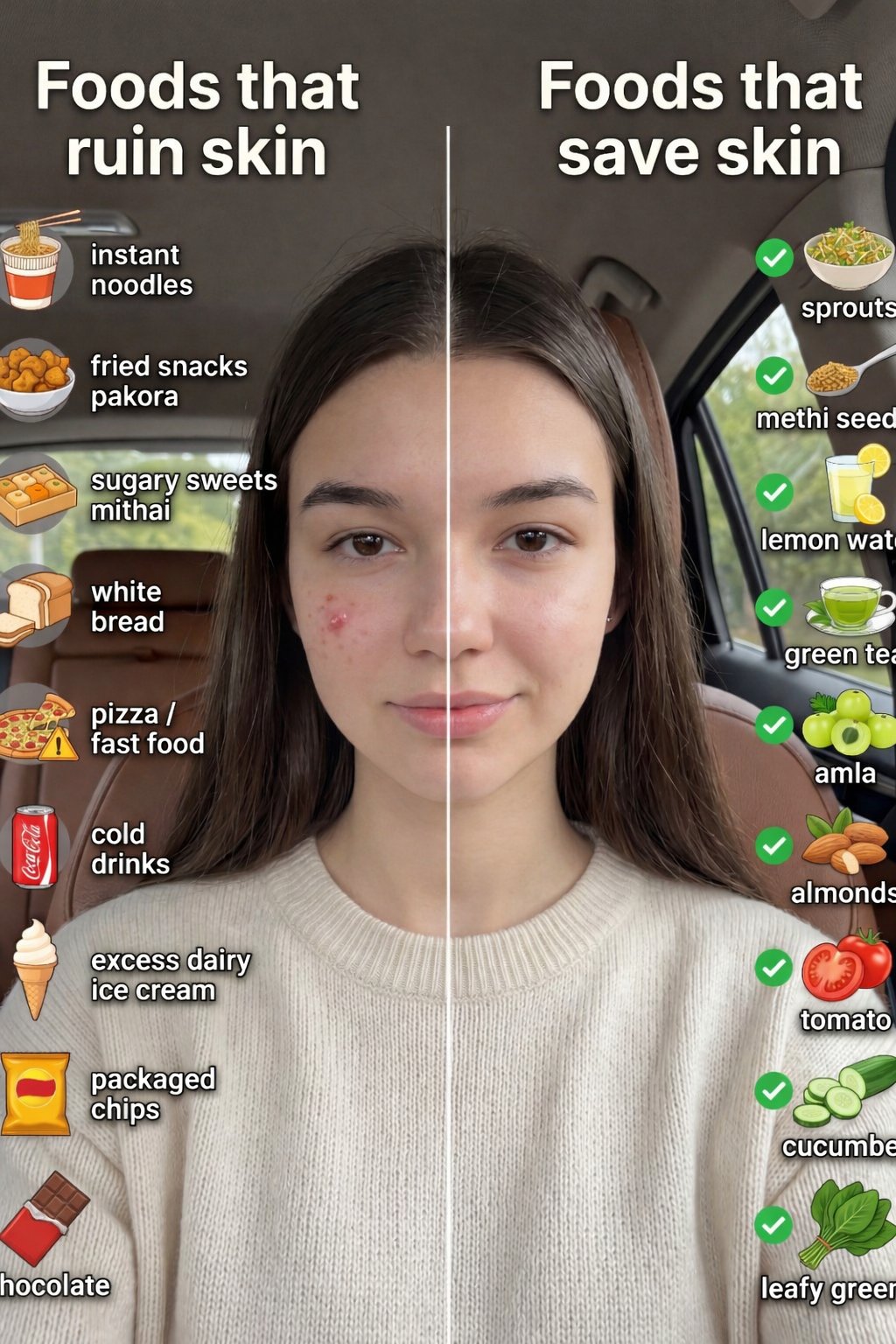
01 Skincare Split Portrait — Nano Banana 2
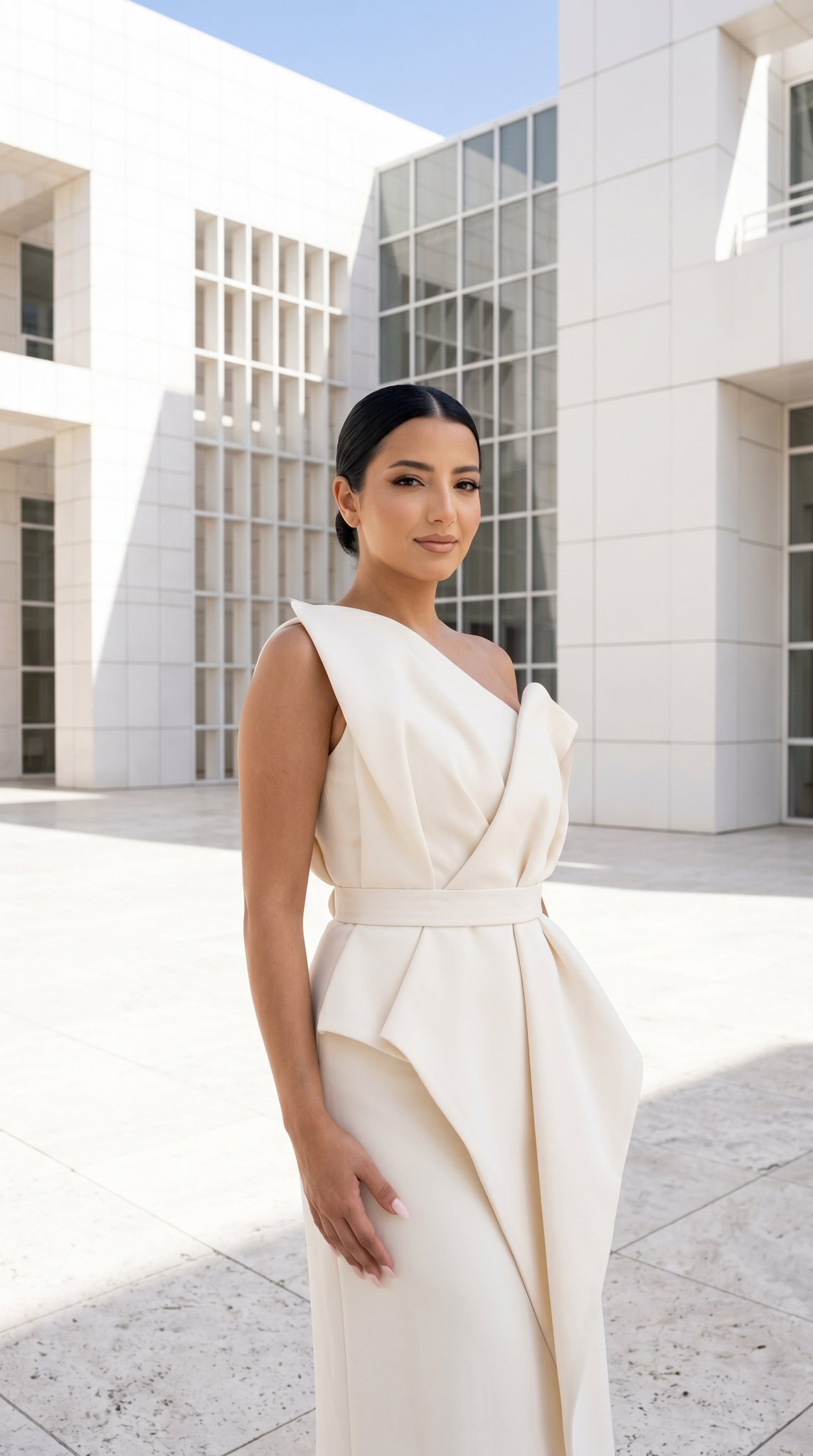
24 The Getty Center — California Series
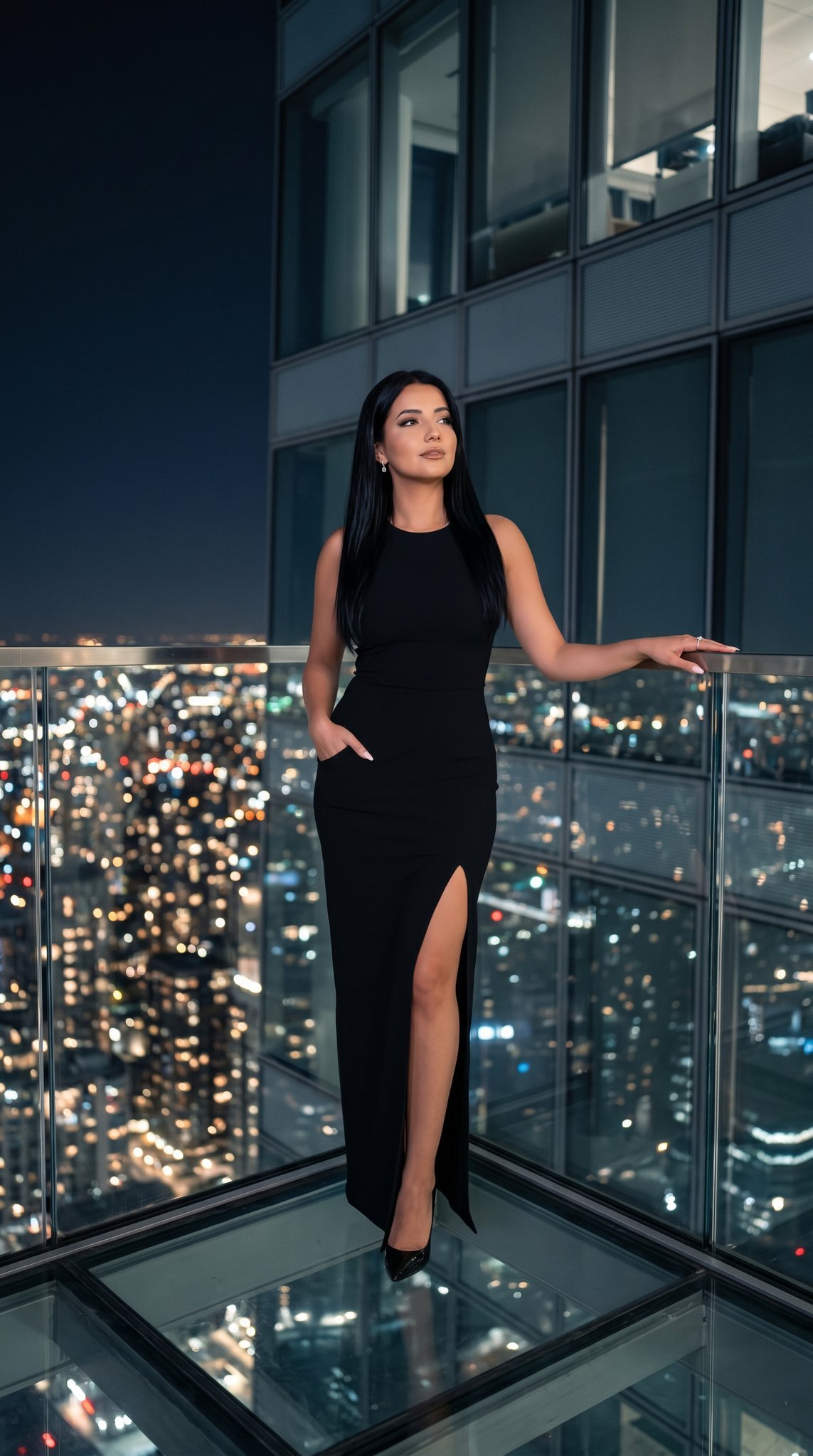
21 Glass Floor Skyscraper — California Series

19 Luxury Helicopter Travel — California Series

08 Rodeo Drive Luxury Exit — California Series
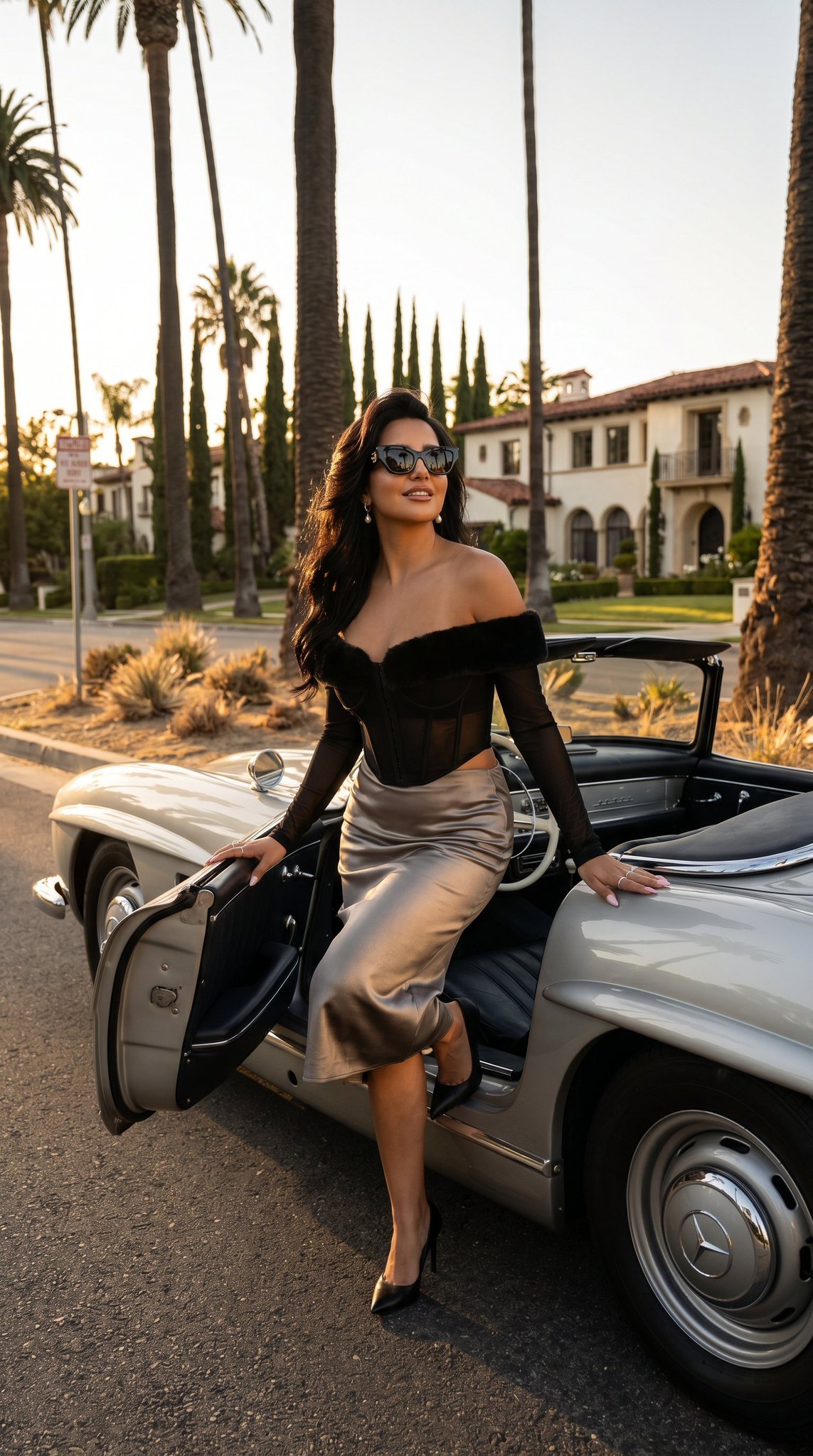
03 Beverly Hills Convertible — California Series
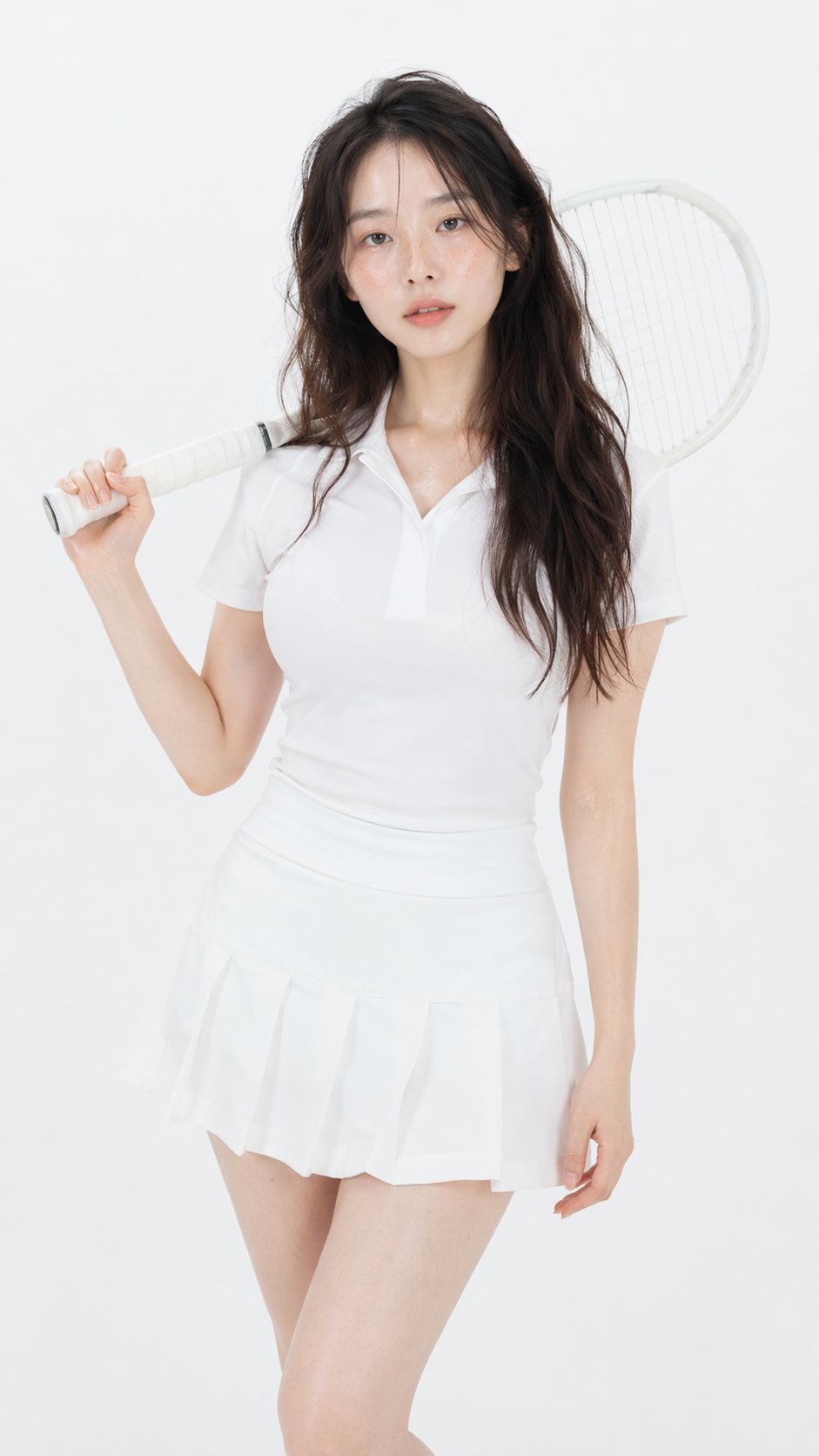
Gpt Image 2 Fashion Portrait

Caution Tape Fashion — Industrial Editorial
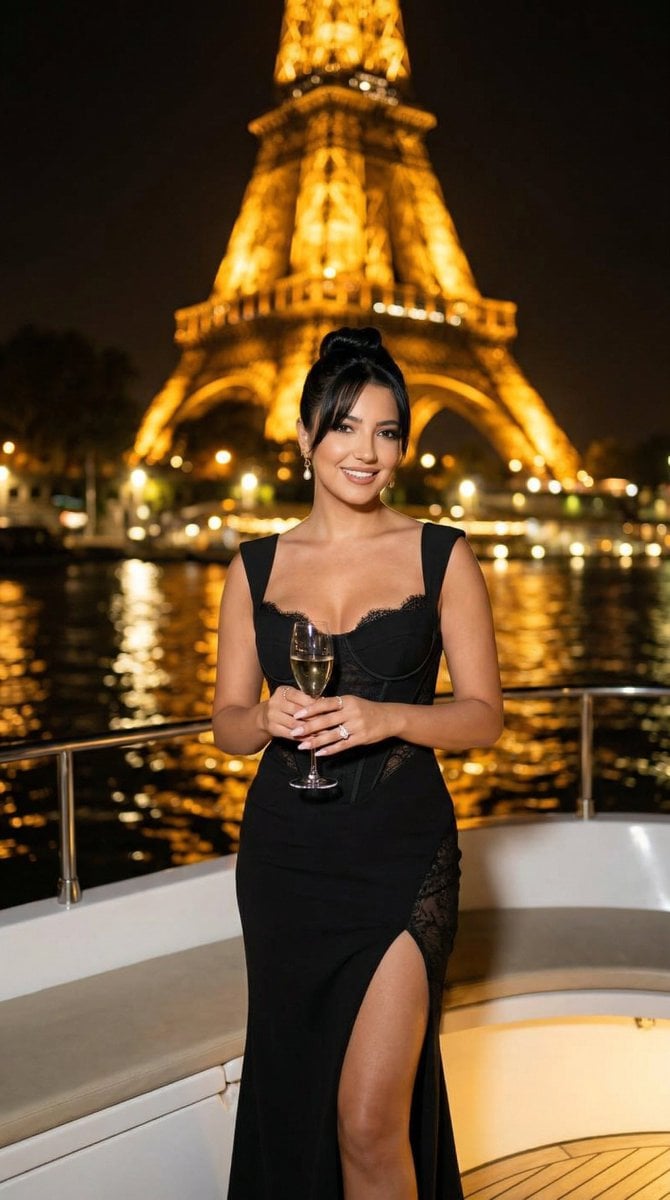
Nano Banana - Paris Cafe Editorial
Make it yours
Monochrome Fashion Editorial Collage works as-is. These are the safest ways to change it without losing the look.
Change one field
Copy a single group, rewrite it, and generate again so you can see what that field is doing.
Keep the frame, change the subject
Hold the composition and light of Monochrome Fashion Editorial Collage, then swap wardrobe, props or the person for a new take.
| If the result… | Why | Fix |
|---|---|---|
| The result drifts from the preview | Too many fields changed at once. | Reuse Monochrome Fashion Editorial Collage as-is first, then change one group — subject, light, or setting. |
| The model over-stylizes the scene | The prose prompt leaves finish and camera underspecified. | Add one camera or lighting sentence and stay on GPT Image 2. |
More GPT Image 2 templates
Other prompts made for GPT Image 2.

Six VTuber Japanese Logo Sheet

Realistic Portrait of Woman and Deer

The Vista Modular Condo Poster

AI Model Routing Comparison Infographic

2.5D Anime Art Board

Isometric Productivity Desk Scene

New York Double Exposure Poster

Four-Panel AI Landscape Comparison

Japanese Tatami Lifestyle Magazine Cover

NESCAFÉ Coffee Map Poster
More image prompts
Fresh picks from across the catalog.
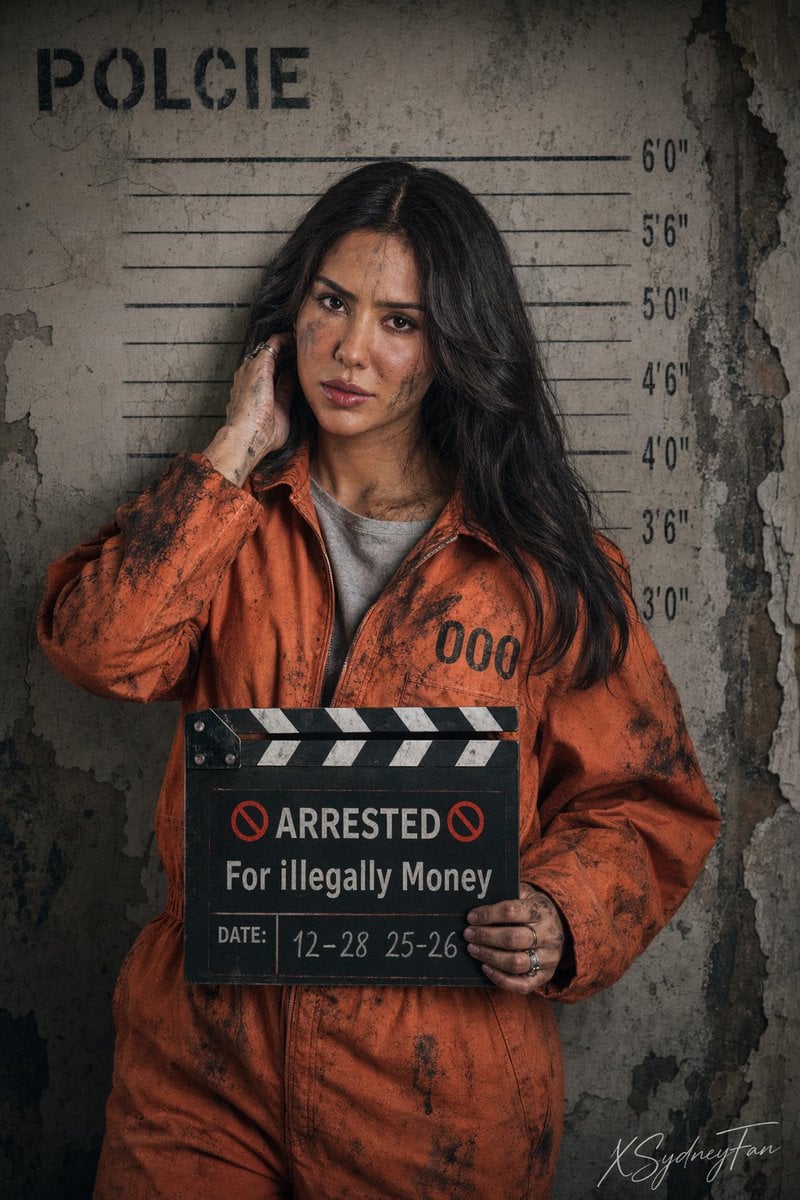
Gritty Prison Mugshot Portrait
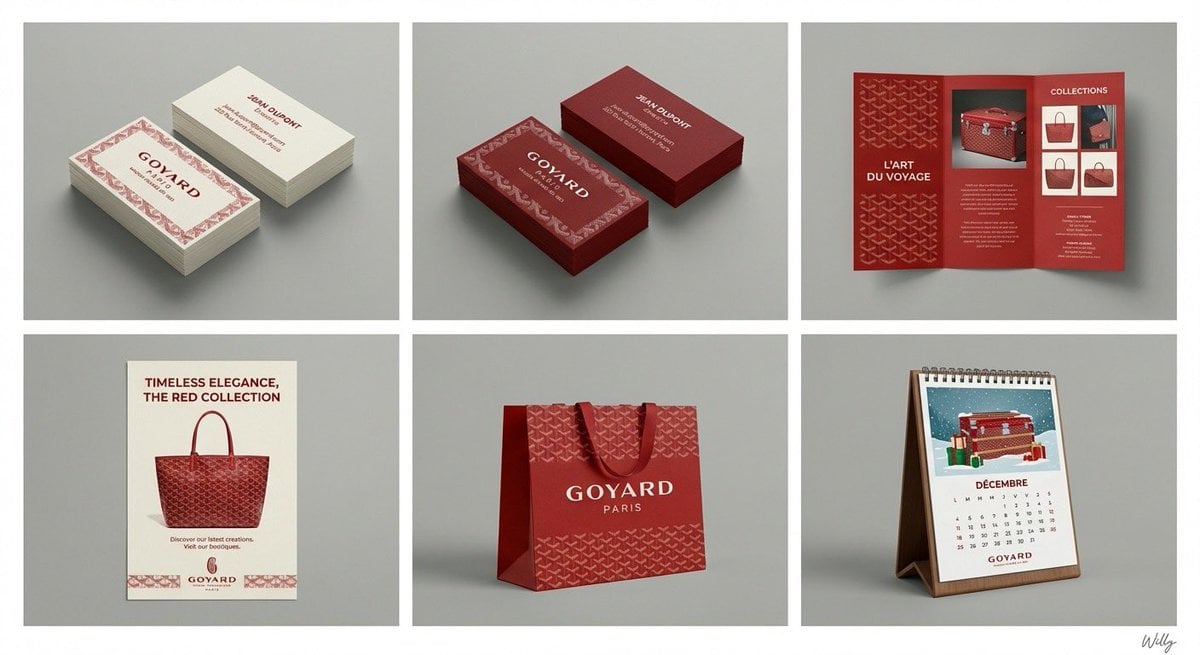
Panel Brand Identity Grid Mockup
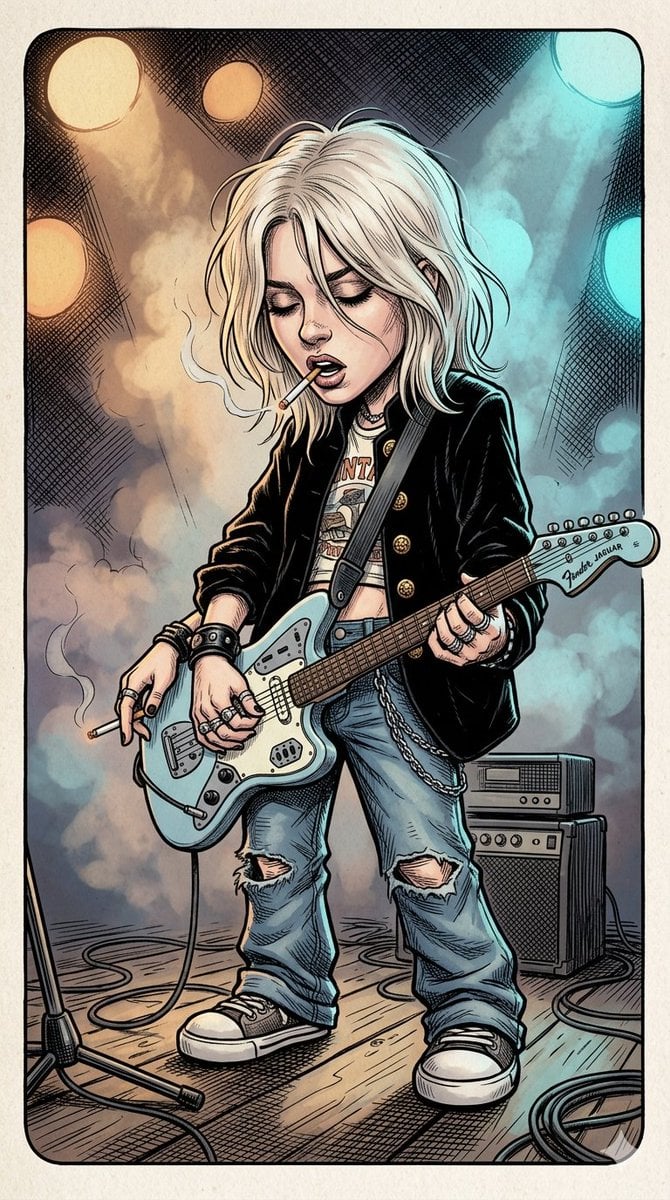
Comic Book Rockstar Portrait
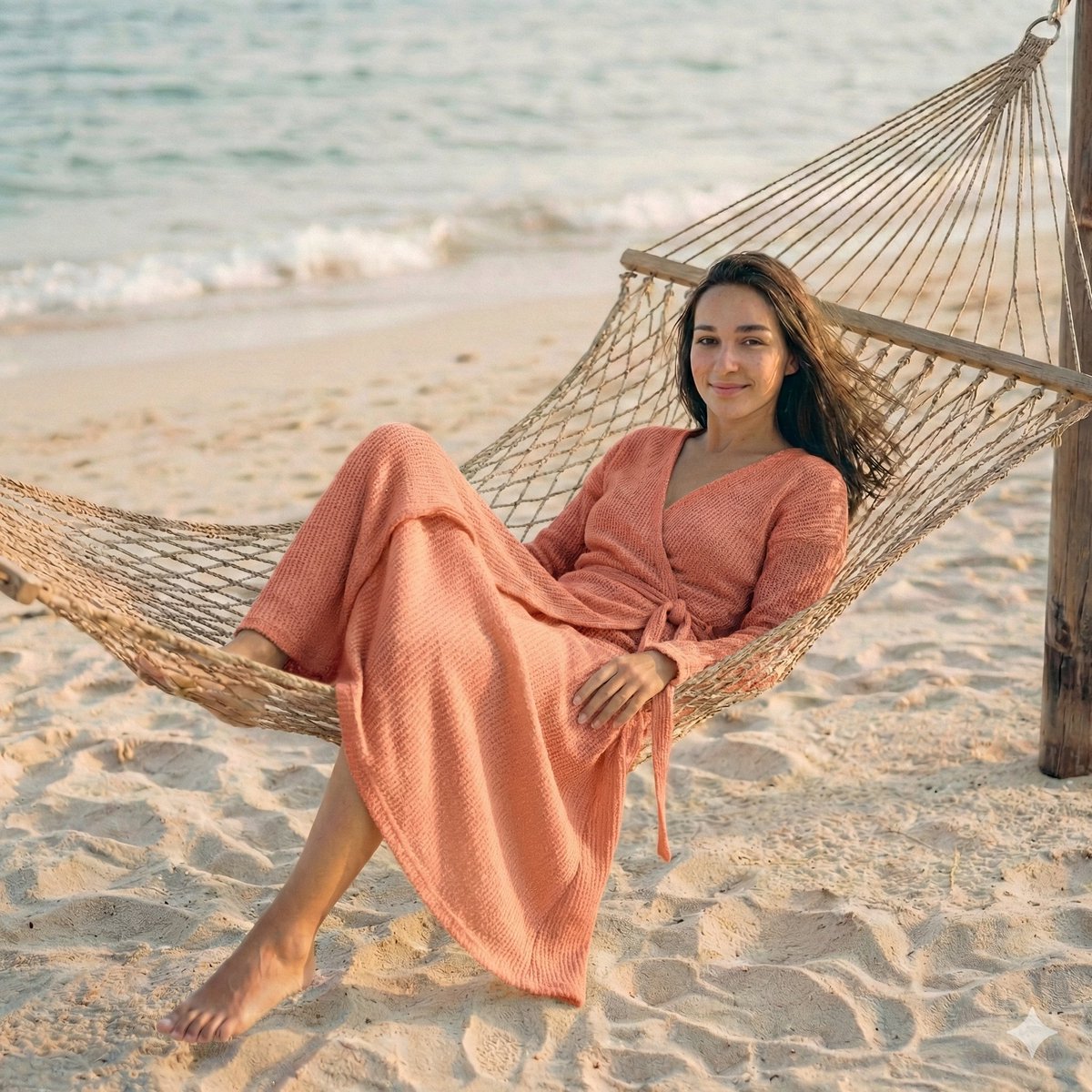
Cinematic Beach Portrait at Golden Hour
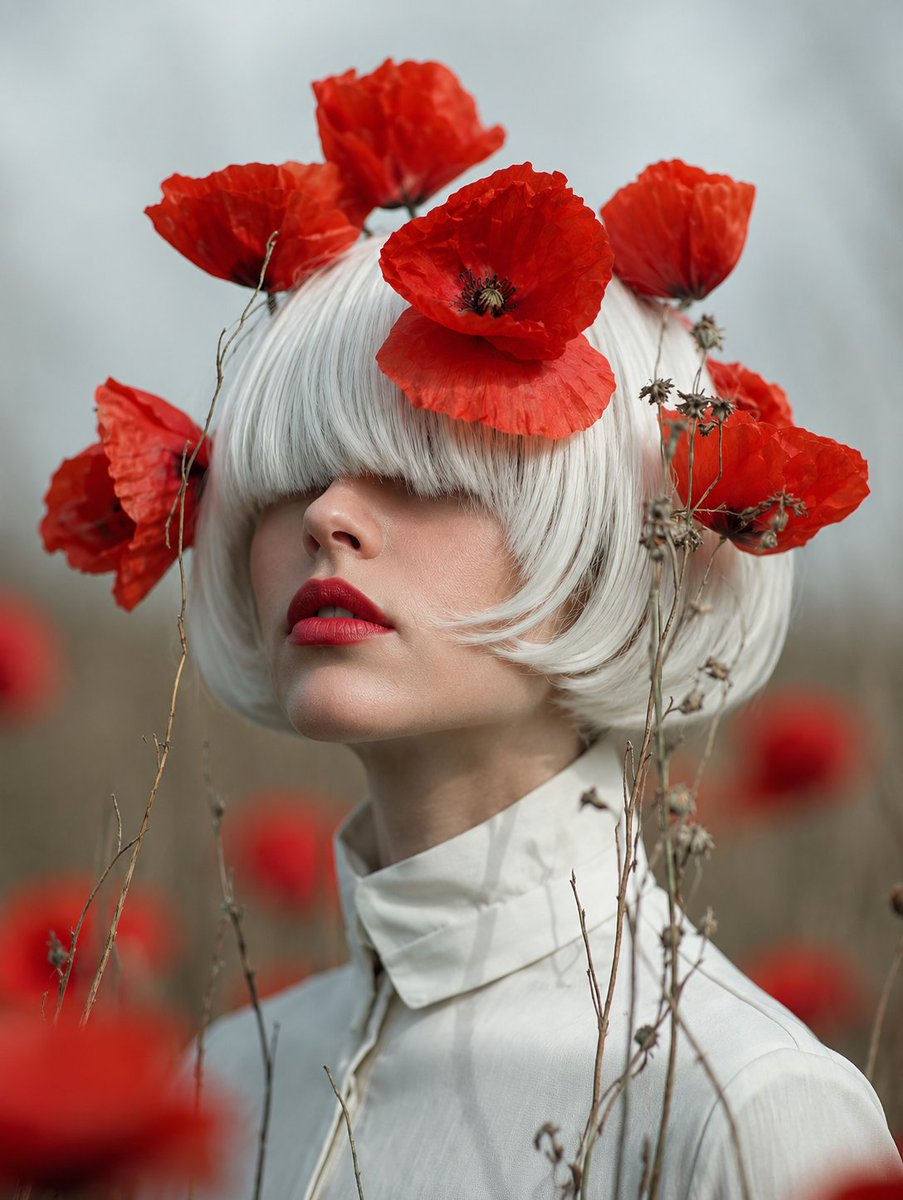
Faceless Lady of Red Poppies
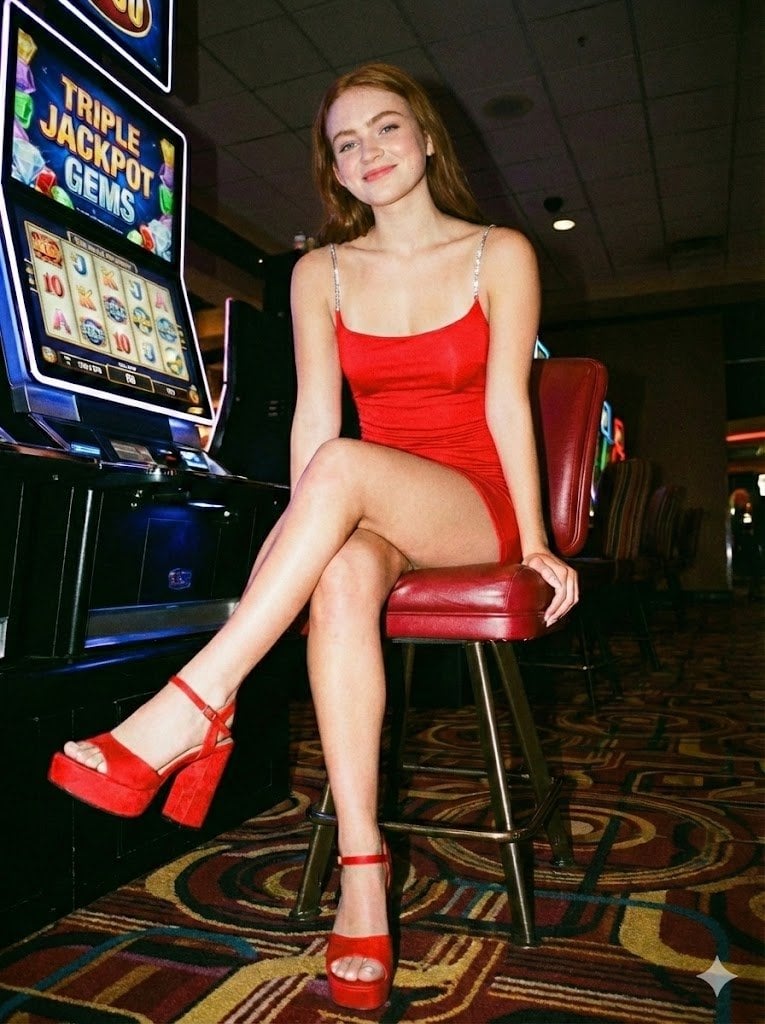
Casino Paparazzi Candid Portrait
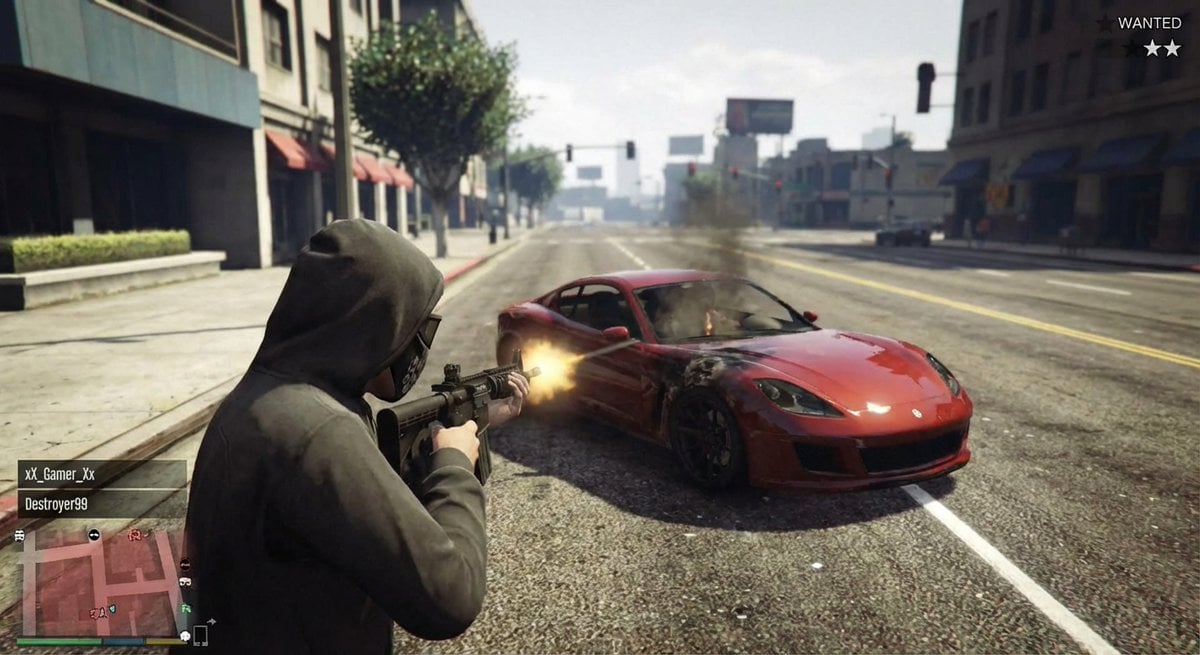
GTA 5 online action scene
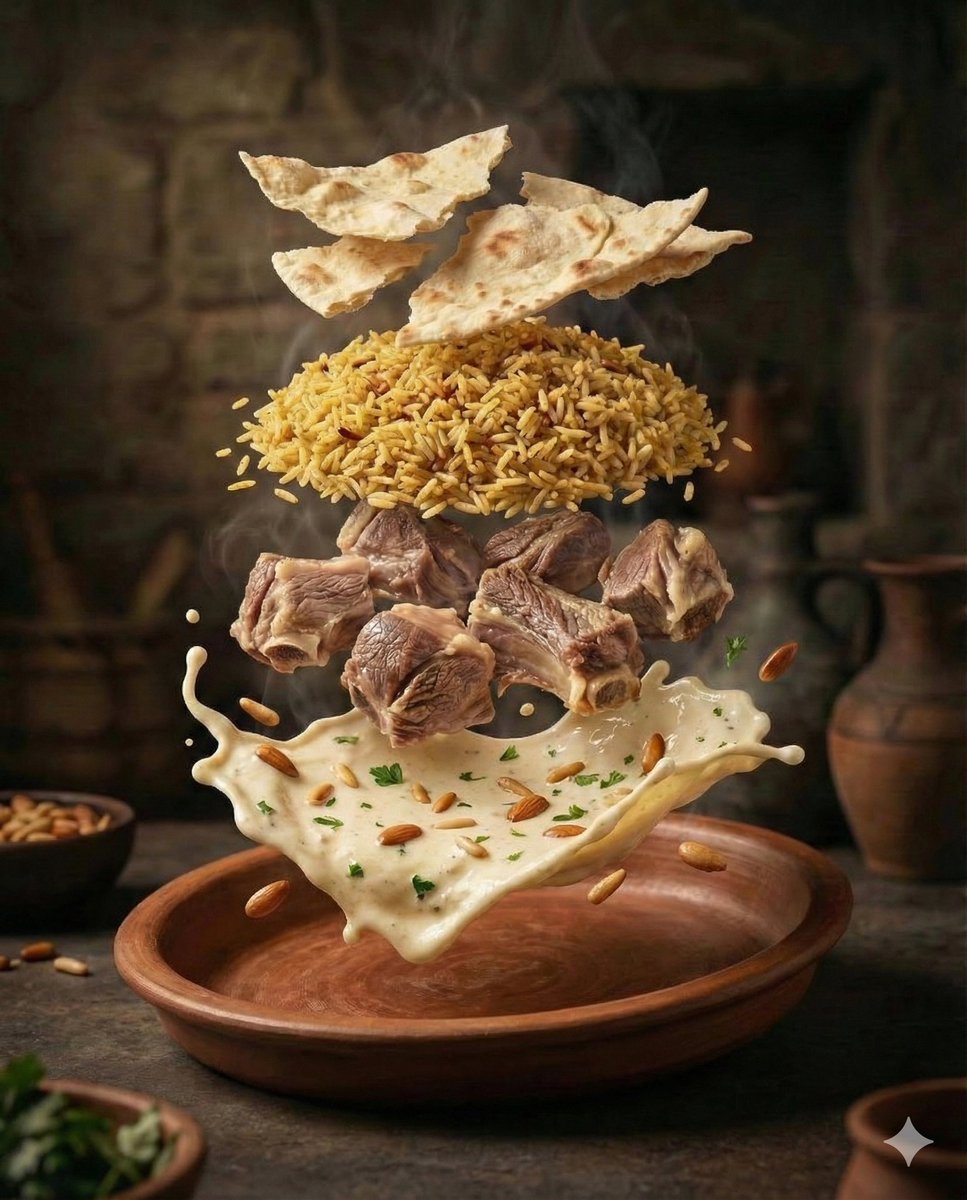
Cinematic Food Photography of Deconstructed Middle Eastern Cuisine
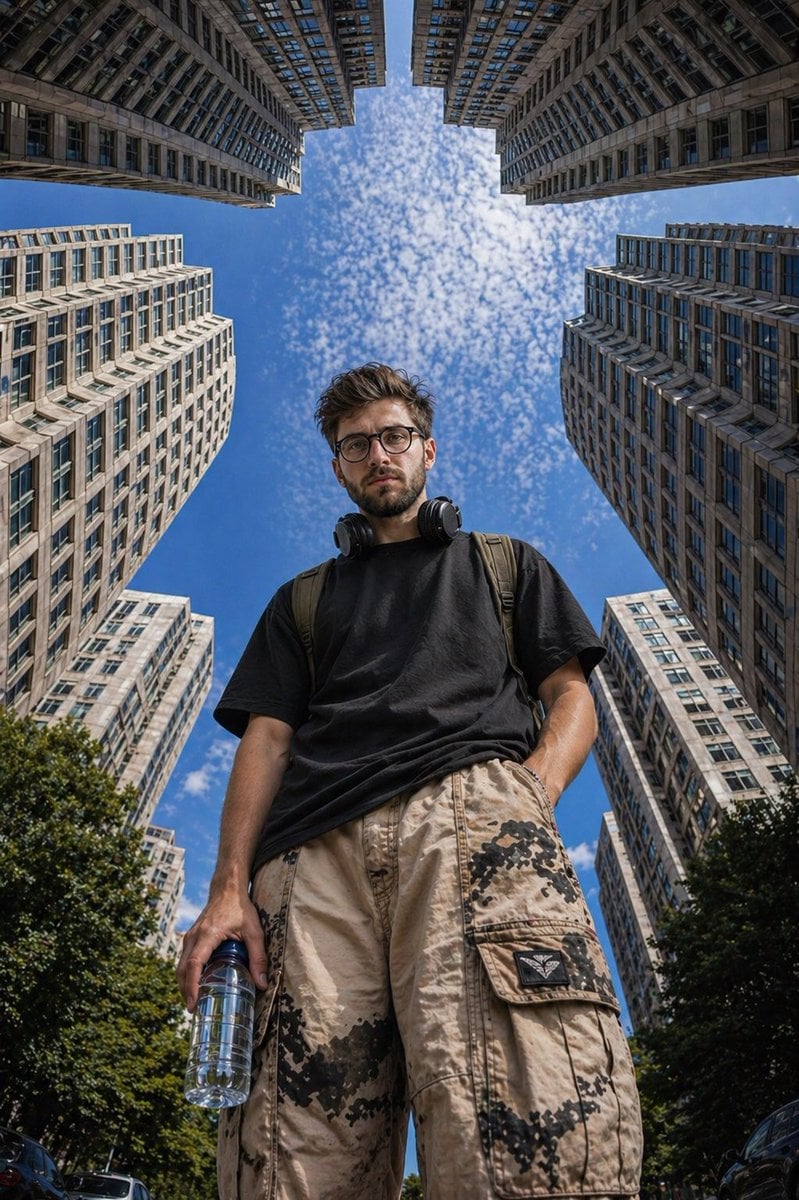
Low-Angle Urban Street Photography
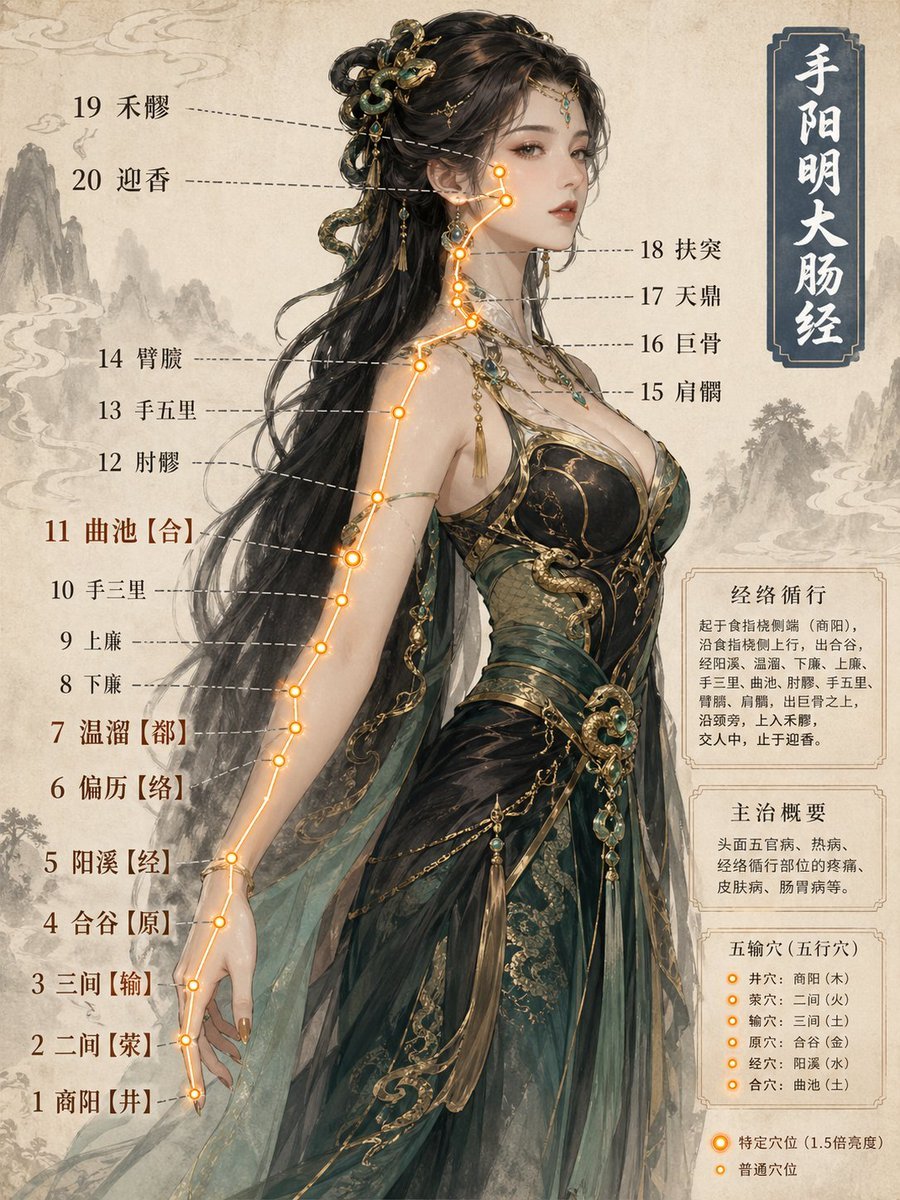
Chinese Medicine Meridian Infographic
Browse template categories
Monochrome Fashion Editorial Collage questions
How do I use the Monochrome Fashion Editorial Collage template?
Add your photo if the template asks for one, edit the prompt if you like — the template's model and format are already selected — and press Generate. Your version opens in PicX Studio.
Can I customize the Monochrome Fashion Editorial Collage template?
Yes. You can change the subject, setting, lighting, mood, format, and available model controls before creating your image.
Is the Monochrome Fashion Editorial Collage template free?
Opening and editing this template is free. Generating uses credits, shown on the Generate button when you are signed in.
Which AI model should I use?
Start with GPT Image 2, which is the model associated with this template. You can compare another compatible model for a different finish.
Looking for something else? Browse all templates.

Your photo, any look
Thousands of ready templates for every top image and video model, from one credit balance.