
Korean Hanbok Fashion Triptych
A photorealistic three-panel fashion composition featuring full-length traditional Korean hanbok outfits in a palace courtyard.
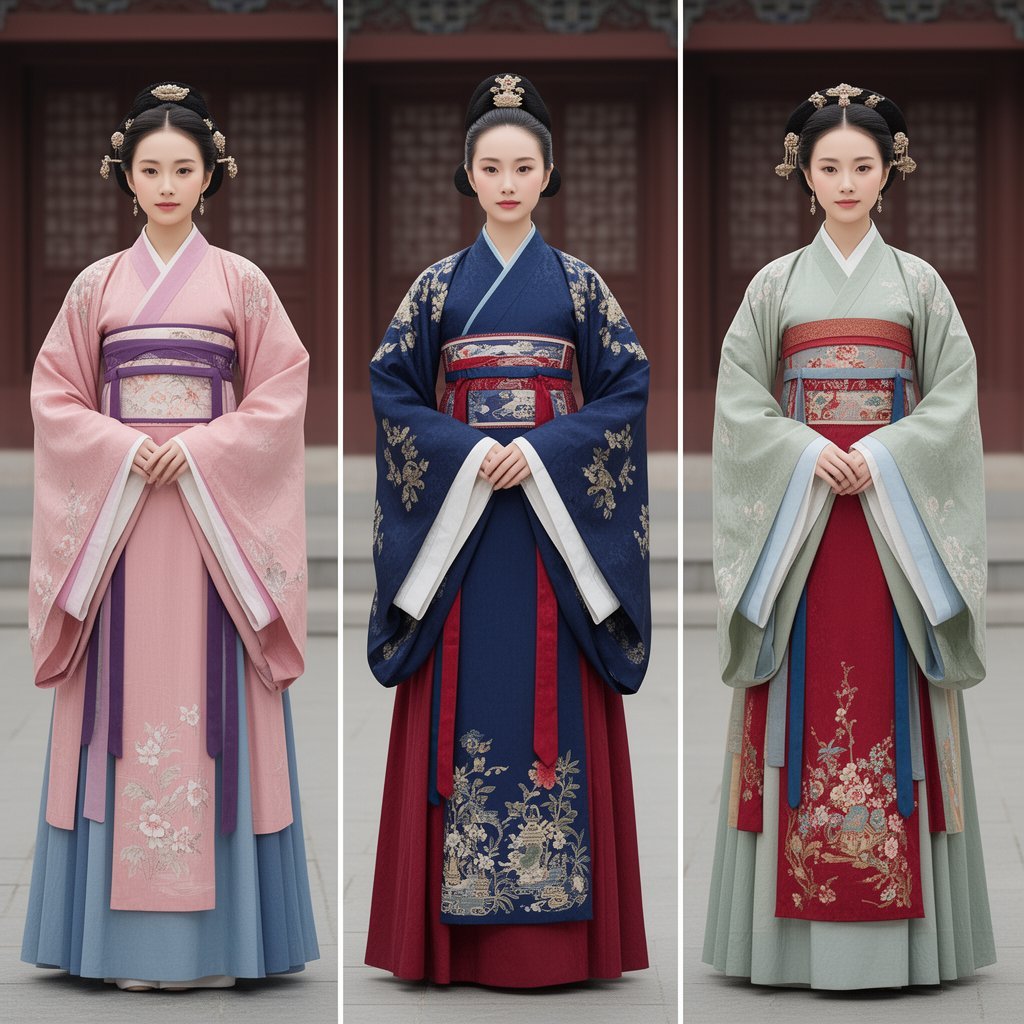
- Prompt included
- Model and format preset
- Free template
The prompt behind this image
Copy the exact prompt behind Korean Hanbok Fashion Triptych, or open it in the studio and make it yours.
Create a realistic editorial fashion triptych showing exactly 3 full-body female models standing front-facing in traditional Korean royal hanbok, separated by two clean vertical white dividers. Canvas is a square 1:1 composition, photographed at eye level with symmetrical spacing, each model centered in her own vertical panel. The background is the same softly blurred palace courtyard for all three panels: dark red wooden doors, muted architectural details, gray stone floor, shallow depth of field, overcast natural light, refined museum-catalog mood. All faces should be intentionally anonymized with a smooth soft blur while preserving the hair, headpieces, clothing, hands, and posture in sharp detail. Subject count and details: exactly 3 models. Left model: pale pink jeogori and long outer robe with wide sleeves, lavender and purple waist sash, pale blue underskirt, delicate white floral embroidery on the lower robe, hands folded at the waist, black updo hair with ornate gold floral hair ornaments on both sides and top. Center model: deep navy blue embroidered outer robe with wide sleeves, white sleeve linings, red underskirt, richly patterned red-and-blue waistband, gold floral embroidery on sleeves and lower front panel, hands folded, black updo hair with a gold ornament centered on top. Right model: pale mint-green outer robe with wide sleeves, red front skirt panel, pale blue sleeve linings and hanging ribbons, red patterned waistband, floral embroidery on the lower red panel and robe edges, hands folded, black updo hair with multiple gold ornaments across the crown and sides. Visual style: photorealistic high-fashion historical costume photography, ultra-detailed fabric texture, satin and brocade sheen, intricate embroidery, balanced soft lighting, muted colors, realistic proportions, elegant upright posture. Keep the composition formal and symmetrical, with no text, no watermark, no extra people, no props, and no modern objects. Use {argument name="number of outfits" default="3"} coordinated hanbok looks, with the main palette emphasizing {argument name="left outfit color" default="soft pink and lavender"}, {argument name="center outfit color" default="deep navy and crimson"}, and {argument name="right outfit color" default="pale mint green and red"}. Set the location as {argument name="background location" default="a blurred Korean palace courtyard"}.
How to use Korean Hanbok Fashion Triptych in 3 steps
- 1Upload ImagePNG, JPG or paste
Add your photo
Upload the photo the template builds on. The prompt, model and format are already set.
- 2…a portrait of your subject in softgolden-hour light, 85mm…
Personalize
Edit the subject and creative details for your destination.
- 3Generate
Generate
Press Generate — your image is created in PicX Studio, so you can compare it with the original and refine one variable at a time.
More like this
Templates with the same subject, style or setup. Open one to see its prompt.

Korean Streetwear Minimalist Campaign Portrait

Cinematic Korean Streetwear Street Portrait

Korean Model Floating Magazine Pages Campaign

Blue Backdrop Luxury Fashion Portrait Campaign

Gpt Image 2 Fashion Portrait

80s College Gate

1988 Mall Style

80s Polka Dot Saree
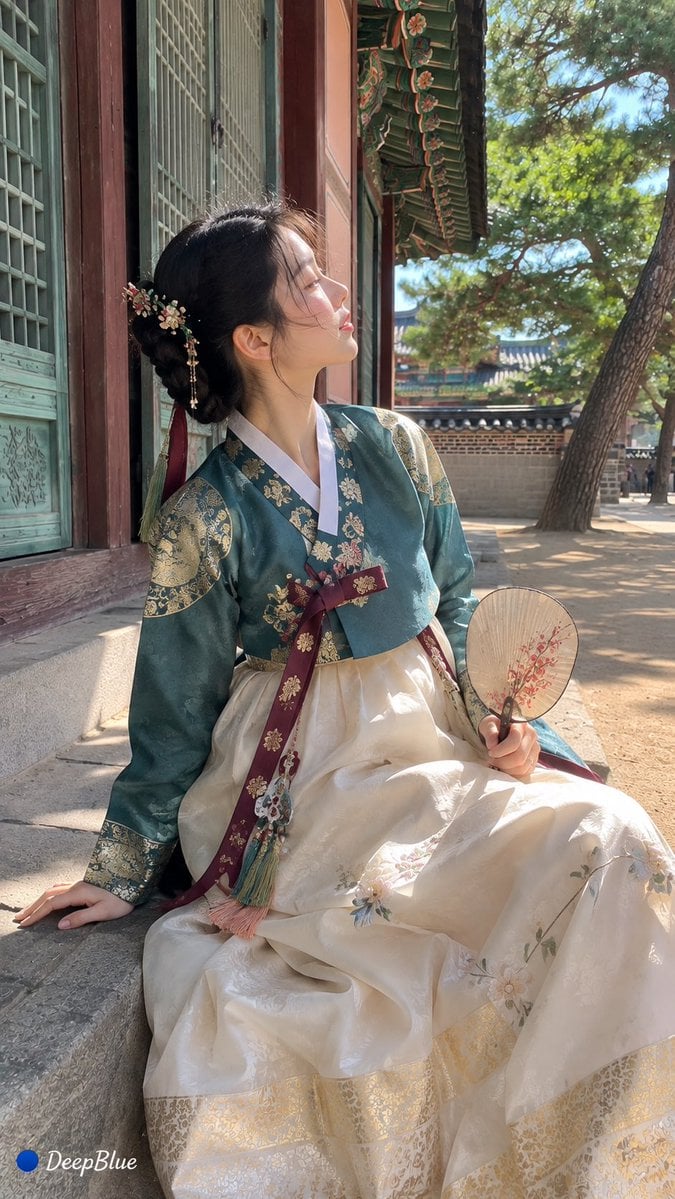
Traditional Korean Hanbok Portrait

Polo Ralph Lauren Luxury American Heritage Fashion Campaign

Cinematic Street Fashion Photographer Portrait

High-Fashion Editorial Magazine Cover ICON
Make it yours
Korean Hanbok Fashion Triptych works as-is. These are the safest ways to change it without losing the look.
Change one field
Copy a single group, rewrite it, and generate again so you can see what that field is doing.
Keep the frame, change the subject
Hold the composition and light of Korean Hanbok Fashion Triptych, then swap wardrobe, props or the person for a new take.
| If the result… | Why | Fix |
|---|---|---|
| The result drifts from the preview | Too many fields changed at once. | Reuse Korean Hanbok Fashion Triptych as-is first, then change one group — subject, light, or setting. |
| The model over-stylizes the scene | The prose prompt leaves finish and camera underspecified. | Add one camera or lighting sentence and stay on GPT Image 2. |
More GPT Image 2 templates
Other prompts made for GPT Image 2.

Six VTuber Japanese Logo Sheet

Realistic Portrait of Woman and Deer

The Vista Modular Condo Poster

AI Model Routing Comparison Infographic

2.5D Anime Art Board

Isometric Productivity Desk Scene

New York Double Exposure Poster

Four-Panel AI Landscape Comparison

Japanese Tatami Lifestyle Magazine Cover

NESCAFÉ Coffee Map Poster
More image prompts
Fresh picks from across the catalog.
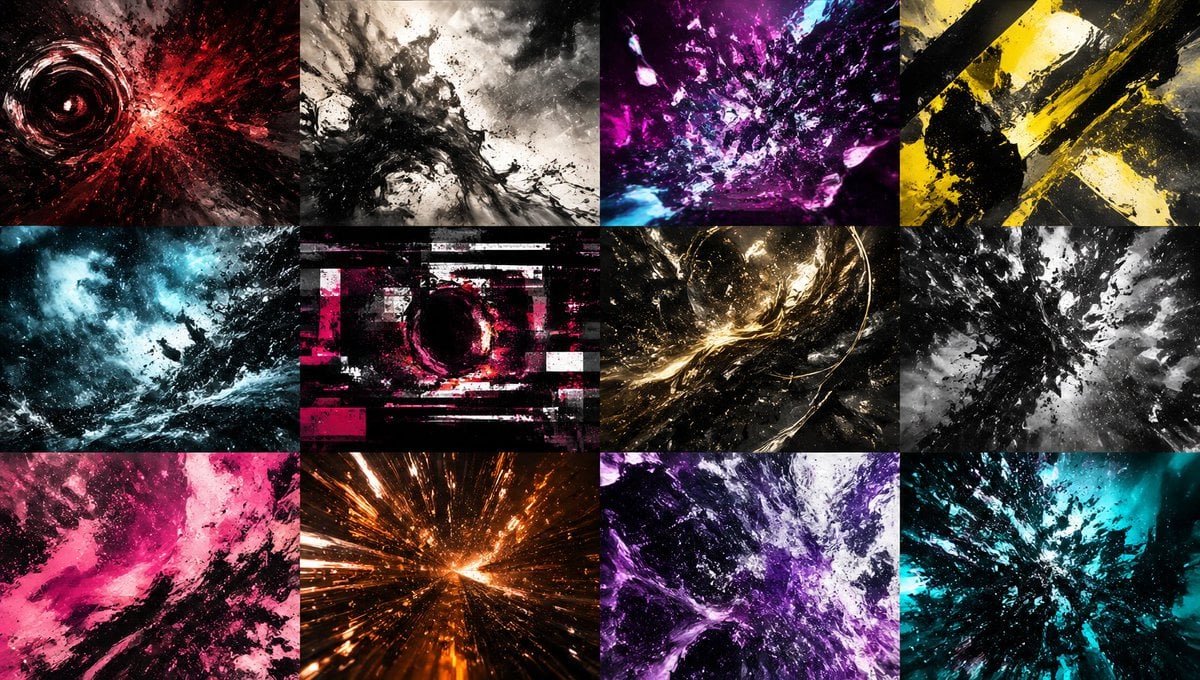
Abstract Energy Burst Grid
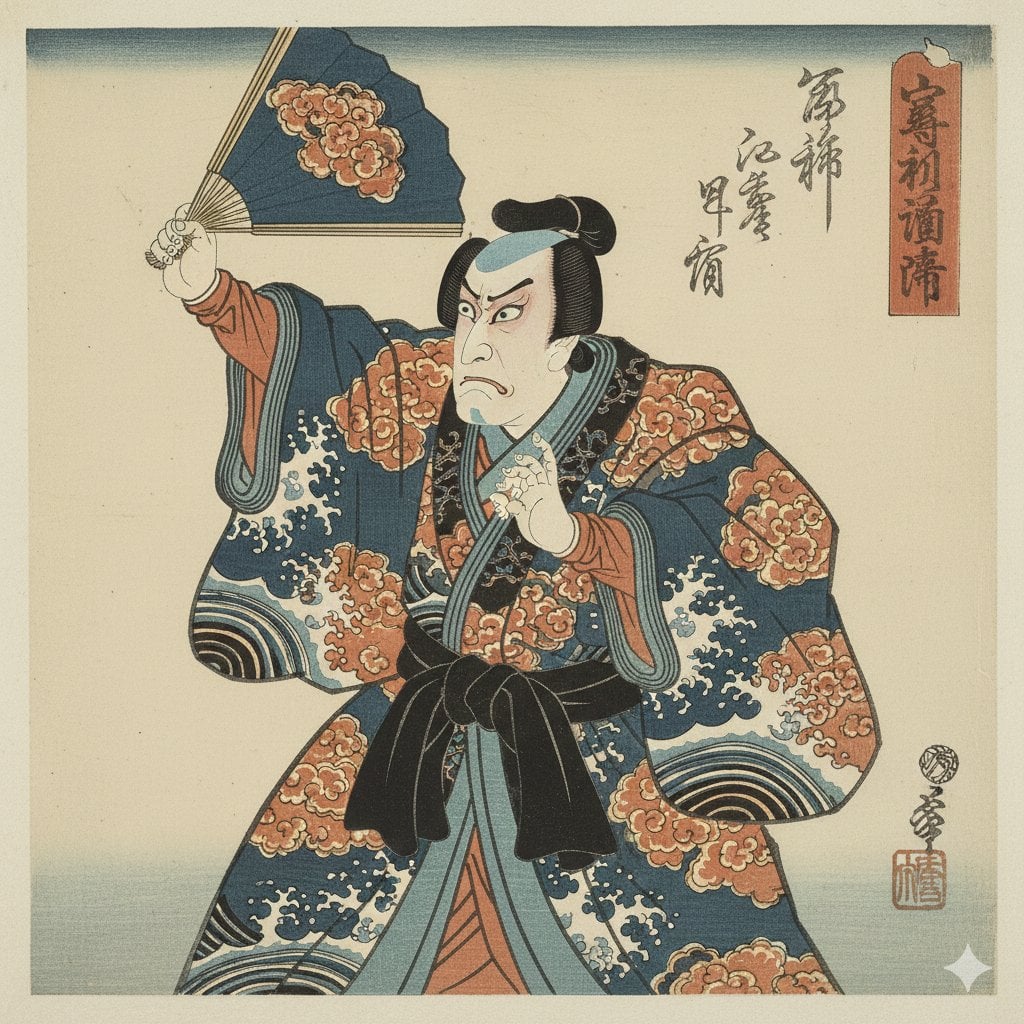
Ukiyo-e Style Image Generation in the style of Sharaku

Shibuya Scramble Crossing New Year's Eve Scene
Hyper-Realistic Commercial Beverage Photography Prompt
Gothic Lolita Portrait at Convenience Store
Energetic Juice Advertisement Scene
Fleeing Joe Goldberg Photo
Cute Bedroom Portrait with Teddy Bear Prompt
Minimalist Purple Brand Poster Triptych
Japanese Boys High School Admissions Poster
Browse template categories
Korean Hanbok Fashion Triptych questions
How do I use the Korean Hanbok Fashion Triptych template?
Add your photo if the template asks for one, edit the prompt if you like — the template's model and format are already selected — and press Generate. Your version opens in PicX Studio.
Can I customize the Korean Hanbok Fashion Triptych template?
Yes. You can change the subject, setting, lighting, mood, format, and available model controls before creating your image.
Is the Korean Hanbok Fashion Triptych template free?
Opening and editing this template is free. Generating uses credits, shown on the Generate button when you are signed in.
Which AI model should I use?
Start with GPT Image 2, which is the model associated with this template. You can compare another compatible model for a different finish.
Looking for something else? Browse all templates.

Your photo, any look
Thousands of ready templates for every top image and video model, from one credit balance.