
Shark Plush Tavern Waltz Cover
A detailed prompt for generating a whimsical square album cover of cats and shark plushies dancing in a cozy steampunk airship tavern.
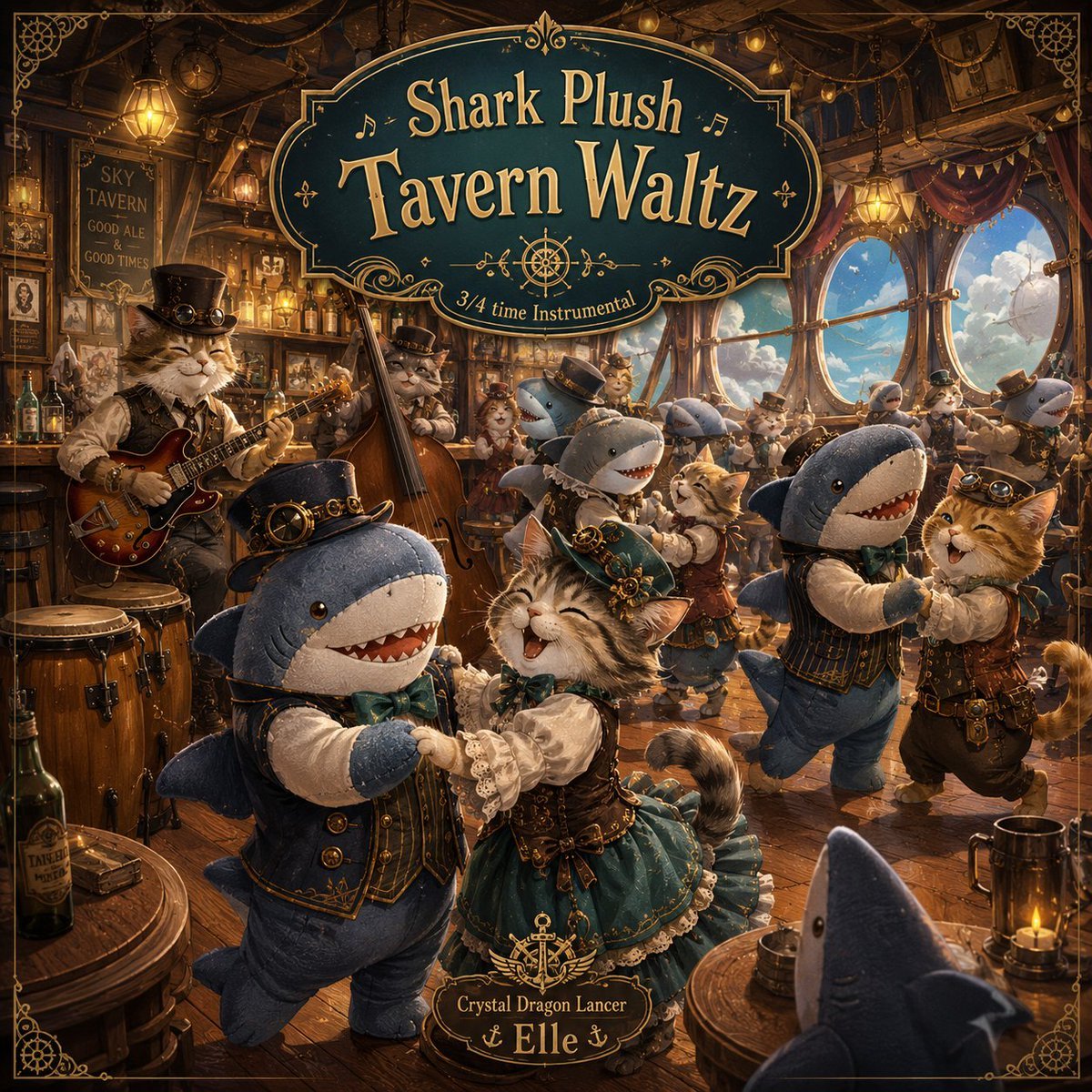
- Prompt included
- Model and format preset
- Premium template
The prompt behind this image
Copy the exact prompt behind Shark Plush Tavern Waltz Cover, or open it in the studio and make it yours.
Goal: Create a richly detailed square fantasy album-cover illustration for {argument name="song title" default="Shark Plush Tavern Waltz"}, set in a cozy steampunk tavern aboard an airship where cats and shark plush mascots waltz together. Canvas: Square 1:1 cover art, warm cinematic lighting, ornate thin gold border with decorative corner filigree, highly detailed painterly realism with whimsical storybook charm. Layout: Place a large dark teal vintage signboard across the upper center with gold trim and ornate flourishes. The sign text reads “Shark Plush” on the first line and “Tavern Waltz” very large on the second line, with small musical notes around it and a small compass/ship-wheel ornament below. Add the subtitle “3/4 time Instrumental” on a ribbon-like lower curve of the sign. At the bottom center, add a small ornate plaque reading “Crystal Dragon Lancer” above {argument name="artist name" default="Elle"}, with tiny anchor decorations. Setting: Interior of an airship tavern made of dark polished wood, brass pipes, ropes, hanging lanterns, bottles, barrels, round tables, curtains, and nautical-steampunk ornaments. Large round windows on the right reveal bright blue sky, clouds, and parts of the airship exterior. The atmosphere is festive, golden, cozy, and crowded, like a warm pub dance hall in the clouds. Subjects and exact visible character count: Include exactly 7 visible shark plush characters: 1 large foreground shark plush in a top hat dancing at lower left, 1 shark plush in a vest dancing with an orange cat at right foreground, 1 partial shark plush head seen from behind at bottom right, 1 blue shark plush behind the central dancers, 1 shark plush couple-partner in the middle background, 1 small shark plush near the right window wearing a hat, and 1 distant shark plush among the background dancers. Include exactly 6 visible cats: 1 large gray tabby cat guitarist at left wearing a black top hat and steampunk vest, 1 gray cat upright bass player behind the guitarist, 1 joyful central fluffy cat in a teal Victorian dress dancing with the foreground shark, 1 orange cat in goggles dancing with the right shark, 1 small cat dancer in the central background, and 1 cat musician or dancer near the back of the tavern. Character details: Dress the shark plushies in Victorian tavern attire: waistcoats, bow ties, tiny top hats, brass buttons, and soft fabric seams. Give them friendly rounded plush bodies, button-like eyes, smiling open mouths with soft triangular teeth, and cute toy-like proportions. Dress the cats in steampunk-Victorian clothing with corsets, lace cuffs, goggles, vests, belts, pocket watches, and tiny hats. Make the central cat laugh with closed smiling eyes while waltzing. Music and props: The left cat plays a red-brown electric guitar, the rear cat plays an upright bass, and conga drums sit in the lower left foreground. Add mugs, bottles, candle lanterns, brass instruments, ropes, gears, framed wall pictures, and a chalkboard sign on the left wall that says “SKY TAVERN” and “GOOD ALE” in small hand-lettered text. Style: Ultra-detailed whimsical fantasy illustration, warm amber tavern lighting mixed with cool blue daylight through windows, shallow cinematic depth, ornate nautical filigree, painterly texture, high-resolution cover-art polish, lively waltz motion, joyful expressions. Constraints: Keep all text legible and spelled correctly. Do not add modern logos or watermarks. Preserve the square album-cover composition and the ornate gold border.
How to use Shark Plush Tavern Waltz Cover in 3 steps
- 1Upload ImagePNG, JPG or paste
Add your photo
Upload the photo the template builds on. The prompt, model and format are already set.
- 2…a portrait of your subject in softgolden-hour light, 85mm…
Personalize
Edit the subject and creative details for your destination.
- 3Generate
Generate
Press Generate — your image is created in PicX Studio, so you can compare it with the original and refine one variable at a time.
More like this
Templates with the same subject, style or setup. Open one to see its prompt.

Felt & Knit 3D Character — Photo-Exact Face, Pixar-Quality Plush Figurine
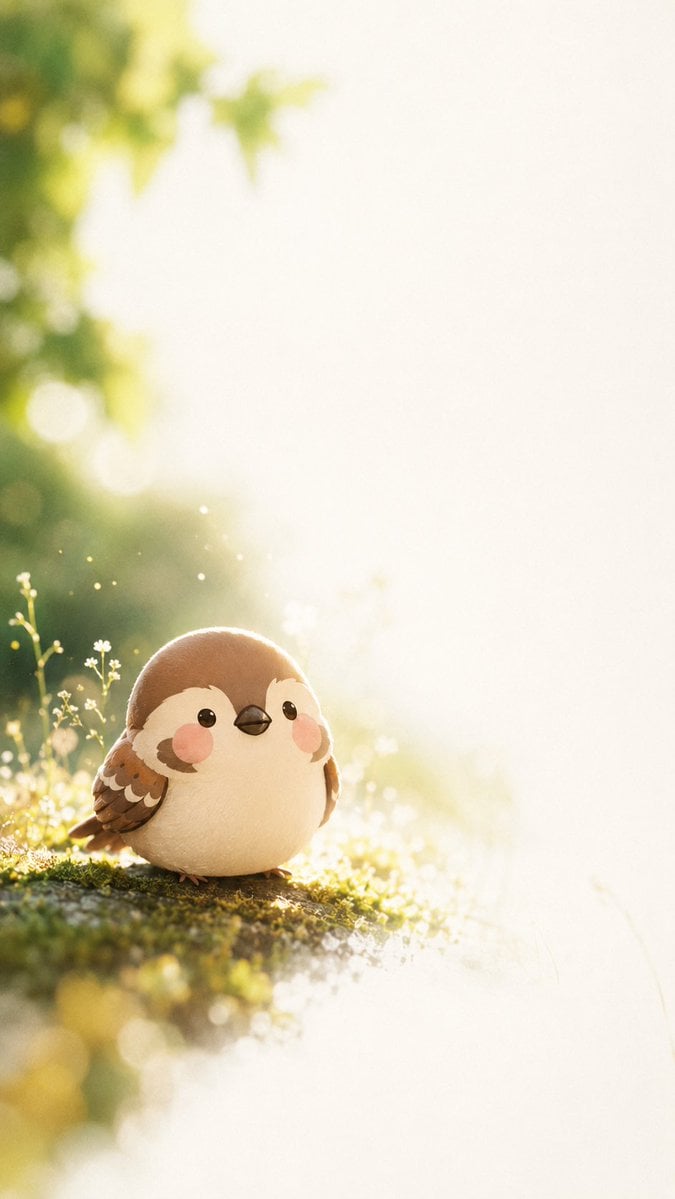
Dreamy Plush Sparrow in Mossy Sunlight
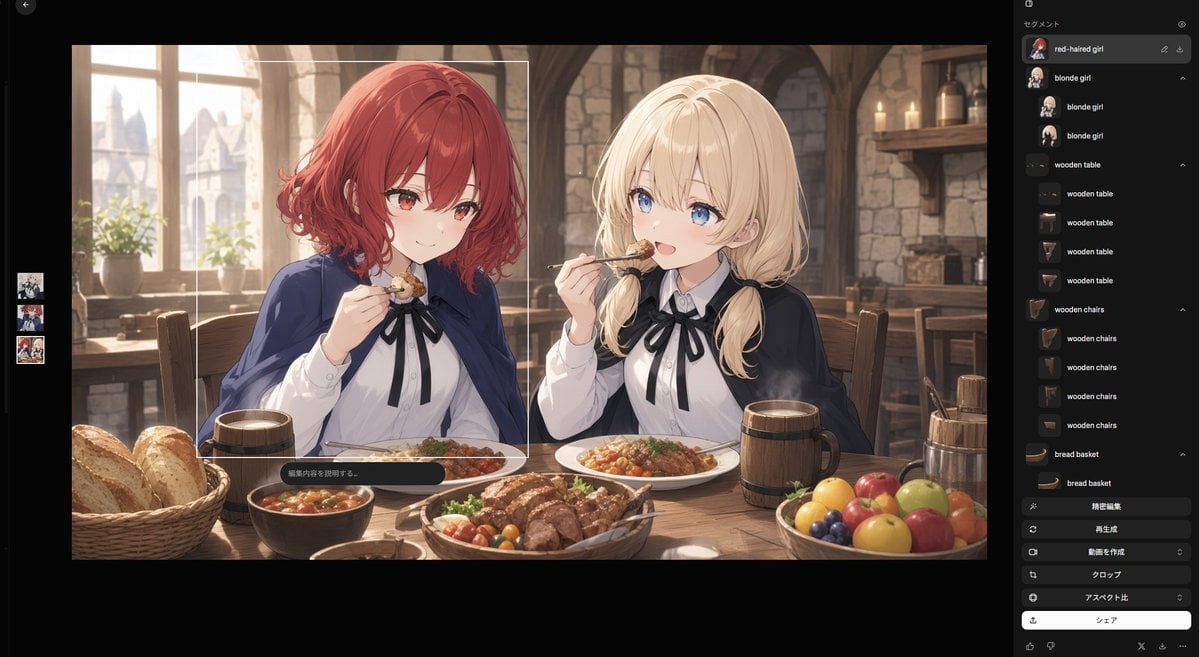
Anime Tavern Dinner Scene
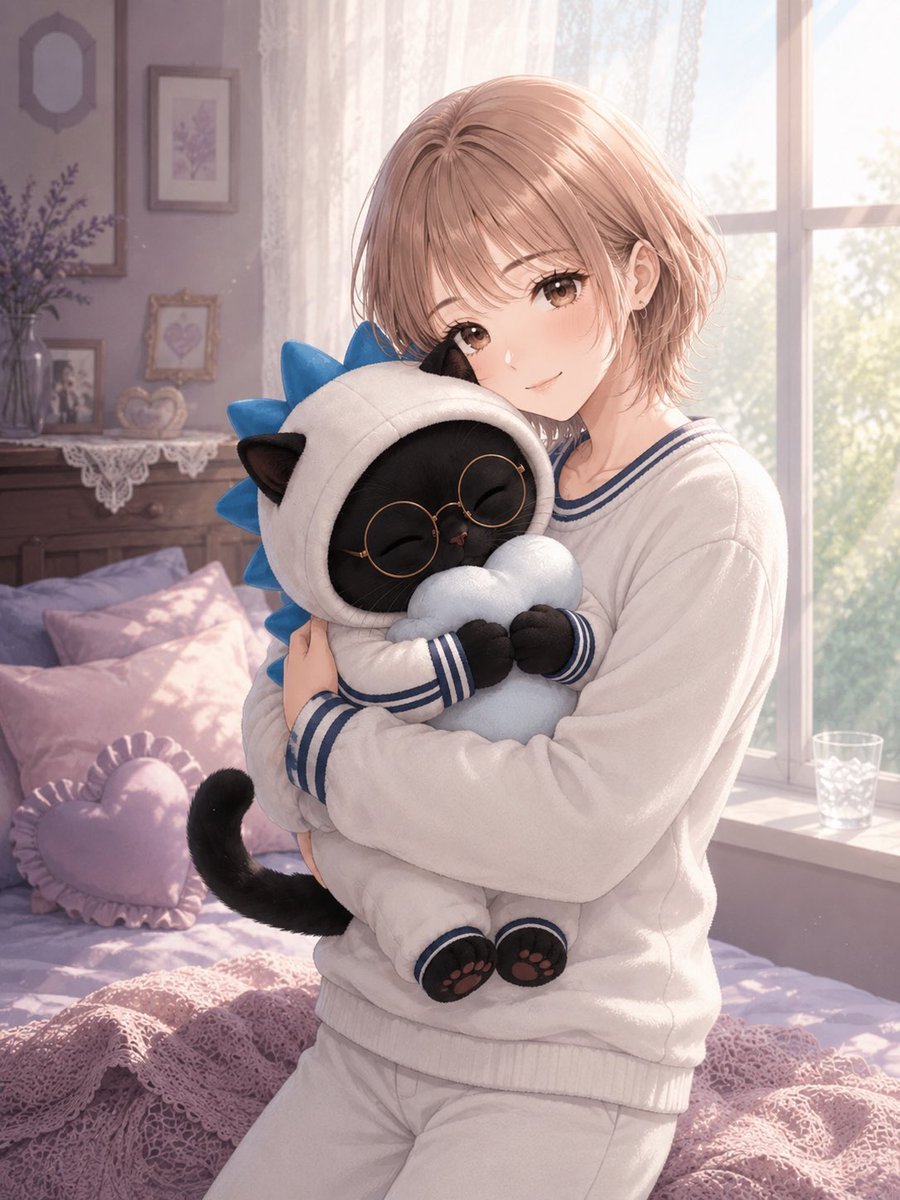
Anime Girl Hugging Black Cat Plush
Plush Whale Tokyo Design Studio
Pink Shark Bite Me Illustration
Plush Cartoon Character Doraemon Tribute
Underwater Whale Shark Aquarium Portrait
Celestial Galaxy Whale Shark
Girl Sewing Goblin Plush
Anime Girl Hugging Orca Plush
Plush Cat Maid Doll in Antique Library
Make it yours
Shark Plush Tavern Waltz Cover works as-is. These are the safest ways to change it without losing the look.
Change one field
Copy a single group, rewrite it, and generate again so you can see what that field is doing.
Keep the frame, change the subject
Hold the composition and light of Shark Plush Tavern Waltz Cover, then swap wardrobe, props or the person for a new take.
| If the result… | Why | Fix |
|---|---|---|
| The result drifts from the preview | Too many fields changed at once. | Reuse Shark Plush Tavern Waltz Cover as-is first, then change one group — subject, light, or setting. |
| The model over-stylizes the scene | The prose prompt leaves finish and camera underspecified. | Add one camera or lighting sentence and stay on GPT Image 2. |
More GPT Image 2 templates
Other prompts made for GPT Image 2.

Six VTuber Japanese Logo Sheet

Realistic Portrait of Woman and Deer

The Vista Modular Condo Poster

AI Model Routing Comparison Infographic

2.5D Anime Art Board

Isometric Productivity Desk Scene

New York Double Exposure Poster

Four-Panel AI Landscape Comparison

NESCAFÉ Coffee Map Poster

Brutalist Cogito Chinese Typography Poster
More image prompts
Fresh picks from across the catalog.
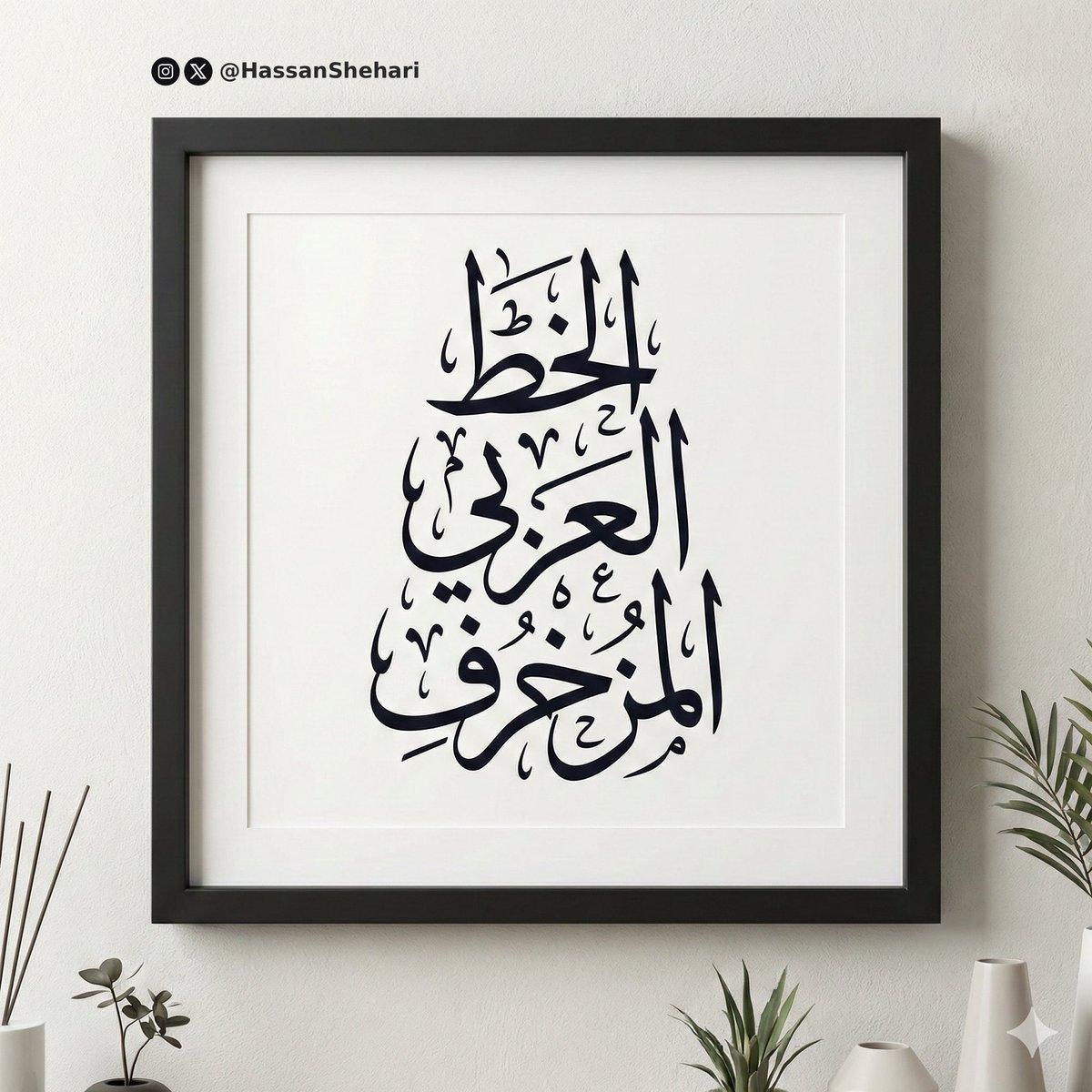
Elegant Arabic Calligraphy Mockup Prompt
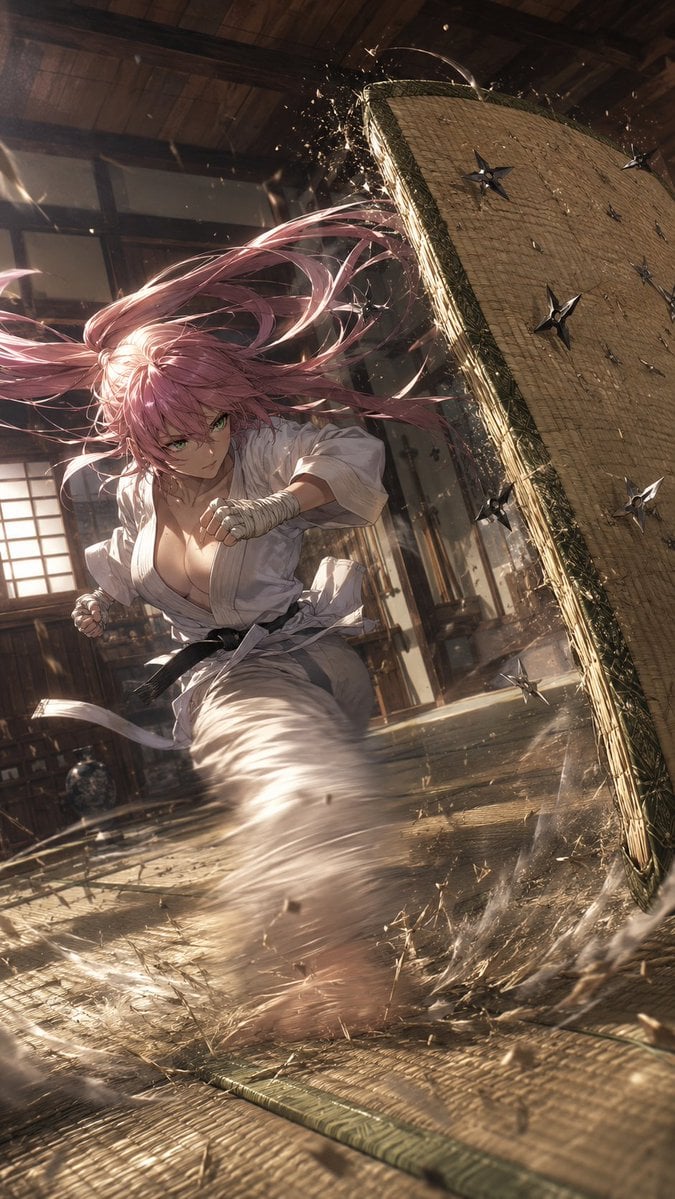
Anime Dojo Shuriken Kick
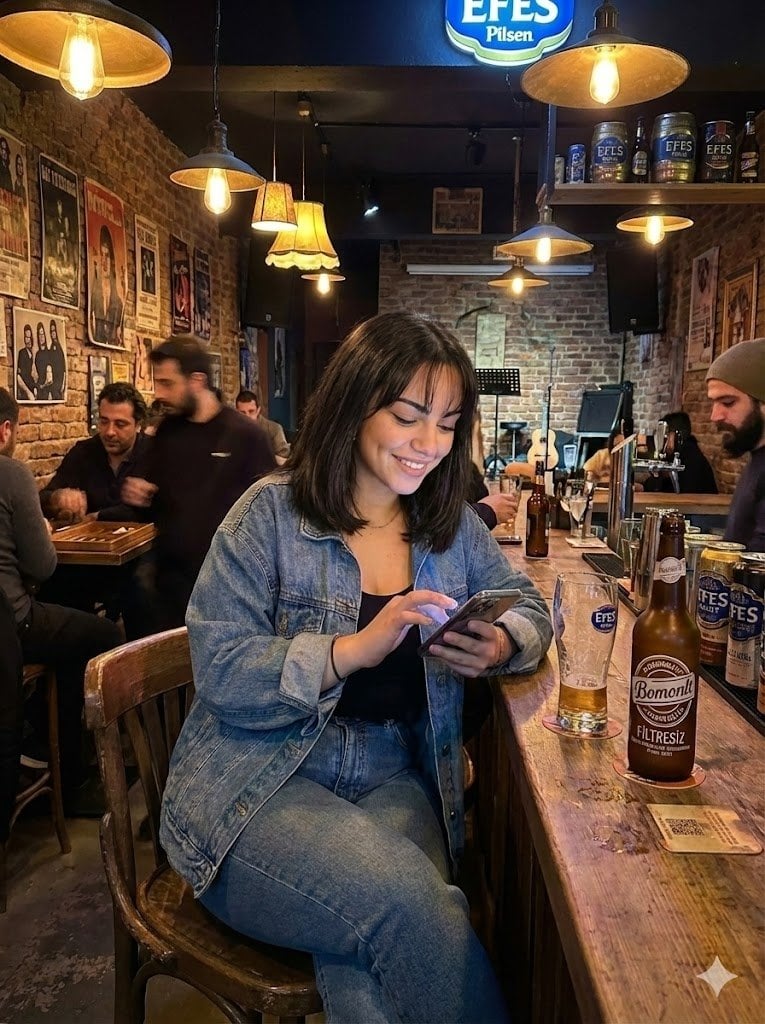
Candid Bar Scene with Phone and Beer Details
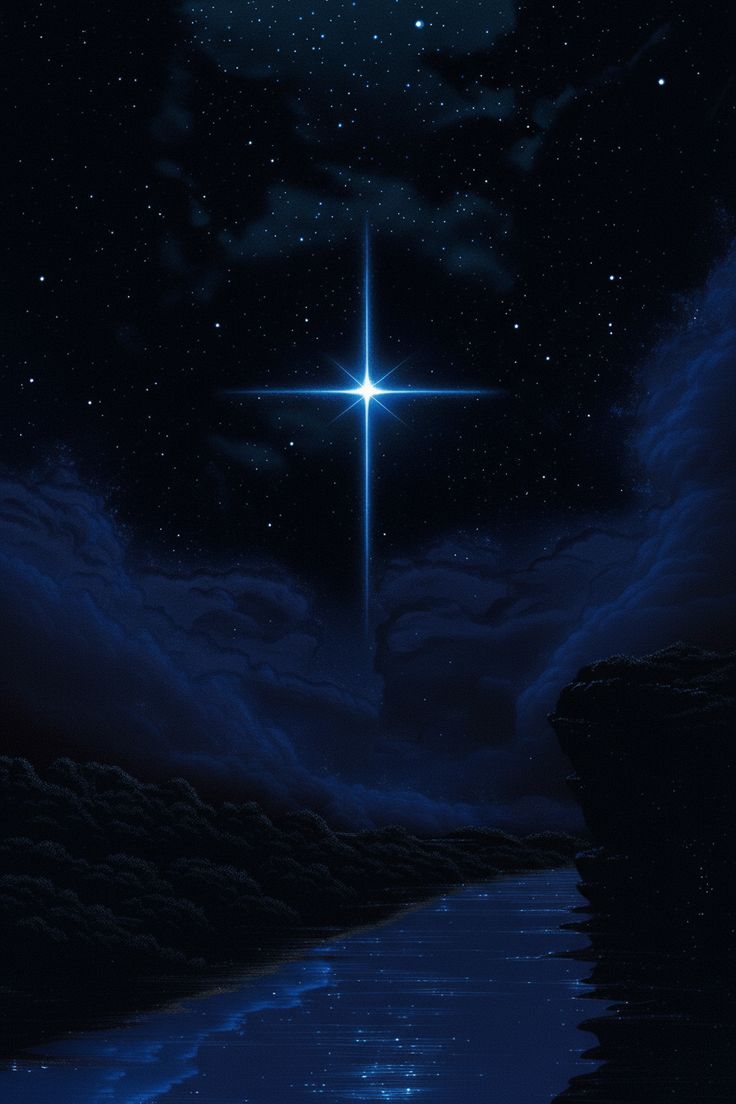
Wallpaper Is Generated By Nano Banana Pr
Luxury Perfume Ad on Marble Vanity

Grok Video Prompt: High-Speed Jet Boot Action
Jazz Theme Anime Key Visual
Instructional Prompt for Strict Image Generation
Custom Character-Wrapped Streetcar Illustration
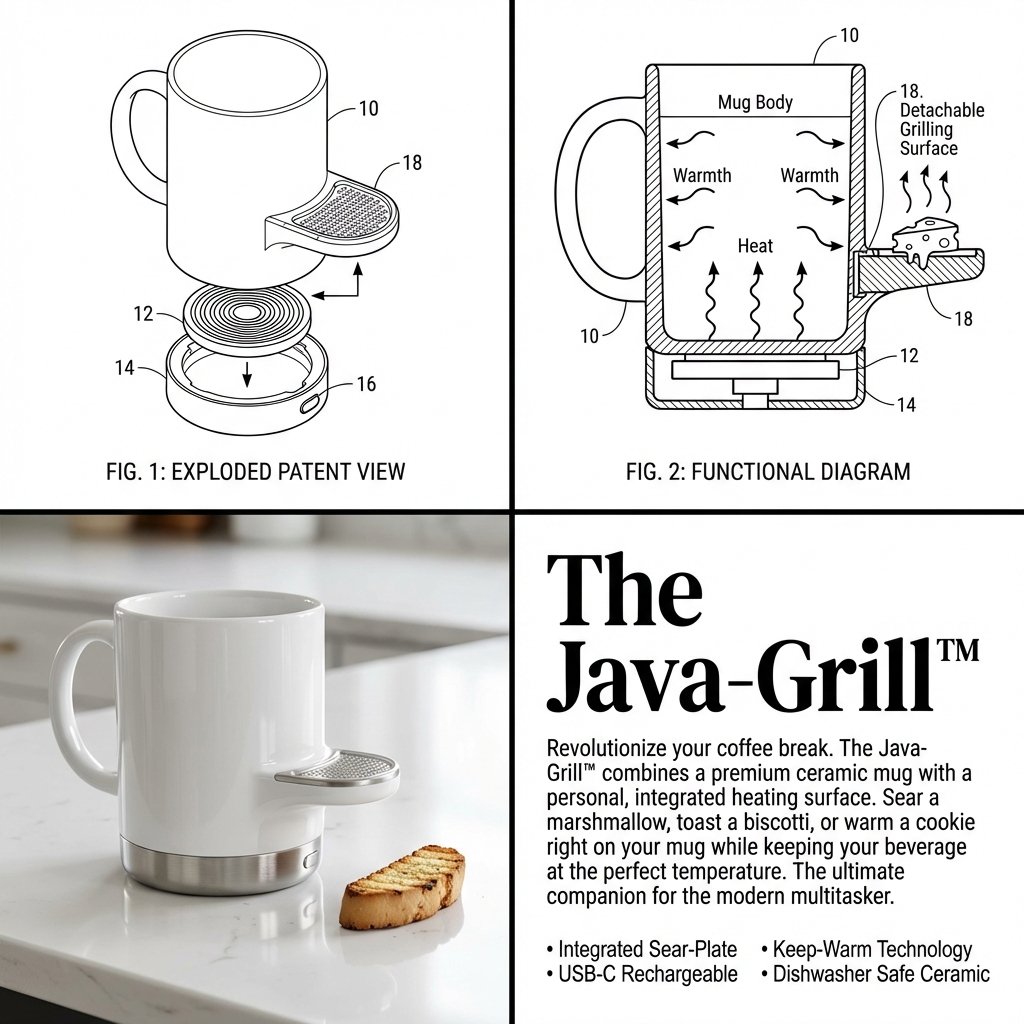
2x2 Grid Product Invention Visualization (Patent/Marketing)
Browse template categories
Shark Plush Tavern Waltz Cover questions
How do I use the Shark Plush Tavern Waltz Cover template?
Add your photo if the template asks for one, edit the prompt if you like — the template's model and format are already selected — and press Generate. Your version opens in PicX Studio.
Can I customize the Shark Plush Tavern Waltz Cover template?
Yes. You can change the subject, setting, lighting, mood, format, and available model controls before creating your image.
Is the Shark Plush Tavern Waltz Cover template free?
Opening and editing this template is free. Generating uses credits, shown on the Generate button when you are signed in.
Which AI model should I use?
Start with GPT Image 2, which is the model associated with this template. You can compare another compatible model for a different finish.
Looking for something else? Browse all templates.

Your photo, any look
Thousands of ready templates for every top image and video model, from one credit balance.