
Shadow Slash Fashion Poster
Creates a futuristic Japanese action fashion poster from a written visual brief, featuring a glass katana, energy slash effects, bold title typography, and technical HUD annotations.
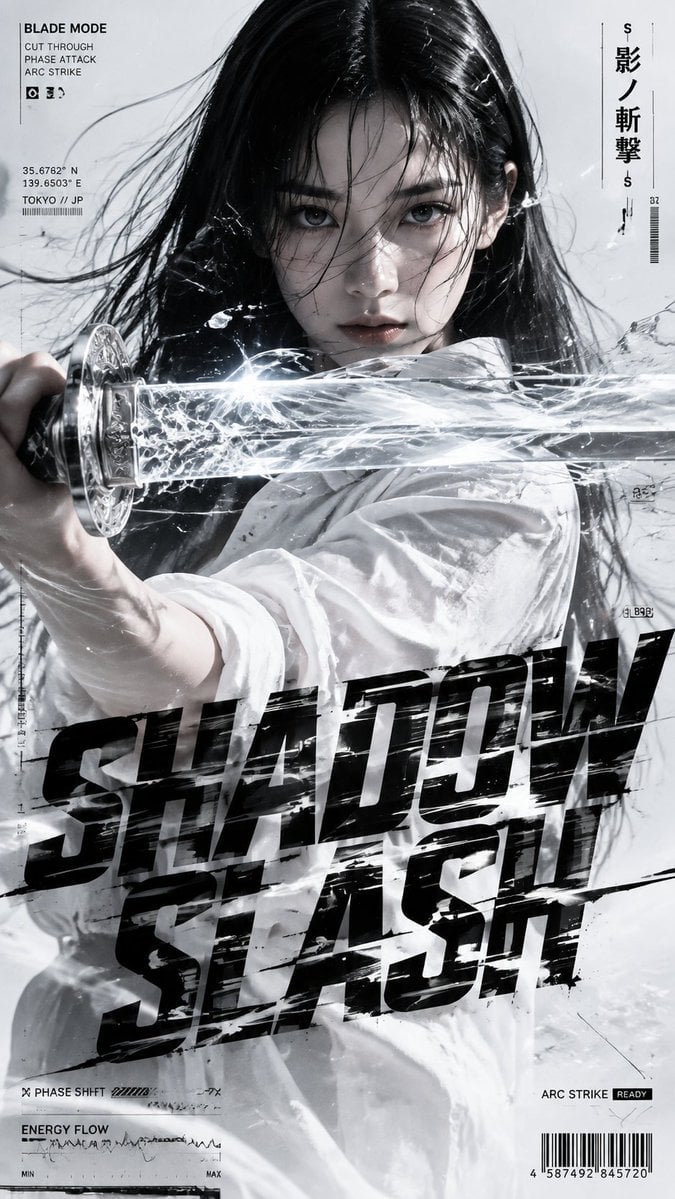
- Prompt included
- Model and format preset
- Free template
The prompt behind this image
Copy the exact prompt behind Shadow Slash Fashion Poster, or open it in the studio and make it yours.
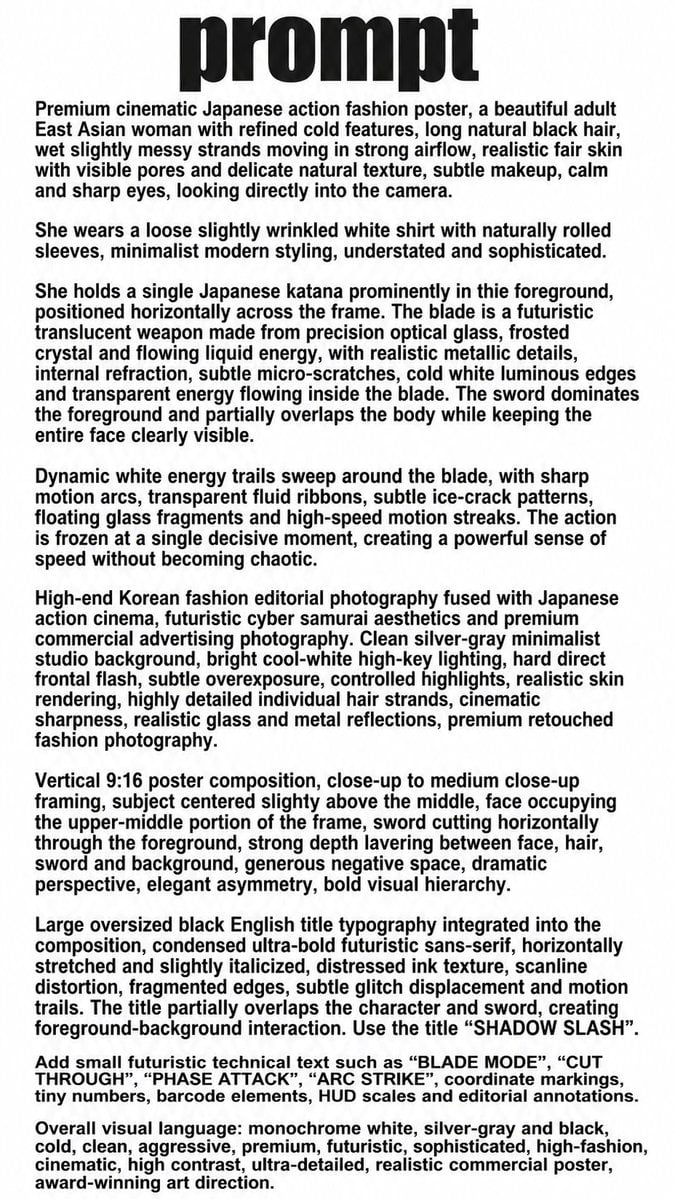
Using REFERENCE_0 as the creative brief, turn the written prompt into a finished vertical 9:16 cinematic Japanese action fashion poster. Do not reproduce the large word “prompt” or the paragraph blocks from the reference; instead generate the actual scene described there. Goal: Create a high-end monochrome silver-gray, white, and black fashion-action poster titled {argument name="title text" default="SHADOW SLASH"}, with a cold futuristic cyber-samurai editorial look. Composition: Use a tight close-up to medium close-up crop. Place the woman centered, facing camera with intense eye contact, wet black hair blown across her face. Have her extend a single translucent glass/crystal katana horizontally across the foreground, cutting through the frame from left to right and partially overlapping her face and torso. Emphasize strong depth layering between face, hair, sword, energy, typography, and background. Action effect: Make the katana look like precision optical glass with metallic handle details, frosted crystal edges, internal refraction, and flowing white energy inside. Add bright frozen energy trails, cracked-glass shards, transparent fluid ribbons, sharp motion streaks, and subtle ice-crack patterns around the blade, as if the action is frozen at a decisive instant. Wardrobe and styling: Keep the minimal white shirt styling from the brief, with rolled sleeves and realistic wrinkles. Preserve the realistic adult East Asian fashion editorial subject, subtle makeup, refined sharp expression, natural skin texture, and cool studio lighting. Typography: Add huge distressed black condensed futuristic sans-serif title typography across the lower half, slightly italicized and horizontally stretched, split into two stacked lines reading {argument name="title text" default="SHADOW SLASH"}. The title should partially overlap the clothing and energy effects, with scanline distortion, fragmented edges, glitch displacement, and motion-slashed cuts. HUD/editorial annotations: Add exactly 7 small technical annotation groups around the poster: 1) top-left “BLADE MODE” with the three lines “CUT THROUGH”, “PHASE ATTACK”, “ARC STRIKE”; 2) left-side coordinate/location block with {argument name="location text" default="35.6762° N / 139.6503° E / TOKYO // JP"}; 3) upper-right vertical Japanese title {argument name="vertical Japanese text" default="影ノ斬撃"}; 4) bottom-left “PHASE SHIFT” with small bars; 5) lower-left “ENERGY FLOW” with waveform and MIN/MAX scale; 6) bottom-right “ARC STRIKE READY”; 7) bottom-right barcode with tiny numbers. Keep all annotations small, crisp, and integrated like a premium tech-fashion magazine poster. Style constraints: Premium commercial fashion photography fused with Japanese action cinema, hard frontal flash, cool-white high-key lighting, subtle overexposure, controlled highlights, realistic skin and hair detail, realistic glass and metal reflections, aggressive but elegant high contrast. Avoid clutter, avoid cartoon/anime rendering, avoid extra characters, avoid extra weapons, and keep the overall palette monochrome white, silver-gray, and black.
Reference images included
Shadow Slash Fashion Poster needs input media to work. They load alongside the prompt when you open it in the studio.
How to use Shadow Slash Fashion Poster in 3 steps
- 1Upload ImagePNG, JPG or paste
Add your photo
Upload the photo the template builds on. The prompt, model and format are already set.
- 2…a portrait of your subject in softgolden-hour light, 85mm…
Personalize
Edit the subject and creative details for your destination.
- 3Generate
Generate
Press Generate — your image is created in PicX Studio, so you can compare it with the original and refine one variable at a time.
More like this
Templates with the same subject, style or setup. Open one to see its prompt.
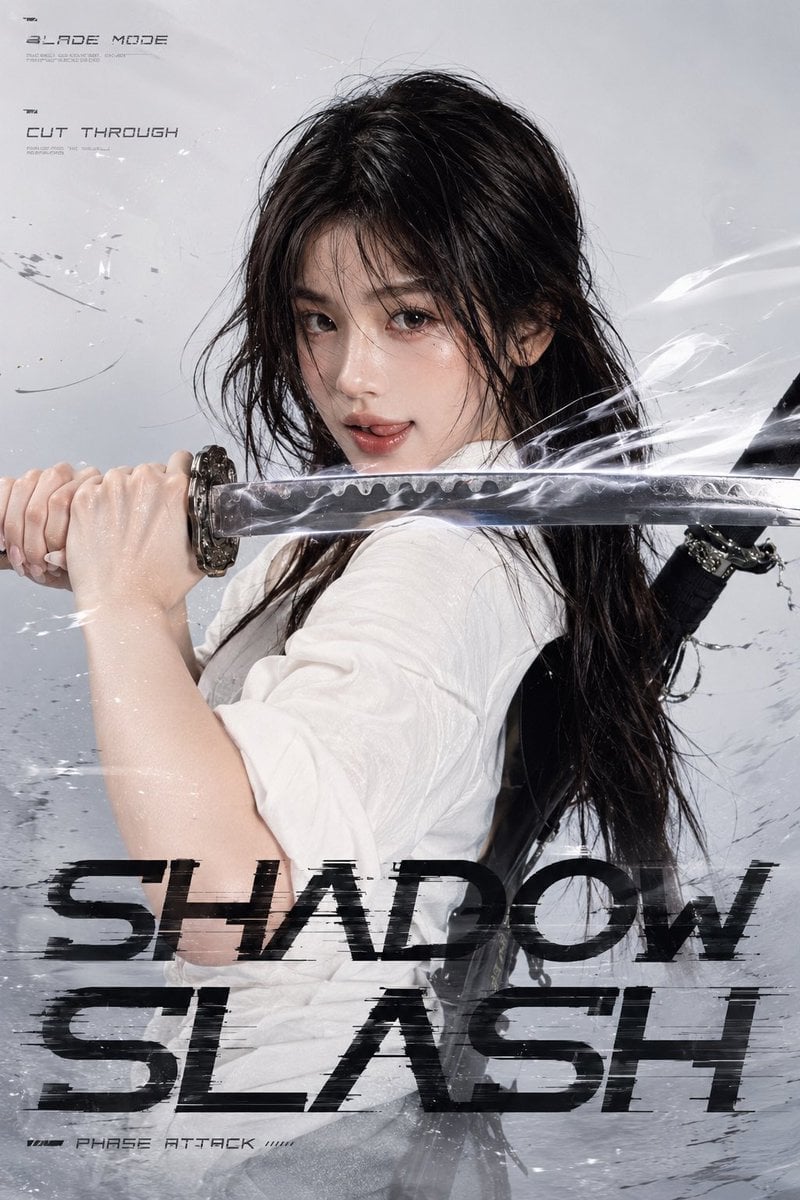
Shadow Slash Swordswoman Poster

Korean Idol Partial Shadow Editorial Portrait

80s College Gate

1988 Mall Style

80s Polka Dot Saree

Japan Travel Brochure Poster

Cartoon TV Show Poster Pack

Blue Backdrop Luxury Fashion Portrait Campaign

Luxury Black-and-White Fashion Contact Sheet

Futuristic Studio Neon Ring Minimalist Portrait

Neon Night Crosswalk Candid Portrait
Double Exposure City Street Portrait
Make it yours
Shadow Slash Fashion Poster works as-is. These are the safest ways to change it without losing the look.
Change one field
Copy a single group, rewrite it, and generate again so you can see what that field is doing.
Keep the frame, change the subject
Hold the composition and light of Shadow Slash Fashion Poster, then swap wardrobe, props or the person for a new take.
| If the result… | Why | Fix |
|---|---|---|
| The result drifts from the preview | Too many fields changed at once. | Reuse Shadow Slash Fashion Poster as-is first, then change one group — subject, light, or setting. |
| The model over-stylizes the scene | The prose prompt leaves finish and camera underspecified. | Add one camera or lighting sentence and stay on GPT Image 2. |
More GPT Image 2 templates
Other prompts made for GPT Image 2.

Six VTuber Japanese Logo Sheet

Realistic Portrait of Woman and Deer

The Vista Modular Condo Poster

AI Model Routing Comparison Infographic

2.5D Anime Art Board

Isometric Productivity Desk Scene

New York Double Exposure Poster

Four-Panel AI Landscape Comparison

Japanese Tatami Lifestyle Magazine Cover

NESCAFÉ Coffee Map Poster
More image prompts
Fresh picks from across the catalog.
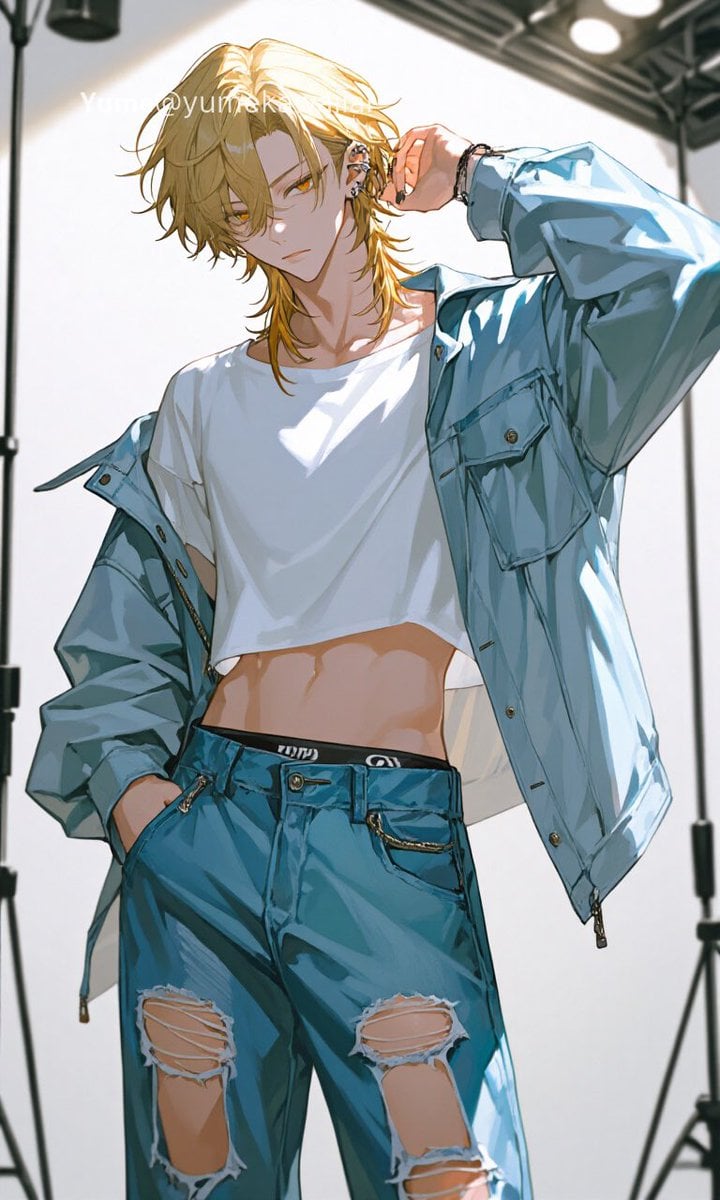
Y2K Anime Streetwear Model
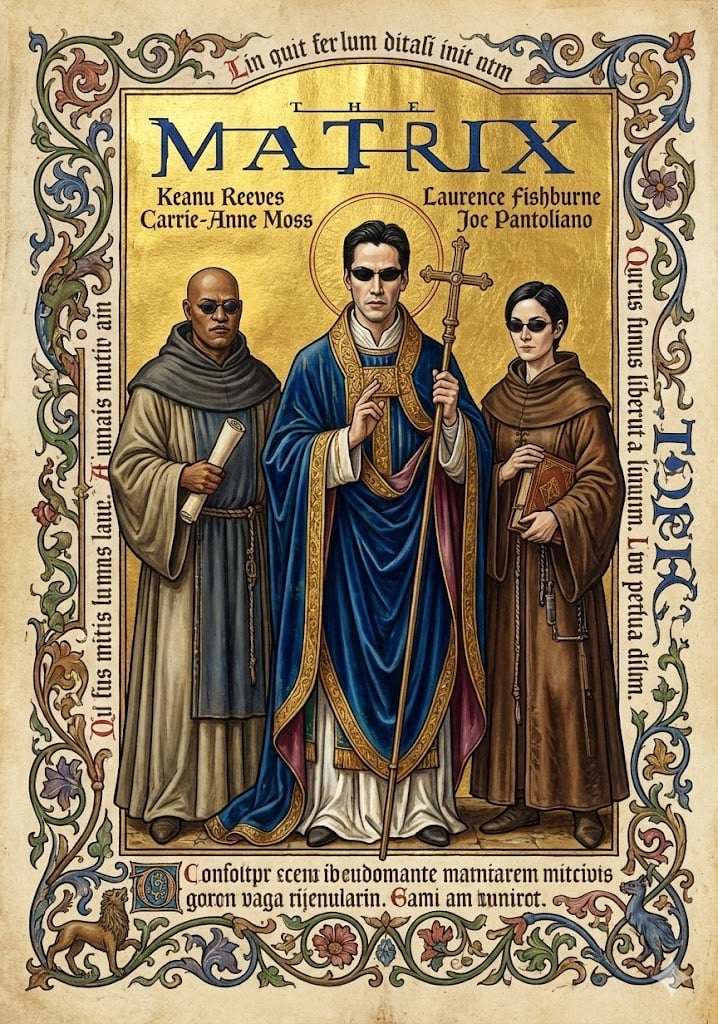
Medieval Illuminated Manuscript of The Matrix Characters
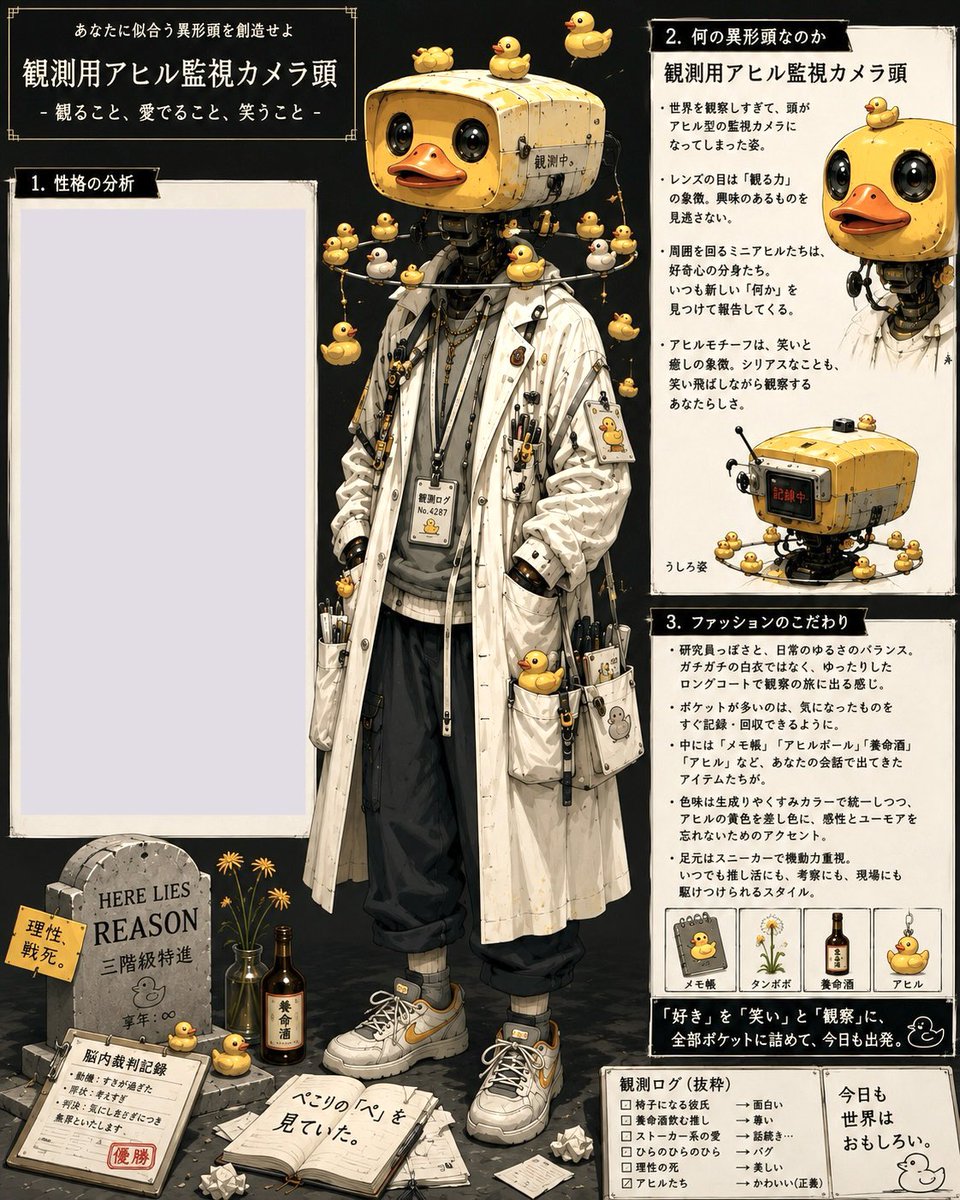
Rubber Duck Camera Head Character Sheet
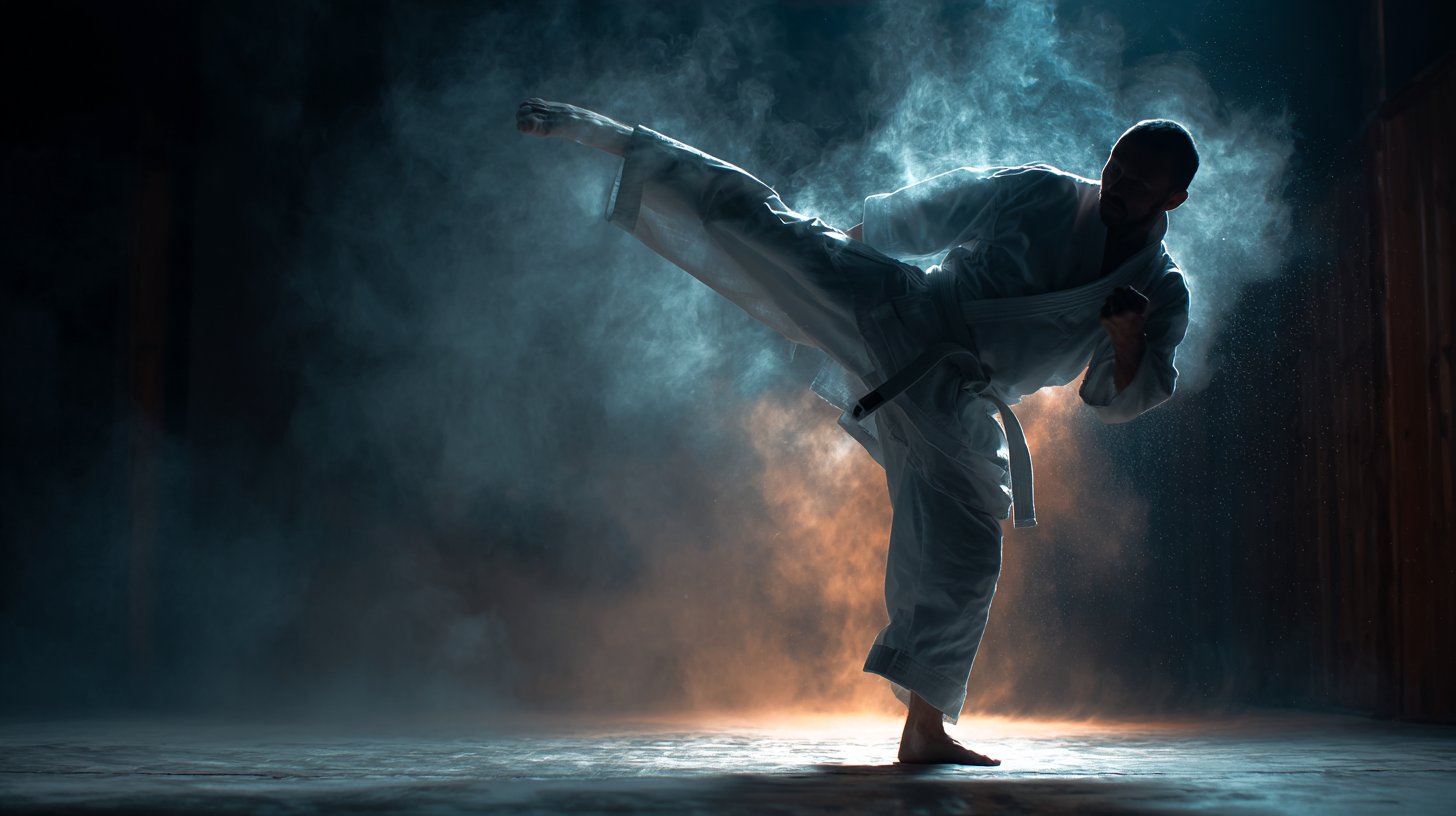
Cinematic Sport in Midjourney V7
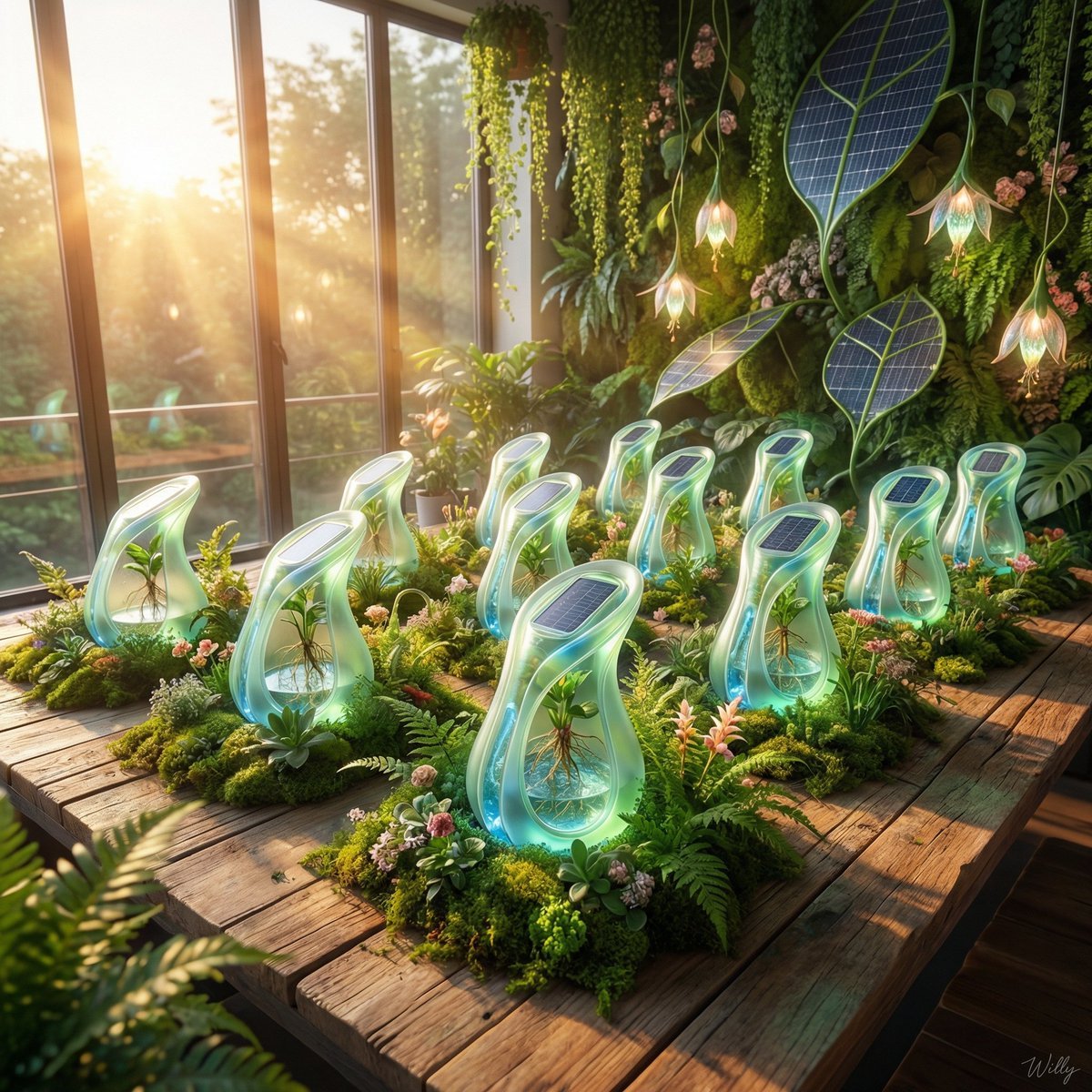
Solarpunk Product Showcase with Bioluminescence
Japanese Google Homepage Screenshot
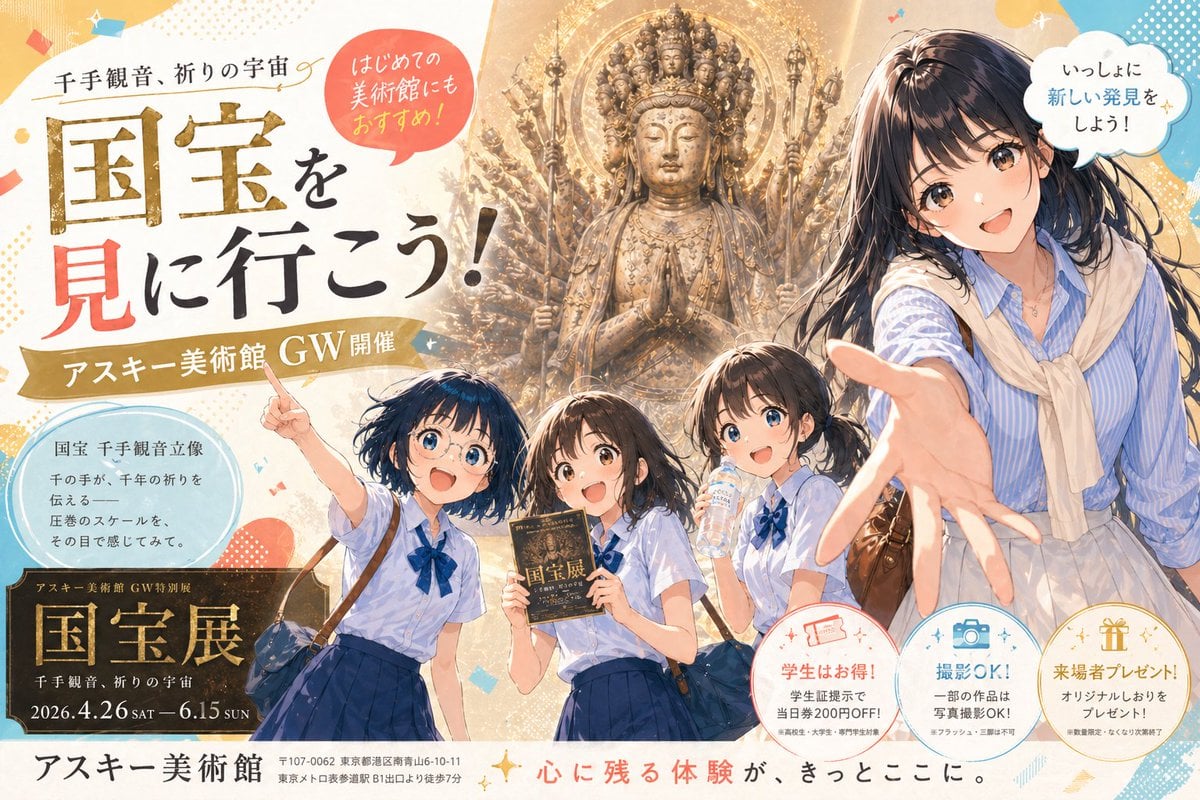
Anime Museum Poster with Kannon Statue
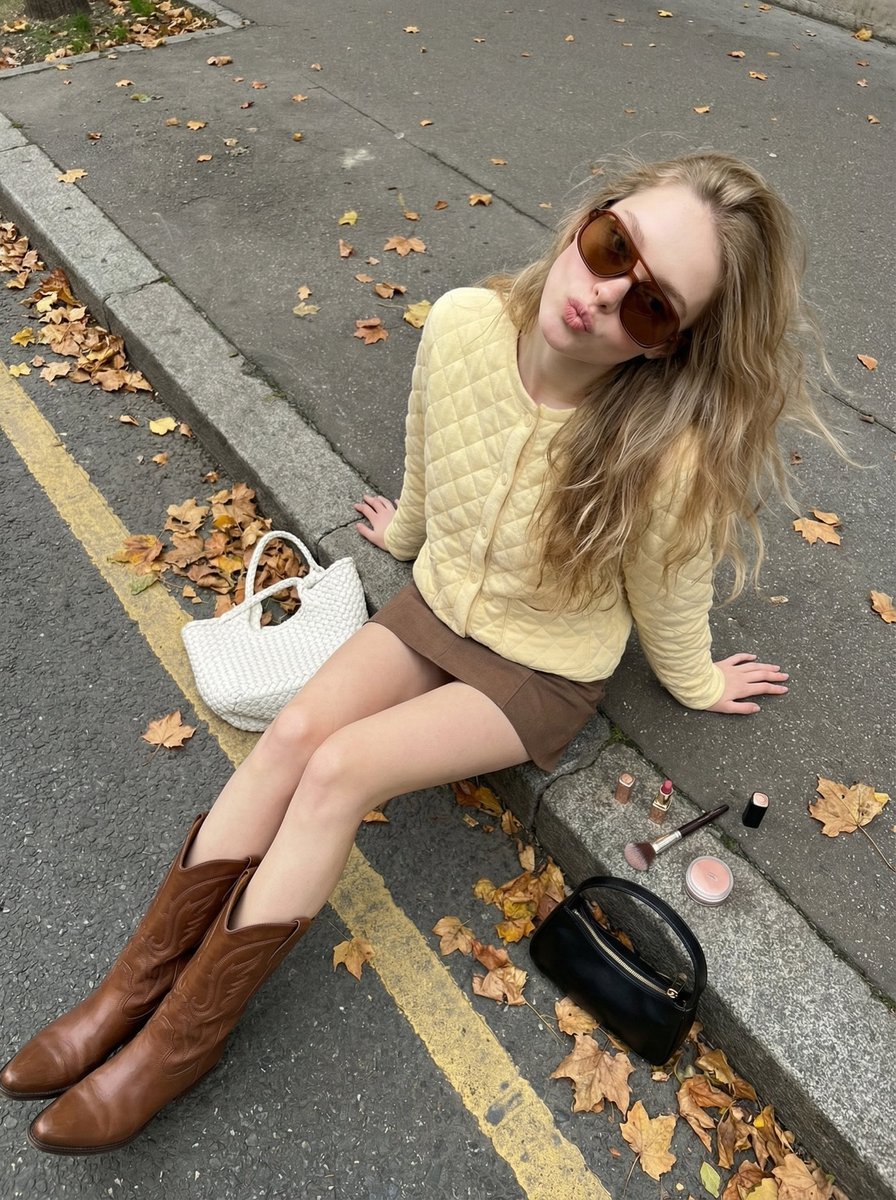
High-Angle Street Style Photo with Makeup Items
Cinematic Interior Shot of a Man on a Dimly Lit Bus
Black and White Futuristic House from Airplane Window
Browse template categories
Shadow Slash Fashion Poster questions
How do I use the Shadow Slash Fashion Poster template?
Add your photo if the template asks for one, edit the prompt if you like — the template's model and format are already selected — and press Generate. Your version opens in PicX Studio.
Can I customize the Shadow Slash Fashion Poster template?
Yes. You can change the subject, setting, lighting, mood, format, and available model controls before creating your image.
Is the Shadow Slash Fashion Poster template free?
Opening and editing this template is free. Generating uses credits, shown on the Generate button when you are signed in.
Which AI model should I use?
Start with GPT Image 2, which is the model associated with this template. You can compare another compatible model for a different finish.
Looking for something else? Browse all templates.

Your photo, any look
Thousands of ready templates for every top image and video model, from one credit balance.