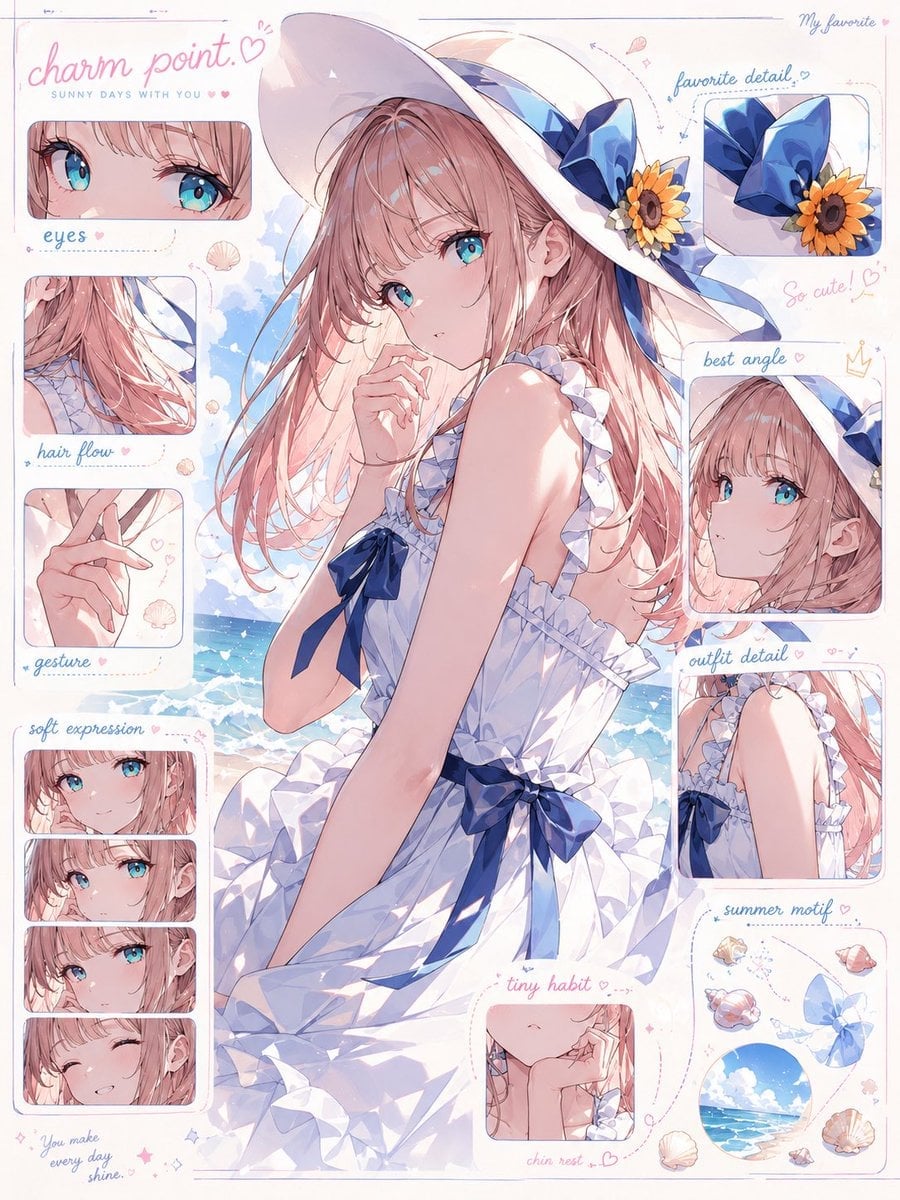
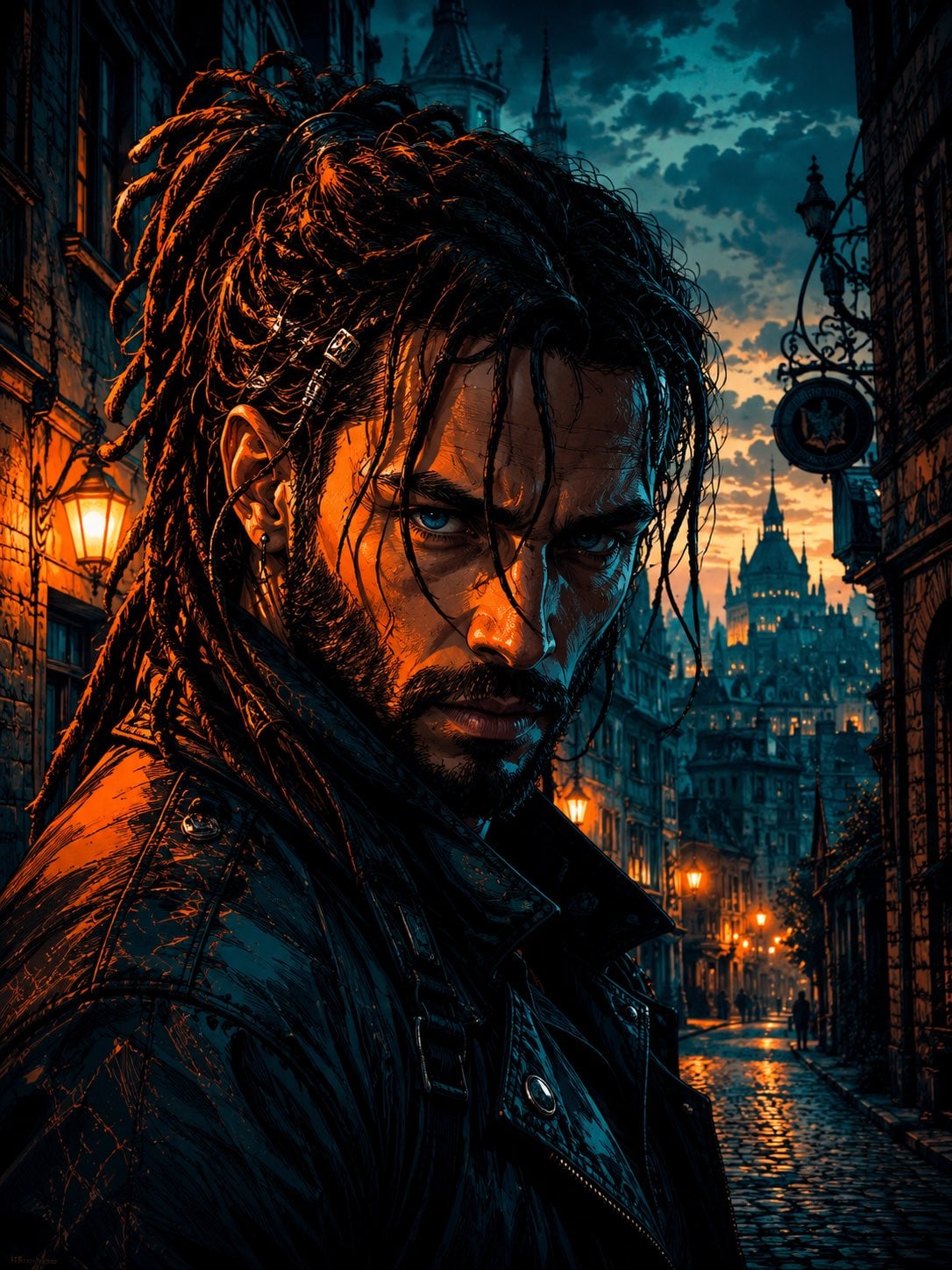
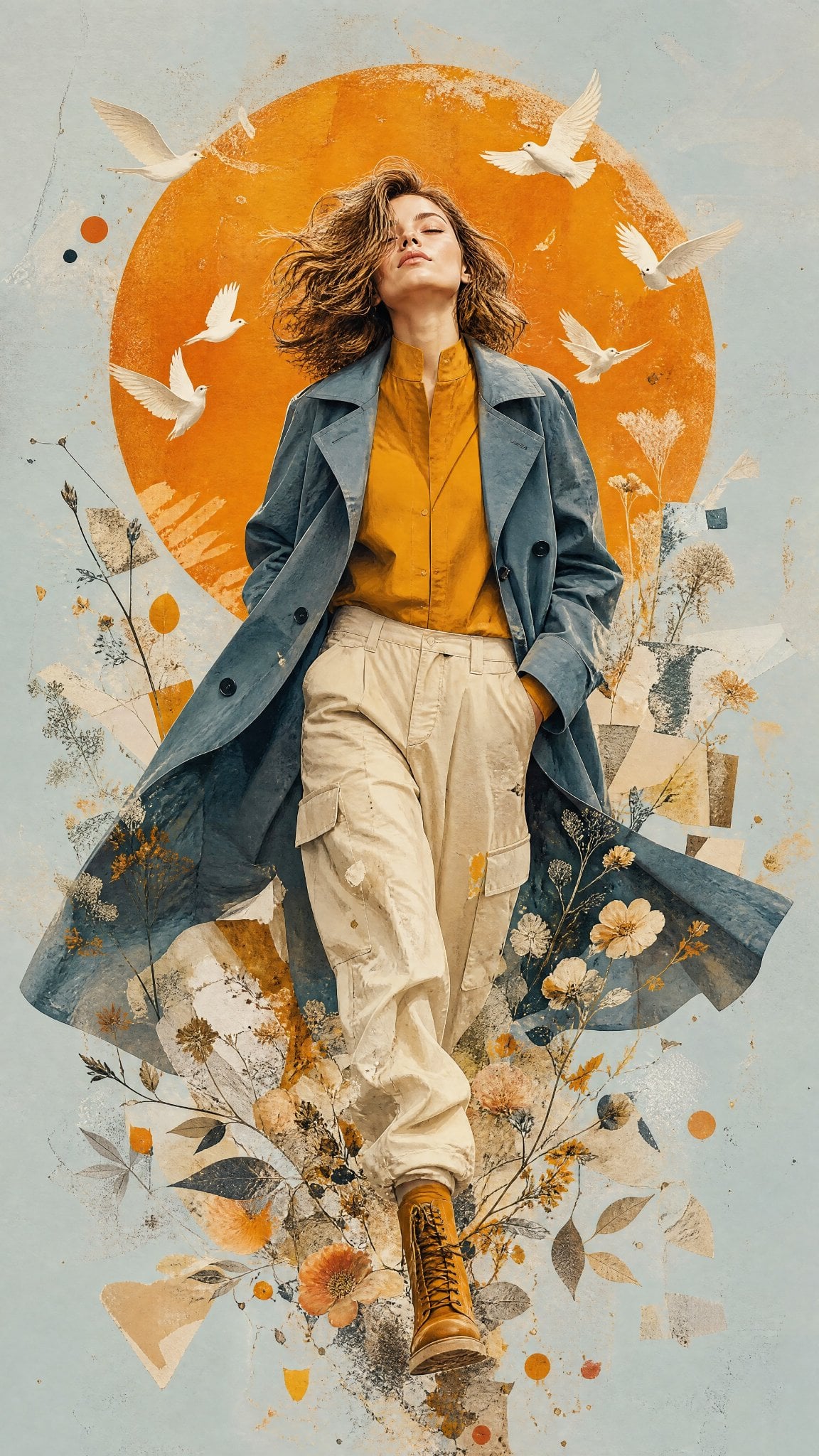
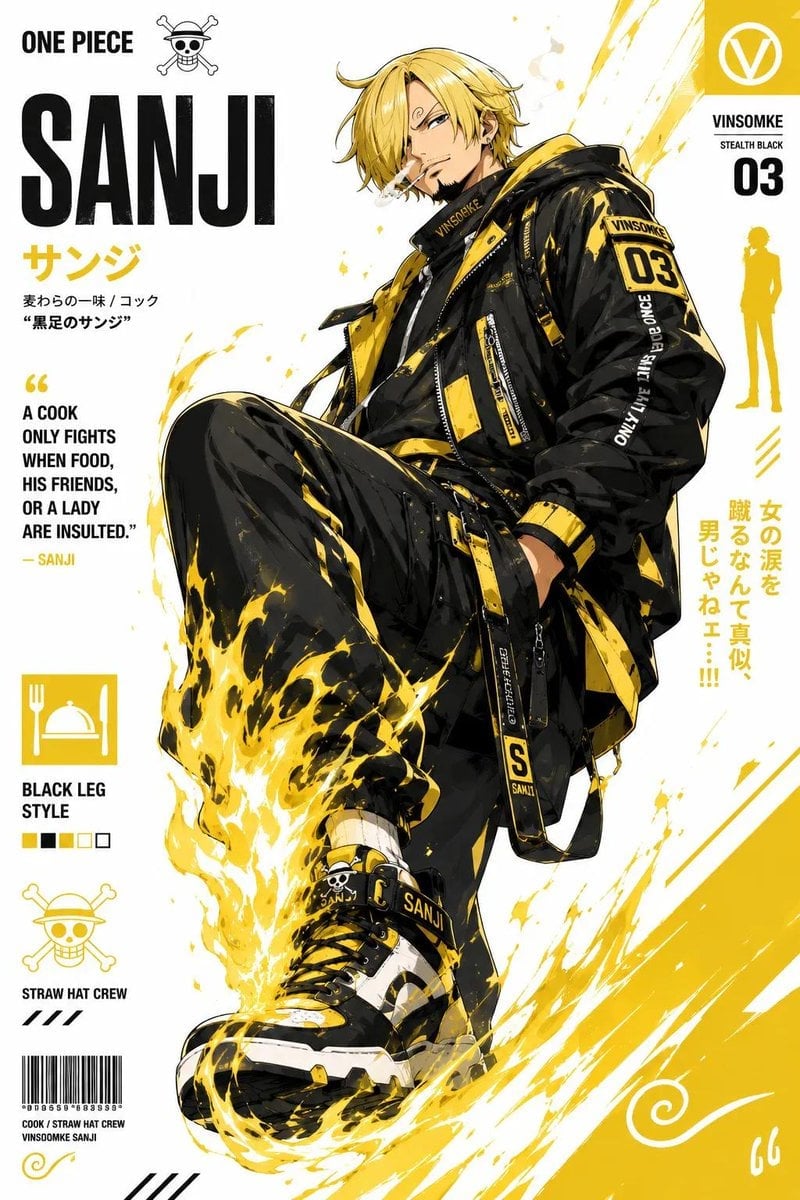
How do I use the Cyberwave Pop-Art Illustration template?
Choose the primary action to open PicX Studio with the available template settings. Review the model and format, personalize the creative direction, and generate when ready.
A vibrant and electric pop-art prompt for generating characters in a neon-lit futuristic city with graffiti and digital grid aesthetics.
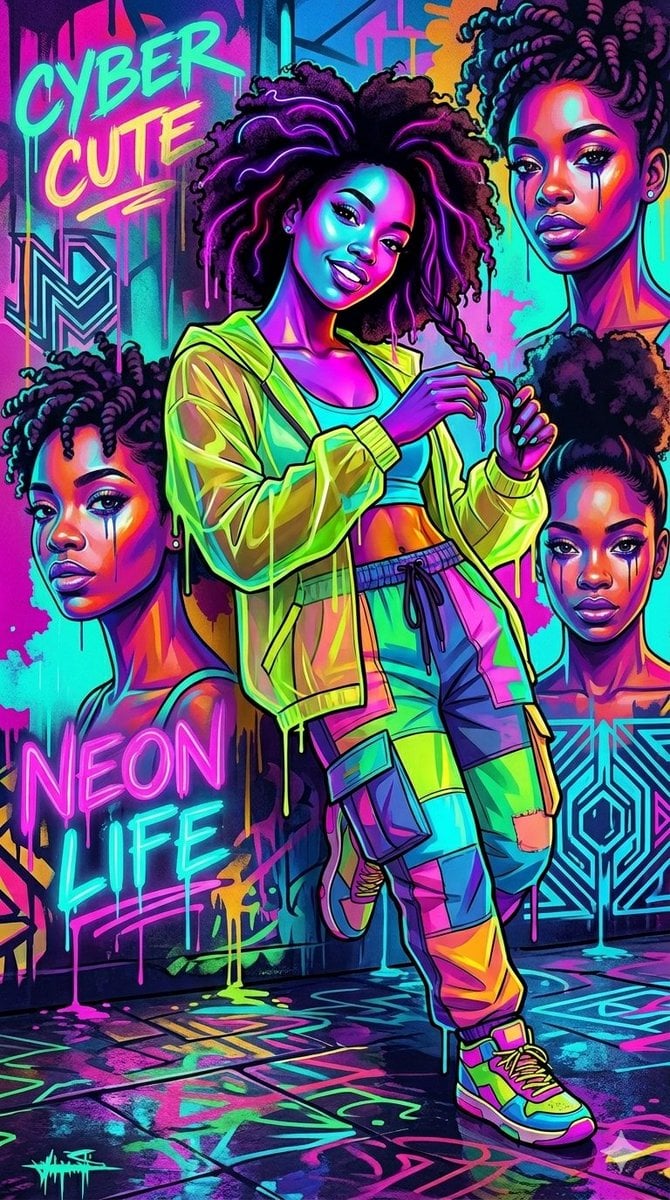
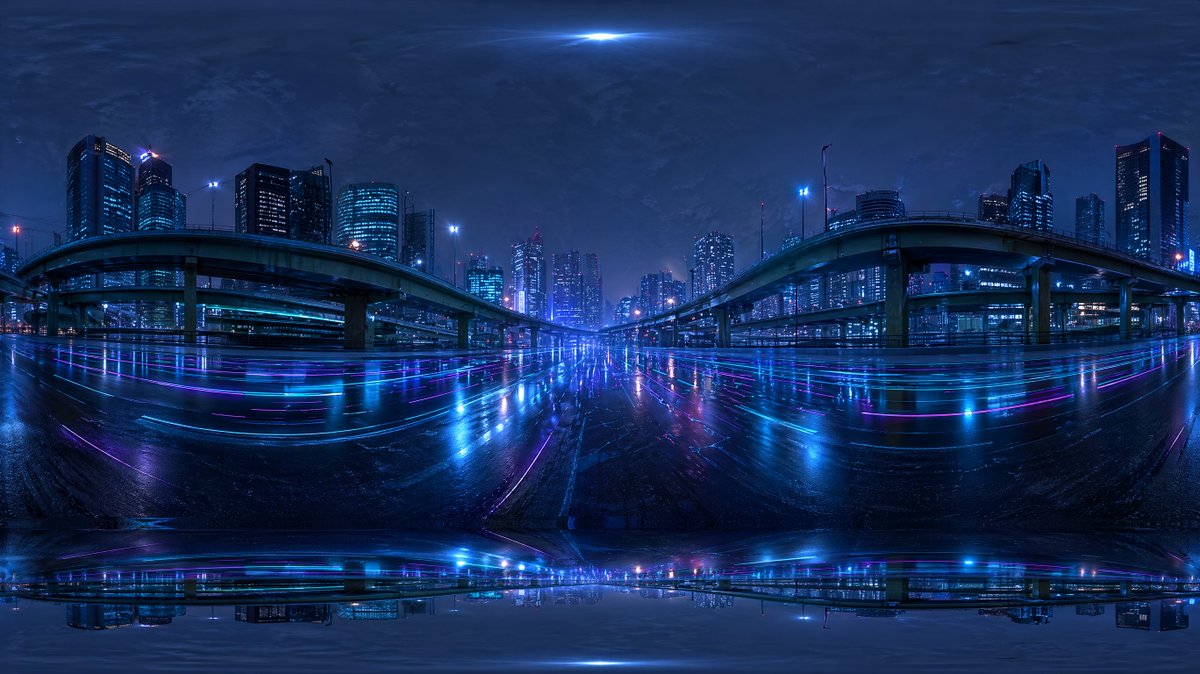
A vibrant {argument name="style" default="cyberwave pop-art illustration"} featuring cool characters immersed in a glowing neon city lifestyle. The scene bursts with an {argument name="colors" default="electric palette of hot pink, neon green, bright teal, and purple"}, styled with a graffiti-dripping aesthetic and bold outlines. On one side, stylish Black women rock voluminous afros, braided hair, and trendy multi-colored patchwork streetwear with cargo pants. On the other side, a character with curly dark hair wears oversized cyber-sunglasses and glowing headphones that emit swirling green energy smoke, dressed in a detailed graphic tee and denim jacket. The background is a {argument name="setting" default="dense, futuristic urban cityscape filled with glowing digital grids, neon text graffiti reading 'CYBERWAVE' and 'NEON LIFE'"}, and dripping paint effects.
Choose the primary action to open PicX Studio with the available template settings. Review the model and format, personalize the creative direction, and generate when ready.
Yes. You can change the subject, setting, lighting, mood, format, and available model controls before creating your image.
This template is free to open and customize. Generation usage is shown in PicX Studio before you create.
Start with Nano Banana 2, which is the model associated with this template. You can compare another compatible model for a different finish.
Follow a topic to a crawlable collection of related PicX Studio templates.