
Anime Yin-Yang Twin Girls
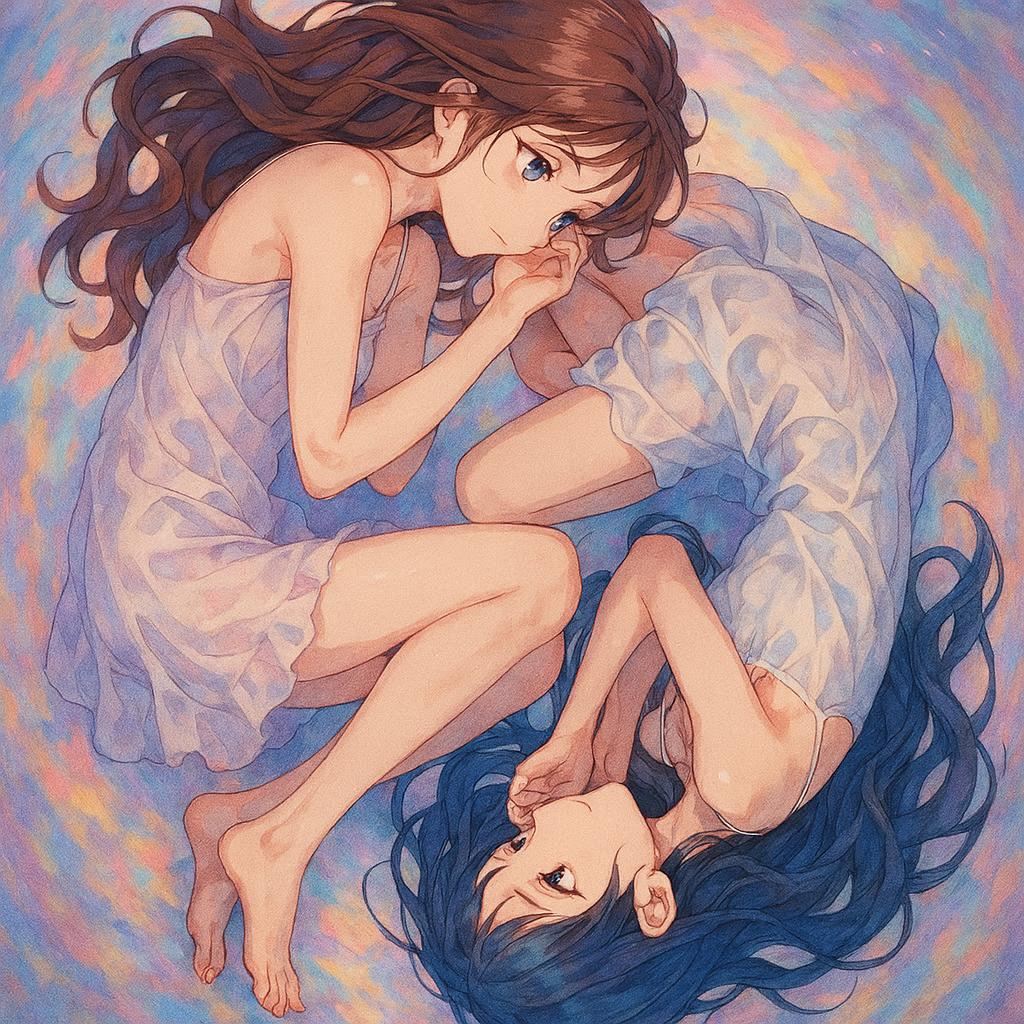
Generates a soft watercolor anime illustration of two girls curled into a yin-yang composition for dreamy symbolic artwork.
- Prompt included
- Model and format preset
- Premium template
The prompt behind this image
Copy the exact prompt behind Anime Yin-Yang Twin Girls, or open it in the studio and make it yours.
Create a square anime-style illustration of two young women forming a yin-yang taijitu composition while floating or lying in a soft dreamlike space. The image contains exactly 2 characters: one upper-left girl with {argument name="upper character hair color" default="long flowing chestnut brown hair"}, blue eyes, pale skin, and a translucent white sleeveless slip dress; and one lower-right girl with {argument name="lower character hair color" default="long flowing deep navy blue hair"}, blue eyes, pale skin, and a translucent white loose dress. They are curled toward each other in mirrored fetal poses, their bodies and hair creating a circular swirl, like the two halves of a yin-yang symbol. The upper girl faces downward with one hand near her face and her legs folded; the lower girl is upside down relative to the viewer, gazing upward with one arm bent over her head and legs tucked. Their bare feet and delicate limbs are visible, with graceful anatomy and gentle expressions. Use a pastel watercolor and colored-pencil anime rendering style with soft linework, luminous skin highlights, sheer fabric folds, flowing hair strands, and a tranquil emotional tone. The background is an abstract circular wash of {argument name="background colors" default="misty blue, lavender, peach, and soft coral"}, painted with swirling brush textures that reinforce the taijitu shape. No text, no border, no watermark, no extra characters; keep the composition centered and fill the square canvas with the circular intertwined pose.
How to use Anime Yin-Yang Twin Girls in 3 steps
- 1Upload ImagePNG, JPG or paste
Add your photo
Upload the photo the template builds on. The prompt, model and format are already set.
- 2…a portrait of your subject in softgolden-hour light, 85mm…
Personalize
Edit the subject and creative details for your destination.
- 3Generate
Generate
Press Generate — your image is created in PicX Studio, so you can compare it with the original and refine one variable at a time.
More like this
Templates with the same subject, style or setup. Open one to see its prompt.











Make it yours
Anime Yin-Yang Twin Girls works as-is. These are the safest ways to change it without losing the look.
Change one field
Copy a single group, rewrite it, and generate again so you can see what that field is doing.
Keep the frame, change the subject
Hold the composition and light of Anime Yin-Yang Twin Girls, then swap wardrobe, props or the person for a new take.
| If the result… | Why | Fix |
|---|---|---|
| The result drifts from the preview | Too many fields changed at once. | Reuse Anime Yin-Yang Twin Girls as-is first, then change one group — subject, light, or setting. |
| The model over-stylizes the scene | The prose prompt leaves finish and camera underspecified. | Add one camera or lighting sentence and stay on GPT Image 2. |
More GPT Image 2 templates
Other prompts made for GPT Image 2.

Six VTuber Japanese Logo Sheet

Realistic Portrait of Woman and Deer

The Vista Modular Condo Poster

AI Model Routing Comparison Infographic

2.5D Anime Art Board

Isometric Productivity Desk Scene

New York Double Exposure Poster

Four-Panel AI Landscape Comparison

Japanese Tatami Lifestyle Magazine Cover

NESCAFÉ Coffee Map Poster
More image prompts
Fresh picks from across the catalog.
Ultra-realistic cinematic portrait through a rain-soaked café window
Cyberpunk Split Lighting Portrait
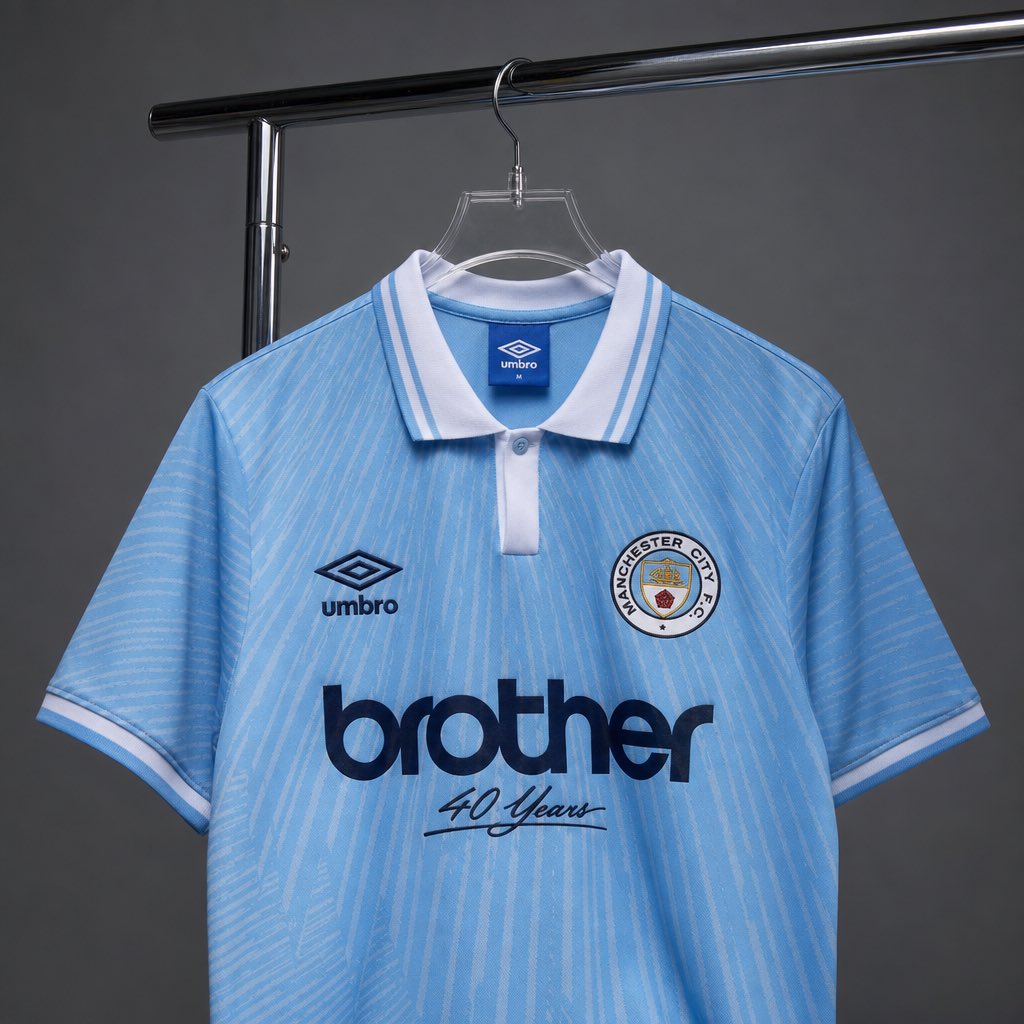
Realistic Jersey Replacement Studio Shot
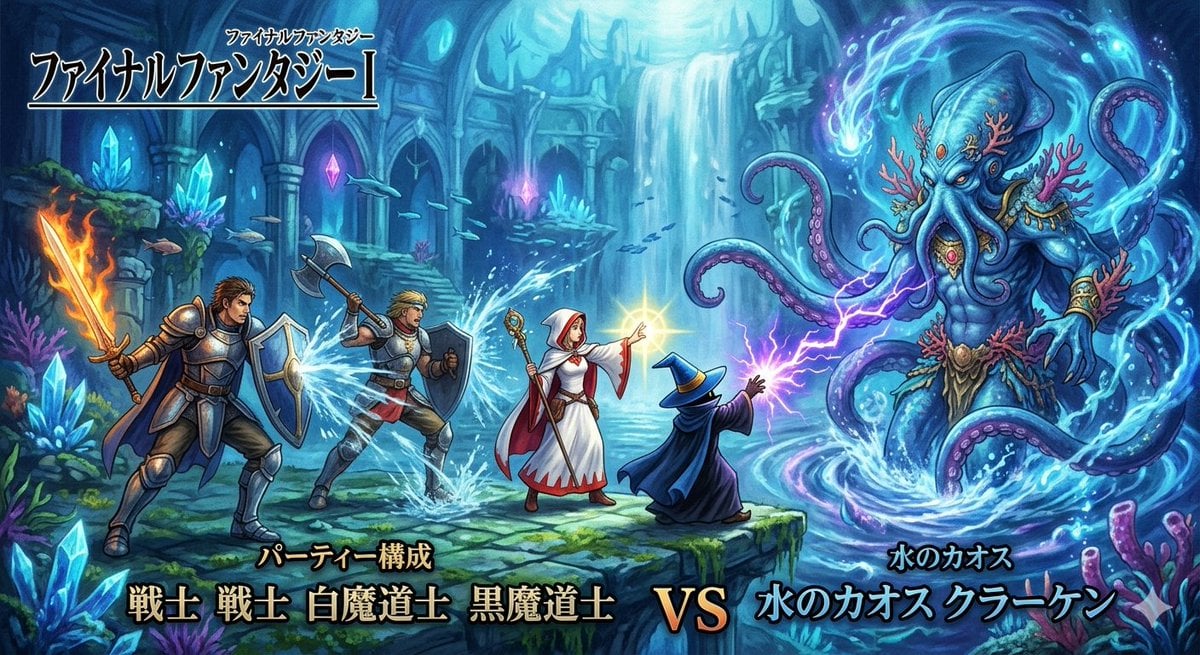
Final Fantasy Party vs. Kraken Image Generation
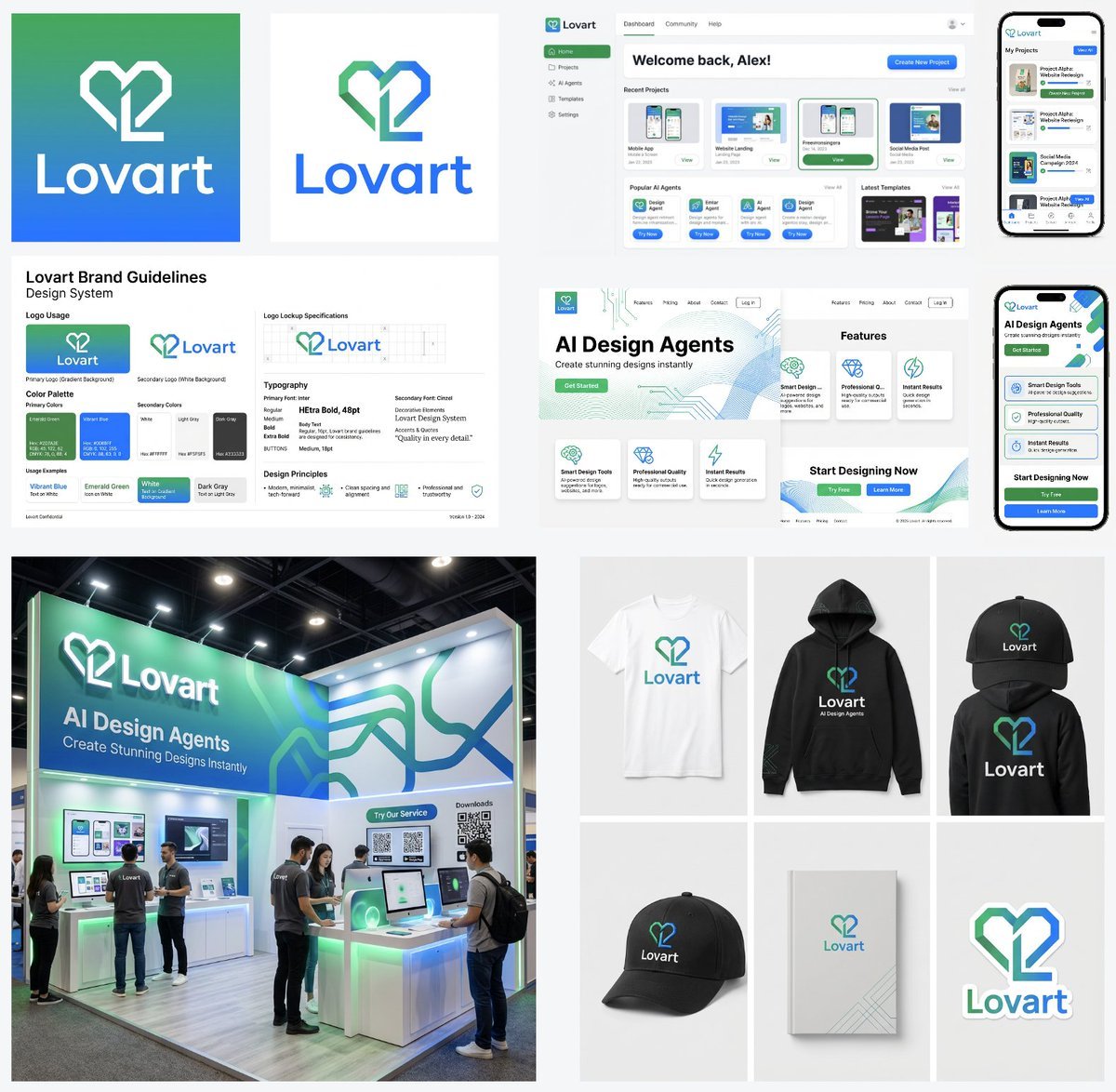
Multi-Step Design Generation Prompts for 'Lovart' Brand
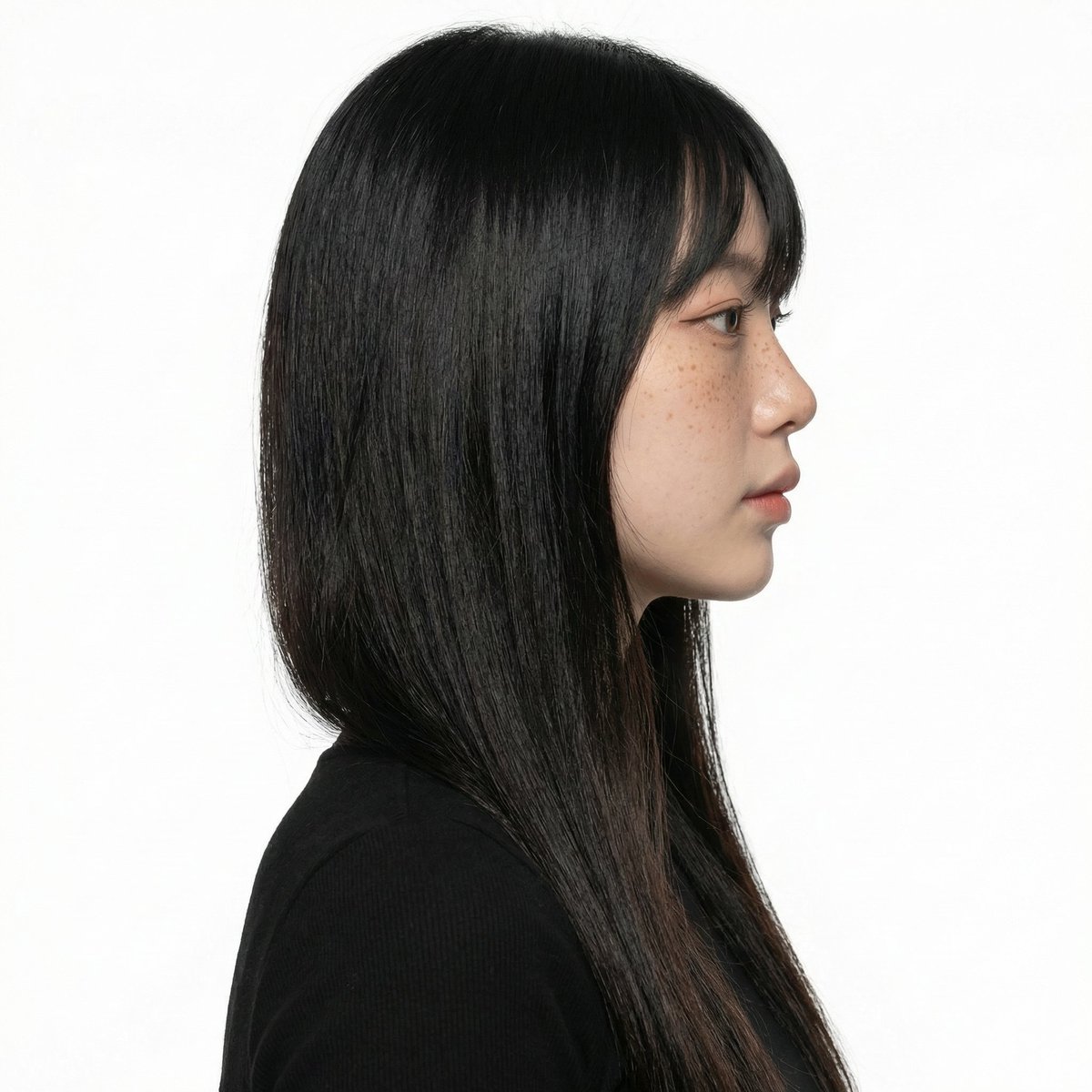
Character Pose Variation Prompt
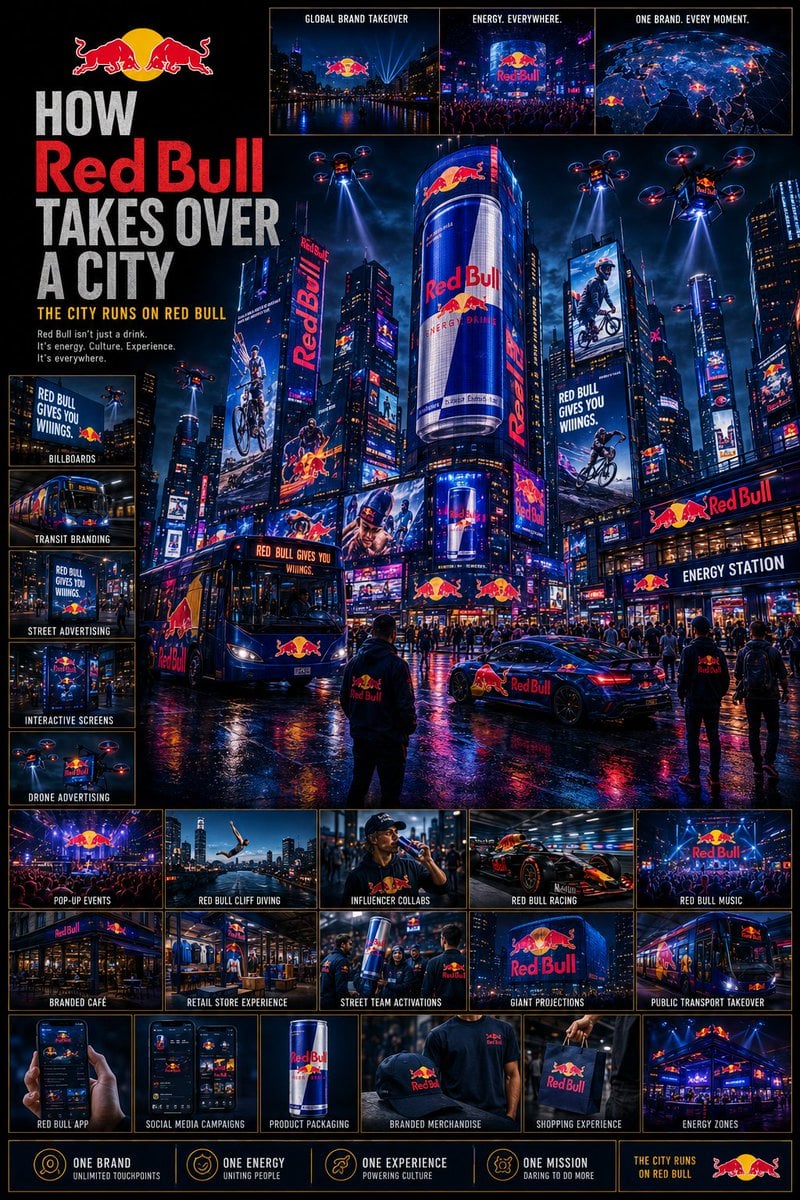
Cinematic Brand City Takeover Poster
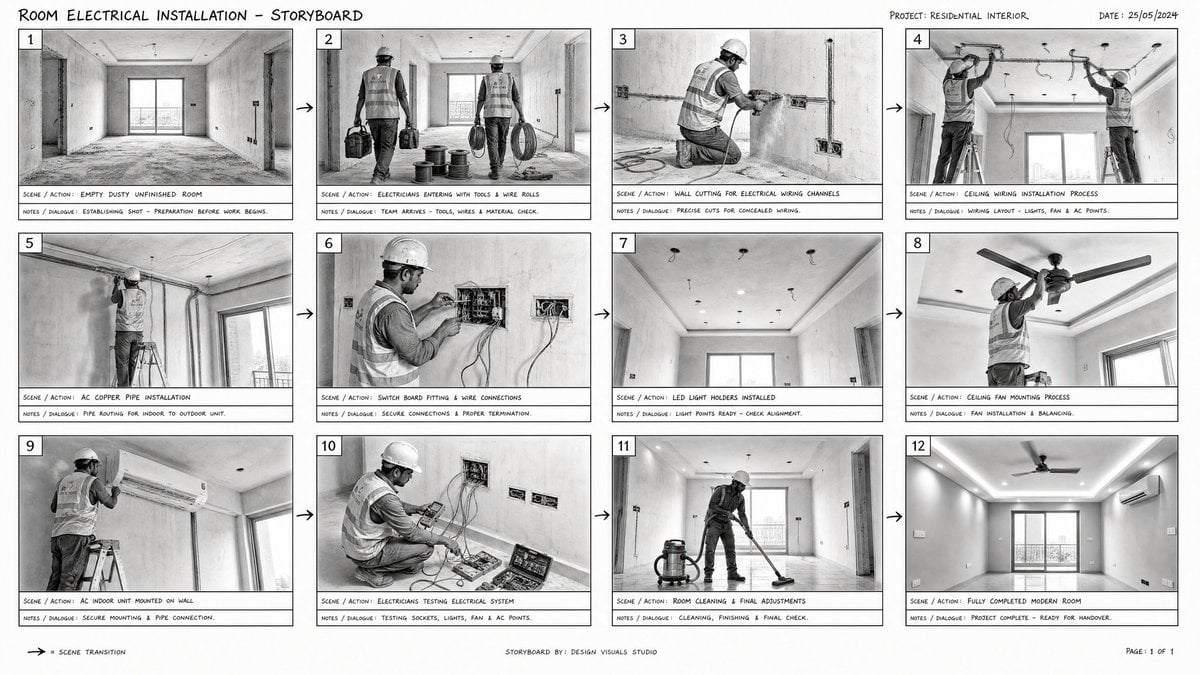
Room Installation Storyboard Sheet
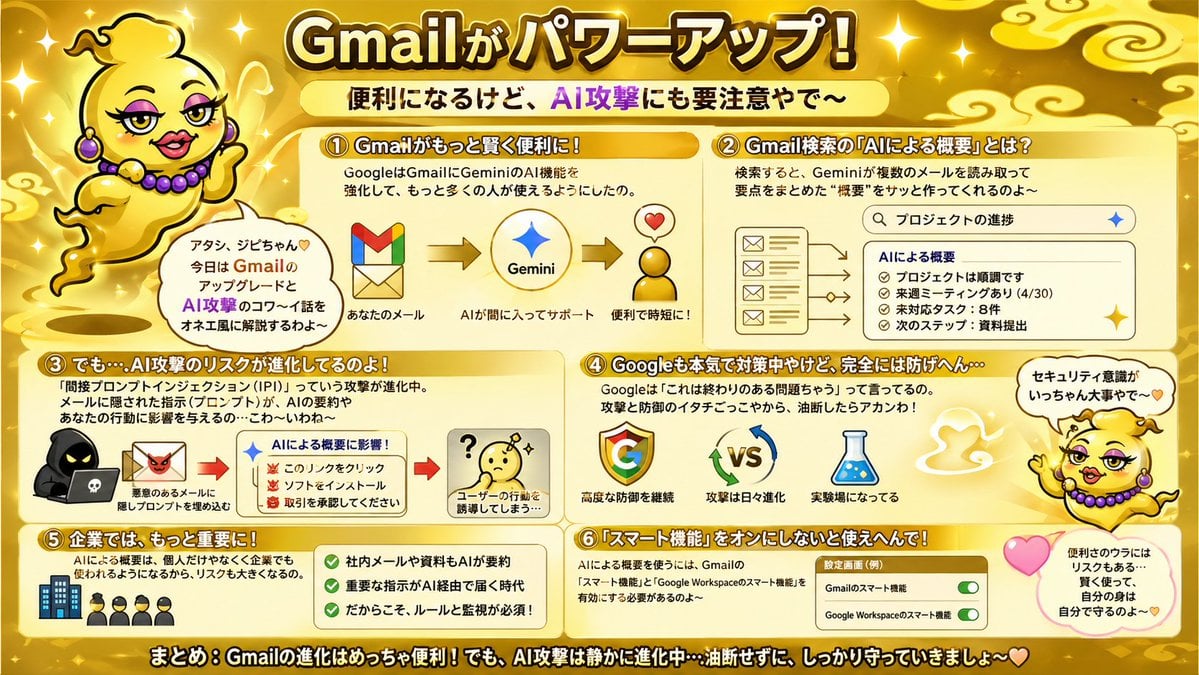
Gold Gmail AI Risk Infographic
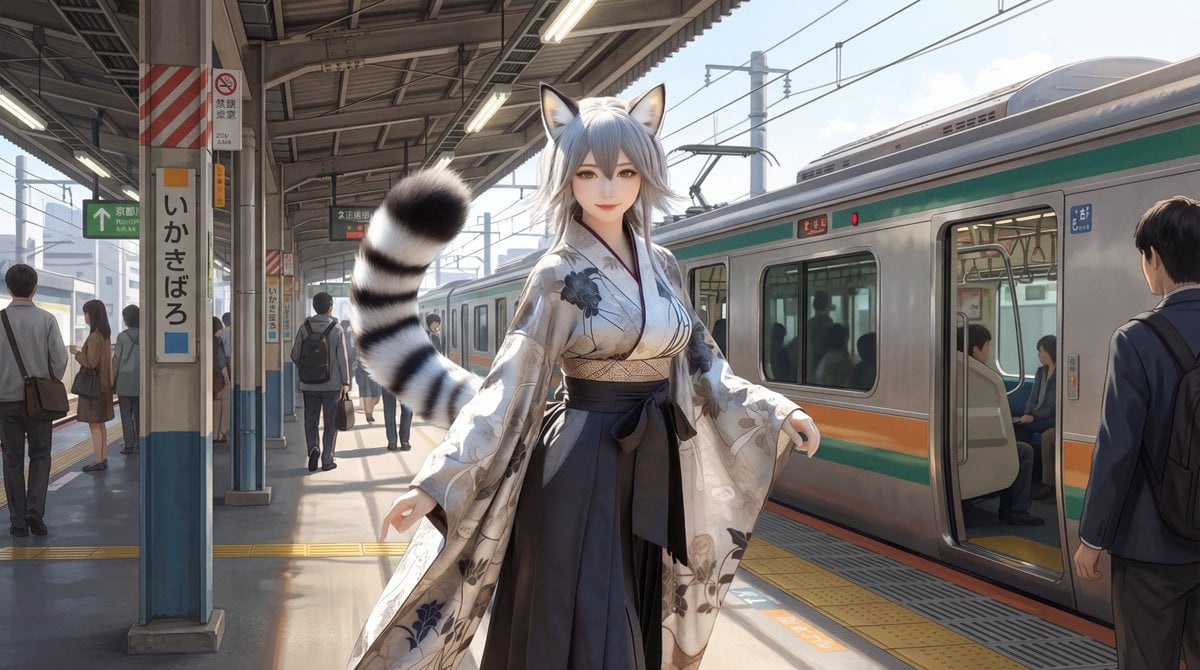
Character on Japanese train platform with matched lighting
Browse template categories
Anime Yin-Yang Twin Girls questions
How do I use the Anime Yin-Yang Twin Girls template?
Add your photo if the template asks for one, edit the prompt if you like — the template's model and format are already selected — and press Generate. Your version opens in PicX Studio.
Can I customize the Anime Yin-Yang Twin Girls template?
Yes. You can change the subject, setting, lighting, mood, format, and available model controls before creating your image.
Is the Anime Yin-Yang Twin Girls template free?
Opening and editing this template is free. Generating uses credits, shown on the Generate button when you are signed in.
Which AI model should I use?
Start with GPT Image 2, which is the model associated with this template. You can compare another compatible model for a different finish.
Looking for something else? Browse all templates.

Your photo, any look
Thousands of ready templates for every top image and video model, from one credit balance.