
Cinematic Brand City Takeover Poster
A master prompt for creating a highly detailed cinematic advertising poster where a brand dominates an entire city ecosystem with futuristic billboards and urban integration.
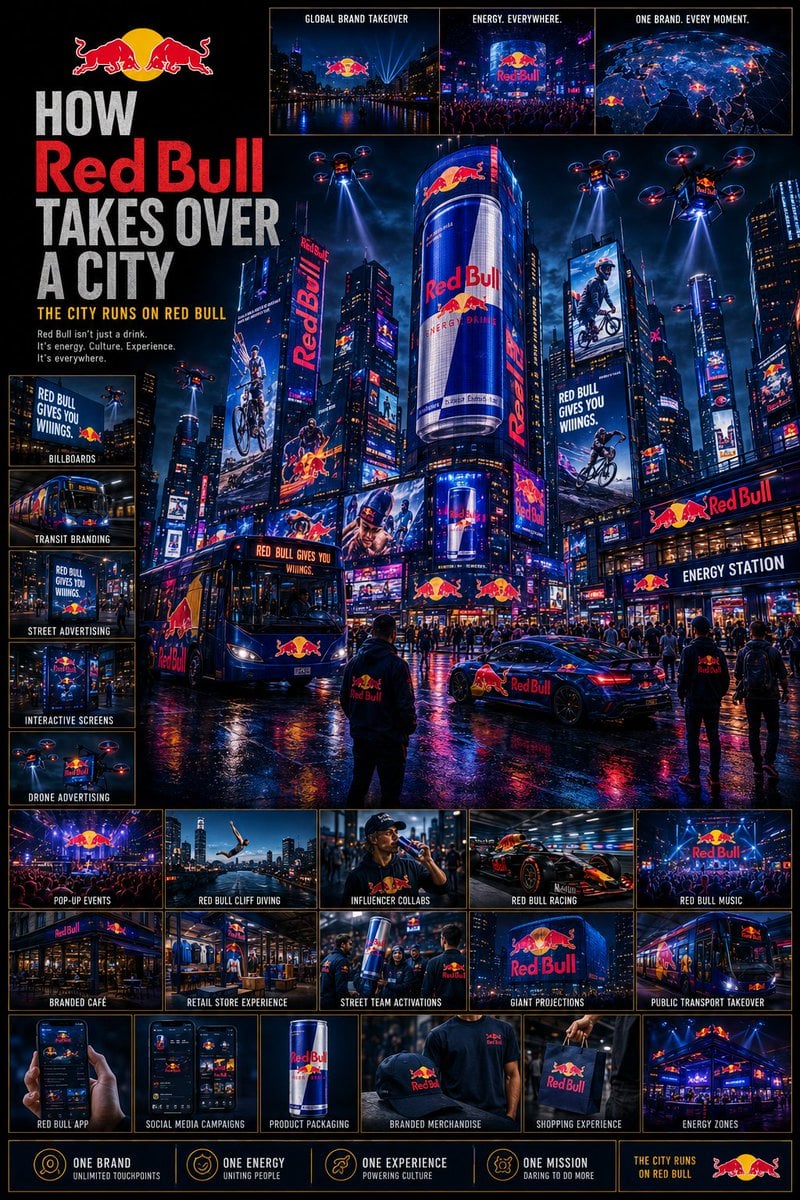
- Prompt included
- Model and format preset
- Free template
The prompt behind this image
Copy the exact prompt behind Cinematic Brand City Takeover Poster, or open it in the studio and make it yours.
Using the {argument name="brand name" default="[BRAND NAME]"}, create a highly detailed cinematic poster: “HOW {argument name="brand name" default="[BRAND NAME]"} TAKES OVER A CITY” GOAL: Show the brand expanding across an entire city ecosystem until it becomes impossible to ignore. This must feel like: global campaign rollout + futuristic city domination + luxury advertising ecosystem. The brand should appear integrated naturally into the city, not random logo placement. CORE RULE: Everything must be visually inspired by the brand identity of “{argument name="brand name" default="[BRAND NAME]"}”: brand colors typography style design language visual energy aesthetic mood The city itself should begin to feel transformed by the brand identity. MAIN STRUCTURE: Vertical 4:5 poster Dense multi layered composition Huge cinematic city scene mixed with many smaller detail panels TOP SECTION: Include: “{argument name="brand name" default="[BRAND NAME]"}” logo or wordmark Campaign title Short {argument name="slogan" default="slogan (max 5 words)"} MAIN HERO SCENE: Show a massive cinematic city environment where “{argument name="brand name" default="[BRAND NAME]"}” has become dominant. Include: giant digital billboards skyscraper LED screens branded taxis buses train wraps storefronts public transport stations branded cafés interactive street ads branded drones or futuristic media systems The city should feel alive and overloaded with coordinated branding. CITY ENVIRONMENT: Create: realistic streets crowds of people traffic nightlife urban lighting weather atmosphere The branding should blend naturally into the environment. MICRO SCENES: Around the main scene, include many smaller panels showing: people using branded products social media campaign visuals branded pop up events digital ads on phones branded shopping bags influencer campaigns café branding event installations giant building projections ADVERTISEMENT SYSTEM: OUTDOOR: billboards LED towers transit ads street posters DIGITAL: mobile ads social media ads app UI interactive screens PHYSICAL: packaging shopping bags uniforms vehicles VISUAL DETAILS: Add: glowing reflections rain reflections on streets holographic screens animated signage crowds interacting with ads city lights matching the brand palette COLOR SYSTEM: Strictly derived from the brand identity colors. Use: lighting reflections atmosphere ad screens to reinforce the brand identity. STYLE: cinematic urban realism futuristic advertising aesthetic dense but readable luxury campaign presentation Inspired by: Tokyo/Shibuya LED overload Times Square campaigns cyberpunk city advertising luxury fashion campaign rollouts DEPTH: 40 to 80 visual elements layered foreground/midground/background multiple scales of detail IMPORTANT RULES: no random logo spam branding must feel intelligently integrated every ad placement should feel int
How to use Cinematic Brand City Takeover Poster in 3 steps
- 1
Open
The prompt is already in the box next to the preview, with the template's model and format selected.
- 2…a portrait of your subject in softgolden-hour light, 85mm…
Personalize
Edit the subject and creative details for your destination.
- 3Generate
Generate
Press Generate — your image is created in PicX Studio, so you can compare it with the original and refine one variable at a time.
More like this
Templates with the same subject, style or setup. Open one to see its prompt.

Luxury Fashion Campaign Typography Poster System

Premium Fashion Editorial Campaign Poster System

Japan Travel Brochure Poster

Cartoon TV Show Poster Pack

Trendy Cafe Drink Promo Poster

Urban Fashion Editorial Collage Streetwear Poster

Premium Fashion Editorial Cover Layout System

Polo Ralph Lauren Luxury American Heritage Fashion Campaign

Monochrome Halftone Editorial Fashion Poster

Retro Mirror Luxury Fashion Campaign Poster

Ultra-Stylized High-Fashion Streetwear Poster

Urban Fashion Editorial Collage Poster
Make it yours
Cinematic Brand City Takeover Poster works as-is. These are the safest ways to change it without losing the look.
Change one field
Copy a single group, rewrite it, and generate again so you can see what that field is doing.
Keep the frame, change the subject
Hold the composition and light of Cinematic Brand City Takeover Poster, then swap wardrobe, props or the person for a new take.
| If the result… | Why | Fix |
|---|---|---|
| The result drifts from the preview | Too many fields changed at once. | Reuse Cinematic Brand City Takeover Poster as-is first, then change one group — subject, light, or setting. |
| The model over-stylizes the scene | The prose prompt leaves finish and camera underspecified. | Add one camera or lighting sentence and stay on GPT Image 2. |
More GPT Image 2 templates
Other prompts made for GPT Image 2.

Six VTuber Japanese Logo Sheet

Realistic Portrait of Woman and Deer

The Vista Modular Condo Poster

AI Model Routing Comparison Infographic

2.5D Anime Art Board

Isometric Productivity Desk Scene

New York Double Exposure Poster

Four-Panel AI Landscape Comparison

Japanese Tatami Lifestyle Magazine Cover

NESCAFÉ Coffee Map Poster
More image prompts
Fresh picks from across the catalog.
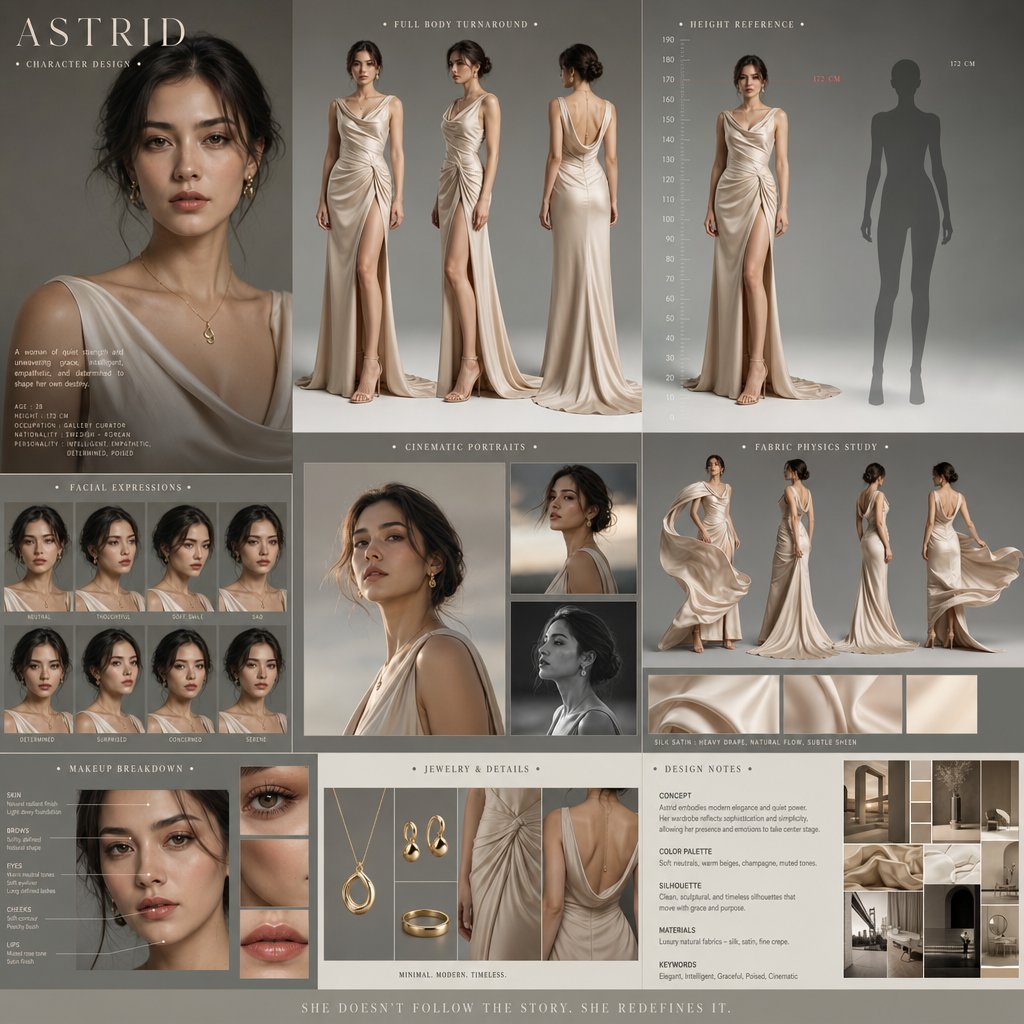
Cinematic Character Design Board
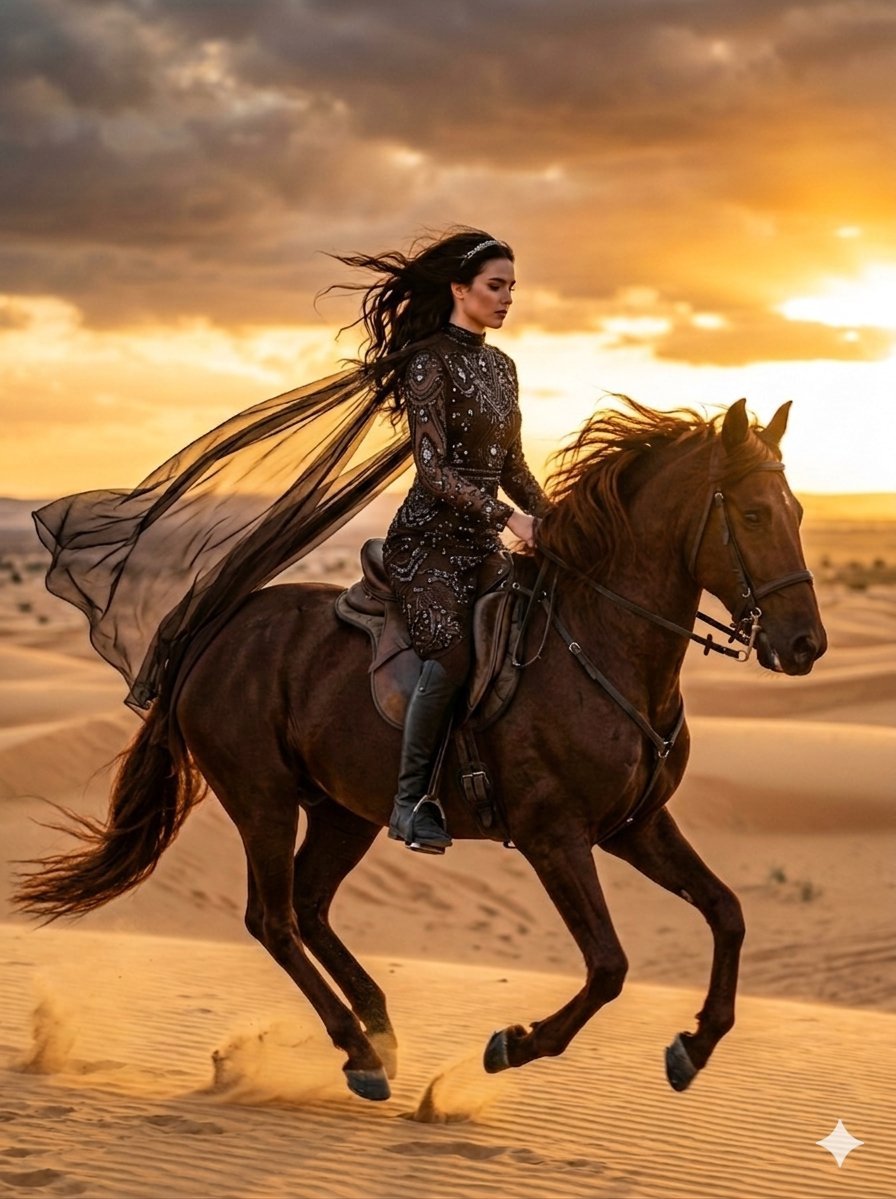
Cinematic Desert Horse Rider
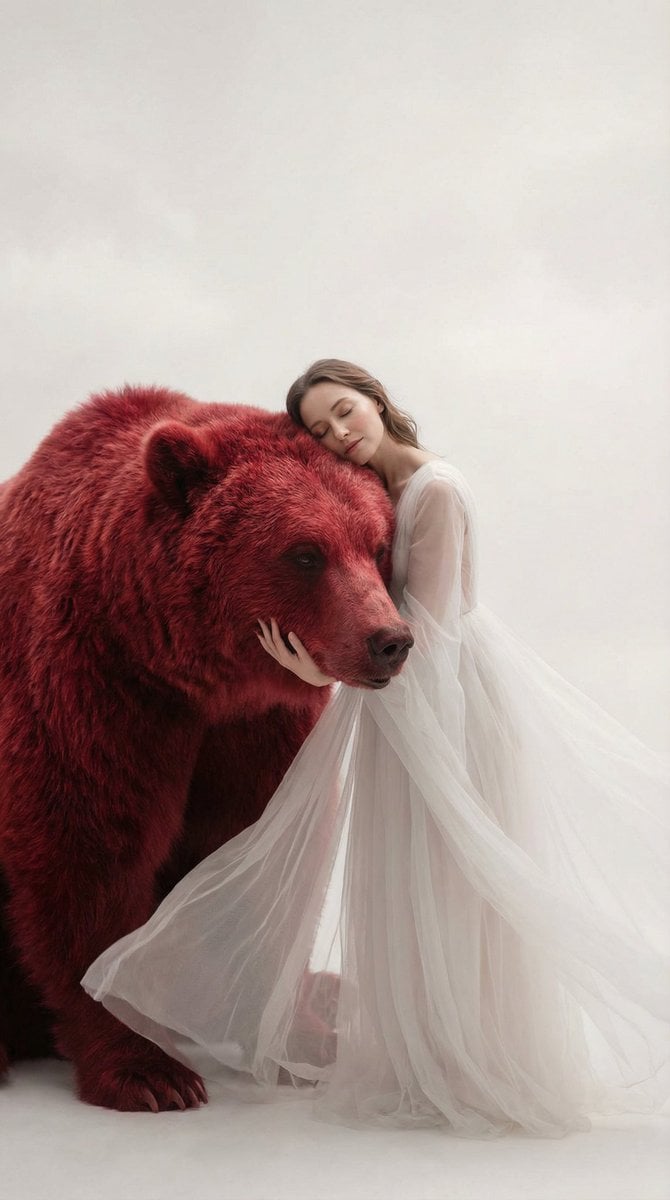
Surreal Scene of Human Embracing Massive Red Bear Prompt
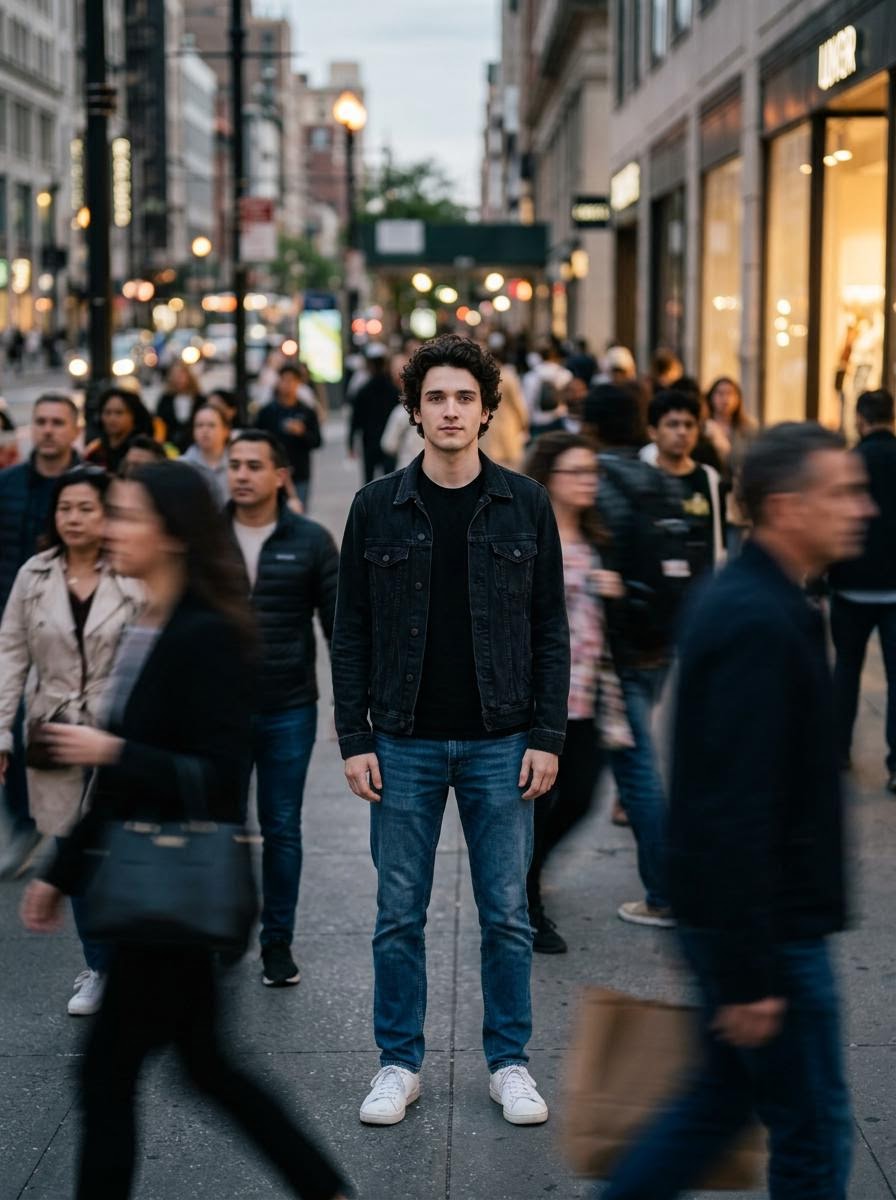
Calm in Chaos Street Photo Prompt for Nano Banana 2
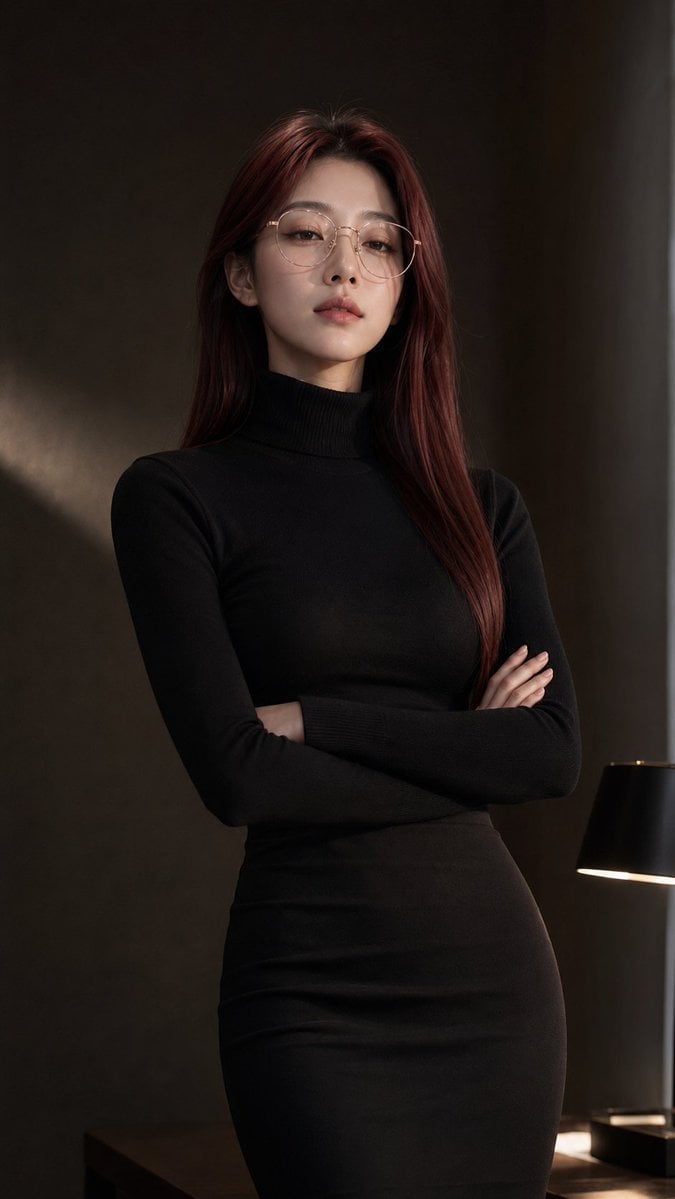
Censored Teal Fashion Portrait
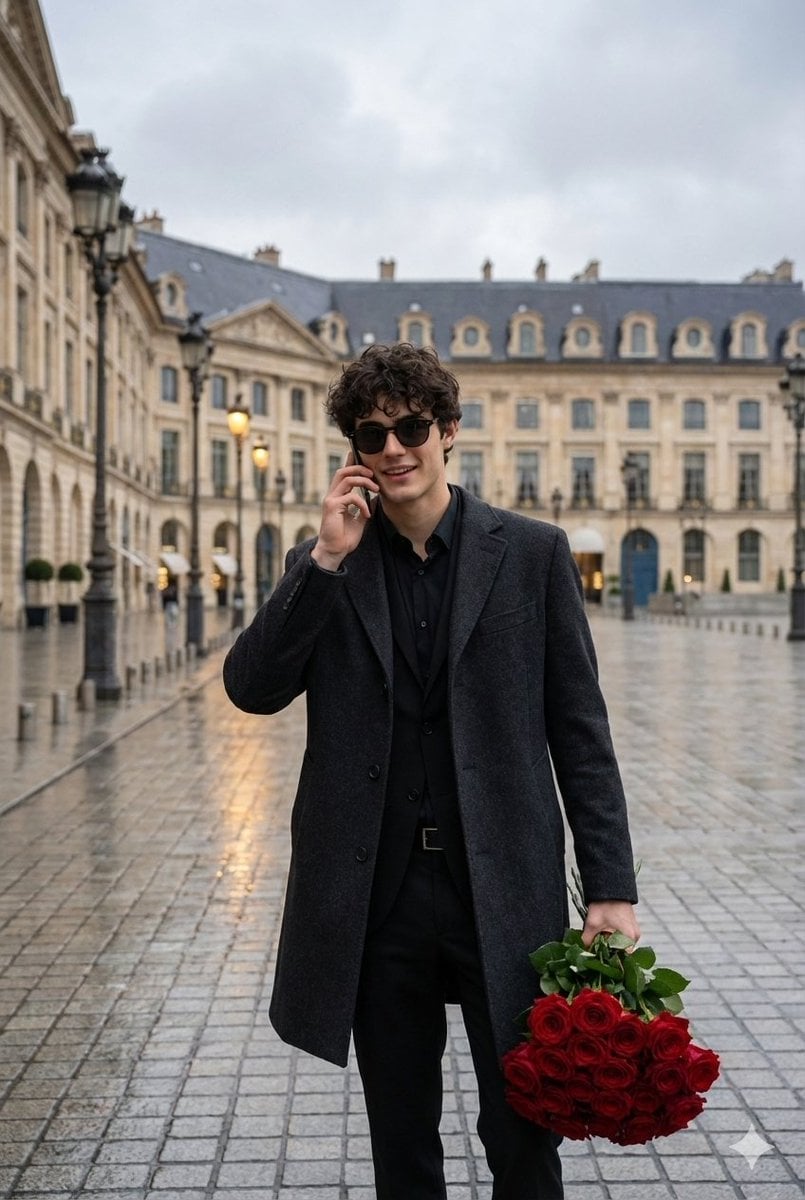
Cinematic Scene of a Man with Roses on a Wet City Street
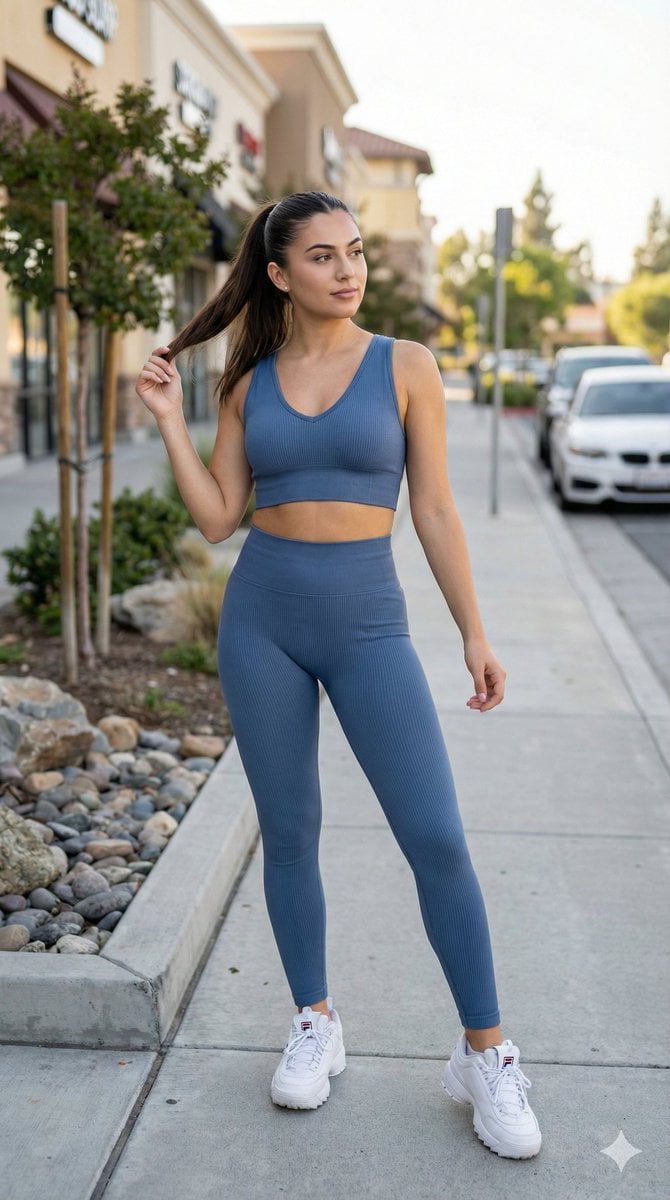
8K Cinematic Fitness Portrait on Suburban Sidewalk
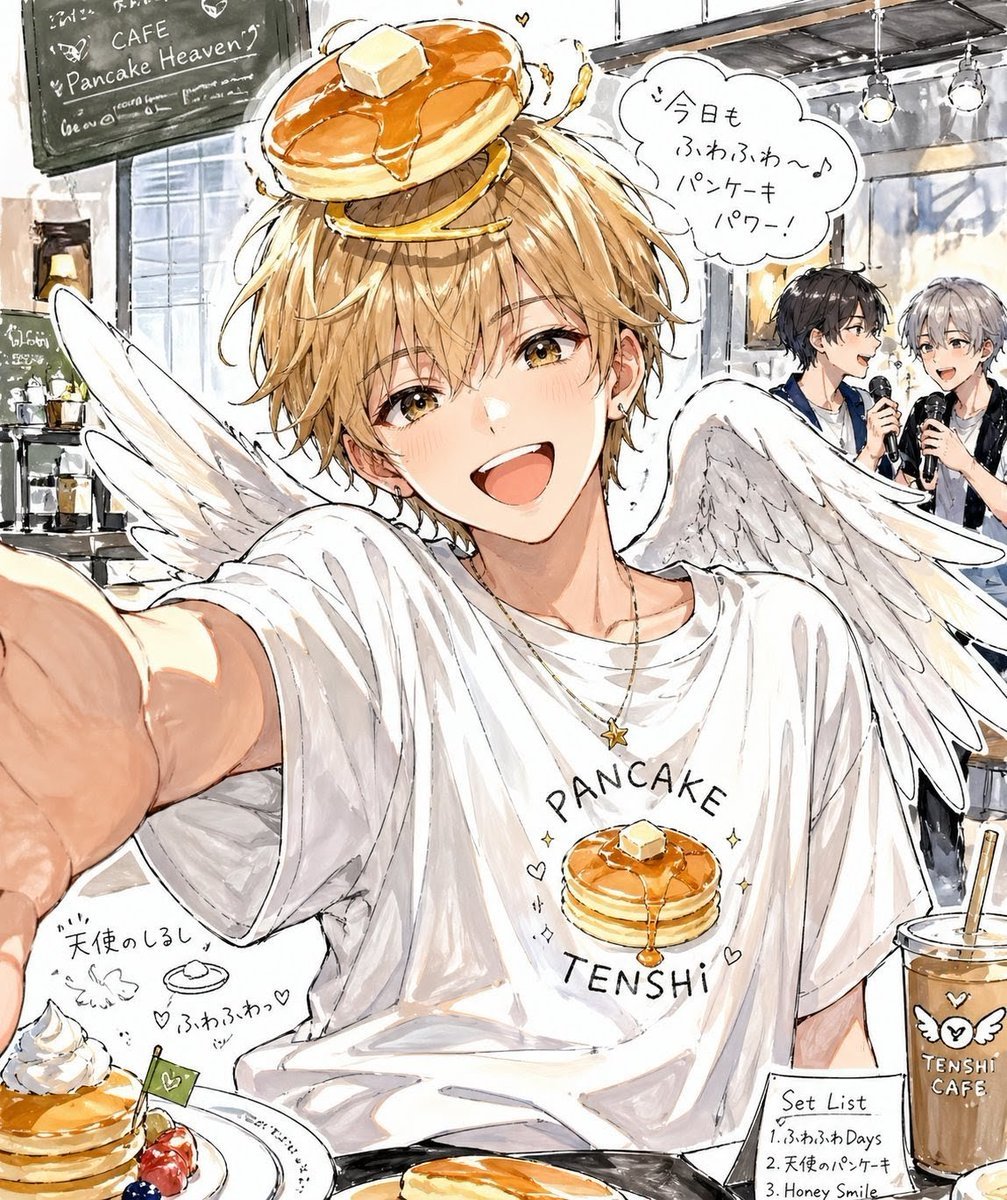
Pancake Angel Idol Café Selfie
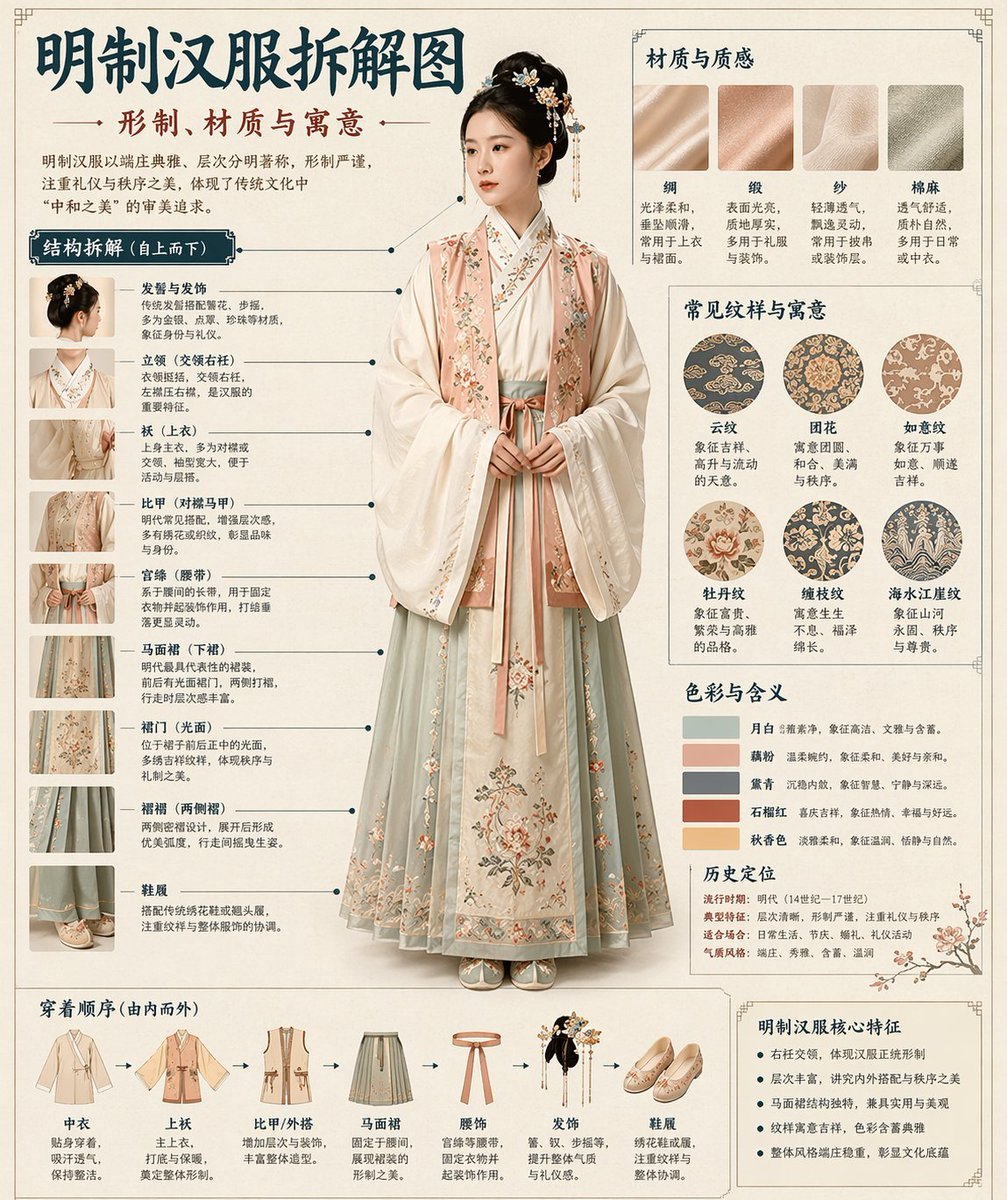
Museum Style Infographic Breakdown
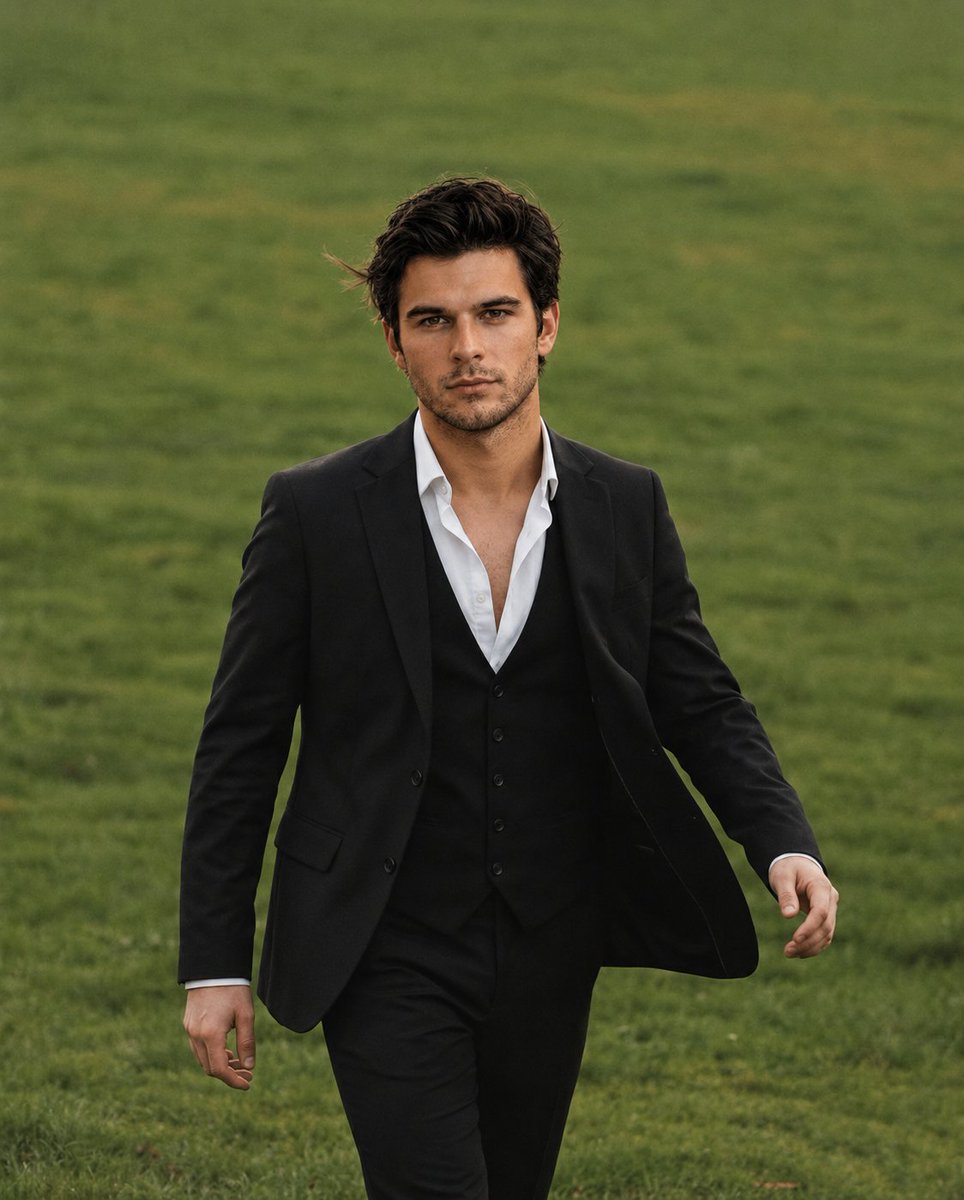
Golden Hour Male Portrait
Browse template categories
Cinematic Brand City Takeover Poster questions
How do I use the Cinematic Brand City Takeover Poster template?
Add your photo if the template asks for one, edit the prompt if you like — the template's model and format are already selected — and press Generate. Your version opens in PicX Studio.
Can I customize the Cinematic Brand City Takeover Poster template?
Yes. You can change the subject, setting, lighting, mood, format, and available model controls before creating your image.
Is the Cinematic Brand City Takeover Poster template free?
Opening and editing this template is free. Generating uses credits, shown on the Generate button when you are signed in.
Which AI model should I use?
Start with GPT Image 2, which is the model associated with this template. You can compare another compatible model for a different finish.
Looking for something else? Browse all templates.

Your photo, any look
Thousands of ready templates for every top image and video model, from one credit balance.