
Monochrome Yin Yang Splash Portrait
A complex, structured prompt for a surreal top-down bird's-eye view portrait featuring liquid dynamics and monochrome textures.
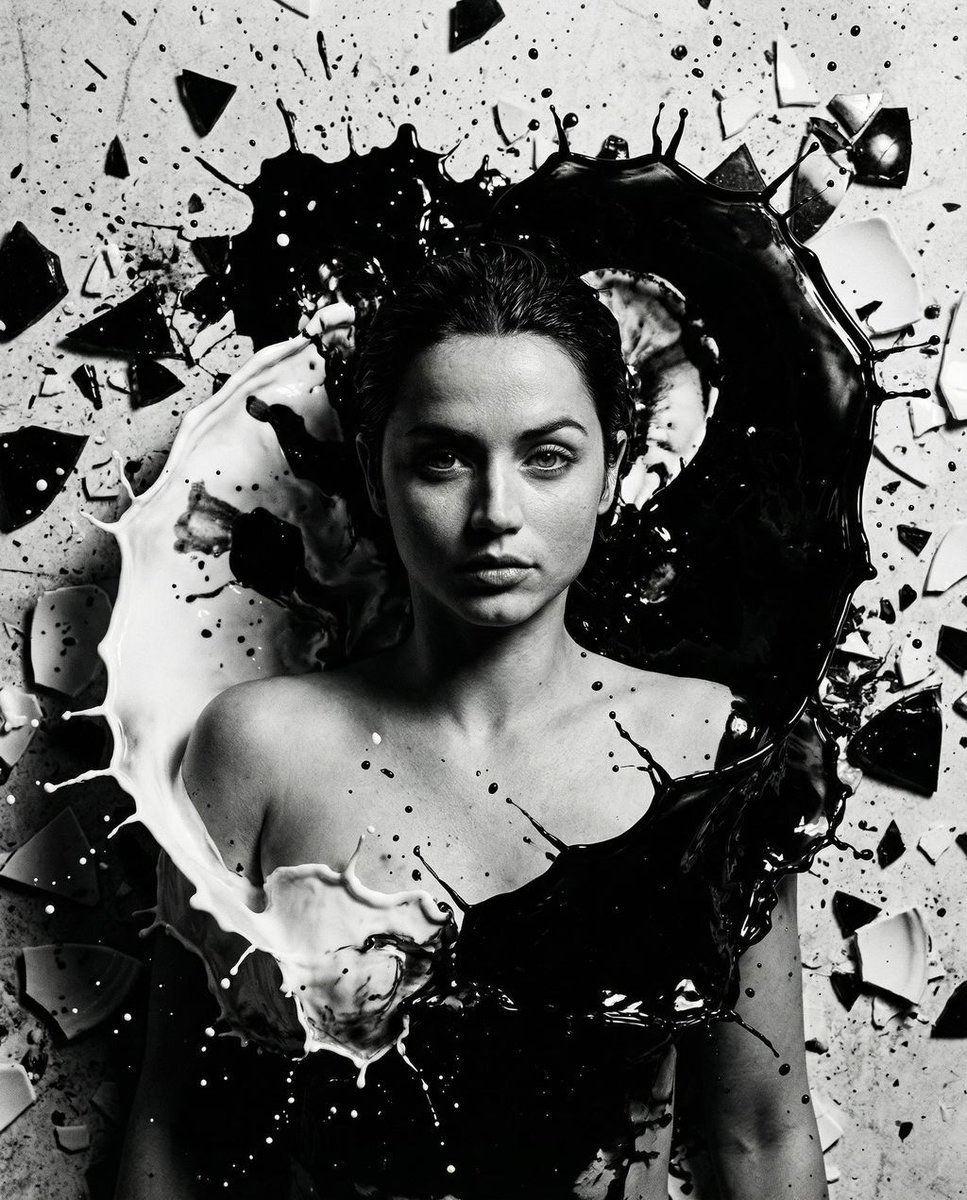
- Prompt included
- Model and format preset
- Free template
The prompt behind this image
Copy the exact prompt behind Monochrome Yin Yang Splash Portrait, or open it in the studio and make it yours.
{ "vibe_title_en": "The Flawless and Chaotic Dance of Monochrome", "master_prompt": "90-degree top-down bird's-eye view. The Protagonist lies flat on a chaotic studio floor, casting an enigmatic, sharp glance upward, face half-obscured by deep shadow. Bare shoulders, hyper-realistic skin pores. Surrounding them is an overwhelmingly busy, practical-effect explosion of thick black oil and heavy white cream, violently splashing to form a massive Yin-Yang. The dense floor is littered with shattered obsidian and porcelain fragments. Hasselblad H6D-100c, 80mm lens, f/8.0. High-contrast chiaroscuro lighting. Kodak Tri-X 400 film grain. No neon.", "meta": { "intent": "Surreal Editorial Photography", "priorities": "Liquid Dynamics, Overhead Perspective, High-Contrast Texture", "device_profile": "High-End Medium Format" }, "frame": { "aspect": "4:5", "composition": "Central subject framed by a massive circular liquid splash", "layout": "Symmetrical Yin-Yang fluid dynamics", "camera_angle": "90-degree top-down bird's-eye view", "tilt_roll_degrees": "0" }, "subject": { "gender": "Female", "identity": "The Protagonist", "demographics": "Universal adult", "face": "Enigmatic sharp glance, partially obscured by heavy shadow", "hair": "Slicked back, merging seamlessly into the black oil", "body": "Bare shoulders, submerged in the chaotic fluid", "expression": "Mysterious, intense, locked onto the lens", "pose": "Lying perfectly flat on the back" }, "wardrobe_accessories": { "garments": [ { "item": "Strapless illusion bodice", "material": "Skin and thick liquid", "color": "Monochrome", "fit": "Seamlessly blended into the floor" } ], "accessories": [ { "item": "Shattered fragments", "color": "Black and White", "material": "Obsidian and Porcelain", "brand_style": "Raw, jagged shards scattered densely" } ] }, "environment": { "setting": "Chaotic, flooded photography studio floor", "surfaces": "Swirling, physically thick black oil and white cream", "depth": "Flattened orthographic depth against the fluid floor", "atmosphere": "Overwhelmingly dense, kinetic, and frozen in explosive motion", "lens_interaction": "Micro-droplets frozen mid-air inches from the lens" }, "lighting": { "key": "Hard overhead strobe with a tight grid", "fill": "Deep negative fill to absorb bounce", "rim": "Harsh specular catchlights on the liquid peaks", "shadows": "Deep, stark Rembrandt-style shadows halving the face", "color_temperature": "5500K (Daylight balanced for pure monochrome contrast)", "sensor_flare": "None" }, "camera": { "lens_type": "Medium Format Prime", "focal_length": "80mm", "aperture": "f/8.0", "focus": "Tack sharp on the eyes and the highest liquid splashes"
How to use Monochrome Yin Yang Splash Portrait in 3 steps
- 1
Open
The prompt is already in the box next to the preview, with the template's model and format selected.
- 2…a portrait of your subject in softgolden-hour light, 85mm…
Personalize
Edit the subject and creative details for your destination.
- 3Generate
Generate
Press Generate — your image is created in PicX Studio, so you can compare it with the original and refine one variable at a time.
More like this
Templates with the same subject, style or setup. Open one to see its prompt.

Found Photograph: Us, 1970

80s Couple Studio Portrait

80s Bollywood Star

80s Golden Hour Cinema

Me in 1985

1985 Studio Portrait

Hyper-Realistic Minecraft POV Portrait
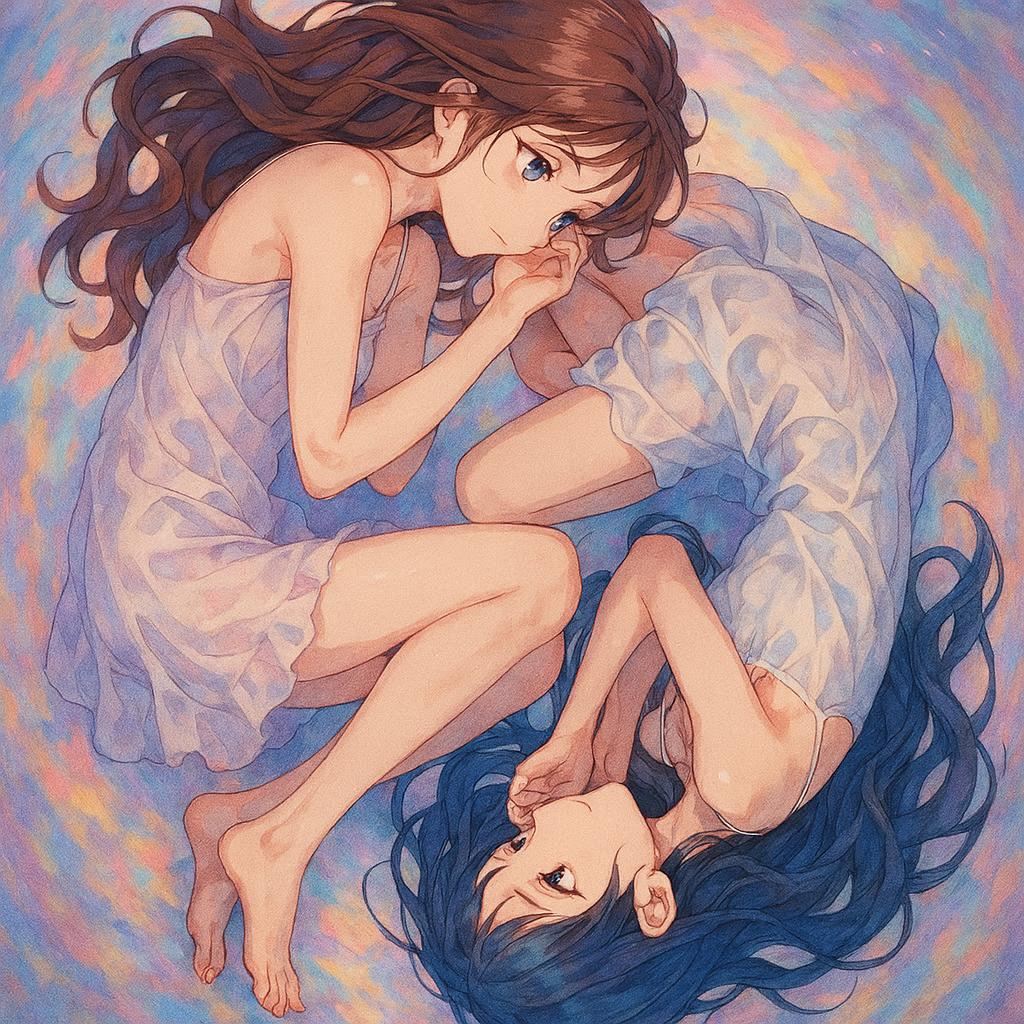
Anime Yin-Yang Twin Girls

Rooftop Fisheye — Cat-Ear Balaclava at Golden Hour

Rainy Café Window Moody Portrait
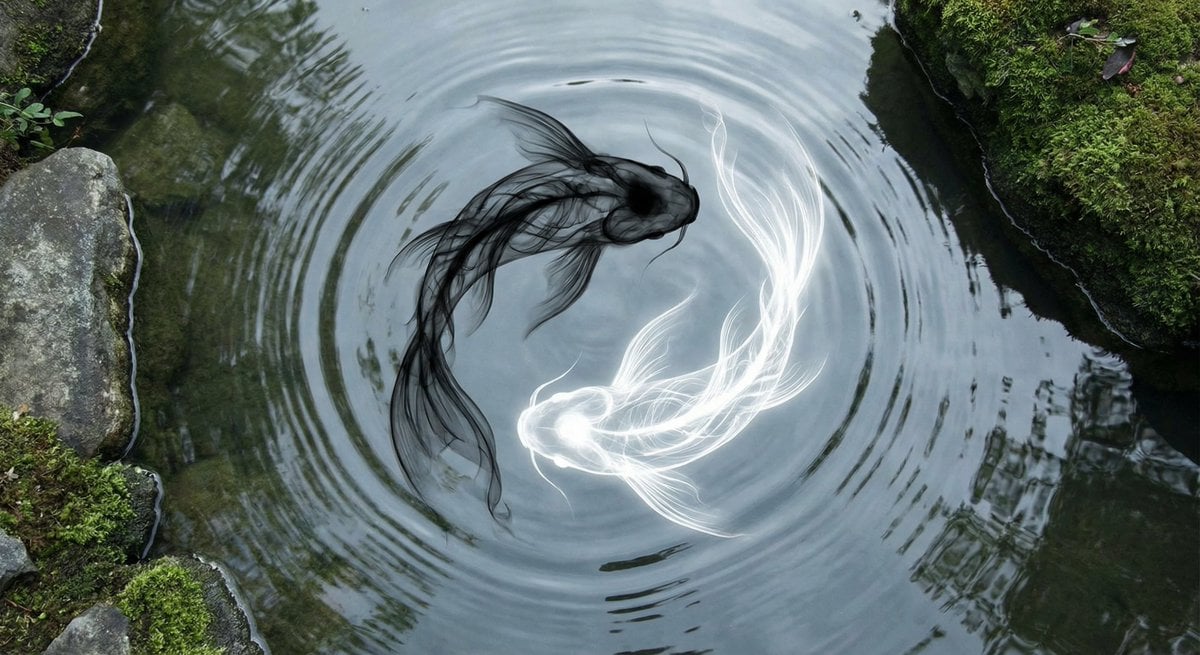
Yin-yang koi ink illustration
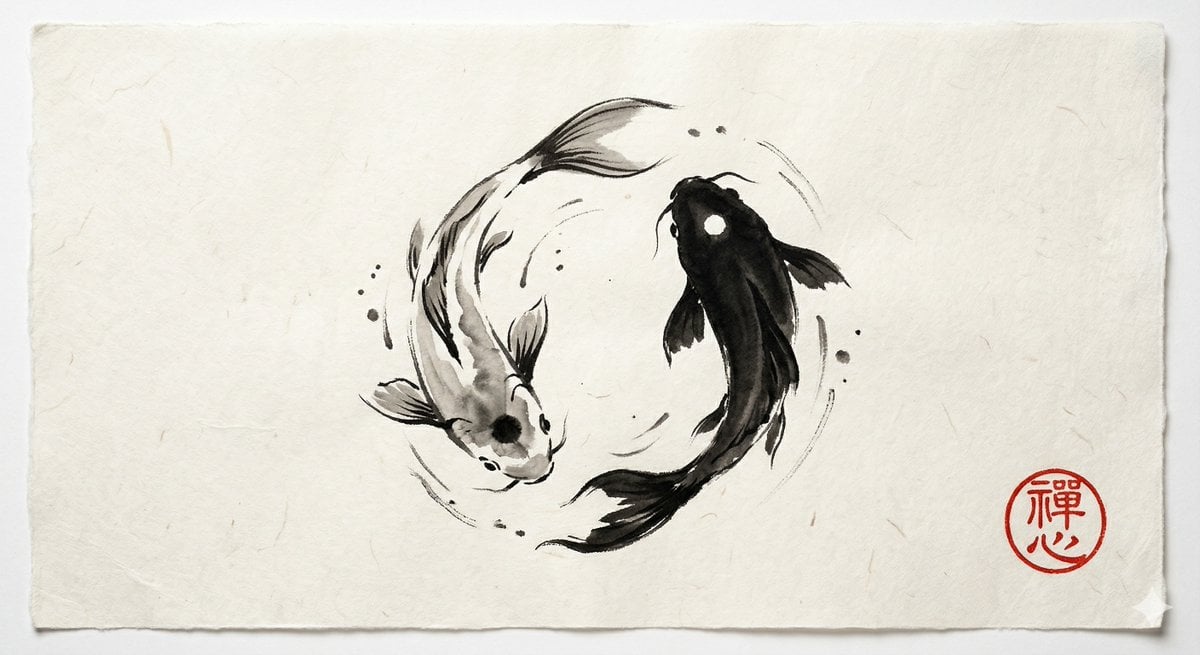
Yin and Yang Koi Fish Sumi-e Prompt
Make it yours
Monochrome Yin Yang Splash Portrait works as-is. These are the safest ways to change it without losing the look.
Change one field
Copy a single group, rewrite it, and generate again so you can see what that field is doing.
Keep the frame, change the subject
Hold the composition and light of Monochrome Yin Yang Splash Portrait, then swap wardrobe, props or the person for a new take.
| If the result… | Why | Fix |
|---|---|---|
| The result drifts from the preview | Too many fields changed at once. | Reuse Monochrome Yin Yang Splash Portrait as-is first, then change one group — subject, light, or setting. |
| The model over-stylizes the scene | The prose prompt leaves finish and camera underspecified. | Add one camera or lighting sentence and stay on Nano Banana 2. |
More Nano Banana 2 templates
Other prompts made for Nano Banana 2.

Photorealistic Leaf Shaped Like a Dragon

K-Pop Idol Portrait Grid for Rapid Selection

Poetic Rain Forest Portrait During Golden Hour

Urban Street Portrait with Cartoon Inner Self Duo

Candid Nighttime Photo with Cat Prompt

High-Concept 3D Diorama Generation Prompt

Cinematic Futuristic Studio Portrait Template

Skincare Editorial Photography Collage Prompt

Hyper-Realistic Commercial Product Photography (Splash Effect)

Hyper-Realistic Nightclub Portrait Prompt
More image prompts
Fresh picks from across the catalog.
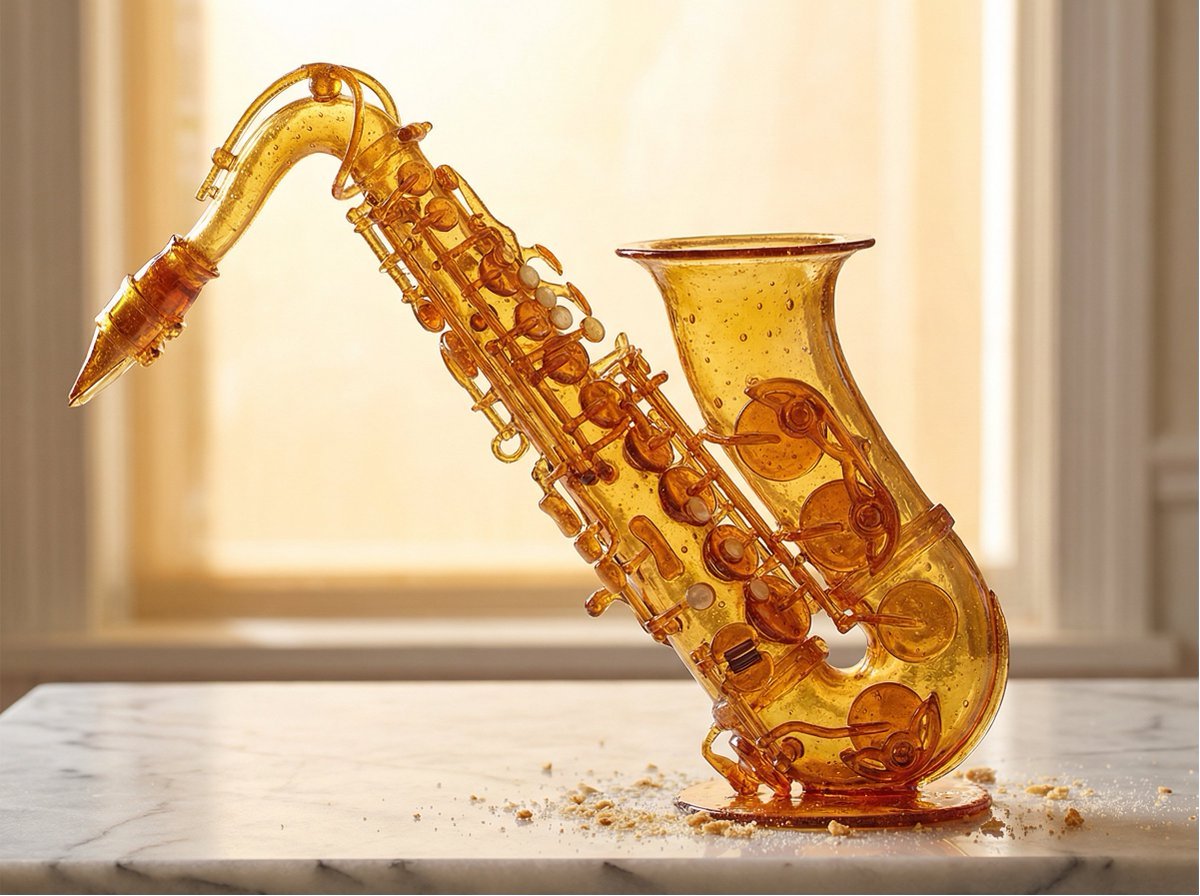
Product Rendered as Blown Sugar Prompt

Ultra-Photoreal NYE Editorial with Identity Lock
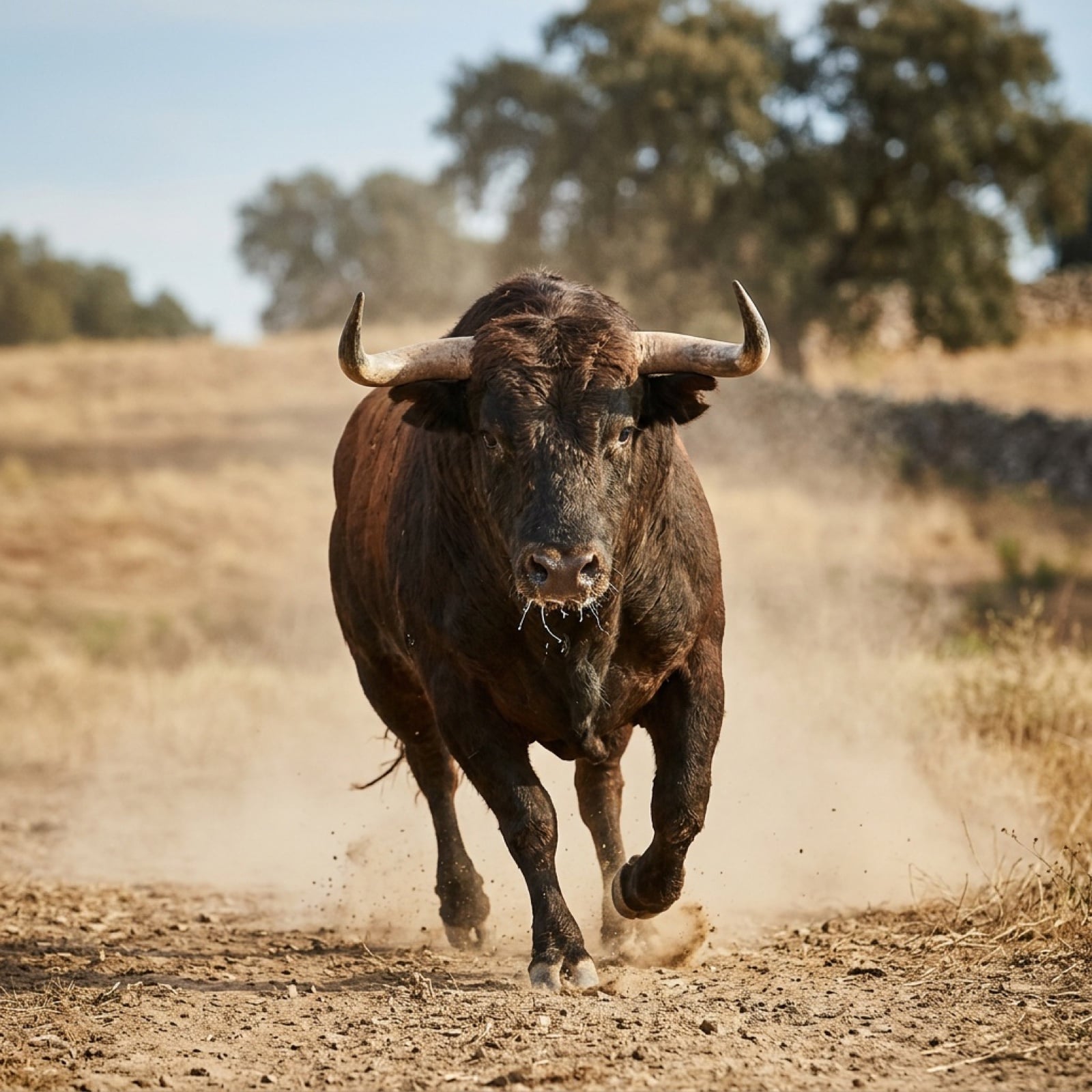
Bull Running into the Camera
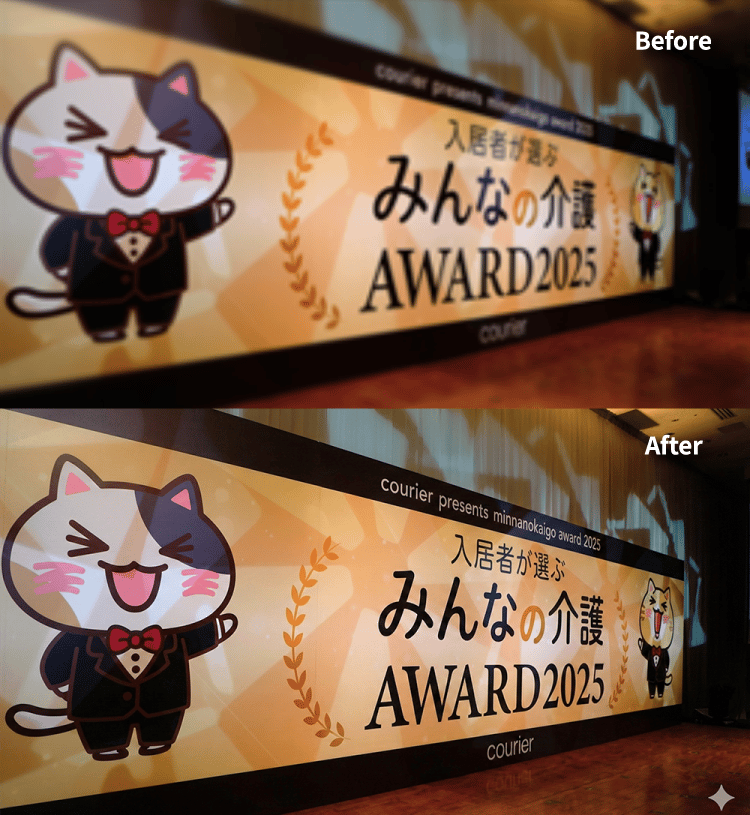
4K Upscale Prompt for Nano Banana Pro
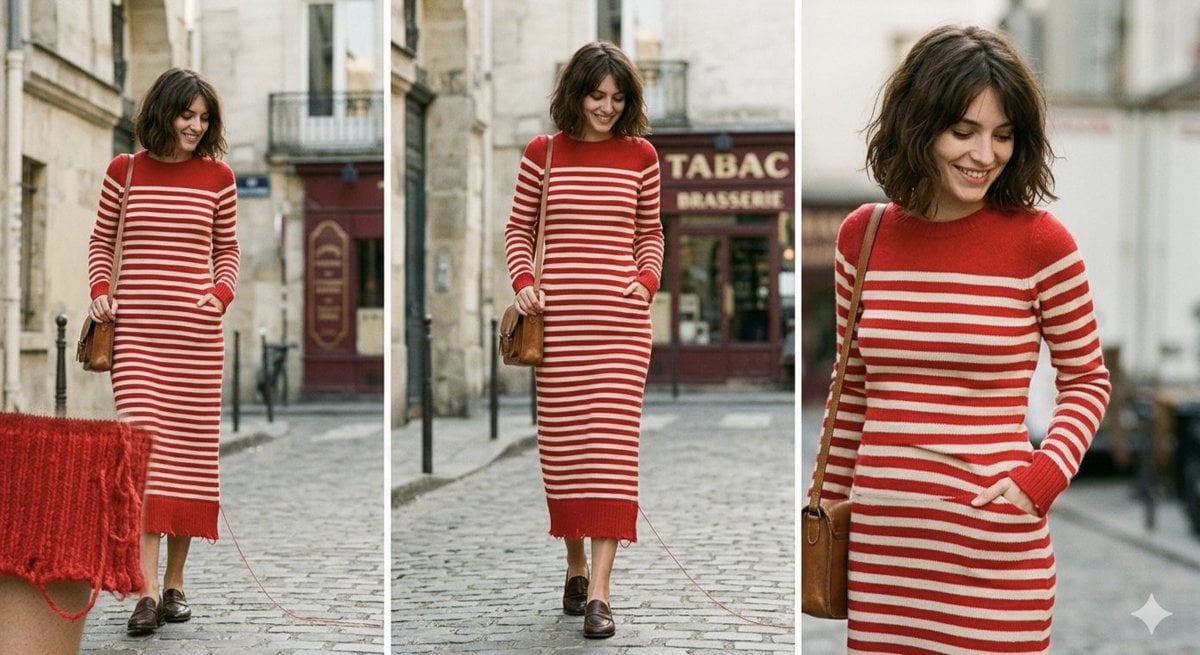
Parisian High-Fashion Editorial Triptych Prompt for Nano Banana Pro
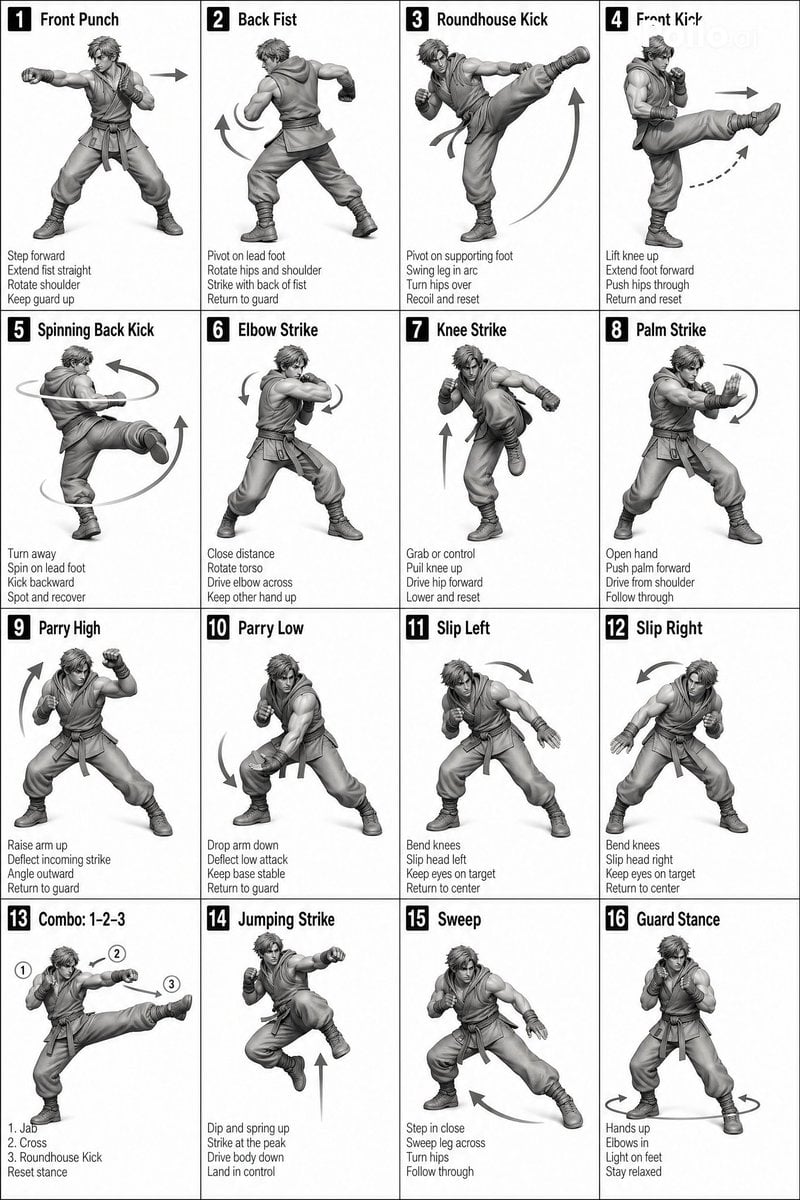
Instructional Martial Arts Movement Sheet
Cloud shape doodle generation
Commercial Fashion Photograph with Strict Garment Preservation
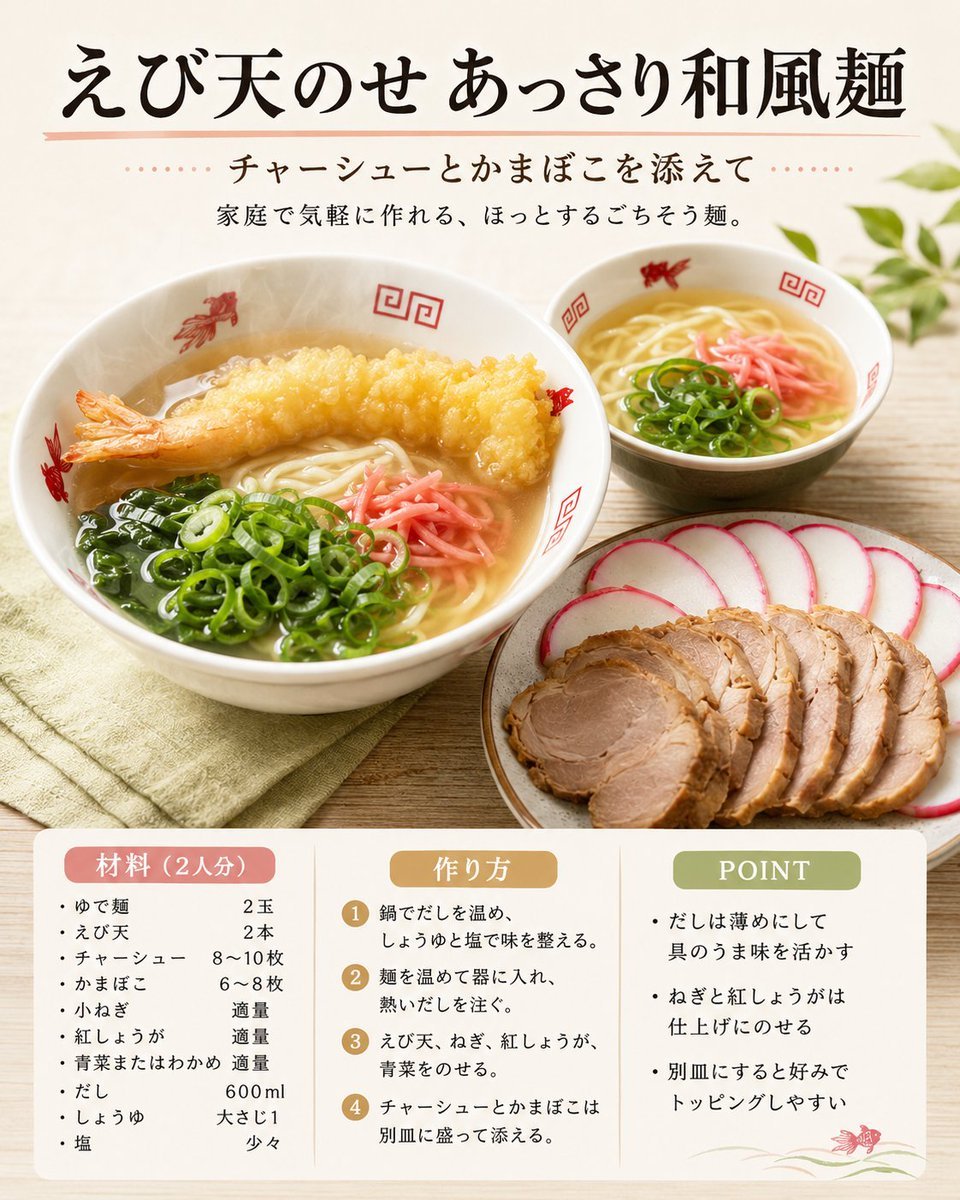
Japanese Tempura Noodle Recipe Card

Caution Tape Fashion — Industrial Editorial
Browse template categories
Monochrome Yin Yang Splash Portrait questions
How do I use the Monochrome Yin Yang Splash Portrait template?
Add your photo if the template asks for one, edit the prompt if you like — the template's model and format are already selected — and press Generate. Your version opens in PicX Studio.
Can I customize the Monochrome Yin Yang Splash Portrait template?
Yes. You can change the subject, setting, lighting, mood, format, and available model controls before creating your image.
Is the Monochrome Yin Yang Splash Portrait template free?
Opening and editing this template is free. Generating uses credits, shown on the Generate button when you are signed in.
Which AI model should I use?
Start with Nano Banana 2, which is the model associated with this template. You can compare another compatible model for a different finish.
Looking for something else? Browse all templates.

Your photo, any look
Thousands of ready templates for every top image and video model, from one credit balance.