
Rainy Norwegian Fjord Harbor
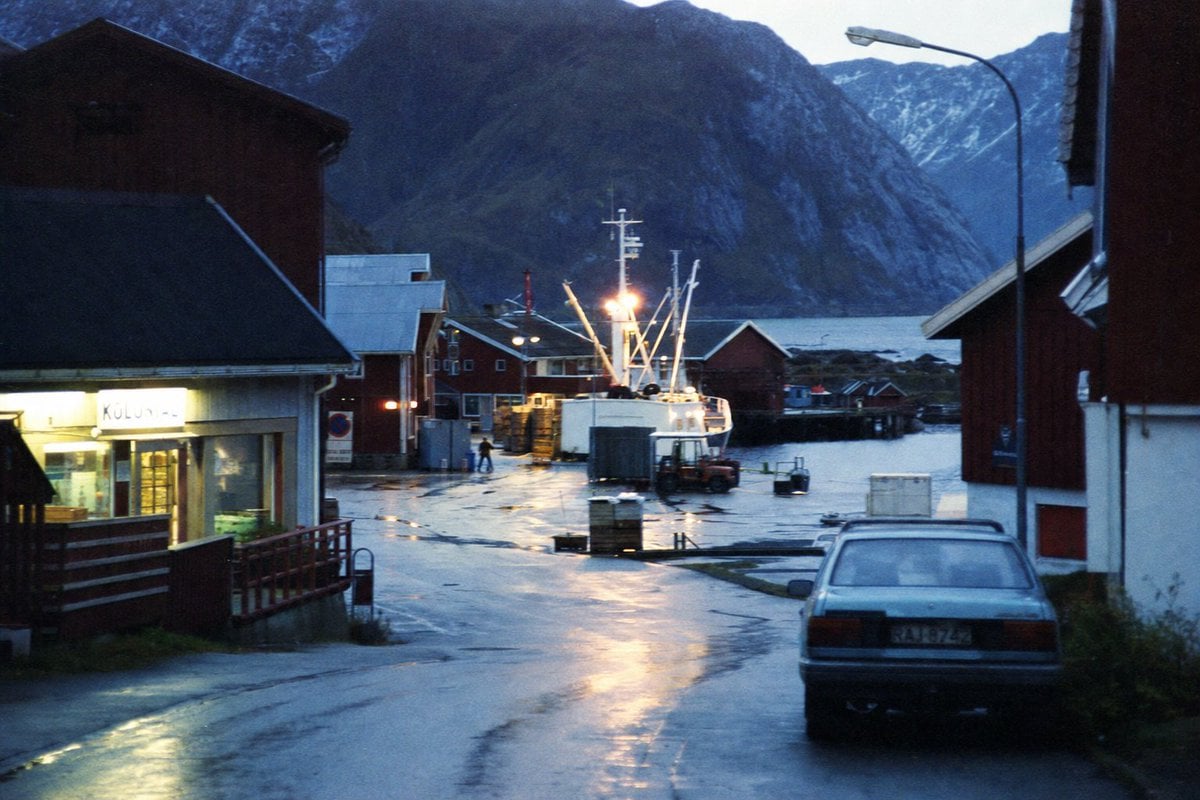
A cinematic photorealistic prompt for generating a rainy blue-hour fishing village harbor with fjord mountains and analog film atmosphere.
- Prompt included
- Model and format preset
- Free template
The prompt behind this image
Copy the exact prompt behind Rainy Norwegian Fjord Harbor, or open it in the studio and make it yours.
Create a moody photorealistic 35mm film photograph of a small {argument name="location" default="Norwegian fjord fishing village"} at blue hour after rain. The view looks down a wet harbor road toward the water, with glossy asphalt reflecting warm yellow lights. Include exactly 1 parked older silver sedan in the right foreground seen from behind, exactly 1 brightly lit fishing boat at the dock in the center with tall white masts and rigging, exactly 1 tall curved streetlamp on the right, and exactly 6 prominent buildings: a lit shop with a glowing sign on the left foreground, a dark wooden warehouse above it, a small red building near the center-left dock, a red boathouse behind the boat, a white building with red trim on the right foreground, and a dark cropped wooden wall at the far right edge. In the background, place a cold blue fjord and steep dark mountains with patches of snow, partially silhouetted by fading evening light. Use a quiet cinematic documentary style, natural perspective from street level, slightly grainy analog texture, subtle motionless atmosphere, damp surfaces, cool blue color grading contrasted with warm harbor lights, realistic shadows, no people except at most one tiny distant dock worker silhouette. Make the scene feel remote, cold, and lived-in, with high detail but no modern tourist elements. Use {argument name="time of day" default="dusk blue hour"}, {argument name="weather" default="recent rain, overcast"}, {argument name="film stock look" default="grainy 1980s Kodak documentary film"}, and {argument name="aspect ratio" default="3:2 landscape"}.
How to use Rainy Norwegian Fjord Harbor in 3 steps
- 1Upload ImagePNG, JPG or paste
Add your photo
Upload the photo the template builds on. The prompt, model and format are already set.
- 2…a portrait of your subject in softgolden-hour light, 85mm…
Personalize
Edit the subject and creative details for your destination.
- 3Generate
Generate
Press Generate — your image is created in PicX Studio, so you can compare it with the original and refine one variable at a time.
More like this
Templates with the same subject, style or setup. Open one to see its prompt.
Rainy Cyberpunk Harbor Black Market
Harbor Twilight Photo Sketch Poster
Solarpunk Harbor of Joy
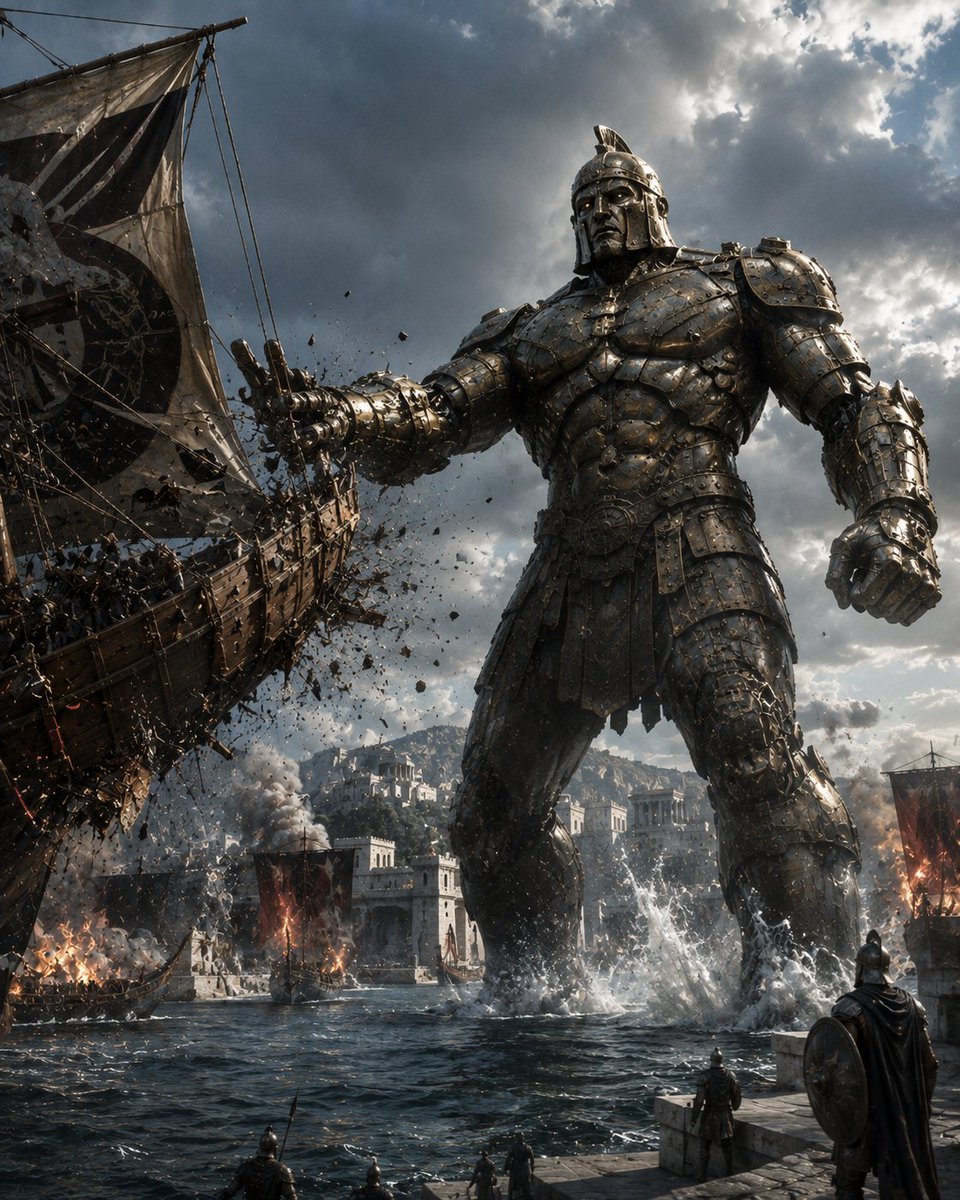
Bronze Talos Harbor Defense
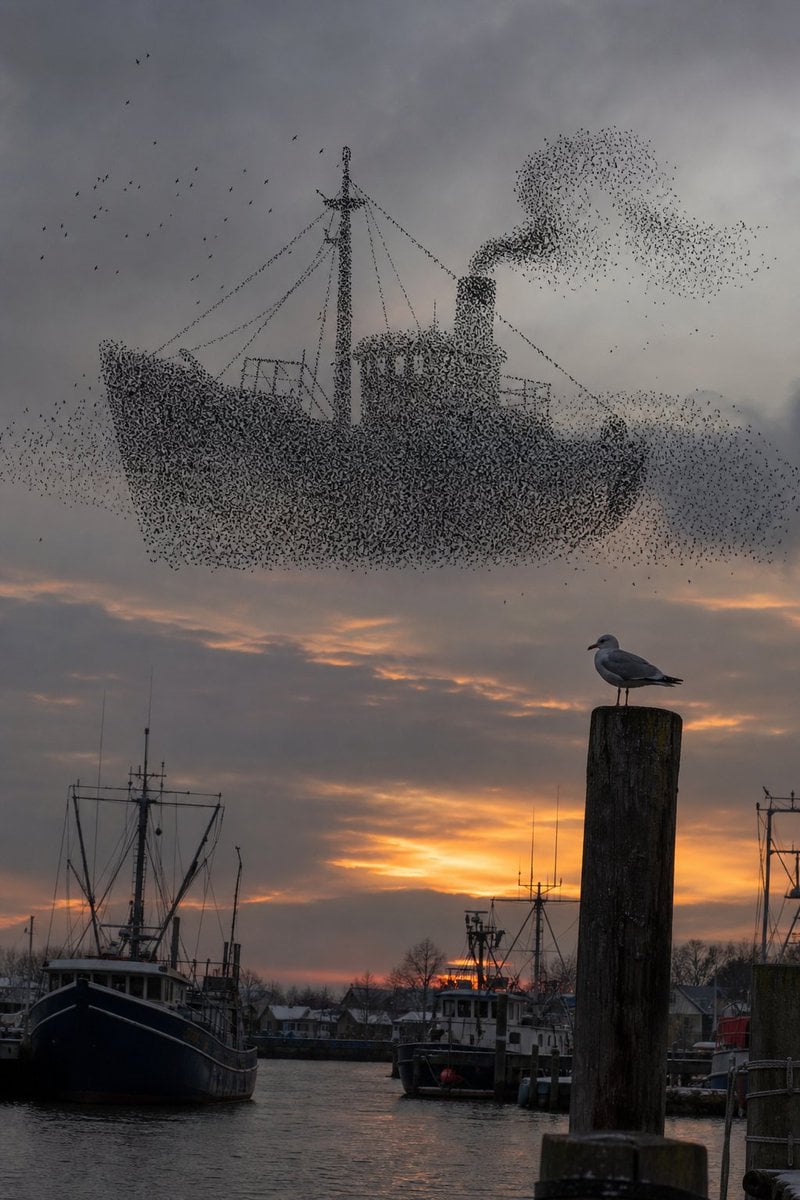
Harbor Murmuration Silhouette
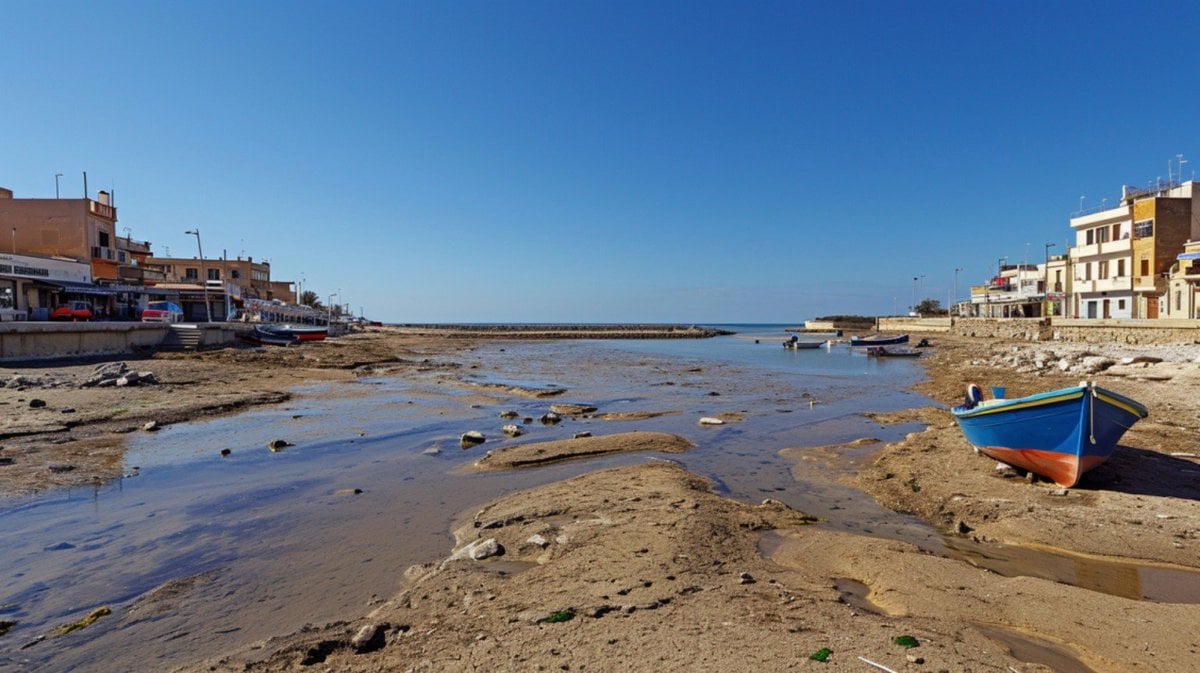
Mediterranean Low Tide Harbor
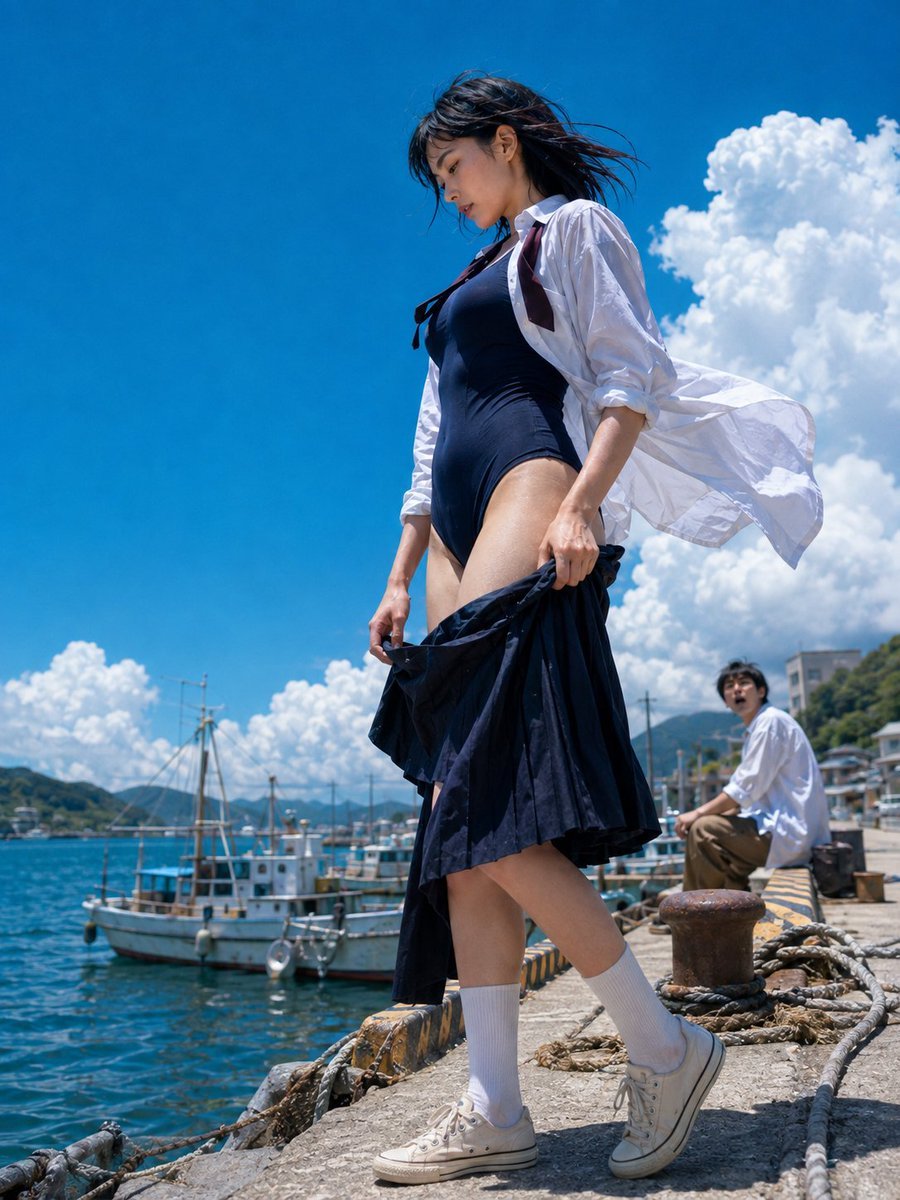
Sea Breeze Harbor Portrait
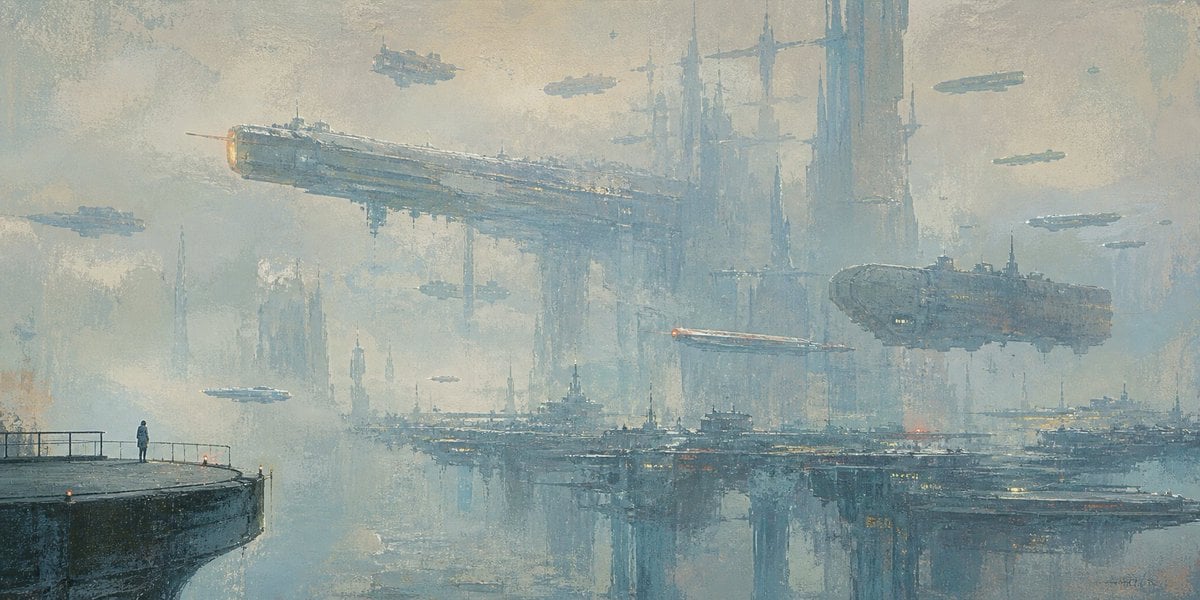
Lonely Sci-Fi Harbor Wallpaper
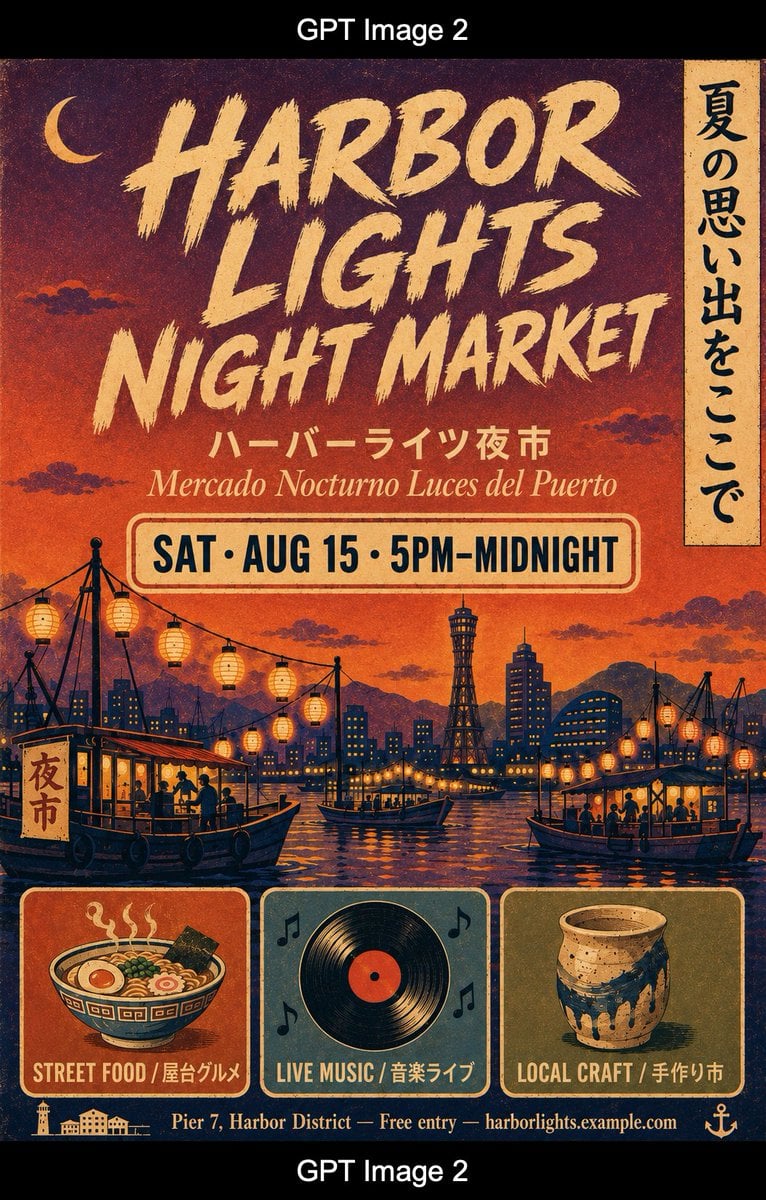
Retro Harbor Lights Night Market Poster
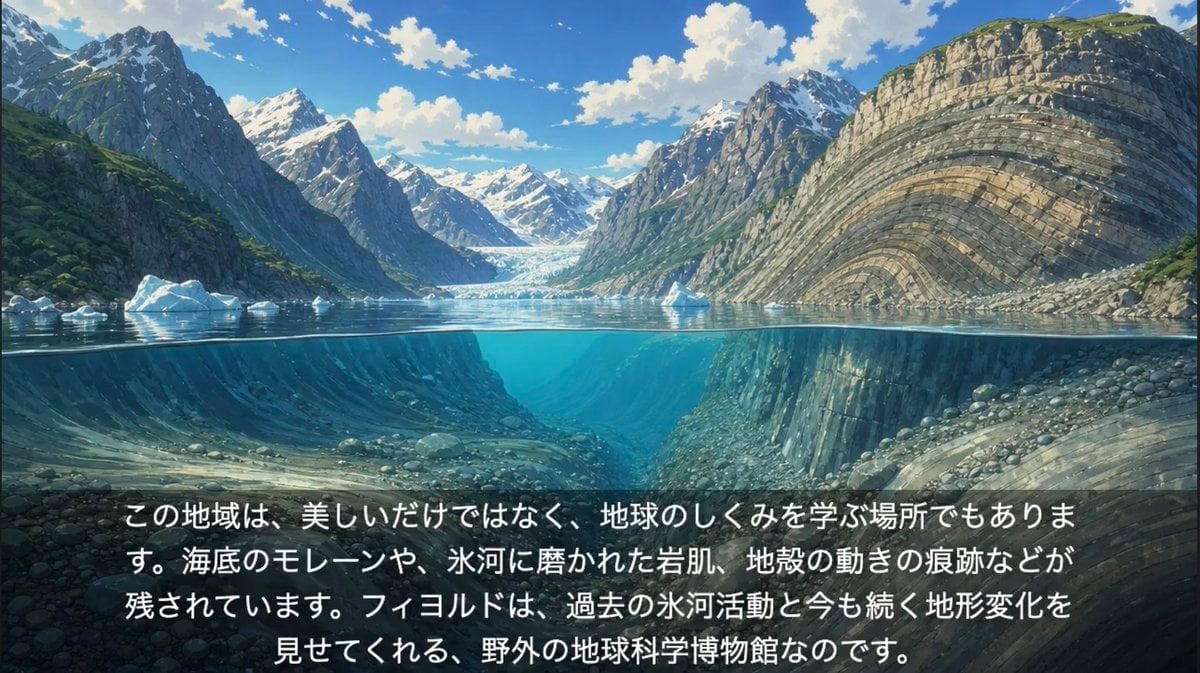
Anime Glacial Fjord Geology Slide
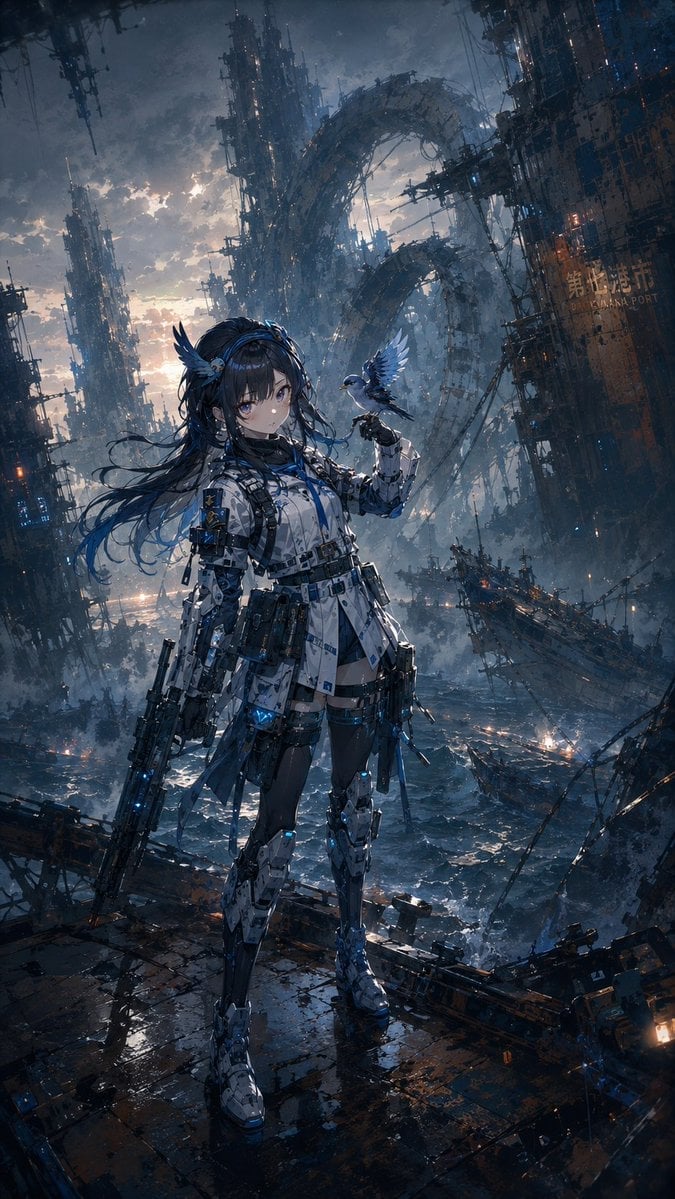
Cybernetic Girl in Ruined Harbor
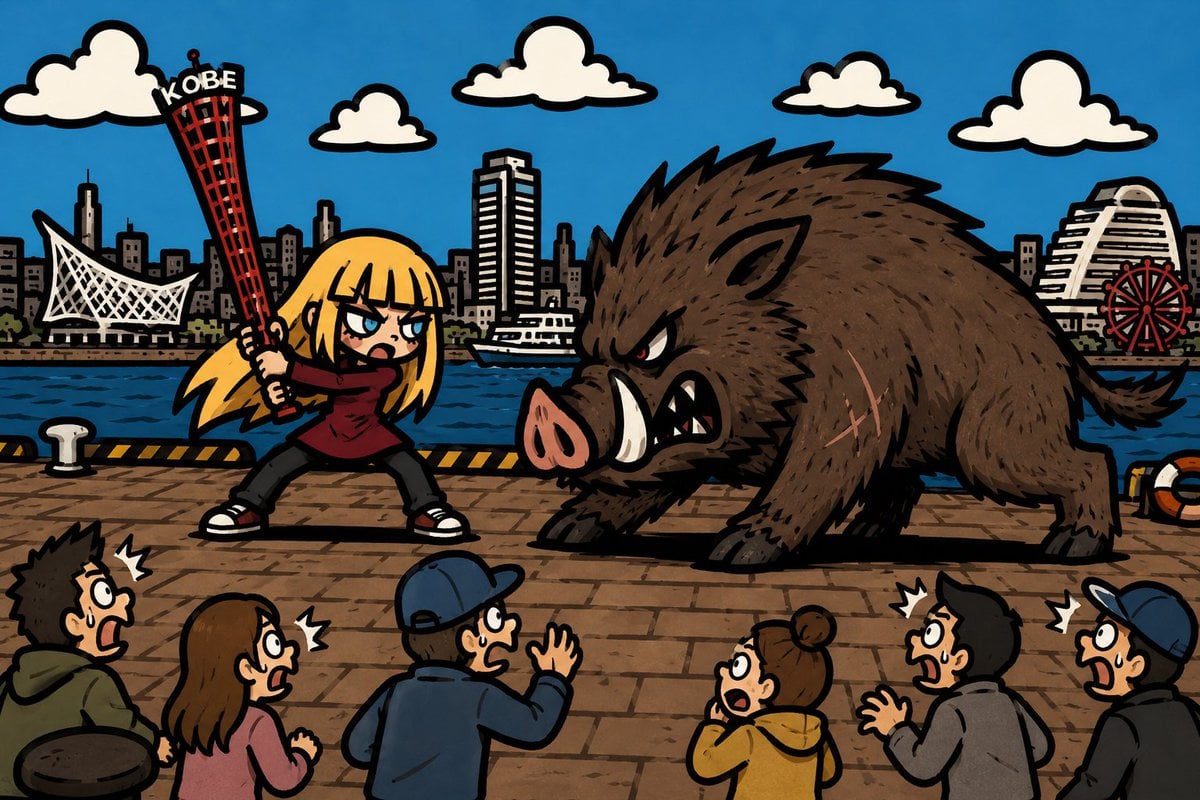
Kobe Harbor Boar Battle Cartoon
Make it yours
Rainy Norwegian Fjord Harbor works as-is. These are the safest ways to change it without losing the look.
Change one field
Copy a single group, rewrite it, and generate again so you can see what that field is doing.
Keep the frame, change the subject
Hold the composition and light of Rainy Norwegian Fjord Harbor, then swap wardrobe, props or the person for a new take.
| If the result… | Why | Fix |
|---|---|---|
| The result drifts from the preview | Too many fields changed at once. | Reuse Rainy Norwegian Fjord Harbor as-is first, then change one group — subject, light, or setting. |
| The model over-stylizes the scene | The prose prompt leaves finish and camera underspecified. | Add one camera or lighting sentence and stay on GPT Image 2. |
More GPT Image 2 templates
Other prompts made for GPT Image 2.

Six VTuber Japanese Logo Sheet

Realistic Portrait of Woman and Deer

The Vista Modular Condo Poster

AI Model Routing Comparison Infographic

2.5D Anime Art Board

Isometric Productivity Desk Scene

New York Double Exposure Poster

Four-Panel AI Landscape Comparison

Japanese Tatami Lifestyle Magazine Cover

NESCAFÉ Coffee Map Poster
More image prompts
Fresh picks from across the catalog.
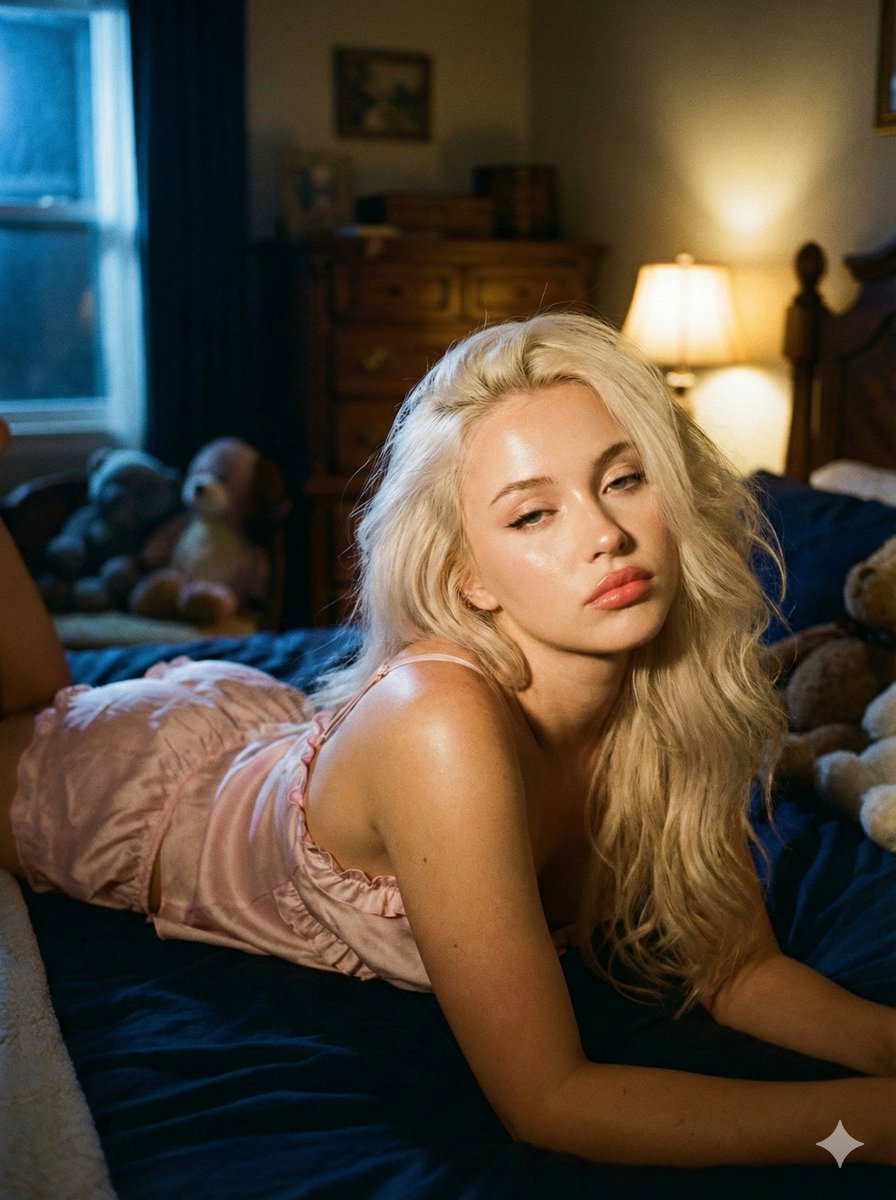
Intimate Low-Light Bedroom Portrait with Vintage Film Aesthetic
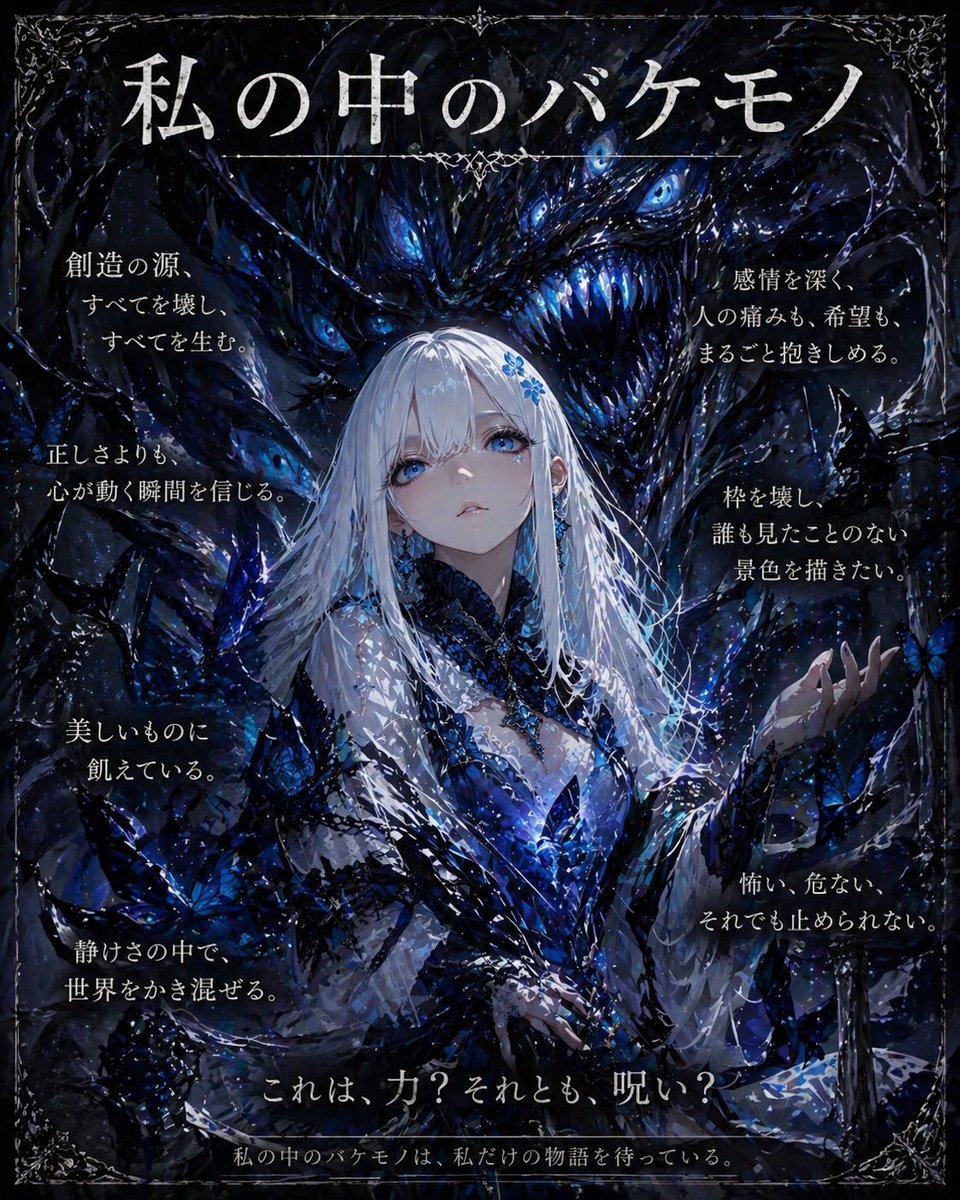
Dark Fantasy Inner Monster Poster
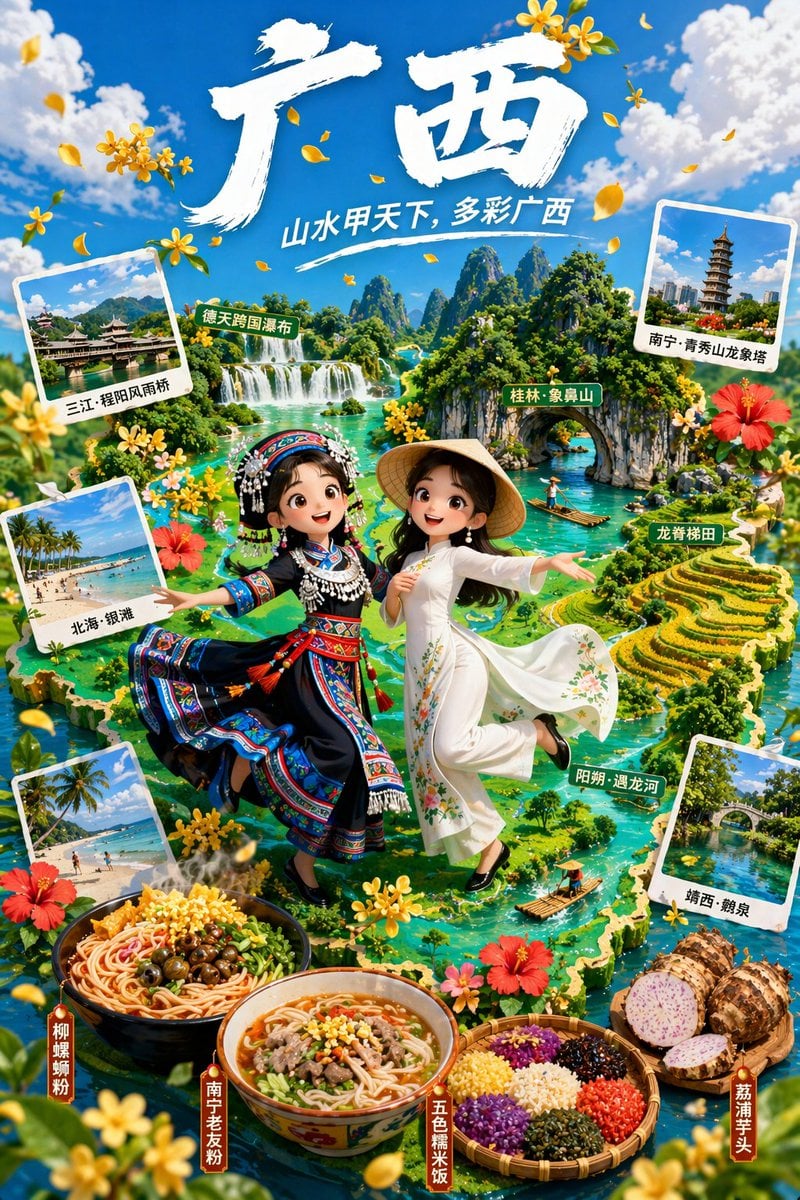
3D Animated Tourism Infographic Poster
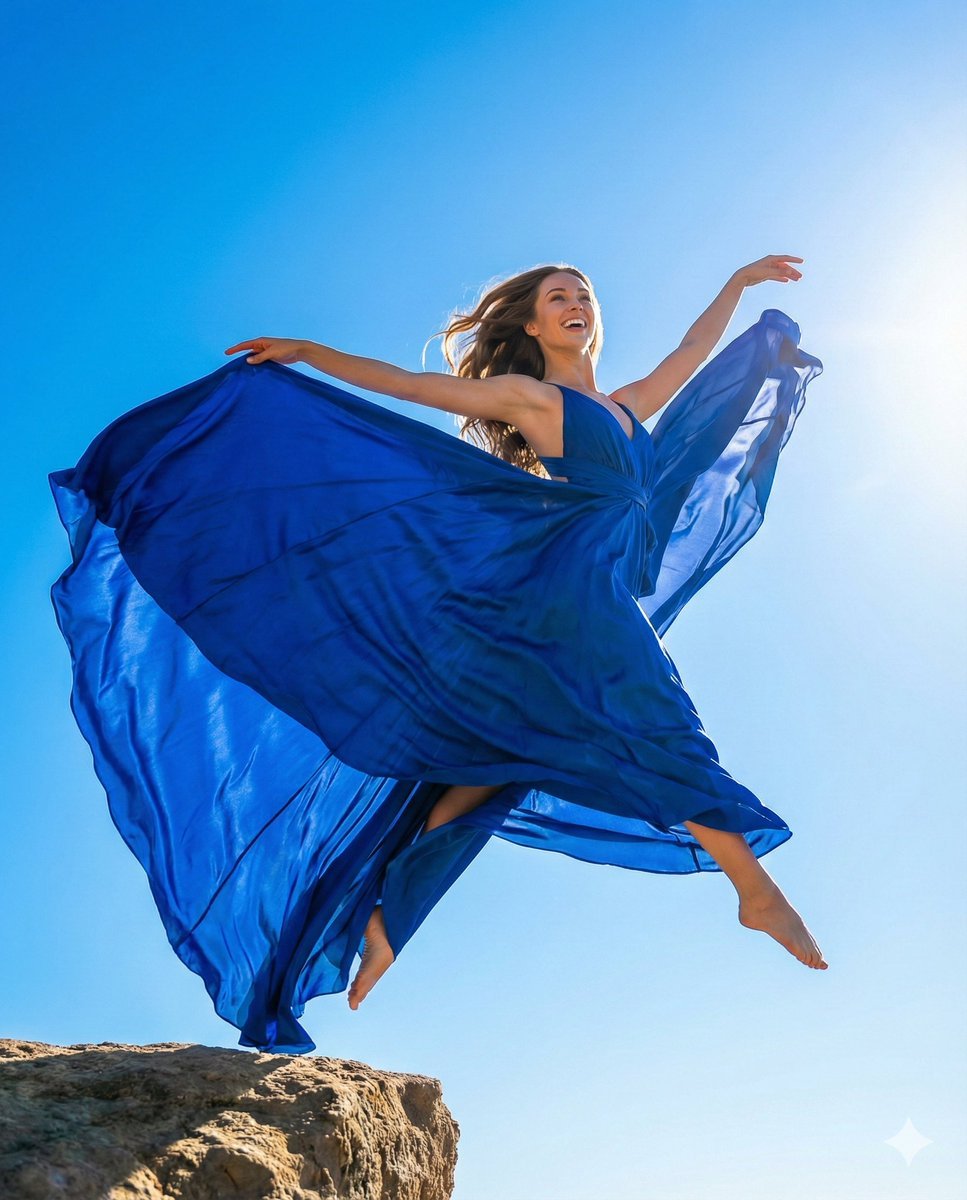
High-Fashion Dynamic Leap Commercial Prompt
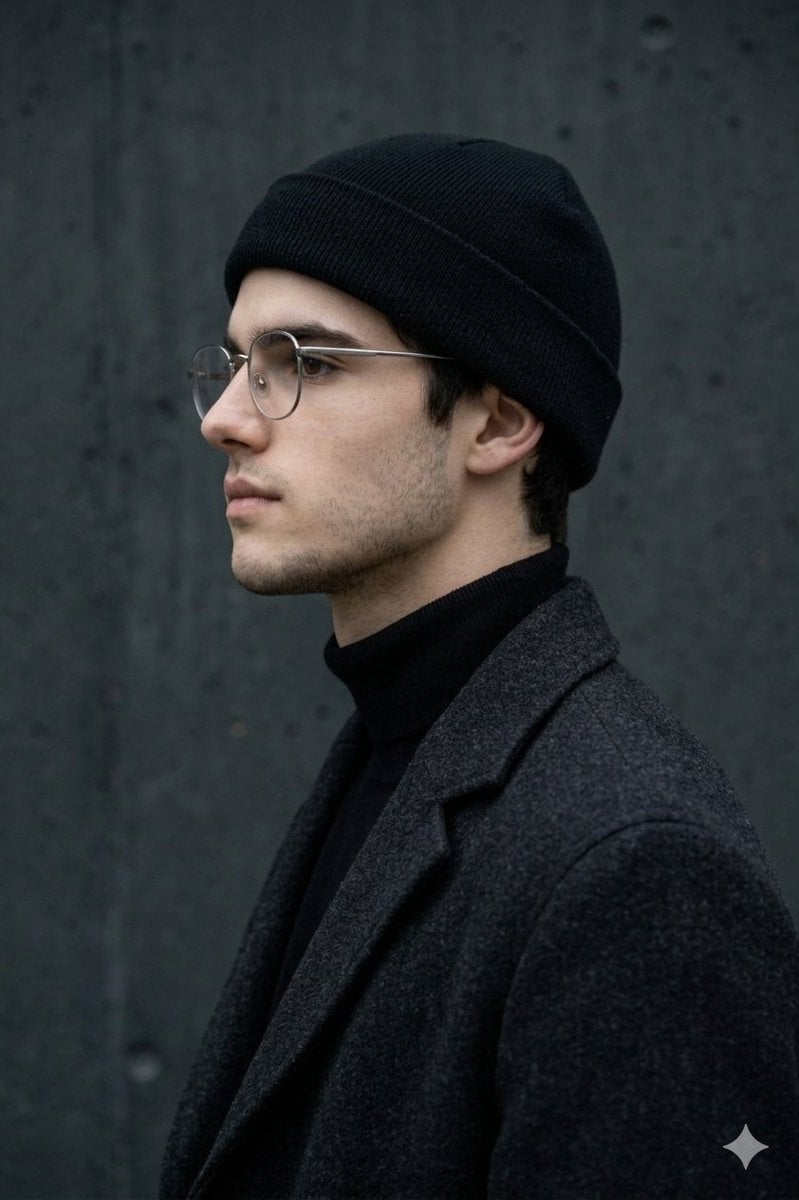
Minimalist Side-Profile Portrait for Character Consistency
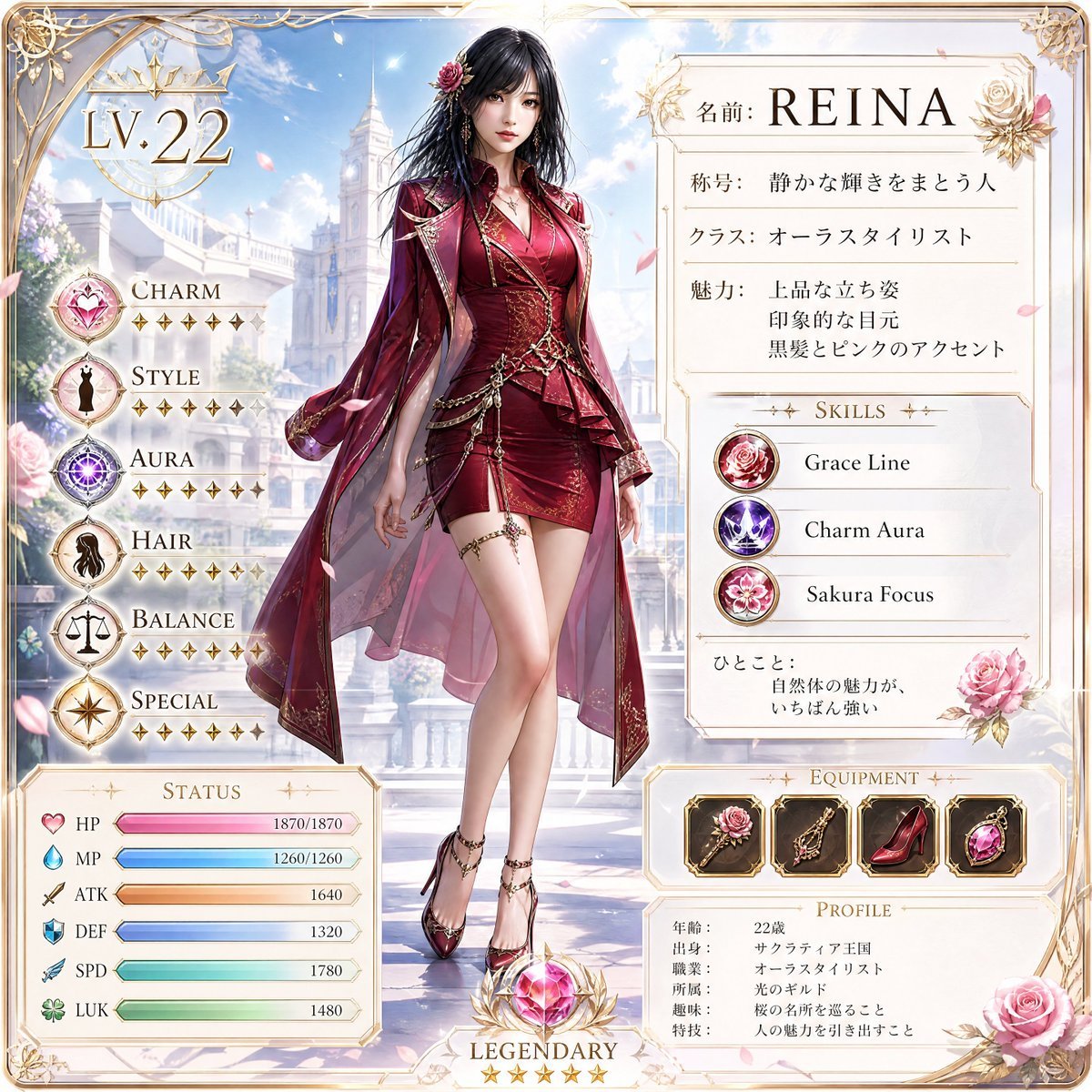
Premium RPG Character Card UI
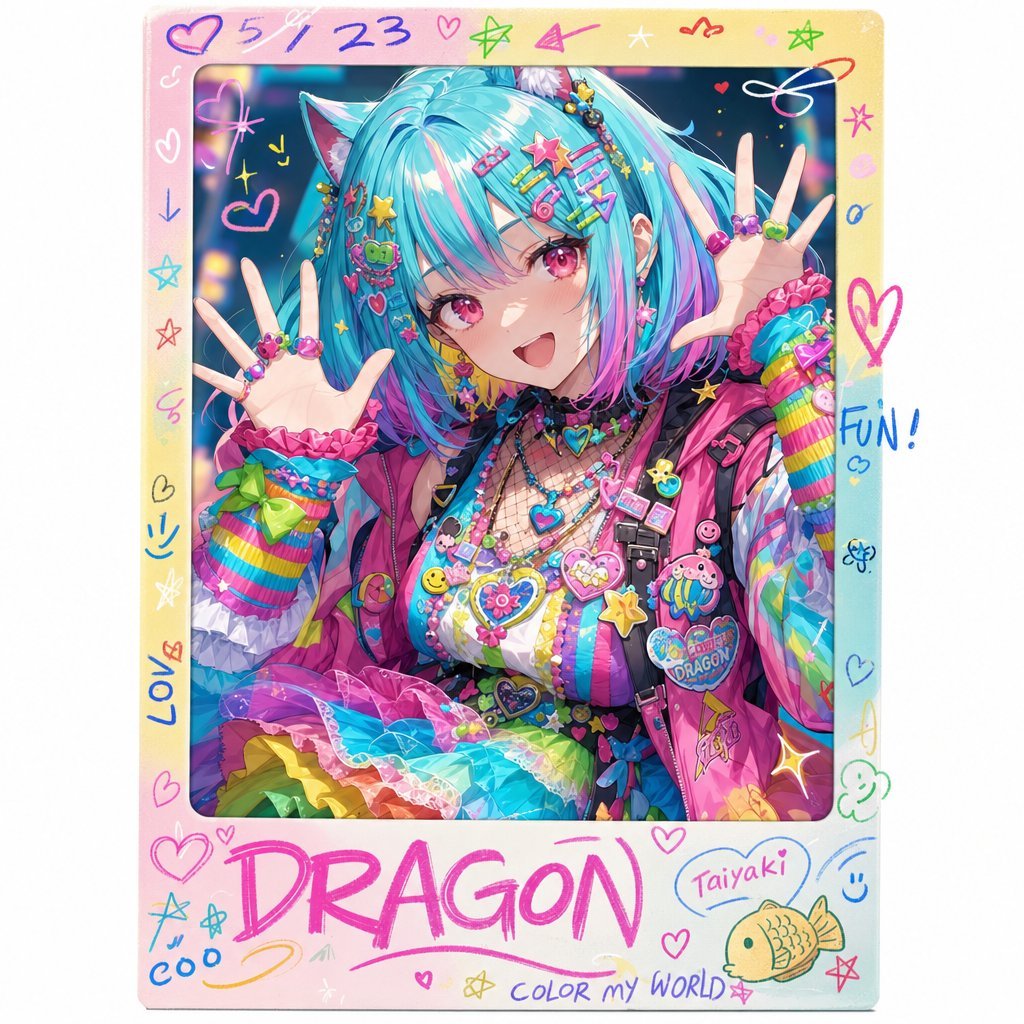
Rainbow Decora Anime Photo Card
Isometric Miniature Figurine of a Character in a Japanese Flower Shop
Ultra-realistic cinematic lifestyle photograph of a reflective woman in an urban café

Cute Heart Cutaway Infographic
Browse template categories
Rainy Norwegian Fjord Harbor questions
How do I use the Rainy Norwegian Fjord Harbor template?
Add your photo if the template asks for one, edit the prompt if you like — the template's model and format are already selected — and press Generate. Your version opens in PicX Studio.
Can I customize the Rainy Norwegian Fjord Harbor template?
Yes. You can change the subject, setting, lighting, mood, format, and available model controls before creating your image.
Is the Rainy Norwegian Fjord Harbor template free?
Opening and editing this template is free. Generating uses credits, shown on the Generate button when you are signed in.
Which AI model should I use?
Start with GPT Image 2, which is the model associated with this template. You can compare another compatible model for a different finish.
Looking for something else? Browse all templates.

Your photo, any look
Thousands of ready templates for every top image and video model, from one credit balance.