
Rainy Cyberpunk Harbor Black Market
A dense neon cyberpunk dockside market scene for generating a noisy, rain-soaked futuristic megacity environment.
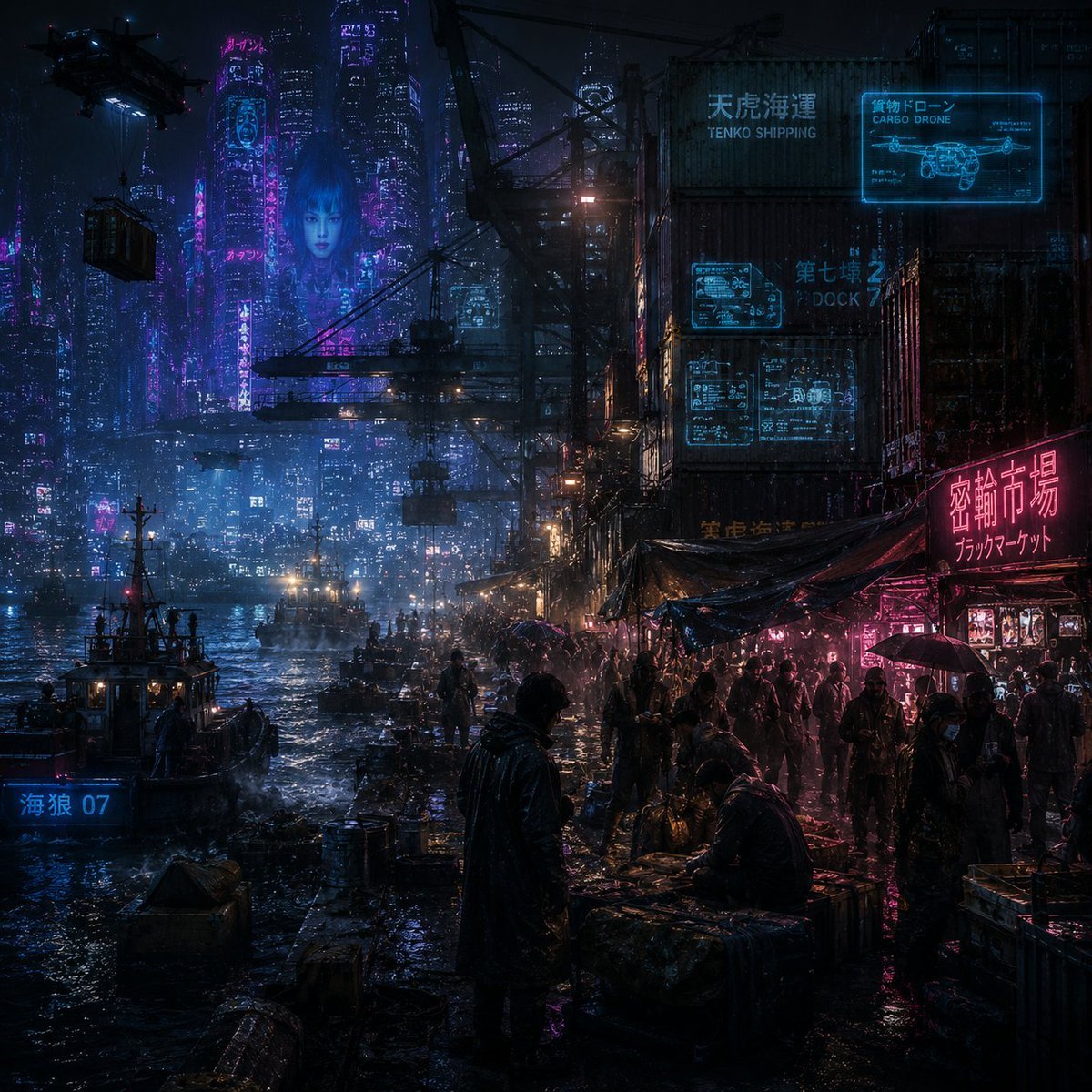
- Prompt included
- Model and format preset
- Free template
The prompt behind this image
Copy the exact prompt behind Rainy Cyberpunk Harbor Black Market, or open it in the studio and make it yours.
Create a dense cyberpunk noir waterfront black market scene at night in a futuristic Asian megacity, emphasizing extreme visual noise, rain, grime, reflections, and overwhelming detail. The camera is at dock level looking diagonally along a crowded harbor market: wet concrete piers and puddles in the foreground, dark silhouettes of vendors and customers under tarps on the right, small fishing boats and cargo boats on the left, and a vast neon skyline fading into blue mist in the background. A lone hooded figure in a dark raincoat stands near the center foreground facing the market, surrounded by crates, barrels, tangled cables, umbrellas, makeshift stalls, and glistening trash. Add towering stacked shipping containers and industrial cranes on the right, with suspended cargo and a black cargo drone in the upper left carrying a container. Use cold cyan-blue city light mixed with hot magenta neon, deep shadows, heavy rain haze, volumetric fog, and glossy reflections across every surface. Include exactly 6 visible major text/sign elements: a cyan sign on the containers reading {argument name="shipping company sign" default="TENKO SHIPPING"}, a cyan holographic cargo drone panel reading {argument name="drone sign" default="CARGO DRONE"}, a cyan dock sign reading {argument name="dock sign" default="DOCK 7"}, a bright magenta market sign reading {argument name="market sign" default="Black Market"} with Japanese or Chinese characters above it, a blue boat label reading {argument name="boat label" default="海狼 07"}, and scattered vertical neon tower signs with small unreadable Asian characters. Style: ultra-detailed cinematic concept art, Blade Runner-inspired cyberpunk, photorealistic matte painting, high contrast, moody, chaotic, rain-soaked, 1:1 square composition, sharp foreground detail with atmospheric depth, no clean empty areas, no daylight, no cartoon style.
How to use Rainy Cyberpunk Harbor Black Market in 3 steps
- 1Upload ImagePNG, JPG or paste
Add your photo
Upload the photo the template builds on. The prompt, model and format are already set.
- 2…a portrait of your subject in softgolden-hour light, 85mm…
Personalize
Edit the subject and creative details for your destination.
- 3Generate
Generate
Press Generate — your image is created in PicX Studio, so you can compare it with the original and refine one variable at a time.
More like this
Templates with the same subject, style or setup. Open one to see its prompt.

Black Liquid Cyberpunk Portrait Poster

Rainy Night Android Cyberpunk Portrait
Rainy Night Android Cyberpunk Portrait
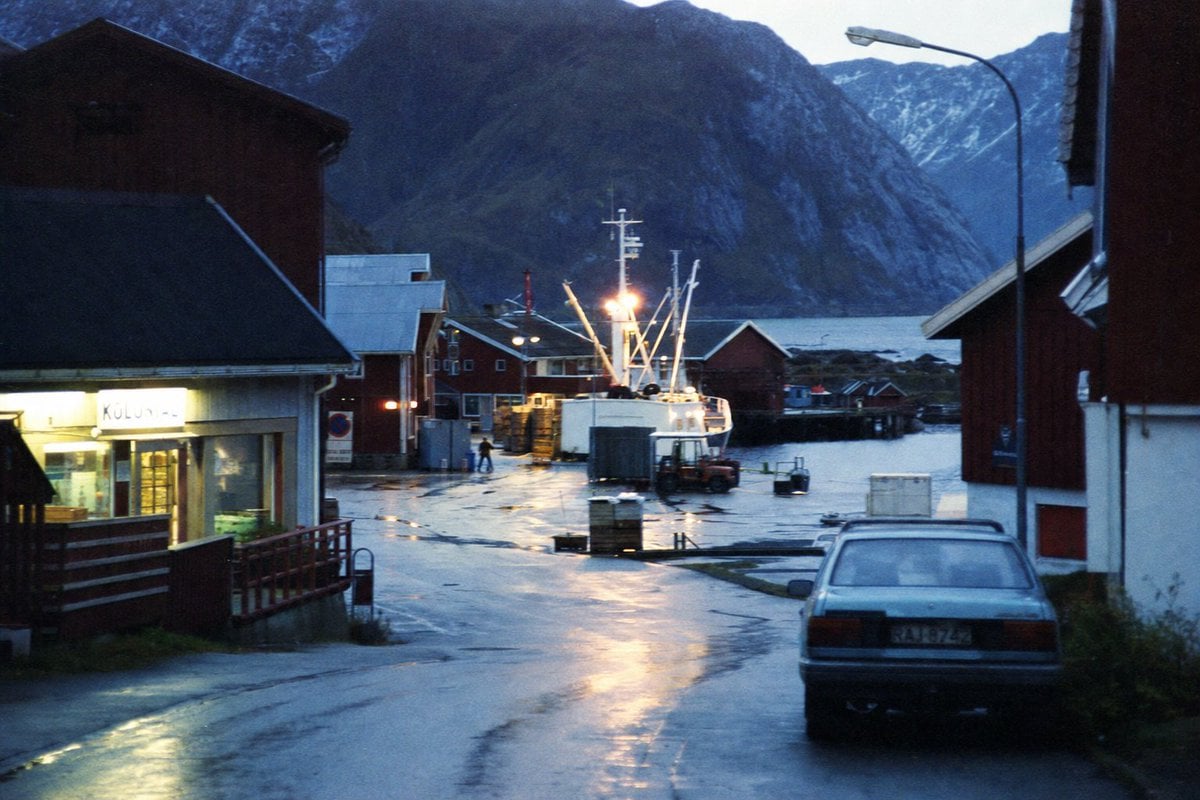
Rainy Norwegian Fjord Harbor
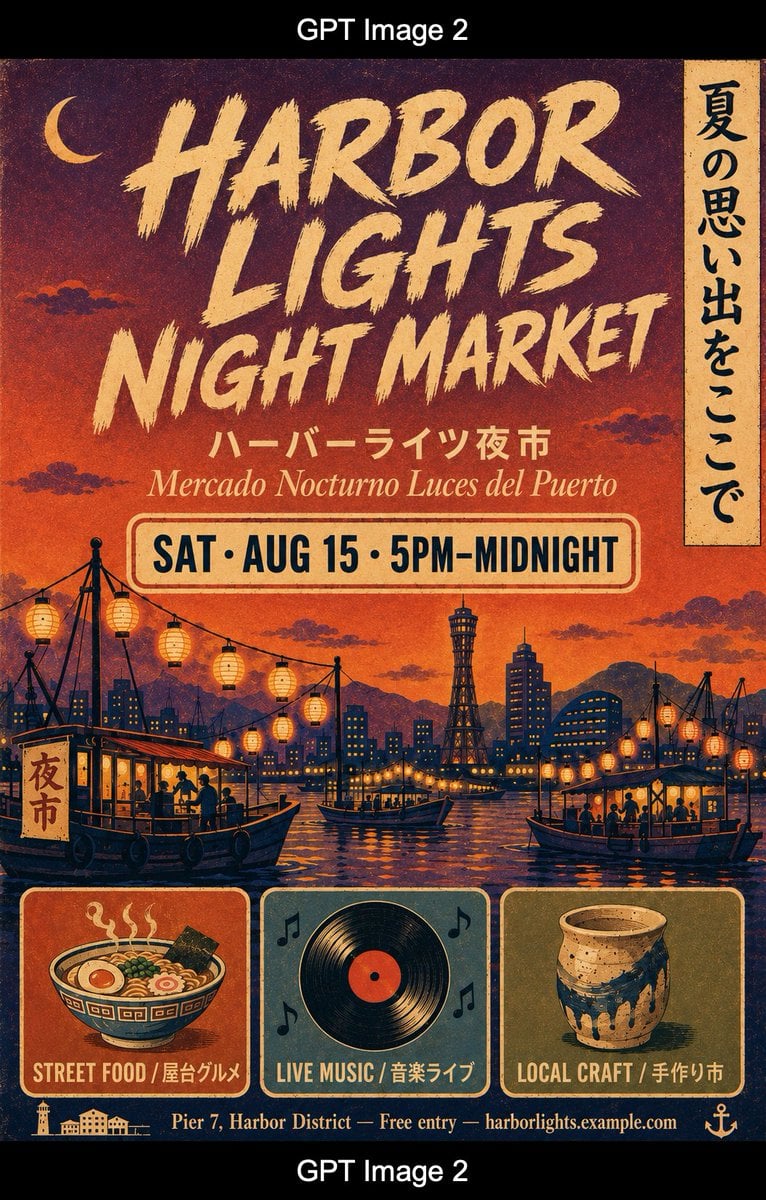
Retro Harbor Lights Night Market Poster
Rainy Cyberpunk Superhero Comic Page

Dark Runway Luxury Fashion Magazine Cover

Korean Idol Partial Shadow Editorial Portrait

Cinematic Sci-Fi Interface Side Profile

Cyberpunk Neon Profile Fashion Portrait

Cinematic Neon Light Strip Studio Portrait

Futuristic Studio Neon Ring Minimalist Portrait
Make it yours
Rainy Cyberpunk Harbor Black Market works as-is. These are the safest ways to change it without losing the look.
Change one field
Copy a single group, rewrite it, and generate again so you can see what that field is doing.
Keep the frame, change the subject
Hold the composition and light of Rainy Cyberpunk Harbor Black Market, then swap wardrobe, props or the person for a new take.
| If the result… | Why | Fix |
|---|---|---|
| The result drifts from the preview | Too many fields changed at once. | Reuse Rainy Cyberpunk Harbor Black Market as-is first, then change one group — subject, light, or setting. |
| The model over-stylizes the scene | The prose prompt leaves finish and camera underspecified. | Add one camera or lighting sentence and stay on GPT Image 2. |
More GPT Image 2 templates
Other prompts made for GPT Image 2.

Six VTuber Japanese Logo Sheet

Realistic Portrait of Woman and Deer

The Vista Modular Condo Poster

AI Model Routing Comparison Infographic

2.5D Anime Art Board

Isometric Productivity Desk Scene

New York Double Exposure Poster

Four-Panel AI Landscape Comparison

Japanese Tatami Lifestyle Magazine Cover

NESCAFÉ Coffee Map Poster
More image prompts
Fresh picks from across the catalog.
Cinematic Breakfast Dating Sim UI
Weathered Custom Cub Concept Bike

Premium Product Hero Shot Template
Dark Fantasy Samurai Warlord
Misordered Image Relay Grid
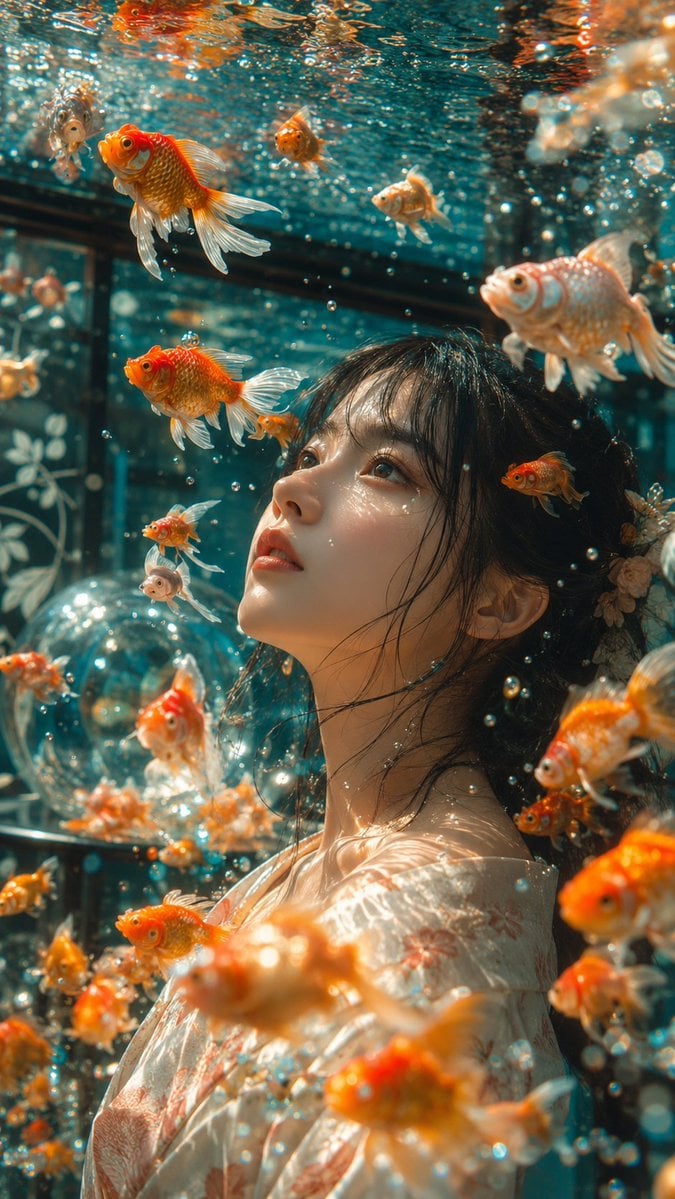
Japanese Goldfish Aquarium Portrait
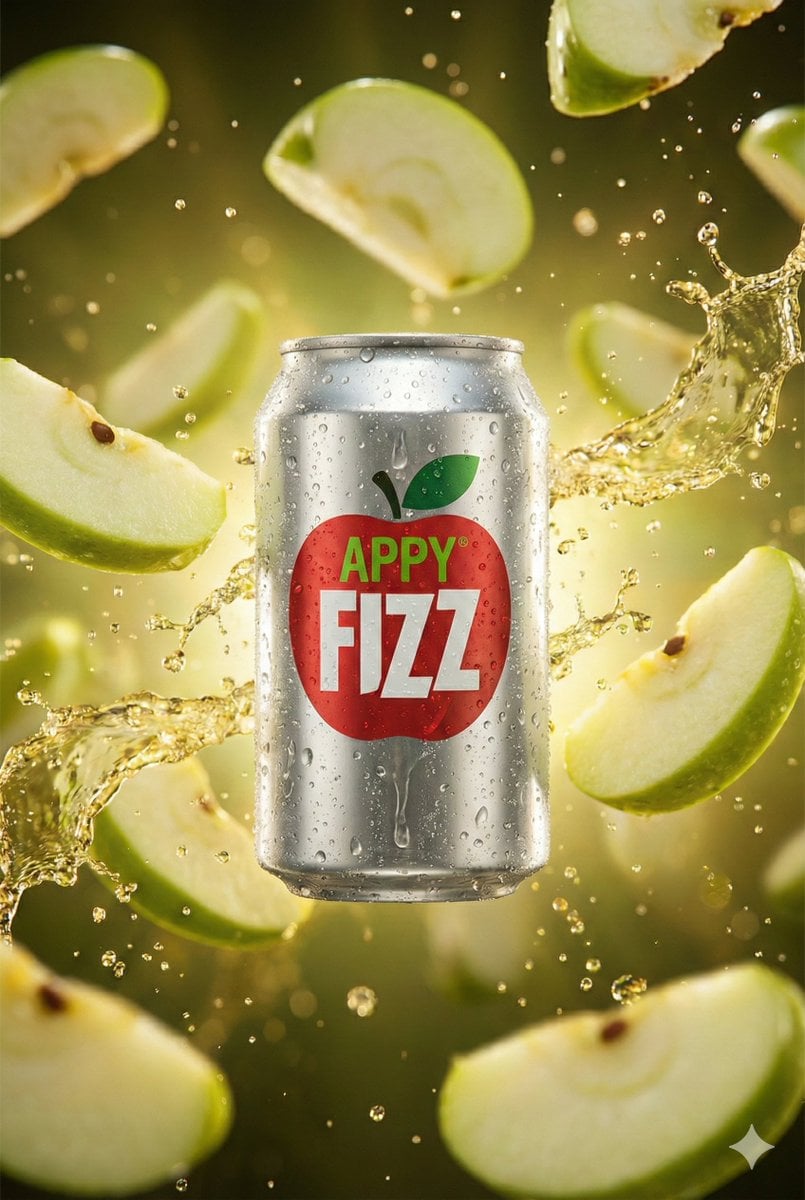
Hyper-realistic cinematic product shot of Appy Fizz can with exploding apple slices
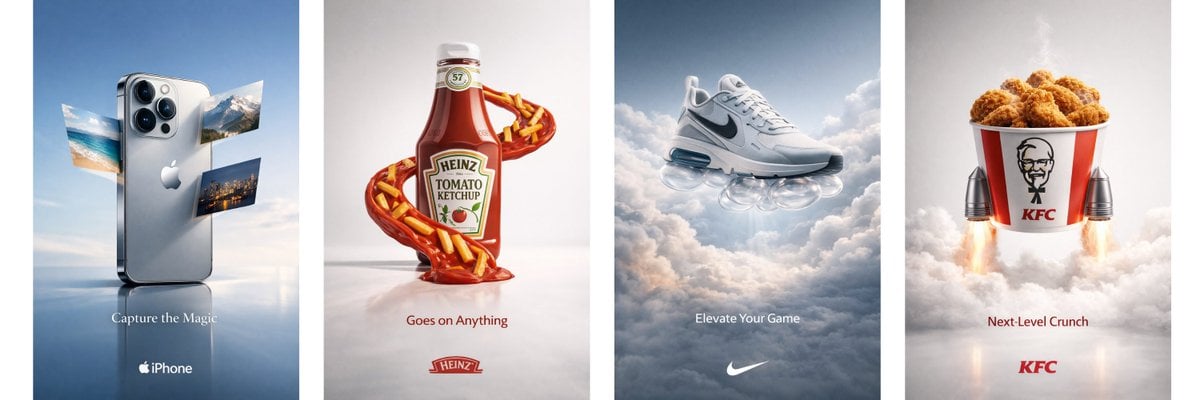
Object Print Ad Generation Framework

Editorial Fashion Portrait on Stone Stairs
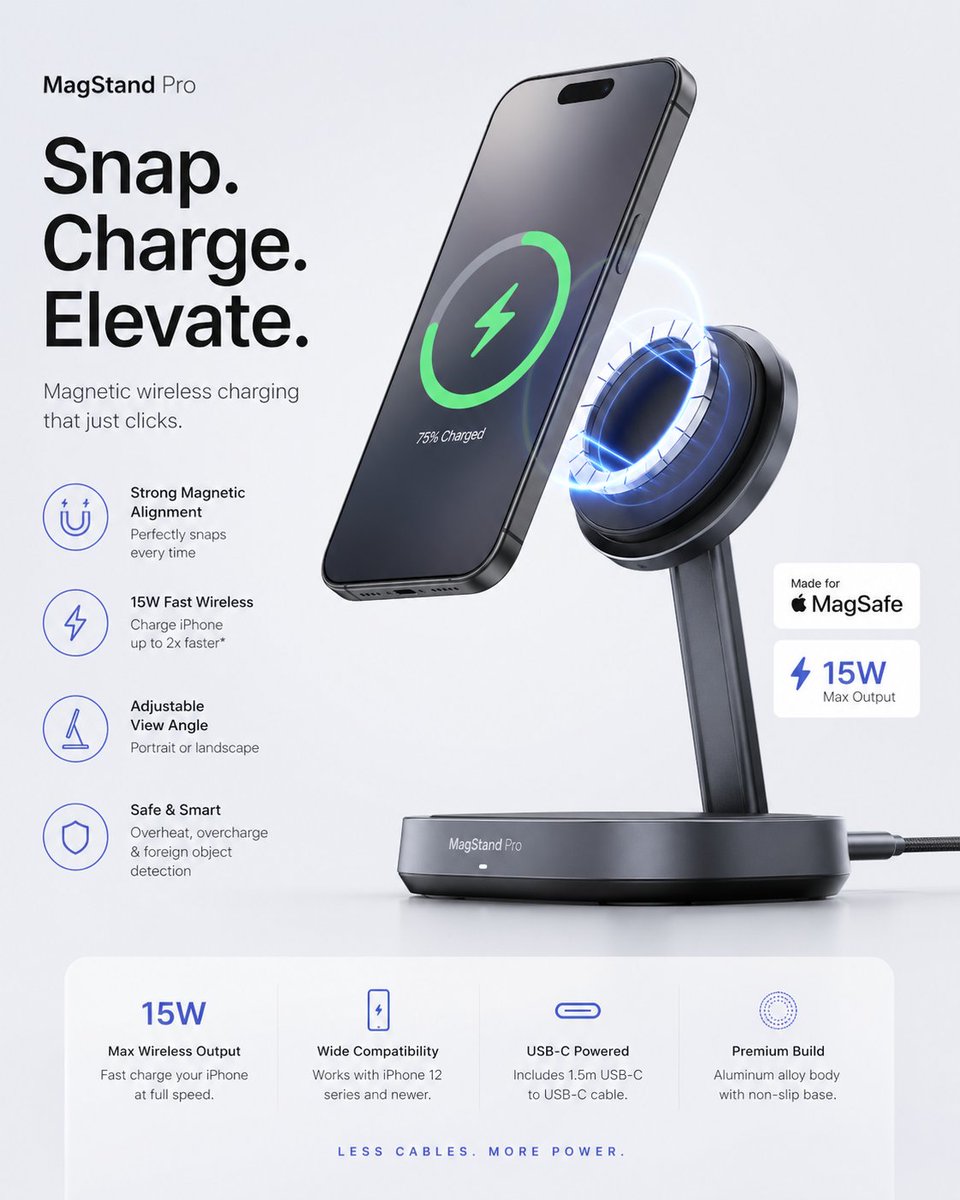
Minimalist Tech Accessory Advertisement
Browse template categories
Rainy Cyberpunk Harbor Black Market questions
How do I use the Rainy Cyberpunk Harbor Black Market template?
Add your photo if the template asks for one, edit the prompt if you like — the template's model and format are already selected — and press Generate. Your version opens in PicX Studio.
Can I customize the Rainy Cyberpunk Harbor Black Market template?
Yes. You can change the subject, setting, lighting, mood, format, and available model controls before creating your image.
Is the Rainy Cyberpunk Harbor Black Market template free?
Opening and editing this template is free. Generating uses credits, shown on the Generate button when you are signed in.
Which AI model should I use?
Start with GPT Image 2, which is the model associated with this template. You can compare another compatible model for a different finish.
Looking for something else? Browse all templates.

Your photo, any look
Thousands of ready templates for every top image and video model, from one credit balance.