
Anime Glacial Fjord Geology Slide
Generates a cinematic anime-style fjord cross-section with Japanese educational caption text for a geology or Earth science explainer slide.
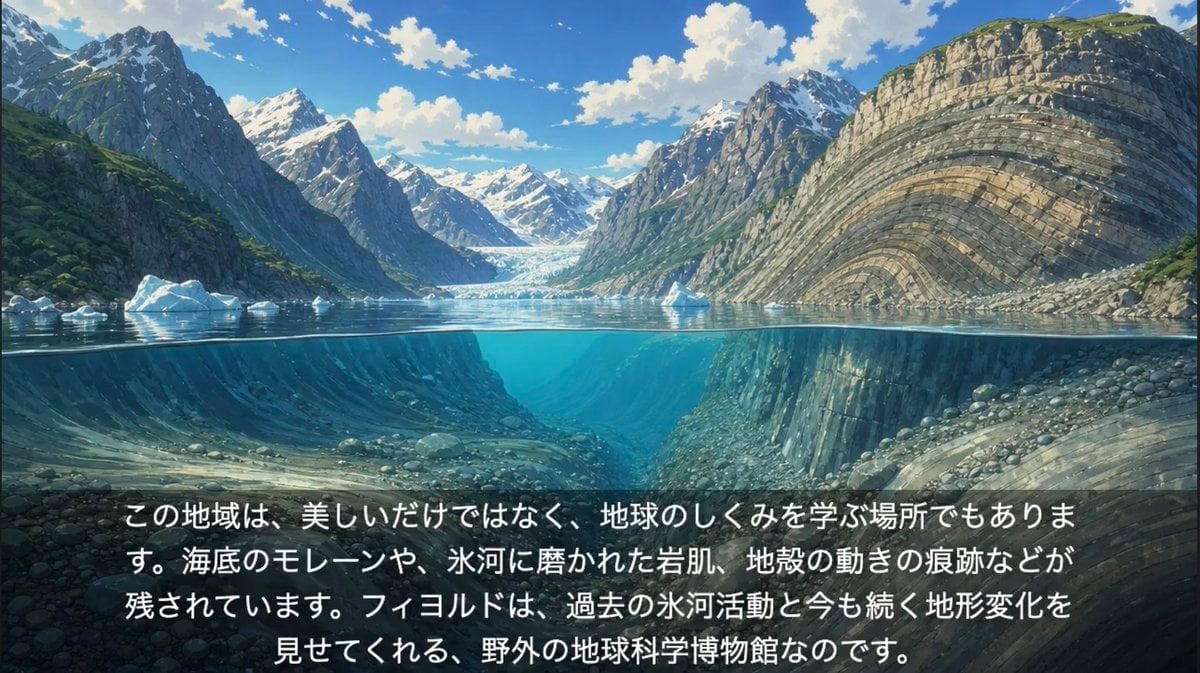
- Prompt included
- Model and format preset
- Free template
The prompt behind this image
Copy the exact prompt behind Anime Glacial Fjord Geology Slide, or open it in the studio and make it yours.
Create a cinematic anime-style educational landscape illustration of a glacial fjord, designed as a widescreen 16:9 slide. Show a dramatic split-level cross-section where the upper half is above the waterline and the lower half is underwater, with the water surface forming a crisp horizontal line across the middle. Above water: towering steep mountains on both sides of the fjord, snow-capped peaks in the distance, a bright blue sky with scattered white clouds, small floating icebergs, and a glacier visible at the far end of the inlet. On the right side, emphasize a massive curved cliff face with clear layered sedimentary rock strata bending in broad arcs; on the left, darker rugged mountains with patches of green vegetation and snow. Below water: transparent turquoise-blue fjord water revealing submerged valley walls, rounded stones, rocky slopes, glacially carved terrain, and continued layered rock formations, with soft underwater light rays and depth haze. Add a subtle dark translucent gradient panel across the bottom third for readability. Place exactly one centered Japanese educational text block in large white sans-serif characters with a slight shadow, broken into four lines, using this text: {argument name="caption text" default="この地域は、美しいだけではなく、地球のしくみを学ぶ場所でもあります。海底のモレーンや、氷河に磨かれた岩肌、地殻の動きの痕跡などが残されています。フィヨルドは、過去の氷河活動と今も続く地形変化を見せてくれる、野外の地球科学博物館なのです。"} Visual style: high-quality Japanese anime background art, painterly but detailed, naturalistic lighting, crisp geology, serene atmosphere, vibrant blues and greens, no people, no boats, no logos, no watermark.
How to use Anime Glacial Fjord Geology Slide in 3 steps
- 1Upload ImagePNG, JPG or paste
Add your photo
Upload the photo the template builds on. The prompt, model and format are already set.
- 2…a portrait of your subject in softgolden-hour light, 85mm…
Personalize
Edit the subject and creative details for your destination.
- 3Generate
Generate
Press Generate — your image is created in PicX Studio, so you can compare it with the original and refine one variable at a time.
More like this
Templates with the same subject, style or setup. Open one to see its prompt.












Make it yours
Anime Glacial Fjord Geology Slide works as-is. These are the safest ways to change it without losing the look.
Change one field
Copy a single group, rewrite it, and generate again so you can see what that field is doing.
Keep the frame, change the subject
Hold the composition and light of Anime Glacial Fjord Geology Slide, then swap wardrobe, props or the person for a new take.
| If the result… | Why | Fix |
|---|---|---|
| The result drifts from the preview | Too many fields changed at once. | Reuse Anime Glacial Fjord Geology Slide as-is first, then change one group — subject, light, or setting. |
| The model over-stylizes the scene | The prose prompt leaves finish and camera underspecified. | Add one camera or lighting sentence and stay on GPT Image 2. |
More GPT Image 2 templates
Other prompts made for GPT Image 2.

Six VTuber Japanese Logo Sheet

Realistic Portrait of Woman and Deer

The Vista Modular Condo Poster

AI Model Routing Comparison Infographic

2.5D Anime Art Board

Isometric Productivity Desk Scene

New York Double Exposure Poster

Four-Panel AI Landscape Comparison

Japanese Tatami Lifestyle Magazine Cover

NESCAFÉ Coffee Map Poster
More image prompts
Fresh picks from across the catalog.

Soft Girl Editorial Fashion Portrait (JSON)

Ultra-Realistic Food Photography of Dessert Splash
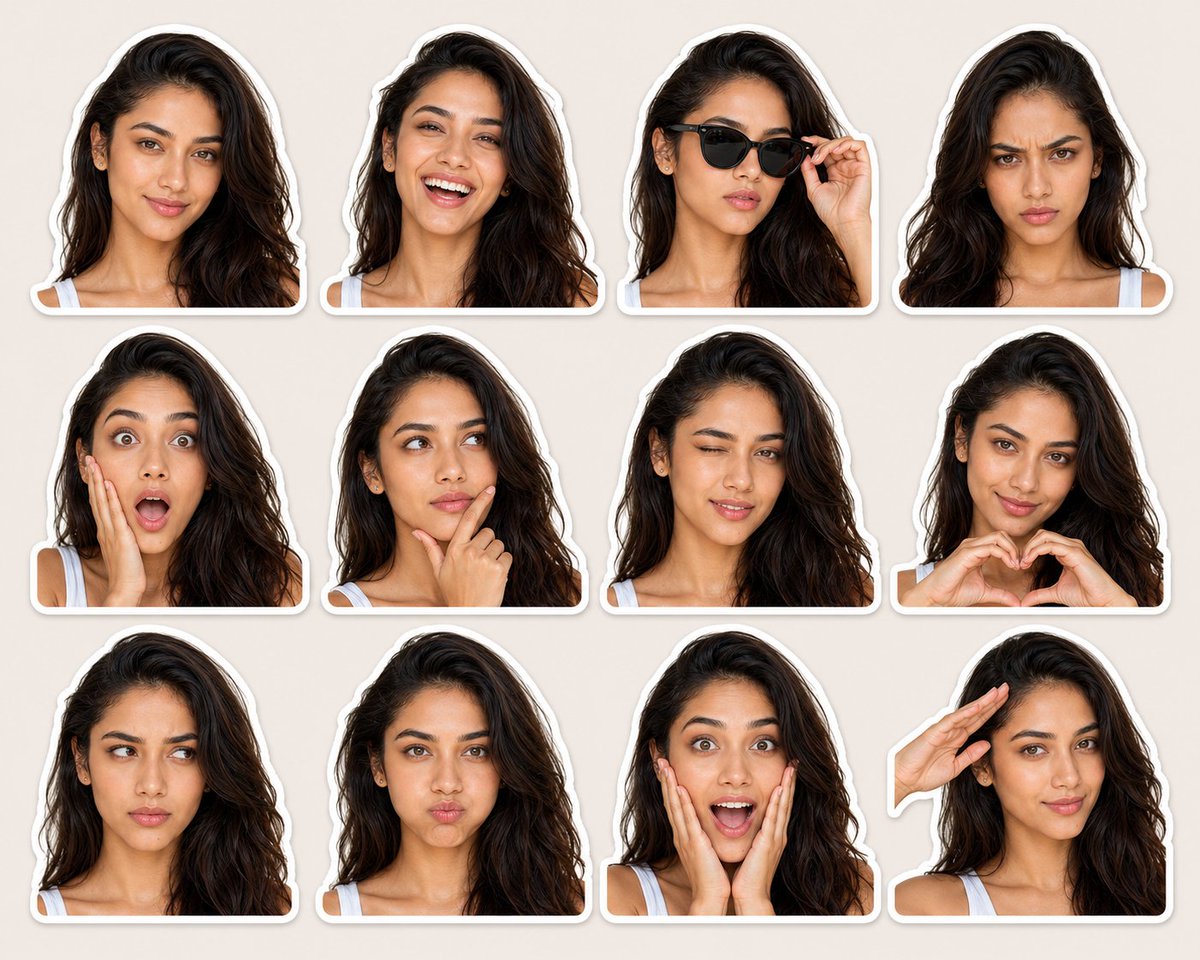
Expression-Rich Sticker Pack Grid
Gpt2 Profile Avatar 3d Cartoon Character Render
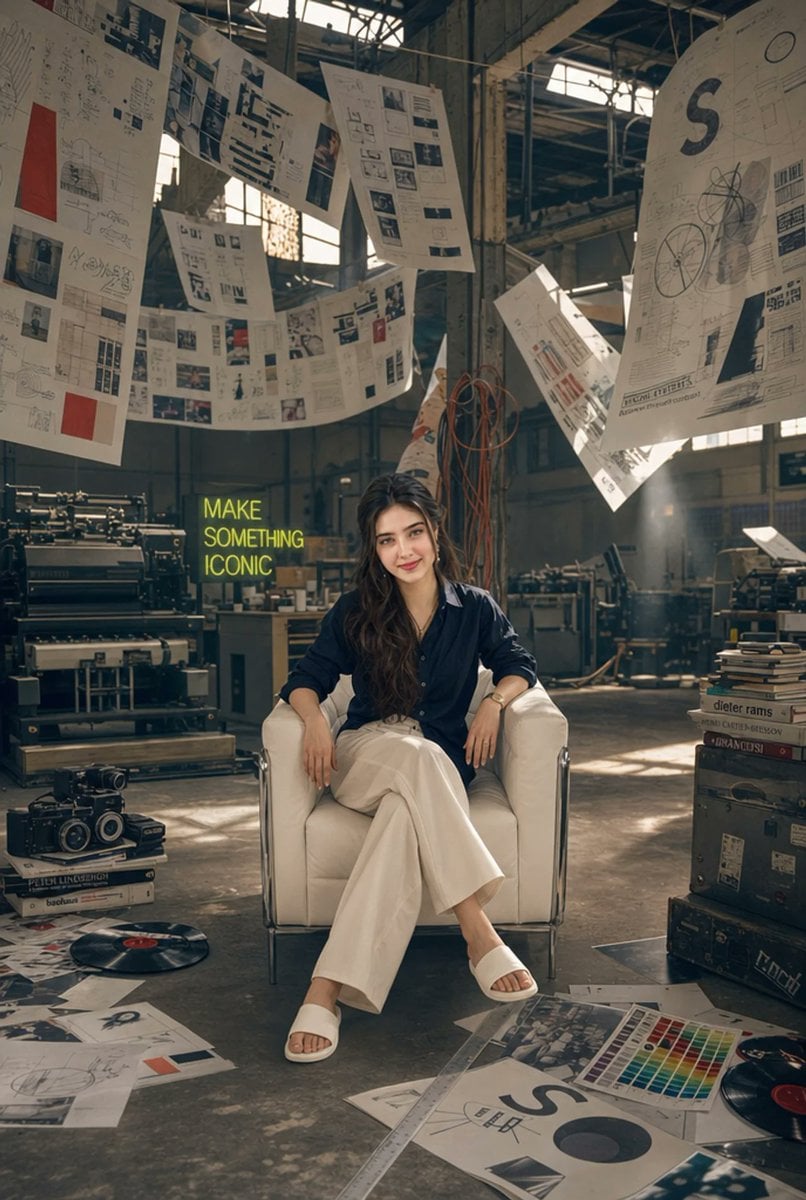
Creative Director in Printing Warehouse

Eid Mubarak Stylized Composition

Luxury Skincare Brand Key Visual (KV)
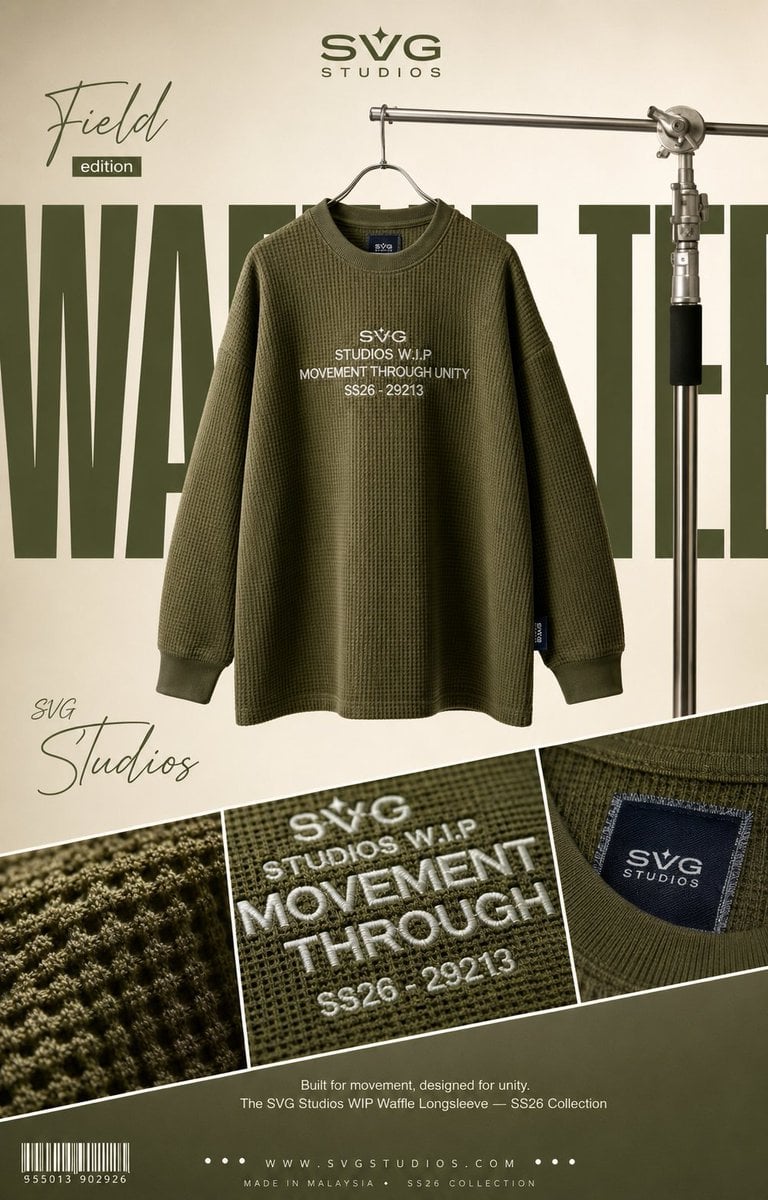
High-End Fashion Editorial Campaign Poster

3D Cartoon Caricature with Identity Preservation
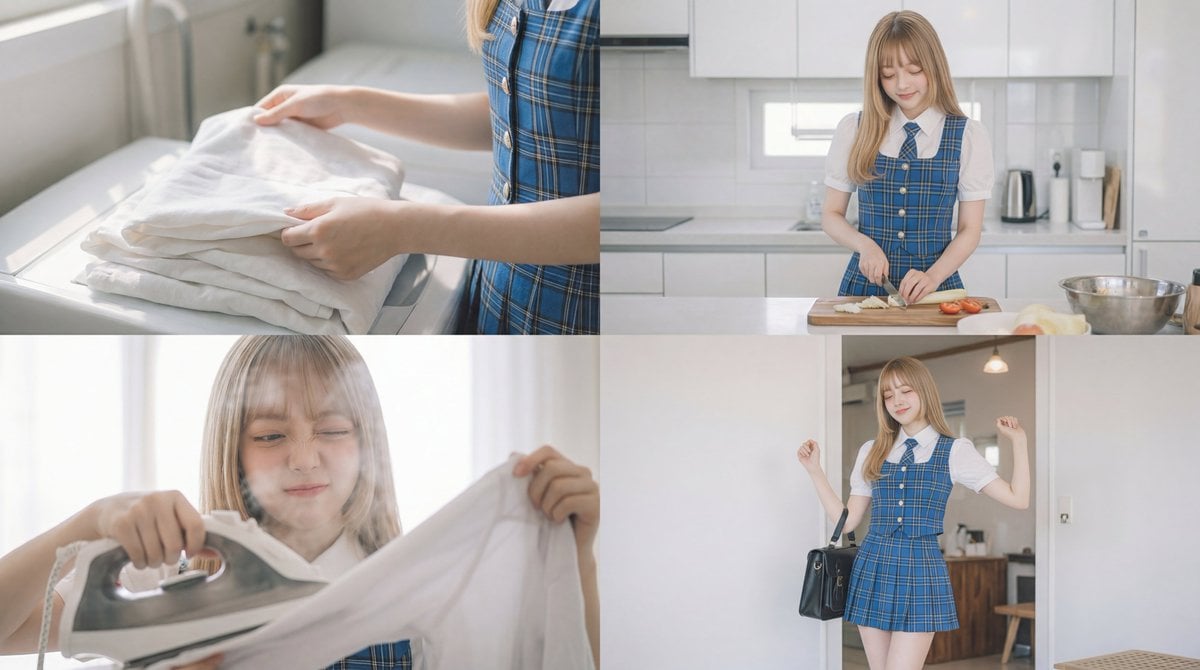
Cinematic Scene Prompt for Woman Doing Chores
Browse template categories
Anime Glacial Fjord Geology Slide questions
How do I use the Anime Glacial Fjord Geology Slide template?
Add your photo if the template asks for one, edit the prompt if you like — the template's model and format are already selected — and press Generate. Your version opens in PicX Studio.
Can I customize the Anime Glacial Fjord Geology Slide template?
Yes. You can change the subject, setting, lighting, mood, format, and available model controls before creating your image.
Is the Anime Glacial Fjord Geology Slide template free?
Opening and editing this template is free. Generating uses credits, shown on the Generate button when you are signed in.
Which AI model should I use?
Start with GPT Image 2, which is the model associated with this template. You can compare another compatible model for a different finish.
Looking for something else? Browse all templates.

Your photo, any look
Thousands of ready templates for every top image and video model, from one credit balance.