
Anime Space Bass Guitar Cover Art
A cinematic anime album-cover scene of a floating bass guitarist, cat, speakers, and keyboard drifting above Earth in a colorful cosmic setting.
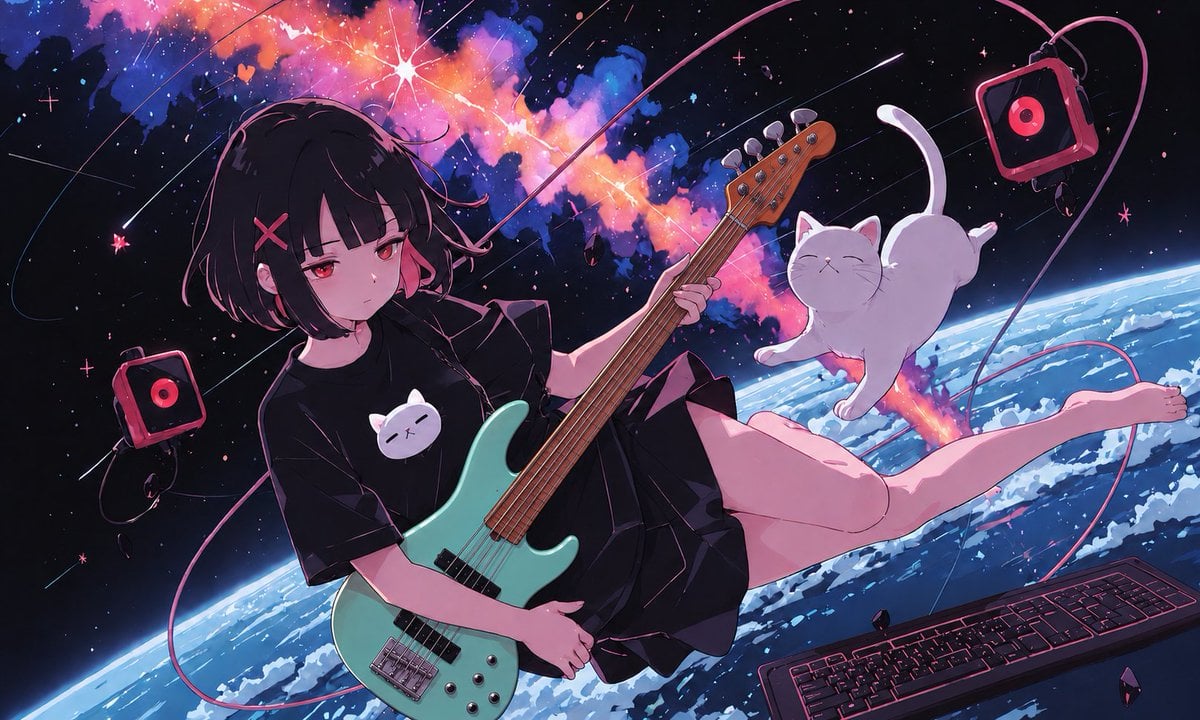
- Prompt included
- Model and format preset
- Free template
The prompt behind this image
Copy the exact prompt behind Anime Space Bass Guitar Cover Art, or open it in the studio and make it yours.
Create a wide 16:9 anime-style music cover artwork set in outer space above the curved blue-and-white Earth. The main subject is 1 floating teenage girl with a moody expression, pale skin, short messy {argument name="hair color" default="black hair with pink highlights"}, red eyes, and a pink X hair clip, wearing an oversized {argument name="shirt color" default="black"} T-shirt printed with a simple white cat face, black shorts or a short skirt, and bare legs. She is drifting diagonally across the frame while holding 1 mint-green electric bass guitar with a wooden neck and visible strings, angled from lower center to upper right. Add 1 fluffy white cat floating beside her on the right, eyes closed, tail raised, appearing weightless and serene. Include exactly 4 music-related objects: 1 bass guitar in her hands, 2 small square red-and-black portable speakers with circular red drivers floating at left and upper right, and 1 black computer keyboard with neon pink outlines floating at the bottom right. Use long looping pink audio cables that arc around the composition like orbital paths. The background is a starry black cosmos with a vivid colorful nebula cloud in hot pink, orange, purple, and blue stretching across the upper center, bright starbursts, tiny sparkles, small floating crystal fragments, and thin orbital lines. Lighting should be dramatic and cinematic with magenta rim light, cool blue Earth glow, high contrast shadows, clean cel-shaded anime rendering, detailed line art, glossy highlights on the guitar, and a dreamy melancholic J-pop album-cover atmosphere. No title text, no logo, no watermark.
How to use Anime Space Bass Guitar Cover Art in 3 steps
- 1Upload ImagePNG, JPG or paste
Add your photo
Upload the photo the template builds on. The prompt, model and format are already set.
- 2…a portrait of your subject in softgolden-hour light, 85mm…
Personalize
Edit the subject and creative details for your destination.
- 3Generate
Generate
Press Generate — your image is created in PicX Studio, so you can compare it with the original and refine one variable at a time.
More like this
Templates with the same subject, style or setup. Open one to see its prompt.
Anime Bedroom Guitar Album Cover

Cel 2D Space Dock
Anime Rock Duo with Guitar and Sheet Music
Alfin Space Anime Cosplay Composite
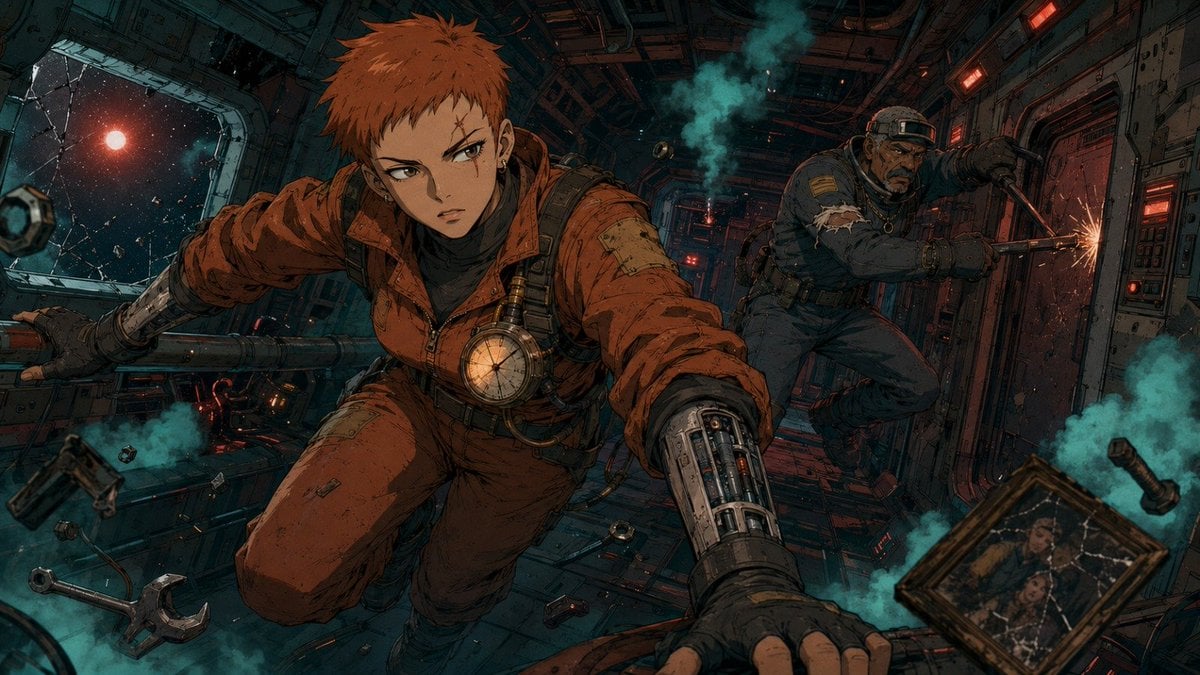
Zero-Gravity Anime Spaceship Escape
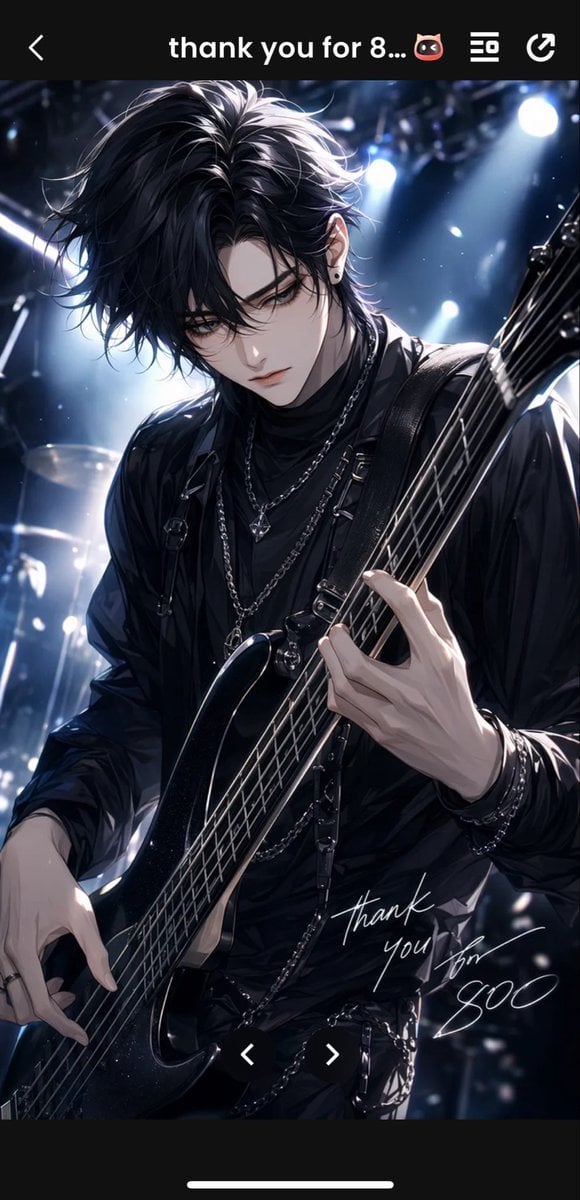
Gothic Anime Bassist Story Screen

Anime Mahjong Magazine Cover

Neon Anime Fireworks Magazine Cover

Cel 2D Finale Fireworks

Cel 2D Garden Maze

Cel 2D Rooftop Concert

Cel 2D Bicycle Coast
Make it yours
Anime Space Bass Guitar Cover Art works as-is. These are the safest ways to change it without losing the look.
Change one field
Copy a single group, rewrite it, and generate again so you can see what that field is doing.
Keep the frame, change the subject
Hold the composition and light of Anime Space Bass Guitar Cover Art, then swap wardrobe, props or the person for a new take.
| If the result… | Why | Fix |
|---|---|---|
| The result drifts from the preview | Too many fields changed at once. | Reuse Anime Space Bass Guitar Cover Art as-is first, then change one group — subject, light, or setting. |
| The model over-stylizes the scene | The prose prompt leaves finish and camera underspecified. | Add one camera or lighting sentence and stay on GPT Image 2. |
More GPT Image 2 templates
Other prompts made for GPT Image 2.

Six VTuber Japanese Logo Sheet

Realistic Portrait of Woman and Deer

The Vista Modular Condo Poster

AI Model Routing Comparison Infographic

2.5D Anime Art Board

Isometric Productivity Desk Scene

New York Double Exposure Poster

Four-Panel AI Landscape Comparison

Japanese Tatami Lifestyle Magazine Cover

NESCAFÉ Coffee Map Poster
More image prompts
Fresh picks from across the catalog.
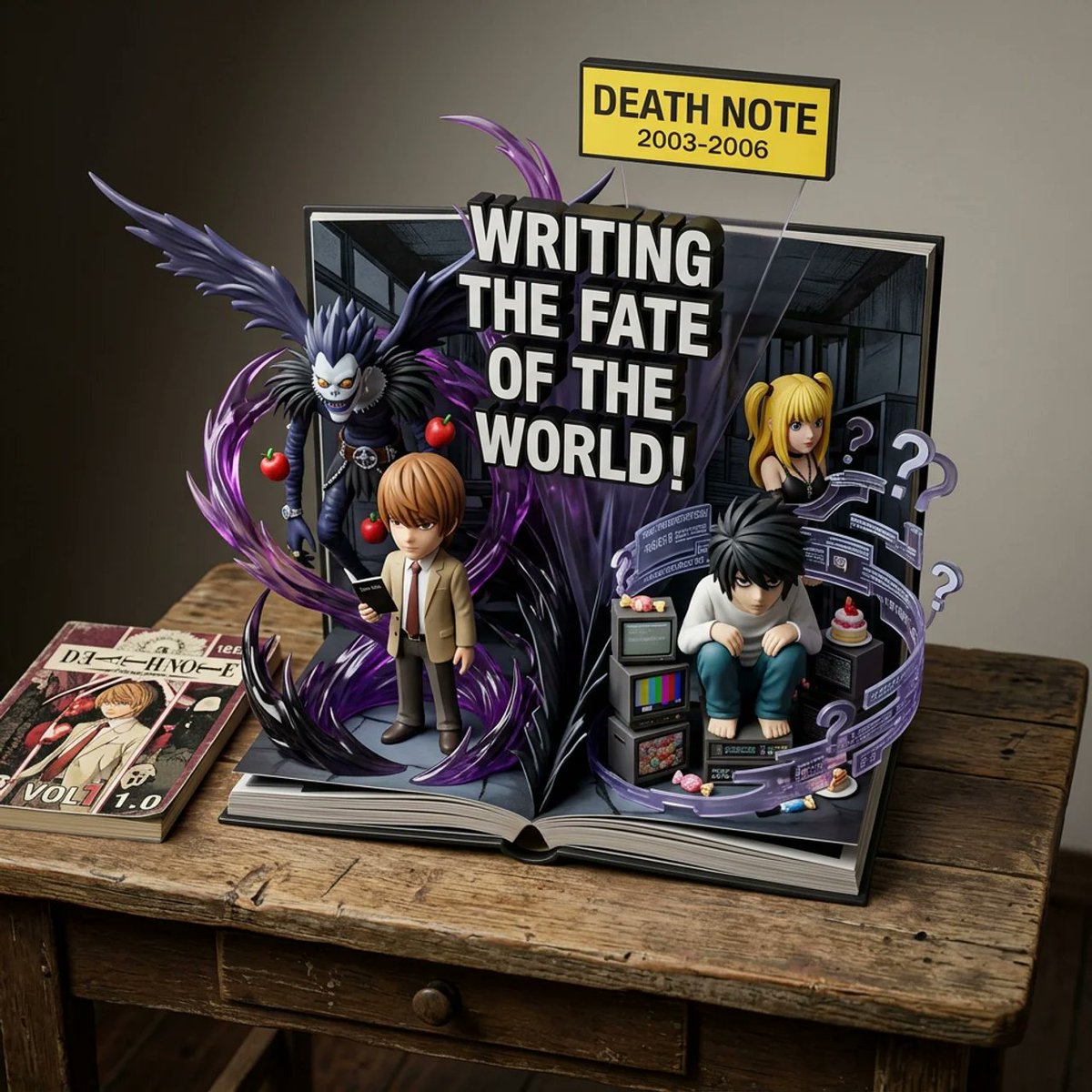
Weighted Prompt for 3D Pop-Up Comic Diorama
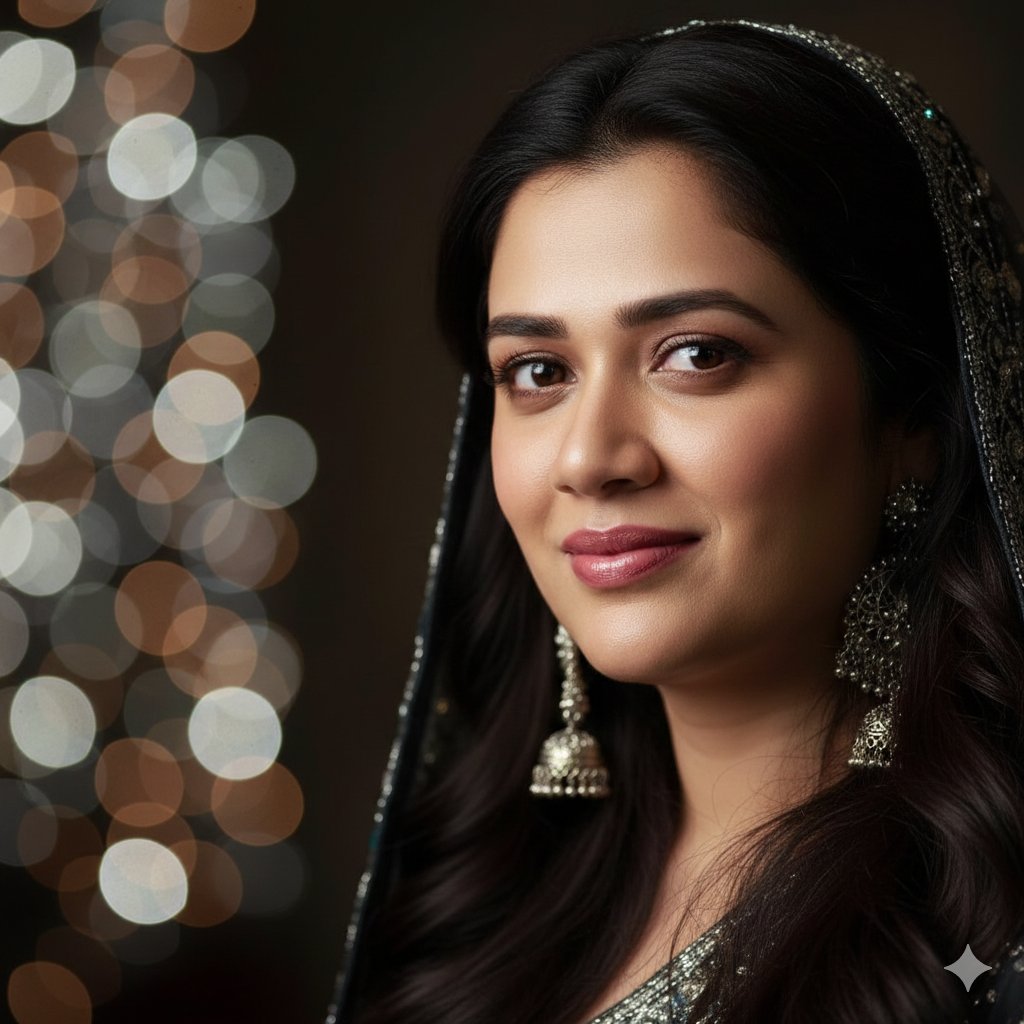
Dramatic Cinematic Portrait with Bokeh Background
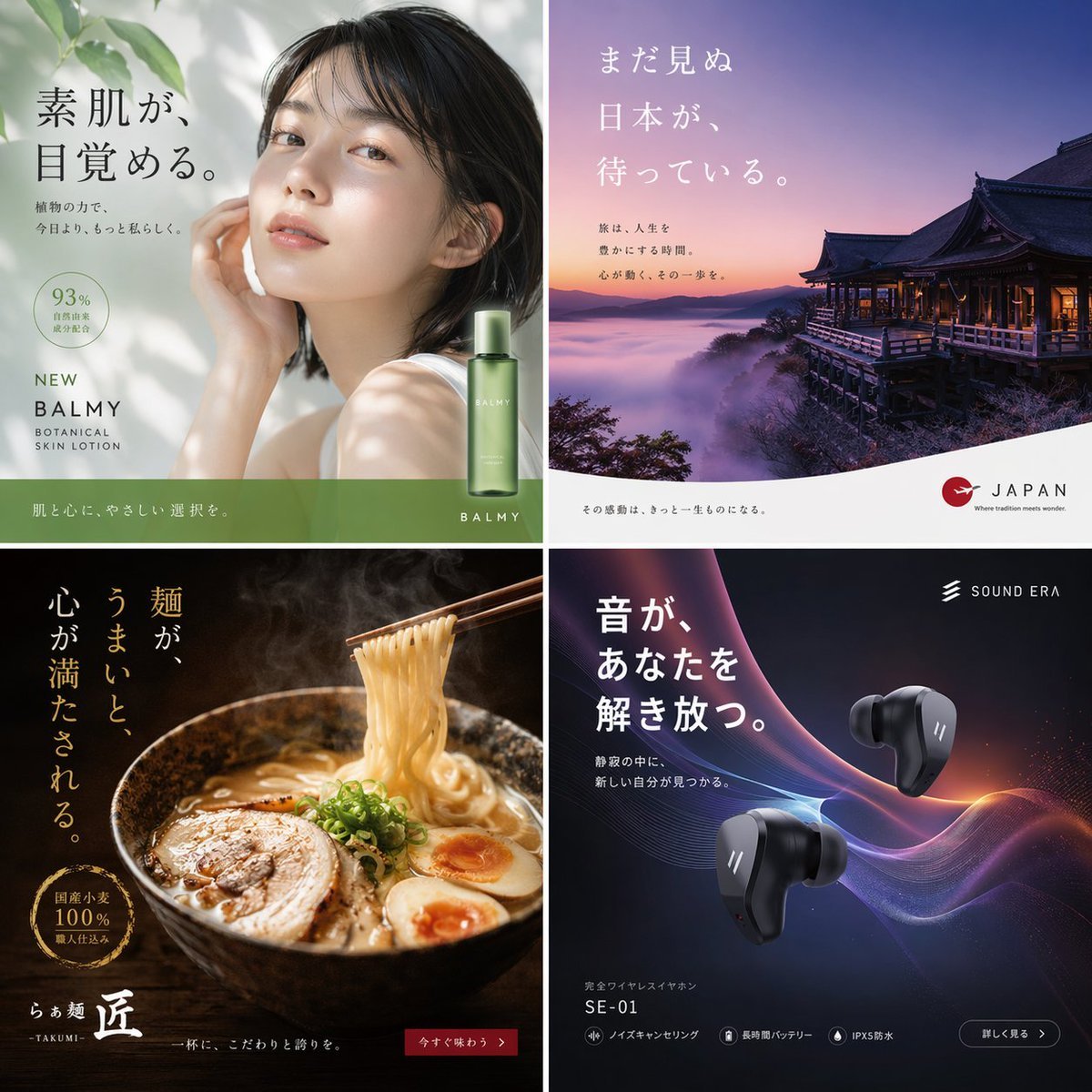
2x2 Japanese Advertisement Grid
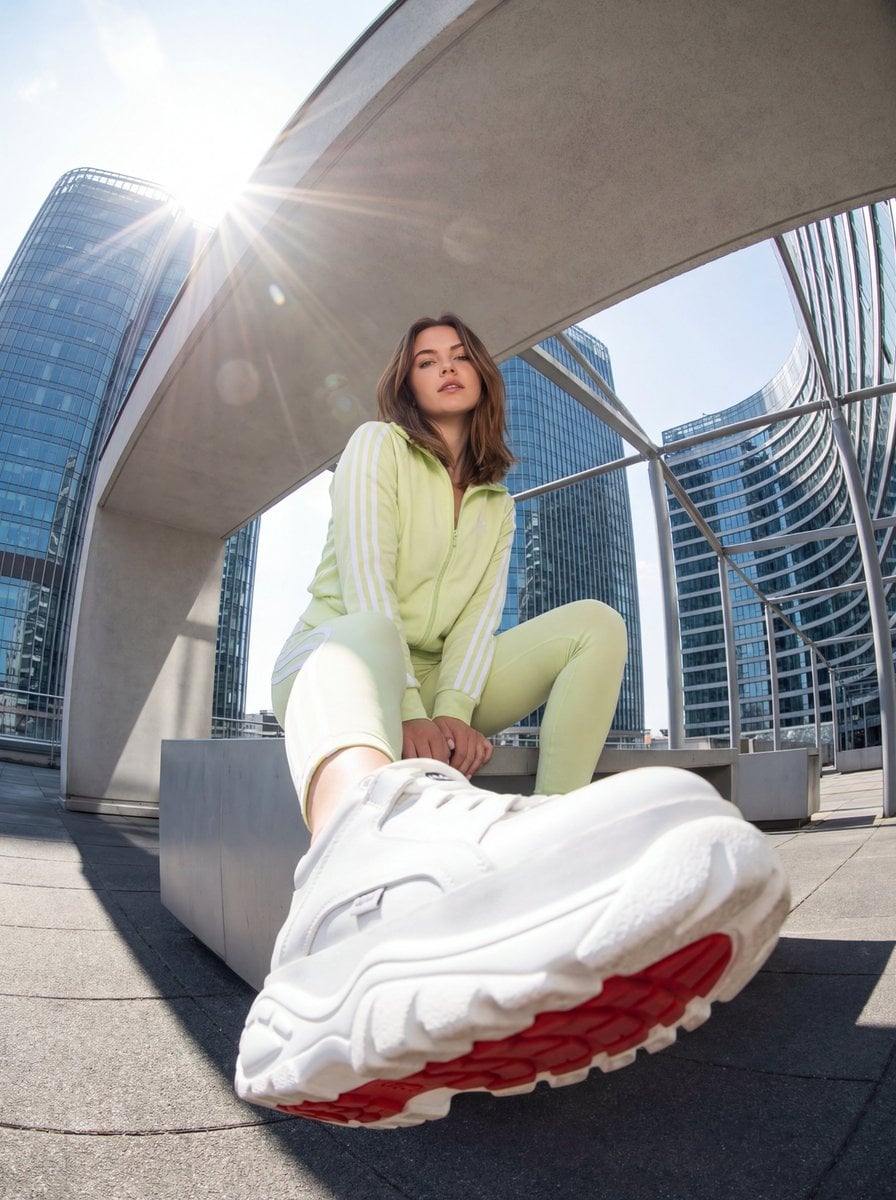
Urban Streetwear Photo with Extreme Fisheye Perspective

Candid Couch Dinner Flash Photo

Flashy Gold AI Income Thumbnail
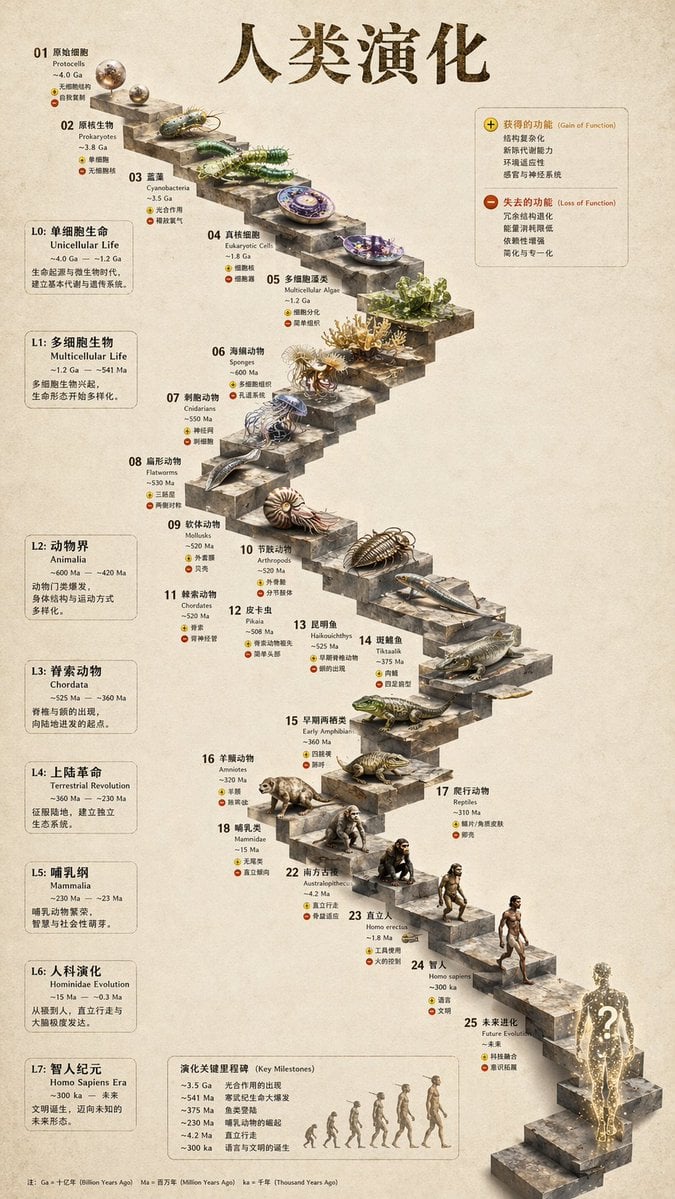
3D Stone Staircase Evolution Infographic
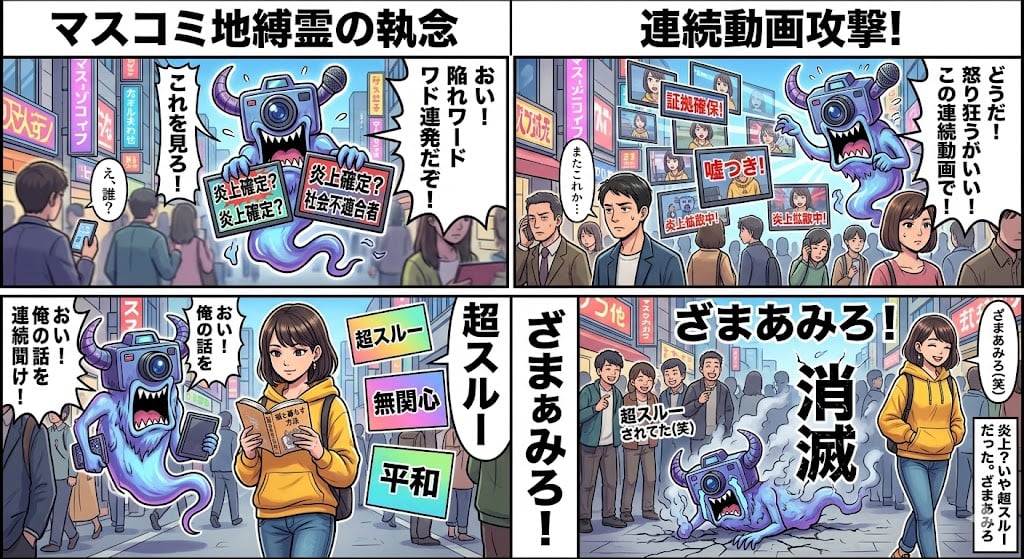
Nano Banana Pro 4-Panel Manga Prompt: Absolute Zero Ignore

Grainy Paris Café Film Scene
Decorative Cinematic Title Font Generation
Browse template categories
Anime Space Bass Guitar Cover Art questions
How do I use the Anime Space Bass Guitar Cover Art template?
Add your photo if the template asks for one, edit the prompt if you like — the template's model and format are already selected — and press Generate. Your version opens in PicX Studio.
Can I customize the Anime Space Bass Guitar Cover Art template?
Yes. You can change the subject, setting, lighting, mood, format, and available model controls before creating your image.
Is the Anime Space Bass Guitar Cover Art template free?
Opening and editing this template is free. Generating uses credits, shown on the Generate button when you are signed in.
Which AI model should I use?
Start with GPT Image 2, which is the model associated with this template. You can compare another compatible model for a different finish.
Looking for something else? Browse all templates.

Your photo, any look
Thousands of ready templates for every top image and video model, from one credit balance.