
Gothic Anime Bassist Story Screen
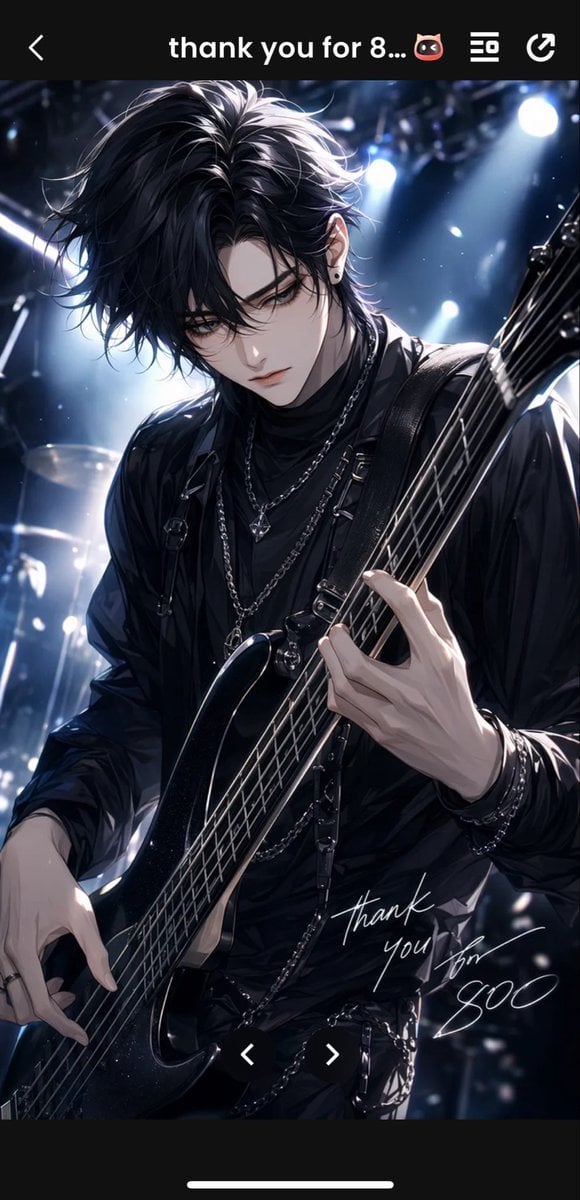
Generates a vertical smartphone-view anime concert illustration of a black-haired gothic bassist with UI framing and handwritten thank-you text.
- Prompt included
- Model and format preset
- Free template
The prompt behind this image
Copy the exact prompt behind Gothic Anime Bassist Story Screen, or open it in the studio and make it yours.
Create a vertical smartphone screenshot-style anime illustration of a dark, moody live-concert scene. The main subject is one androgynous young male bassist, {argument name="character name" default="SUGO"}, shown from thighs to head in a dramatic three-quarter close-up, looking downward with a serious, melancholic expression. He has extremely voluminous messy {argument name="hair color" default="black"} hair with blue-white highlights, long bangs falling over one eye, pale skin, sharp narrow eyes, a slim face, and a small black stud earring. Dress him in an all-black gothic rock outfit: black high-neck shirt, loose black jacket, leather harness straps, multiple silver chain necklaces, bracelets, rings, and dangling waist chains. He holds exactly one glossy black electric bass guitar angled diagonally from lower left to upper right, with exactly five visible strings; his right hand plucks near the body and his left hand grips the fretboard. The background is a dark concert stage with blurred drum kit elements, haze, floating dust or confetti specks, and exactly four bright cool-white stage spotlights creating strong rim light and cinematic blue highlights. Add a handwritten white signature-style message near the lower right of the illustration reading {argument name="handwritten message" default="thank you for SUGO"}. Frame the artwork inside a black mobile app viewer UI: a top black bar with exactly four visible UI elements — a back chevron on the left, centered white title text {argument name="top bar text" default="thank you for 8... 😈"}, one list/menu icon, and one share/refresh arrow icon on the right. At the bottom, include a black navigation area with exactly two white carousel chevrons centered over the image, one left and one right, plus one thin white iPhone home indicator bar at the very bottom. Style: highly polished Japanese anime / otome game key visual, glossy rendering, high contrast, dramatic lighting, detailed hair strands, elegant rock idol atmosphere, no extra characters, no extra text, no watermark.
How to use Gothic Anime Bassist Story Screen in 3 steps
- 1Upload ImagePNG, JPG or paste
Add your photo
Upload the photo the template builds on. The prompt, model and format are already set.
- 2…a portrait of your subject in softgolden-hour light, 85mm…
Personalize
Edit the subject and creative details for your destination.
- 3Generate
Generate
Press Generate — your image is created in PicX Studio, so you can compare it with the original and refine one variable at a time.
More like this
Templates with the same subject, style or setup. Open one to see its prompt.









Make it yours
Gothic Anime Bassist Story Screen works as-is. These are the safest ways to change it without losing the look.
Change one field
Copy a single group, rewrite it, and generate again so you can see what that field is doing.
Keep the frame, change the subject
Hold the composition and light of Gothic Anime Bassist Story Screen, then swap wardrobe, props or the person for a new take.
| If the result… | Why | Fix |
|---|---|---|
| The result drifts from the preview | Too many fields changed at once. | Reuse Gothic Anime Bassist Story Screen as-is first, then change one group — subject, light, or setting. |
| The model over-stylizes the scene | The prose prompt leaves finish and camera underspecified. | Add one camera or lighting sentence and stay on GPT Image 2. |
More GPT Image 2 templates
Other prompts made for GPT Image 2.

Six VTuber Japanese Logo Sheet

Realistic Portrait of Woman and Deer

The Vista Modular Condo Poster

AI Model Routing Comparison Infographic

2.5D Anime Art Board

Isometric Productivity Desk Scene

New York Double Exposure Poster

Four-Panel AI Landscape Comparison

Japanese Tatami Lifestyle Magazine Cover

NESCAFÉ Coffee Map Poster
More image prompts
Fresh picks from across the catalog.

Photorealistic Traditional Indian Saree Portrait
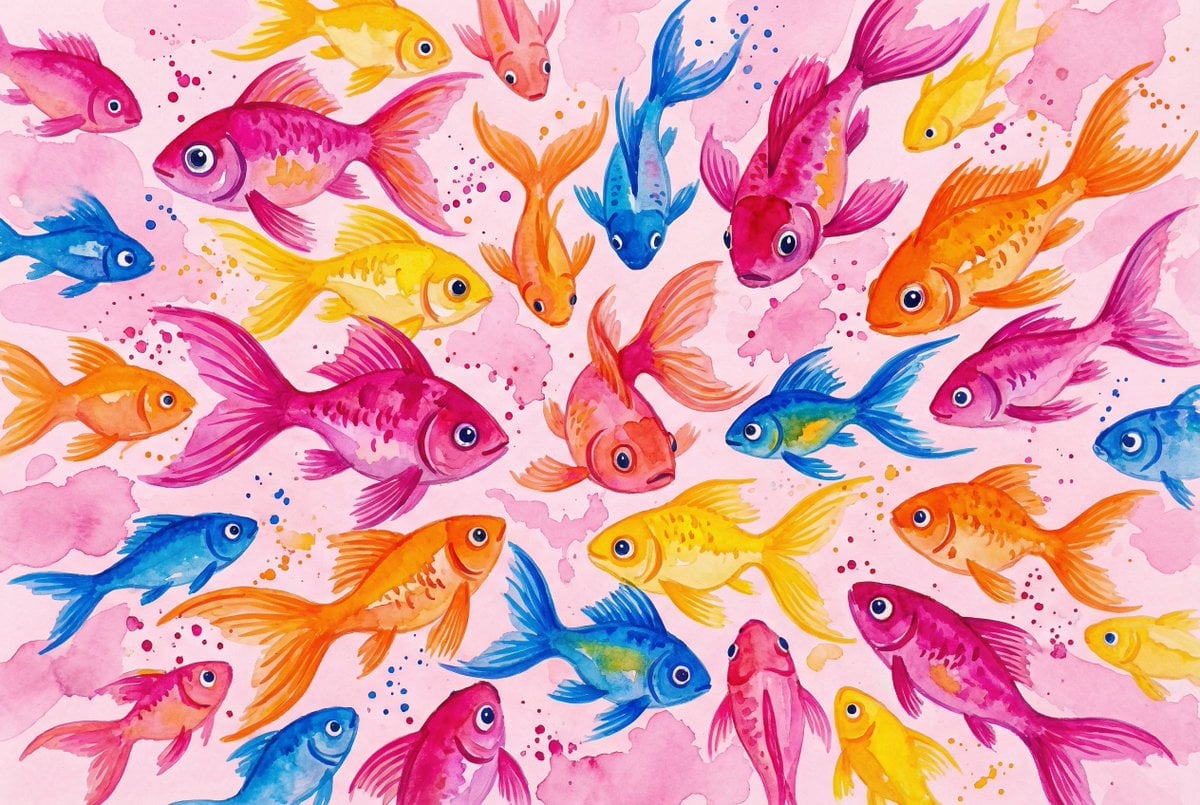
Watercolor School of Stylized Fish
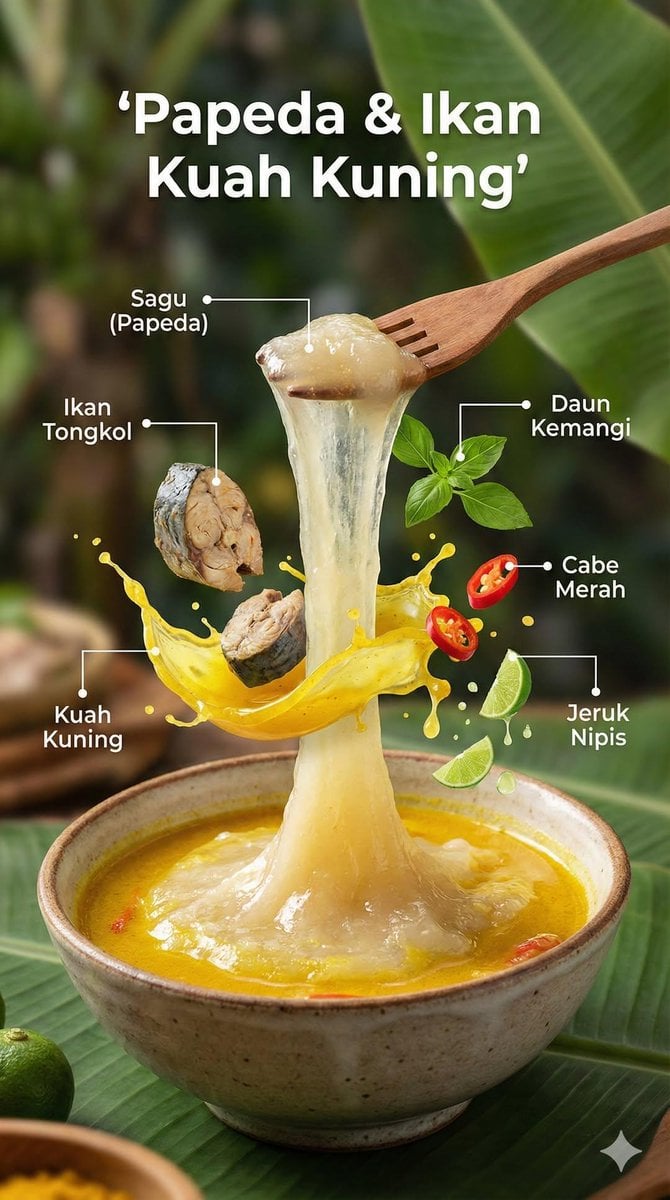
Ultra-Realistic Cinematic Food Photography Infographic
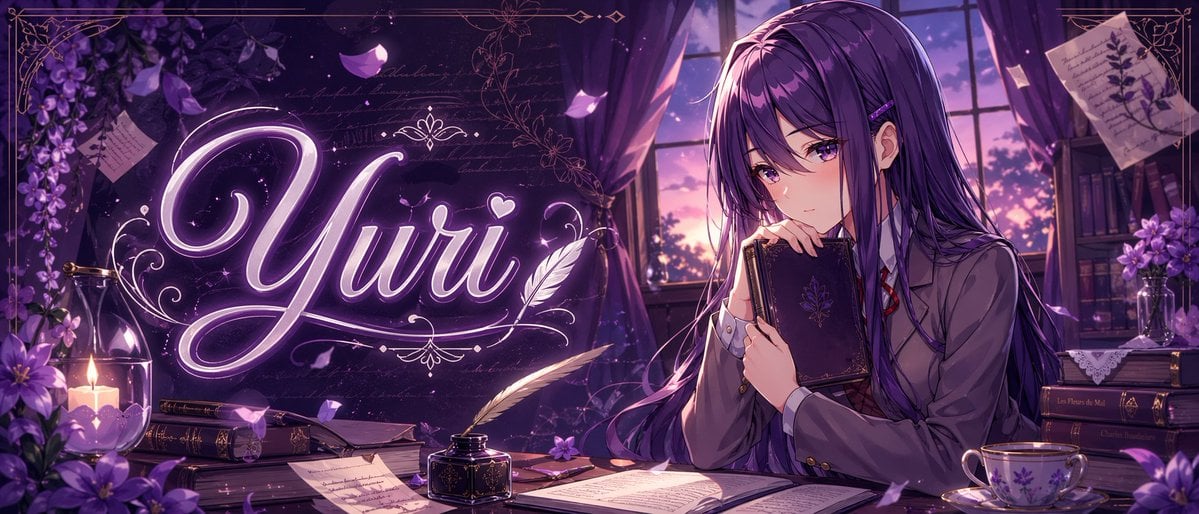
Purple Anime Yuri Banner
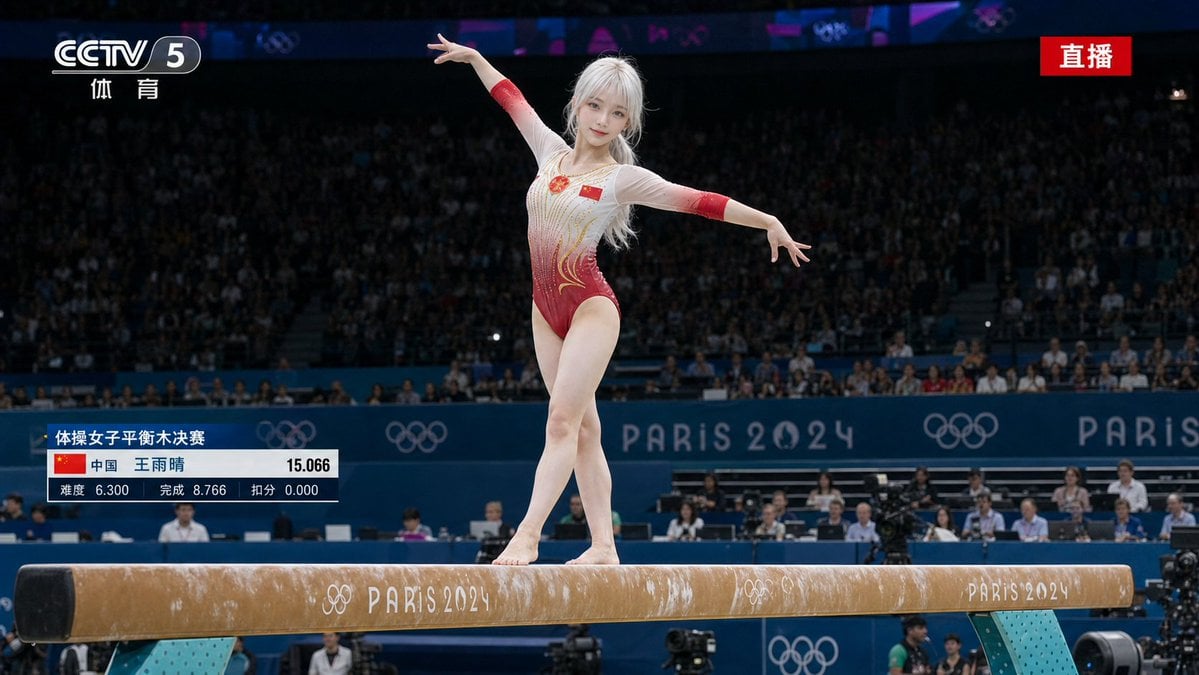
Olympic Gymnast Broadcast
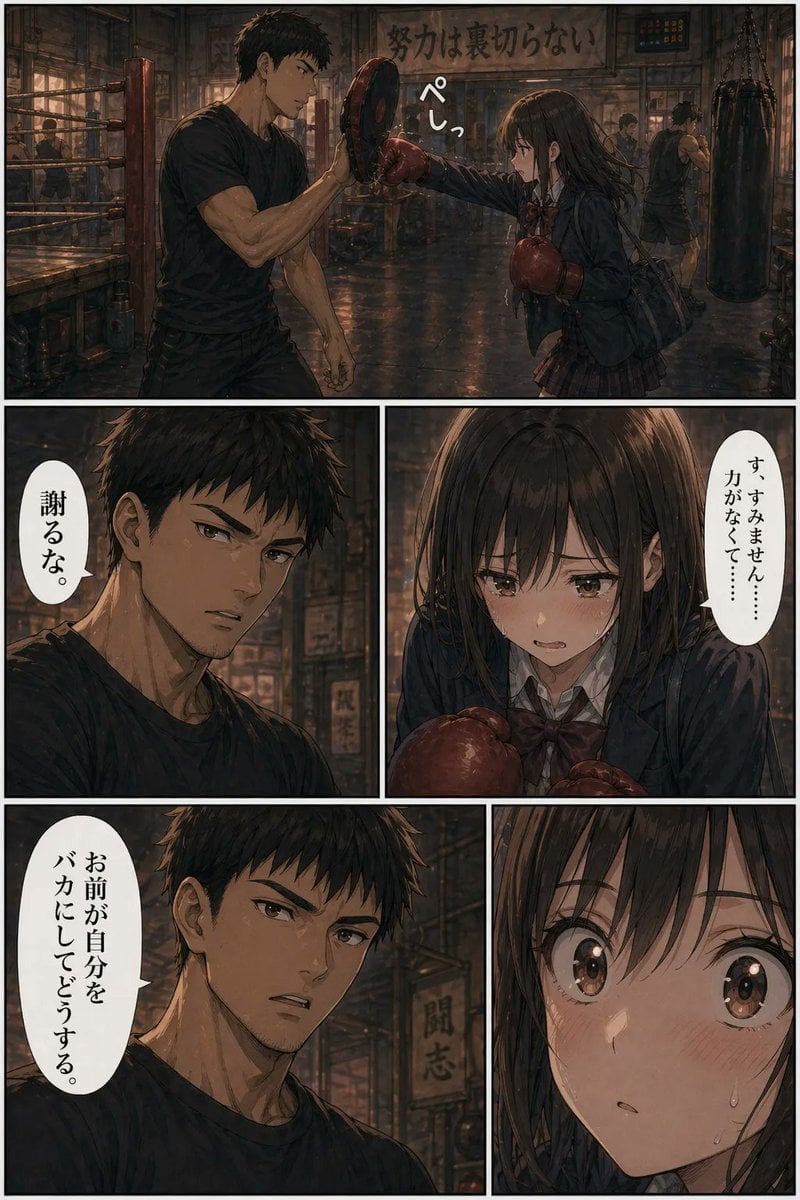
Boxing Gym Manga Page

3D stylized cartoon avatar prompt
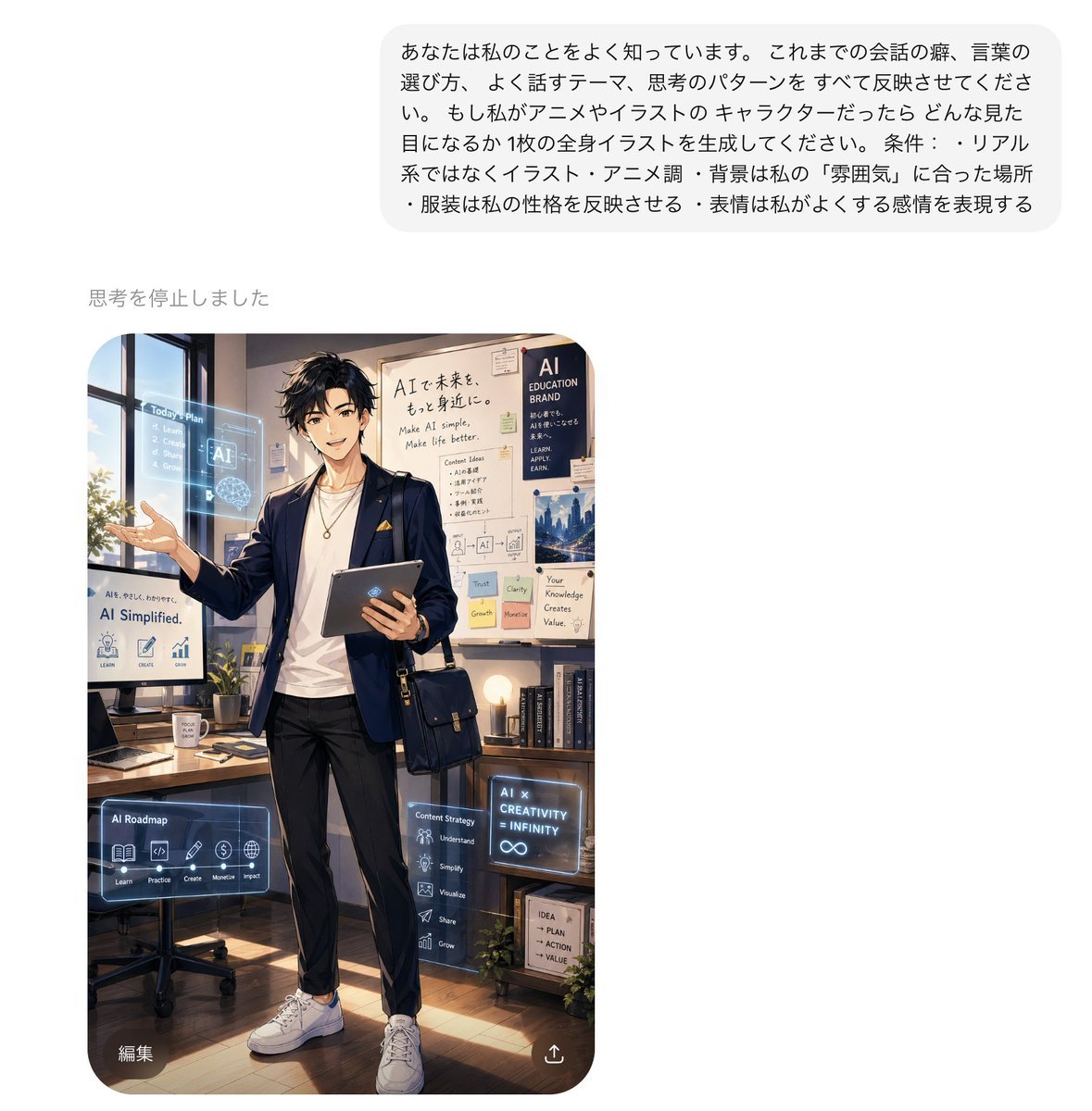
Personalized AI Anime Persona Avatar
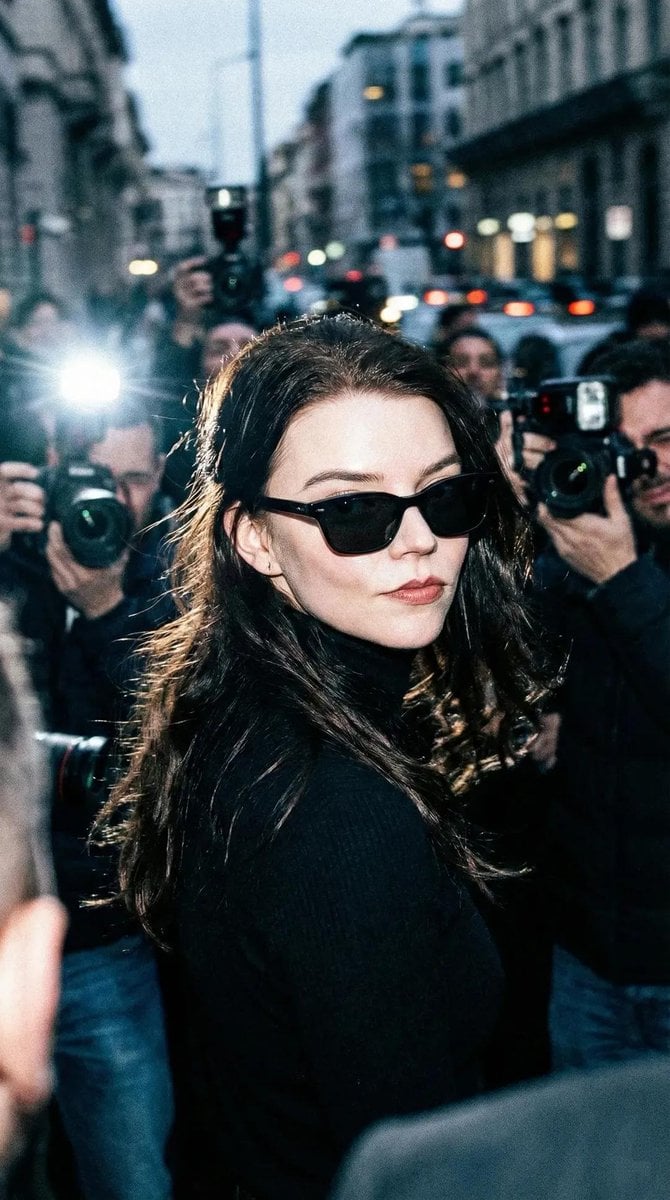
Unplanned Paparazzi-Style Portrait Prompt
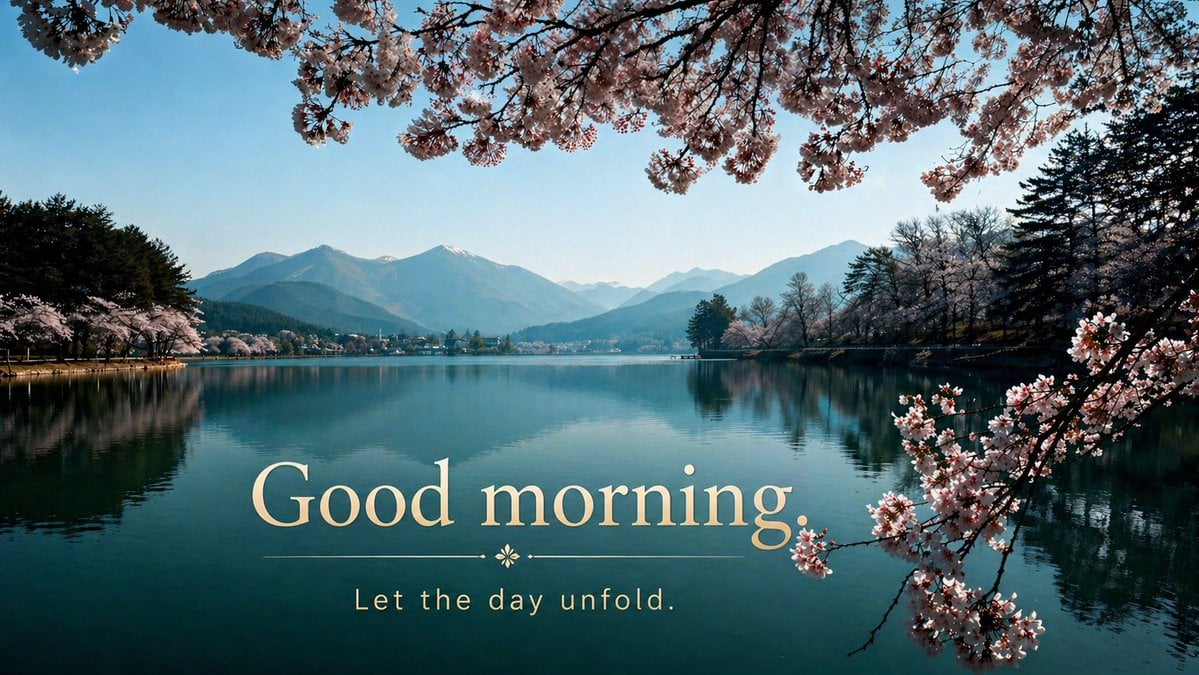
Cherry Blossom Good Morning Lake
Browse template categories
Gothic Anime Bassist Story Screen questions
How do I use the Gothic Anime Bassist Story Screen template?
Add your photo if the template asks for one, edit the prompt if you like — the template's model and format are already selected — and press Generate. Your version opens in PicX Studio.
Can I customize the Gothic Anime Bassist Story Screen template?
Yes. You can change the subject, setting, lighting, mood, format, and available model controls before creating your image.
Is the Gothic Anime Bassist Story Screen template free?
Opening and editing this template is free. Generating uses credits, shown on the Generate button when you are signed in.
Which AI model should I use?
Start with GPT Image 2, which is the model associated with this template. You can compare another compatible model for a different finish.
Looking for something else? Browse all templates.

Your photo, any look
Thousands of ready templates for every top image and video model, from one credit balance.