
Purple Anime Yuri Banner
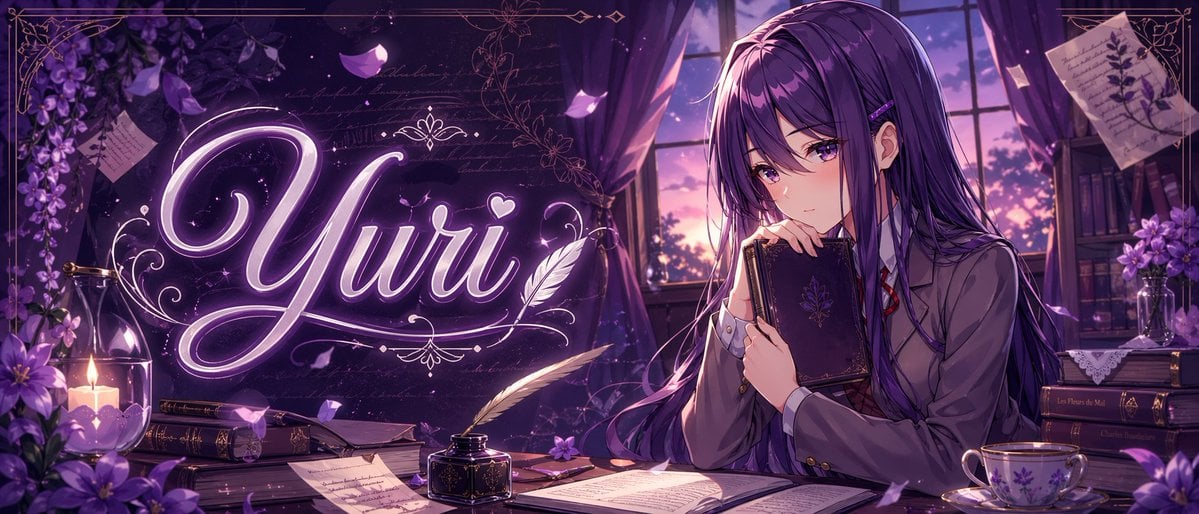
This prompt generates a stylish anime banner of a purple-haired schoolgirl in a literary twilight room with glowing title typography, ideal for thumbnails, headers, or character-themed social graphics.
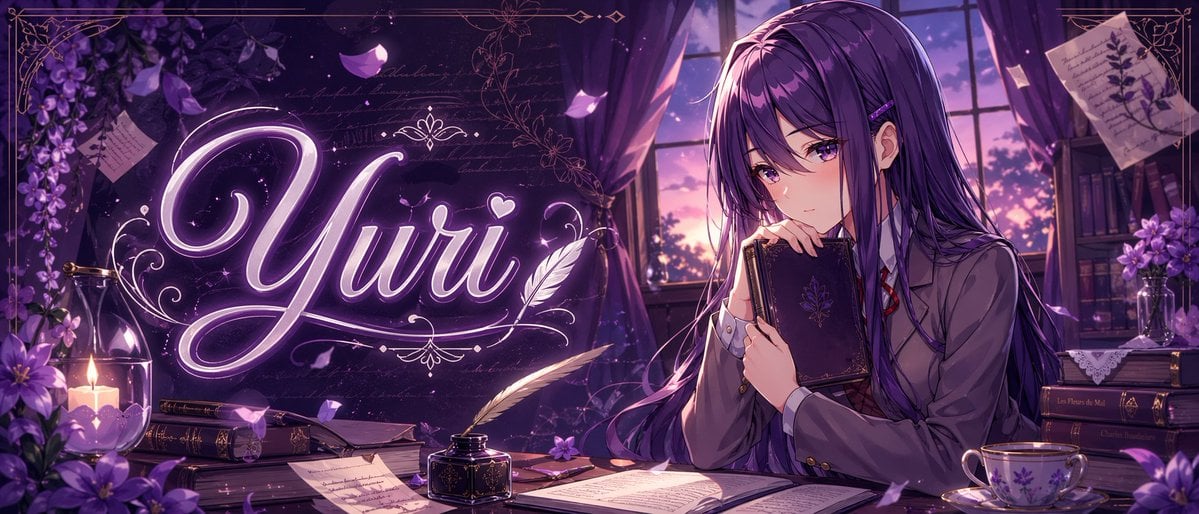
- Prompt included
- Model and format preset
- Free template
The prompt behind this image
Copy the exact prompt behind Purple Anime Yuri Banner, or open it in the studio and make it yours.
A polished anime-style banner illustration in a dreamy violet palette, wide cinematic composition, showing a quiet literary room at twilight. On the right side, a beautiful teenage anime girl named {argument name="character name" default="Yuri"} sits at a wooden desk beside a large window with purple curtains, holding a dark ornate hardcover book close to her chest and gazing softly downward with a shy, introspective expression. She has very long straight {argument name="hair color" default="deep violet"} hair with glossy highlights, side bangs, a small hair clip, and violet eyes, wearing a Japanese school uniform with a gray blazer, white shirt, red ribbon tie, and dark skirt. Across the left-center of the image, the glowing calligraphic word {argument name="title text" default="Yuri"} appears large in luminous neon-lavender script with elegant flourishes, a small heart, and decorative filigree, integrated into the scene like magical typography. The desk contains exactly 8 visible item groups: 1 open book in the foreground center, 1 black inkwell with a white feather quill, 1 closed book near the candle, 1 stack of books under papers, 1 loose handwritten page in front, 1 small purple flower on the desk, 1 floral porcelain teacup with saucer on the right, and 1 dark book stack at the far right. Additional background details include exactly 6 decorative environmental elements: 1 lit candle in a glass holder on the left, 1 cluster of purple flowers in the left foreground, 1 hanging spray of purple blossoms in the upper left, 1 pinned botanical note in the upper right, 1 bookshelf with books and flowers in the right background, and 1 sunset sky visible through the window. Add drifting flower petals, faint handwritten script textures, ornate gold border lines around the frame, soft volumetric window light, subtle sparkles, rich shadows, and a romantic melancholic atmosphere. Highly detailed, clean line art, glossy anime rendering, premium visual-novel key art, perfect for a niche anime banner or character-themed thumbnail.
How to use Purple Anime Yuri Banner in 3 steps
- 1Upload ImagePNG, JPG or paste
Add your photo
Upload the photo the template builds on. The prompt, model and format are already set.
- 2…a portrait of your subject in softgolden-hour light, 85mm…
Personalize
Edit the subject and creative details for your destination.
- 3Generate
Generate
Press Generate — your image is created in PicX Studio, so you can compare it with the original and refine one variable at a time.
More like this
Templates with the same subject, style or setup. Open one to see its prompt.











Make it yours
Purple Anime Yuri Banner works as-is. These are the safest ways to change it without losing the look.
Change one field
Copy a single group, rewrite it, and generate again so you can see what that field is doing.
Keep the frame, change the subject
Hold the composition and light of Purple Anime Yuri Banner, then swap wardrobe, props or the person for a new take.
| If the result… | Why | Fix |
|---|---|---|
| The result drifts from the preview | Too many fields changed at once. | Reuse Purple Anime Yuri Banner as-is first, then change one group — subject, light, or setting. |
| The model over-stylizes the scene | The prose prompt leaves finish and camera underspecified. | Add one camera or lighting sentence and stay on GPT Image 2. |
More GPT Image 2 templates
Other prompts made for GPT Image 2.

Six VTuber Japanese Logo Sheet

Realistic Portrait of Woman and Deer

The Vista Modular Condo Poster

AI Model Routing Comparison Infographic

2.5D Anime Art Board

Isometric Productivity Desk Scene

New York Double Exposure Poster

Four-Panel AI Landscape Comparison

Japanese Tatami Lifestyle Magazine Cover

NESCAFÉ Coffee Map Poster
More image prompts
Fresh picks from across the catalog.
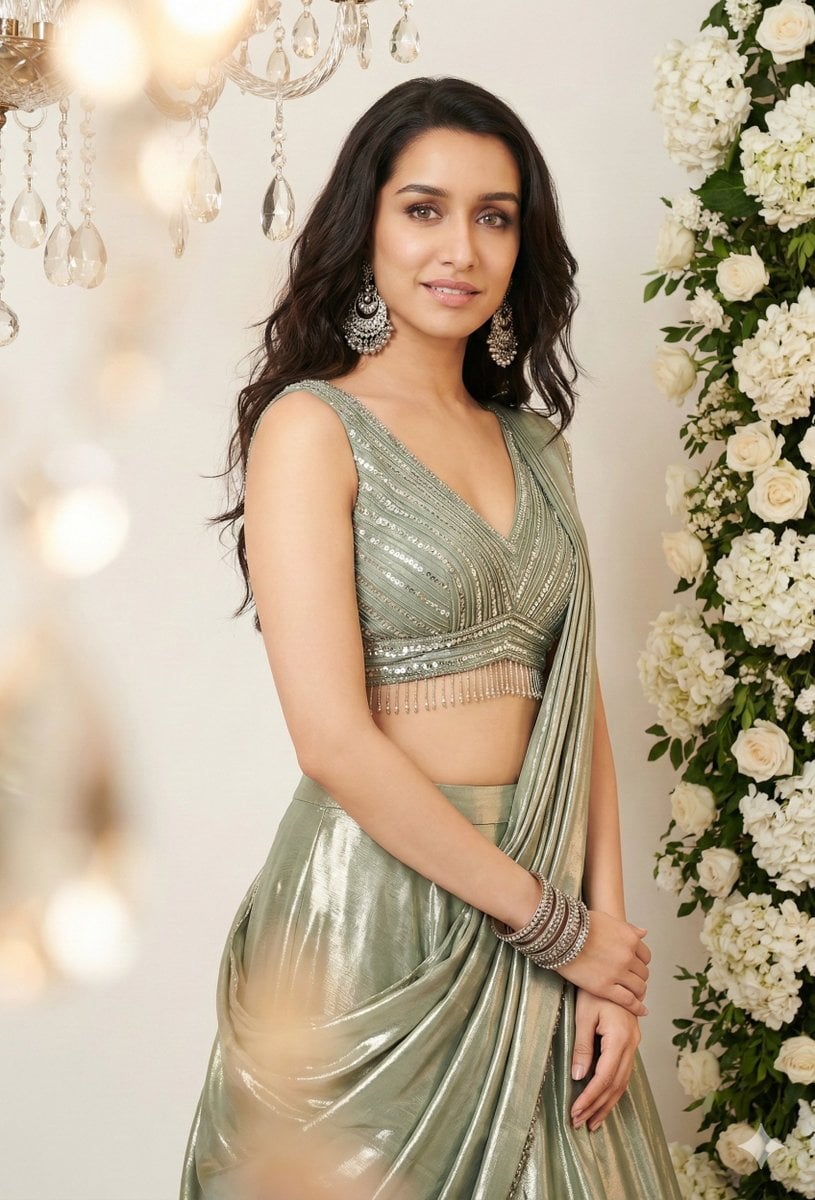
Indian Saree Fashion Portraits (Two Prompts)

Emotional Surrealism Conceptual Portrait

Comparing Realism Keywords in Midjourney
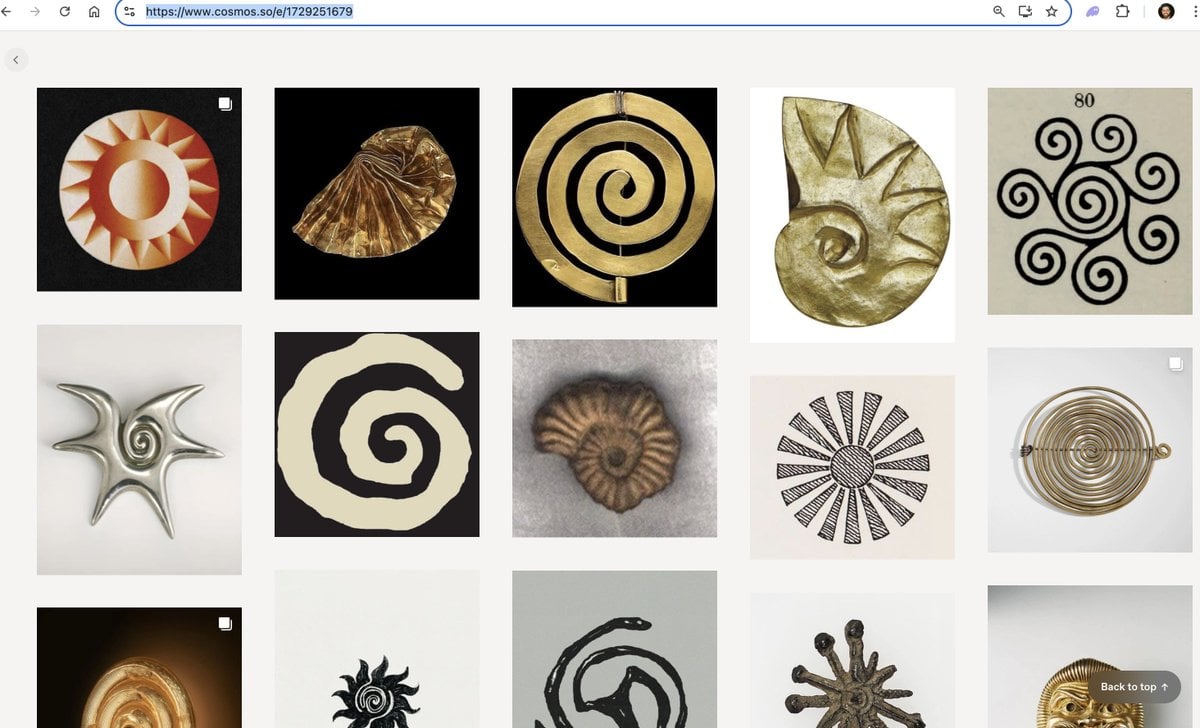
Logo generation prompt for Nano Banana Pro
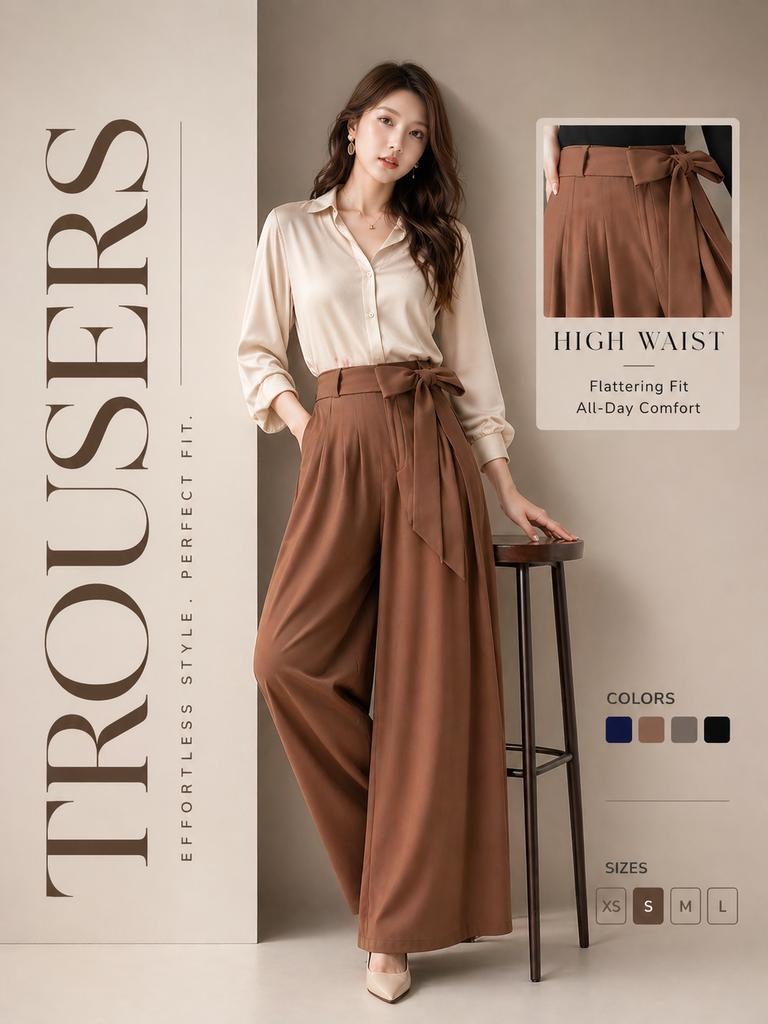
High-End Trousers Advertising Poster
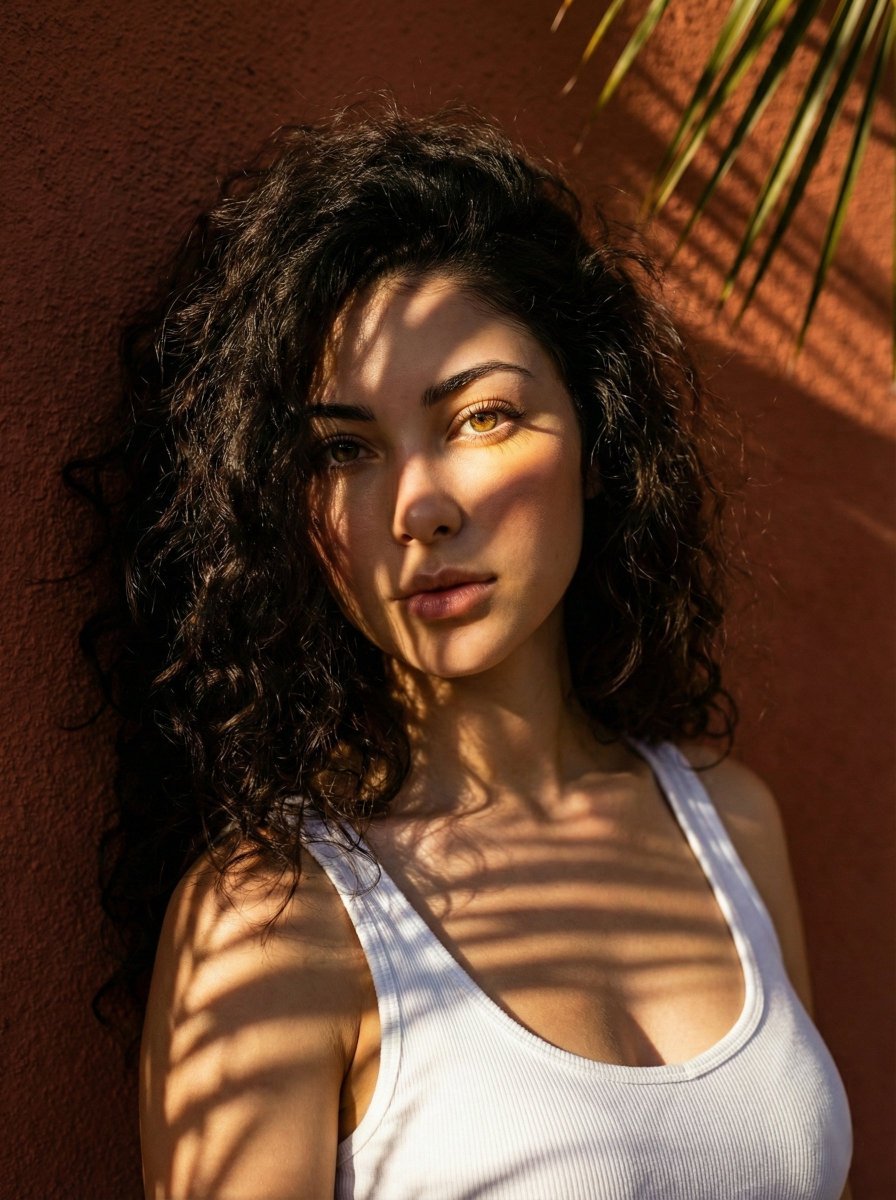
High-Contrast Portrait with Palm Tree Shadows

08 Rodeo Drive Luxury Exit — California Series
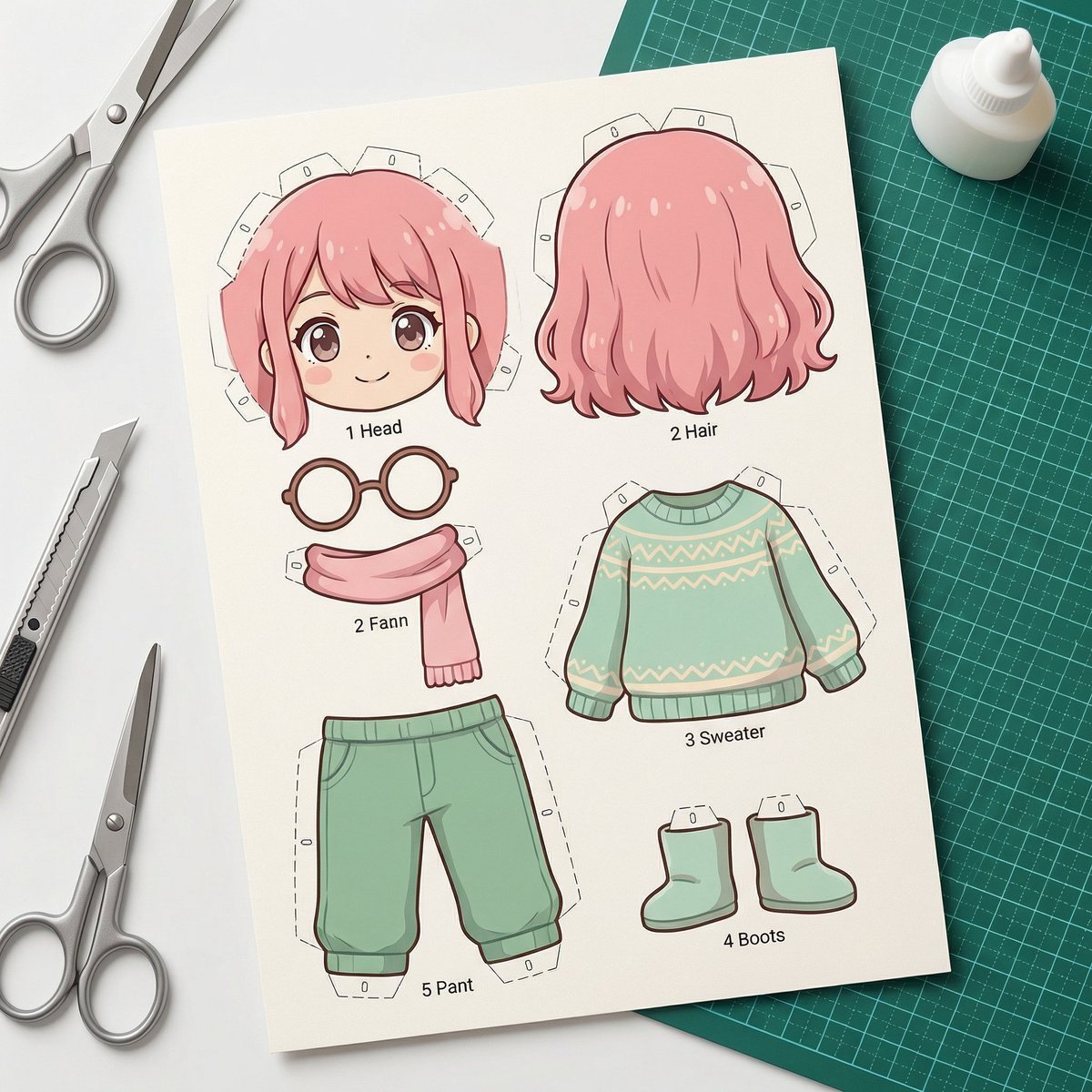
Image-to-SD Papercraft Conversion Prompt
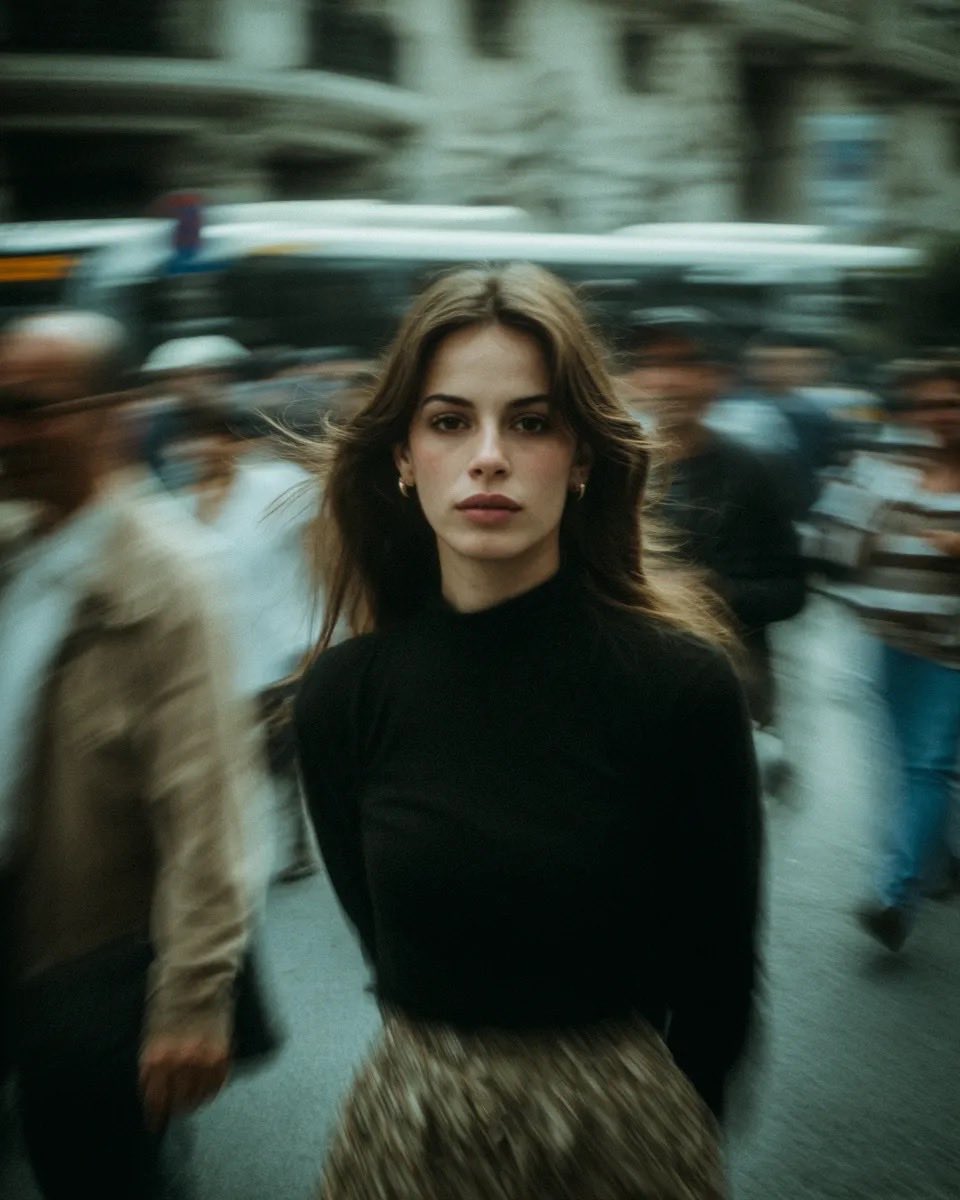
Cinematic Street Portrait with Motion Blur
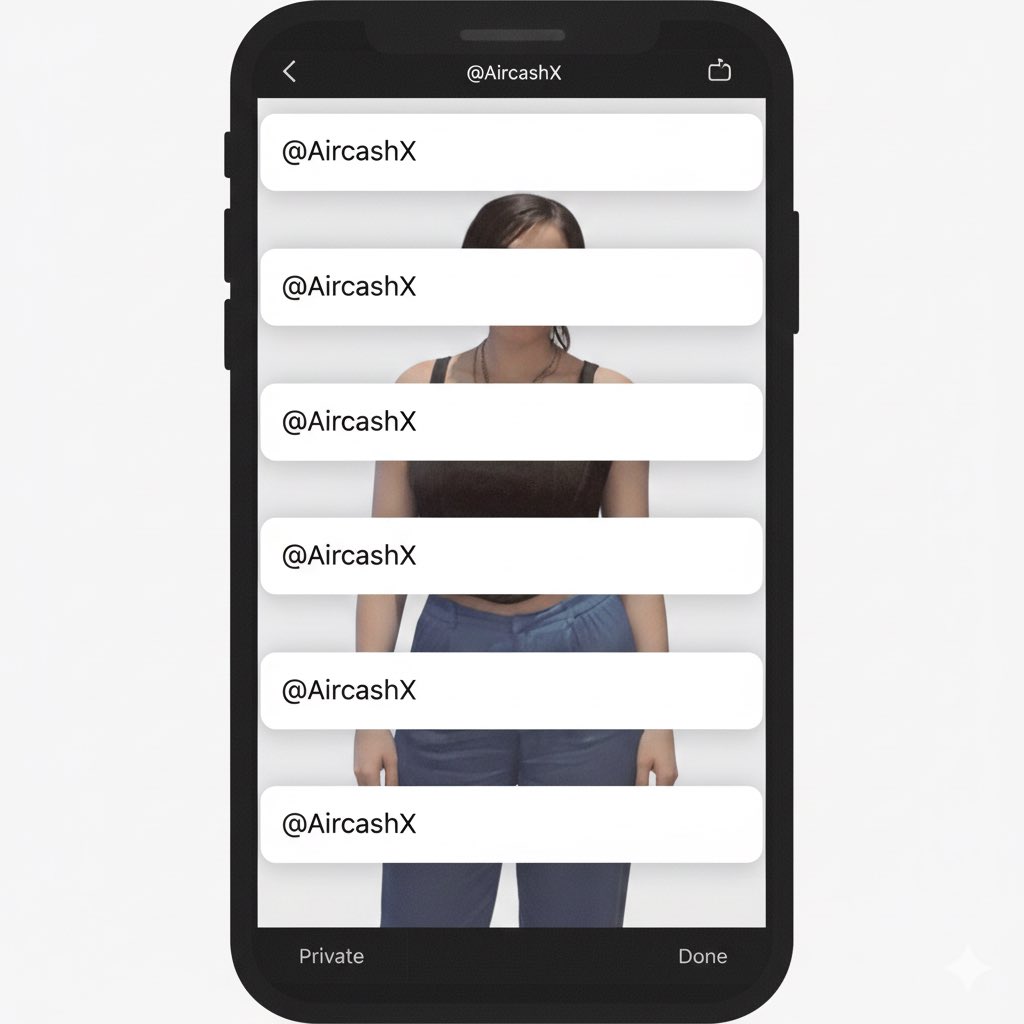
Studio Portrait with Digital UI Overlay
Browse template categories
Purple Anime Yuri Banner questions
How do I use the Purple Anime Yuri Banner template?
Add your photo if the template asks for one, edit the prompt if you like — the template's model and format are already selected — and press Generate. Your version opens in PicX Studio.
Can I customize the Purple Anime Yuri Banner template?
Yes. You can change the subject, setting, lighting, mood, format, and available model controls before creating your image.
Is the Purple Anime Yuri Banner template free?
Opening and editing this template is free. Generating uses credits, shown on the Generate button when you are signed in.
Which AI model should I use?
Start with GPT Image 2, which is the model associated with this template. You can compare another compatible model for a different finish.
Looking for something else? Browse all templates.

Your photo, any look
Thousands of ready templates for every top image and video model, from one credit balance.