
Crowded Night Office Tower
Generates a highly detailed nighttime city illustration of a glass office tower packed with countless visible people for visual counting or observation challenges.
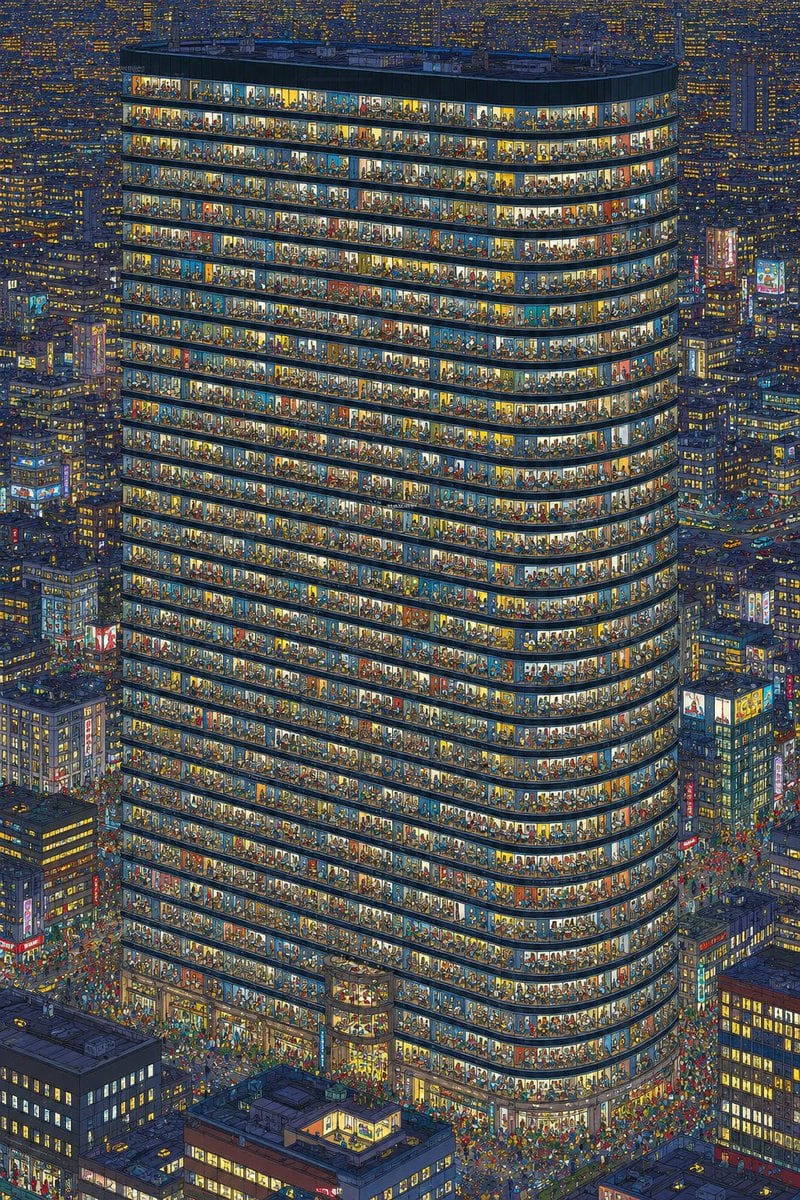
- Prompt included
- Model and format preset
- Free template
The prompt behind this image
Copy the exact prompt behind Crowded Night Office Tower, or open it in the studio and make it yours.
Create an ultra-detailed nighttime isometric city illustration centered on one enormous rounded-corner office tower, viewed from a high aerial angle, with the facade cut open through continuous glass windows so every floor is visible. The tower should have exactly 34 visible occupied horizontal office floors, each floor packed with tiny individual people, desks, chairs, lamps, partitions, plants, shelves, meeting rooms, and colorful interior details; make the crowd density extreme, like a visual counting challenge, with hundreds or thousands of miniature figures visible through the windows. Use {argument name="building shape" default="a tall rounded rectangular glass office tower with curved corners"} as the main subject. Surround it with a dense cyberpunk-like metropolis of shorter high-rise buildings, glowing windows, neon signs, street traffic, and crowds at street level. Lighting is nighttime blue with warm yellow, orange, and white office lights, creating a strong contrast between the dark city and the brightly illuminated tower interiors. The style should be intricate hand-drawn architectural illustration with crisp linework, dense micro-detail, slightly painterly colors, and no empty areas. The image should be vertical, poster-like, packed edge to edge with buildings and tiny people. Add a busy entrance plaza and streets around the base filled with many tiny pedestrians and vehicles, but keep the main tower dominant and centered. Do not include readable text, logos, watermarks, or UI elements. Emphasize that every window bay contains distinct tiny scenes and visible human silhouettes for counting.
How to use Crowded Night Office Tower in 3 steps
- 1Upload ImagePNG, JPG or paste
Add your photo
Upload the photo the template builds on. The prompt, model and format are already set.
- 2…a portrait of your subject in softgolden-hour light, 85mm…
Personalize
Edit the subject and creative details for your destination.
- 3Generate
Generate
Press Generate — your image is created in PicX Studio, so you can compare it with the original and refine one variable at a time.
More like this
Templates with the same subject, style or setup. Open one to see its prompt.

Subway Platform Quiet Introspective Portrait
Subway Platform Quiet Introspective Portrait

Spider-Man Night Swing New York Cinematic
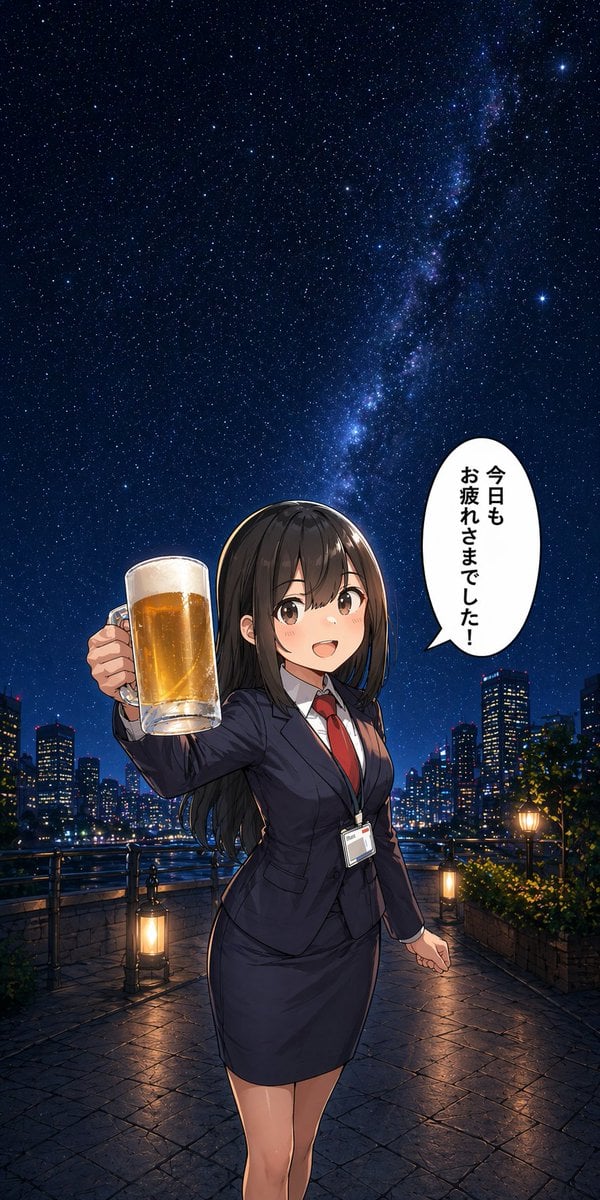
Anime Office Lady Beer Toast at Night

Floating Woman Above Cityscape with Notifications
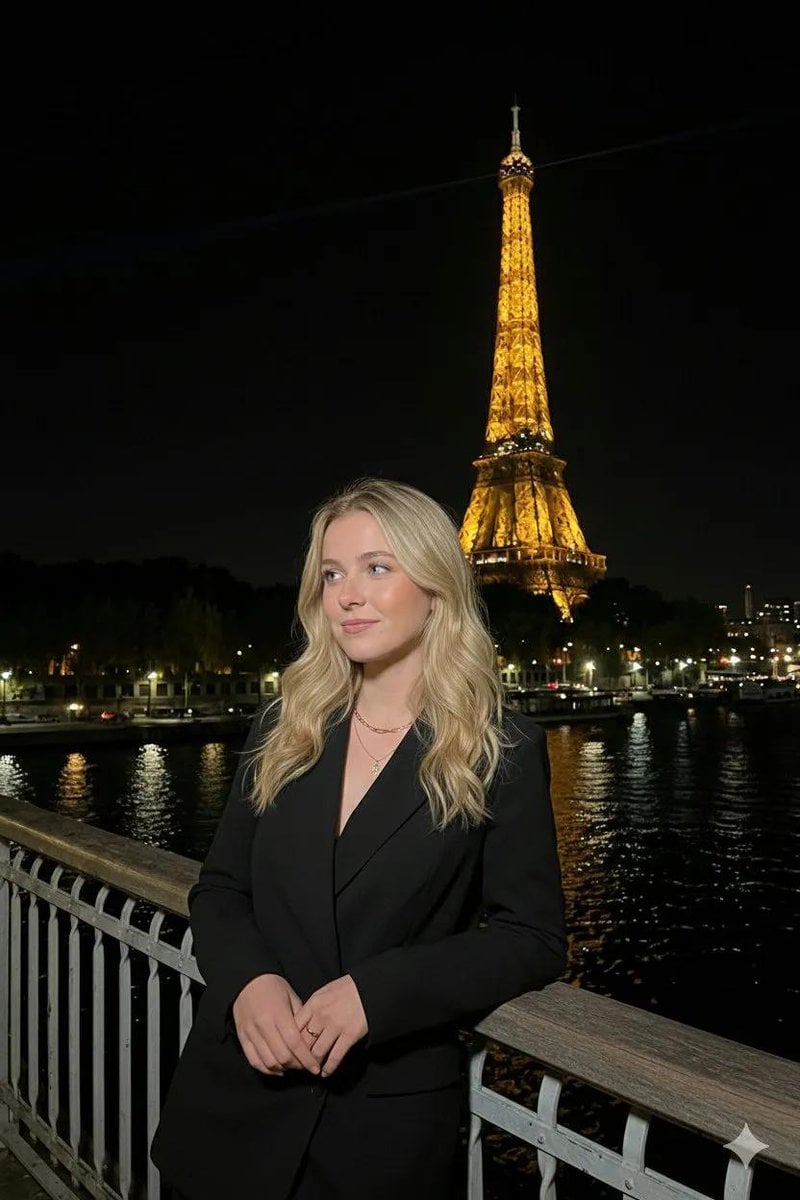
Paris Night Flash Photography (Eiffel Tower)
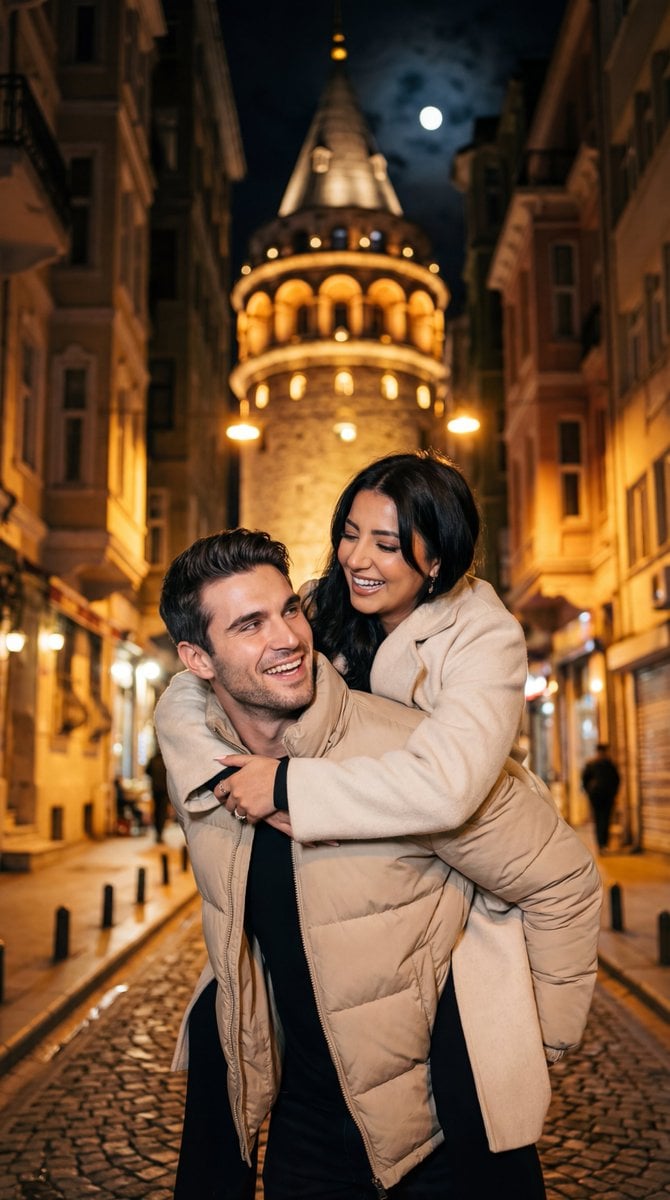
Romantic Nighttime Piggyback in front of Galata Tower
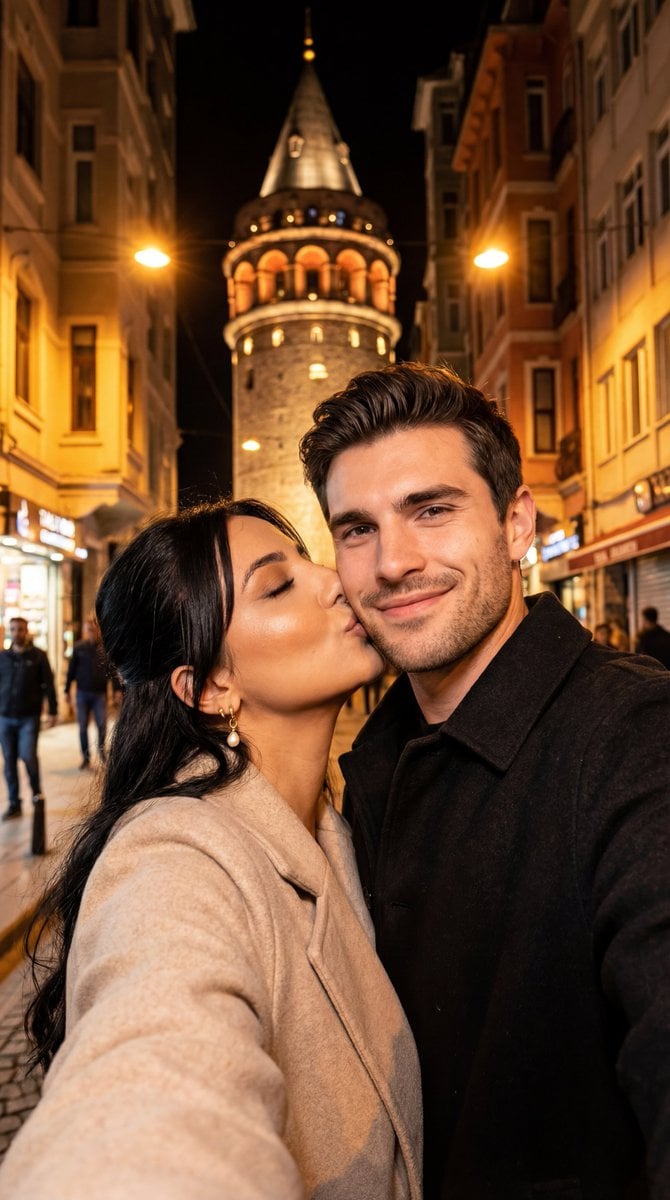
Night City Selfie Kiss Prompt (Galata Tower)
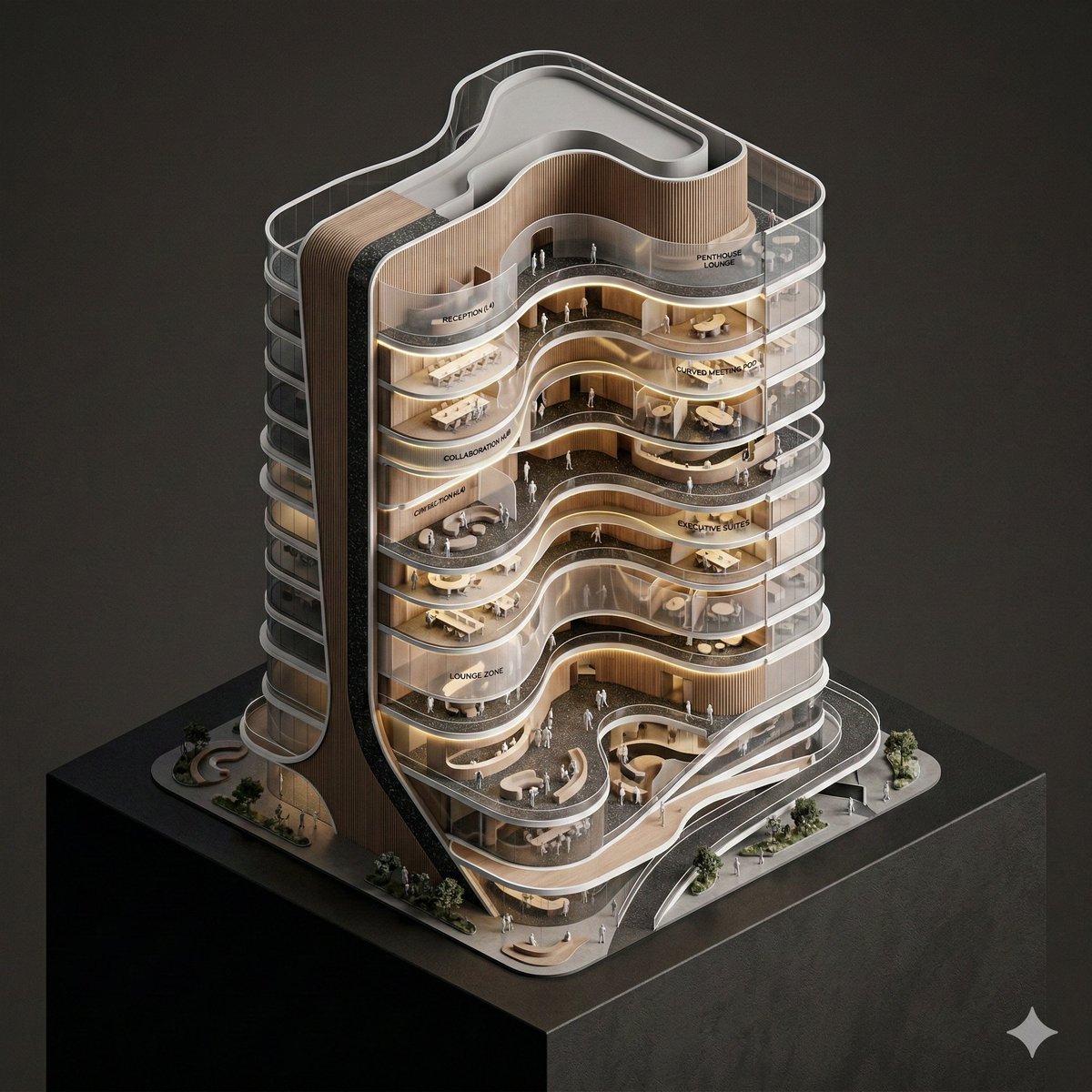
Conceptual Isometric Office Tower Model
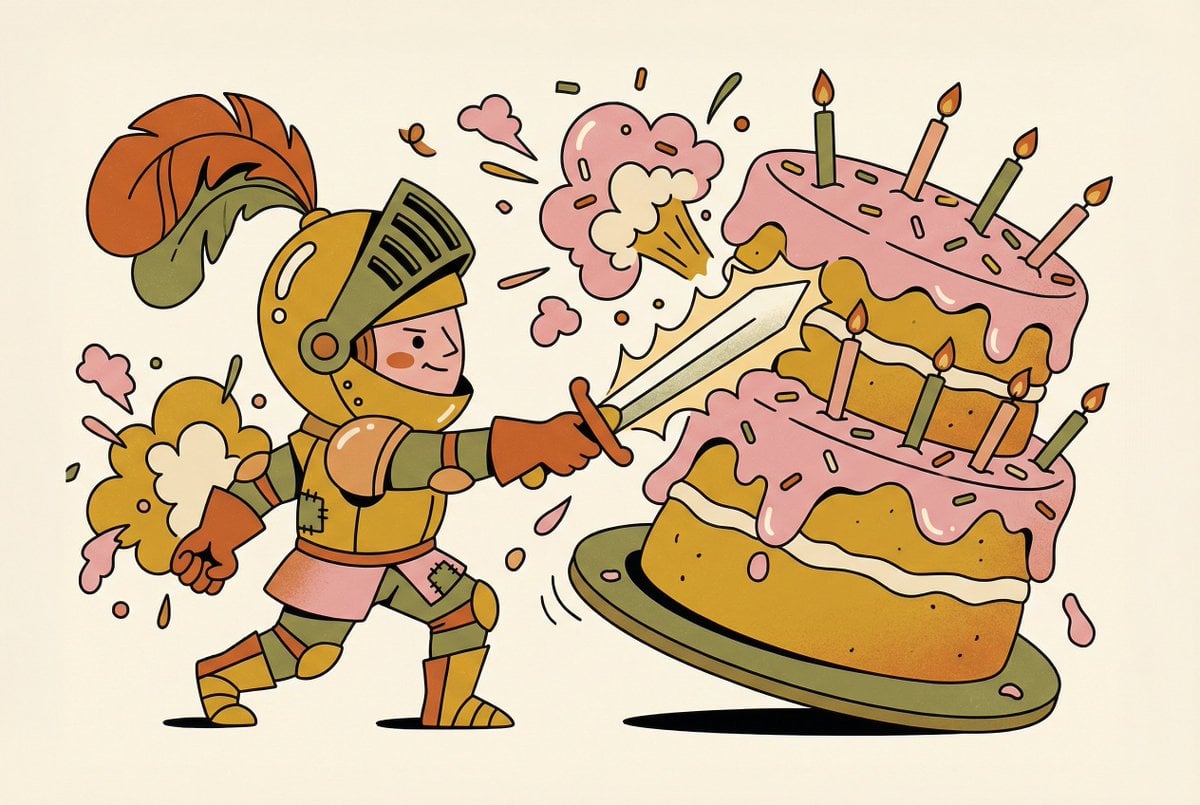
Tiny Medieval Knight vs. Towering Pink Birthday Cake

Night Sports Car Portrait — Cinematic Moody

Nano Banana - Cozy Cafe Night
Make it yours
Crowded Night Office Tower works as-is. These are the safest ways to change it without losing the look.
Change one field
Copy a single group, rewrite it, and generate again so you can see what that field is doing.
Keep the frame, change the subject
Hold the composition and light of Crowded Night Office Tower, then swap wardrobe, props or the person for a new take.
| If the result… | Why | Fix |
|---|---|---|
| The result drifts from the preview | Too many fields changed at once. | Reuse Crowded Night Office Tower as-is first, then change one group — subject, light, or setting. |
| The model over-stylizes the scene | The prose prompt leaves finish and camera underspecified. | Add one camera or lighting sentence and stay on GPT Image 2. |
More GPT Image 2 templates
Other prompts made for GPT Image 2.

Six VTuber Japanese Logo Sheet

Realistic Portrait of Woman and Deer

The Vista Modular Condo Poster

AI Model Routing Comparison Infographic

2.5D Anime Art Board

Isometric Productivity Desk Scene

New York Double Exposure Poster

Four-Panel AI Landscape Comparison

Japanese Tatami Lifestyle Magazine Cover

NESCAFÉ Coffee Map Poster
More image prompts
Fresh picks from across the catalog.
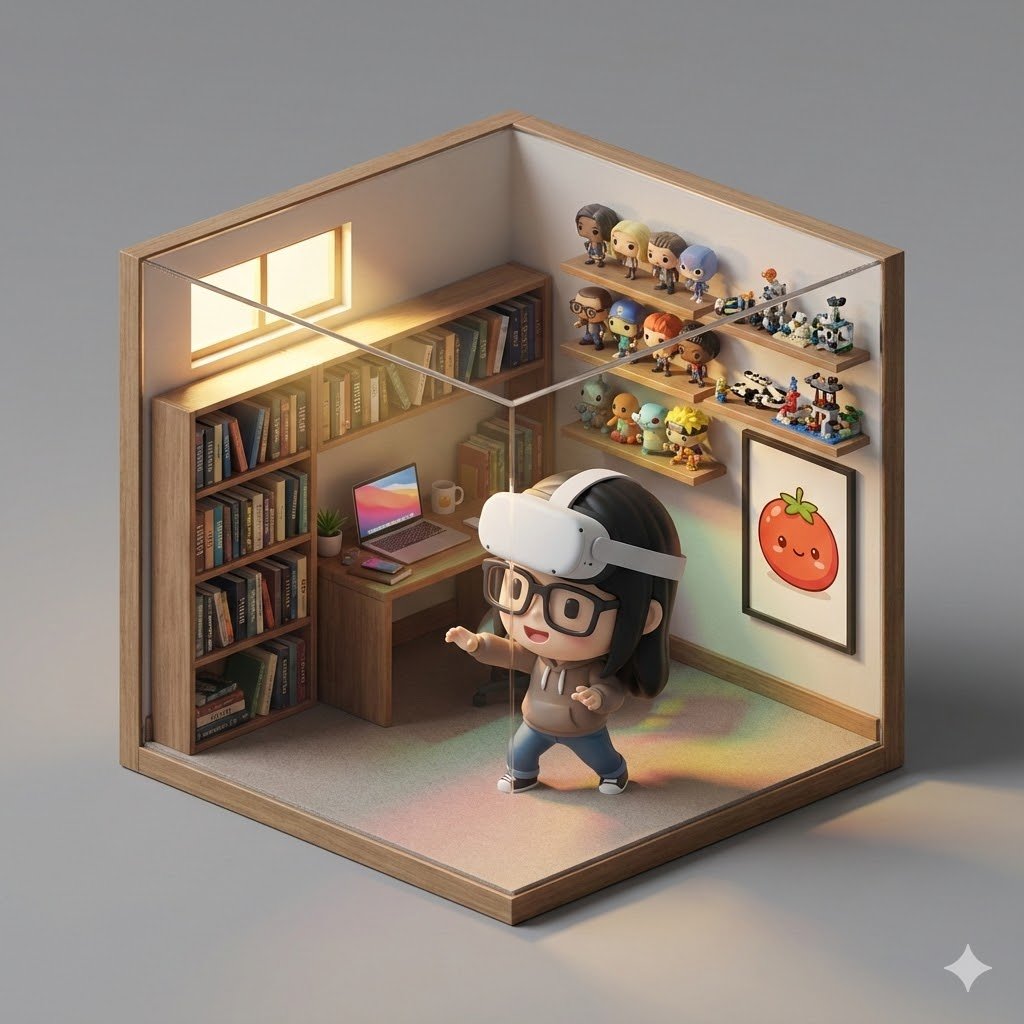
Isometric 3D Cube Prompt
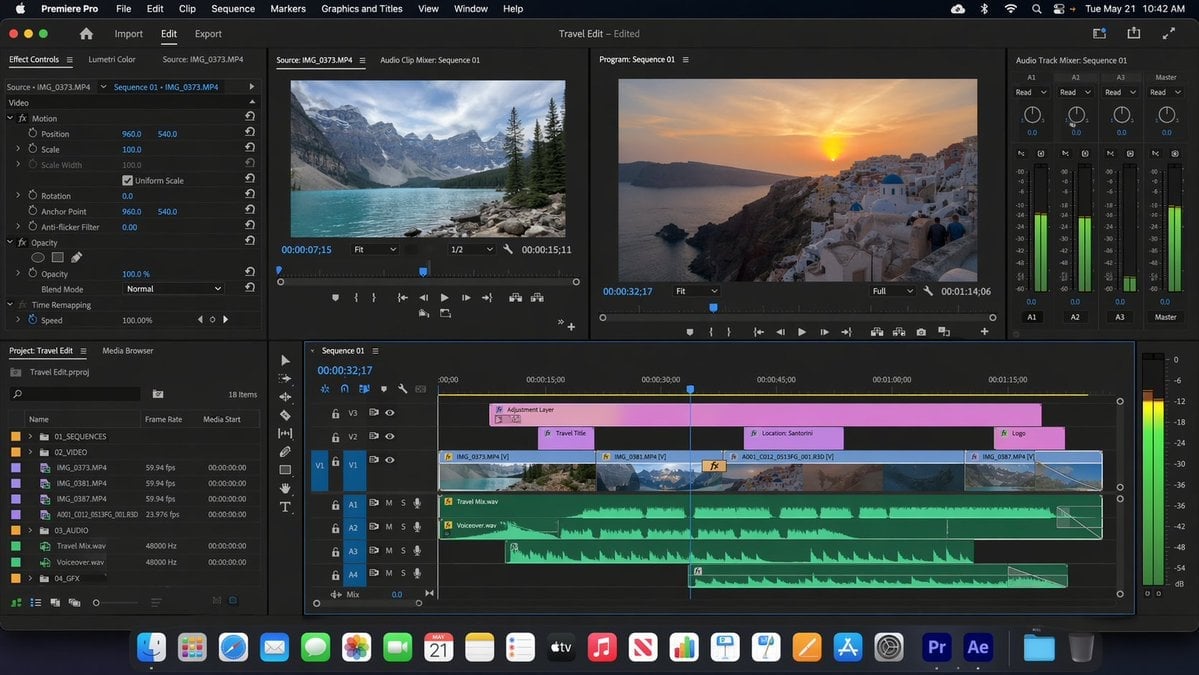
Software UI Desktop Screenshot
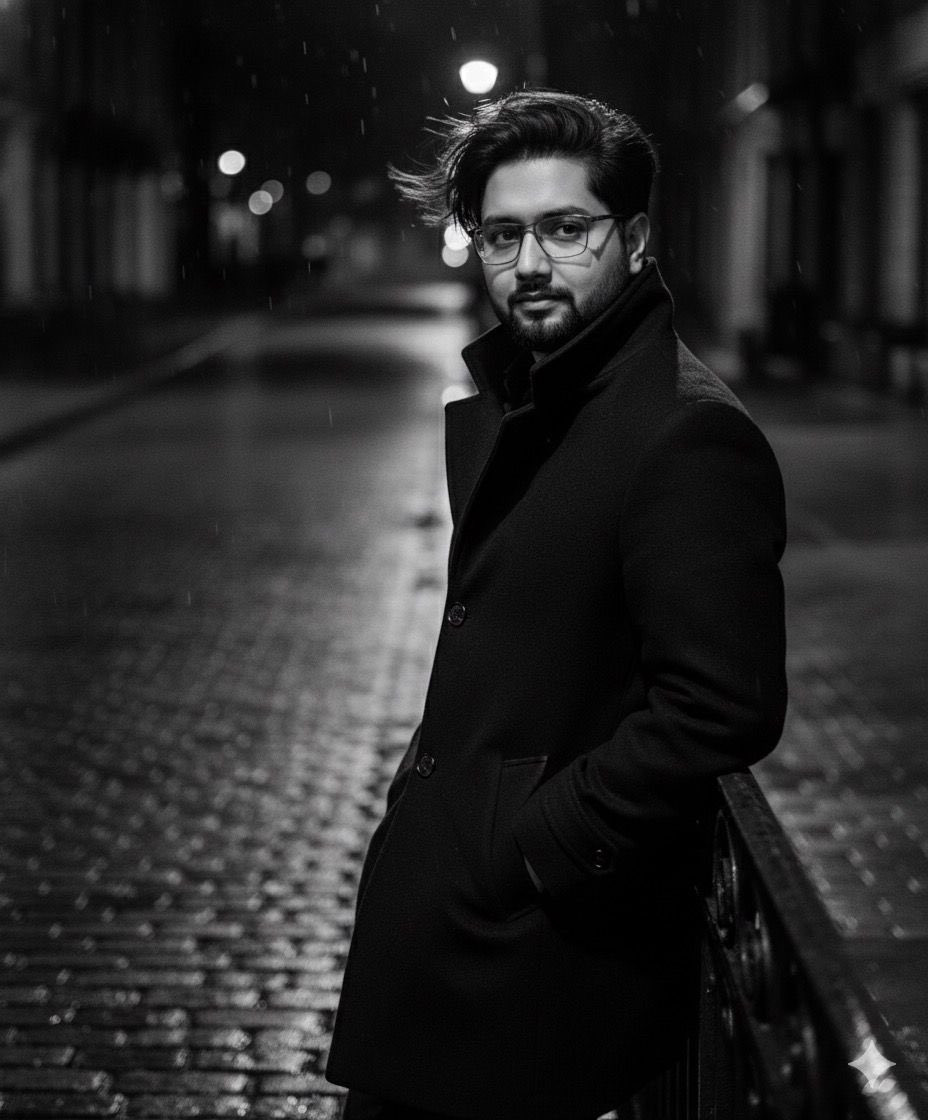
High-fashion black-and-white editorial portrait
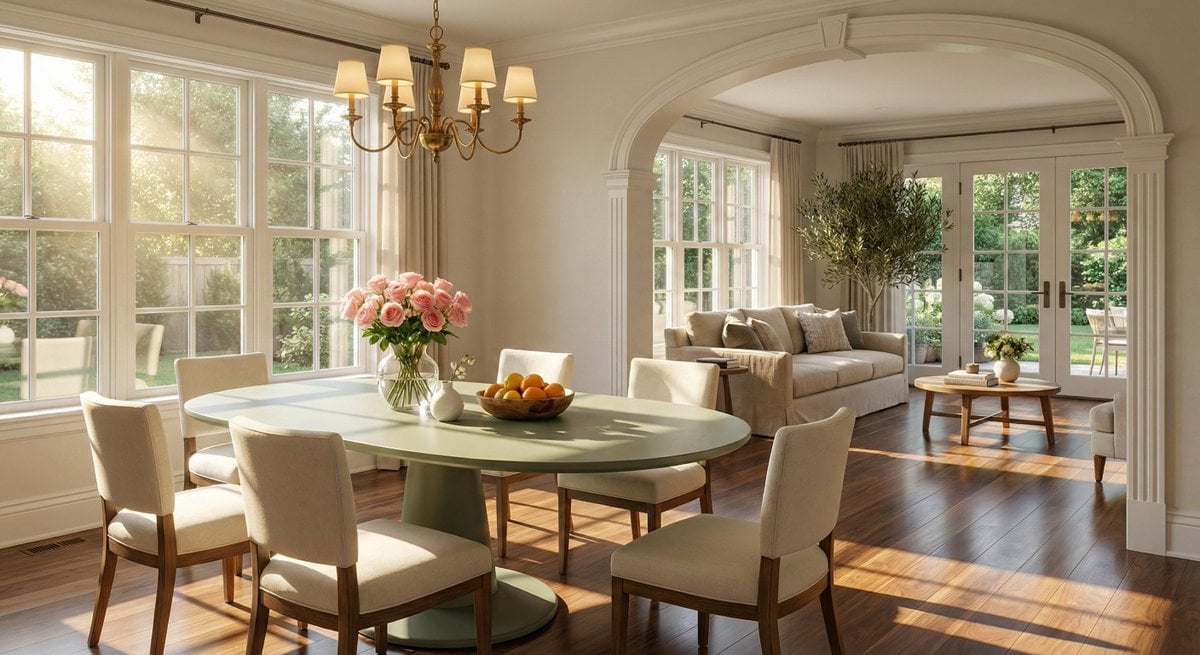
Sophisticated Interior Design Photograph Prompt (Dining/Living Space)
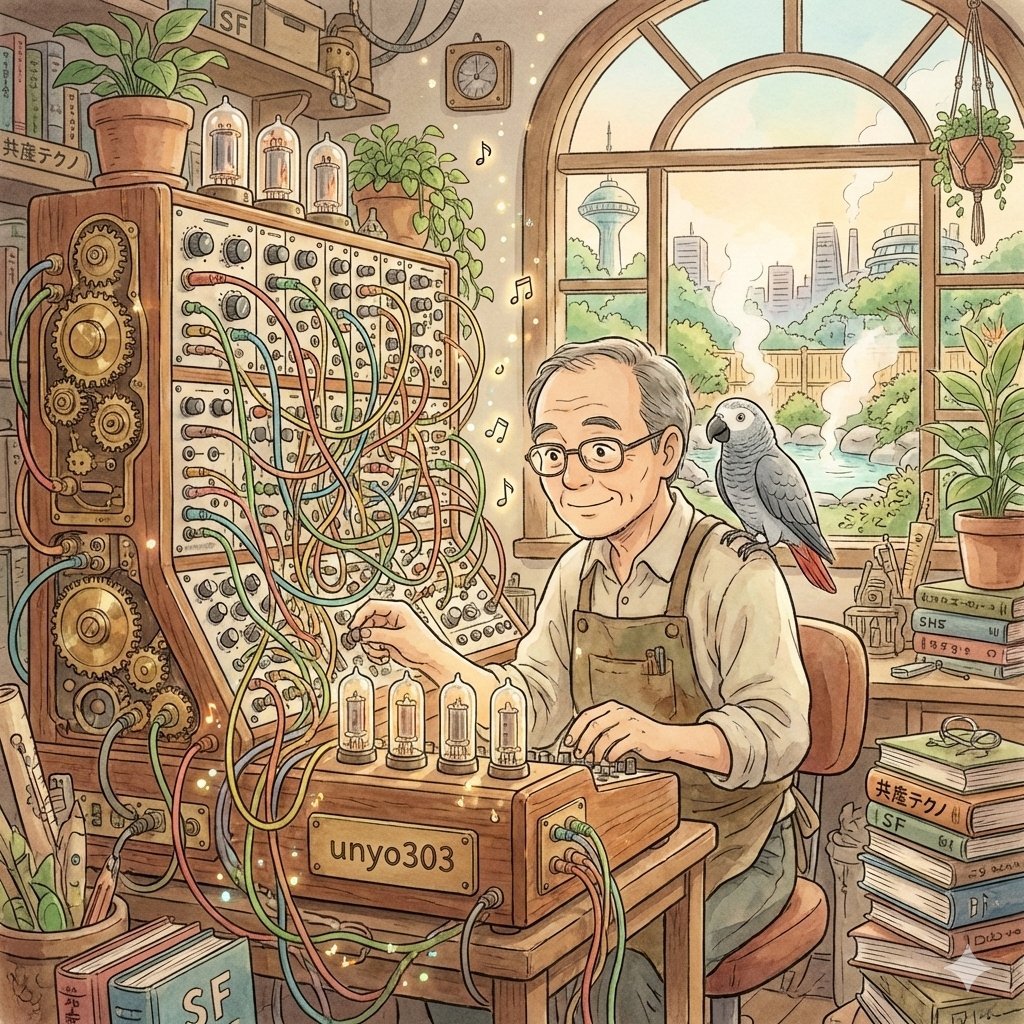
Ghibli-Style Icon Generation Prompt for User Profile
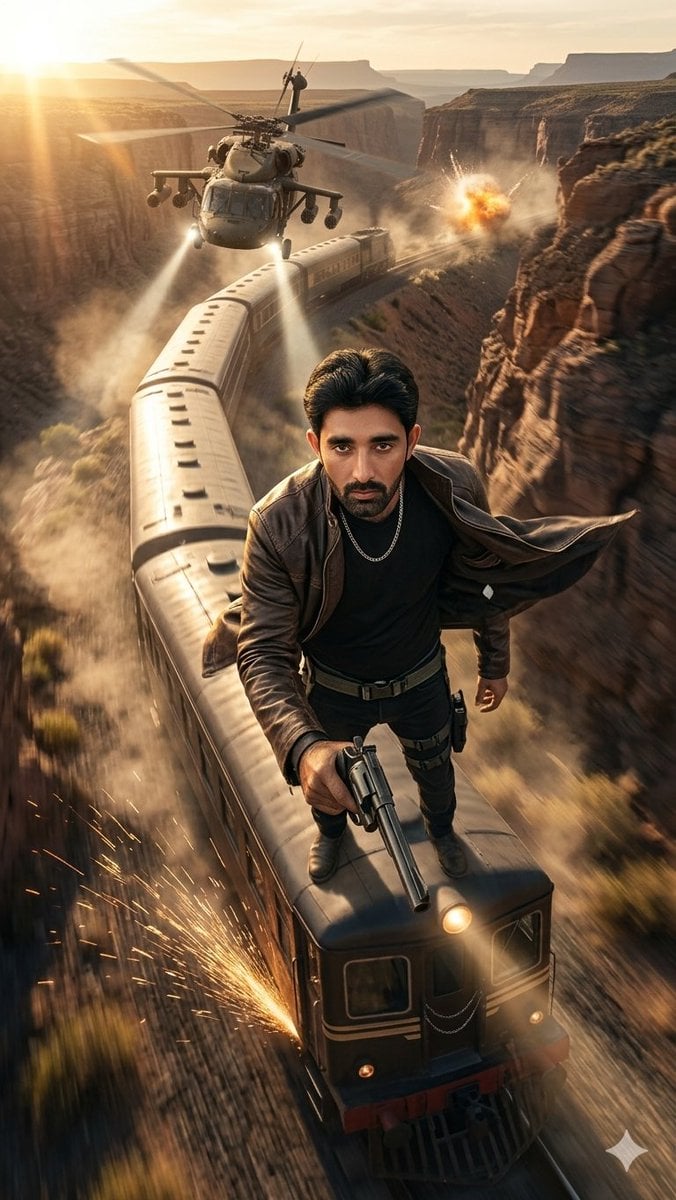
Canyon Train Action Hero
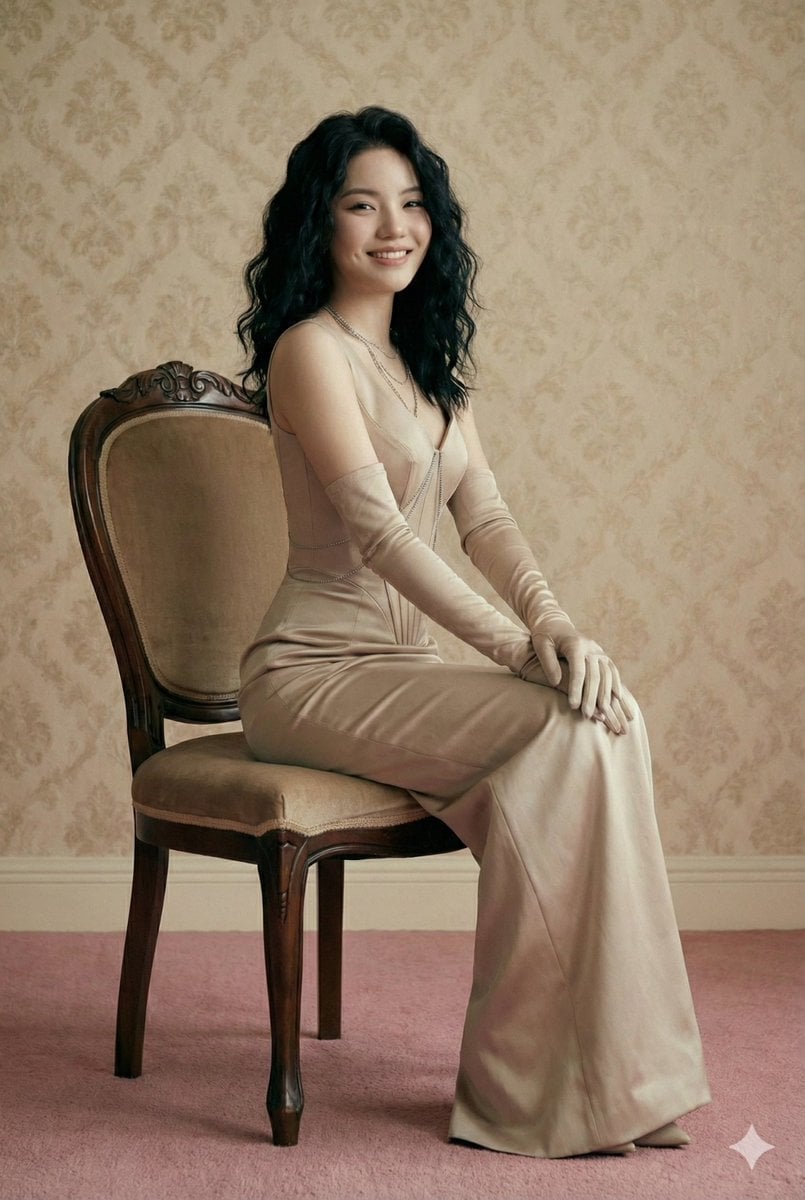
Editorial Fashion Photography Prompt (Monochromatic Stone-Beige)
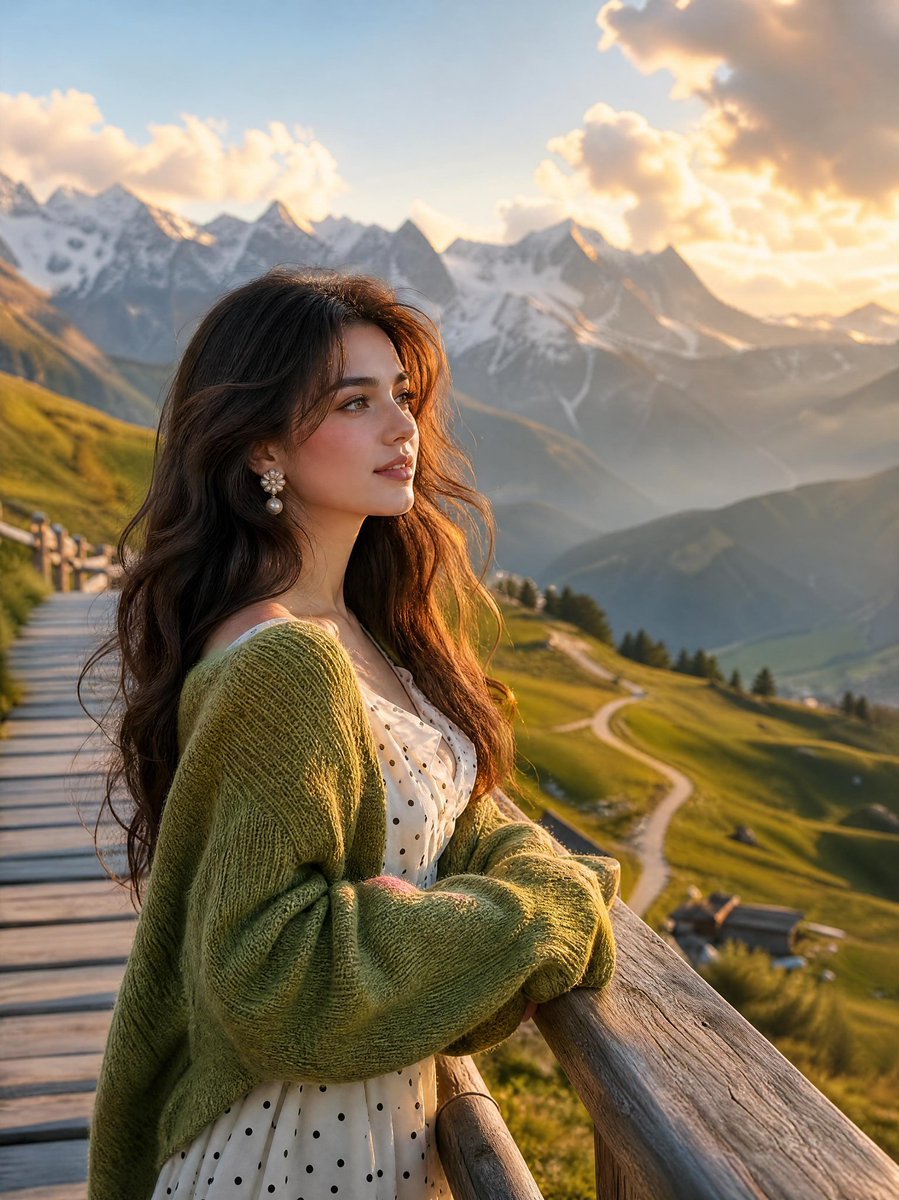
Alpine Landscape Mountain Boardwalk Portrait
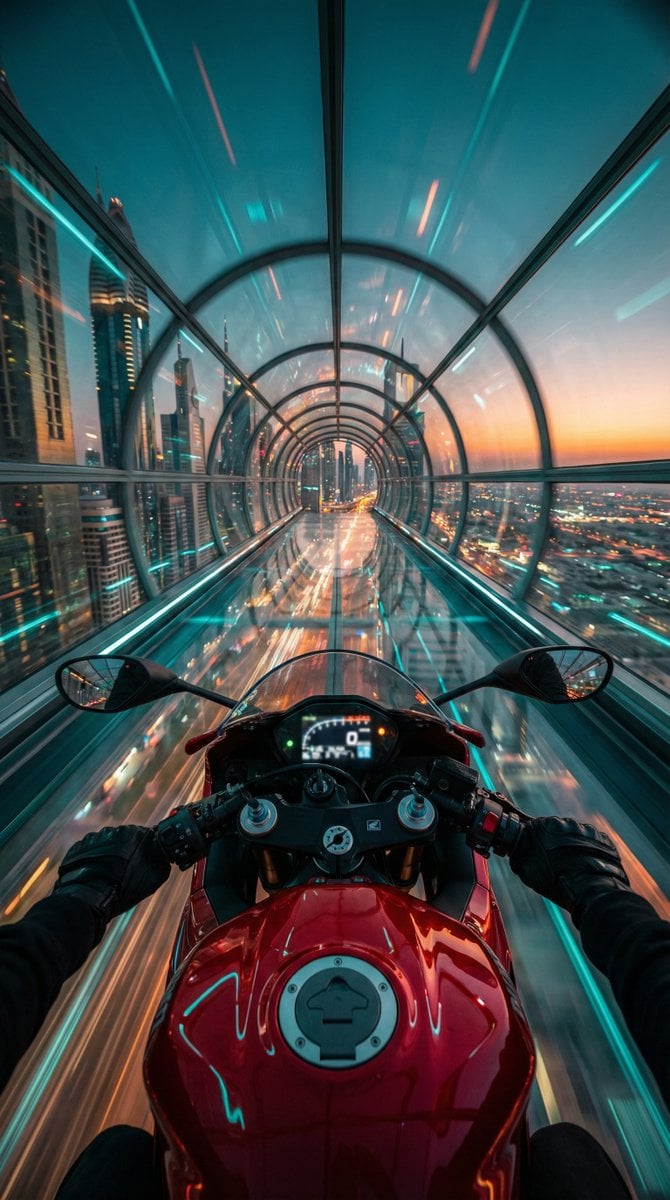
Cyberpunk POV Motorcycle Ride at Hyper-Velocity
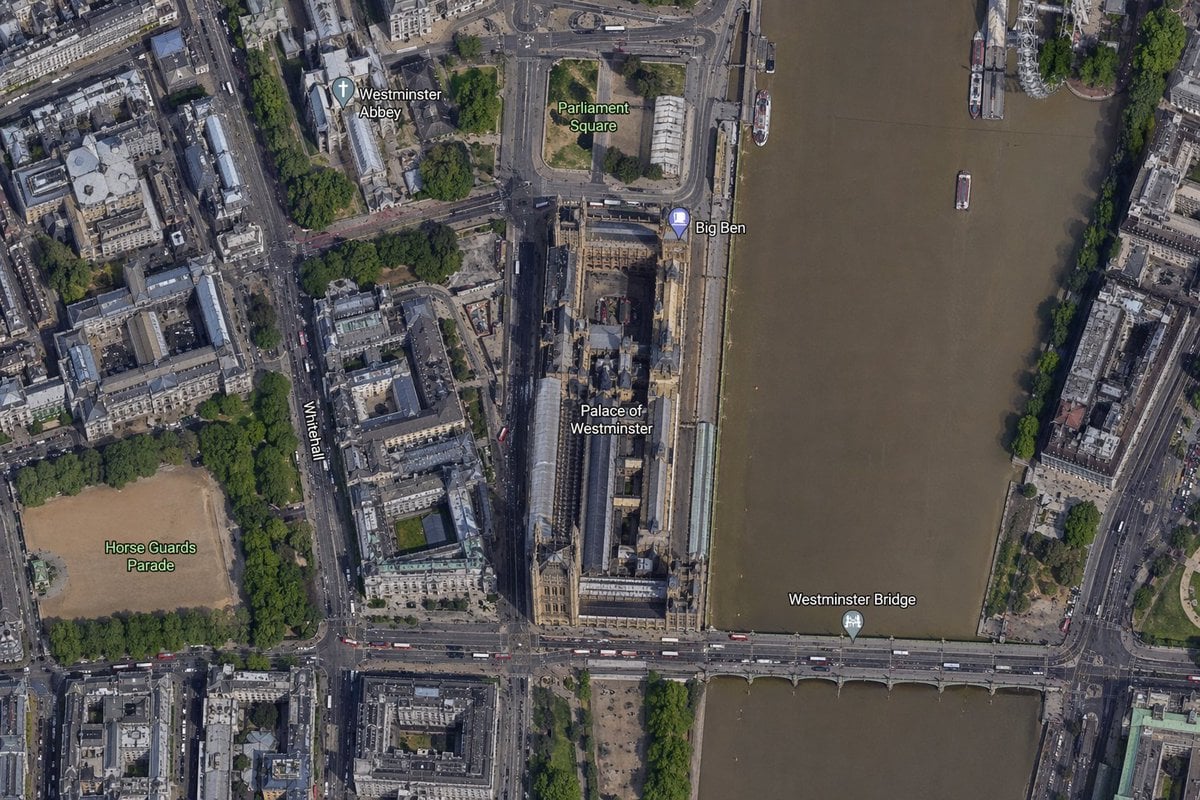
Satellite Map of Big Ben Area
Browse template categories
Crowded Night Office Tower questions
How do I use the Crowded Night Office Tower template?
Add your photo if the template asks for one, edit the prompt if you like — the template's model and format are already selected — and press Generate. Your version opens in PicX Studio.
Can I customize the Crowded Night Office Tower template?
Yes. You can change the subject, setting, lighting, mood, format, and available model controls before creating your image.
Is the Crowded Night Office Tower template free?
Opening and editing this template is free. Generating uses credits, shown on the Generate button when you are signed in.
Which AI model should I use?
Start with GPT Image 2, which is the model associated with this template. You can compare another compatible model for a different finish.
Looking for something else? Browse all templates.

Your photo, any look
Thousands of ready templates for every top image and video model, from one credit balance.