
Realistic Fantasy Cosplayer at Festival
Generates a photorealistic outdoor anime convention scene with an ornate fantasy cosplayer centered against a crowded festival background.
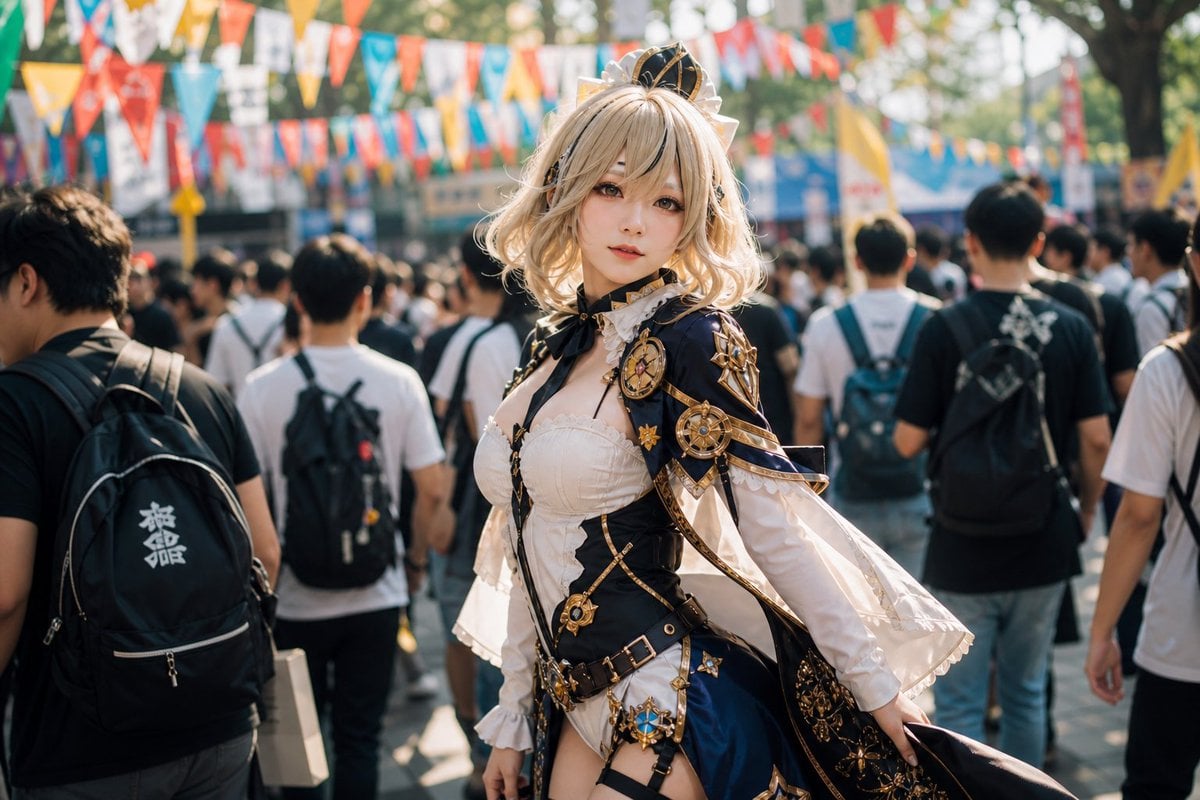
- Prompt included
- Model and format preset
- Free template
The prompt behind this image
Copy the exact prompt behind Realistic Fantasy Cosplayer at Festival, or open it in the studio and make it yours.
Create a realistic, high-detail outdoor convention crowd photograph featuring a young adult female anime-style cosplayer as the central subject. She stands slightly right of center, facing the camera with a soft confident expression, pale skin, large styled eyes, and short wavy {argument name="hair color" default="champagne blonde"} bob hair with tousled bangs. She wears an elaborate fantasy royal costume in {argument name="costume colors" default="navy blue, ivory white, black, and metallic gold"}: a small decorative crown-like headpiece, black neck ribbon, white ruffled blouse and fitted bodice, ornate cropped shoulder cape with gold trim, multiple gold compass/clockwork brooches and star ornaments, layered belts with buckles, white puffed sleeves with wide flared cuffs, a short asymmetric skirt with dark blue panels, white fabric panels, black straps, and decorative gold accessories. Make the outfit look like structured cosplay fabric rather than bare skin, with tasteful coverage and intricate craftsmanship. The background is a busy anime festival or cosplay event walkway with a dense crowd of attendees seen mostly from behind; include approximately 12 clearly visible nearby people plus many blurred distant figures, casual T-shirts, backpacks, and shoulder bags. Add colorful triangular bunting flags strung overhead in multiple rows, sunlit trees, vendor tents, and a lively summer event atmosphere. Use shallow depth of field with the cosplayer sharply focused and the crowd softly blurred, natural daylight, warm backlighting, realistic camera perspective at chest height, 35mm documentary event photography look, cinematic bokeh, crisp costume details, no text overlays, no watermark.
How to use Realistic Fantasy Cosplayer at Festival in 3 steps
- 1Upload ImagePNG, JPG or paste
Add your photo
Upload the photo the template builds on. The prompt, model and format are already set.
- 2…a portrait of your subject in softgolden-hour light, 85mm…
Personalize
Edit the subject and creative details for your destination.
- 3Generate
Generate
Press Generate — your image is created in PicX Studio, so you can compare it with the original and refine one variable at a time.
More like this
Templates with the same subject, style or setup. Open one to see its prompt.
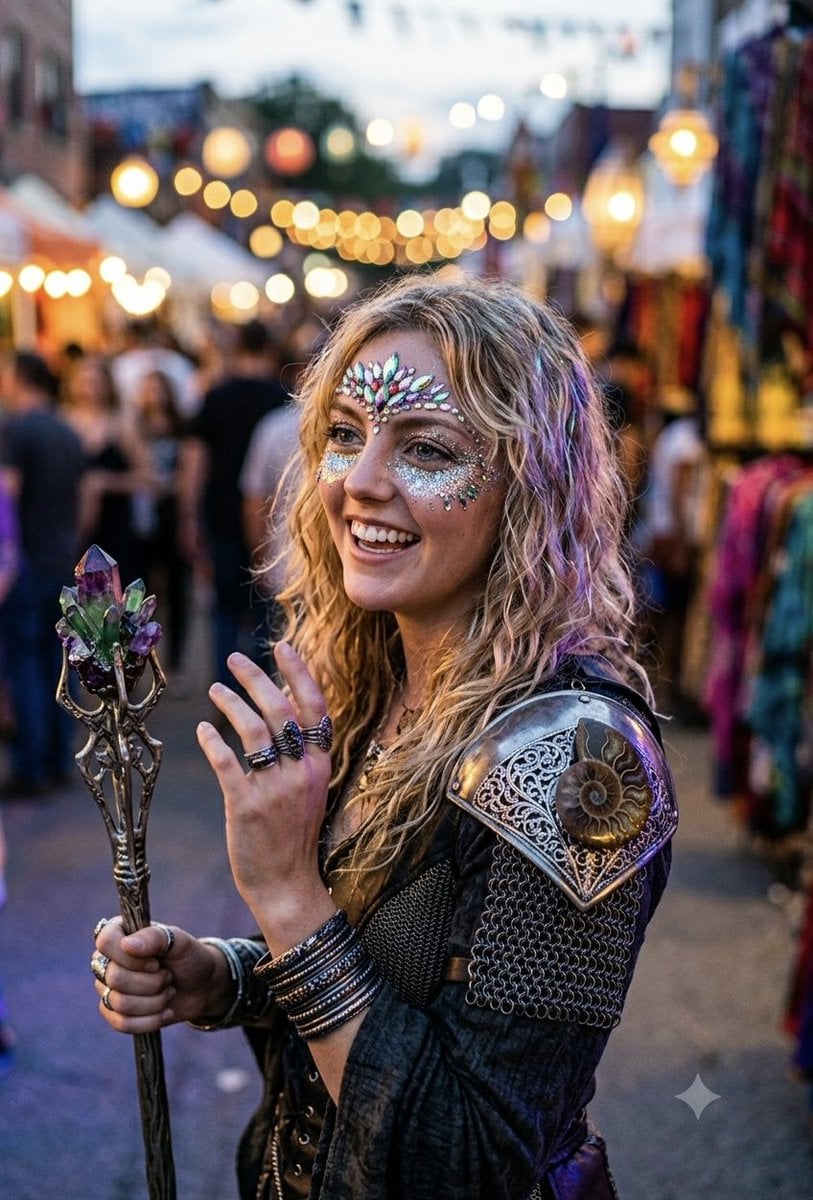
Fantasy Festival Fantasy Portrait

Anime Fantasy Celestial Movie Poster
Anime Fantasy Celestial Movie Poster

Minecraft Fantasy Kingdom Voxel Landscape

Unfinished Sketch Comes Alive Portrait

Open Travel Journal Overhead Still Life

Tiny Woman Miniature Fantasy Macro Scene
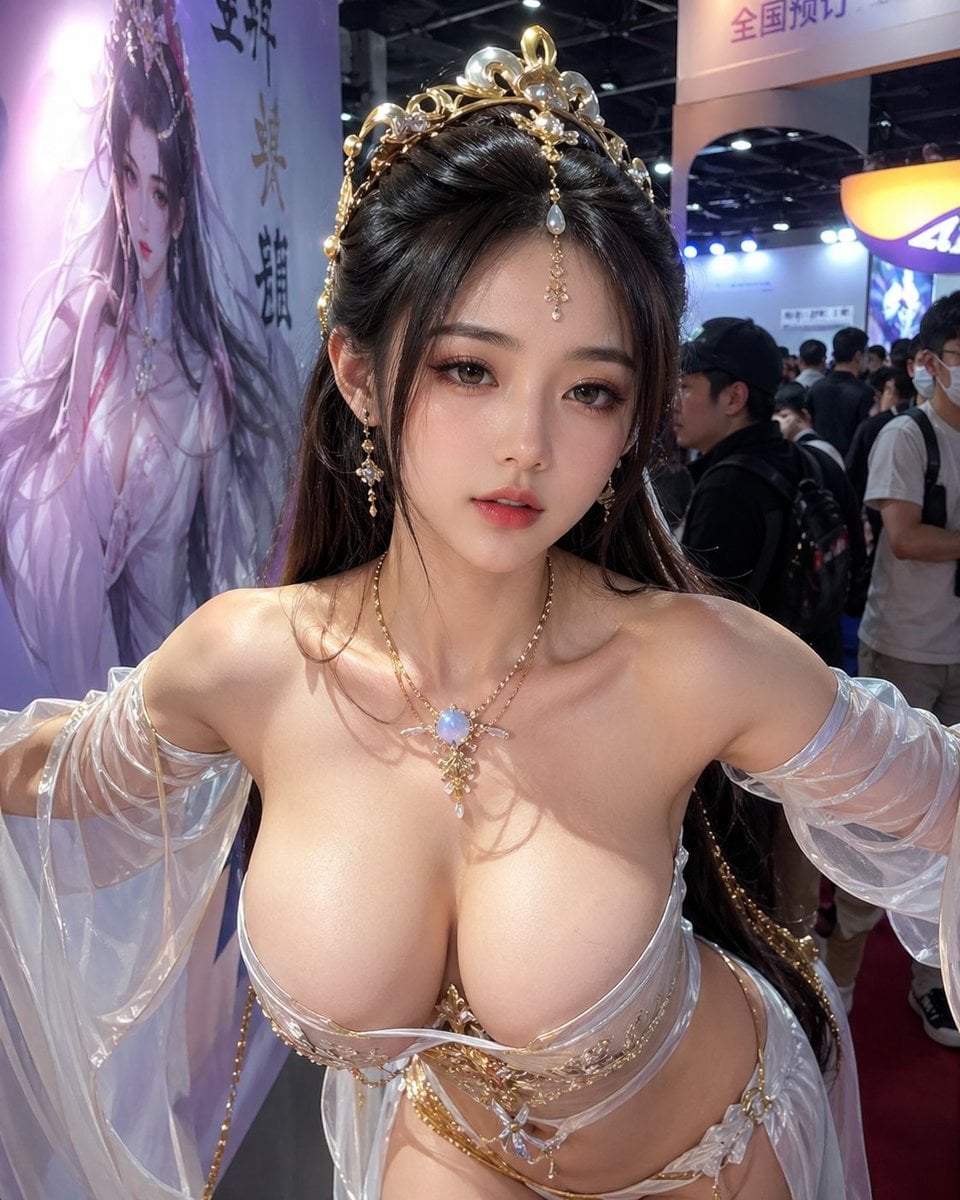
Censored Fantasy Cosplayer at Expo
JSON Seedance - Fairy Macro Flight
Videogame Cinematic Trailer - Seedance 2.0
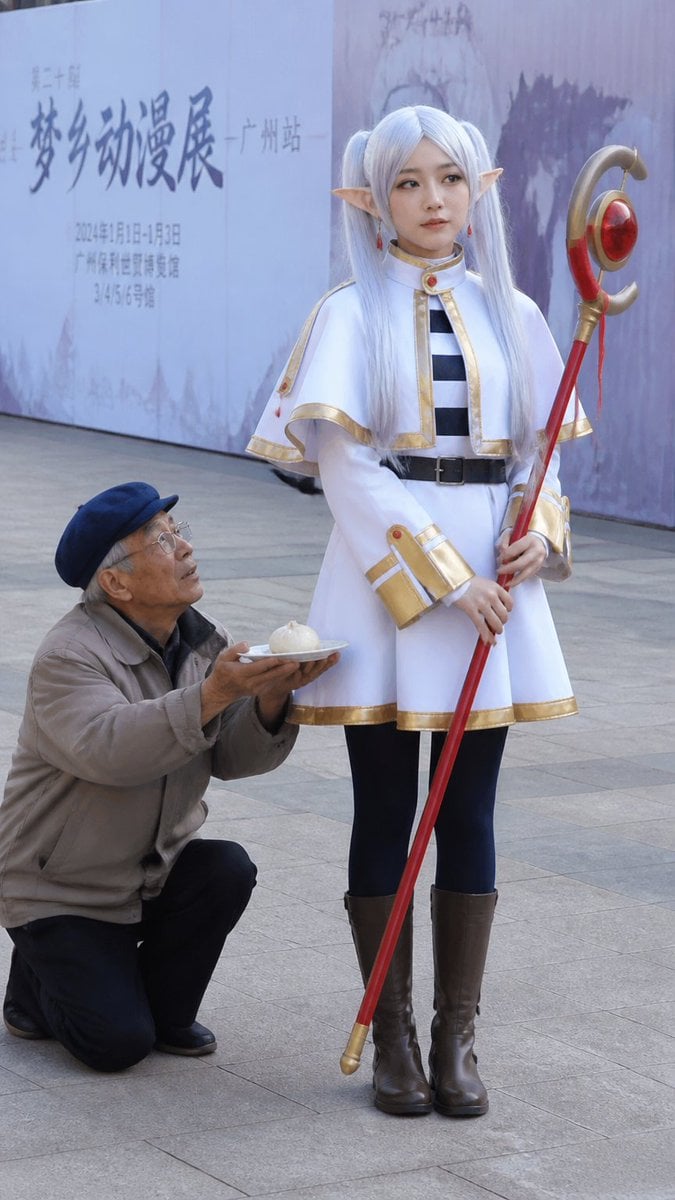
Anime Cosplayer Convention Photography
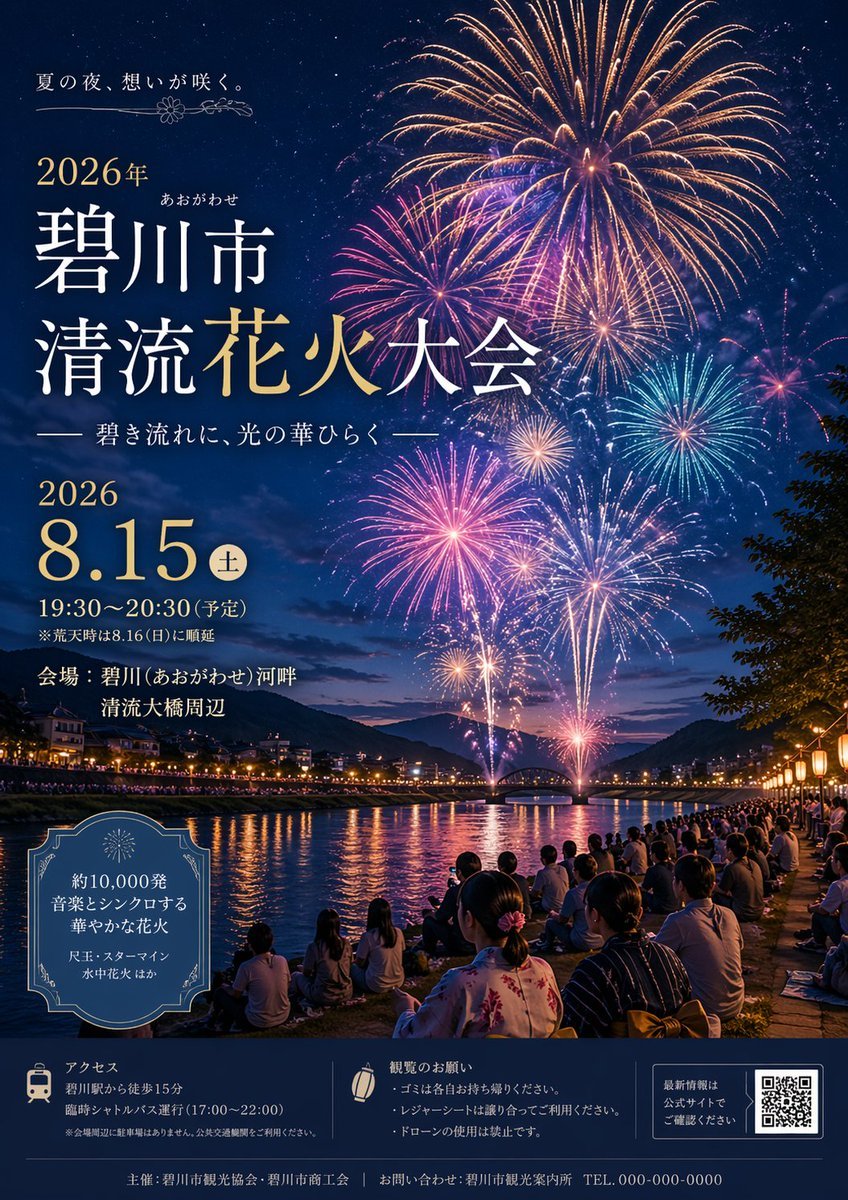
Japanese Fireworks Festival Poster
Make it yours
Realistic Fantasy Cosplayer at Festival works as-is. These are the safest ways to change it without losing the look.
Change one field
Copy a single group, rewrite it, and generate again so you can see what that field is doing.
Keep the frame, change the subject
Hold the composition and light of Realistic Fantasy Cosplayer at Festival, then swap wardrobe, props or the person for a new take.
| If the result… | Why | Fix |
|---|---|---|
| The result drifts from the preview | Too many fields changed at once. | Reuse Realistic Fantasy Cosplayer at Festival as-is first, then change one group — subject, light, or setting. |
| The model over-stylizes the scene | The prose prompt leaves finish and camera underspecified. | Add one camera or lighting sentence and stay on GPT Image 2. |
More GPT Image 2 templates
Other prompts made for GPT Image 2.

Six VTuber Japanese Logo Sheet

Realistic Portrait of Woman and Deer

The Vista Modular Condo Poster

AI Model Routing Comparison Infographic

2.5D Anime Art Board

Isometric Productivity Desk Scene

New York Double Exposure Poster

Four-Panel AI Landscape Comparison

Japanese Tatami Lifestyle Magazine Cover

NESCAFÉ Coffee Map Poster
More image prompts
Fresh picks from across the catalog.
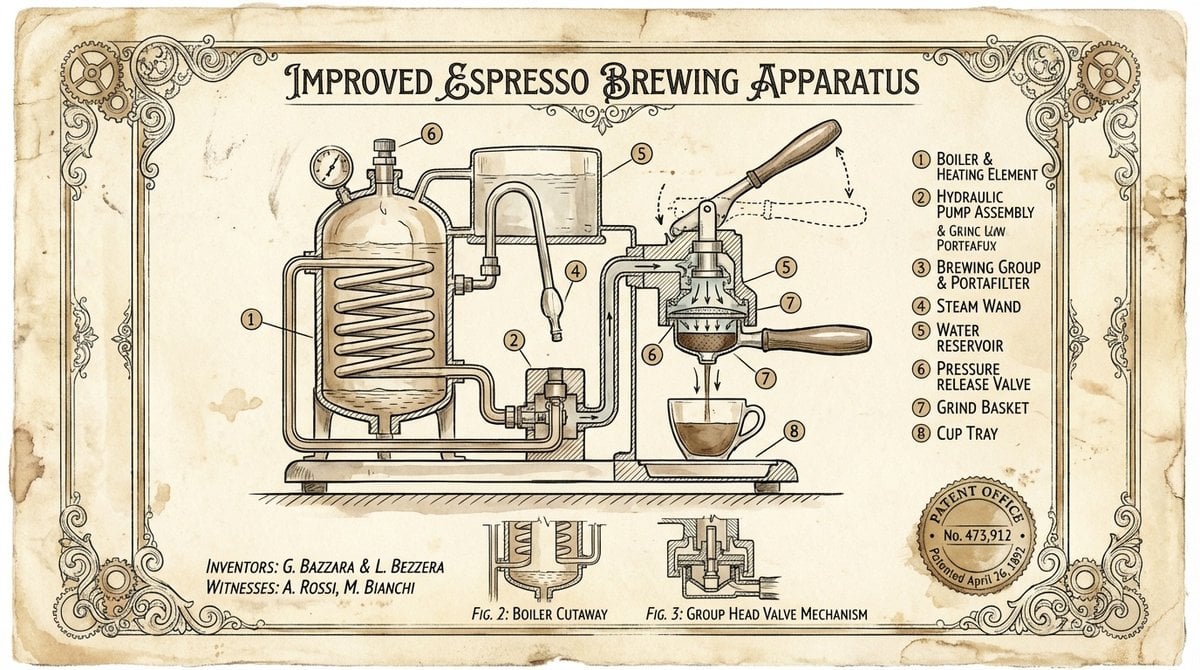
Vintage Patent Drawing Technical Illustration
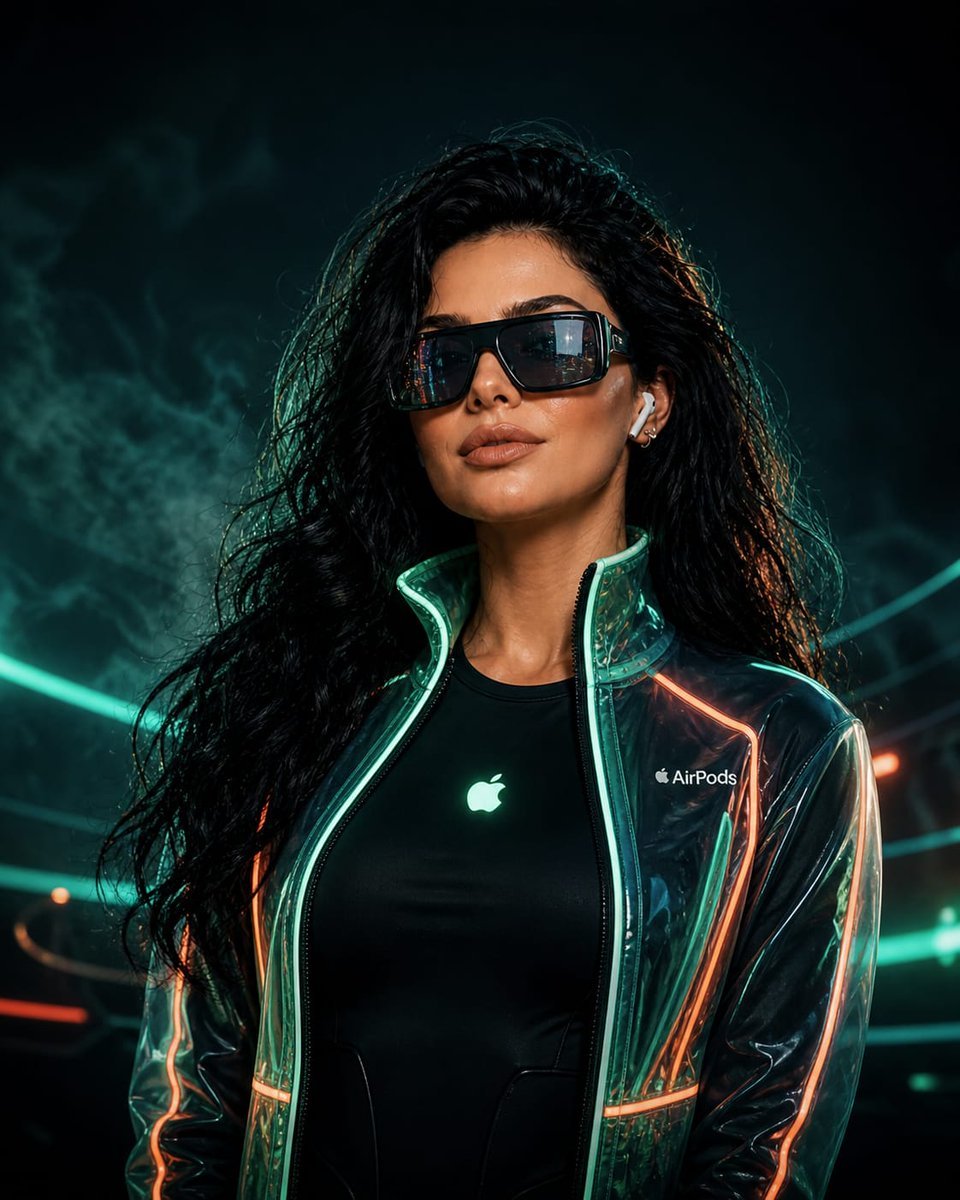
Cyberpunk Neon Fashion Portrait
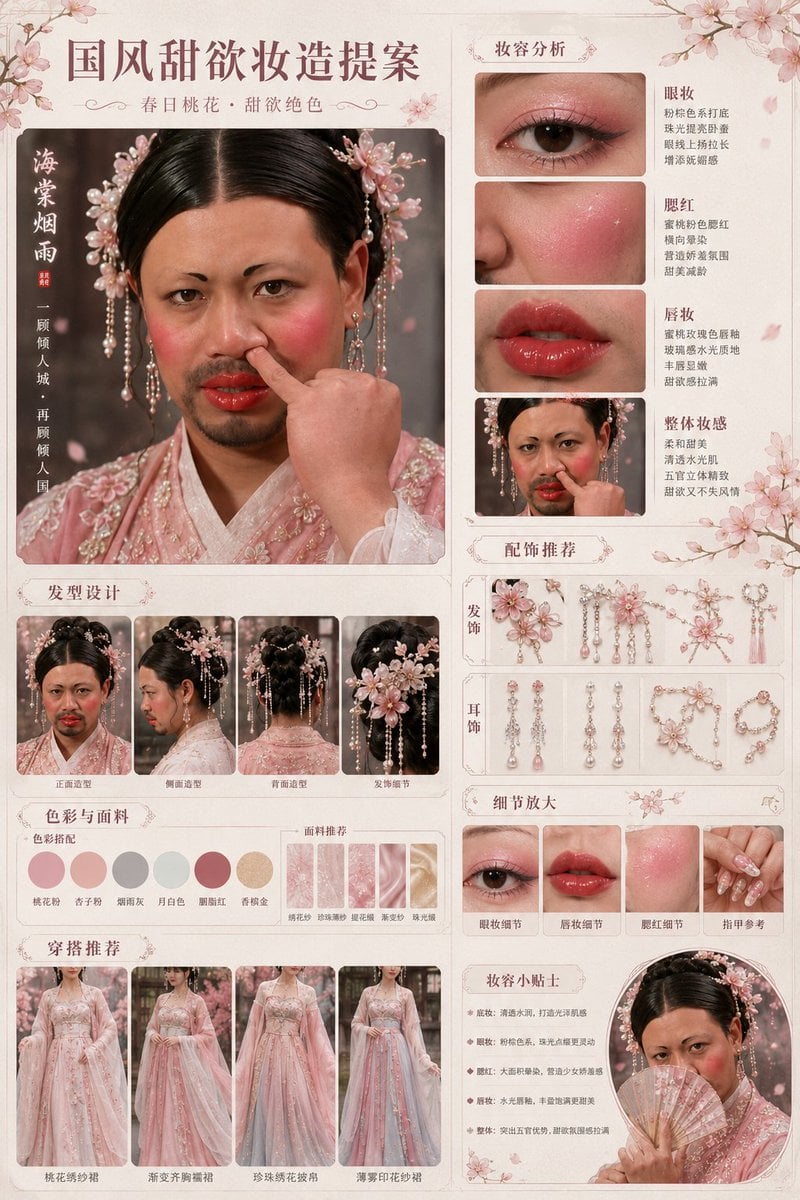
Prompt
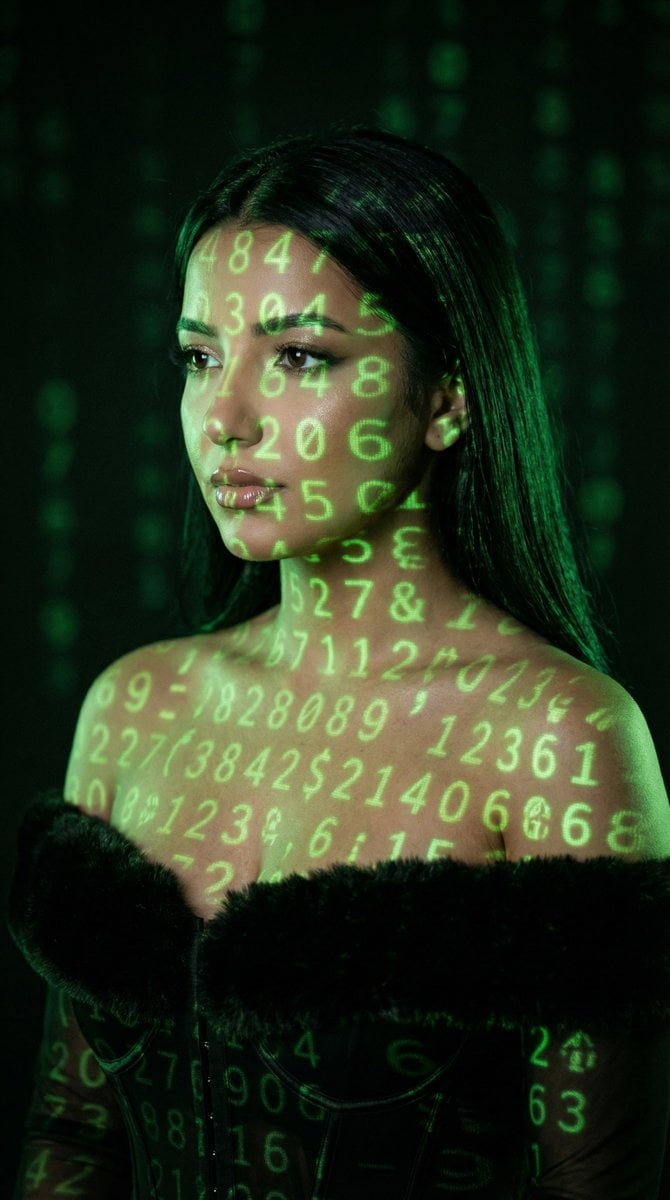
Cyber Projector Numbers Beauty Portrait Prompt (JSON format)
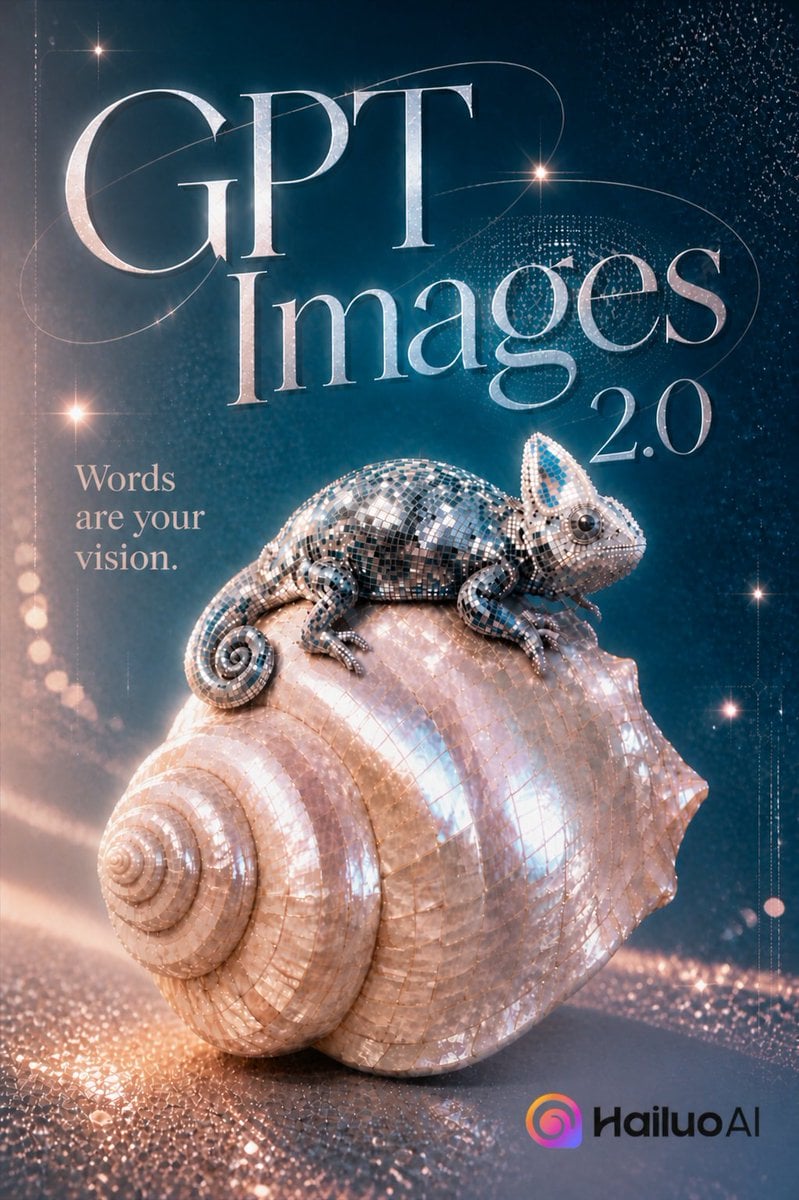
Luxury GPT Images 2.0 Launch Poster
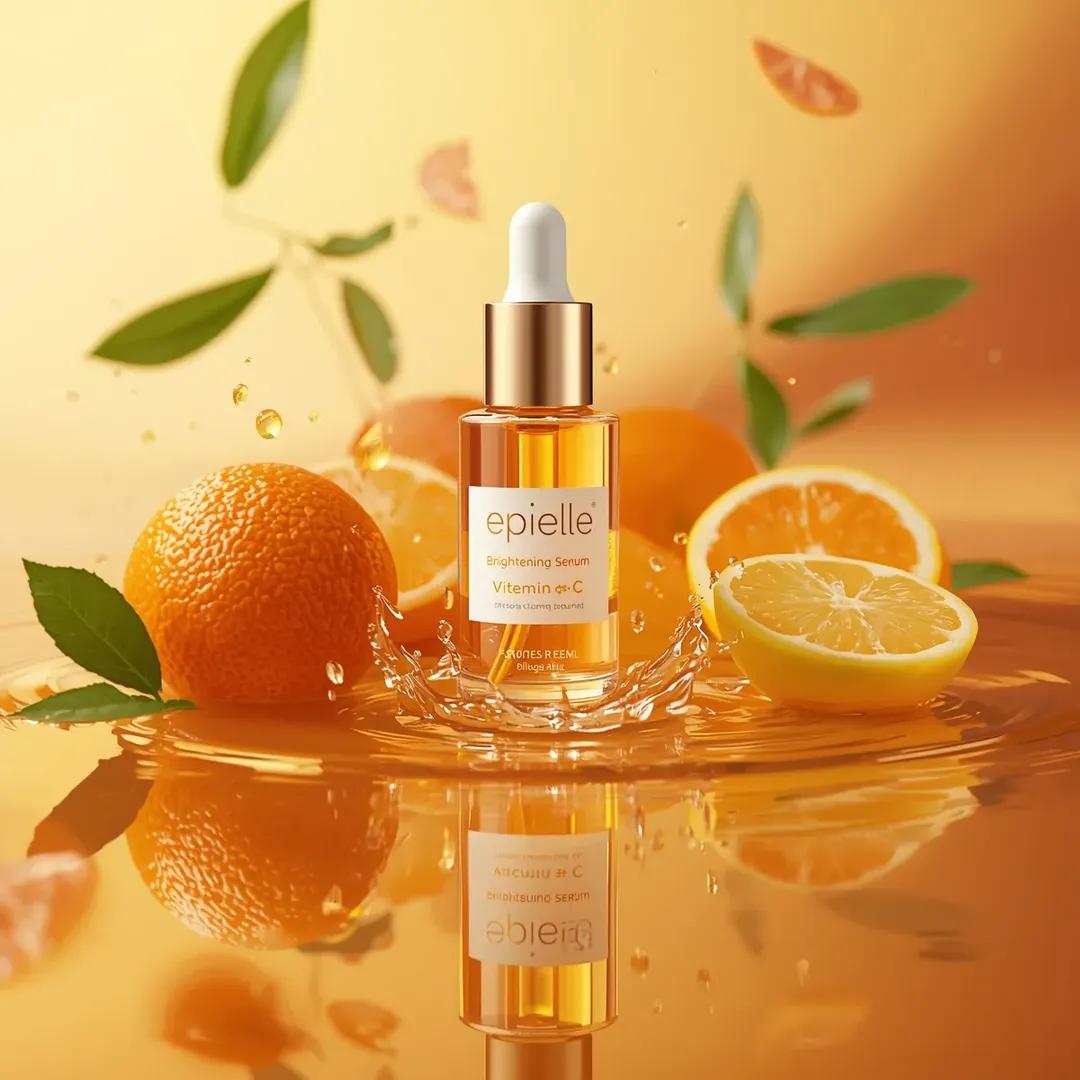
Ultra-High-End Skincare Product Photography Prompt
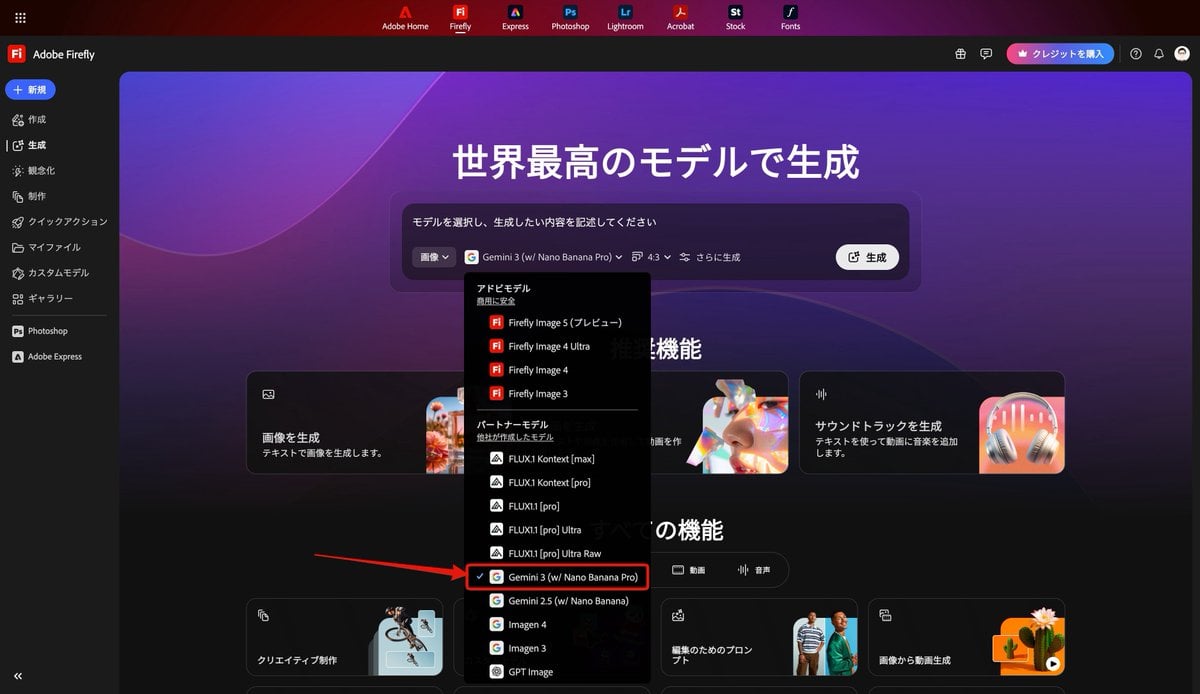
Thumbnail text overlay based on attachment
Bullet Time Businessman Seedance 2 0
Ultra-Realistic Skincare Product Photography on Wet Beach Sand
Alien-human hybrid sorrow portrait
Browse template categories
Realistic Fantasy Cosplayer at Festival questions
How do I use the Realistic Fantasy Cosplayer at Festival template?
Add your photo if the template asks for one, edit the prompt if you like — the template's model and format are already selected — and press Generate. Your version opens in PicX Studio.
Can I customize the Realistic Fantasy Cosplayer at Festival template?
Yes. You can change the subject, setting, lighting, mood, format, and available model controls before creating your image.
Is the Realistic Fantasy Cosplayer at Festival template free?
Opening and editing this template is free. Generating uses credits, shown on the Generate button when you are signed in.
Which AI model should I use?
Start with GPT Image 2, which is the model associated with this template. You can compare another compatible model for a different finish.
Looking for something else? Browse all templates.

Your photo, any look
Thousands of ready templates for every top image and video model, from one credit balance.