
Japanese Inheritance Tax LP Hero
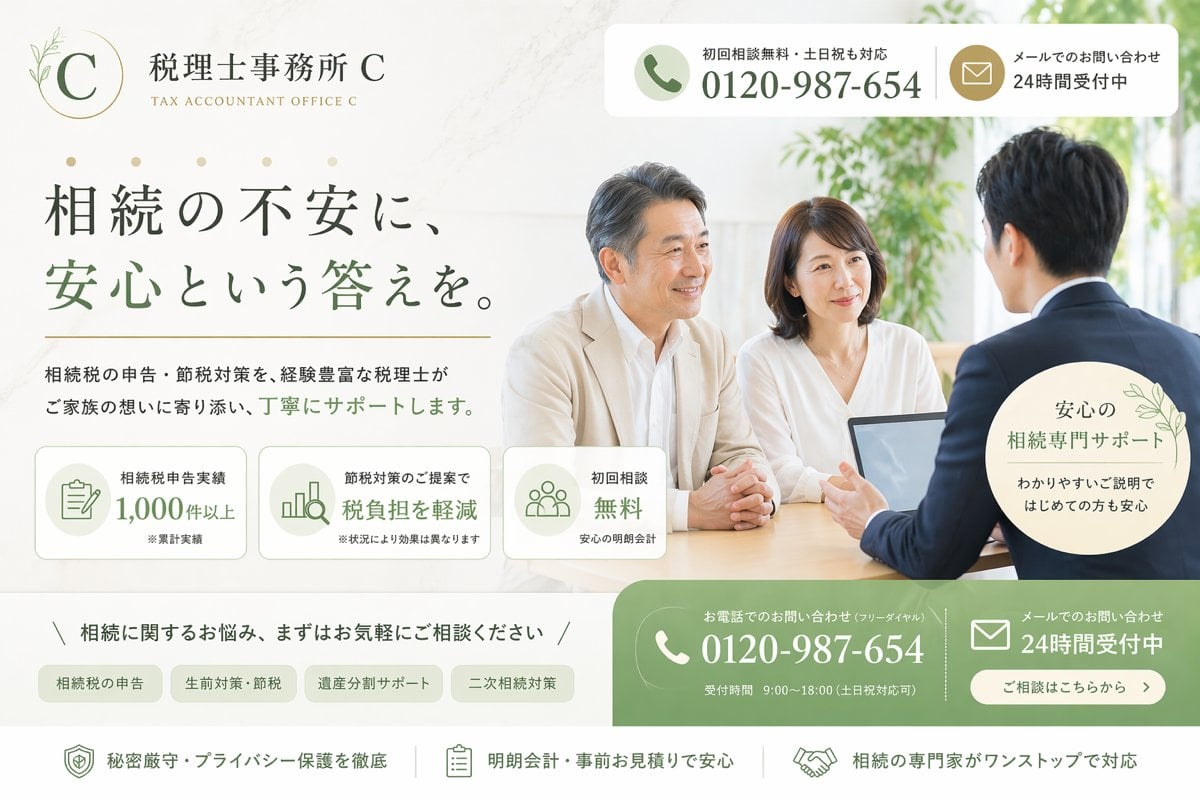
A polished Japanese landing page hero for a fictional inheritance tax accountant office, suitable for legal and tax service advertising mockups.
- Prompt included
- Model and format preset
- Free template
The prompt behind this image
Copy the exact prompt behind Japanese Inheritance Tax LP Hero, or open it in the studio and make it yours.
Create a clean, premium Japanese landing page hero image for a fictional tax accountant office specializing in inheritance tax consultation. The design should look like a modern listing-ad LP first view, wide desktop format, with a soft ivory and warm white background, muted sage green and gold accent colors, elegant serif Japanese typography for the headline, and a calm trustworthy atmosphere. On the left upper area, place a refined circular logo with a thin gold ring, a large serif letter C, and a small botanical line illustration, followed by the office name 税理士事務所 {argument name="office name" default="C"} and the English subtitle TAX ACCOUNTANT OFFICE {argument name="office name" default="C"}. In the top right, add a rounded white contact bar split into 2 blocks: a phone block with a green circular phone icon, the small text 初回相談無料・土日祝も対応, and the large number {argument name="phone number" default="0120-987-654"}; and a mail block with a gold circular mail icon and the text メールでのお問い合わせ 24時間受付中. The main headline on the left should be large Japanese text reading 相続の不安に、安心という答えを。, with the key phrase 安心という答えを。 in sage green. Beneath it, add a supporting sentence in smaller Japanese text: 相続税の申告・節税対策を、経験豊富な税理士がご家族の想いに寄り添い、丁寧にサポートします。 Below that, place 3 rounded rectangular feature cards in a row with pale backgrounds and green line icons: card 1 shows a document icon and the text 相続税申告実績 1,000件以上 with a tiny note ※累計実績; card 2 shows a bar chart icon and the text 節税対策のご提案で 税負担を軽減 with a tiny note ※状況により効果は異なります; card 3 shows a group icon and the text 初回相談 無料 with a tiny note 安心の明朗会計. On the right half, show a bright consultation scene photo-style image: 3 Japanese adults around a desk in a sunlit office with greenery in the background, consisting of 1 male advisor in a navy suit seen from behind on the right, and 2 clients facing him, a middle-aged man in a light beige jacket and a woman in a white blouse. Place an open laptop on the table. Their expressions should feel calm and attentive. Overlay a pale circular badge near the lower right of the photo with delicate leaf decoration and the text 安心の 相続専門サポート わかりやすいご説明ではじめての方も安心. Across the lower middle, add a slim consultation invitation line reading 相続に関するお悩み、まずはお気軽にご相談ください, framed by diagonal slash marks. Under it, place 4 rounded category tabs in a row: 相続税の申告, 生前対策・節税, 遺産分割サポート, 二次相続対策. At the bottom right, add a large green rounded contact CTA area split into 2 main columns: the left column with a white phone icon, the small text お電話でのお問い合わせ(フリーダイヤル), the large number {argument name="phone number" default="0120-987-654"}, and the small line 受付時間 9:00〜18:00(土日祝対応可); the right column with a white mail icon, the text メールでのお問い合わせ 24時間受付中, and a rounded white button reading ご相談はこちらから. Along the very bottom, create a white reassurance strip with 3 horizontally arranged items separated by thin vertical dividers: 1) shield icon and 秘密厳守・プライバシー保護を徹底, 2) clipboard icon and 明朗会計・事前お見積りで安心, 3) handshake icon and 相続の専門家がワンストップで対応. Use subtle shadows, rounded corners, soft natural light, polished commercial web design, and a highly believable Japanese legal-tax service advertisement aesthetic.
How to use Japanese Inheritance Tax LP Hero in 3 steps
- 1Upload ImagePNG, JPG or paste
Add your photo
Upload the photo the template builds on. The prompt, model and format are already set.
- 2…a portrait of your subject in softgolden-hour light, 85mm…
Personalize
Edit the subject and creative details for your destination.
- 3Generate
Generate
Press Generate — your image is created in PicX Studio, so you can compare it with the original and refine one variable at a time.
More like this
Templates with the same subject, style or setup. Open one to see its prompt.
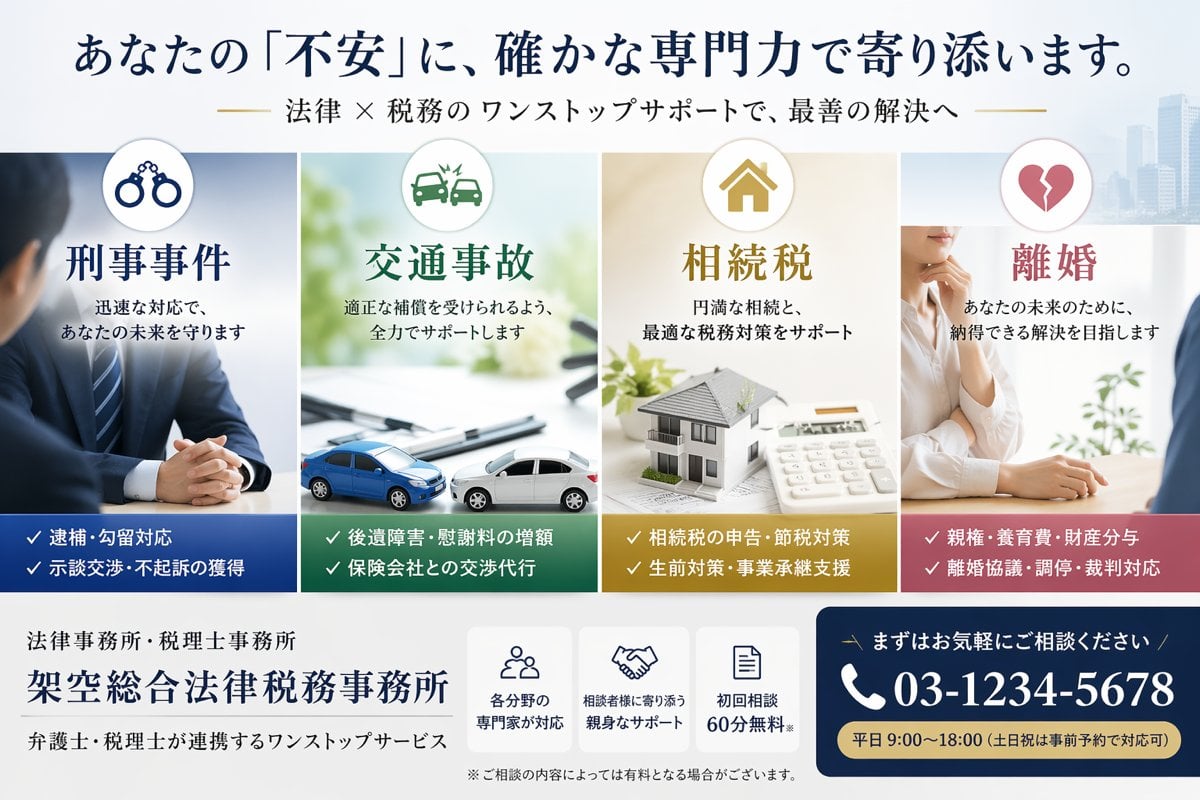
Japanese Law & Tax Services LP Hero

Minecraft Japanese Research Lab Exploration

Japanese Architectural Concrete Studio Fashion Campaign

Japanese Minimalist Concrete Studio Fashion Editorial

Blue Backdrop Luxury Fashion Portrait Campaign

Japanese Film Reflection Idol
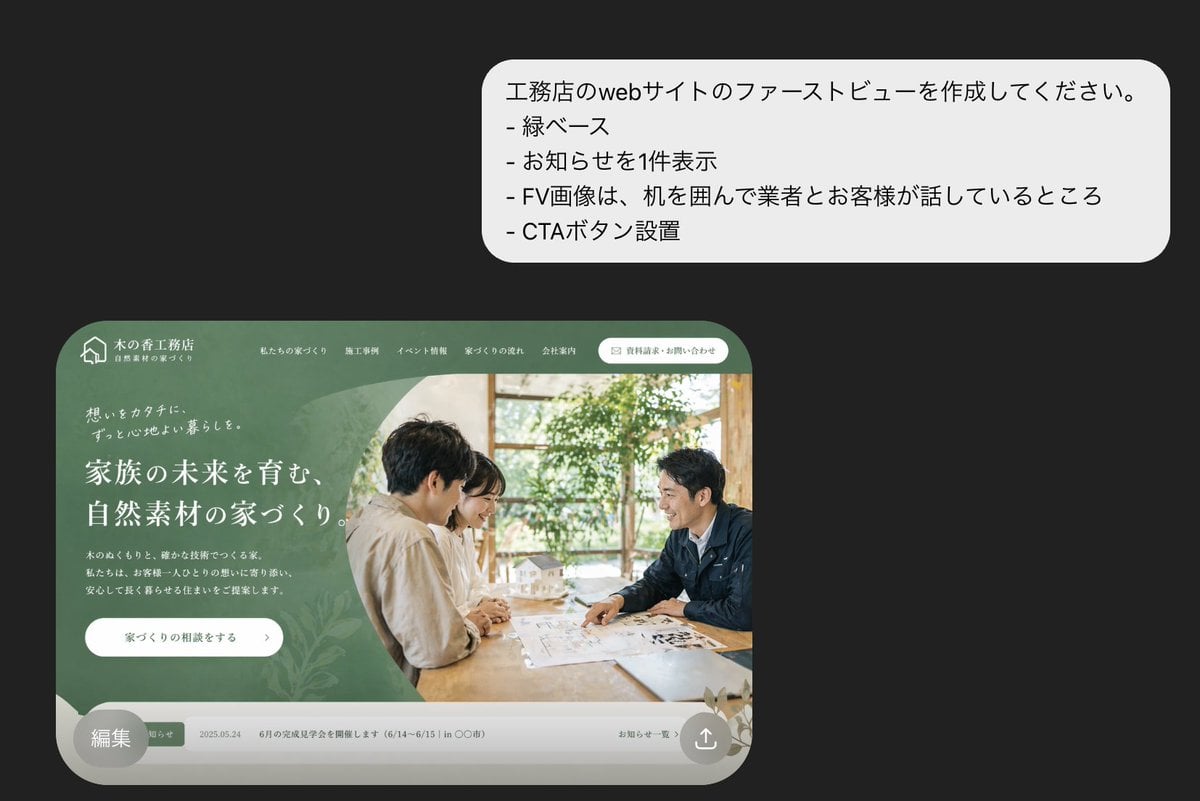
Japanese Builder Website Hero Mockup
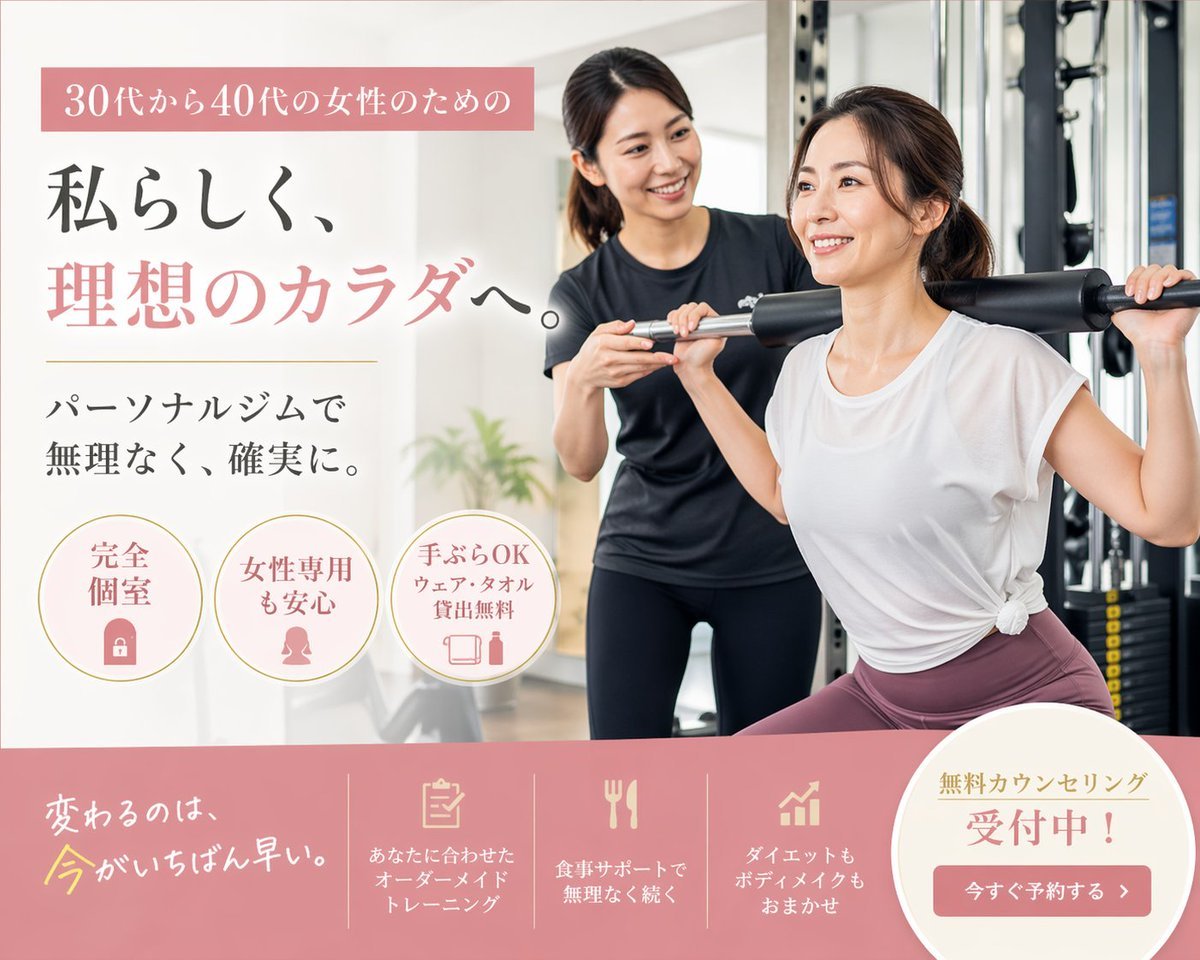
Japanese Women's Gym Hero Banner

Minimal Japanese Cooking Class Hero Image
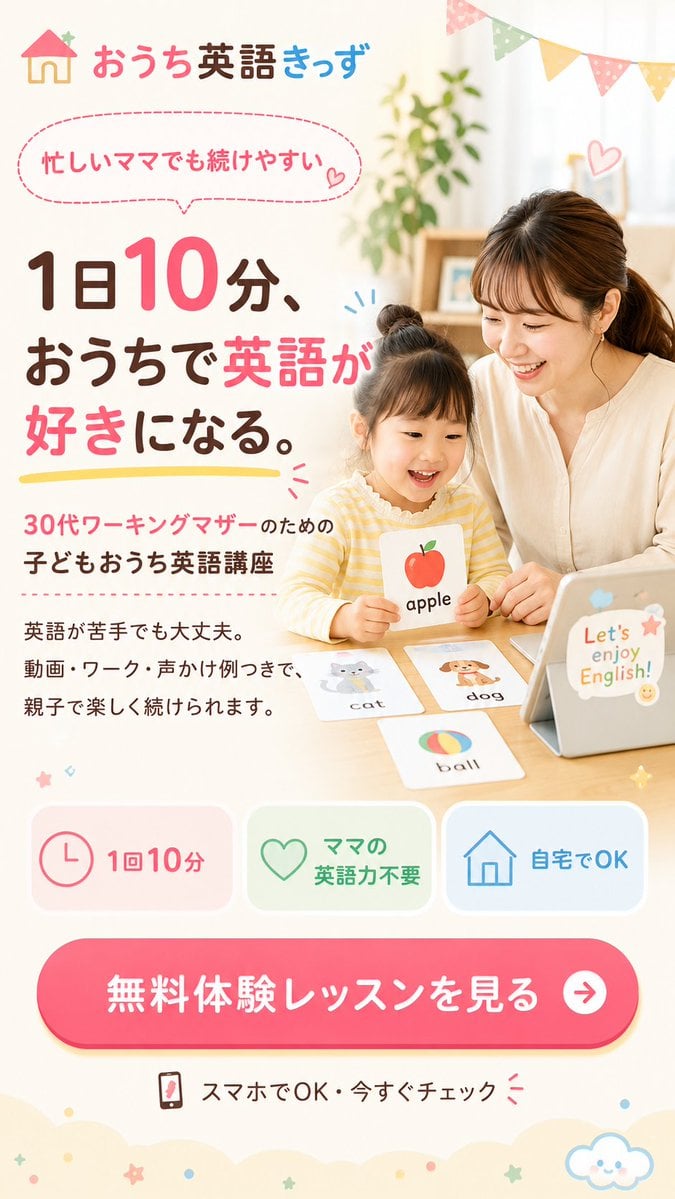
Japanese Kids English LP Hero

Cinematic Hero Movie Poster

Anime Hero Leaping Through City Sky
Make it yours
Japanese Inheritance Tax LP Hero works as-is. These are the safest ways to change it without losing the look.
Change one field
Copy a single group, rewrite it, and generate again so you can see what that field is doing.
Keep the frame, change the subject
Hold the composition and light of Japanese Inheritance Tax LP Hero, then swap wardrobe, props or the person for a new take.
| If the result… | Why | Fix |
|---|---|---|
| The result drifts from the preview | Too many fields changed at once. | Reuse Japanese Inheritance Tax LP Hero as-is first, then change one group — subject, light, or setting. |
| The model over-stylizes the scene | The prose prompt leaves finish and camera underspecified. | Add one camera or lighting sentence and stay on GPT Image 2. |
More GPT Image 2 templates
Other prompts made for GPT Image 2.

Six VTuber Japanese Logo Sheet

Realistic Portrait of Woman and Deer

The Vista Modular Condo Poster

AI Model Routing Comparison Infographic

2.5D Anime Art Board

Isometric Productivity Desk Scene

New York Double Exposure Poster

Four-Panel AI Landscape Comparison

Japanese Tatami Lifestyle Magazine Cover

NESCAFÉ Coffee Map Poster
More image prompts
Fresh picks from across the catalog.
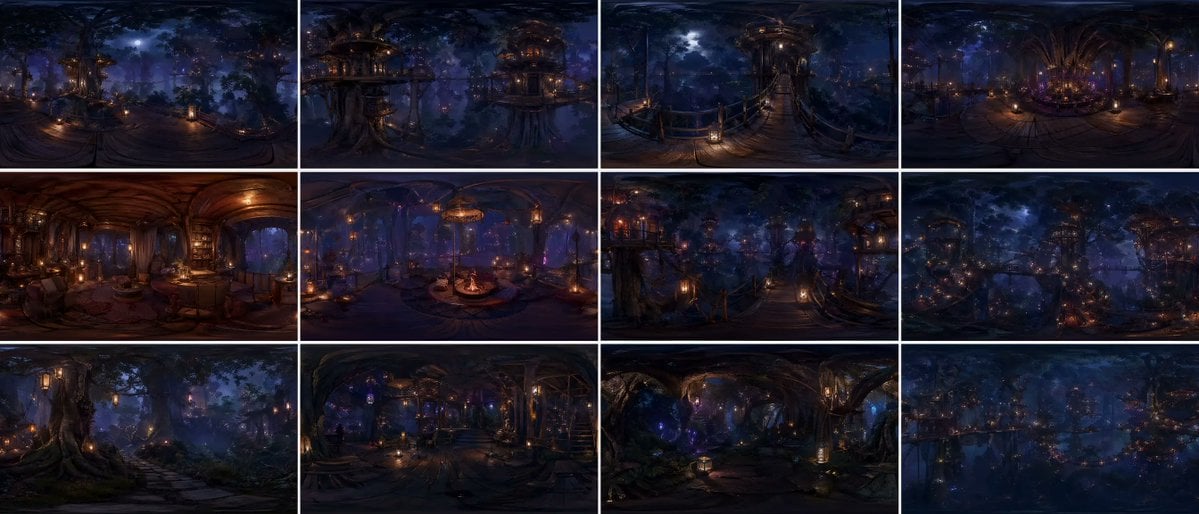
Degree Forest World Panorama Grid

2x2 Selfie Collage with Playful Poses

Empty Fort Strategy at the City Gate

Four-Panel Lifestyle Fashion Collage
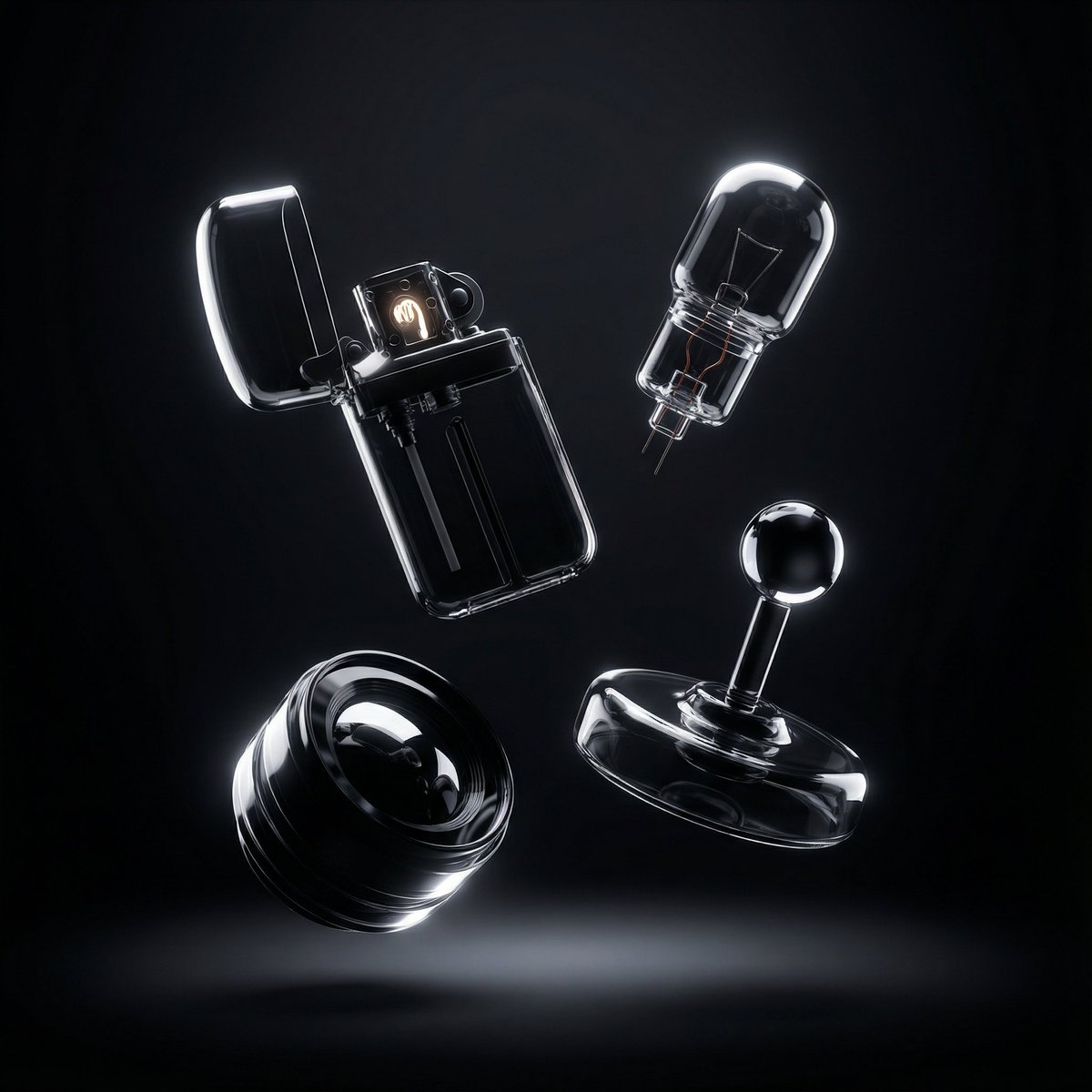
Ultra-Modern Transparent Black Hyperrealism
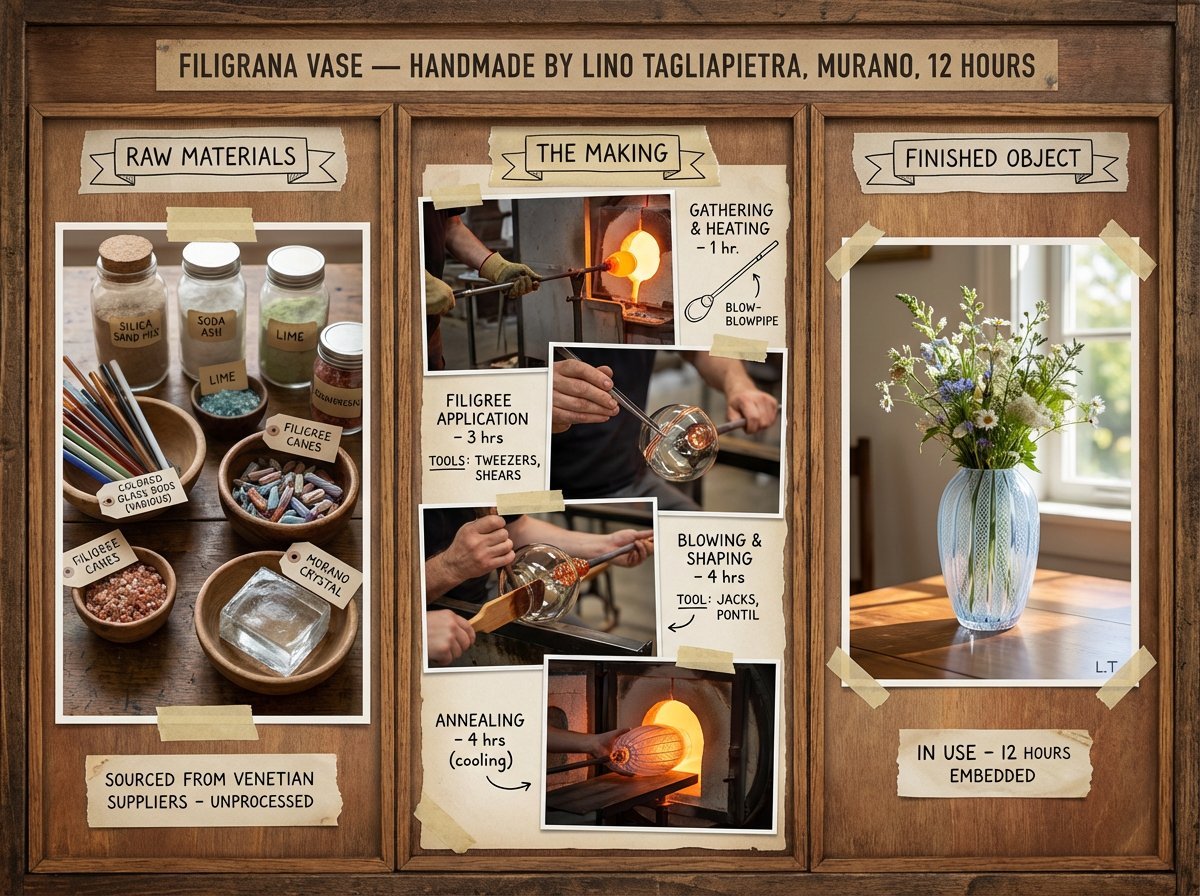
Artisan Craft Process Board for Handmade Objects
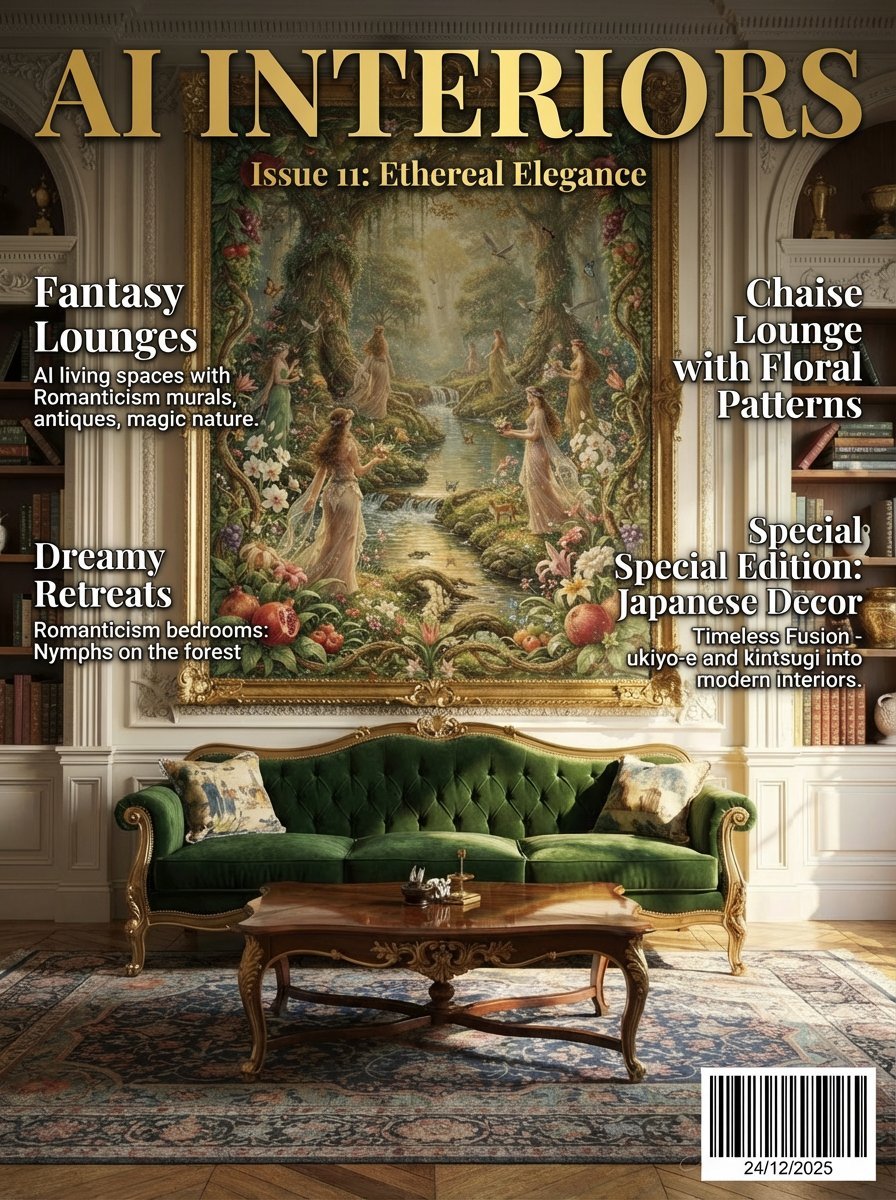
Magazine Cover Mockup for AI Interiors

Underwater Angel Fantasy Illustration

Gritty Prisoner Mugshot Portrait Prompt

Hand-drawn Infographic Card Prompt
Browse template categories
Japanese Inheritance Tax LP Hero questions
How do I use the Japanese Inheritance Tax LP Hero template?
Add your photo if the template asks for one, edit the prompt if you like — the template's model and format are already selected — and press Generate. Your version opens in PicX Studio.
Can I customize the Japanese Inheritance Tax LP Hero template?
Yes. You can change the subject, setting, lighting, mood, format, and available model controls before creating your image.
Is the Japanese Inheritance Tax LP Hero template free?
Opening and editing this template is free. Generating uses credits, shown on the Generate button when you are signed in.
Which AI model should I use?
Start with GPT Image 2, which is the model associated with this template. You can compare another compatible model for a different finish.
Looking for something else? Browse all templates.

Your photo, any look
Thousands of ready templates for every top image and video model, from one credit balance.