How do I use the Dramatic Cinematic Silhouette template?
Choose the primary action to open PicX Studio with the available template settings. Review the model and format, personalize the creative direction, and generate when ready.
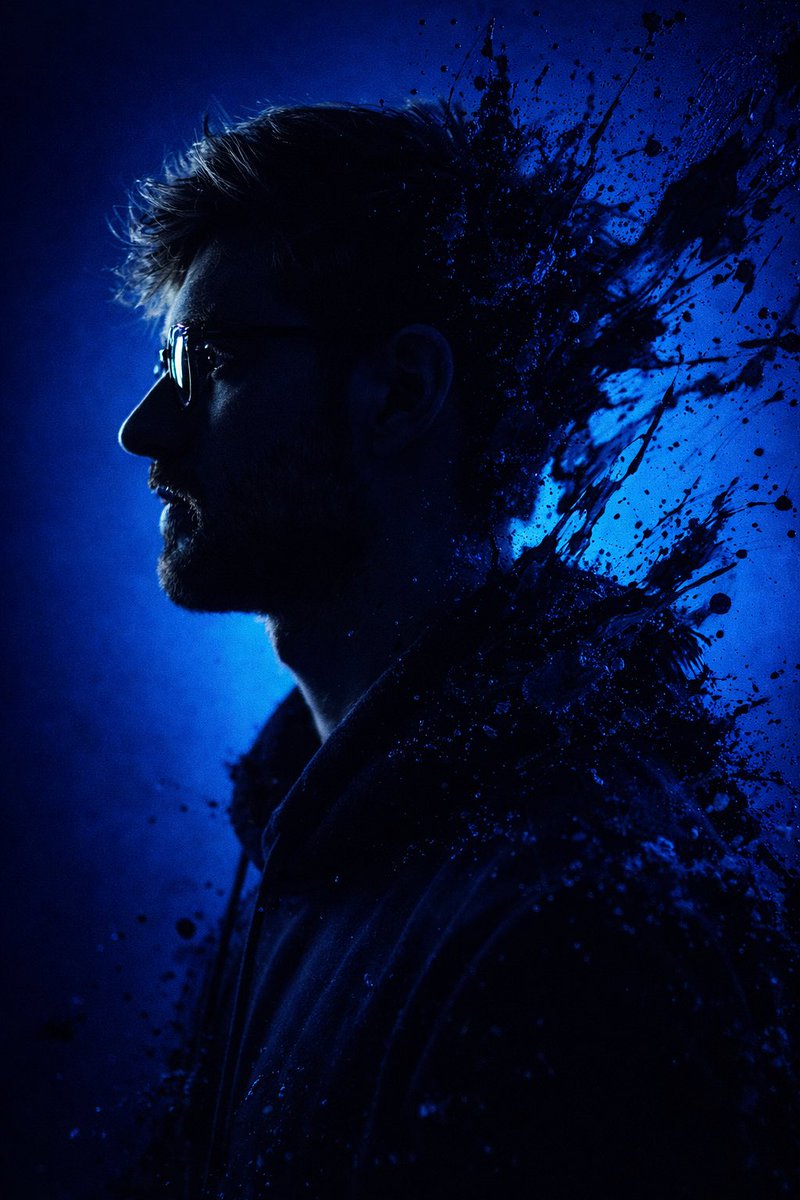
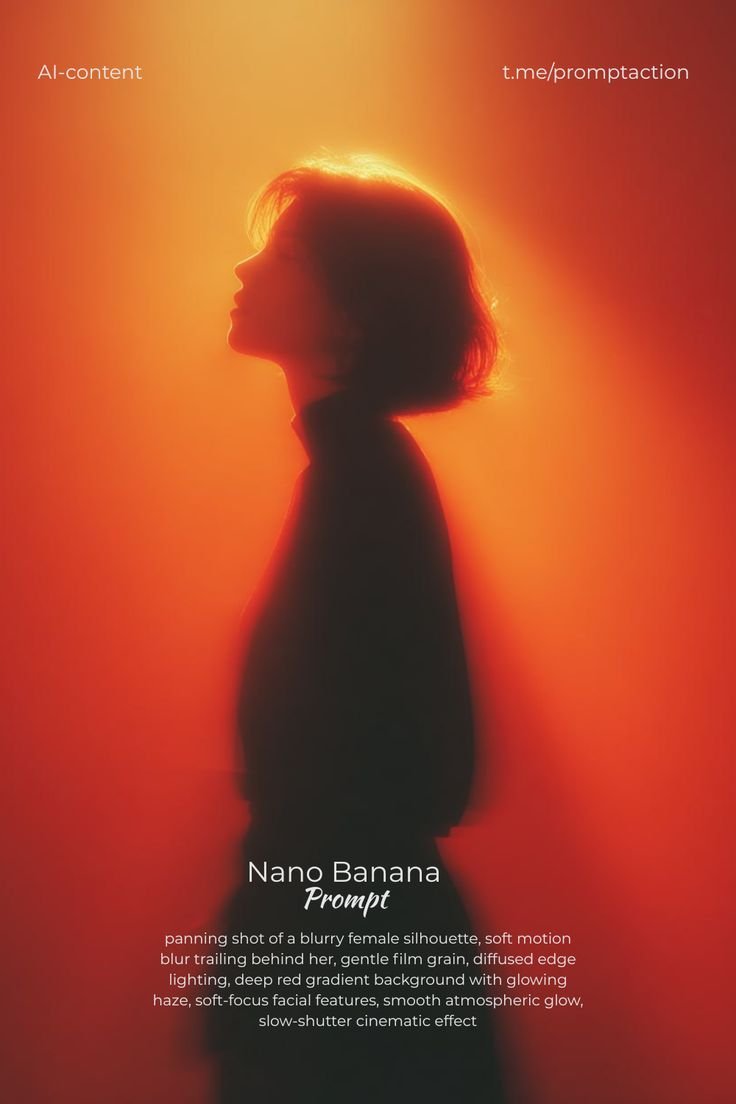
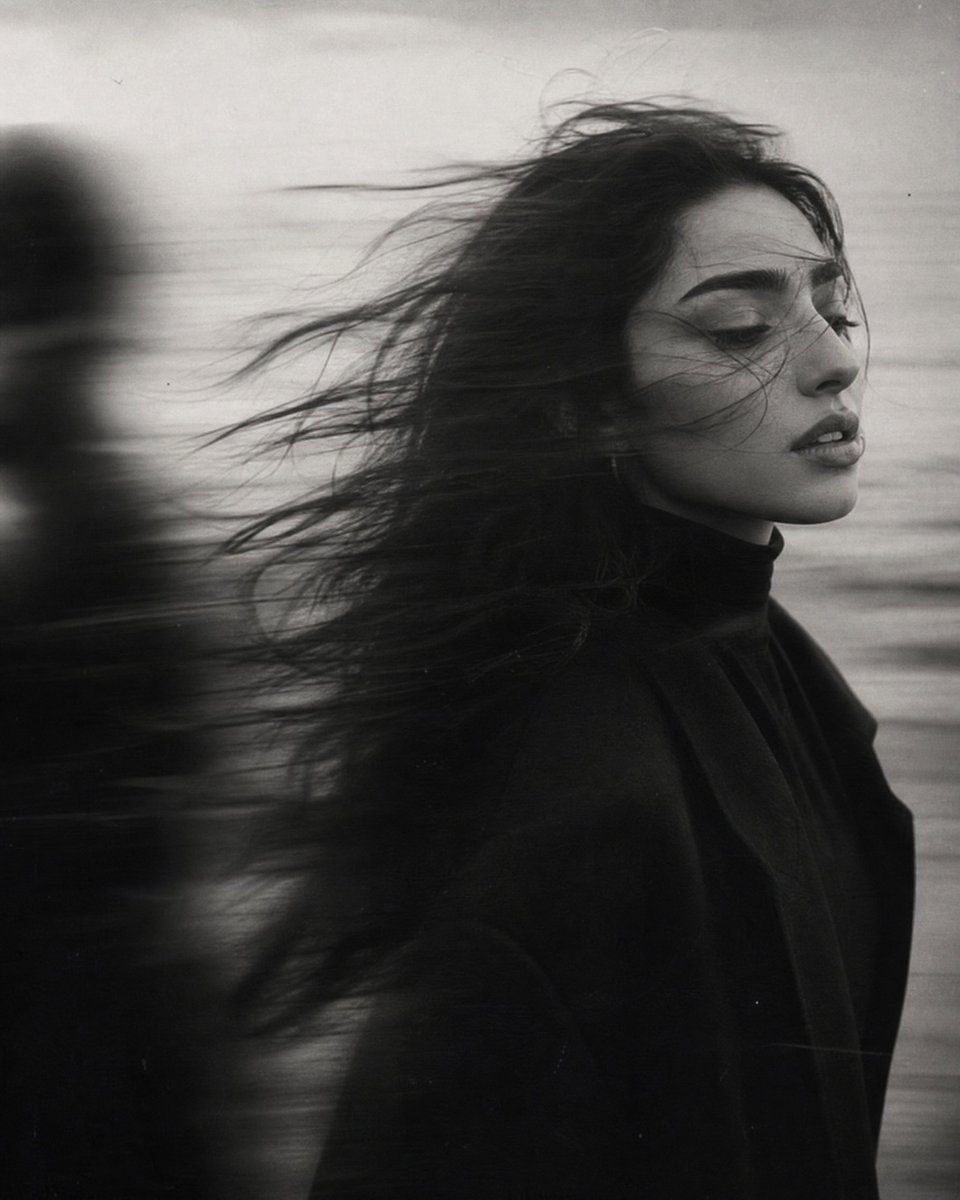
A stylized cinematic silhouette prompt using a double exposure effect and strong red lighting to create a moody and emotional portrait.
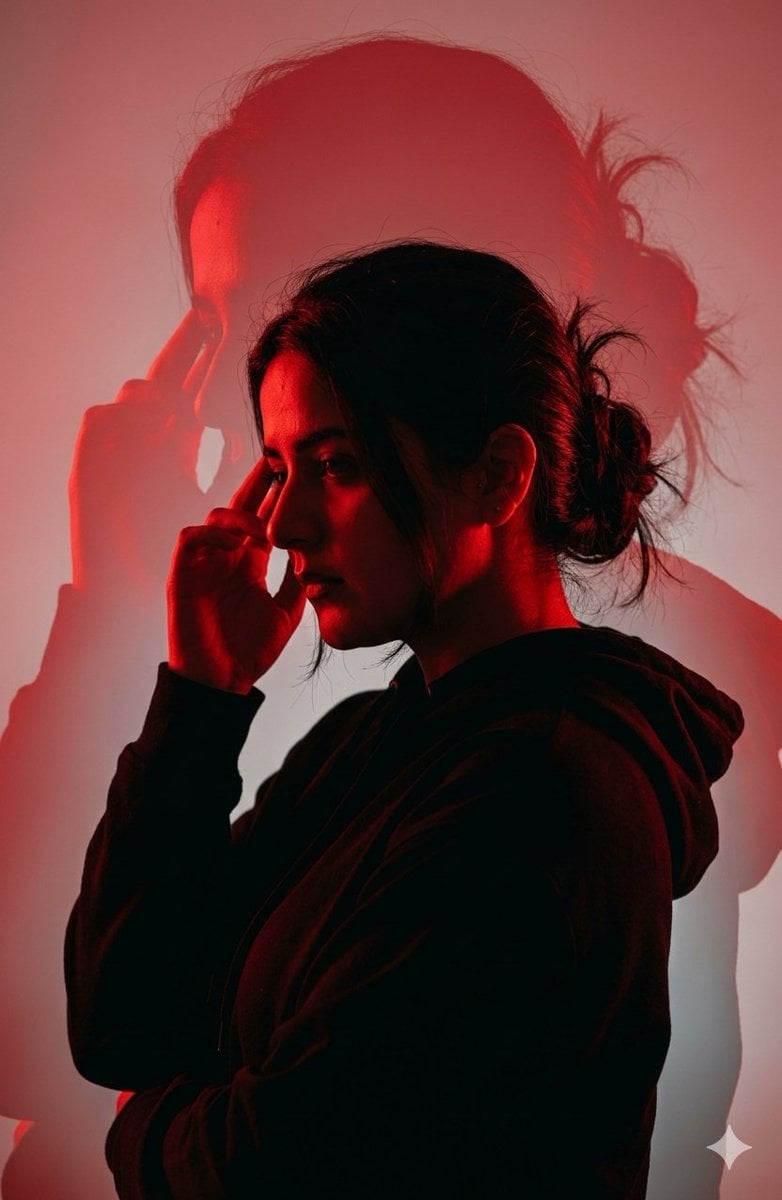
Dramatic {argument name="color scheme" default="red"} cinematic silhouette portrait of a young women in side profile, messy hair, wearing a {argument name="clothing item" default="hoodie"}, touching his temple with his fin gers in a thoughtful pose, strong {argument name="lighting color" default="red"} lighting and deep shadows, dark black silhouette with glowing red highlights, double exposure effect with a large shadow of the same person behind him, minimal back ground with soft red and gray gradient, moody and emotional atmo sphere, high contrast lighting, digital art style, cinematic composition, soft haze, depth.
Choose the primary action to open PicX Studio with the available template settings. Review the model and format, personalize the creative direction, and generate when ready.
Yes. You can change the subject, setting, lighting, mood, format, and available model controls before creating your image.
This template is free to open and customize. Generation usage is shown in PicX Studio before you create.
Start with Nano Banana 2, which is the model associated with this template. You can compare another compatible model for a different finish.
Follow a topic to a crawlable collection of related PicX Studio templates.