How do I use the Pop Art Silhouette Splatter template?
Choose the primary action to open PicX Studio with the available template settings. Review the model and format, personalize the creative direction, and generate when ready.
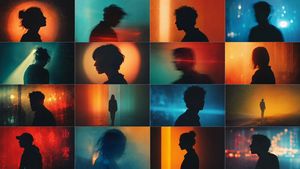
A stylized silhouette profile of a man with paint splatters in a pop-art and street-art fusion style against a vibrant red background.
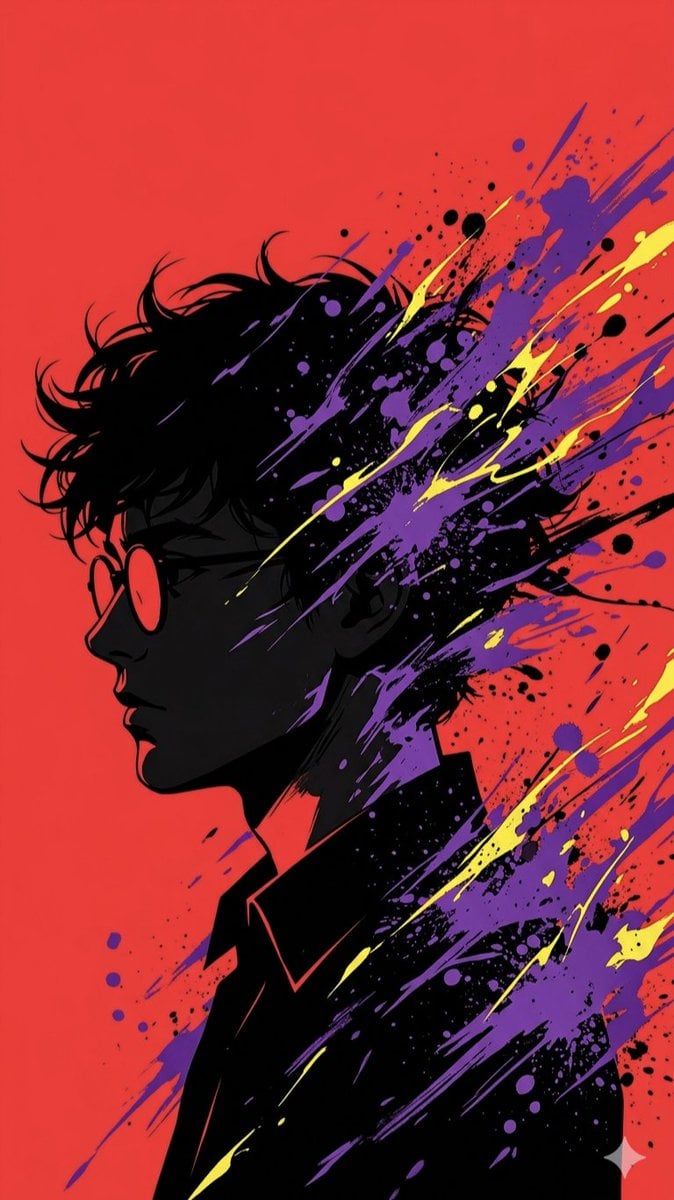
This image features a highly stylized silhouette profile of a young man with {argument name="hair style" default="tousled, dark hair"} and round glasses, set against a {argument name="background color" default="vibrant, saturated red"} background. The aesthetic leans heavily into a modern pop-art and street-art fusion, characterized by explosive, dynamic paint splatters in {argument name="splatter colors" default="electric purple and bright yellow"} that appear to trail off the subject’s head and shoulders, suggesting movement or a creative "burst" of thought. The lighting is dramatic and high-contrast, utilizing a chiaroscuro effect where the subject's face is largely cast in deep shadow, while sharp red highlights define the bridge of his nose, lips, and neck. The overall composition is sleek and graphic, reminiscent of a contemporary digital illustration or a stylized comic book cover, evoking a sense of moody introspection combined with an energetic, artistic flair.
Choose the primary action to open PicX Studio with the available template settings. Review the model and format, personalize the creative direction, and generate when ready.
Yes. You can change the subject, setting, lighting, mood, format, and available model controls before creating your image.
This template is free to open and customize. Generation usage is shown in PicX Studio before you create.
Start with Nano Banana 2, which is the model associated with this template. You can compare another compatible model for a different finish.
Follow a topic to a crawlable collection of related PicX Studio templates.