
Gothic Girl on Ink-Splattered Stairs
A cinematic monochrome gothic anime scene for creating a moody character illustration with grunge ink textures and red accents.
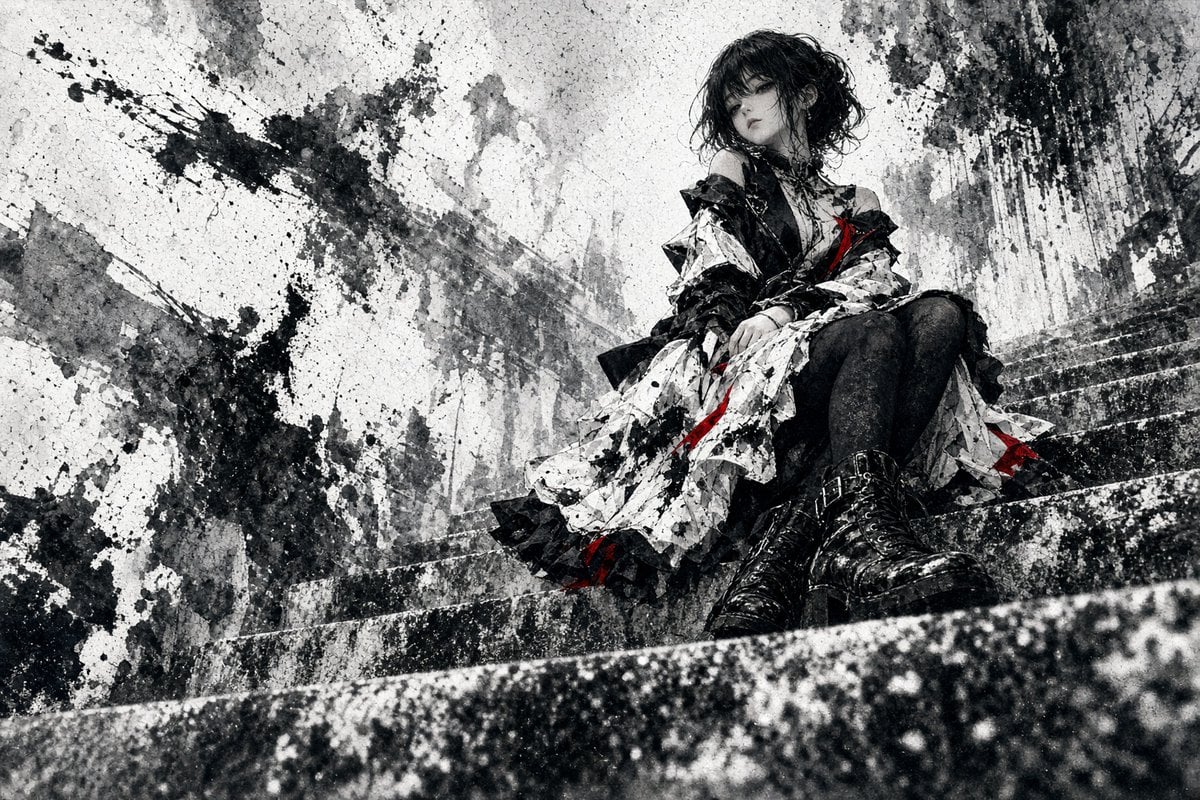
- Prompt included
- Model and format preset
- Free template
The prompt behind this image
Copy the exact prompt behind Gothic Girl on Ink-Splattered Stairs, or open it in the studio and make it yours.
Create a wide cinematic gothic anime illustration of exactly one melancholic young woman, {argument name="character name" default="unnamed gothic girl"}, sitting alone on a rough concrete staircase in a ruined urban setting. She has {argument name="hair color" default="messy black"} short wavy bob hair with heavy bangs partly covering her eyes, pale skin, a distant downcast expression, and a slightly slouched seated pose with her knees bent and hands resting near her lap. Her outfit is a dramatic layered gothic dress: one black off-shoulder bodice, one voluminous white skirt covered in black ink-like splatter patterns, black ruffled trim, black stockings, and exactly two oversized glossy black lace-up combat boots in the foreground; add a few sharp {argument name="accent color" default="deep red"} ribbon-like streaks on the dress for contrast. The environment contains exactly one long diagonal concrete staircase filling the lower half of the frame, stained walls behind her, abstract ruined architectural silhouettes, heavy rain-washed grime, dripping black paint, and explosive ink splashes across the left and upper right areas. Use a mostly monochrome palette of black, white, and gray with only small red accents, high-contrast grunge textures, watercolor wash, charcoal sketch lines, splattered sumi-e ink, distressed paper grain, and dramatic moody lighting. Compose her in the upper-right third, with the staircase receding diagonally from lower left to upper right, shallow depth of field on the nearest stair edge, and a bleak atmospheric feeling of isolation. No text, no watermark, no extra characters.
How to use Gothic Girl on Ink-Splattered Stairs in 3 steps
- 1Upload ImagePNG, JPG or paste
Add your photo
Upload the photo the template builds on. The prompt, model and format are already set.
- 2…a portrait of your subject in softgolden-hour light, 85mm…
Personalize
Edit the subject and creative details for your destination.
- 3Generate
Generate
Press Generate — your image is created in PicX Studio, so you can compare it with the original and refine one variable at a time.
More like this
Templates with the same subject, style or setup. Open one to see its prompt.
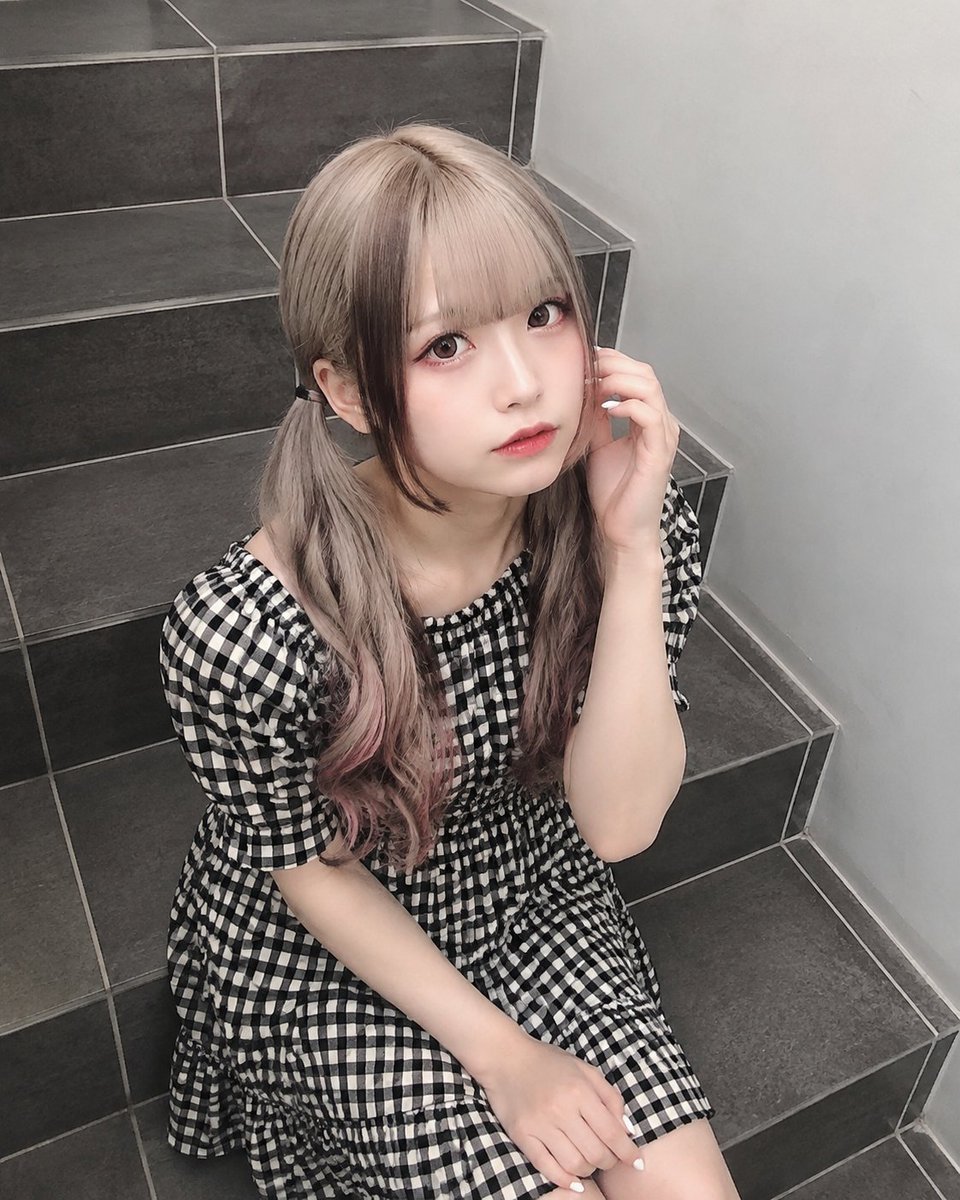
Jirai-Kei Girl on Tiled Stairs

Teen Girl Alpine Lake Mountain View

Anime Catgirl in Chinese Ink Landscape

Gothic Girl Character Turnaround Sheet

Vintage Lithograph Retro World Cup Poster
Vintage Lithograph Retro World Cup Poster
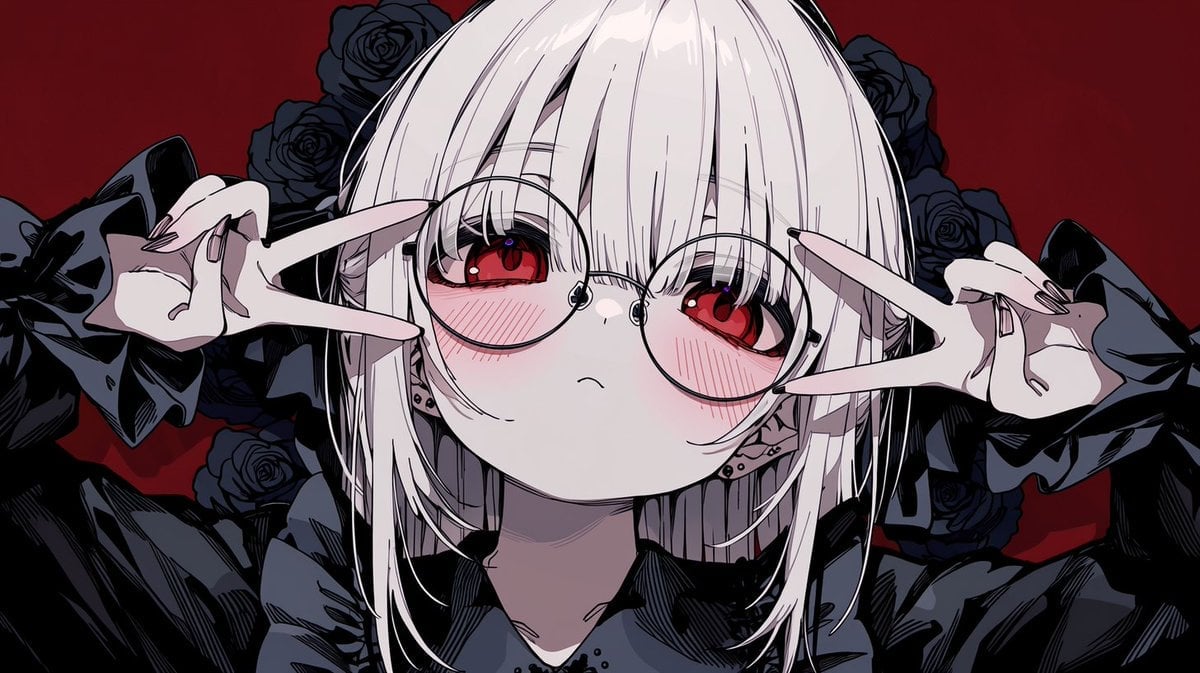
Gothic Anime Girl with Black Roses

Gothic Japanese Mobile Homepage

Burning Gothic Flood Escape
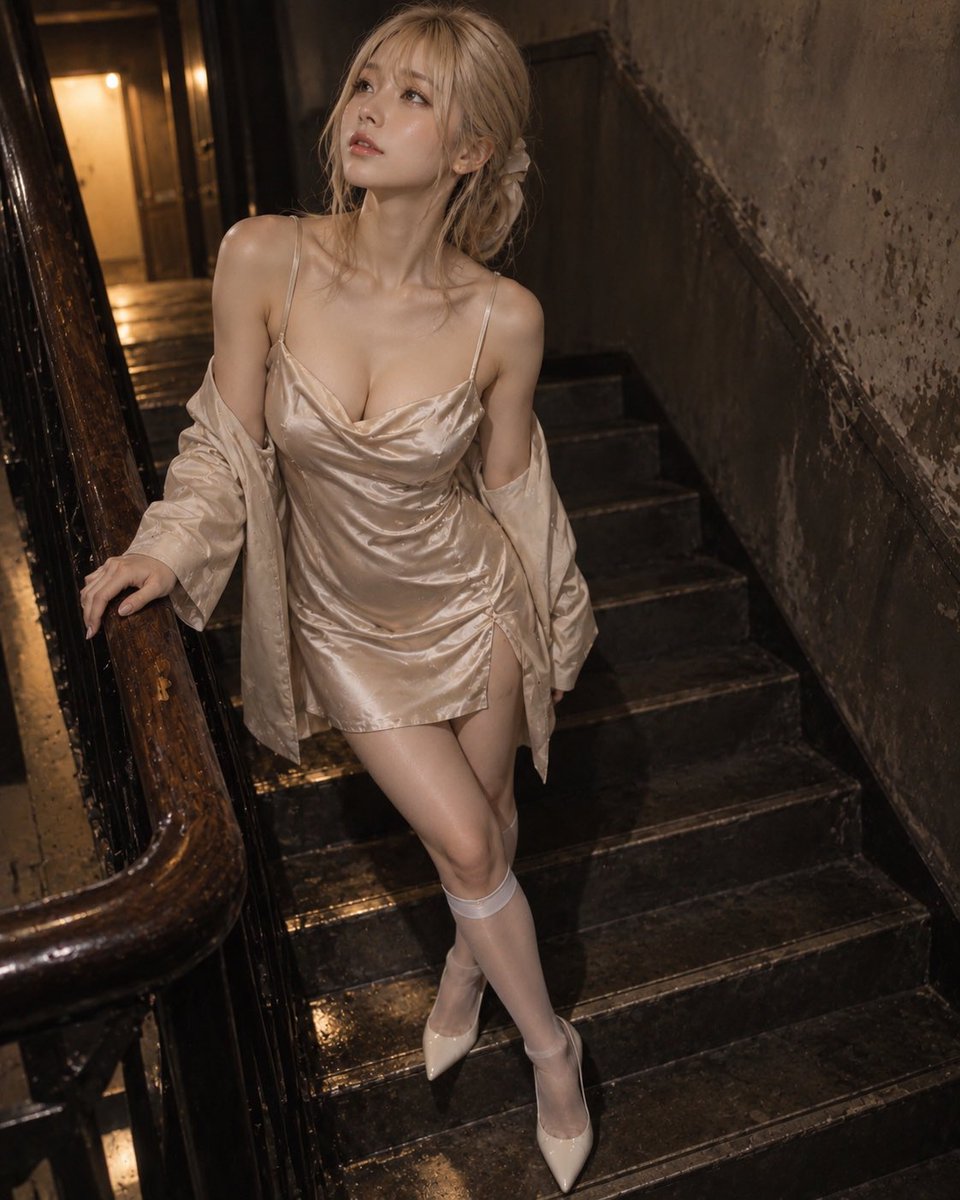
Champagne Lighting on Stairs Portrait
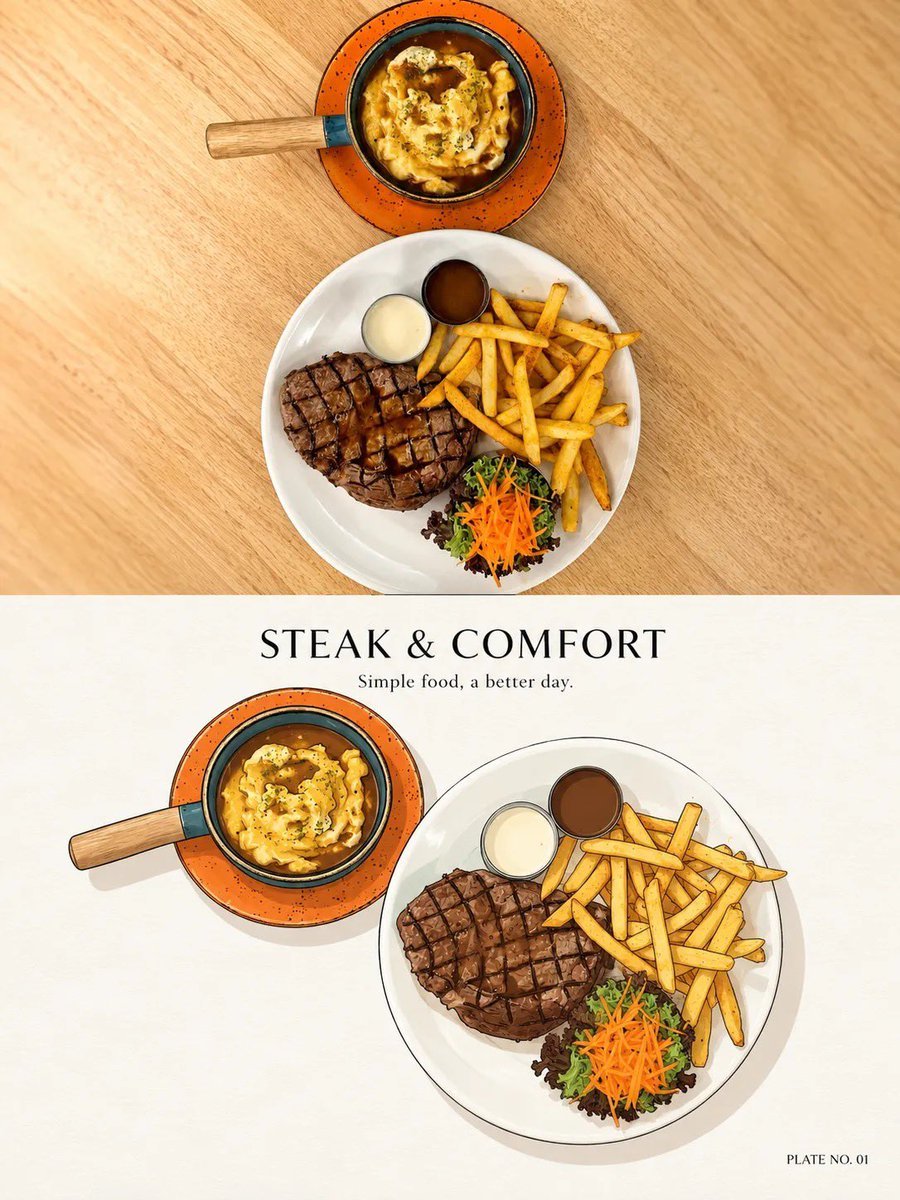
Minimal Ink Vignette Archive
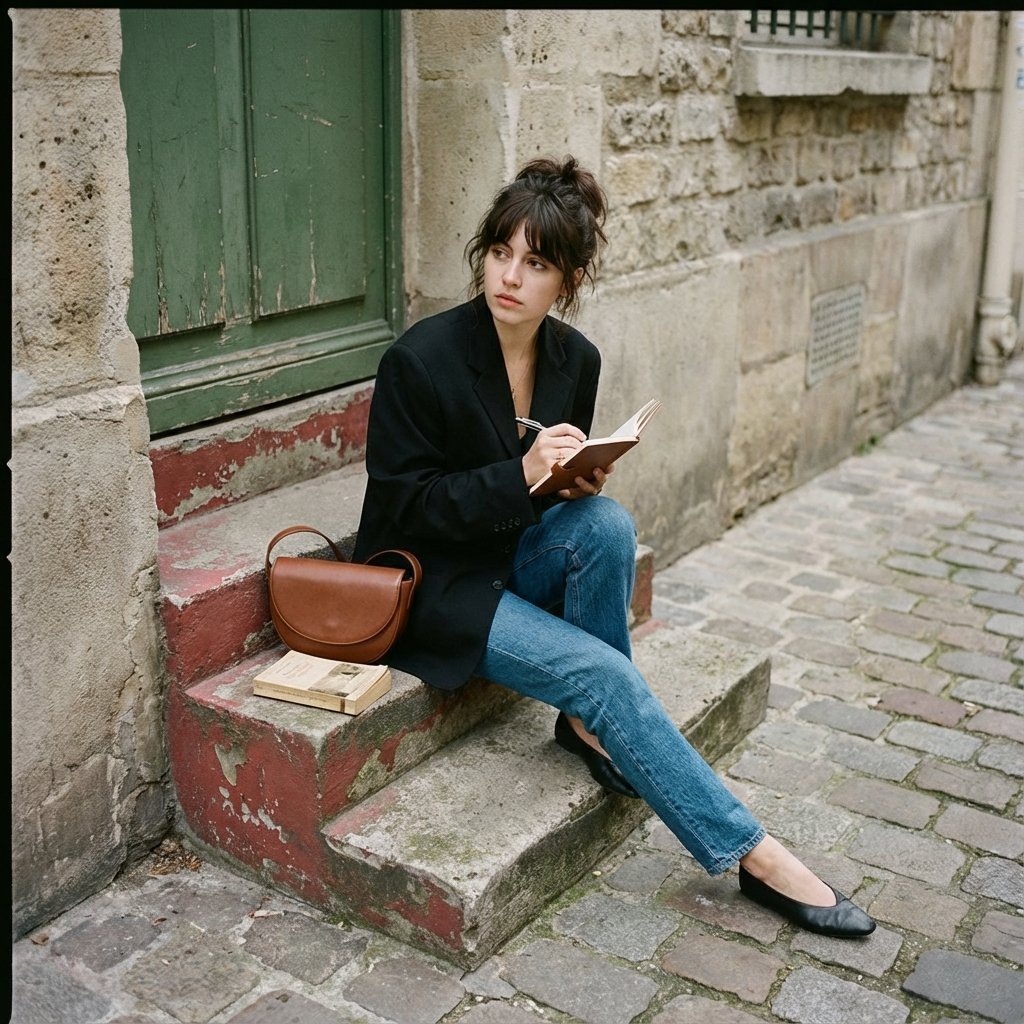
Seated casually on worn stone stairs, legs crossed slightly, holding
Make it yours
Gothic Girl on Ink-Splattered Stairs works as-is. These are the safest ways to change it without losing the look.
Change one field
Copy a single group, rewrite it, and generate again so you can see what that field is doing.
Keep the frame, change the subject
Hold the composition and light of Gothic Girl on Ink-Splattered Stairs, then swap wardrobe, props or the person for a new take.
| If the result… | Why | Fix |
|---|---|---|
| The result drifts from the preview | Too many fields changed at once. | Reuse Gothic Girl on Ink-Splattered Stairs as-is first, then change one group — subject, light, or setting. |
| The model over-stylizes the scene | The prose prompt leaves finish and camera underspecified. | Add one camera or lighting sentence and stay on GPT Image 2. |
More GPT Image 2 templates
Other prompts made for GPT Image 2.

Six VTuber Japanese Logo Sheet

Realistic Portrait of Woman and Deer

The Vista Modular Condo Poster

AI Model Routing Comparison Infographic

2.5D Anime Art Board

Isometric Productivity Desk Scene

New York Double Exposure Poster

Four-Panel AI Landscape Comparison

Japanese Tatami Lifestyle Magazine Cover

NESCAFÉ Coffee Map Poster
More image prompts
Fresh picks from across the catalog.

Japanese AI Product Landing Page Hero

Ultra-realistic selfie with F1 champion Lando Norris
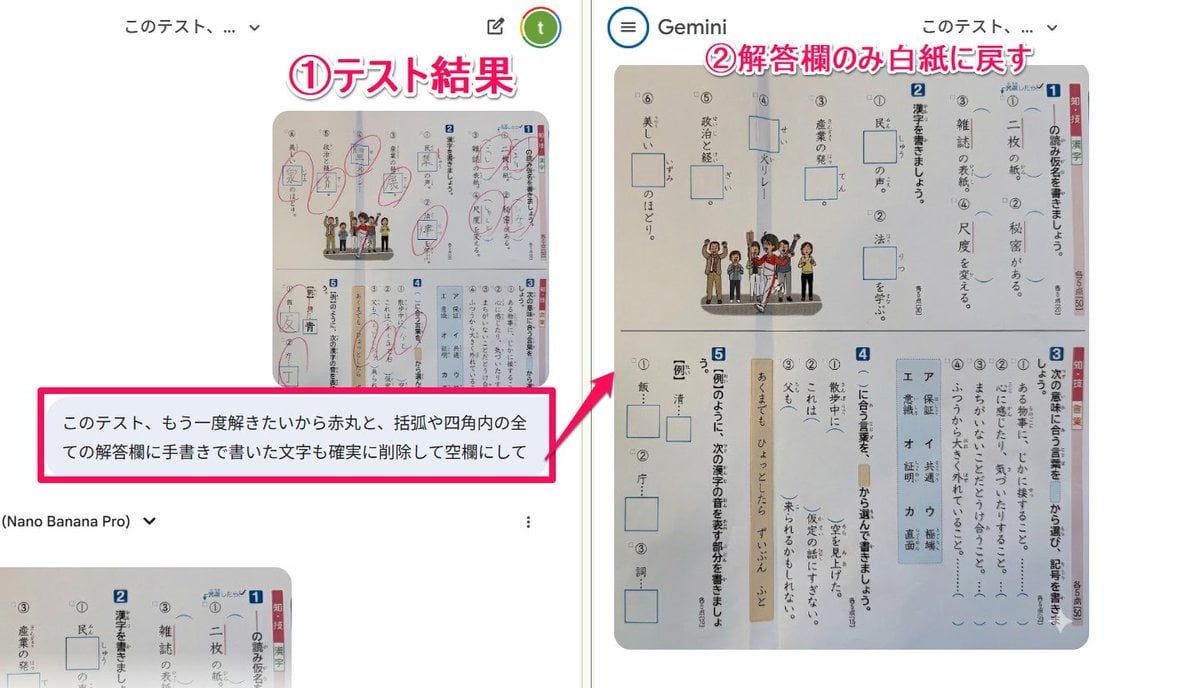
Prompt for clearing handwritten answers from a test image for reuse

Cyber-Poetry Face Projection
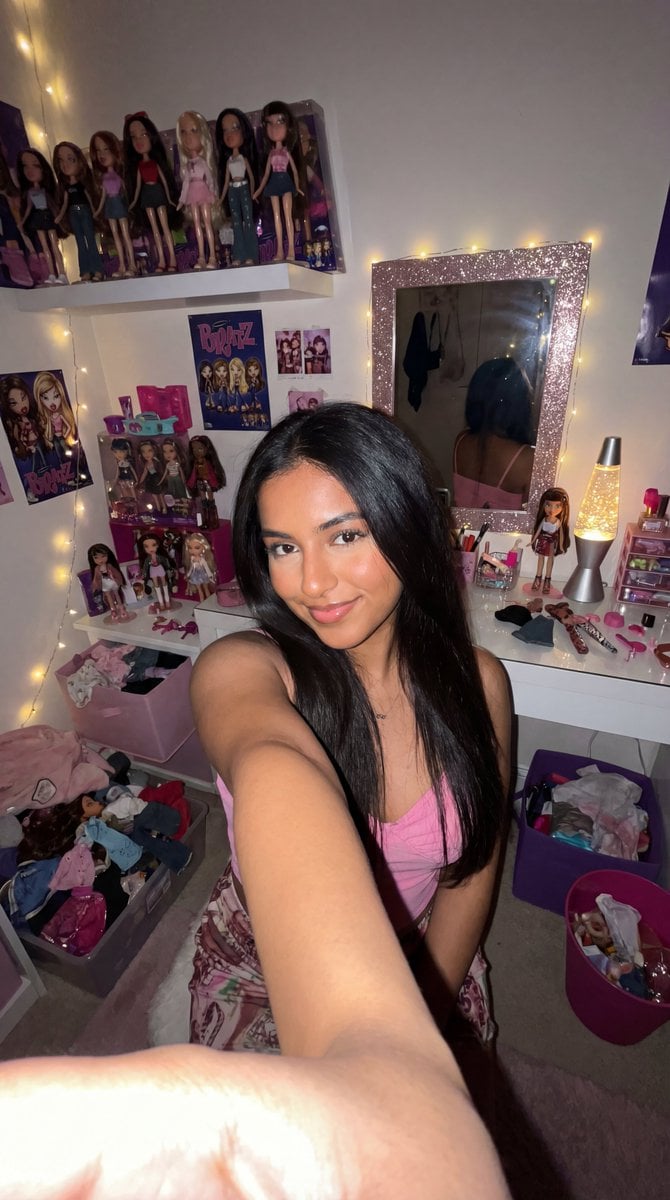
8k Ultra-Photorealistic Bratz Doll Themed Selfie

Louis Vuitton Sneaker Editorial Grid Prompt
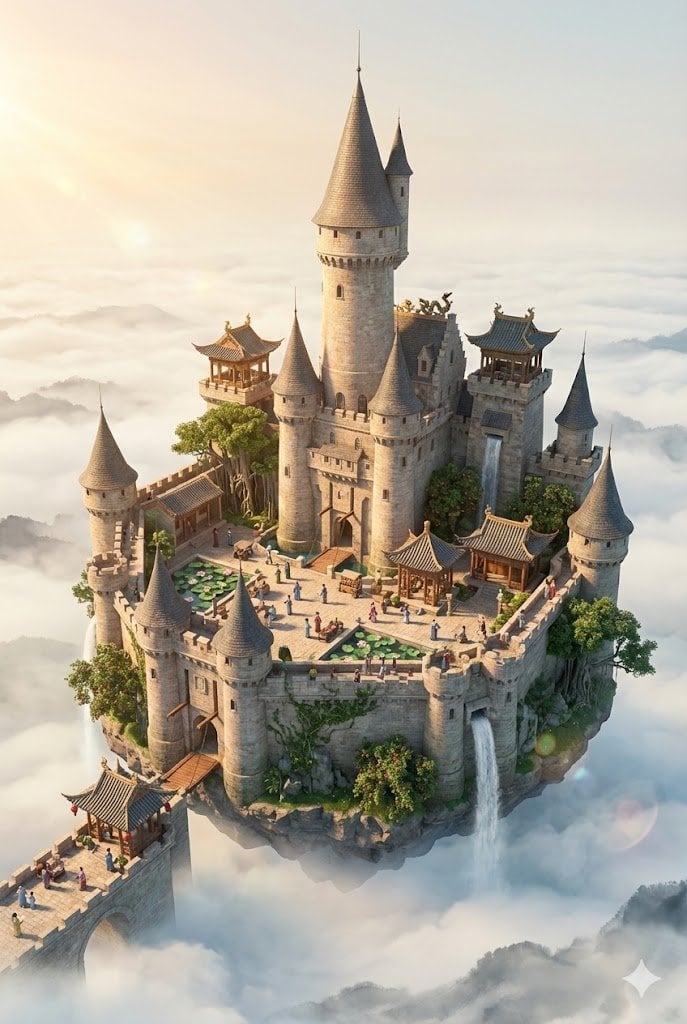
Floating Sky Castle Digital Art Poster Prompt
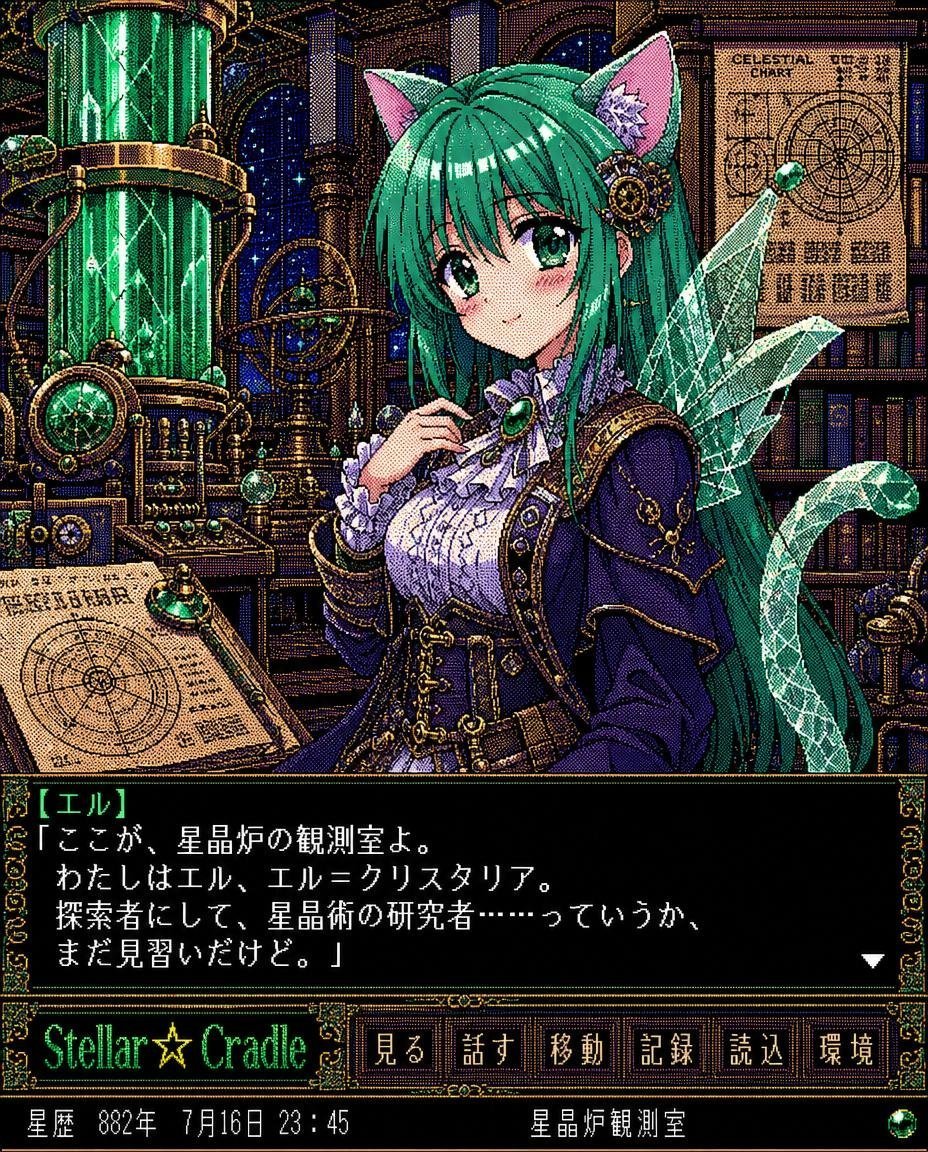
Retro Crystal Observatory Visual Novel

Commercial Product Advertising Illustration

Night Park Proposal Portrait
Browse template categories
Gothic Girl on Ink-Splattered Stairs questions
How do I use the Gothic Girl on Ink-Splattered Stairs template?
Add your photo if the template asks for one, edit the prompt if you like — the template's model and format are already selected — and press Generate. Your version opens in PicX Studio.
Can I customize the Gothic Girl on Ink-Splattered Stairs template?
Yes. You can change the subject, setting, lighting, mood, format, and available model controls before creating your image.
Is the Gothic Girl on Ink-Splattered Stairs template free?
Opening and editing this template is free. Generating uses credits, shown on the Generate button when you are signed in.
Which AI model should I use?
Start with GPT Image 2, which is the model associated with this template. You can compare another compatible model for a different finish.
Looking for something else? Browse all templates.

Your photo, any look
Thousands of ready templates for every top image and video model, from one credit balance.