
Anime Girl and Man Date Photo Collage
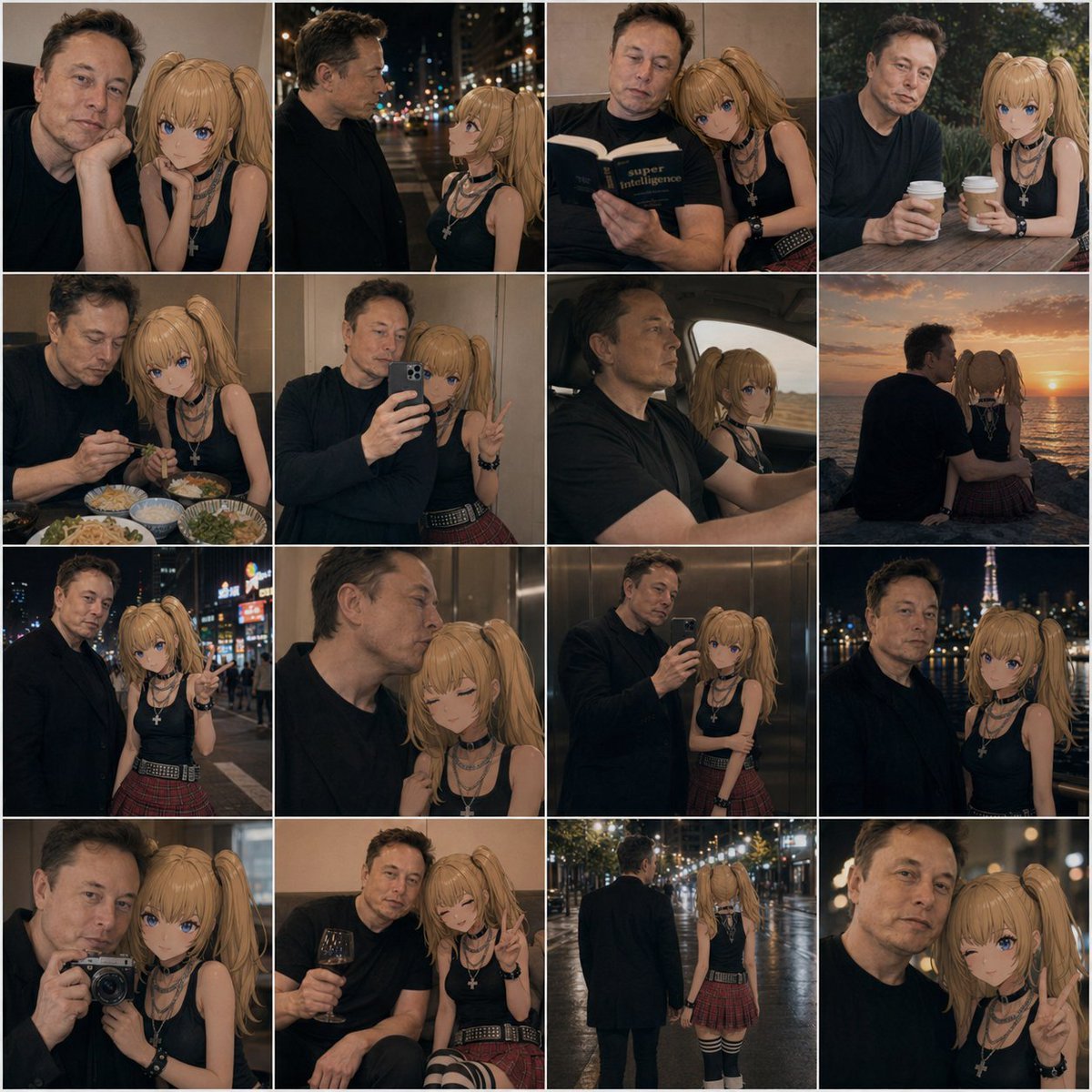
This prompt generates a cinematic 16-photo social-media-style collage of a real man and an anime companion in intimate urban date scenes, useful for stylized lifestyle composites and AI character relationship imagery.
- Prompt included
- Model and format preset
- Free template
The prompt behind this image
Copy the exact prompt behind Anime Girl and Man Date Photo Collage, or open it in the studio and make it yours.
A 4x4 photo collage of 16 warm, cinematic lifestyle snapshots featuring a real adult man and an anime-style young woman companion posed together as if in casual date photos. The man has short dark hair, light skin, an average build, and wears a plain dark navy or black long-sleeve shirt; his face is intentionally obscured and softly blurred in every frame. The anime girl has long blonde twin ponytails, large blue eyes, light skin, and a slim petite build, wearing a black sleeveless top, layered silver necklaces including a cross pendant, black wrist accessories, a red plaid pleated mini skirt, and black-and-white striped thigh-high socks. Blend realistic photography with a convincingly integrated 2D anime character, keeping her clean cel-shaded look while matching the scene lighting, perspective, focus, and color grading so she appears naturally present beside him. Use moody evening tones, soft bokeh, shallow depth of field, and intimate candid couple energy. The 16 panels are: 1) close indoor portrait with both seated close together, the girl resting beside him; 2) nighttime city street side profile conversation under blurred streetlights; 3) indoors, both reading a book together, the girl leaning on his shoulder; 4) outdoor cafe table, both holding takeaway coffee cups; 5) restaurant table with multiple dishes visible, dining together; 6) mirror selfie in an elevator, the man holding a smartphone while the girl makes a peace sign; 7) car interior road-trip shot, the man driving and the anime girl in the passenger seat; 8) seaside sunset from behind, both sitting side by side watching the ocean; 9) neon-lit city night portrait, the girl pointing toward the camera; 10) intimate elevator close-up, the girl with eyes closed leaning affectionately against him; 11) full mirror selfie in an elevator showing more of both outfits; 12) night city skyline portrait with a lit tower in the background; 13) camera selfie close-up, the man holding a compact camera toward a mirror or reflective surface; 14) cozy indoor lounge moment, the man holding a glass of red wine while the girl smiles and makes a peace sign; 15) rear full-body rainy night street shot, the pair walking away hand in hand under glowing streetlights; 16) extreme close-up night portrait with the girl flashing a peace sign. Keep the collage tightly gridded with thin white dividers, square overall format, consistent amber-brown color grading, romantic urban realism, and subtle social-media photo-dump aesthetics.
How to use Anime Girl and Man Date Photo Collage in 3 steps
- 1Upload ImagePNG, JPG or paste
Add your photo
Upload the photo the template builds on. The prompt, model and format are already set.
- 2…a portrait of your subject in softgolden-hour light, 85mm…
Personalize
Edit the subject and creative details for your destination.
- 3Generate
Generate
Press Generate — your image is created in PicX Studio, so you can compare it with the original and refine one variable at a time.
More like this
Templates with the same subject, style or setup. Open one to see its prompt.
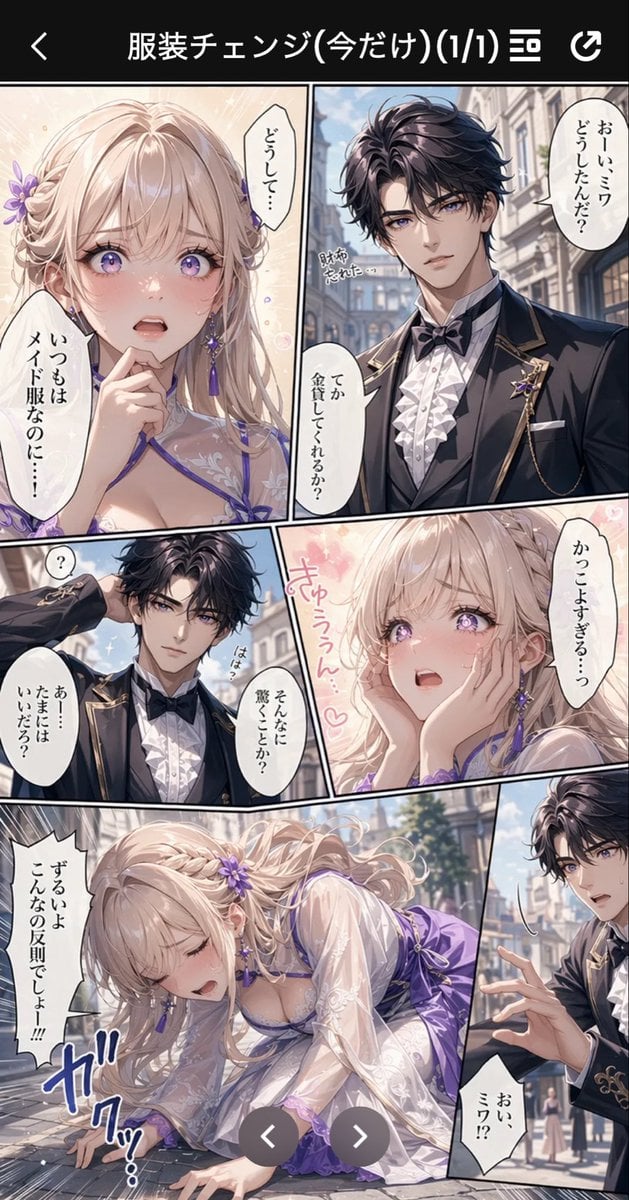
Anime Butler Date Manga Screenshot

Chaotic Anime Schoolgirl Fan Collage

Teen Girl Alpine Lake Mountain View

Framed Quilling Anime Girl

Pastel Anime Summer Beach Collage
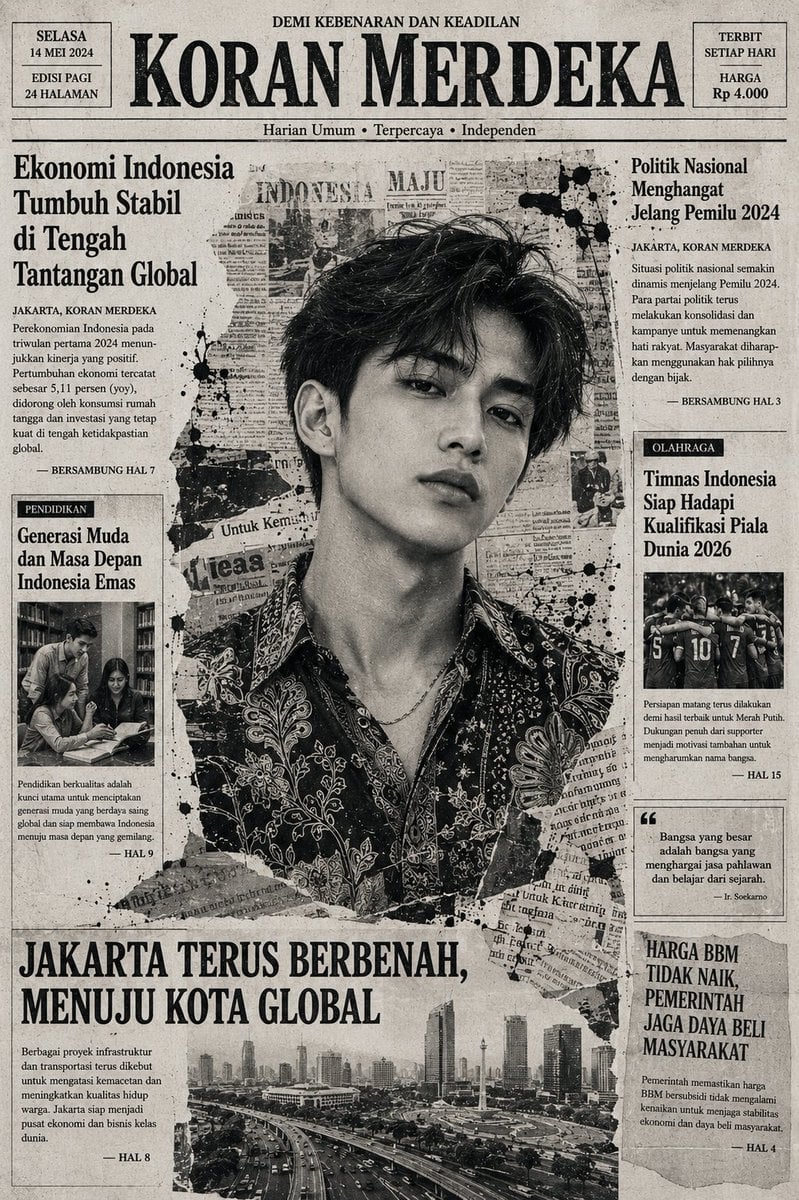
Indonesian Woman Newspaper Collage Portrait

Anime Lantern Girl Character Sheet
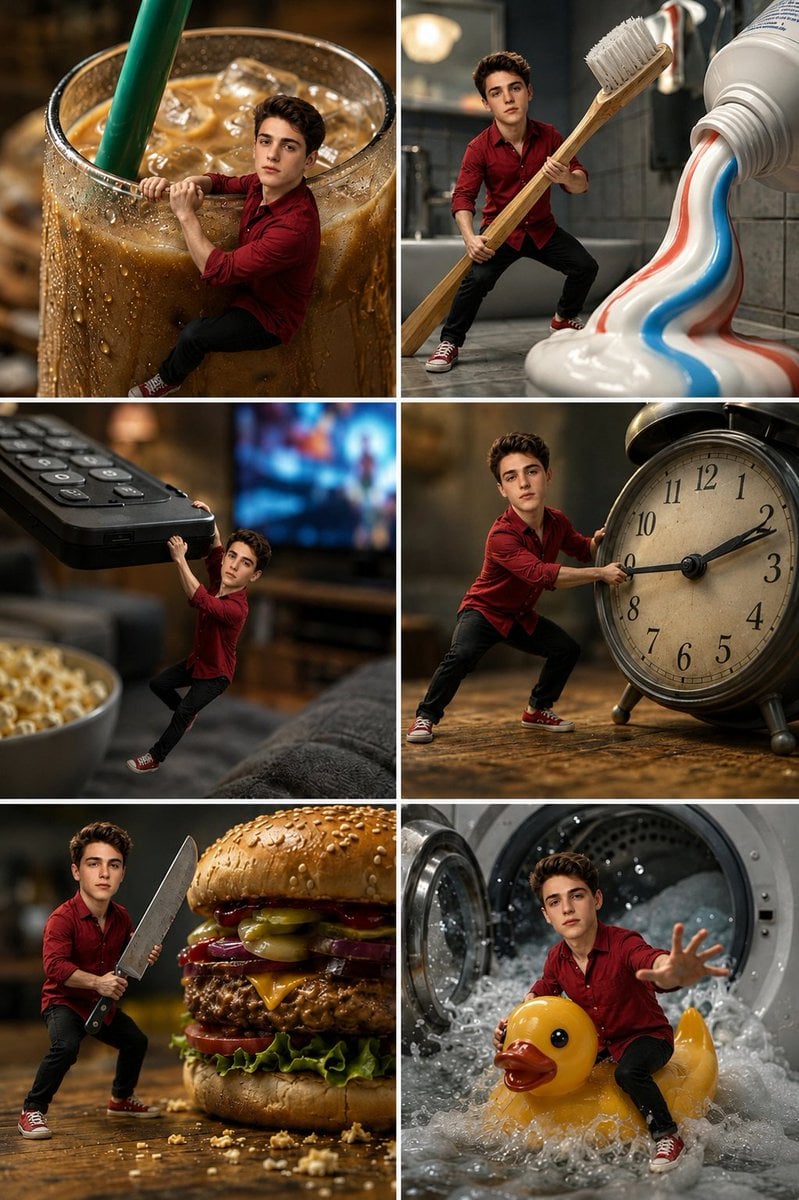
Miniature Man Household Survival Collage
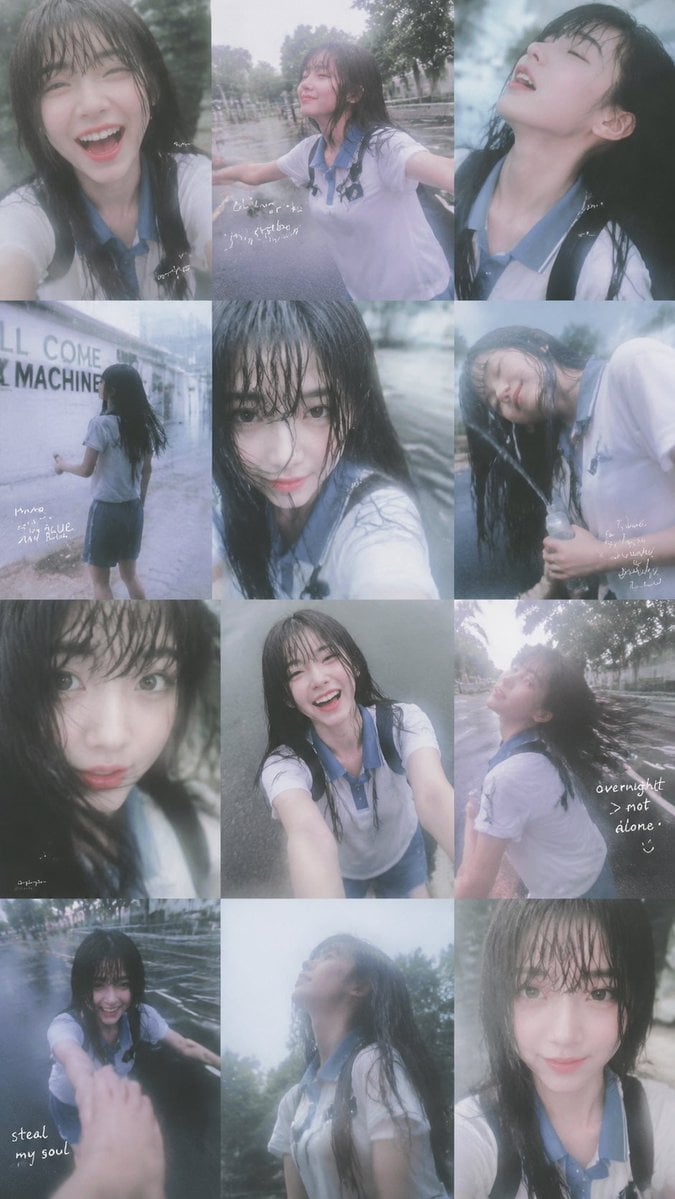
Rainy Schoolgirl Photo Diary Collage

Anime Girl Generation Grid

Sunny Seaside Anime Manga Page

Paper Cut Finale Fireworks
Make it yours
Anime Girl and Man Date Photo Collage works as-is. These are the safest ways to change it without losing the look.
Change one field
Copy a single group, rewrite it, and generate again so you can see what that field is doing.
Keep the frame, change the subject
Hold the composition and light of Anime Girl and Man Date Photo Collage, then swap wardrobe, props or the person for a new take.
| If the result… | Why | Fix |
|---|---|---|
| The result drifts from the preview | Too many fields changed at once. | Reuse Anime Girl and Man Date Photo Collage as-is first, then change one group — subject, light, or setting. |
| The model over-stylizes the scene | The prose prompt leaves finish and camera underspecified. | Add one camera or lighting sentence and stay on GPT Image 2. |
More GPT Image 2 templates
Other prompts made for GPT Image 2.

Six VTuber Japanese Logo Sheet

Realistic Portrait of Woman and Deer

The Vista Modular Condo Poster

AI Model Routing Comparison Infographic

2.5D Anime Art Board

Isometric Productivity Desk Scene

New York Double Exposure Poster

Four-Panel AI Landscape Comparison

Japanese Tatami Lifestyle Magazine Cover

NESCAFÉ Coffee Map Poster
More image prompts
Fresh picks from across the catalog.

Tiny Santa Placing Present Prompt
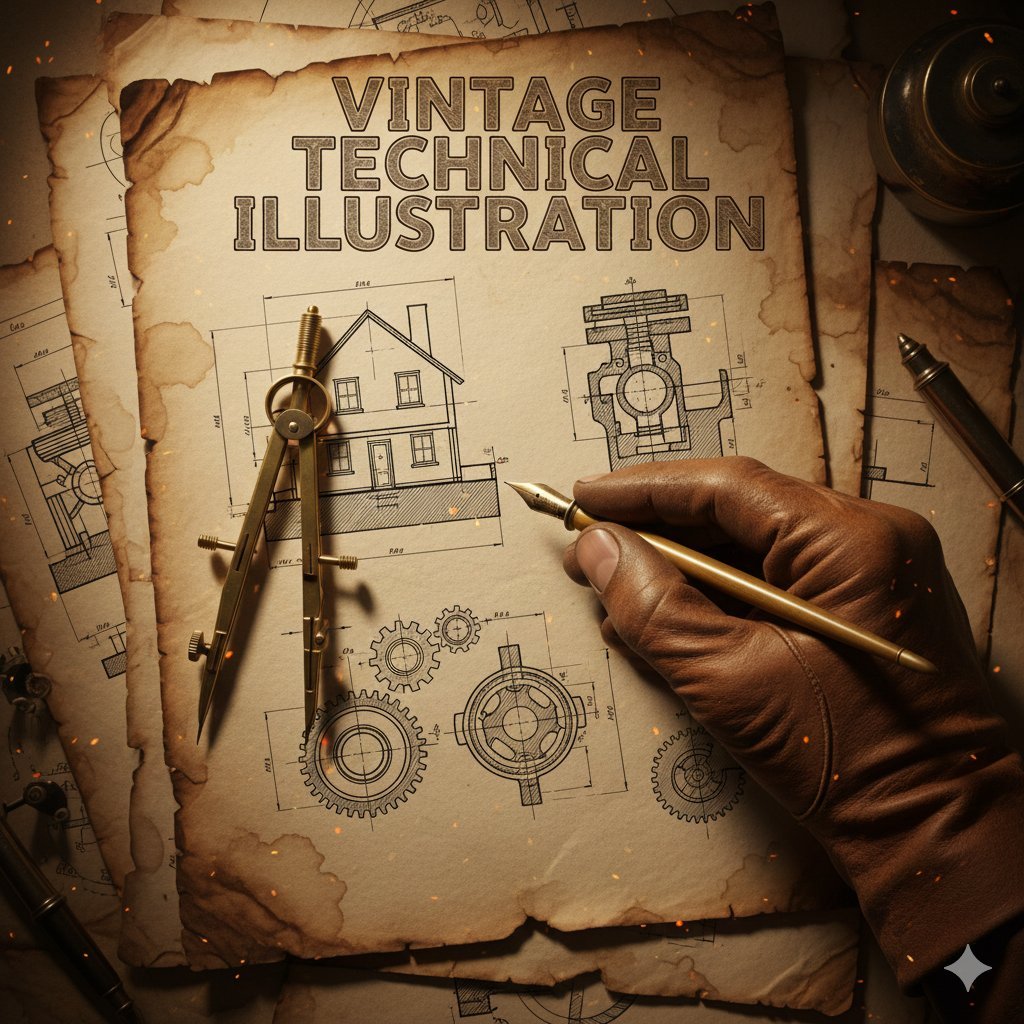
Vintage Technical Illustration Macro Shot
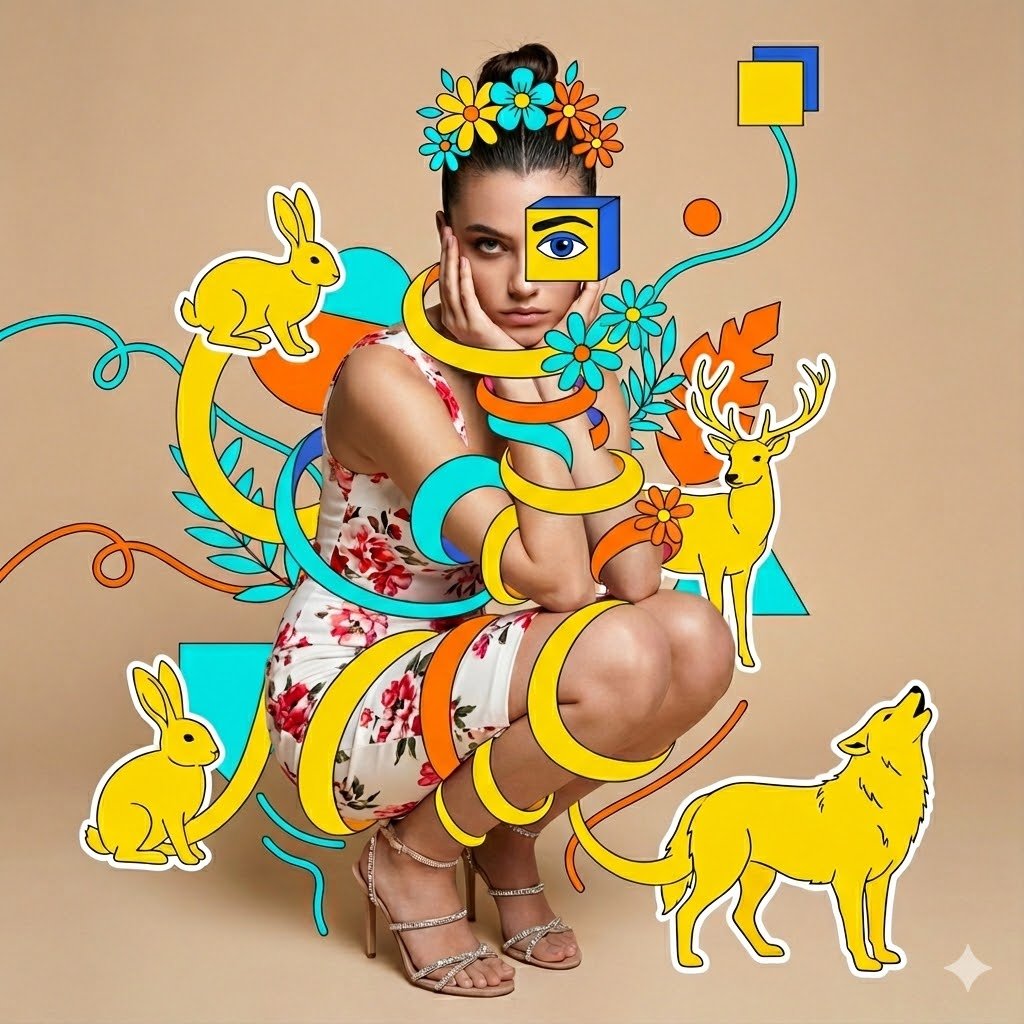
Surreal Mixed-Media Fashion Portrait Collage
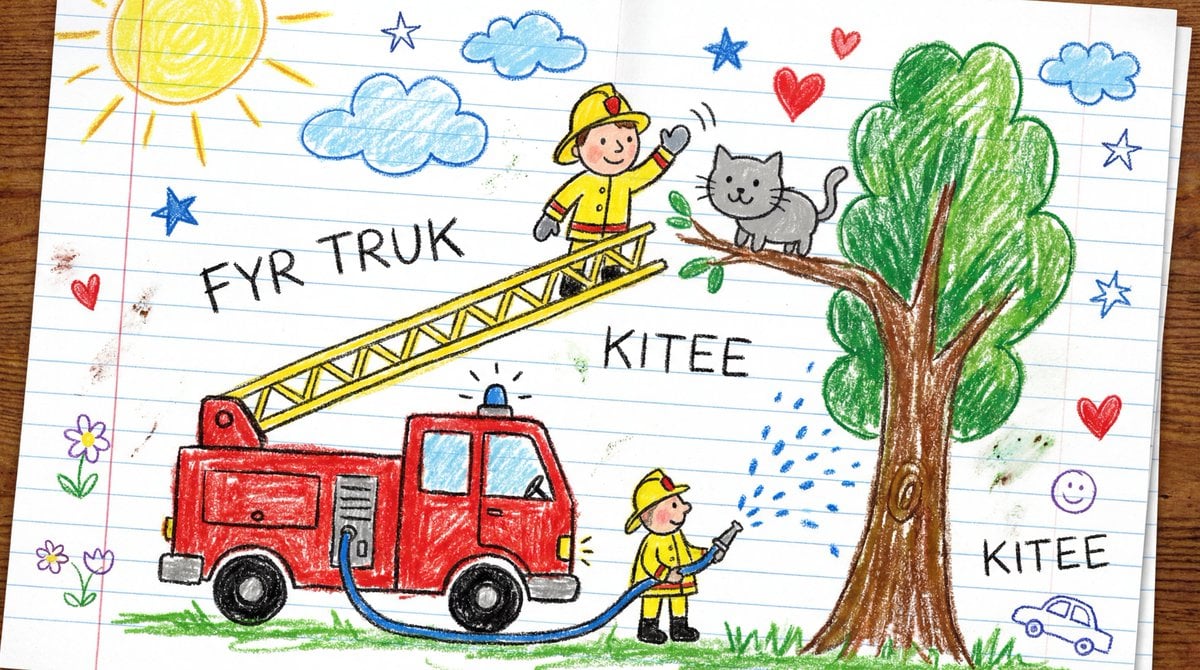
Child's Crayon Drawing Style Generator

Vintage Newspaper Food Scene Prompt (JSON)

Photorealistic Asian Female Model in DeepSeek Outfit Prompt
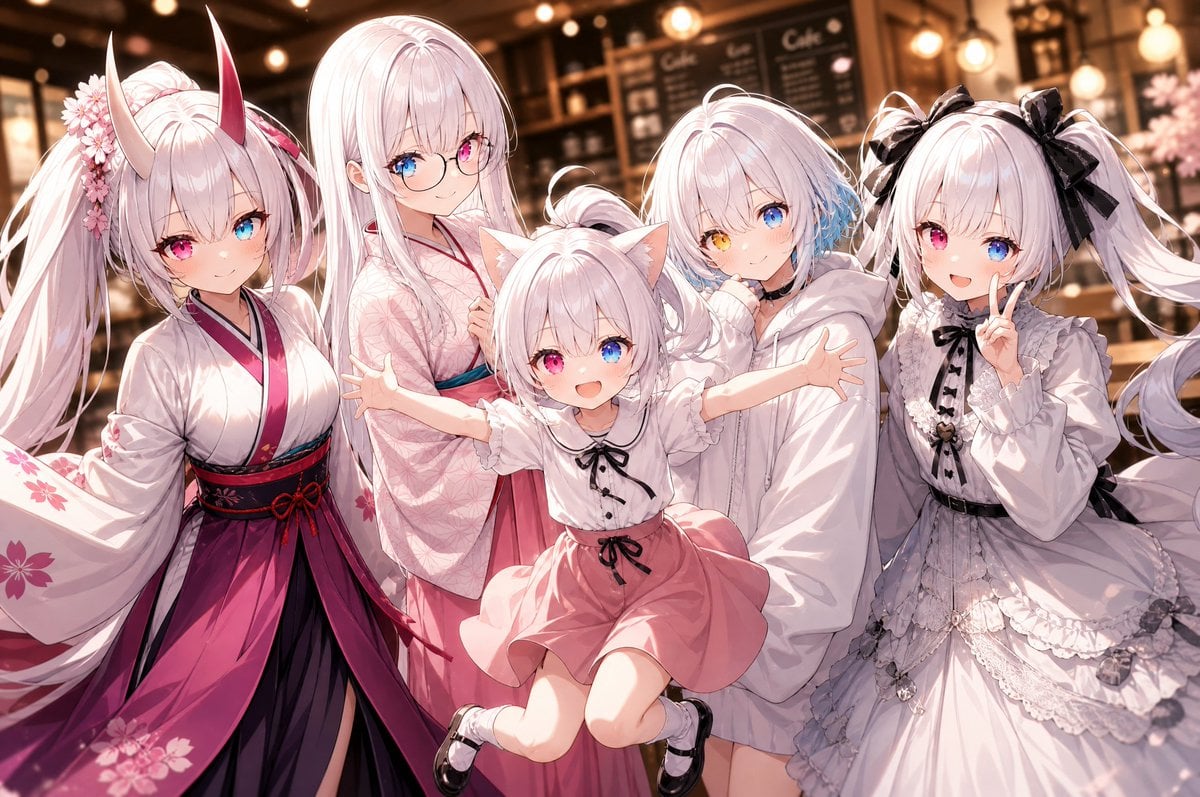
Five-Girl Anime Café Group Portrait
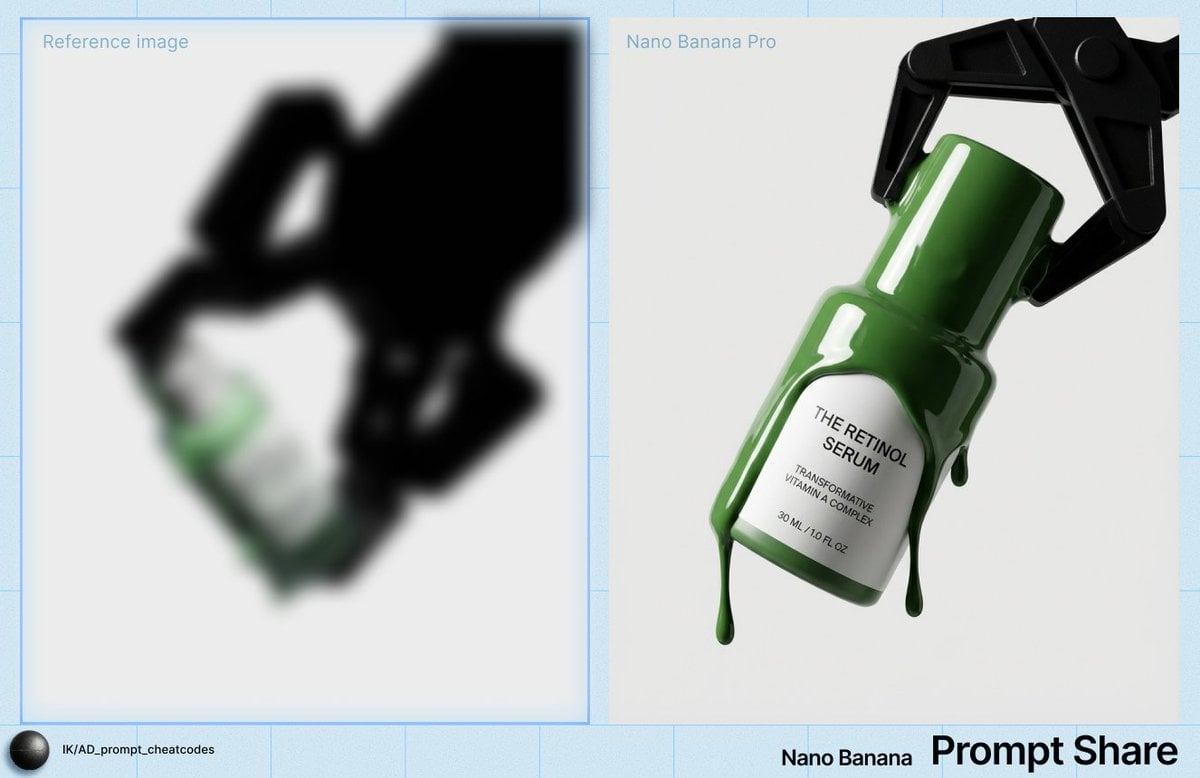
High-Contrast Studio Product Shot of Serum Bottle
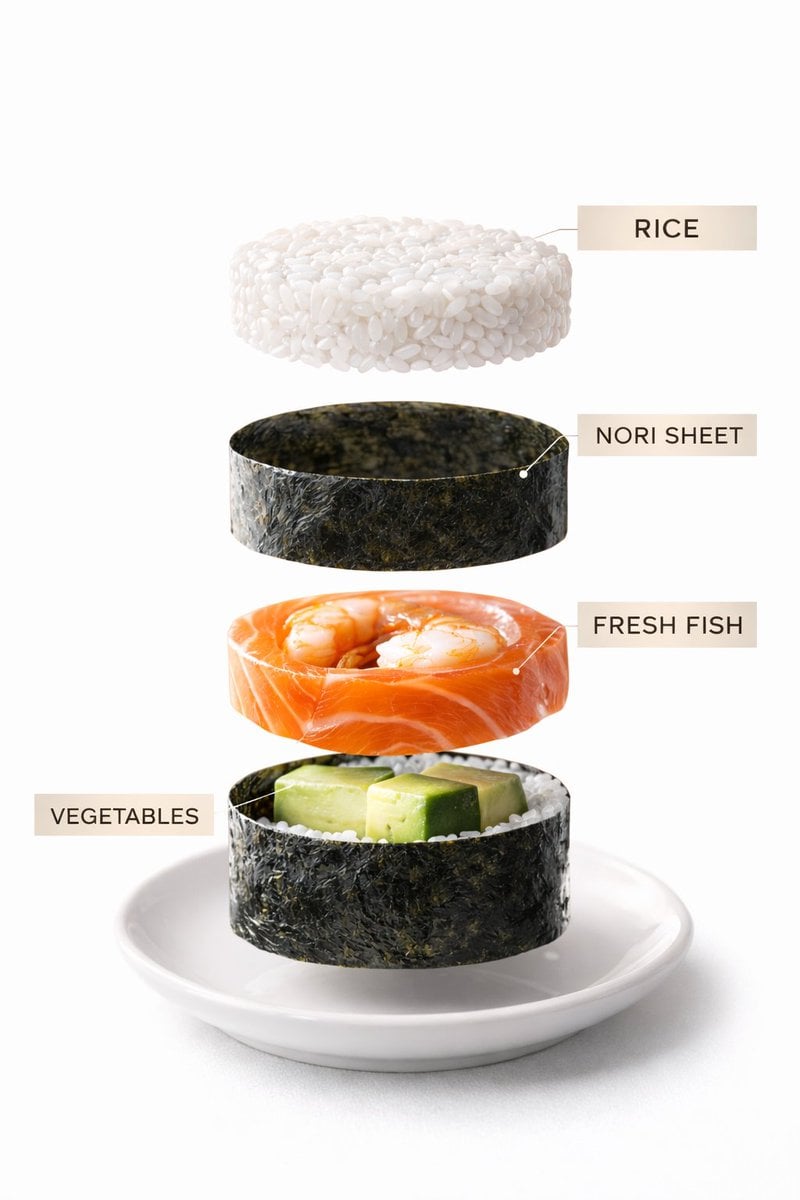
Sushi Commercial Photography and Exploded Diagram Prompt
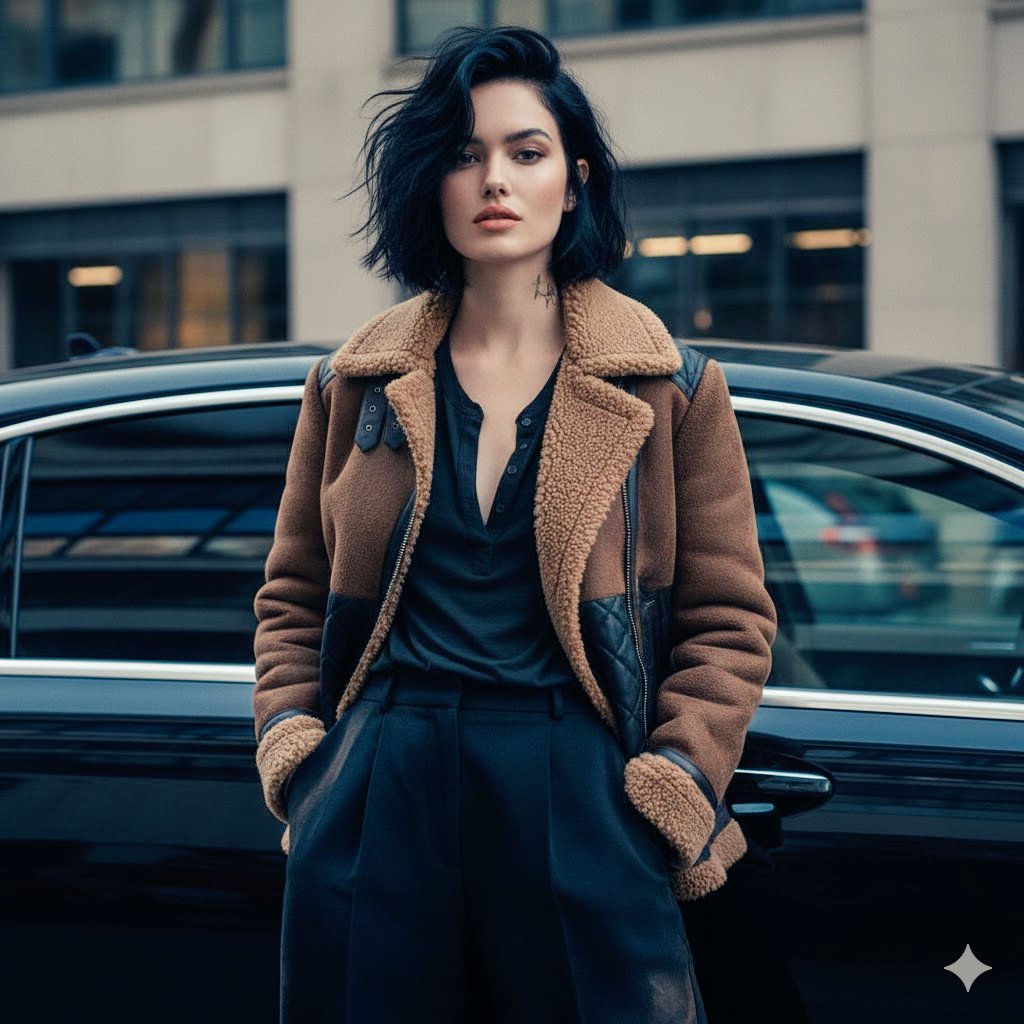
Cinematic Fashion Portrait Prompt
Browse template categories
Anime Girl and Man Date Photo Collage questions
How do I use the Anime Girl and Man Date Photo Collage template?
Add your photo if the template asks for one, edit the prompt if you like — the template's model and format are already selected — and press Generate. Your version opens in PicX Studio.
Can I customize the Anime Girl and Man Date Photo Collage template?
Yes. You can change the subject, setting, lighting, mood, format, and available model controls before creating your image.
Is the Anime Girl and Man Date Photo Collage template free?
Opening and editing this template is free. Generating uses credits, shown on the Generate button when you are signed in.
Which AI model should I use?
Start with GPT Image 2, which is the model associated with this template. You can compare another compatible model for a different finish.
Looking for something else? Browse all templates.

Your photo, any look
Thousands of ready templates for every top image and video model, from one credit balance.