
Anime Rockabilly Diner Girl
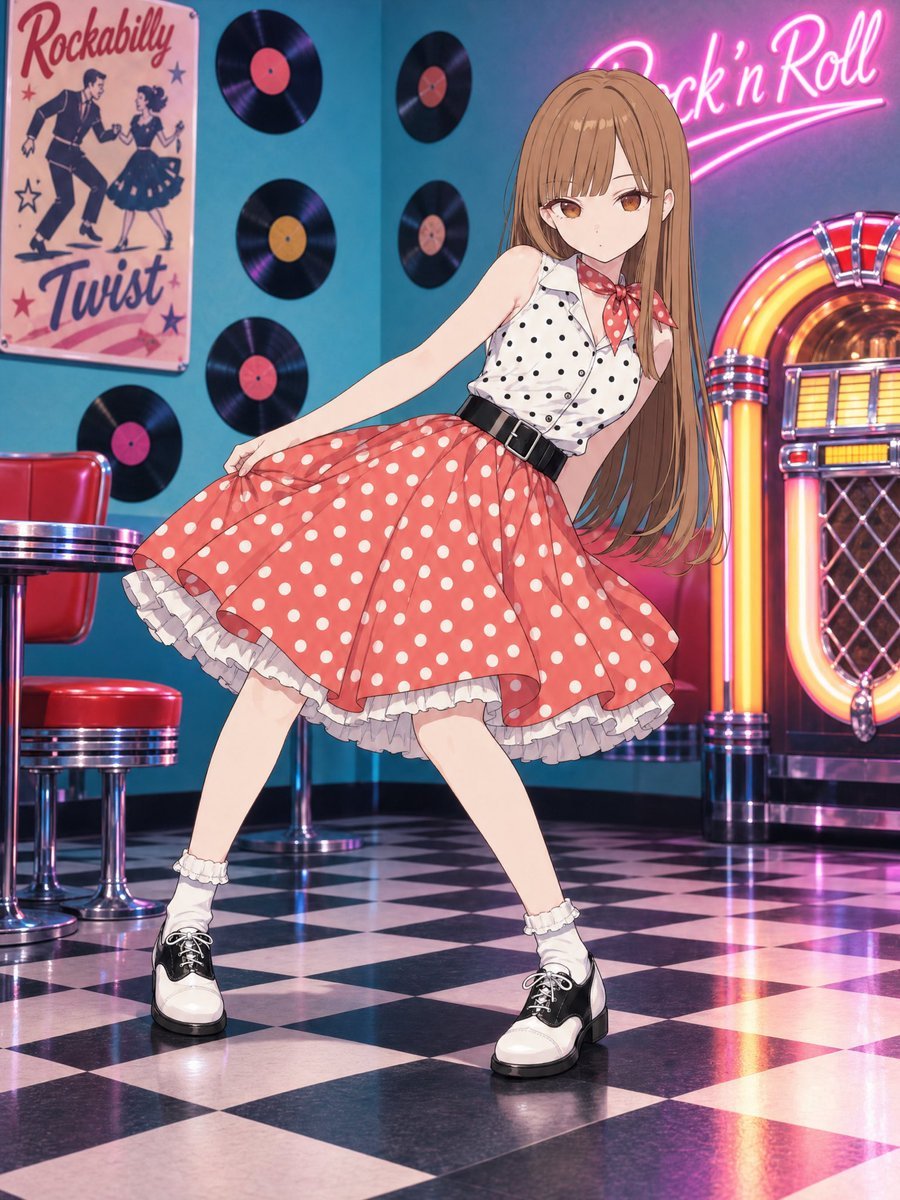
A vertical anime illustration prompt for creating a retro 1950s rock-and-roll diner scene with a dancing girl in a polka-dot outfit.
- Prompt included
- Model and format preset
- Free template
The prompt behind this image
Copy the exact prompt behind Anime Rockabilly Diner Girl, or open it in the studio and make it yours.
Create a polished anime-style full-body illustration of a young woman in a 1950s American rockabilly diner. The character is {argument name="character name" default="an original teenage anime girl"} with very long straight {argument name="hair color" default="light brown"} hair, blunt bangs, amber-brown eyes, fair skin, and a calm slightly serious expression. She is posing mid-dance with her body leaning diagonally, one arm extended to hold the hem of her skirt, legs spread in a rock-and-roll stance, looking toward the viewer. Her outfit is a retro rockabilly dance costume: a sleeveless white collared blouse with black polka dots, a red scarf with white polka dots tied at the neck, a wide black waist belt, a voluminous {argument name="skirt color and pattern" default="red skirt with large white polka dots"} flaring outward with visible layered white ruffle petticoat underneath, white frilly ankle socks, and black-and-white saddle shoes. Set the scene inside a colorful vintage diner with a glossy black-and-white checkerboard floor, teal-blue walls, chrome and red vinyl diner stools on the left, and a glowing classic jukebox on the right with warm orange, yellow, pink, and chrome highlights. Include exactly 5 vinyl records mounted on the wall, each black with a colored center label, arranged around the character. Add one vintage wall poster on the left reading “Rockabilly” at the top and “Twist” at the bottom, showing a dancing couple with stars. Add a bright pink neon sign on the upper right reading {argument name="neon sign text" default="Rock ’n’ Roll"}, with a swooping underline. Use vibrant saturated colors, clean anime line art, soft cel shading, glossy reflections on the floor, dramatic neon lighting, and high detail in the clothing folds and hair strands. Vertical portrait composition, full-body framing, dynamic perspective, no extra characters, no watermark, no text other than the poster and neon sign.
How to use Anime Rockabilly Diner Girl in 3 steps
- 1Upload ImagePNG, JPG or paste
Add your photo
Upload the photo the template builds on. The prompt, model and format are already set.
- 2…a portrait of your subject in softgolden-hour light, 85mm…
Personalize
Edit the subject and creative details for your destination.
- 3Generate
Generate
Press Generate — your image is created in PicX Studio, so you can compare it with the original and refine one variable at a time.
More like this
Templates with the same subject, style or setup. Open one to see its prompt.











Make it yours
Anime Rockabilly Diner Girl works as-is. These are the safest ways to change it without losing the look.
Change one field
Copy a single group, rewrite it, and generate again so you can see what that field is doing.
Keep the frame, change the subject
Hold the composition and light of Anime Rockabilly Diner Girl, then swap wardrobe, props or the person for a new take.
| If the result… | Why | Fix |
|---|---|---|
| The result drifts from the preview | Too many fields changed at once. | Reuse Anime Rockabilly Diner Girl as-is first, then change one group — subject, light, or setting. |
| The model over-stylizes the scene | The prose prompt leaves finish and camera underspecified. | Add one camera or lighting sentence and stay on GPT Image 2. |
More GPT Image 2 templates
Other prompts made for GPT Image 2.

Six VTuber Japanese Logo Sheet

Realistic Portrait of Woman and Deer

The Vista Modular Condo Poster

AI Model Routing Comparison Infographic

2.5D Anime Art Board

Isometric Productivity Desk Scene

New York Double Exposure Poster

Four-Panel AI Landscape Comparison

Japanese Tatami Lifestyle Magazine Cover

NESCAFÉ Coffee Map Poster
More image prompts
Fresh picks from across the catalog.
Lazy Bedroom Selfie Prompt (Lying Prone)
Valentine S Day Couple Portraits
Image enhancement and upscaling prompt
Ultra-Wide Angle Dynamic Pose Remake Prompt
3D Render of Boy and Furry Monster on Scooter

Tiny Santa Placing Present Prompt
Detailed Image Generation Prompt for a Young Asian Woman in a Pink Knit Set

SUNO Prompt for Modern Retro Electro Swing BGM
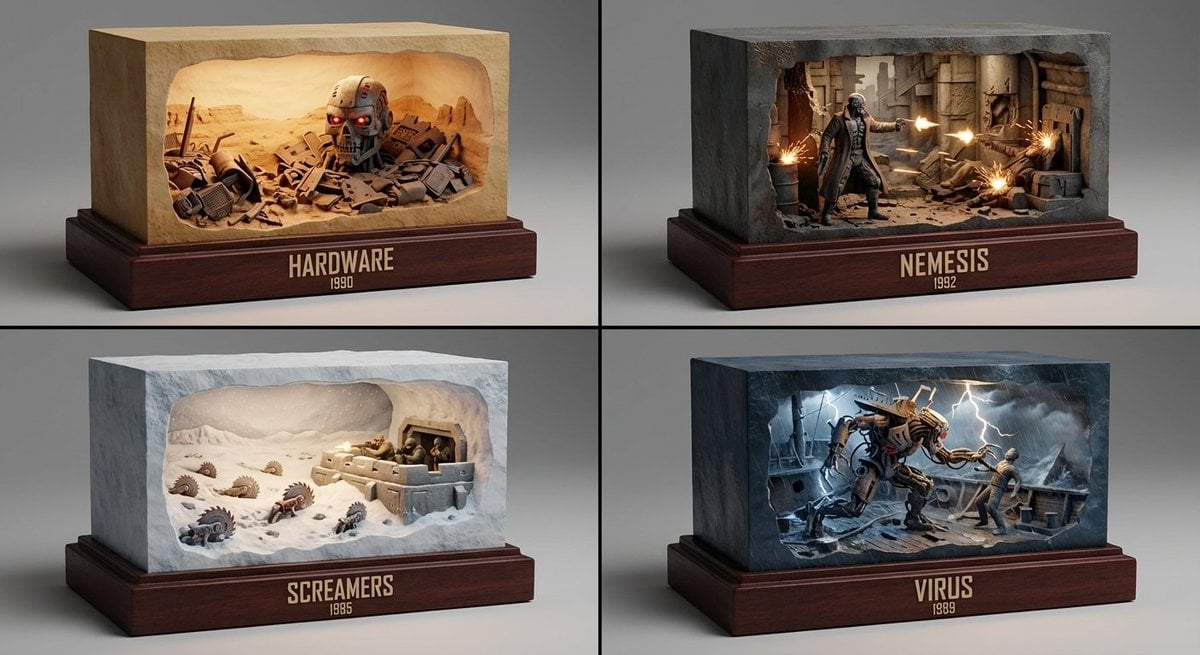
Semantic Inference Prompt for Media Recommendation Dioramas
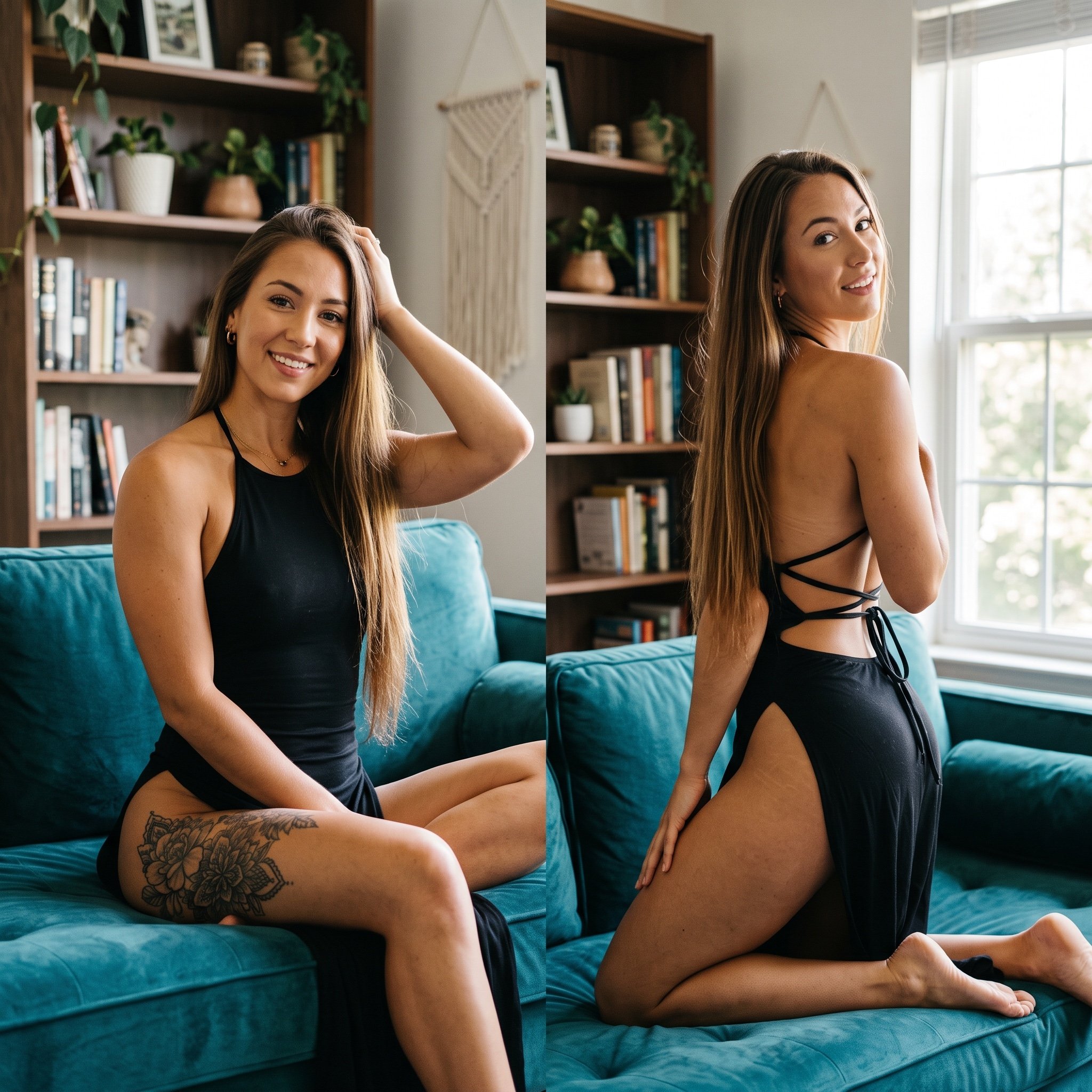
Photorealistic Split-Screen Collage Prompt
Browse template categories
Anime Rockabilly Diner Girl questions
How do I use the Anime Rockabilly Diner Girl template?
Add your photo if the template asks for one, edit the prompt if you like — the template's model and format are already selected — and press Generate. Your version opens in PicX Studio.
Can I customize the Anime Rockabilly Diner Girl template?
Yes. You can change the subject, setting, lighting, mood, format, and available model controls before creating your image.
Is the Anime Rockabilly Diner Girl template free?
Opening and editing this template is free. Generating uses credits, shown on the Generate button when you are signed in.
Which AI model should I use?
Start with GPT Image 2, which is the model associated with this template. You can compare another compatible model for a different finish.
Looking for something else? Browse all templates.

Your photo, any look
Thousands of ready templates for every top image and video model, from one credit balance.