
Calico Cat AI Focus Poster
Generates a cozy Japanese motivational poster about returning to basics and focusing on results with AI, suitable for social media or blog visuals.
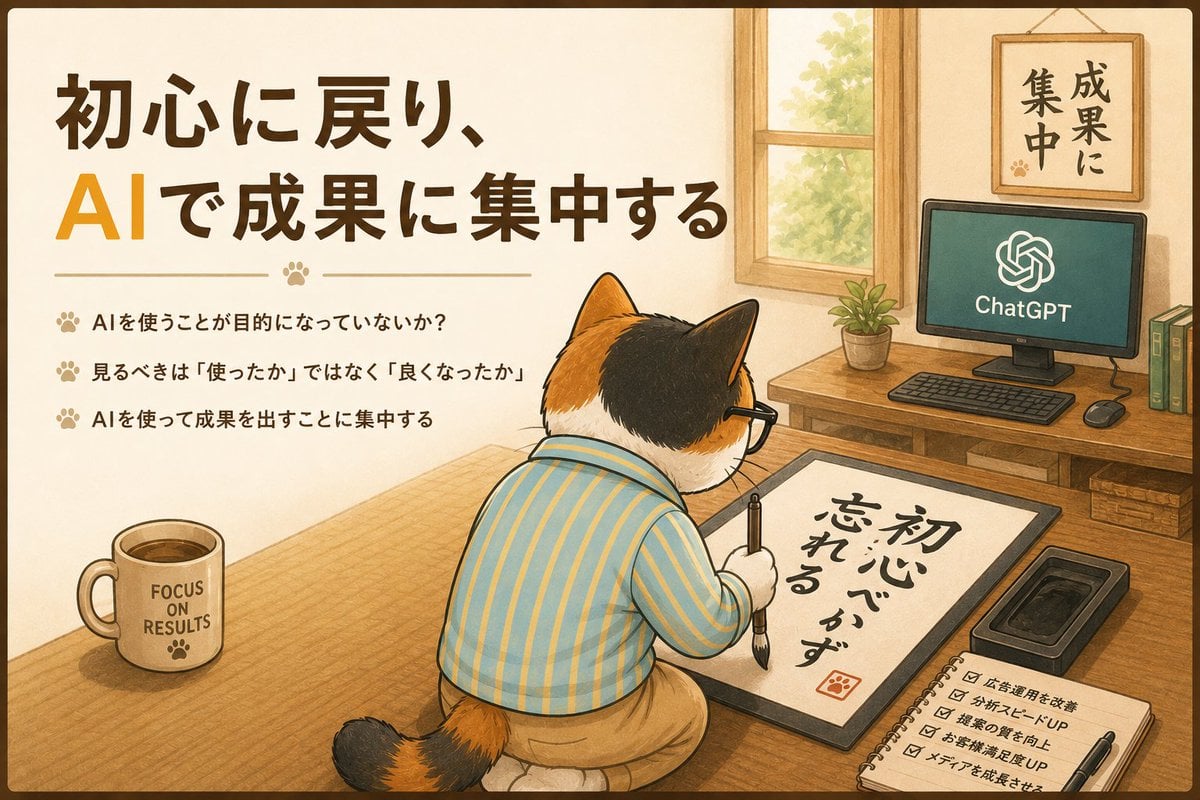
- Prompt included
- Model and format preset
- Free template
The prompt behind this image
Copy the exact prompt behind Calico Cat AI Focus Poster, or open it in the studio and make it yours.
- Type
- warm Japanese motivational poster illustration
- Style
- soft watercolor and colored-pencil anime storybook style, clean ink outlines, cozy warm beige palette, gentle sunlight, hand-drawn texture, rounded poster border
- Format
- 16:9 landscape poster
- Main Message › Headline
- {argument name="headline text" default="初心に戻り、AIで成果に集中する"}
- Main Message › Position
- upper left
- Main Message › Typography
- large bold Japanese brush-gothic lettering; the letters AI are oversized and orange while the rest is dark brown
- Main Message › Divider
- thin horizontal decorative line with a small paw-print icon in the center
- Left Text Block › Position
- left middle under headline
- Left Text Block › Count
- 3
- Left Text Block › Bullet Style
- small paw-print bullets in light brown
- Left Text Block › Labels
- AIを使うことが目的になっていないか?, 見るべきは「使ったか」ではなく「良くなったか」, AIを使って成果を出すことに集中する
- Character › Subject
- anthropomorphic calico cat seen from behind, seated on a cushion at a low wooden desk
- Character › Fur
- orange, black, and white calico patches, black ear and crown area, orange-and-black striped tail
- Character › Clothing
- blue pajama-style shirt with thin yellow vertical stripes and tan pants
- Character › Accessory
- black rectangular eyeglasses
- Character › Pose
- focused posture, holding a thick calligraphy brush and writing on paper
- Calligraphy Board › Position
- lower center-right on desk
- Calligraphy Board › Text
- {argument name="calligraphy text" default="初心忘れるべからず"}
- Calligraphy Board › Appearance
- white sheet inside a black writing mat, bold black Japanese brush calligraphy, small red square seal stamp with paw motif
- Room Setting › Location
- cozy Japanese home office with tatami-like wooden floor and low table
- Room Setting › Lighting
- soft daylight from a wooden-framed window on the back wall
- Room Setting › Background Objects
- wooden desk with computer, potted plant, books, mouse, keyboard, and a framed wall motto
- Visible Objects And Text › Desktop Monitor › Position
- back right on wooden desk
- Visible Objects And Text › Desktop Monitor › Screen Text
- ChatGPT
Raw JSON
{
  "type": "warm Japanese motivational poster illustration",
  "style": "soft watercolor and colored-pencil anime storybook style, clean ink outlines, cozy warm beige palette, gentle sunlight, hand-drawn texture, rounded poster border",
  "format": "16:9 landscape poster",
  "main message": {
    "headline": "{argument name=\"headline text\" default=\"初心に戻り、AIで成果に集中する\"}",
    "position": "upper left",
    "typography": "large bold Japanese brush-gothic lettering; the letters AI are oversized and orange while the rest is dark brown",
    "divider": "thin horizontal decorative line with a small paw-print icon in the center"
  },
  "left text block": {
    "position": "left middle under headline",
    "count": 3,
    "bullet style": "small paw-print bullets in light brown",
    "labels": [
      "AIを使うことが目的になっていないか?",
      "見るべきは「使ったか」ではなく「良くなったか」",
      "AIを使って成果を出すことに集中する"
    ]
  },
  "character": {
    "subject": "anthropomorphic calico cat seen from behind, seated on a cushion at a low wooden desk",
    "fur": "orange, black, and white calico patches, black ear and crown area, orange-and-black striped tail",
    "clothing": "blue pajama-style shirt with thin yellow vertical stripes and tan pants",
    "accessory": "black rectangular eyeglasses",
    "pose": "focused posture, holding a thick calligraphy brush and writing on paper"
  },
  "calligraphy board": {
    "position": "lower center-right on desk",
    "text": "{argument name=\"calligraphy text\" default=\"初心忘れるべからず\"}",
    "appearance": "white sheet inside a black writing mat, bold black Japanese brush calligraphy, small red square seal stamp with paw motif"
  },
  "room setting": {
    "location": "cozy Japanese home office with tatami-like wooden floor and low table",
    "lighting": "soft daylight from a wooden-framed window on the back wall",
    "background objects": "wooden desk with computer, potted plant, books, mouse, keyboard, and a framed wall motto"
  },
  "visible objects and text": {
    "desktop monitor": {
      "position": "back right on wooden desk",
      "screen text": "ChatGPT",
      "screen icon": "white OpenAI knot-like logo on dark green screen"
    },
    "wall frame": {
      "position": "upper right",
      "text": "成果に集中",
      "appearance": "vertical Japanese calligraphy on cream paper in wooden frame, small paw print"
    },
    "mug": {
      "position": "lower left on desk",
      "text": "{argument name=\"mug text\" default=\"FOCUS ON RESULTS\"}",
      "appearance": "cream ceramic mug with coffee and a paw print"
    },
    "notebook checklist": {
      "position": "lower right",
      "count": 5,
      "items": [
        "広告運用を改善",
        "分析スピードUP",
        "提案の質を向上",
        "お客様満足度UP",
        "メディアを成長させる"
      ]
    },
    "additional tools": "black ink tray beside the calligraphy board and a pen lying on the checklist notebook"
  },
  "composition": "large educational headline and bullet list occupy the left half, the cat calligrapher dominates the lower center, and the computer workspace fills the right background; balanced poster layout with clear readable Japanese text",
  "negative prompts": "photorealism, 3D render, cluttered unreadable typography, distorted cat anatomy, extra limbs, harsh shadows, neon colors"
}How to use Calico Cat AI Focus Poster in 3 steps
- 1Upload ImagePNG, JPG or paste
Add your photo
Upload the photo the template builds on. The prompt, model and format are already set.
- 2…a portrait of your subject in softgolden-hour light, 85mm…
Personalize
Edit the subject and creative details for your destination.
- 3Generate
Generate
Press Generate — your image is created in PicX Studio, so you can compare it with the original and refine one variable at a time.
More like this
Templates with the same subject, style or setup. Open one to see its prompt.
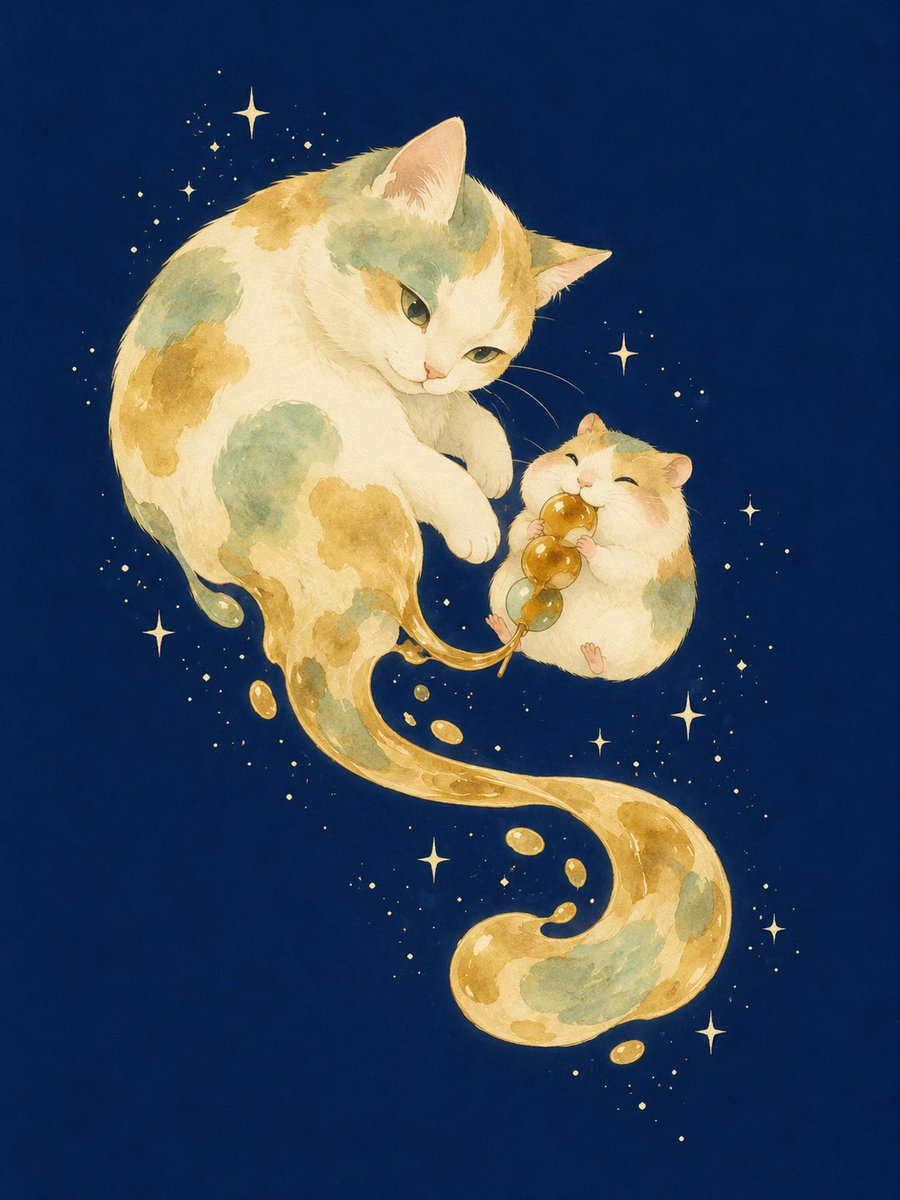
Mitarashi Calico Cat and Hamster

Japan Travel Brochure Poster
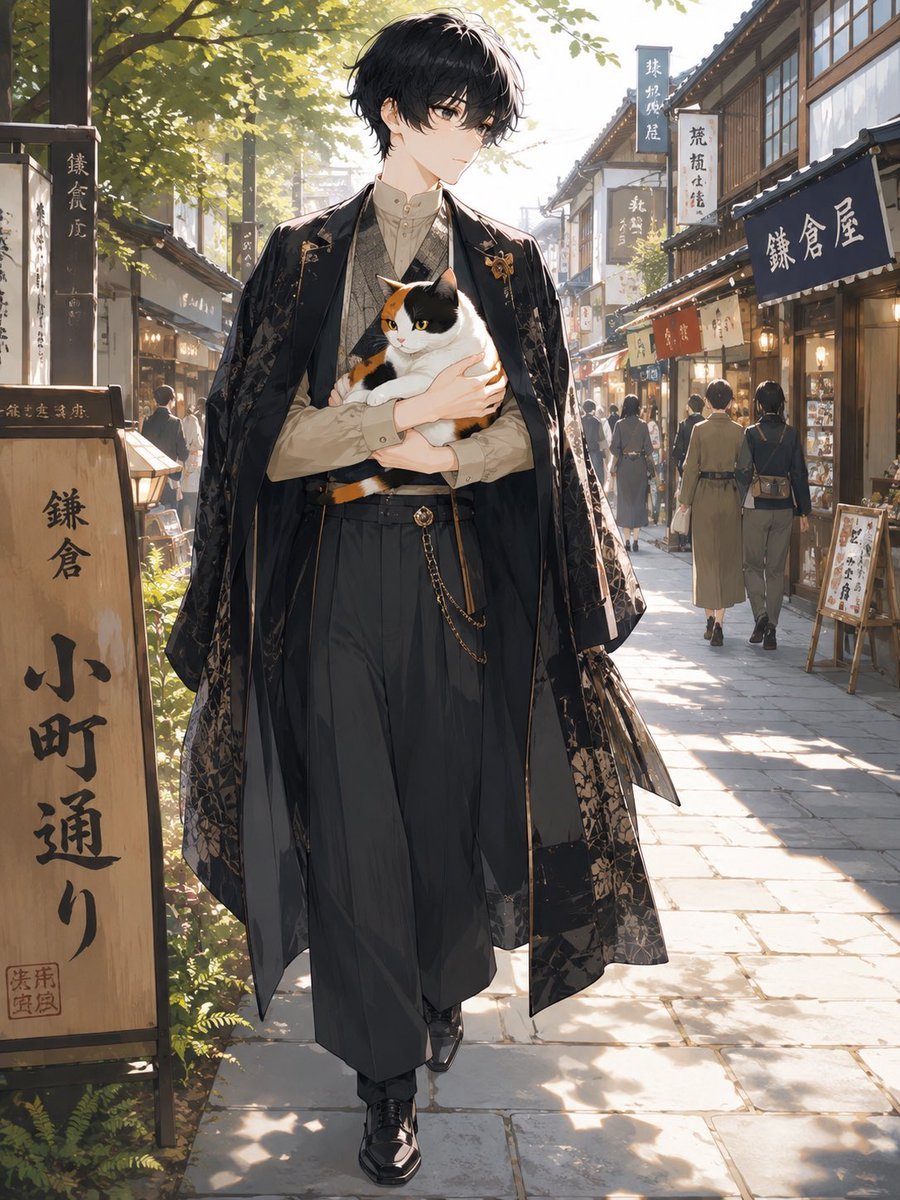
Faceless Anime Man Holding Calico Cat

Surreal Cat Astronaut — Humanoid Face Freefall

Cartoon TV Show Poster Pack

Trendy Cafe Drink Promo Poster

Urban Fashion Editorial Collage Streetwear Poster

Premium Fashion Editorial Cover Layout System

Polo Ralph Lauren Luxury American Heritage Fashion Campaign

Monochrome Halftone Editorial Fashion Poster

Retro Mirror Luxury Fashion Campaign Poster

Luxury Fashion Campaign Typography Poster System
Make it yours
Calico Cat AI Focus Poster works as-is. These are the safest ways to change it without losing the look.
Swap the setting
Keep the rest of the prompt and replace the location block. The current setting is “cozy Japanese home office with tatami-like wooden floor and low table”.
Swap the light
One lighting change is enough to compare takes. Current light: “soft daylight from a wooden-framed window on the back wall”.
Change one field
Copy a single group, rewrite it, and generate again so you can see what that field is doing.
| If the result… | Why | Fix |
|---|---|---|
| The result drifts from the preview | Too many fields changed at once. | Reuse Calico Cat AI Focus Poster as-is first, then change one group — subject, light, or setting. |
| GPT Image 2 ignores part of the JSON | Some models flatten or skip nested keys. | Keep the same values and paste them as a short paragraph instead. |
More GPT Image 2 templates
Other prompts made for GPT Image 2.

Six VTuber Japanese Logo Sheet

Realistic Portrait of Woman and Deer

The Vista Modular Condo Poster

AI Model Routing Comparison Infographic

2.5D Anime Art Board

Isometric Productivity Desk Scene

New York Double Exposure Poster

Four-Panel AI Landscape Comparison

Japanese Tatami Lifestyle Magazine Cover

NESCAFÉ Coffee Map Poster
More image prompts
Fresh picks from across the catalog.

Photorealistic Cinematic Kitchen Scene Prompt (JSON structure)
X Sumiturkude007 Image Description Subject
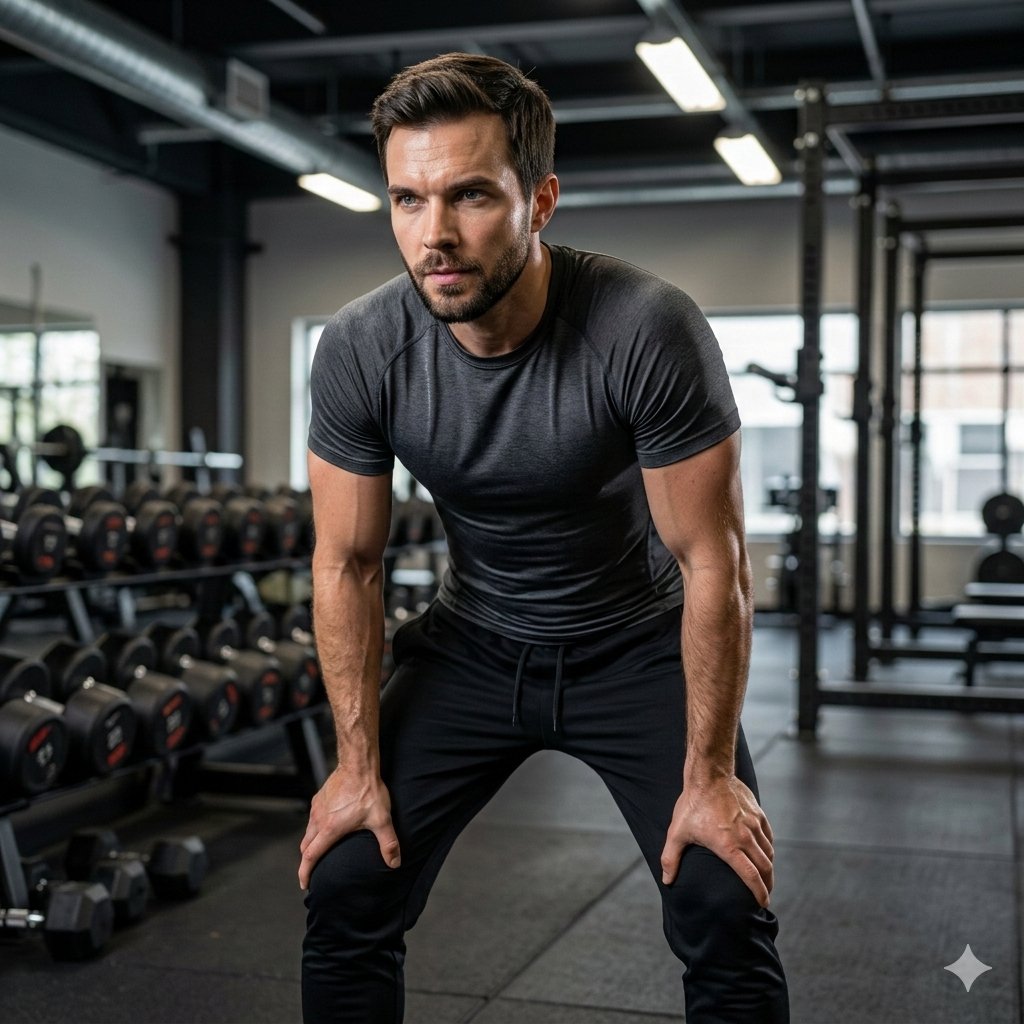
Ultra-Realistic Luxury Fitness Photoshoot
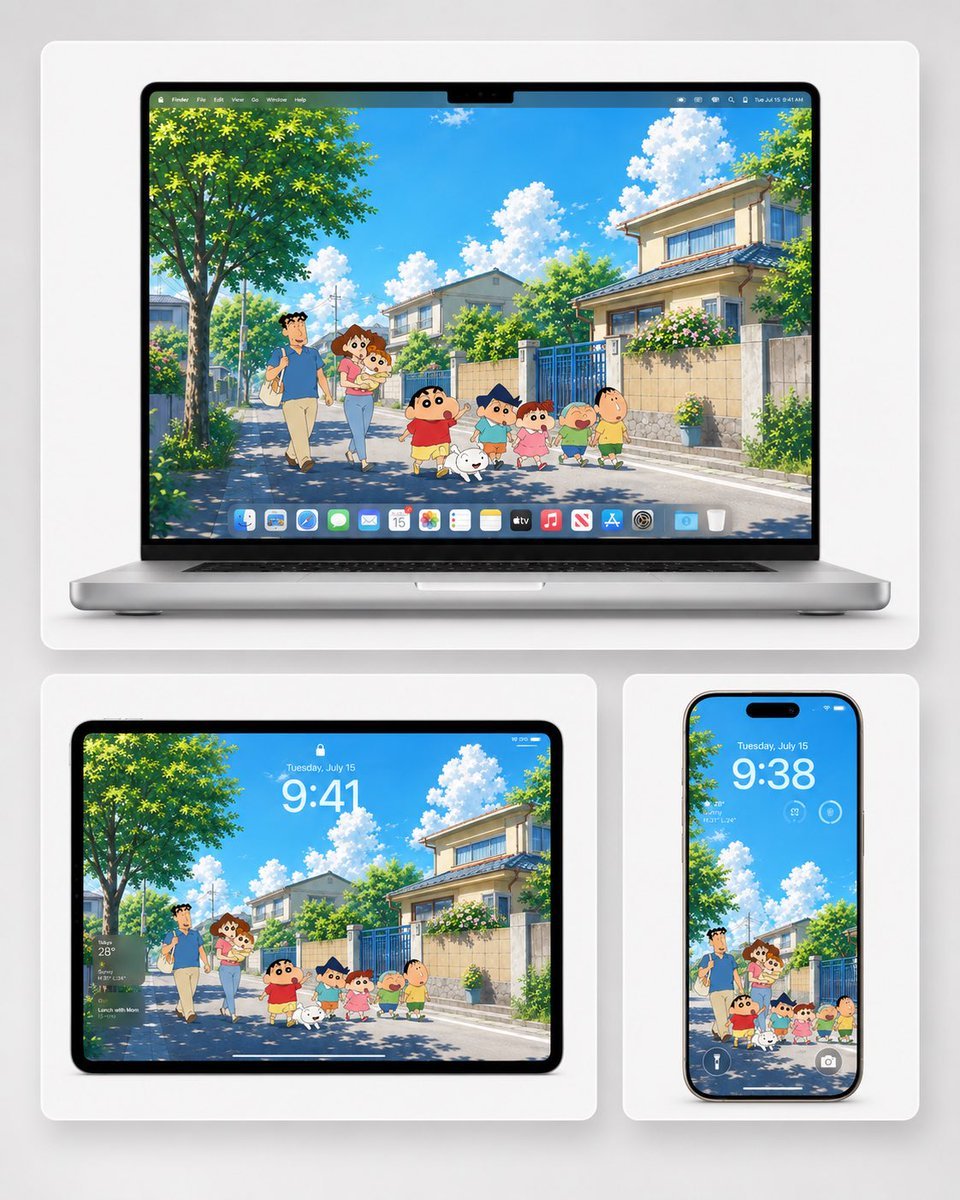
Anime Summer Wallpaper Device Mockup
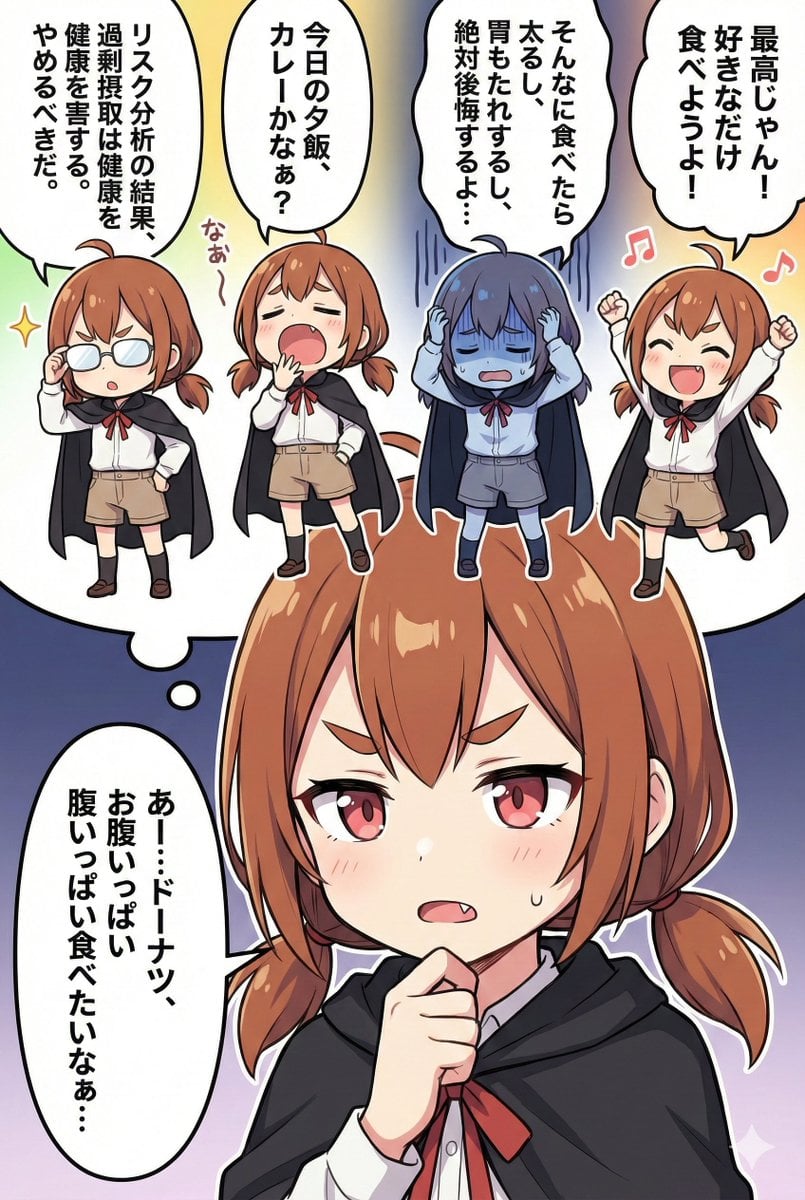
Character Inner Monologue Comic Prompt (Japanese)
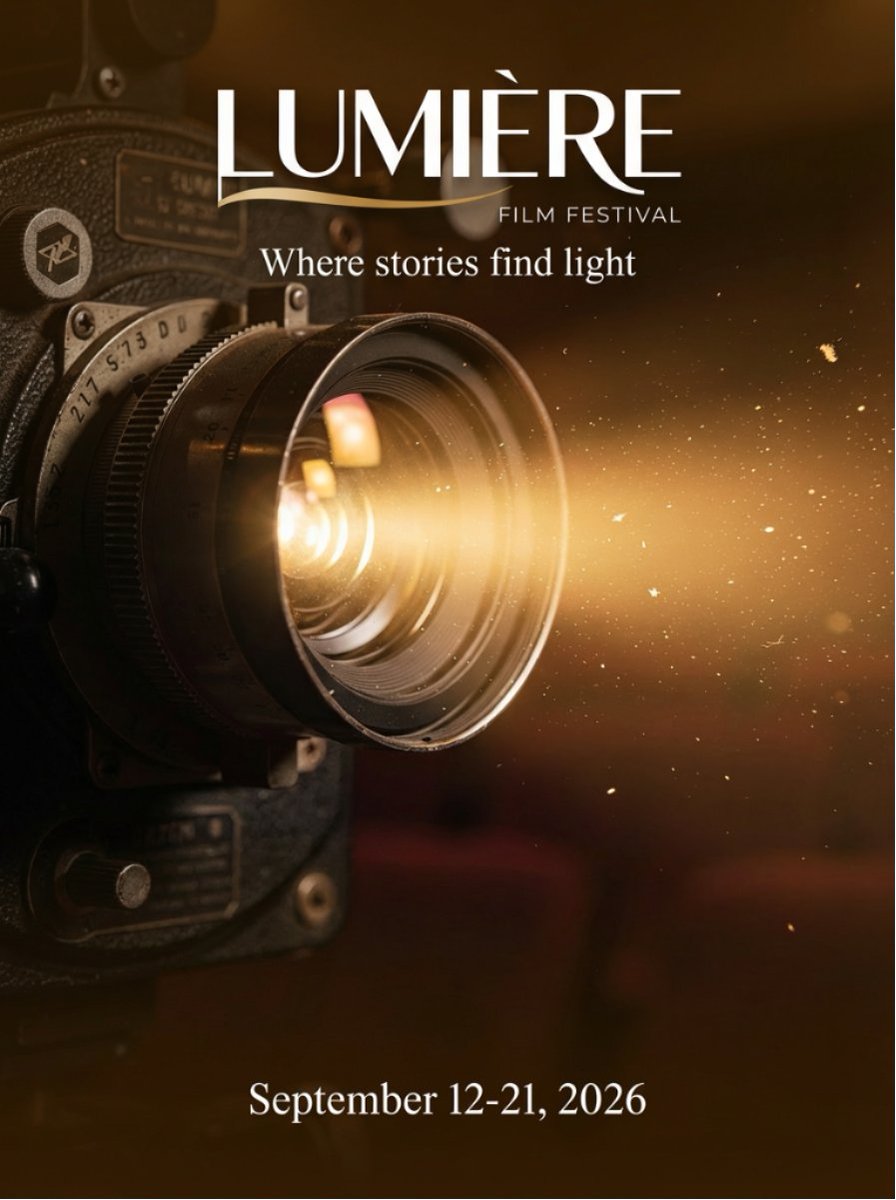
Film Festival Poster Generation
Cinematic Macro Toy-Photography of Mini Beasts
Korean Bedroom Photography
Retro Anime Kotatsu Family Scene
Cheesy Quesadilla Japanese Food Ad
Browse template categories
Calico Cat AI Focus Poster questions
How do I use the Calico Cat AI Focus Poster template?
Add your photo if the template asks for one, edit the prompt if you like — the template's model and format are already selected — and press Generate. Your version opens in PicX Studio.
Can I customize the Calico Cat AI Focus Poster template?
Yes. You can change the subject, setting, lighting, mood, format, and available model controls before creating your image.
Is the Calico Cat AI Focus Poster template free?
Opening and editing this template is free. Generating uses credits, shown on the Generate button when you are signed in.
Which AI model should I use?
Start with GPT Image 2, which is the model associated with this template. You can compare another compatible model for a different finish.
Looking for something else? Browse all templates.

Your photo, any look
Thousands of ready templates for every top image and video model, from one credit balance.