
Duck Mascot Pajama Portrait
A whimsical prompt for a smartphone-style portrait of a subject in pajamas hugging a matching duck mascot.
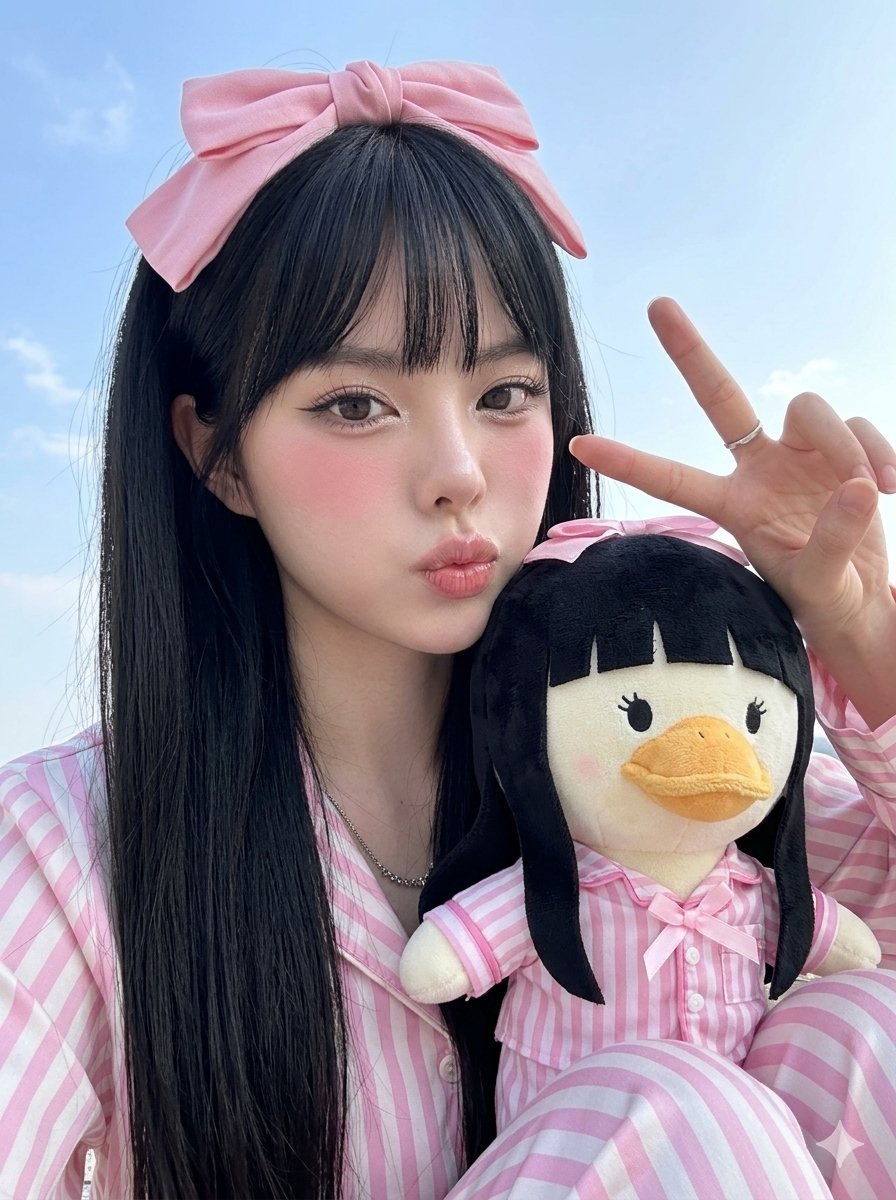
- Prompt included
- Model and format preset
- Premium template
The prompt behind this image
Copy the exact prompt behind Duck Mascot Pajama Portrait, or open it in the studio and make it yours.
Create Image: Maintain the exact facial identity from the provided source image with absolute precision and zero alteration. [COMPOSITION]: Centered slightly side profile medium shot, peace sign pose. [LIGHTING]: Natural daylight, clean white balance, soft over exposed highlights. [ENVIRONMENT]: Bright outdoor sky, minimal clouds, sharp focus. [SUBJECT]: The subject has a long length straight black hair, with large pink bow tied at the center of the head, {argument name="outfit" default="striped pink pajamas"}, rosy cheeks. Wispy eye lashes, thin winged eye liner, brushed up brows, champagne eye shadow, tranparent gloss lips. Lips pucker in a playfull manner, Hugging a {argument name="prop" default="medium-sized stylized duck"} with the same black hair, pink striped pajamas, ribbon as the subject. [AESTHETIC]: High-end smartphone shot, digital clarity, modern aesthetic. 4k rendered, high quality sharp facial details -ar 3:4
How to use Duck Mascot Pajama Portrait in 3 steps
- 1
Open
The prompt is already in the box next to the preview, with the template's model and format selected.
- 2…a portrait of your subject in softgolden-hour light, 85mm…
Personalize
Edit the subject and creative details for your destination.
- 3Generate
Generate
Press Generate — your image is created in PicX Studio, so you can compare it with the original and refine one variable at a time.
More like this
Templates with the same subject, style or setup. Open one to see its prompt.

Found Photograph: Us, 1970

80s Couple Studio Portrait

80s Bollywood Star

80s Golden Hour Cinema

Me in 1985

1985 Studio Portrait

Hyper-Realistic Minecraft POV Portrait
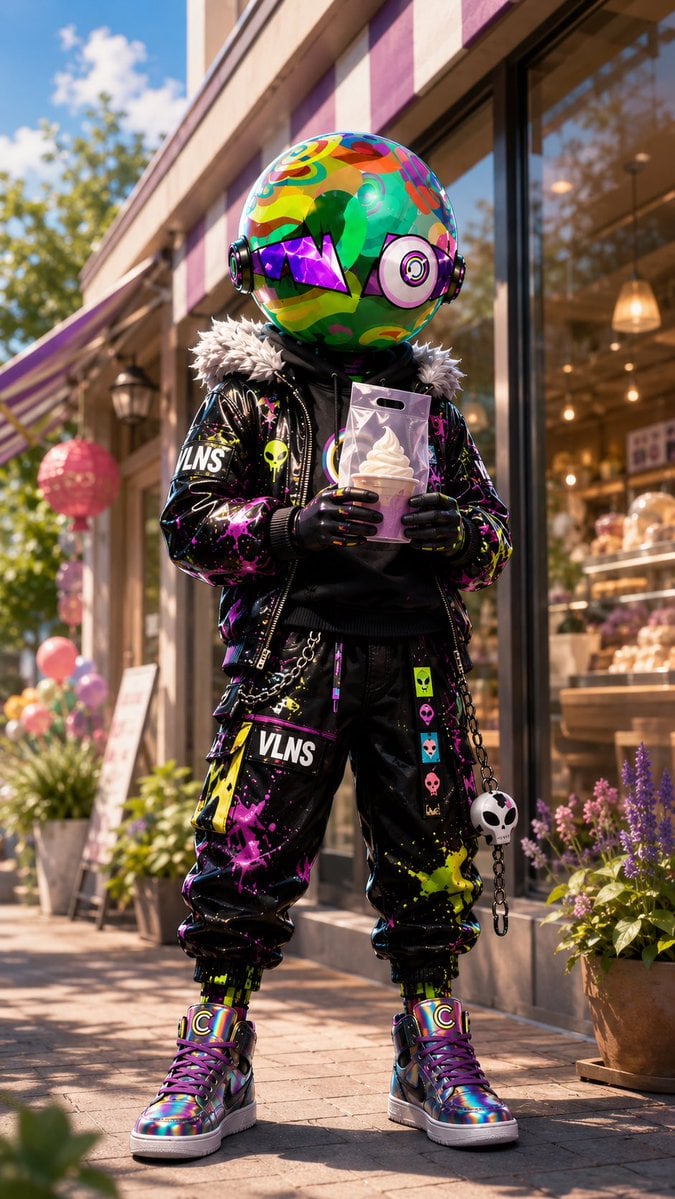
Psychedelic Mascot Streetwear Portrait

Rooftop Fisheye — Cat-Ear Balaclava at Golden Hour

Anime Monorail Sunset

Anime Mascot Hug Parade

Rainy Café Window Moody Portrait
Make it yours
Duck Mascot Pajama Portrait works as-is. These are the safest ways to change it without losing the look.
Change one field
Copy a single group, rewrite it, and generate again so you can see what that field is doing.
Keep the frame, change the subject
Hold the composition and light of Duck Mascot Pajama Portrait, then swap wardrobe, props or the person for a new take.
| If the result… | Why | Fix |
|---|---|---|
| The result drifts from the preview | Too many fields changed at once. | Reuse Duck Mascot Pajama Portrait as-is first, then change one group — subject, light, or setting. |
| The model over-stylizes the scene | The prose prompt leaves finish and camera underspecified. | Add one camera or lighting sentence and stay on Nano Banana 2. |
More Nano Banana 2 templates
Other prompts made for Nano Banana 2.

Photorealistic Leaf Shaped Like a Dragon

K-Pop Idol Portrait Grid for Rapid Selection

Poetic Rain Forest Portrait During Golden Hour

Urban Street Portrait with Cartoon Inner Self Duo

Candid Nighttime Photo with Cat Prompt

High-Concept 3D Diorama Generation Prompt

Cinematic Futuristic Studio Portrait Template

Skincare Editorial Photography Collage Prompt

Hyper-Realistic Commercial Product Photography (Splash Effect)

Hyper-Realistic Nightclub Portrait Prompt
More image prompts
Fresh picks from across the catalog.
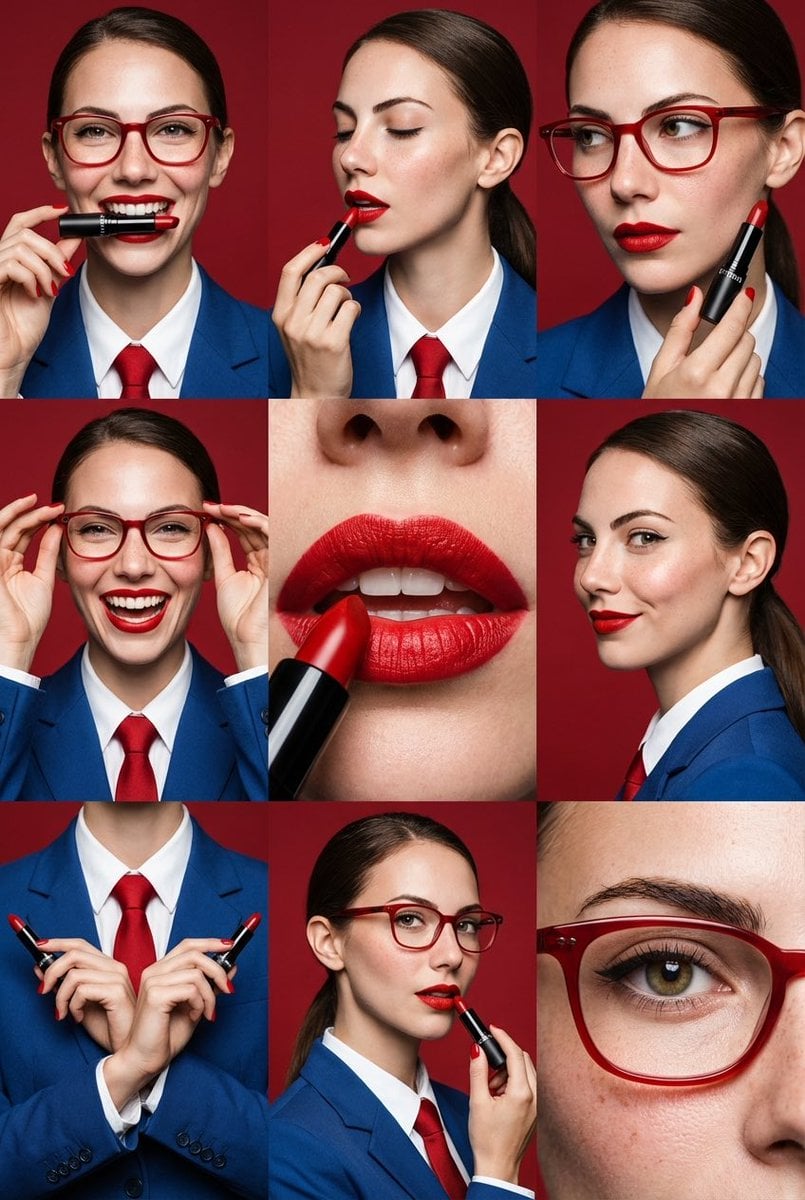
Panel Editorial Beauty Grid for Lipstick Commercial
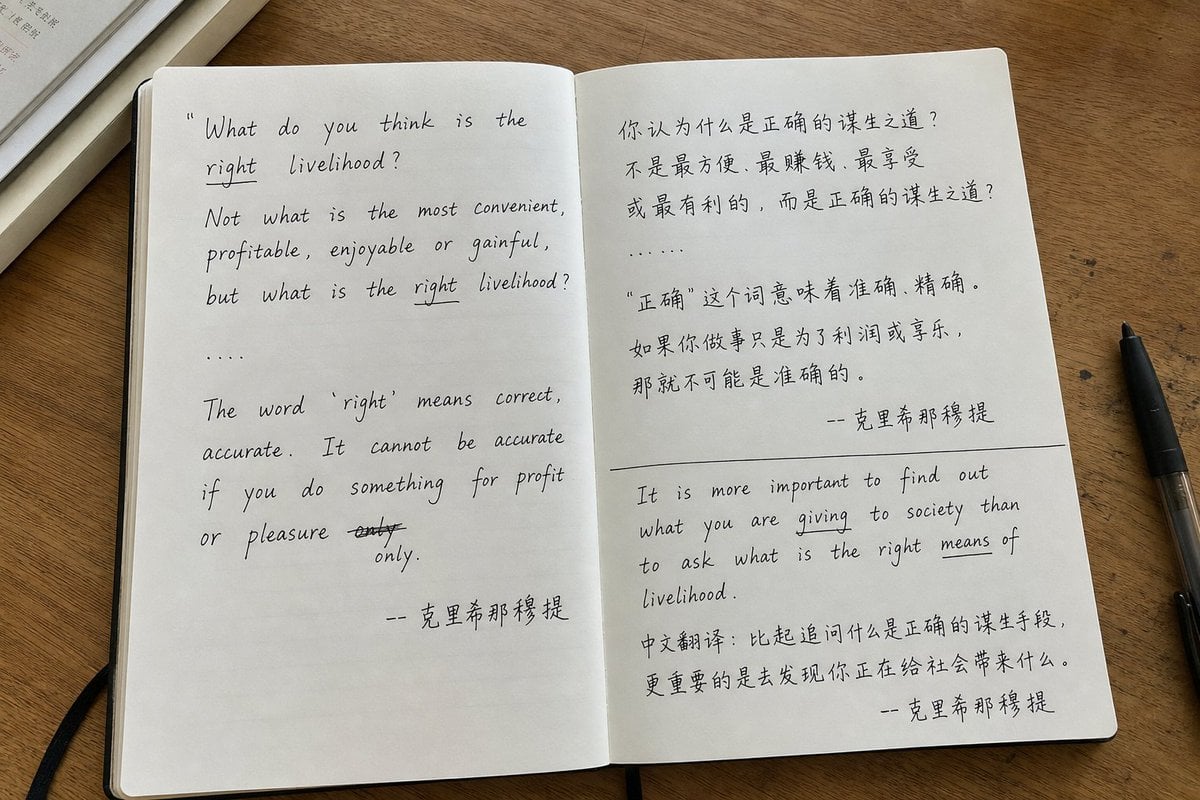
Candid iPhone Handwritten Notebook Photo
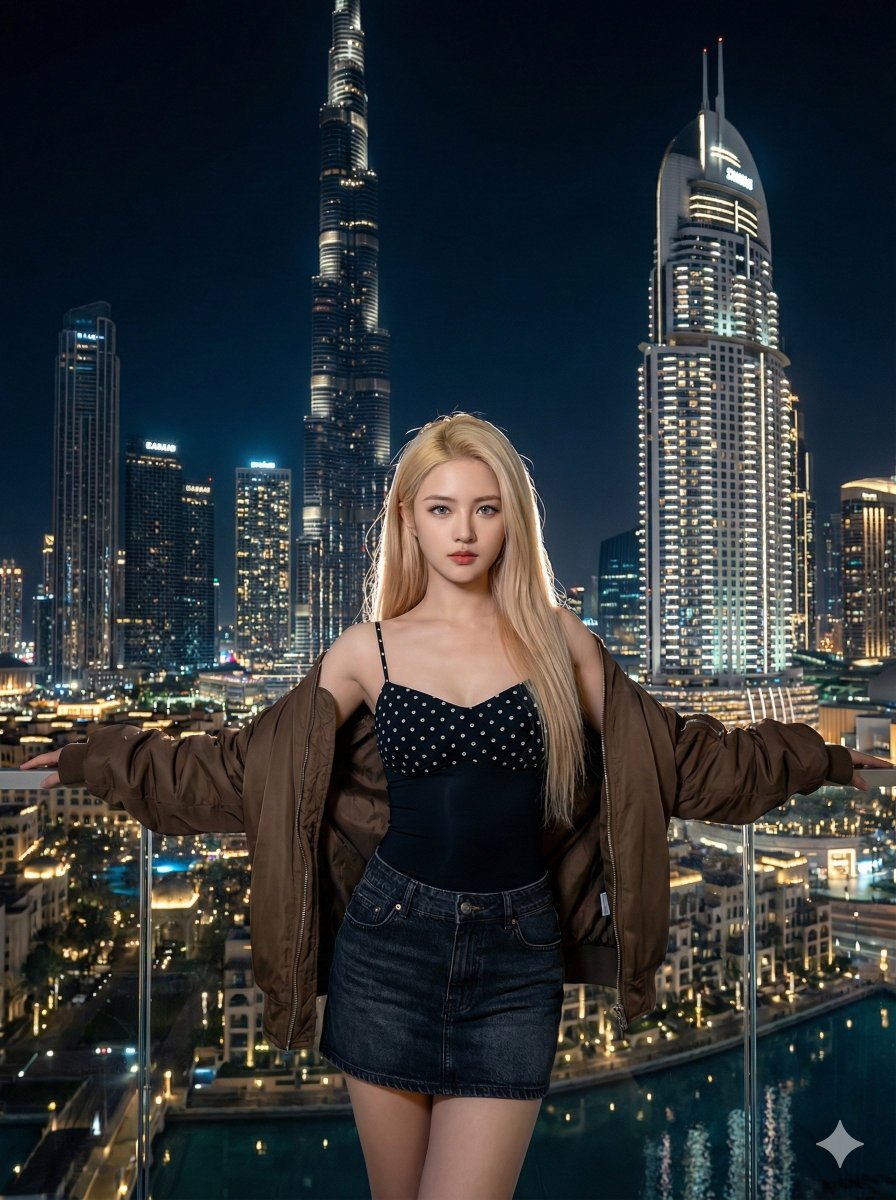
Cinematic Fashion Portrait in Dubai Prompt
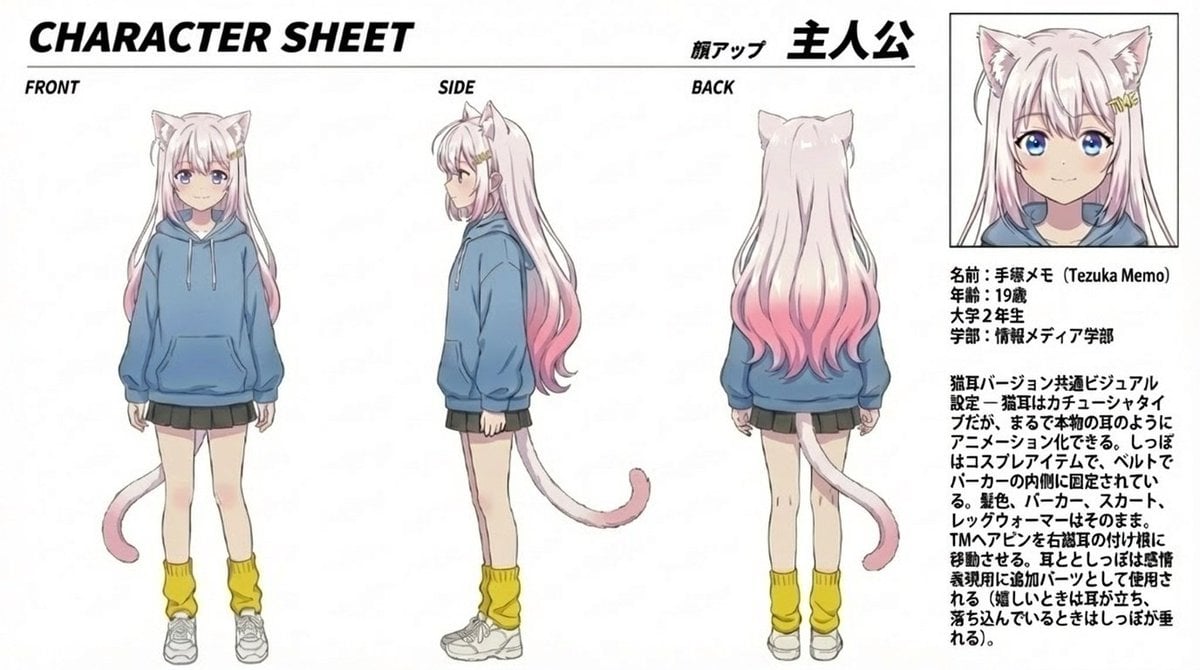
Anime Cat Girl Character Sheet
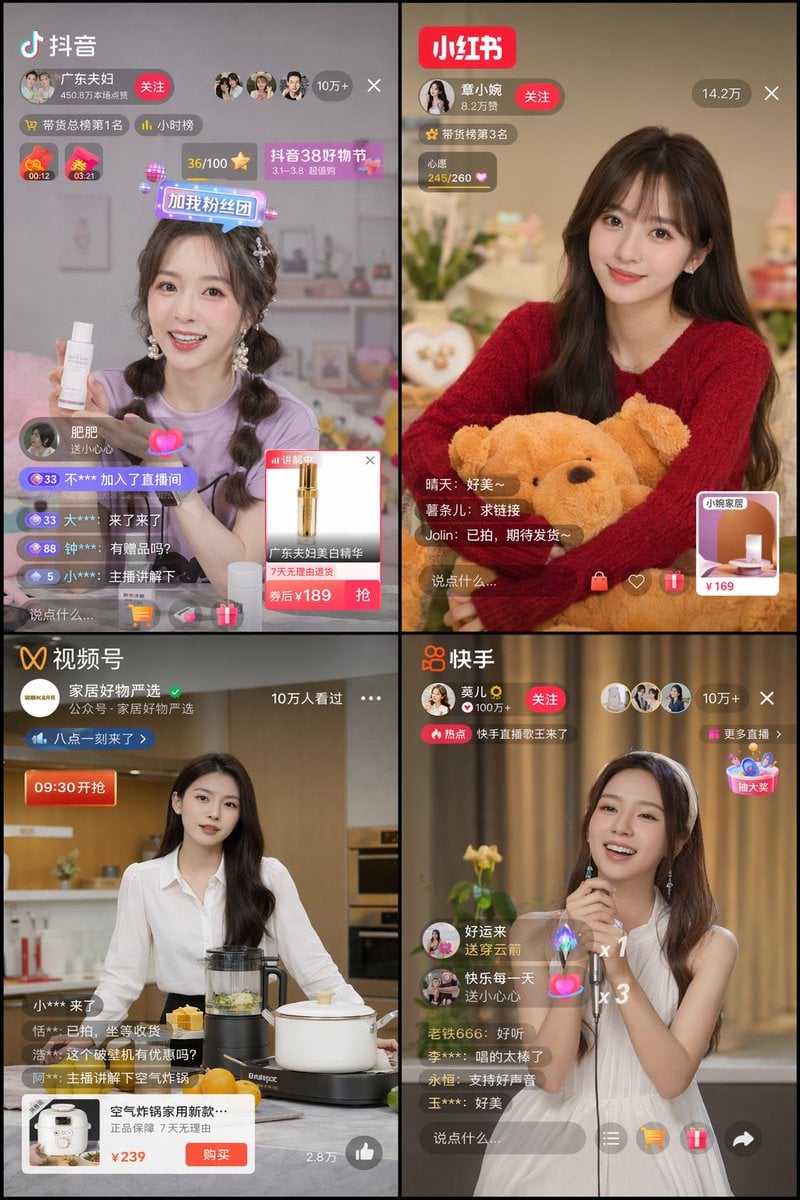
Chinese Livestreaming App UI Grid
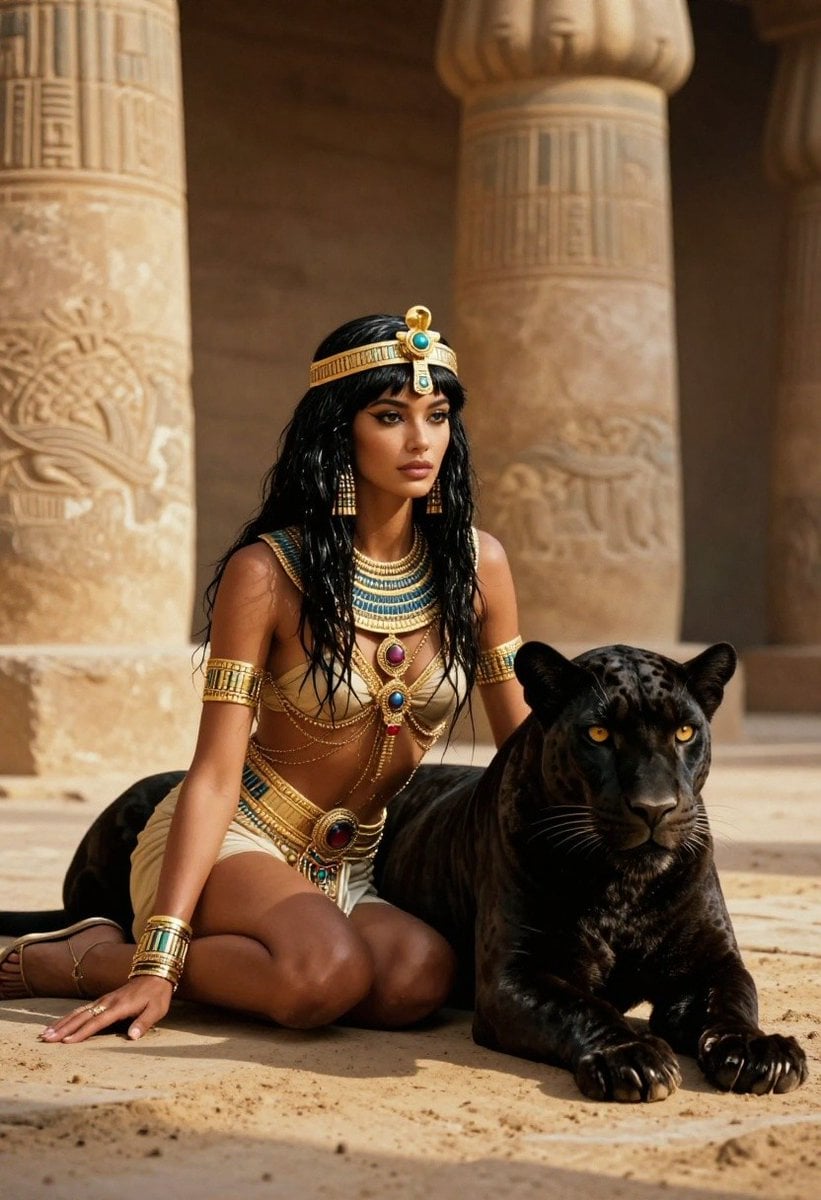
Ancient Egyptian Queen with Black Panther
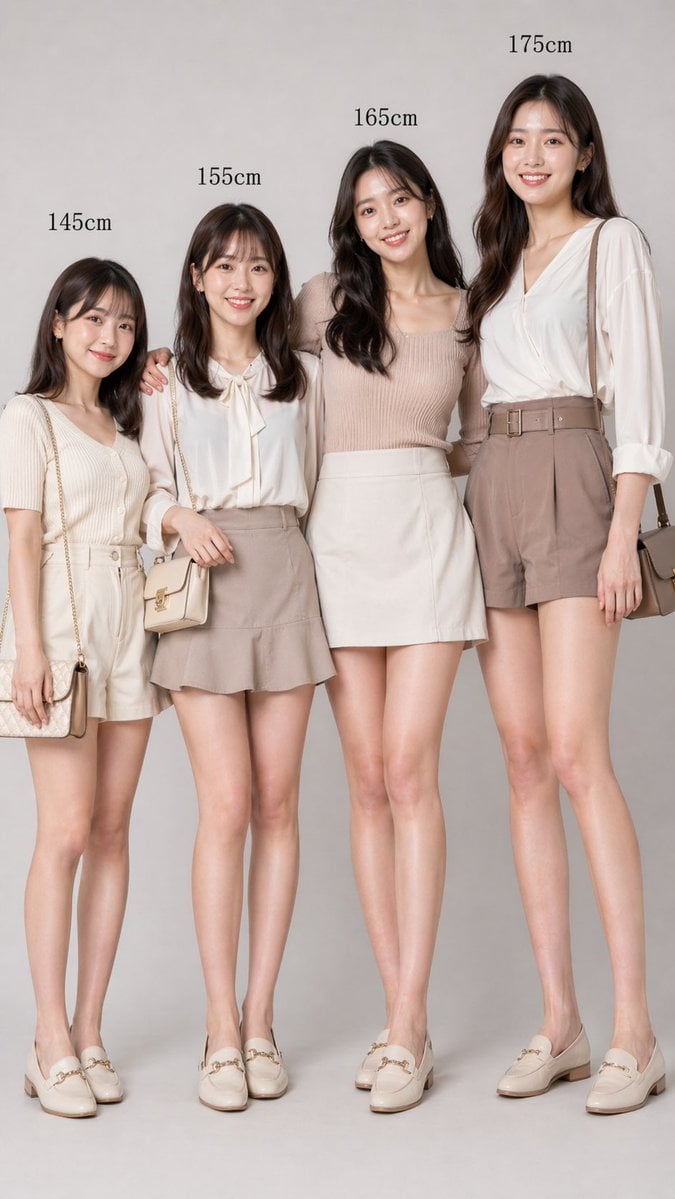
Fashion Height Comparison of Four Women
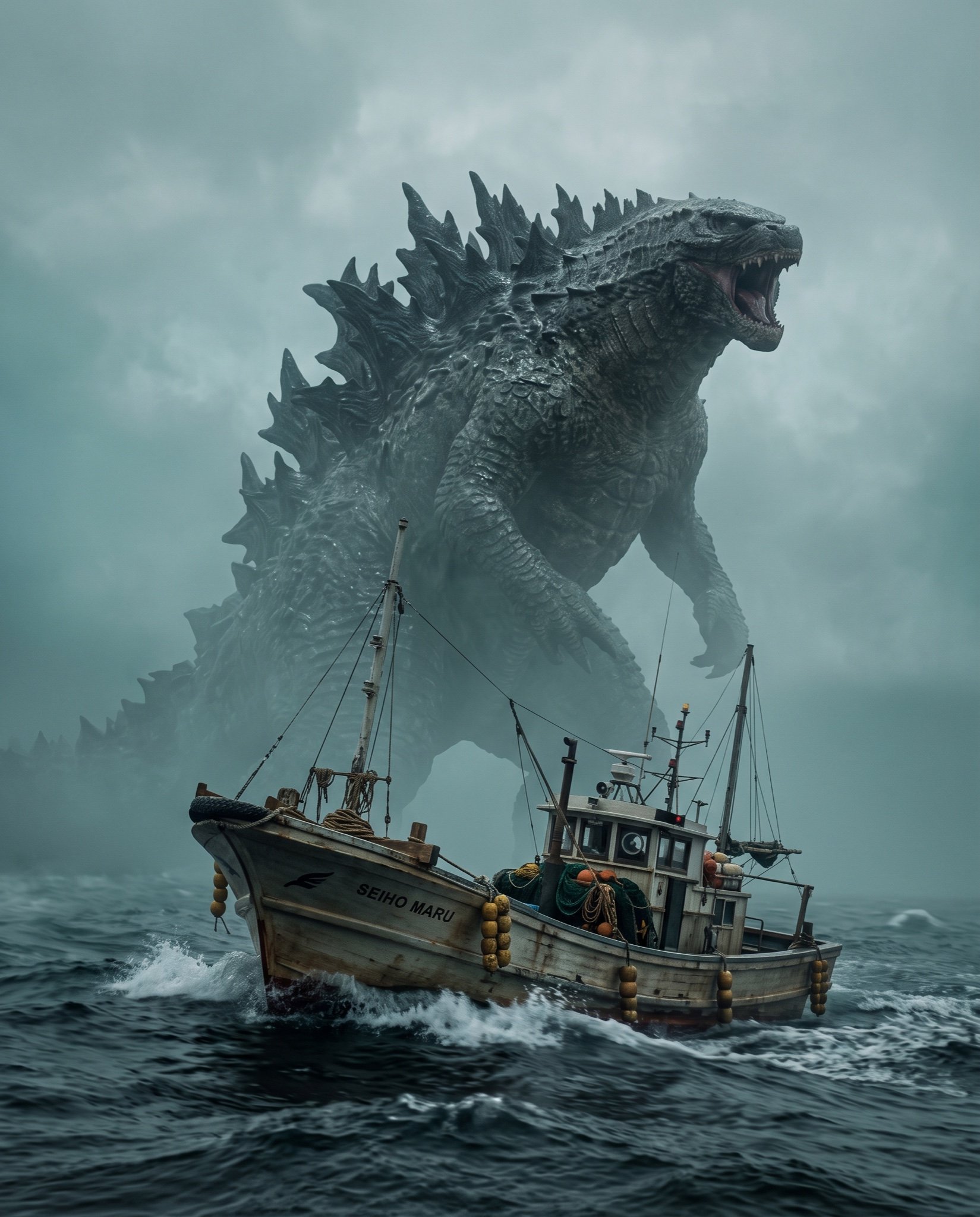
Cinematic Photorealistic Godzilla Encounter Prompt
Seedance - Dragon vs Python Battle
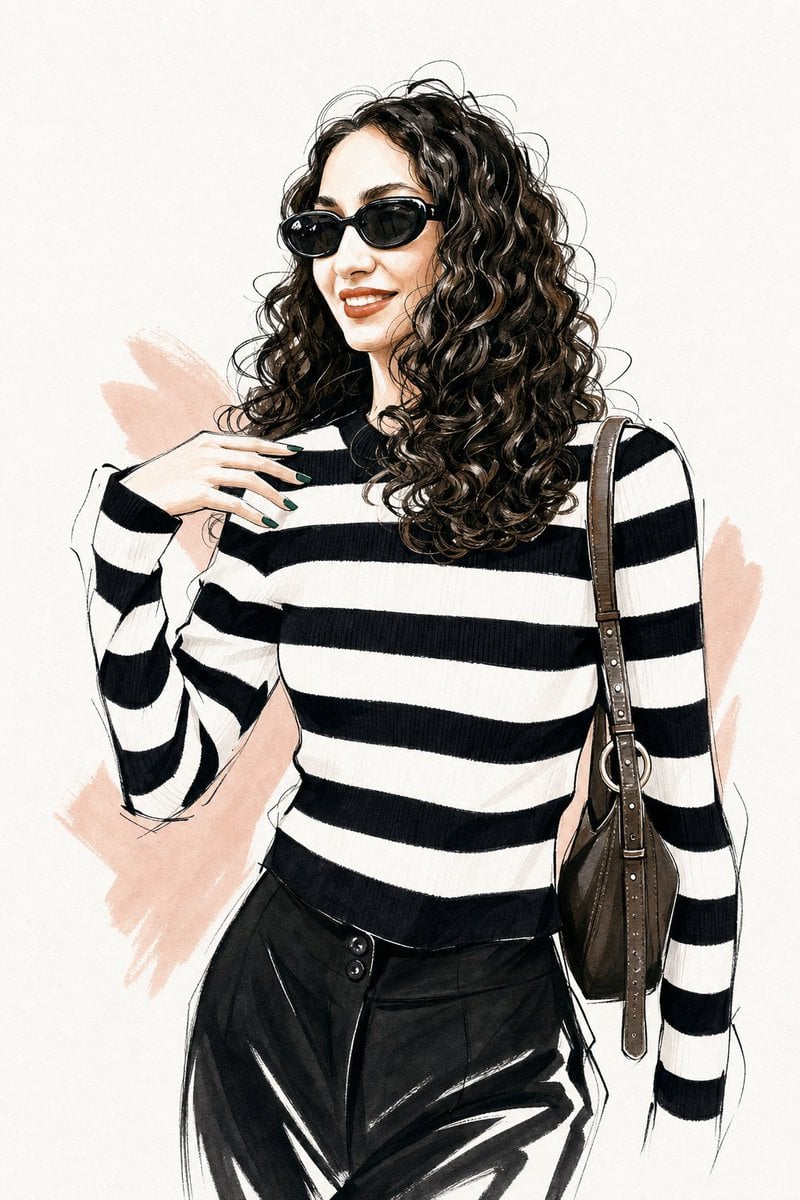
Vogue Style Fashion Illustration
Browse template categories
Duck Mascot Pajama Portrait questions
How do I use the Duck Mascot Pajama Portrait template?
Add your photo if the template asks for one, edit the prompt if you like — the template's model and format are already selected — and press Generate. Your version opens in PicX Studio.
Can I customize the Duck Mascot Pajama Portrait template?
Yes. You can change the subject, setting, lighting, mood, format, and available model controls before creating your image.
Is the Duck Mascot Pajama Portrait template free?
Opening and editing this template is free. Generating uses credits, shown on the Generate button when you are signed in.
Which AI model should I use?
Start with Nano Banana 2, which is the model associated with this template. You can compare another compatible model for a different finish.
Looking for something else? Browse all templates.

Your photo, any look
Thousands of ready templates for every top image and video model, from one credit balance.