
Photorealistic Portrait Prompt for Gemini Nano Banana Pro
A highly detailed, structured JSON prompt designed for the Gemini Nano Banana Pro model, specifying the visual parameters for generating a photorealistic, intimate portrait of a young woman leaning in a doorway.
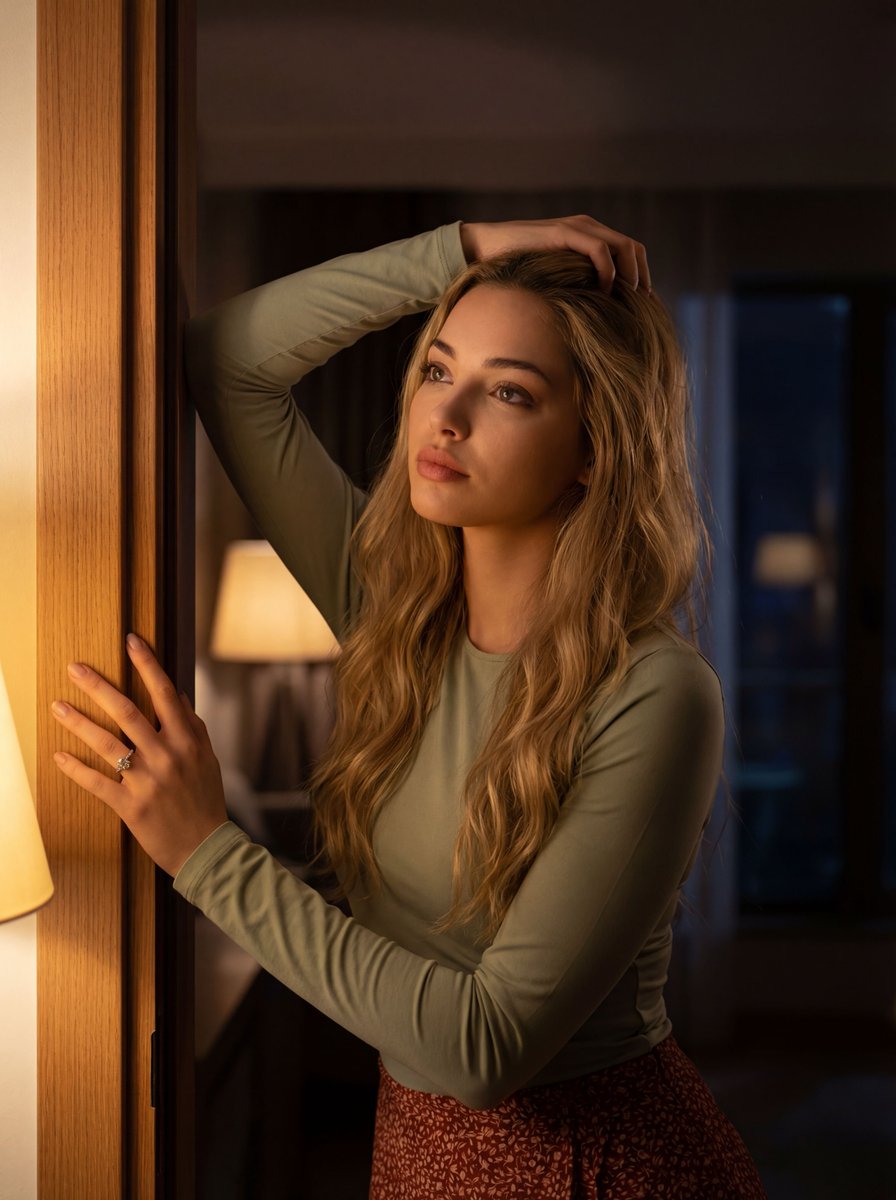
- Prompt included
- Model and format preset
- Free template
The prompt behind this image
Copy the exact prompt behind Photorealistic Portrait Prompt for Gemini Nano Banana Pro, or open it in the studio and make it yours.
{ "subject": "A young fair-skinned woman leaning in a doorway", "description": { "woman": { "age": "{argument name="age" default="early twenties"}", "skin": "fair complexion with natural texture and soft highlights", "pose": "leaning against the doorframe with left hand, right hand resting on her head", "hands": "ring visible on left hand, natural finger positioning", "outfit": { "top": "{argument name="top color and fabric" default="long-sleeved pale green fabric top with visible weave and soft folds"}", "skirt": "patterned reddish skirt with detailed textile texture" }, "hair": "long wavy blonde hair cascading over shoulders, individual strands visible", "expression": "calm, contemplative, slightly upward gaze", "emotion": "intimate, introspective" } }, "environment": { "setting": "interior space near an open doorway", "background": "mostly dark, softly blurred interior", "elements": "out-of-focus lamp glow and faint window view suggesting exterior beyond", "contrast": "bright foreground against shadowed background" }, "lighting": { "type": "warm, low-light interior illumination", "source": "soft directional light from the doorway and nearby lamp", "effects": "gentle highlights on face and doorframe, smooth shadow falloff", "mood": "intimate, cinematic, slightly mysterious" }, "camera": { "angle": "slightly low angle", "framing": "subject positioned on the left side of the frame", "lens": "cinematic portrait lens", "depth_of_field": "shallow depth of field with background blur", "focus": "sharp facial focus with soft environmental bokeh" }, "color_and_mood": { "palette": "warm amber highlights, muted greens, soft reds, deep shadows", "grading": "cinematic color grading", "atmosphere": "moody, intimate, emotionally subtle", "film_grain": "very subtle natural grain" }, "quality": { "style": "photorealistic", "resolution": "ultra-high resolution", "detail_level": "HDR, sharp textures, realistic skin pores, fabric fibers, high pixel fidelity" } }
How to use Photorealistic Portrait Prompt for Gemini Nano Banana Pro in 3 steps
- 1
Open
The prompt is already in the box next to the preview, with the template's model and format selected.
- 2…a portrait of your subject in softgolden-hour light, 85mm…
Personalize
Edit the subject and creative details for your destination.
- 3Generate
Generate
Press Generate — your image is created in PicX Studio, so you can compare it with the original and refine one variable at a time.
More like this
Templates with the same subject, style or setup. Open one to see its prompt.
Image on Gemini Nano Banana

Google Gemini Nano Banana Pro
Gemini Nano Banana Portrait
Gemini Nano Banana Realistic Portrait Re

Gemini Nano Banana 2 Isometric 3d City D

Gemini Nano Banana 2

Gemini Nano Banana 2 Logo in Wet Sand Be

Gemini Nano Banana 2

Nano Banana Pro Identity Lock — Composition + Face Reference
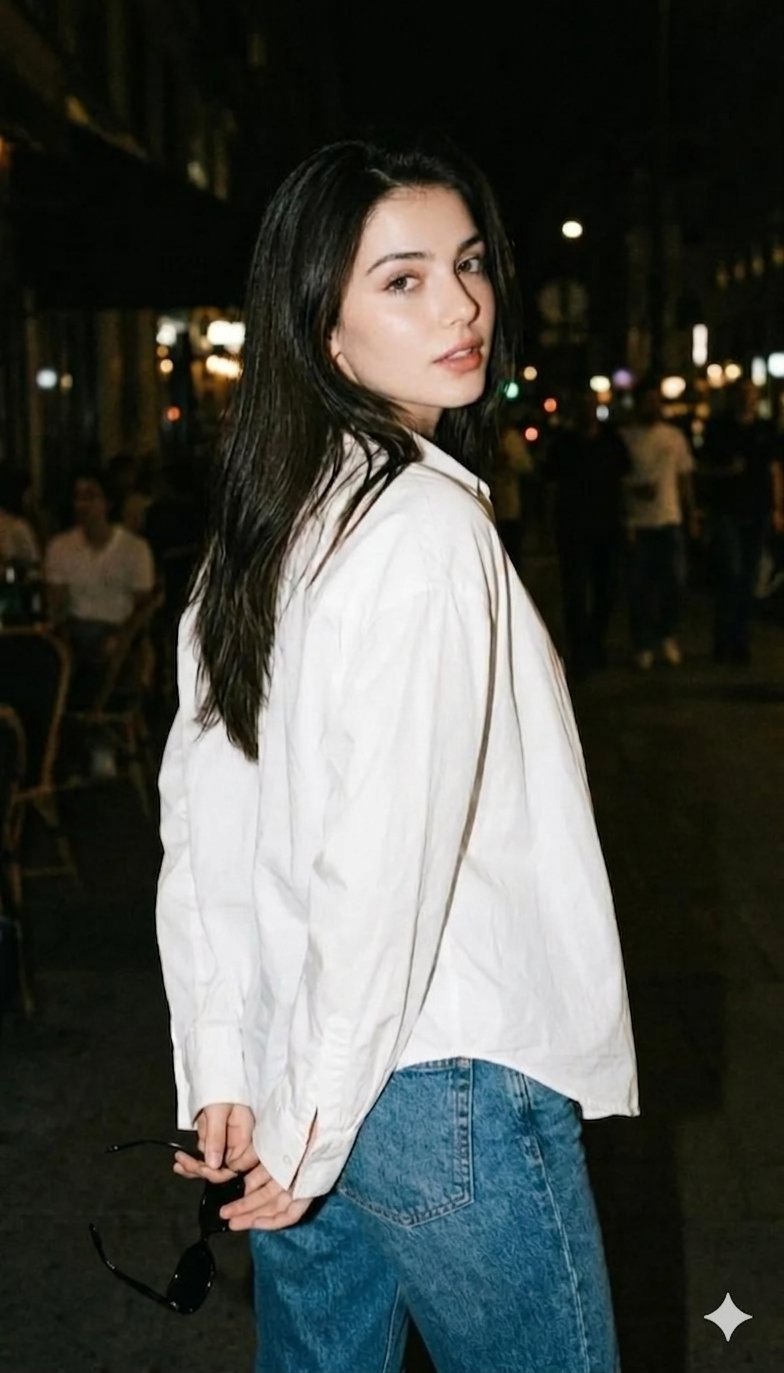
Gemini Night Flash Portrait

Nano Banana Is So Addictive

Nano Banana 2 Perspective Experiment
Make it yours
Photorealistic Portrait Prompt for Gemini Nano Banana Pro works as-is. These are the safest ways to change it without losing the look.
Change one field
Copy a single group, rewrite it, and generate again so you can see what that field is doing.
Keep the frame, change the subject
Hold the composition and light of Photorealistic Portrait Prompt for Gemini Nano Banana Pro, then swap wardrobe, props or the person for a new take.
| If the result… | Why | Fix |
|---|---|---|
| The result drifts from the preview | Too many fields changed at once. | Reuse Photorealistic Portrait Prompt for Gemini Nano Banana Pro as-is first, then change one group — subject, light, or setting. |
| The model over-stylizes the scene | The prose prompt leaves finish and camera underspecified. | Add one camera or lighting sentence and stay on Nano Banana 2. |
More Nano Banana 2 templates
Other prompts made for Nano Banana 2.

Photorealistic Leaf Shaped Like a Dragon

K-Pop Idol Portrait Grid for Rapid Selection

Poetic Rain Forest Portrait During Golden Hour

Urban Street Portrait with Cartoon Inner Self Duo

Candid Nighttime Photo with Cat Prompt

High-Concept 3D Diorama Generation Prompt

Cinematic Futuristic Studio Portrait Template

Skincare Editorial Photography Collage Prompt

Hyper-Realistic Commercial Product Photography (Splash Effect)

Hyper-Realistic Nightclub Portrait Prompt
More image prompts
Fresh picks from across the catalog.
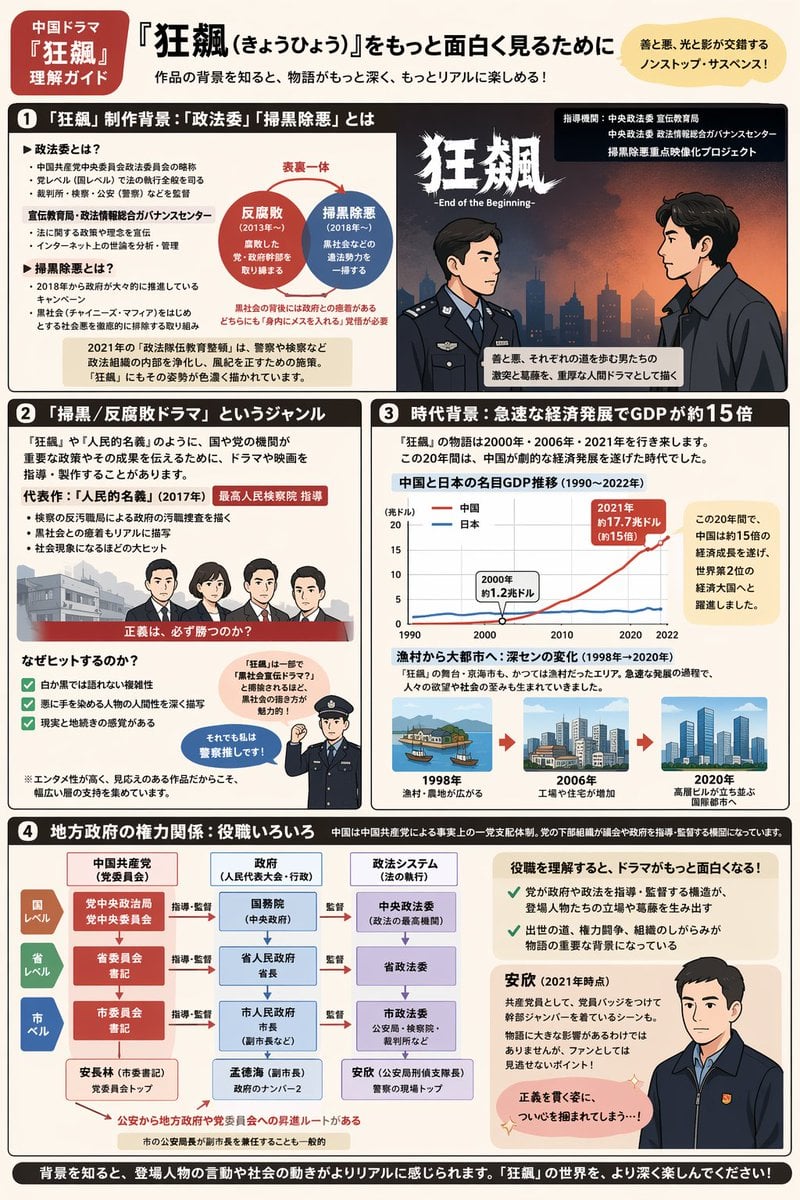
Complex Infographic Explainer Sheet
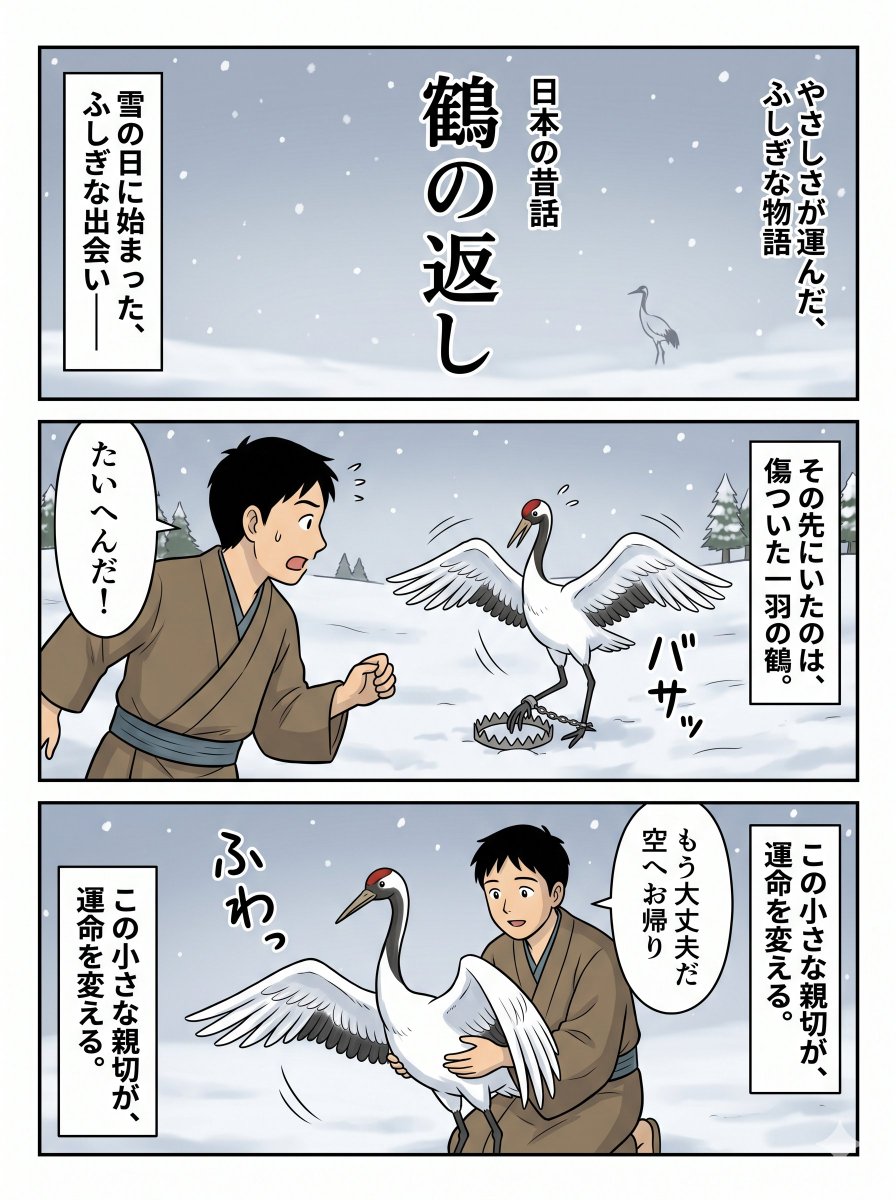
Japanese Folktale Crane Manga Page
Gpt2 Social Media Post Cloud Shape Doodle Generation

Botanical Plant Dye Canvas Painting
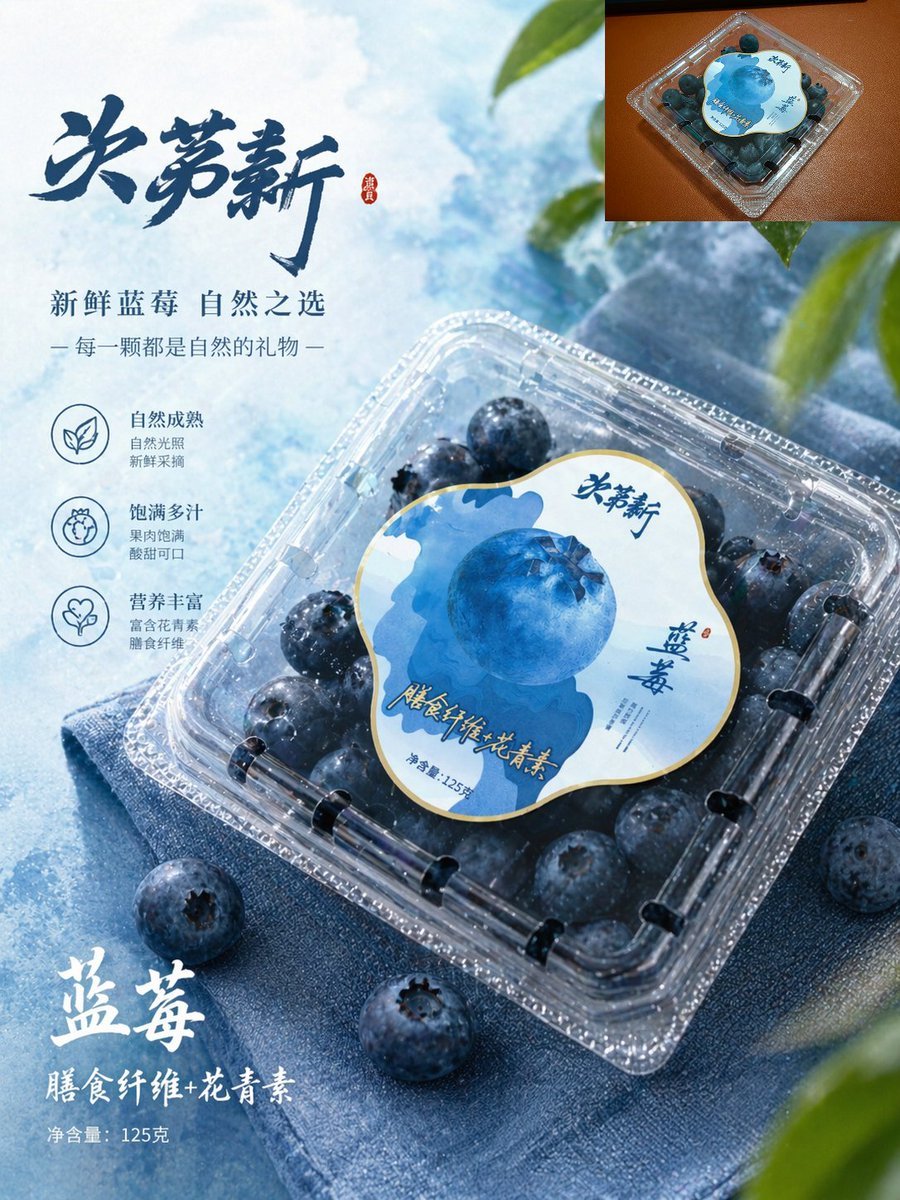
Premium Blueberry Product Poster
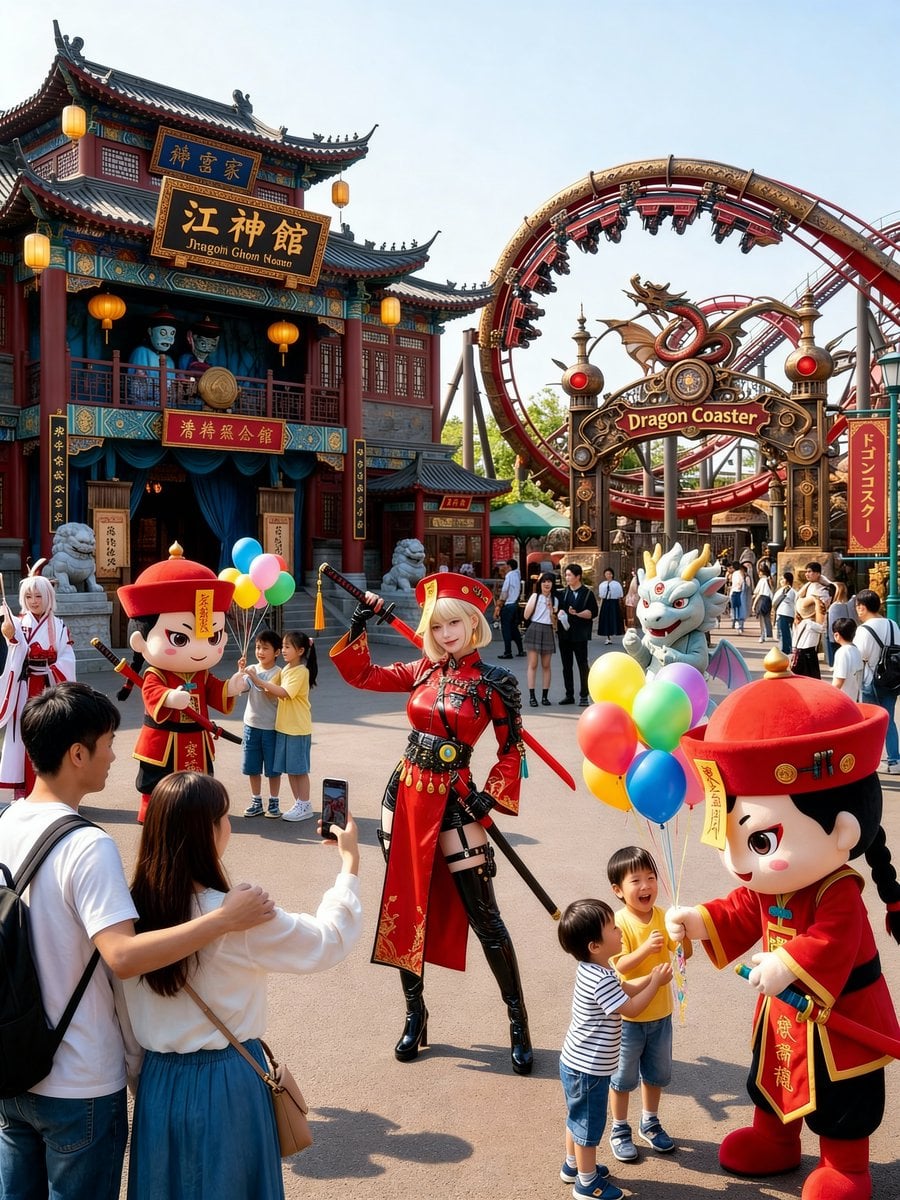
Amusement Park Prompt Template for Character Placement

Ultra-Realistic Winter Portrait with Face Lock Prompt
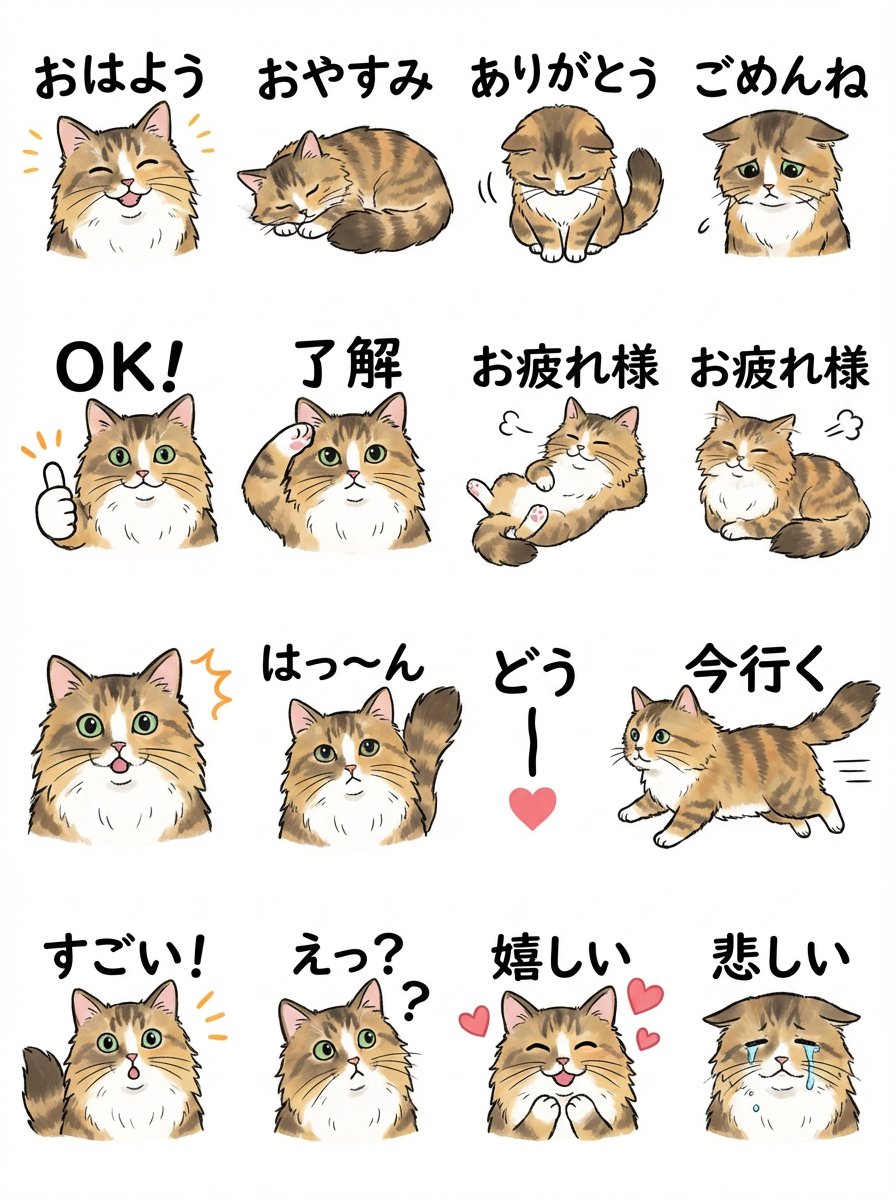
LINE Sticker Sheet Generation Prompt

Dreamy 3D Animated Girl in Magical Cave
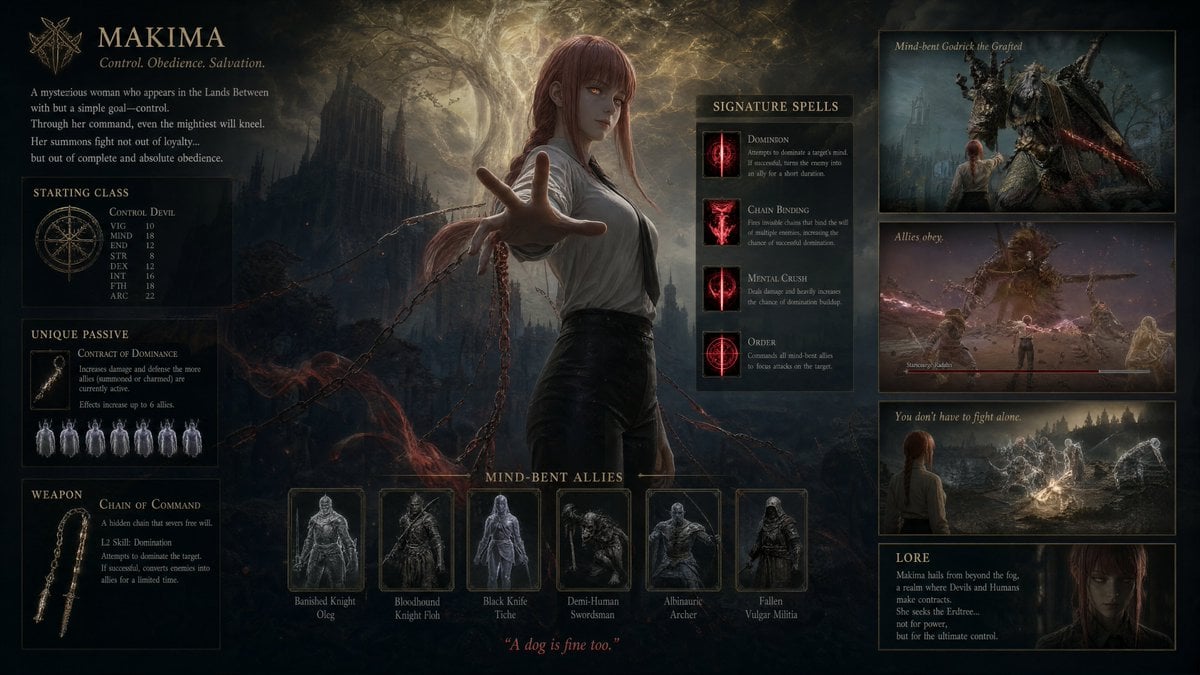
Dark Fantasy Makima Build Sheet
Browse template categories
Photorealistic Portrait Prompt for Gemini Nano Banana Pro questions
How do I use the Photorealistic Portrait Prompt for Gemini Nano Banana Pro template?
Add your photo if the template asks for one, edit the prompt if you like — the template's model and format are already selected — and press Generate. Your version opens in PicX Studio.
Can I customize the Photorealistic Portrait Prompt for Gemini Nano Banana Pro template?
Yes. You can change the subject, setting, lighting, mood, format, and available model controls before creating your image.
Is the Photorealistic Portrait Prompt for Gemini Nano Banana Pro template free?
Opening and editing this template is free. Generating uses credits, shown on the Generate button when you are signed in.
Which AI model should I use?
Start with Nano Banana 2, which is the model associated with this template. You can compare another compatible model for a different finish.
Looking for something else? Browse all templates.

Your photo, any look
Thousands of ready templates for every top image and video model, from one credit balance.