
Historical Figure Social Media UI Mockup
Generates a detailed dark-mode social media profile mockup themed around a historical figure, complete with custom posts, trending topics, and sidebar elements.
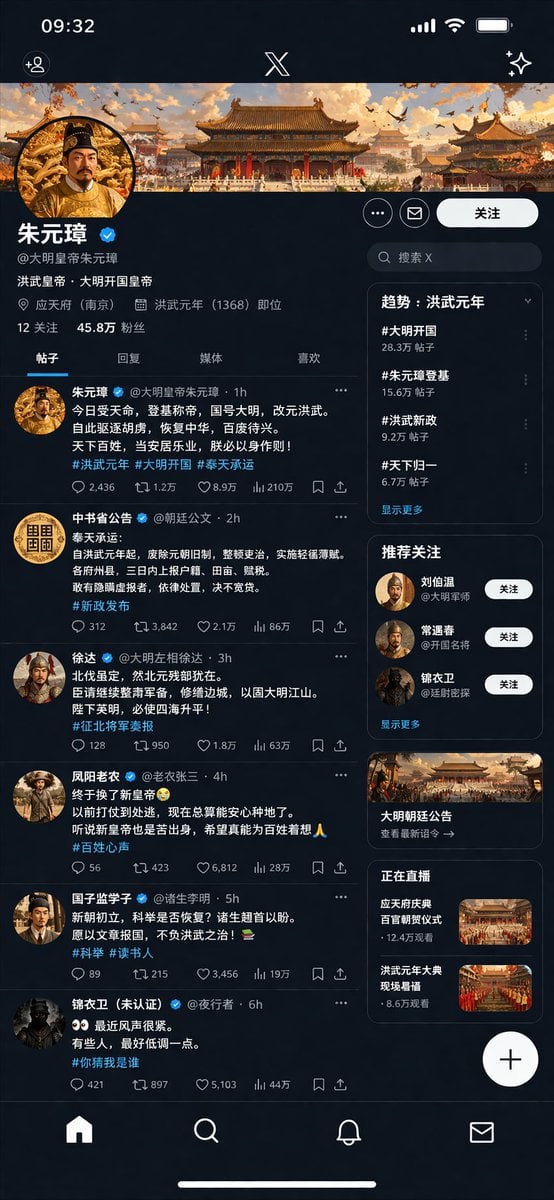
- Prompt included
- Model and format preset
- Free template
The prompt behind this image
Copy the exact prompt behind Historical Figure Social Media UI Mockup, or open it in the studio and make it yours.
- Type
- social media profile UI mockup
- Theme
- {argument name="theme era" default="Ming Dynasty"}
- App Style
- {argument name="app style" default="X/Twitter dark mode"}
- Header › Banner Image
- traditional Chinese palace complex at sunset
- Header › Avatar
- portrait of emperor in yellow robes
- Header › Name
- {argument name="profile name" default="Zhu Yuanzhang (朱元璋)"}
- Header › Handle
- {argument name="profile handle" default="@GreatMingEmperorZhu"}
- Header › Bio
- {argument name="bio text" default="The Hongwu Emperor, founding emperor of the Great Ming"}
- Header › Location
- 应天府 (南京)
- Header › Joined
- 洪武元年 (1368) 即位
- Header › Stats
- 12 关注, 45.8万 粉丝
- Navigation Tabs
- 帖子, 回复, 媒体, 喜欢
- Layout › Left Column Feed › Count
- 6
- Layout › Left Column Feed › Items › 0 › Author
- 朱元璋
- Layout › Left Column Feed › Items › 0 › Handle
- @大明皇帝朱元璋
- Layout › Left Column Feed › Items › 0 › Content Summary
- proclamation of new dynasty
- Layout › Left Column Feed › Items › 0 › Tags
- #洪武元年, #大明开国, #奉天承运
- Layout › Left Column Feed › Items › 1 › Author
- 中书省公告
- Layout › Left Column Feed › Items › 1 › Handle
- @朝廷公文
- Layout › Left Column Feed › Items › 1 › Content Summary
- official edict on taxes
- Layout › Left Column Feed › Items › 1 › Tags
- #新政发布
- Layout › Left Column Feed › Items › 2 › Author
- 徐达
- Layout › Left Column Feed › Items › 2 › Handle
- @大明左相徐达
- Layout › Left Column Feed › Items › 2 › Content Summary
- military report
Raw JSON
{
  "type": "social media profile UI mockup",
  "theme": "{argument name=\"theme era\" default=\"Ming Dynasty\"}",
  "app_style": "{argument name=\"app style\" default=\"X/Twitter dark mode\"}",
  "header": {
    "banner_image": "traditional Chinese palace complex at sunset",
    "avatar": "portrait of emperor in yellow robes",
    "name": "{argument name=\"profile name\" default=\"Zhu Yuanzhang (朱元璋)\"}",
    "handle": "{argument name=\"profile handle\" default=\"@GreatMingEmperorZhu\"}",
    "bio": "{argument name=\"bio text\" default=\"The Hongwu Emperor, founding emperor of the Great Ming\"}",
    "location": "应天府 (南京)",
    "joined": "洪武元年 (1368) 即位",
    "stats": "12 关注, 45.8万 粉丝"
  },
  "navigation_tabs": ["帖子", "回复", "媒体", "喜欢"],
  "layout": {
    "left_column_feed": {
      "count": 6,
      "items": [
        { "author": "朱元璋", "handle": "@大明皇帝朱元璋", "content_summary": "proclamation of new dynasty", "tags": ["#洪武元年", "#大明开国", "#奉天承运"] },
        { "author": "中书省公告", "handle": "@朝廷公文", "content_summary": "official edict on taxes", "tags": ["#新政发布"] },
        { "author": "徐达", "handle": "@大明左相徐达", "content_summary": "military report", "tags": ["#征北将军奏报"] },
        { "author": "凤阳老农", "handle": "@老农张三", "content_summary": "peasant expressing relief", "tags": ["#百姓心声"] },
        { "author": "国子监学子", "handle": "@诸生李明", "content_summary": "scholar asking about exams", "tags": ["#科举", "#读书人"] },
        { "author": "锦衣卫 (未认证)", "handle": "@夜行者", "content_summary": "secret police warning", "tags": ["#你猜我是谁"] }
      ]
    },
    "right_column_sidebar": {
      "sections": [
        { "title": "趋势: 洪武元年", "count": 4, "labels": ["#大明开国", "#朱元璋登基", "#洪武新政", "#天下归一"] },
        { "title": "推荐关注", "count": 3, "labels": ["刘伯温", "常遇春", "锦衣卫"] },
        { "title": "promo_card", "count": 1, "label": "大明朝廷公告", "image": "palace building" },
        { "title": "正在直播", "count": 2, "labels": ["应天府庆典", "洪武元年大典"], "thumbnails": "grand ceremonies" }
      ]
    },
    "system_ui": {
      "top_bar": "time 09:32, signal, wifi, battery, X logo",
      "bottom_bar": "home, search, notifications, messages icons",
      "floating_button": "+"
    }
  }
}How to use Historical Figure Social Media UI Mockup in 3 steps
- 1Upload ImagePNG, JPG or paste
Add your photo
Upload the photo the template builds on. The prompt, model and format are already set.
- 2…a portrait of your subject in softgolden-hour light, 85mm…
Personalize
Edit the subject and creative details for your destination.
- 3Generate
Generate
Press Generate — your image is created in PicX Studio, so you can compare it with the original and refine one variable at a time.
More like this
Templates with the same subject, style or setup. Open one to see its prompt.
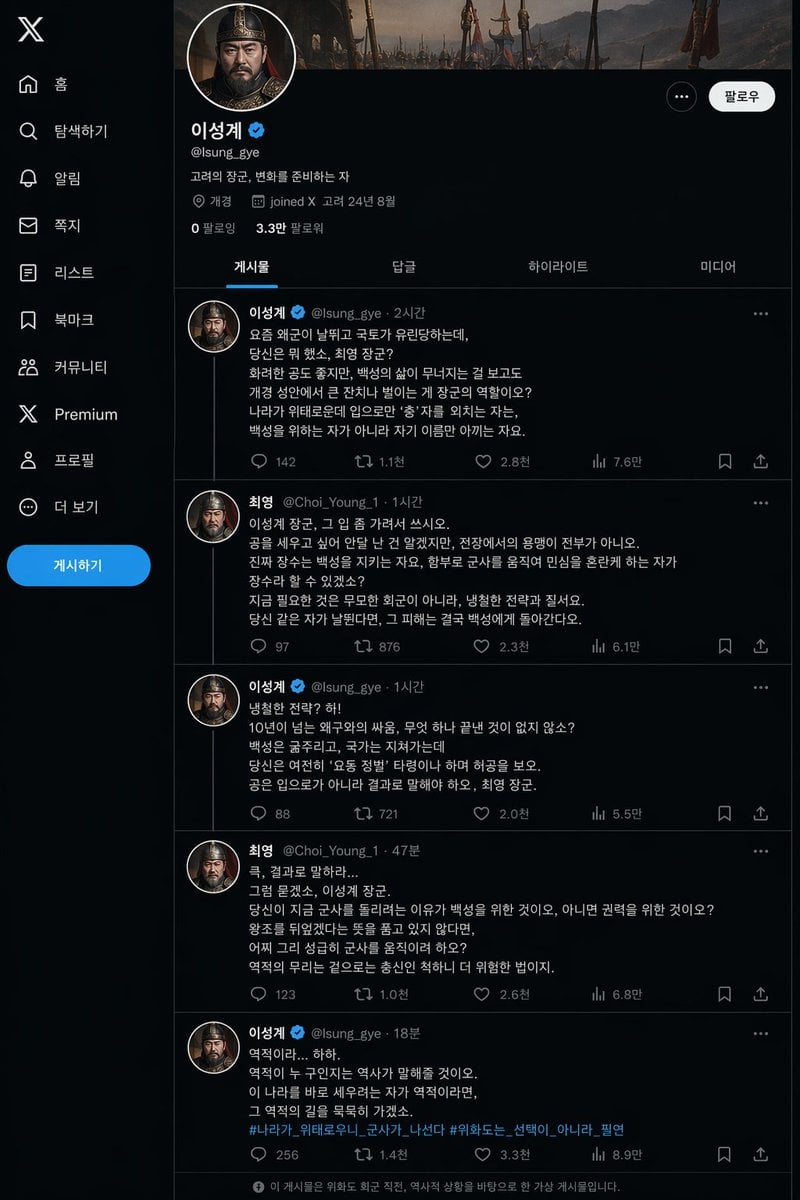
Historical Social Media Feed Mockup
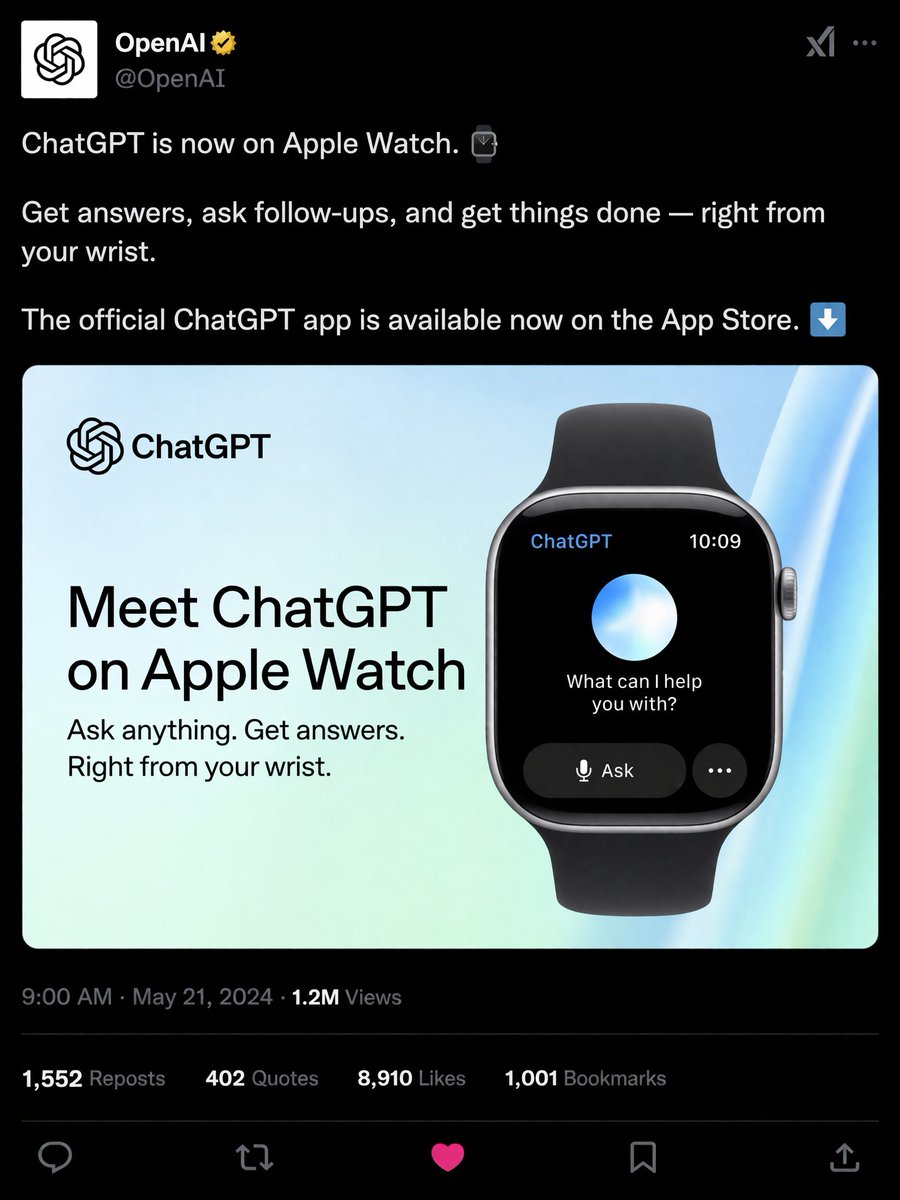
Social Media Product Announcement Mockup
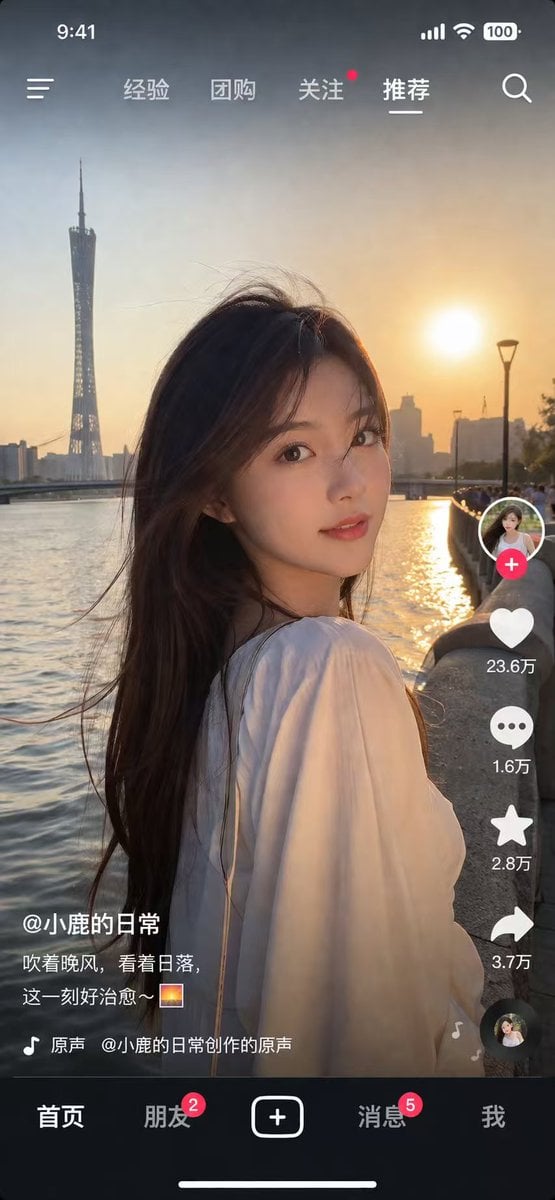
Social Media App Interface Mockup
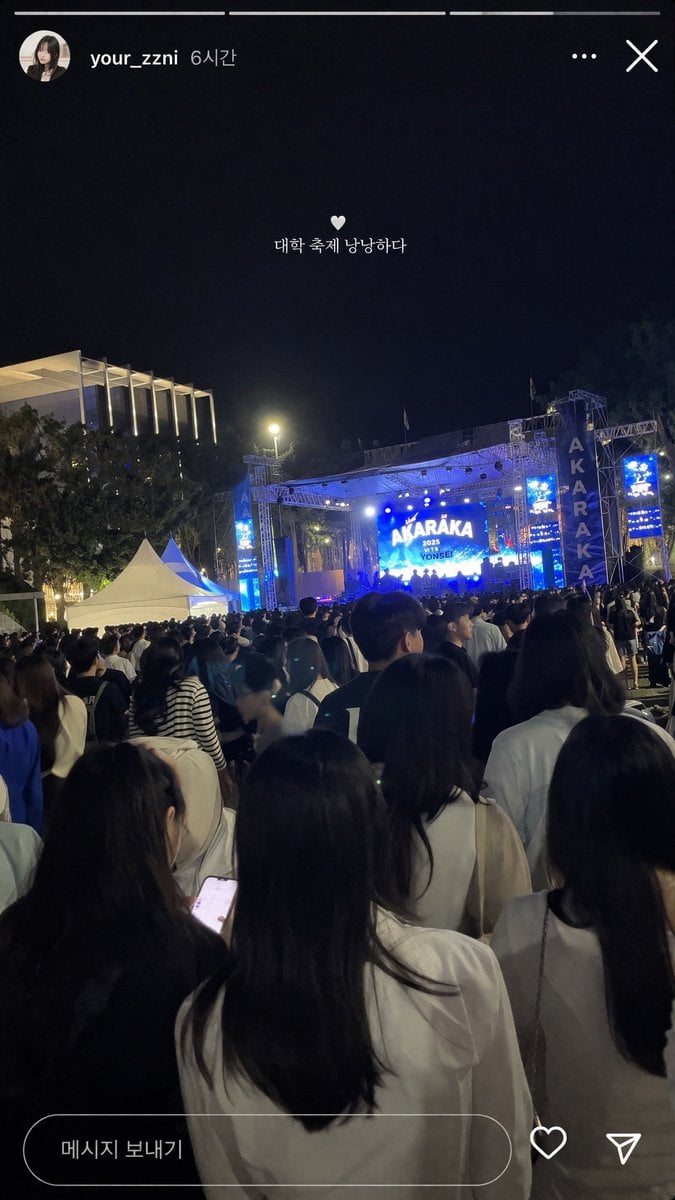
Social Media Concert Story Mockup
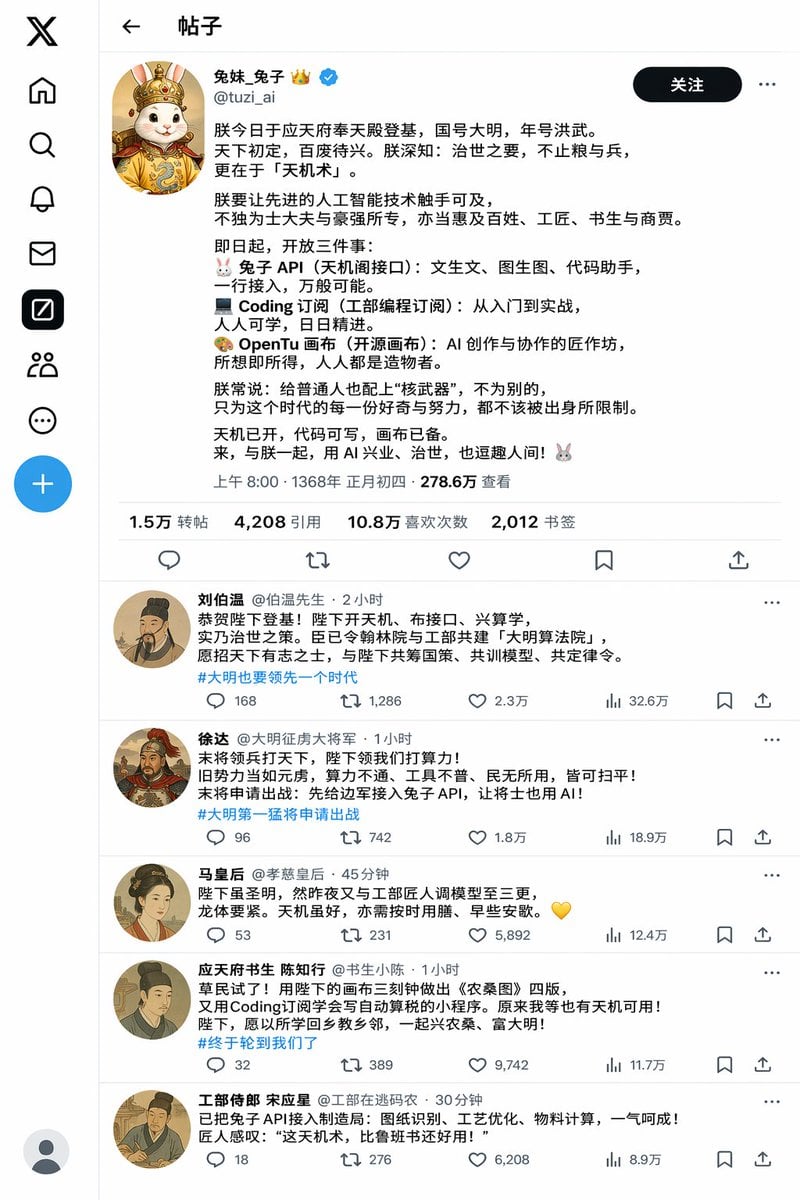
Historical Rabbit King Social Media Page
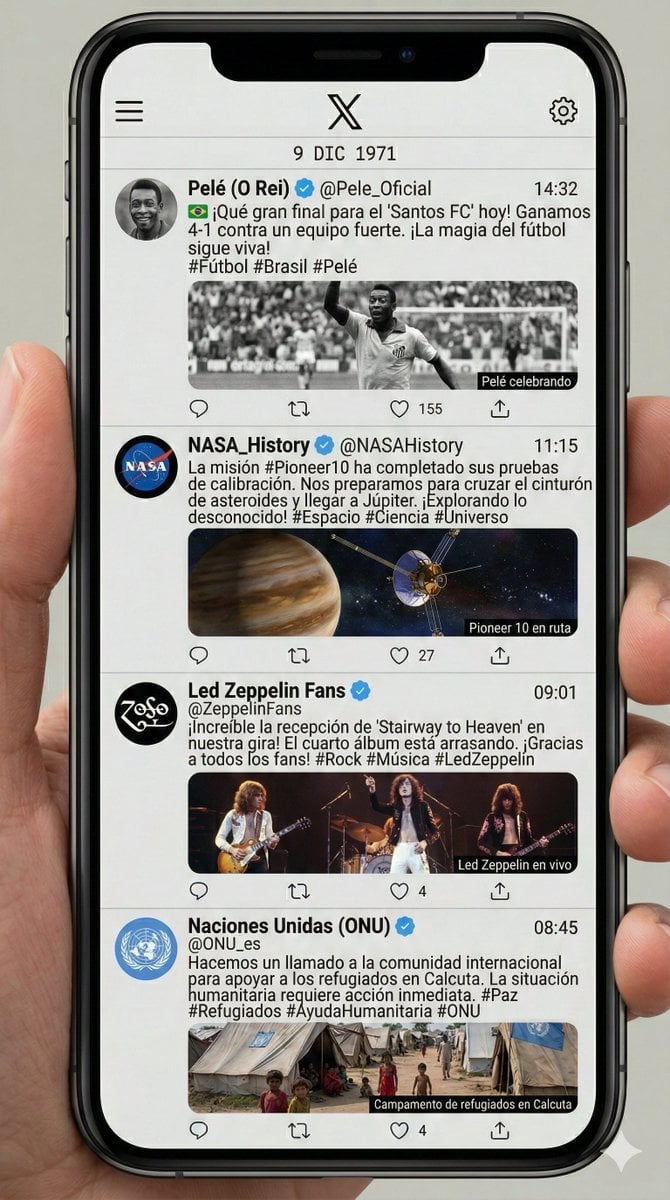
Historical Social Media Feed Generation

Shattered Screen Social Media Ad

Torn Social Media Profile Art

VLOG Style Social Media Post
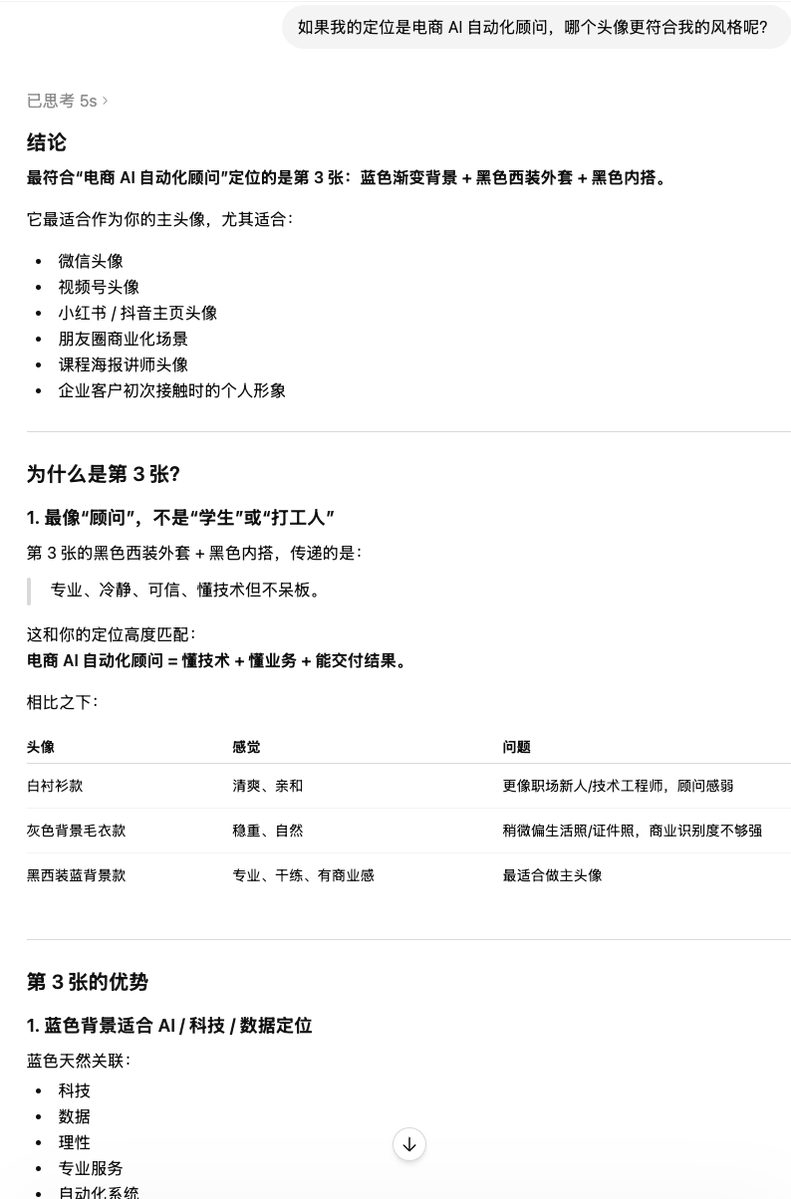
Clean Professional Social Media Avatar

Social Media Magazine Cover
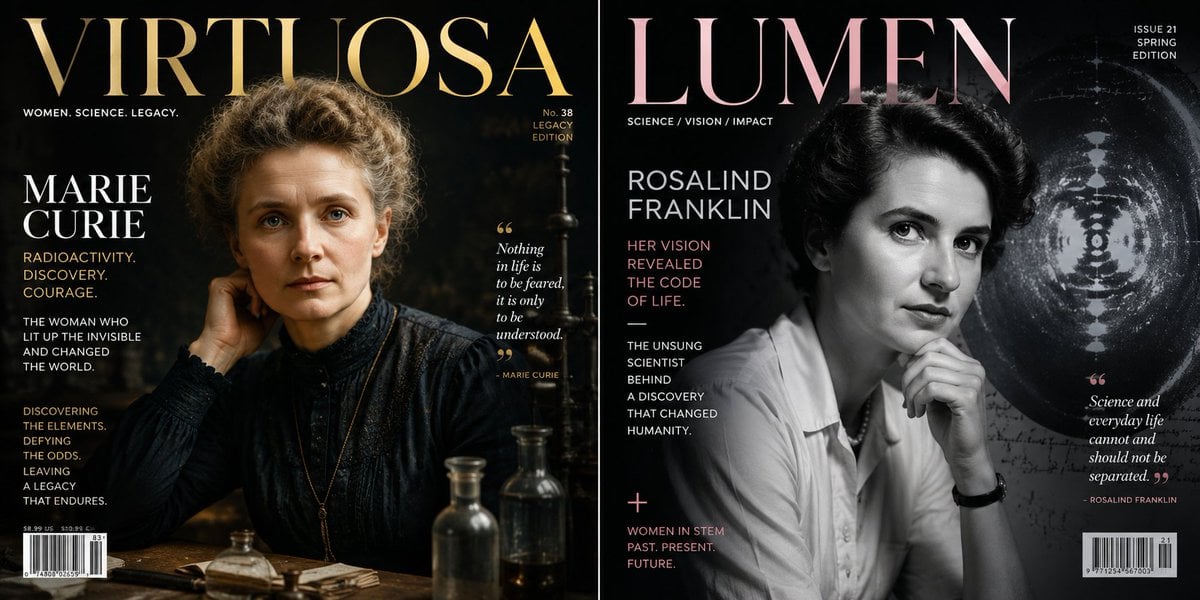
Historical Figure Magazine Cover Generator
Make it yours
Historical Figure Social Media UI Mockup works as-is. These are the safest ways to change it without losing the look.
Swap the setting
Keep the rest of the prompt and replace the location block. The current setting is “应天府 (南京)”.
Change one field
Copy a single group, rewrite it, and generate again so you can see what that field is doing.
Keep the frame, change the subject
Hold the composition and light of Historical Figure Social Media UI Mockup, then swap wardrobe, props or the person for a new take.
| If the result… | Why | Fix |
|---|---|---|
| The result drifts from the preview | Too many fields changed at once. | Reuse Historical Figure Social Media UI Mockup as-is first, then change one group — subject, light, or setting. |
| GPT Image 2 ignores part of the JSON | Some models flatten or skip nested keys. | Keep the same values and paste them as a short paragraph instead. |
More GPT Image 2 templates
Other prompts made for GPT Image 2.

Six VTuber Japanese Logo Sheet

Realistic Portrait of Woman and Deer

The Vista Modular Condo Poster

AI Model Routing Comparison Infographic

2.5D Anime Art Board

Isometric Productivity Desk Scene

New York Double Exposure Poster

Four-Panel AI Landscape Comparison

Japanese Tatami Lifestyle Magazine Cover

NESCAFÉ Coffee Map Poster
More image prompts
Fresh picks from across the catalog.

Ultra-High-End Skincare Product Photography Prompt
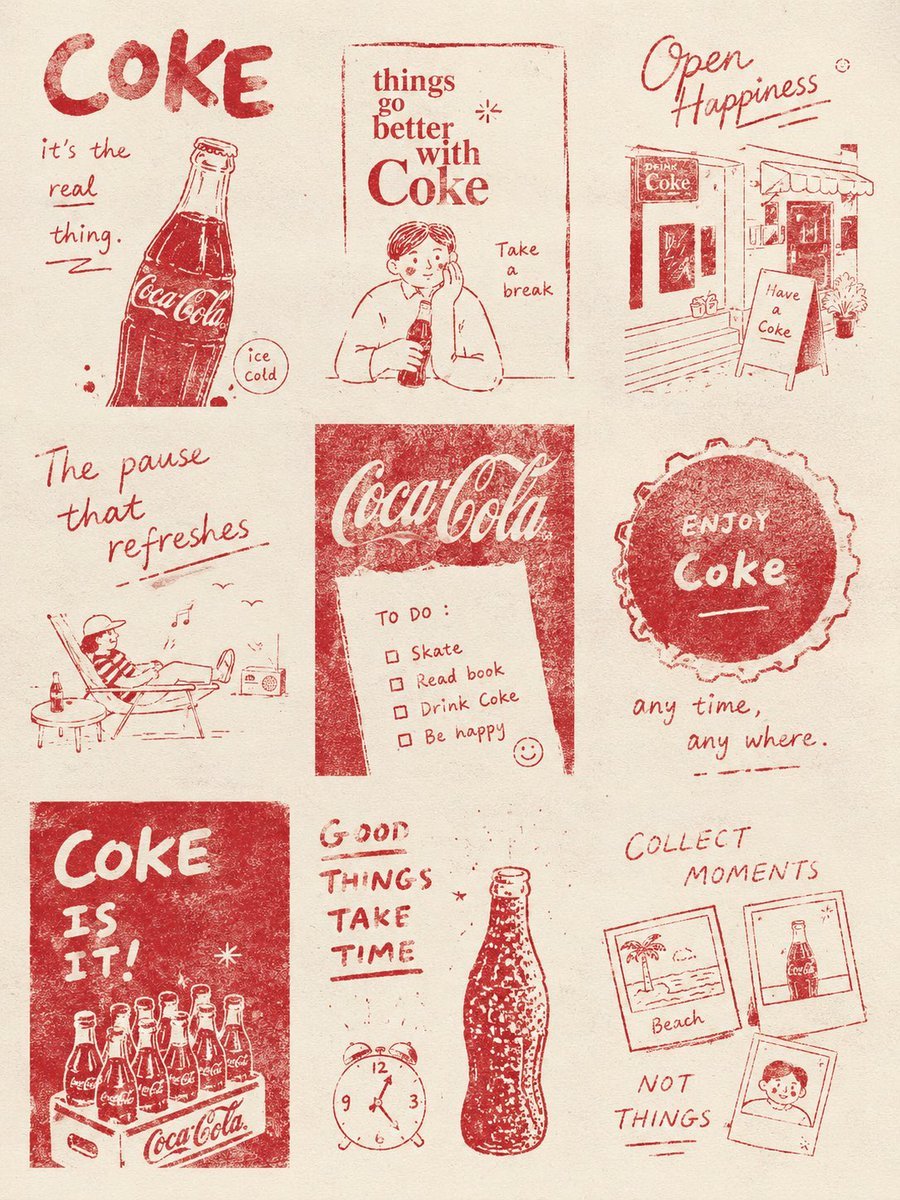
Magazine Collage Brand Visuals

Bubble Tanuki Travel Planning
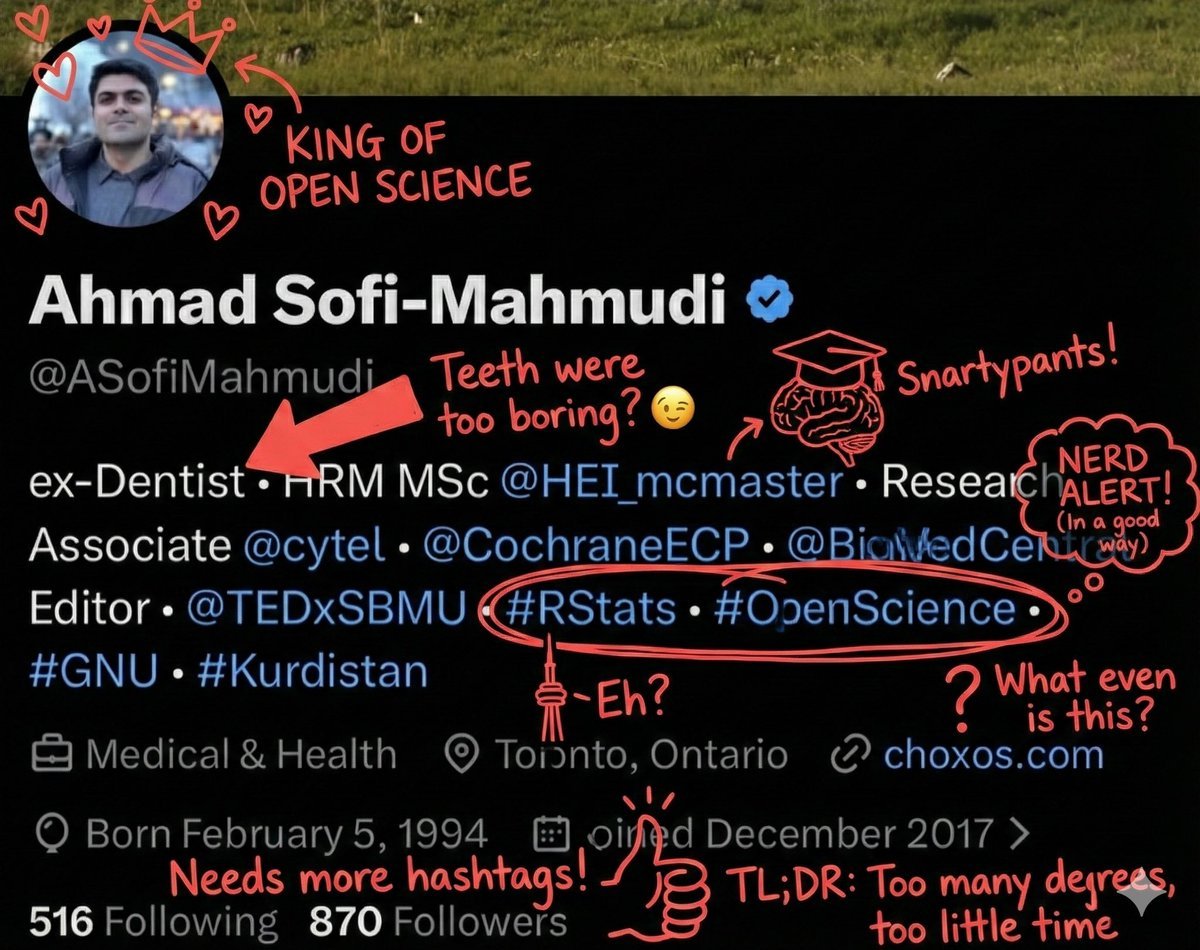
Overlay Image with Funny Comments
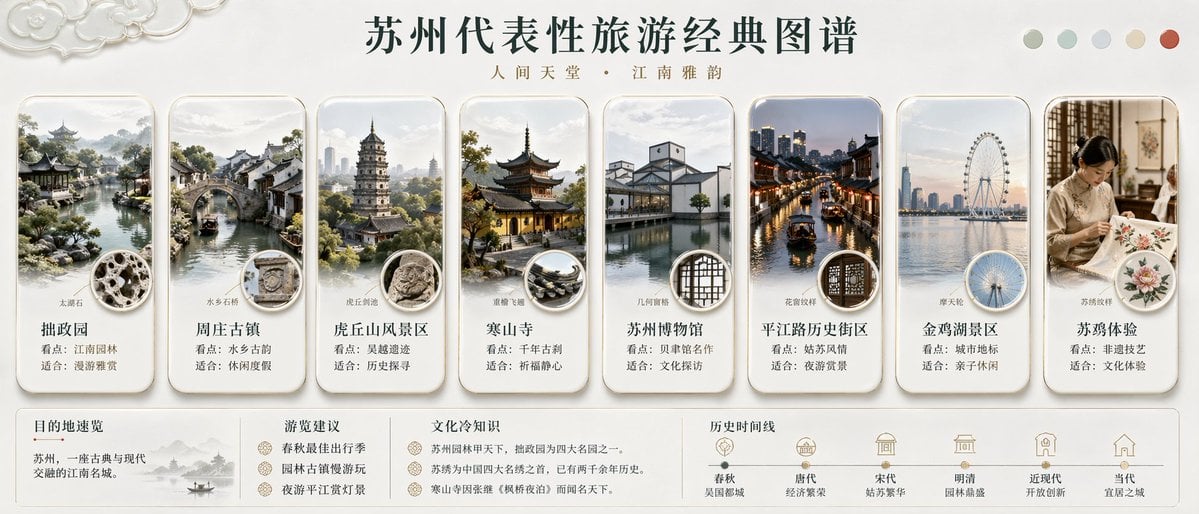
Suzhou Classic Travel Infographic
Japanese Beverage Ad Poster
Cinematic portrait prompt for Nano Banana Pro

Aesthetic Cinematic Outdoor Half Portrait

IP Character Avatar Poster Designer

10+ Page Manga Creation Prompt
Browse template categories
Historical Figure Social Media UI Mockup questions
How do I use the Historical Figure Social Media UI Mockup template?
Add your photo if the template asks for one, edit the prompt if you like — the template's model and format are already selected — and press Generate. Your version opens in PicX Studio.
Can I customize the Historical Figure Social Media UI Mockup template?
Yes. You can change the subject, setting, lighting, mood, format, and available model controls before creating your image.
Is the Historical Figure Social Media UI Mockup template free?
Opening and editing this template is free. Generating uses credits, shown on the Generate button when you are signed in.
Which AI model should I use?
Start with GPT Image 2, which is the model associated with this template. You can compare another compatible model for a different finish.
Looking for something else? Browse all templates.

Your photo, any look
Thousands of ready templates for every top image and video model, from one credit balance.