How do I use the Realistic Blonde Woman Bedroom Portrait template?
Edit the prompt in the box under the preview — the template's model and format are already selected — and press Generate. Your version appears right on this page.
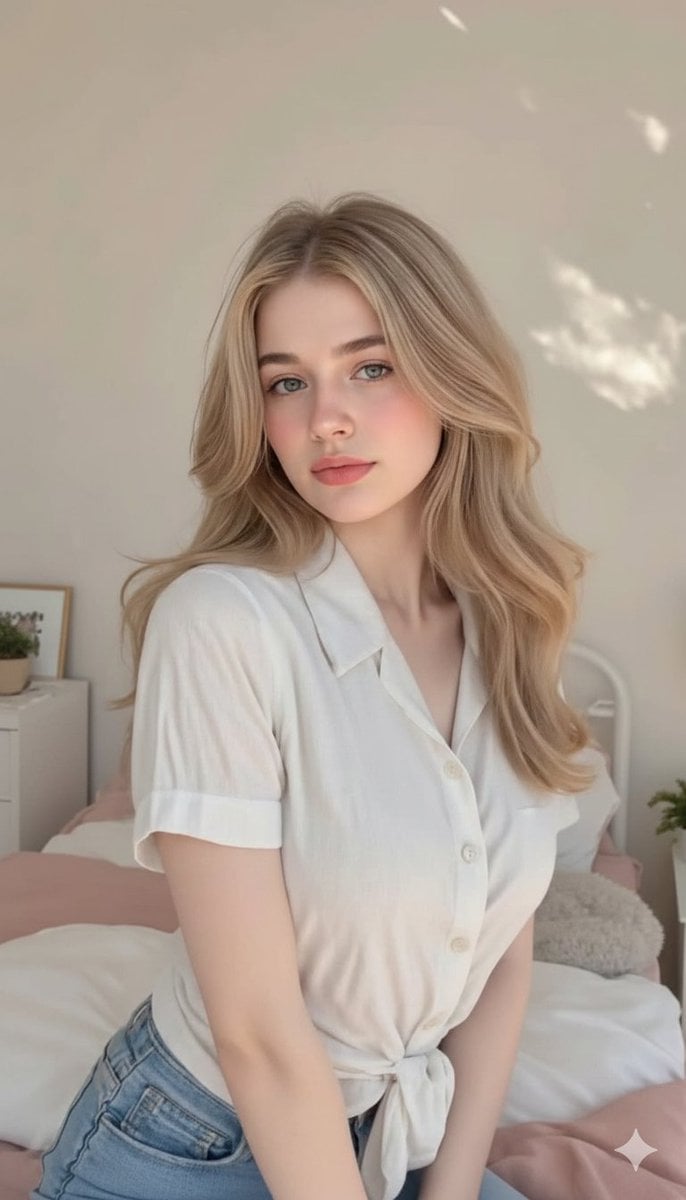
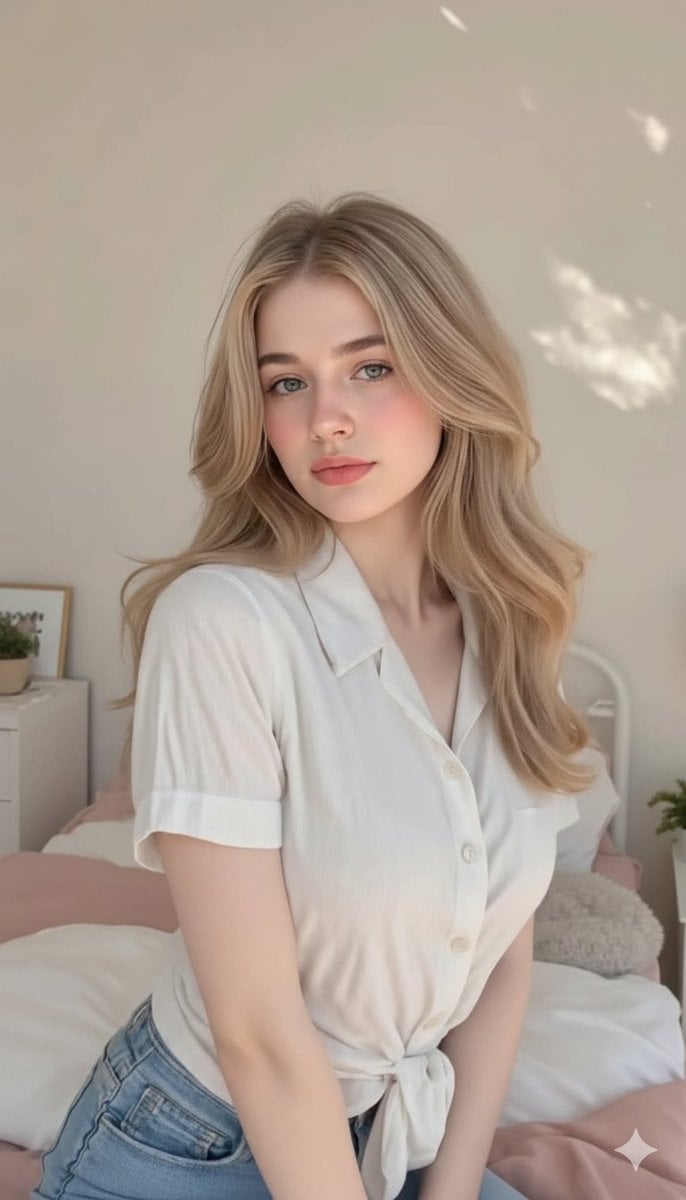
A highly detailed prompt for generating a photorealistic close-up portrait of a woman relaxing in a modern bedroom with warm daylight and cozy aesthetics.

{ "prompt": "Ultra-realistic close-up lifestyle portrait of a young {argument name="hair color" default="blonde"} woman relaxing on a neatly made bed in a bright modern bedroom. Her hair is styled in a casual messy bun with soft face-framing bangs. She wears a simple {argument name="outfit" default="white t-shirt"} and lies comfortably on white bedding while holding a smartphone. Natural makeup, soft skin texture, expressive eyes, and a calm thoughtful expression. Warm daylight streams through large windows, illuminating the room with soft natural light. Minimalist interior design with light wood ceiling panels, indoor greenery, and clean contemporary decor. {argument name="aesthetic" default="Cozy morning aesthetic"}, candid social media photography, shallow depth of field, highly detailed, photorealistic, authentic everyday lifestyle moment.", "negative_prompt": "blurry, low resolution, distorted anatomy, extra limbs, extra fingers, unrealistic proportions, plastic skin, excessive retouching, cartoon, anime, CGI, painting, watermark, text, logo, motion blur, noisy image, cluttered room, harsh shadows, overexposed highlights", "style": "photorealistic", "camera": { "lens": "50mm", "aperture": "f/1.8", "angle": "close-up selfie perspective", "depth_of_field": "shallow" }, "lighting": { "type": "soft natural window light", "direction": "diffused daylight", "mood": "cozy, relaxed, intimate" }, "composition": { "framing": "vertical portrait", "subject_position": "foreground on bed", "background": "minimalist bedroom with natural wood accents and indoor plants" }, "quality": { "resolution": "8k", "detail": "ultra high", "realism": "maximum" } }
{ "prompt": "Ultra-realistic close-up lifestyle portrait of a young {argument name="hair color" default="blonde"} woman relaxing on a neatly made bed in a bright modern bedroom. Her hair is styled in a casual messy bun with soft face-framing bangs. She wears a simple {argument name="outfit" default="white t-shirt"} and lies comfortably on white bedding while holding a smartphone. Natural makeup, soft skin texture, expressive eyes, and a calm thoughtful expression. Warm daylight streams through large windows, illuminating the room with soft natural light. Minimalist interior design with light wood ceiling panels, indoor greenery, and clean contemporary decor. {argument name="aesthetic" default="Cozy morning aesthetic"}, candid social media photography, shallow depth of field, highly detailed, photorealistic, authentic everyday lifestyle moment.", "negative_prompt": "blurry, low resolution, distorted anatomy, extra limbs, extra fingers, unrealistic proportions, plastic skin, excessive retouching, cartoon, anime, CGI, painting, watermark, text, logo, motion blur, noisy image, cluttered room, harsh shadows, overexposed highlights", "style": "photorealistic", "camera": { "lens": "50mm", "aperture": "f/1.8", "angle": "close-up selfie perspective", "depth_of_field": "shallow" }, "lighting": { "type": "soft natural window light", "direction": "diffused daylight", "mood": "cozy, relaxed, intimate" }, "composition": { "framing": "vertical portrait", "subject_position": "foreground on bed", "background": "minimalist bedroom with natural wood accents and indoor plants" }, "quality": { "resolution": "8k", "detail": "ultra high", "realism": "maximum" } }
Edit the prompt in the box under the preview — the template's model and format are already selected — and press Generate. Your version appears right on this page.
Yes. You can change the subject, setting, lighting, mood, format, and available model controls before creating your image.
Opening and editing this template is free. Generating uses credits, shown on the Generate button when you are signed in.
Start with Nano Banana 2, which is the model associated with this template. You can compare another compatible model for a different finish.
Follow a topic to a crawlable collection of related PicX Studio templates.