
Cosmic Big Bang Snooze Comic
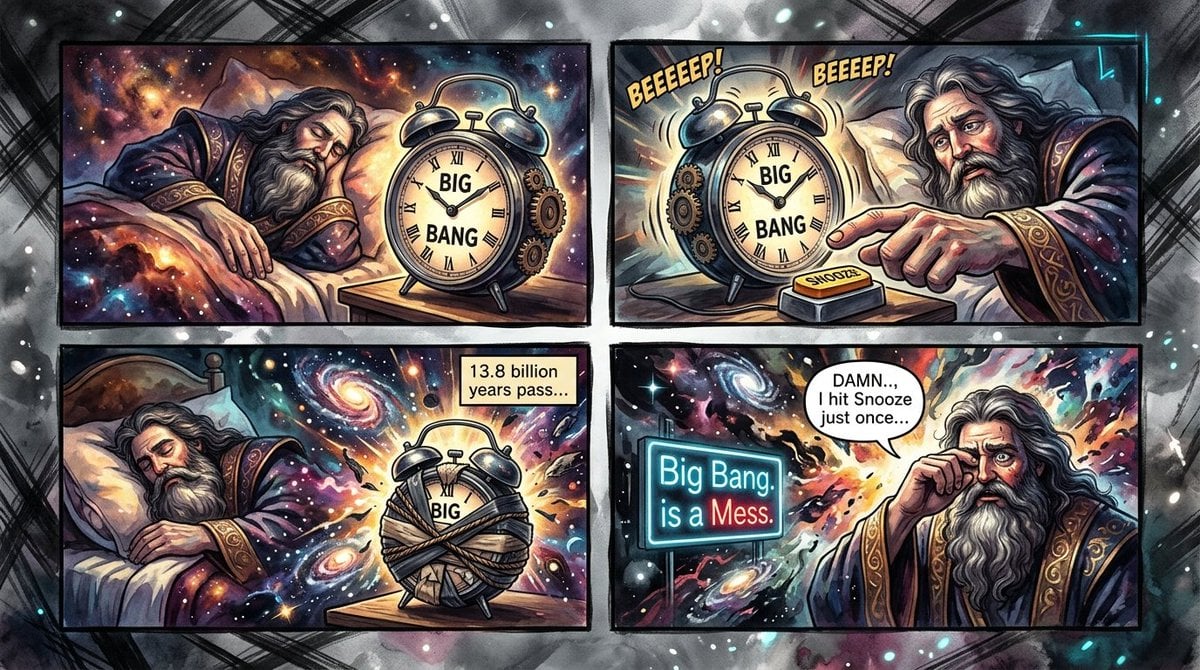
A four-panel humorous cosmic comic showing a sleepy creator, a Big Bang alarm clock, and the universe becoming a mess after hitting snooze.
- Prompt included
- Model and format preset
- Free template
The prompt behind this image
Copy the exact prompt behind Cosmic Big Bang Snooze Comic, or open it in the studio and make it yours.
Goal: Create a humorous four-panel cosmic comic strip about a godlike universe creator oversleeping and accidentally causing a messy Big Bang. Canvas: Wide horizontal comic page, 16:9 aspect ratio, with four rectangular panels arranged in a 2-by-2 grid. Use thick black comic borders, slight perspective wobble, and a smoky grayscale outer background with glowing specks and sketchy crosshatch marks. Visual style: Highly detailed painterly comic art with dramatic ink outlines, cosmic fantasy lighting, saturated nebula colors, stars, galaxies, explosions, and watercolor-like textures. The tone is funny, epic, and slightly chaotic. Add a deliberate blurred square over the godlike character’s face in each panel, as if censored or anonymized. Main character: A long-haired, bearded, elderly cosmic wizard or deity wearing ornate purple robes patterned with stars and gold embroidered cuffs. He is sleepy and irritated, shown in bed or beside the alarm clock. Use {argument name="character name" default="anonymous cosmic creator"} only as an internal character concept, not visible text. Panel layout and exact content: 1. Top-left panel: The cosmic creator sleeps under blankets in a bed floating in deep space. Beside the bed on a small wooden table sits a large vintage twin-bell alarm clock. The clock face clearly reads “BIG BANG” in bold black letters, with Roman numerals around the edge. Background filled with colorful nebula clouds and stars. No speech bubble. 2. Top-right panel: The alarm clock rings violently with motion lines. Add exactly two comic sound effects above it: “BEEEEEP!” on the left and “BEEEEP!” on the right, in yellow bold comic lettering with black outline. The creator reaches from the right side toward a small rectangular orange snooze button on a base in front of the clock. The button label reads “SNOOZE.” The clock face still reads “BIG BANG.” 3. Bottom-left panel: The creator is back asleep on the left while the clock on the bedside table is wrapped tightly in messy bandages or cloth, muffled and restrained. The universe behind it erupts with galaxies, stars, and colorful energy swirls. Add a small beige caption box in the upper right that reads exactly: “13.8 billion years pass...” 4. Bottom-right panel: The creator is awake and exasperated, pointing or gesturing toward the cosmic chaos. Behind him is a wild explosion of galaxies, starbursts, and nebula fragments. Add a glowing neon sign on the left that reads exactly: “Big Bang is a Mess.” with “Mess.” emphasized in red. Add one speech bubble above the creator that reads exactly: “DAMN..., I hit Snooze just once...” Text content: Include exactly these visible text elements: “BIG BANG” on the alarm clock in panels 1, 2, and partially visible in panel 3; “BEEEEEP!”; “BEEEEP!”; “SNOOZE”; “13.8 billion years pass...”; “Big Bang is a Mess.”; and “DAMN..., I hit Snooze just once...” Constraints: Use exactly four panels, exactly one recurring main character, exactly one alarm clock, exactly one snooze button, exactly one neon sign, and exactly one caption box. Keep all text legible and spelled as specified. Do not add extra panels, extra speech bubbles, watermarks, logos, or signatures.
How to use Cosmic Big Bang Snooze Comic in 3 steps
- 1Upload ImagePNG, JPG or paste
Add your photo
Upload the photo the template builds on. The prompt, model and format are already set.
- 2…a portrait of your subject in softgolden-hour light, 85mm…
Personalize
Edit the subject and creative details for your destination.
- 3Generate
Generate
Press Generate — your image is created in PicX Studio, so you can compare it with the original and refine one variable at a time.
More like this
Templates with the same subject, style or setup. Open one to see its prompt.

Pop Art Superhero Explosion Poster

Hero Portrait Comic Multi-Panel Poster

Spider-Man Noir Detective Rain Alley
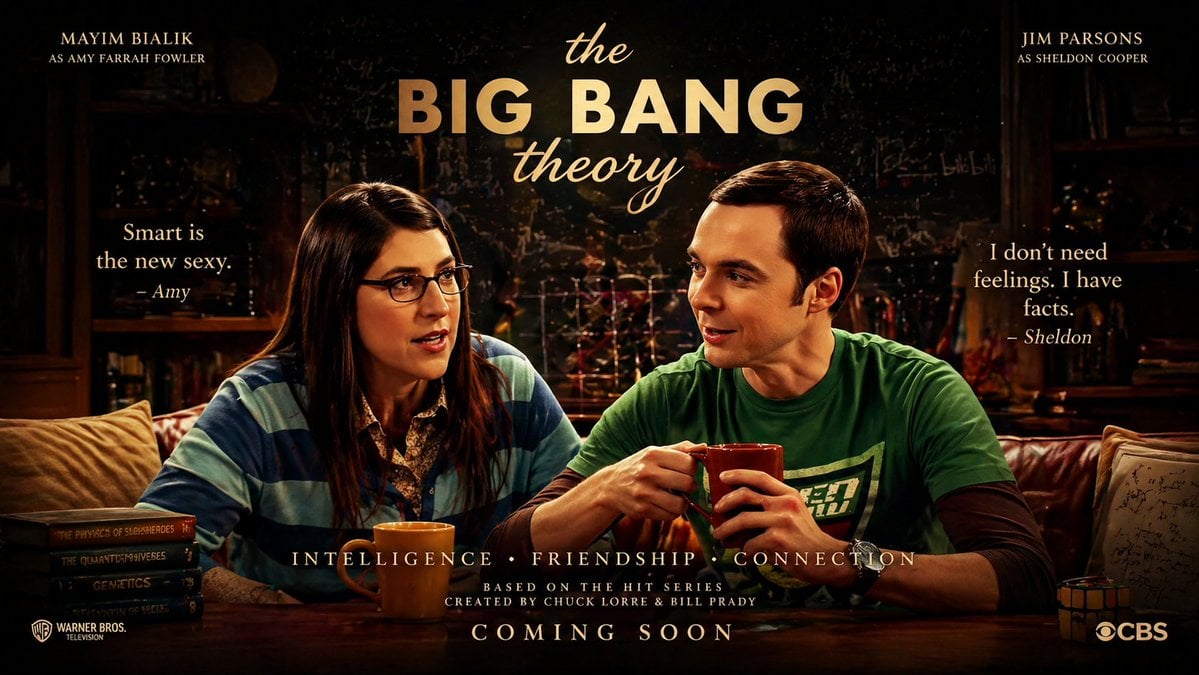
The Big Bang Theory Cinematic Poster

Gpt2 E Commerce Main Image 9 Panel Product Tvc Storyboard
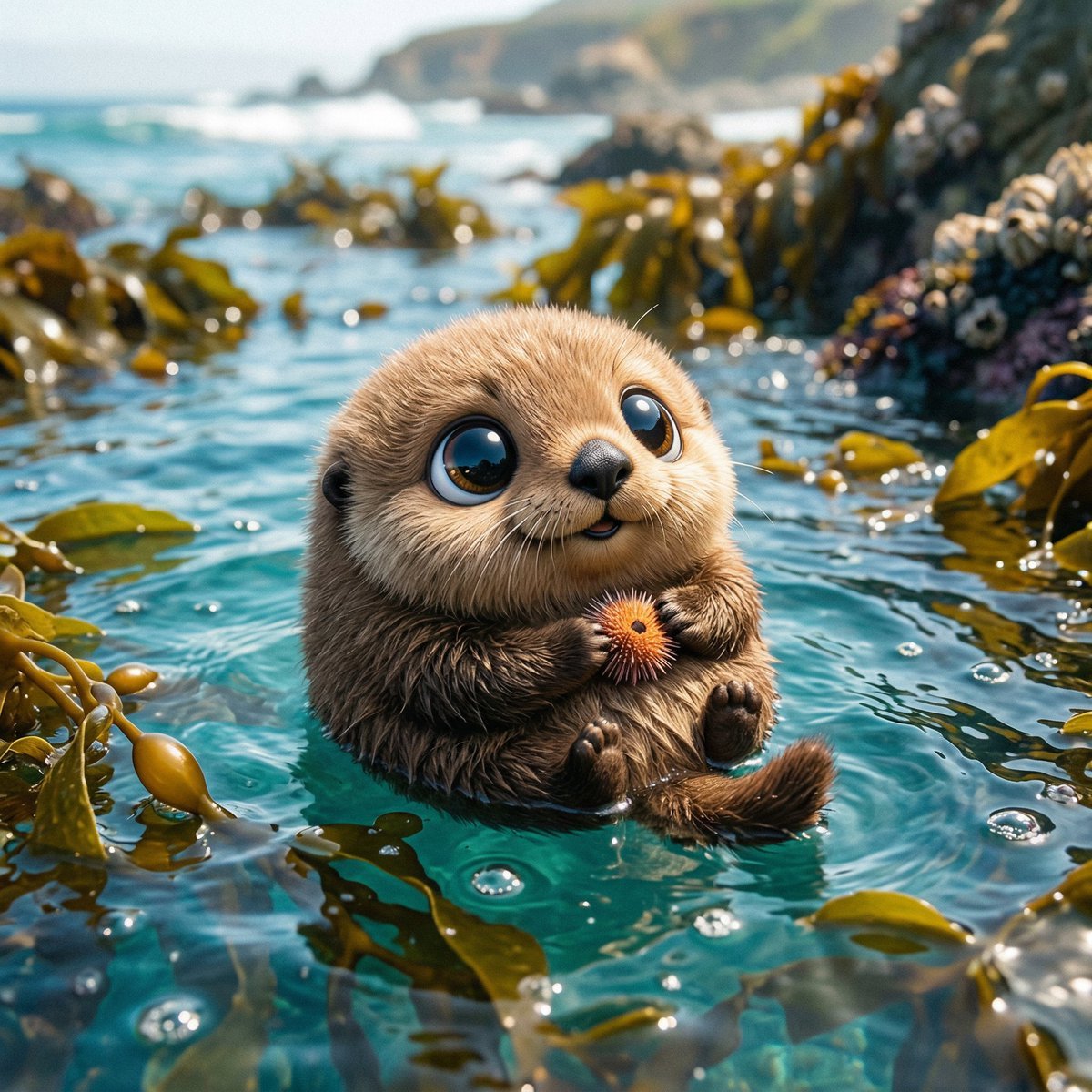
Photo of a cute ball-shaped version of a, with big adorable over-sized
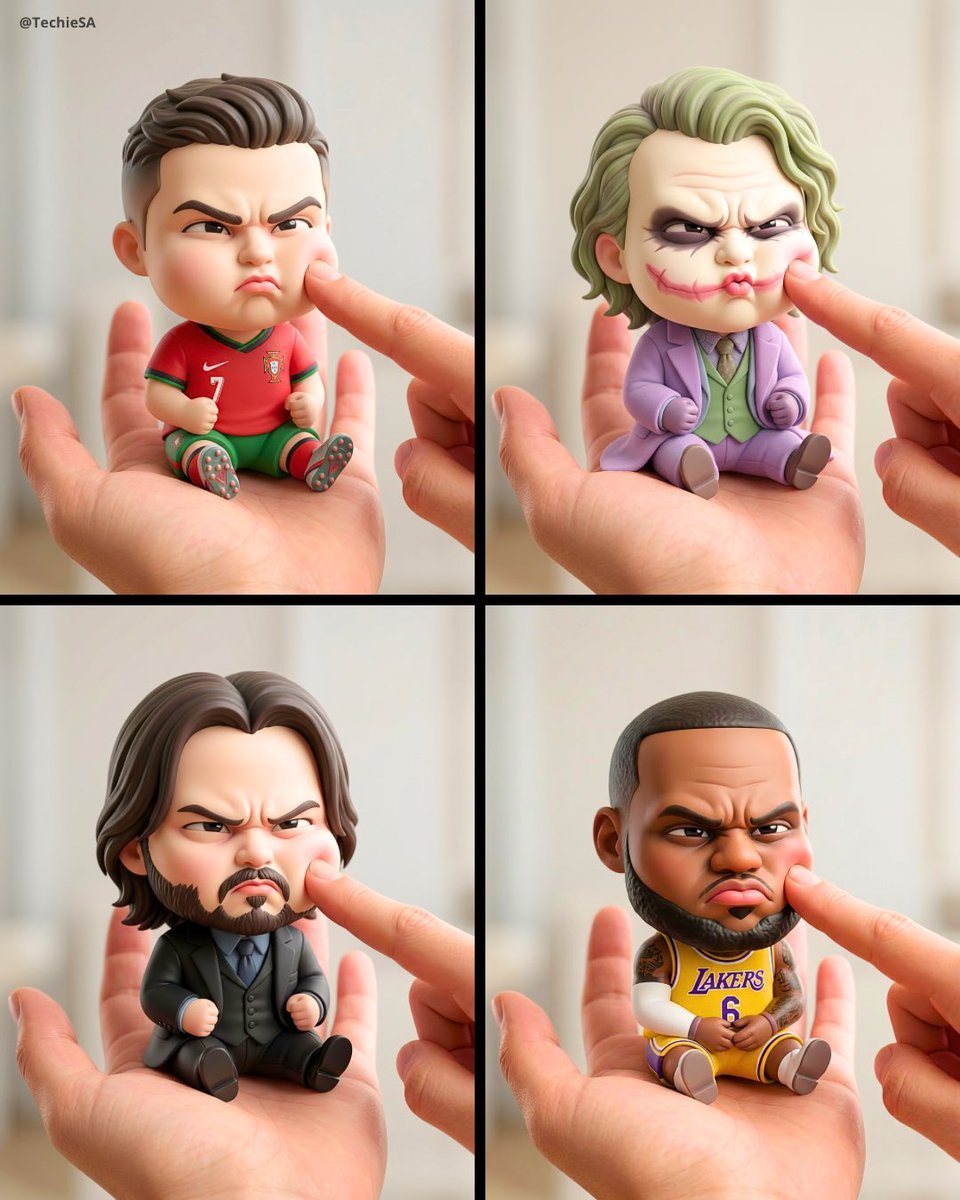
A mini chibi version of the character in the uploaded image, with a big
A cute stylized 3D cartoon character boy/girl with big expressive eyes
A stylized 3D cartoon character of a with big expressive eyes
A stylized 3D cartoon character of a young boy with big expressive eyes
Princess Face Big Head Art
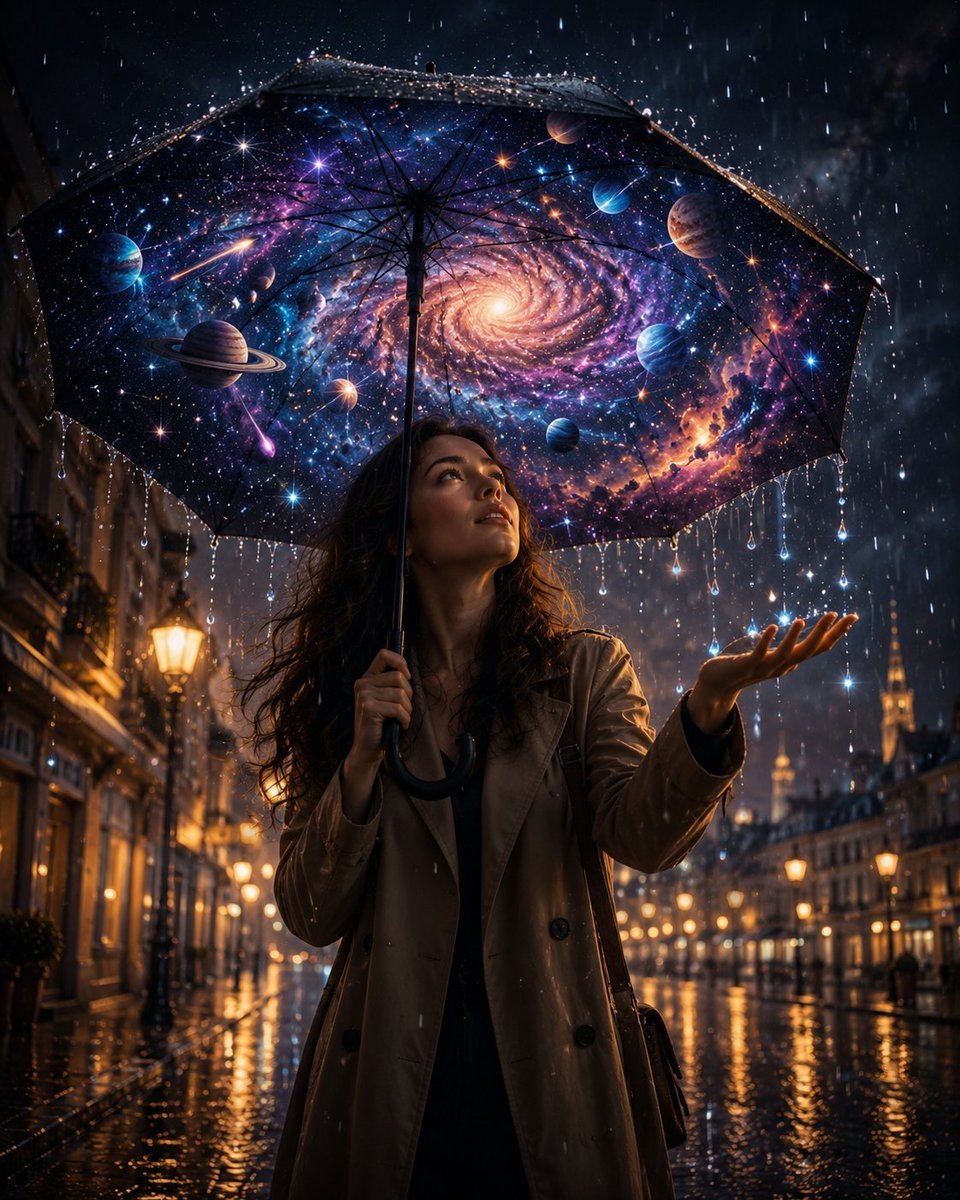
Cosmic Universe Umbrella Fantasy Scene
Make it yours
Cosmic Big Bang Snooze Comic works as-is. These are the safest ways to change it without losing the look.
Change one field
Copy a single group, rewrite it, and generate again so you can see what that field is doing.
Keep the frame, change the subject
Hold the composition and light of Cosmic Big Bang Snooze Comic, then swap wardrobe, props or the person for a new take.
| If the result… | Why | Fix |
|---|---|---|
| The result drifts from the preview | Too many fields changed at once. | Reuse Cosmic Big Bang Snooze Comic as-is first, then change one group — subject, light, or setting. |
| The model over-stylizes the scene | The prose prompt leaves finish and camera underspecified. | Add one camera or lighting sentence and stay on GPT Image 2. |
More GPT Image 2 templates
Other prompts made for GPT Image 2.

Six VTuber Japanese Logo Sheet

Realistic Portrait of Woman and Deer

The Vista Modular Condo Poster

AI Model Routing Comparison Infographic

2.5D Anime Art Board

Isometric Productivity Desk Scene

New York Double Exposure Poster

Four-Panel AI Landscape Comparison

Japanese Tatami Lifestyle Magazine Cover

NESCAFÉ Coffee Map Poster
More image prompts
Fresh picks from across the catalog.
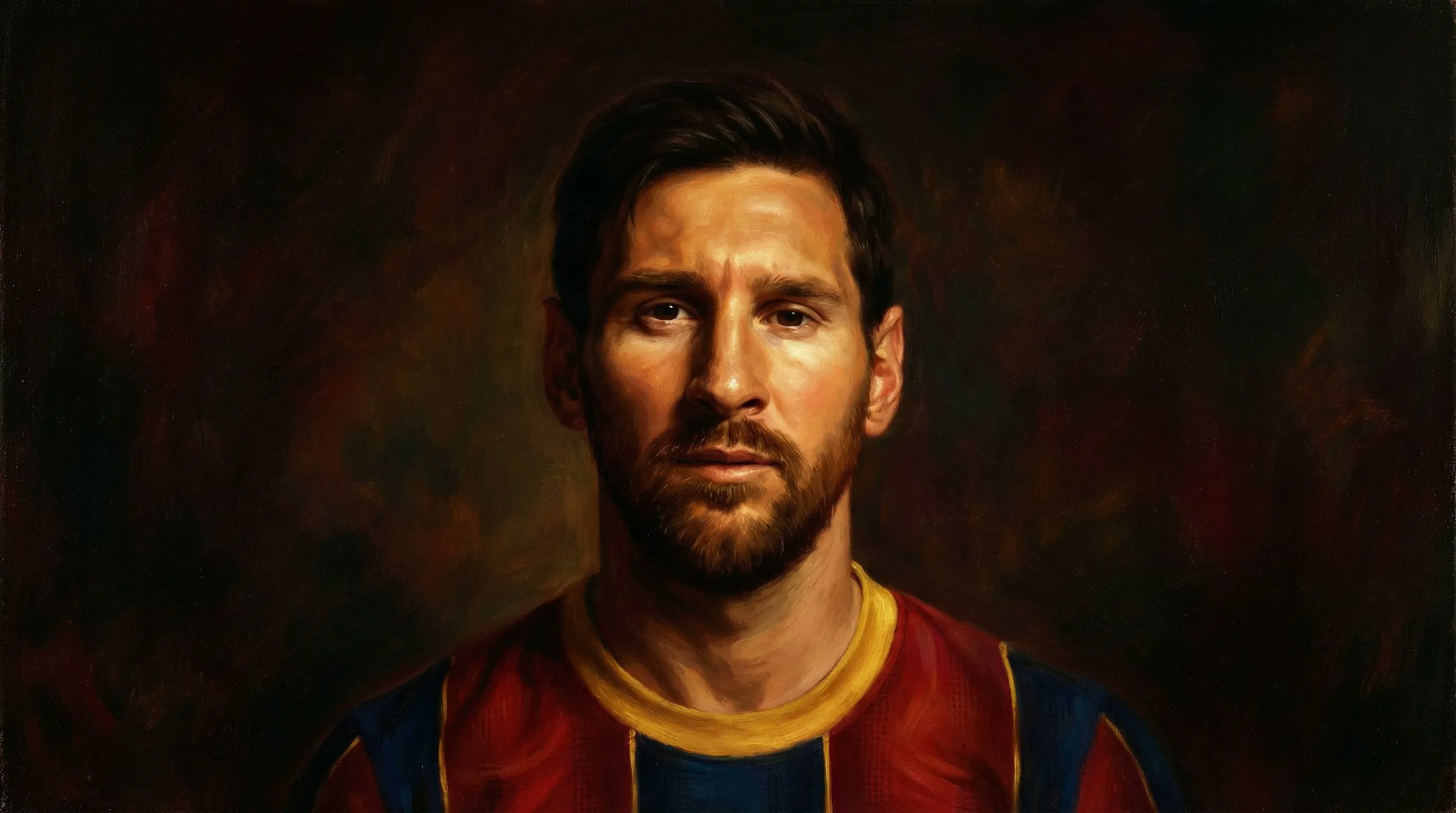
Bullet Time Businessman Seedance 2 0
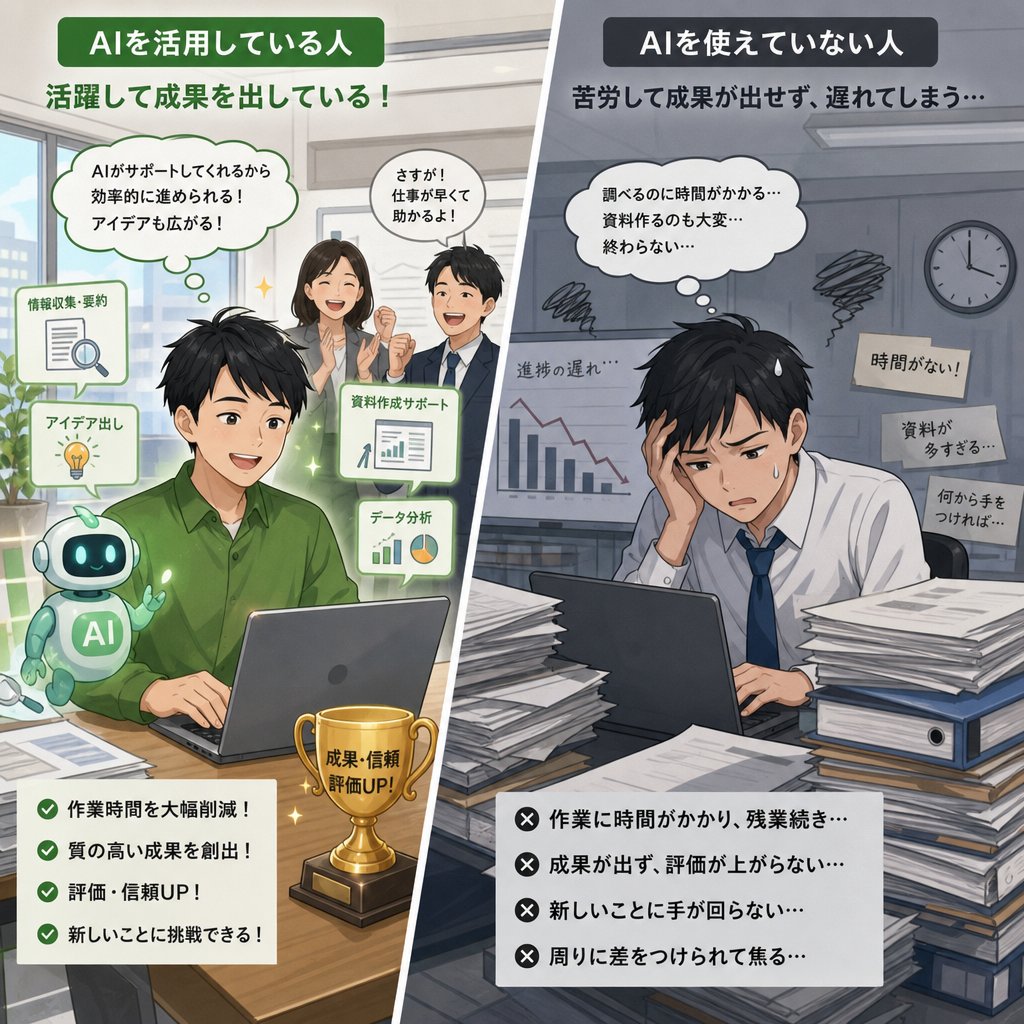
AI Use Comparison Infographic
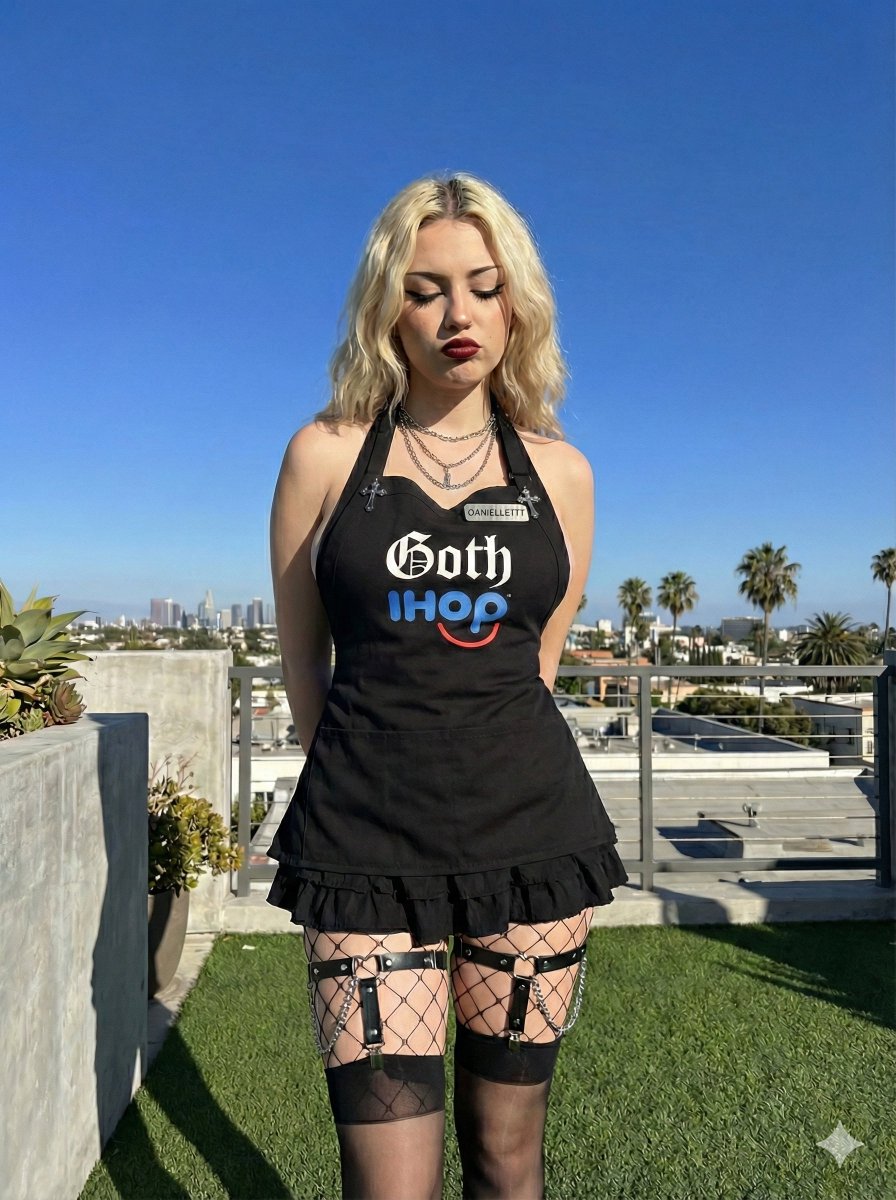
Goth IHOP Waitress Prompt: Rooftop Terrace Scene
Vertical Poster Collage Design
Luxurious Lifestyle Portrait with Maserati and Mansion
Luxury Fashion Brand Advertisement
Hyper-realistic Portrait with Cinematic Lighting
Rebellious High School Student Portrait

Tokyo Tilt-Shift Miniature Diorama
Shakira-Inspired Winter Fashion Dance Prompt
Browse template categories
Cosmic Big Bang Snooze Comic questions
How do I use the Cosmic Big Bang Snooze Comic template?
Add your photo if the template asks for one, edit the prompt if you like — the template's model and format are already selected — and press Generate. Your version opens in PicX Studio.
Can I customize the Cosmic Big Bang Snooze Comic template?
Yes. You can change the subject, setting, lighting, mood, format, and available model controls before creating your image.
Is the Cosmic Big Bang Snooze Comic template free?
Opening and editing this template is free. Generating uses credits, shown on the Generate button when you are signed in.
Which AI model should I use?
Start with GPT Image 2, which is the model associated with this template. You can compare another compatible model for a different finish.
Looking for something else? Browse all templates.

Your photo, any look
Thousands of ready templates for every top image and video model, from one credit balance.