
Toucan Dermatologist Diary Manga
Creates a warm watercolor Japanese diary-comic page featuring an anthropomorphic toucan dermatologist reflecting on skincare, nature, AI, coffee, and kindness.
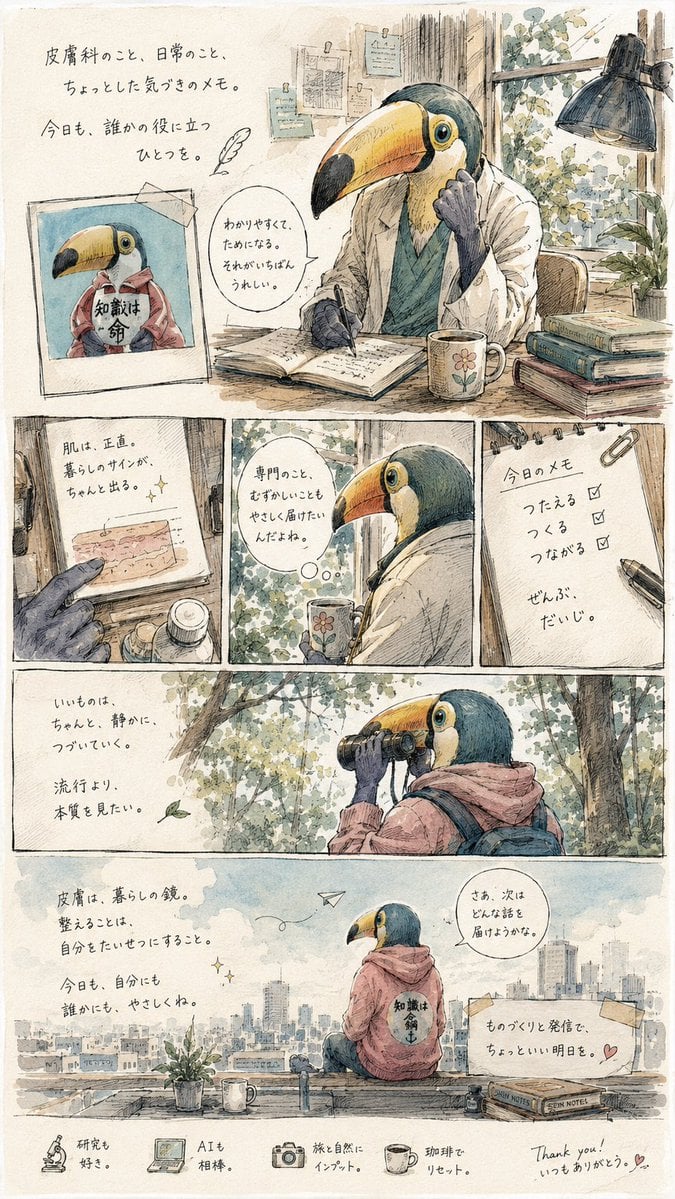
- Prompt included
- Model and format preset
- Free template
The prompt behind this image
Copy the exact prompt behind Toucan Dermatologist Diary Manga, or open it in the studio and make it yours.
Goal: Create a warm, emotional autobiographical single-page manga/illustrated essay about a kind dermatologist who has literally become an anthropomorphic toucan, combining skincare advice, gentle self-reflection, and everyday notes. Canvas: Vertical 2:3 page, off-white textured watercolor paper with thin hand-drawn panel borders, soft muted colors, delicate ink linework, Japanese slice-of-life zine aesthetic, cozy and slightly nostalgic. Main character: An anthropomorphic toucan doctor with a large yellow-orange-and-black beak, blue-green head feathers, expressive round eye, and dark bird hands. He wears a white lab coat over a muted teal shirt in indoor scenes, and a dusty pink hoodie with a backpack in outdoor scenes. The hoodie back has a small circular emblem with Japanese writing. His mood is calm, thoughtful, humble, and kind. Layout: Use exactly 6 main comic panels plus 1 decorative footer strip. Panel 1 is a large top panel occupying about the upper third: the toucan doctor sits at a wooden desk in a sunlit study, writing in an open notebook. Include a desk lamp, stacked books, papers pinned to the wall, leafy window, potted plant, coffee mug with a flower, and a taped Polaroid-style photo at left showing the same toucan in a pink hoodie holding a sign. Panel 2 is a small lower-left close-up of a gloved hand pointing at a small skin-chart note on a clipboard. Panel 3 is a small center panel showing the toucan in profile by a leafy window holding the flower mug, with a rounded speech/thought bubble. Panel 4 is a small lower-right notebook panel with a paperclip and pen, showing a checklist with three checked items. Panel 5 is a wide forest panel: the toucan in pink hoodie looks through binoculars among pale green trees and falling leaves, with reflective handwritten text at left. Panel 6 is a wide rooftop/city panel: the toucan sits from behind on a ledge facing a pale city skyline, with a paper airplane in the sky, plant pot, mug, small faucet or pipe, taped note at right, and speech bubble near the character. Footer strip at the very bottom contains exactly 5 small captioned icons: a microscope, a laptop computer, a camera, a coffee cup, and a handwritten thank-you note with a tiny heart. Text content: Add Japanese handwritten captions in a soft ink style, using this text as the overall copy: {argument name="Japanese page text" default="皮膚科のこと、日常のこと。ちょっとした気づきのメモ。今日も、誰かの役に立つひとつを。知識は命。わかりやすくて、ためになる。それがいちばんうれしい。肌は、正直。暮らしのサインが、ちゃんと出る。専門のこと、むずかしいこともやさしく届けたいんだよね。今日のメモ つたえる つくる つながる ぜんぶ、だいじ。いいものはちゃんと、静かに、つづいていく。流行より、本質を見たい。皮膚は、暮らしの鏡。整えることは、自分をたいせつにすること。今日も、自分にも誰かにも、やさしくね。さぁ、次はどんな話を届けようかな。ものづくりと発信で、ちょっといい明日を。研究も好き。AIも相棒。旅と自然にインプット。珈琲でリセット。Thank you! いつもありがとう。"} Keep the text handwritten, slightly imperfect, and integrated naturally into the panels rather than typeset. Style constraints: Fine pen-and-watercolor illustration, visible paper grain, soft beige shadows, muted teal/green/pink palette, cozy desk clutter, gentle sunlight, no glossy digital rendering, no harsh outlines, no photorealism. Keep the tone poetic and quietly encouraging. Use {argument name="main character" default="anthropomorphic toucan dermatologist"} as the central figure, {argument name="setting mood" default="warm reflective Japanese diary manga"}, {argument name="color palette" default="muted watercolor beige, teal, dusty pink, soft green, warm ochre"}, and {argument name="theme" default="skincare wisdom, daily observations, kindness, and thoughtful creation"}.
How to use Toucan Dermatologist Diary Manga in 3 steps
- 1Upload ImagePNG, JPG or paste
Add your photo
Upload the photo the template builds on. The prompt, model and format are already set.
- 2…a portrait of your subject in softgolden-hour light, 85mm…
Personalize
Edit the subject and creative details for your destination.
- 3Generate
Generate
Press Generate — your image is created in PicX Studio, so you can compare it with the original and refine one variable at a time.
More like this
Templates with the same subject, style or setup. Open one to see its prompt.
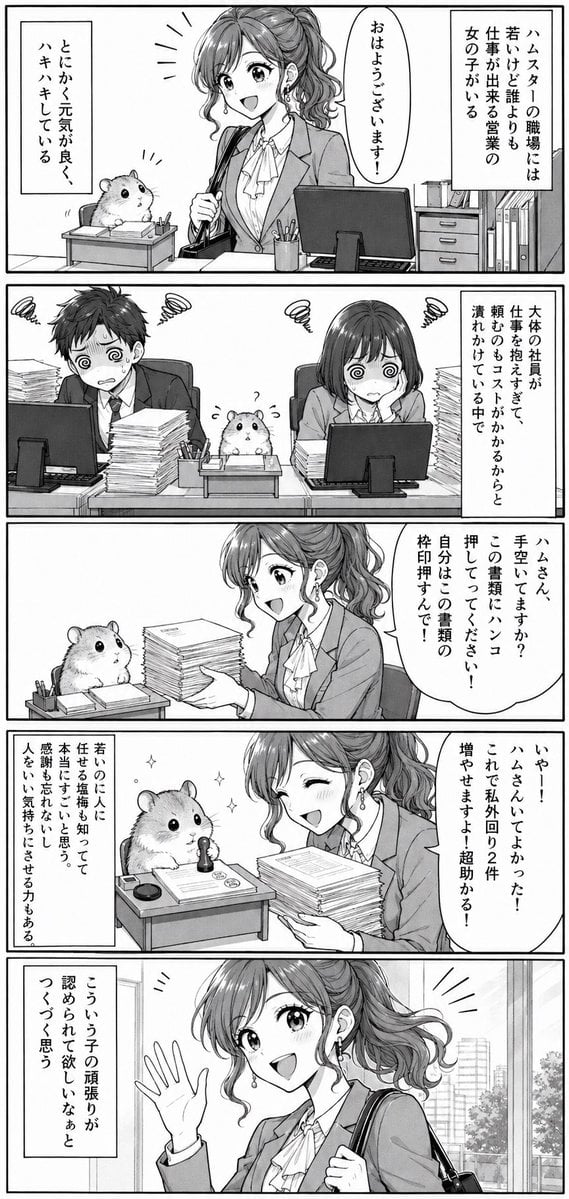
Office Hamster Manga Diary
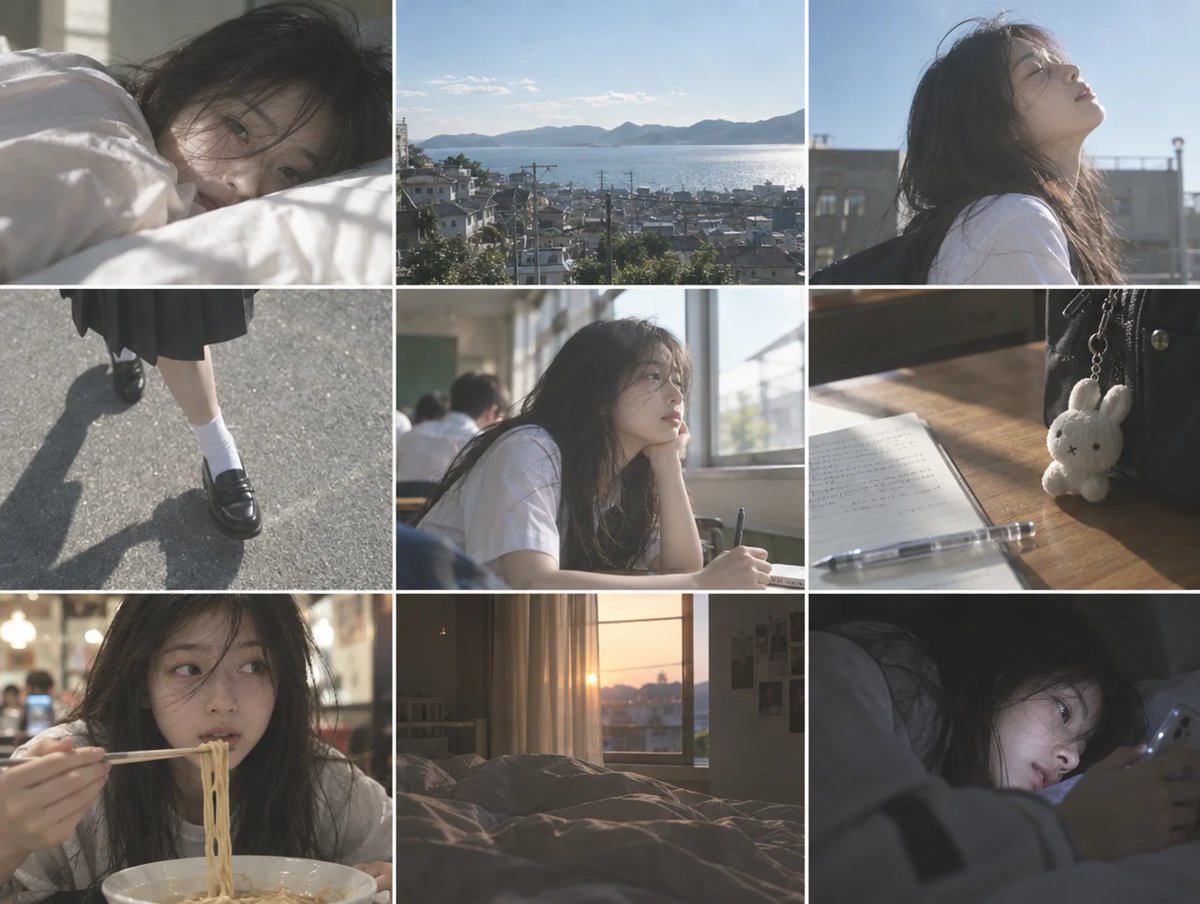
Cinematic Schoolgirl Diary Collage
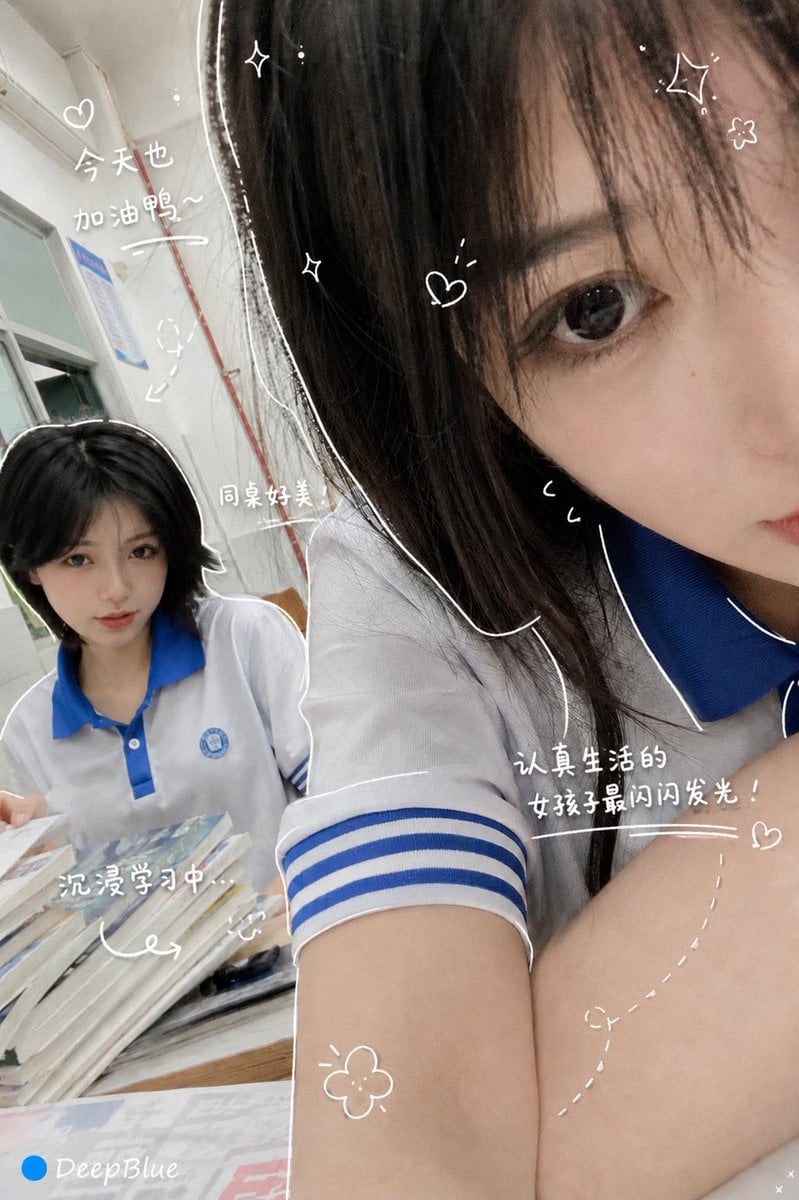
Hand-Drawn Diary Doodle Overlay
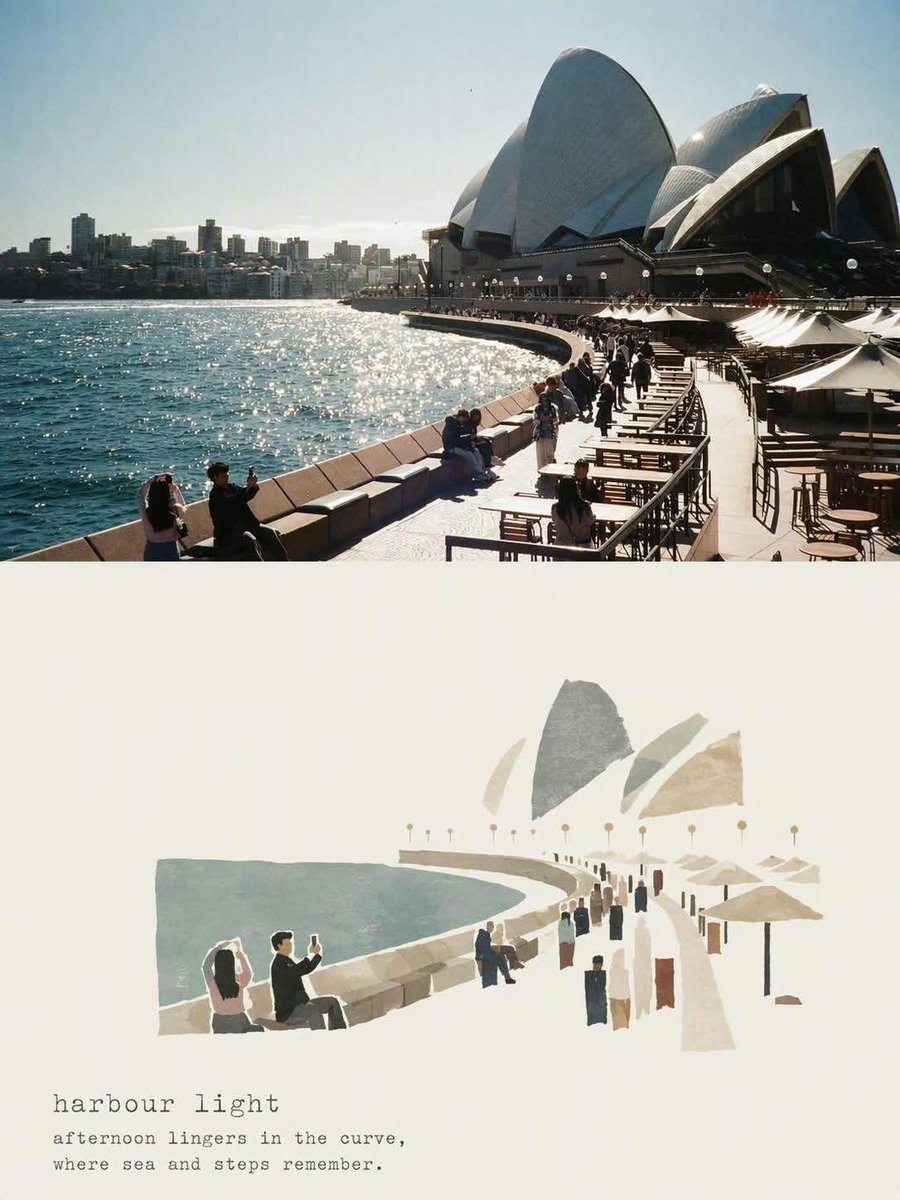
Travel Diary Poster Transformation
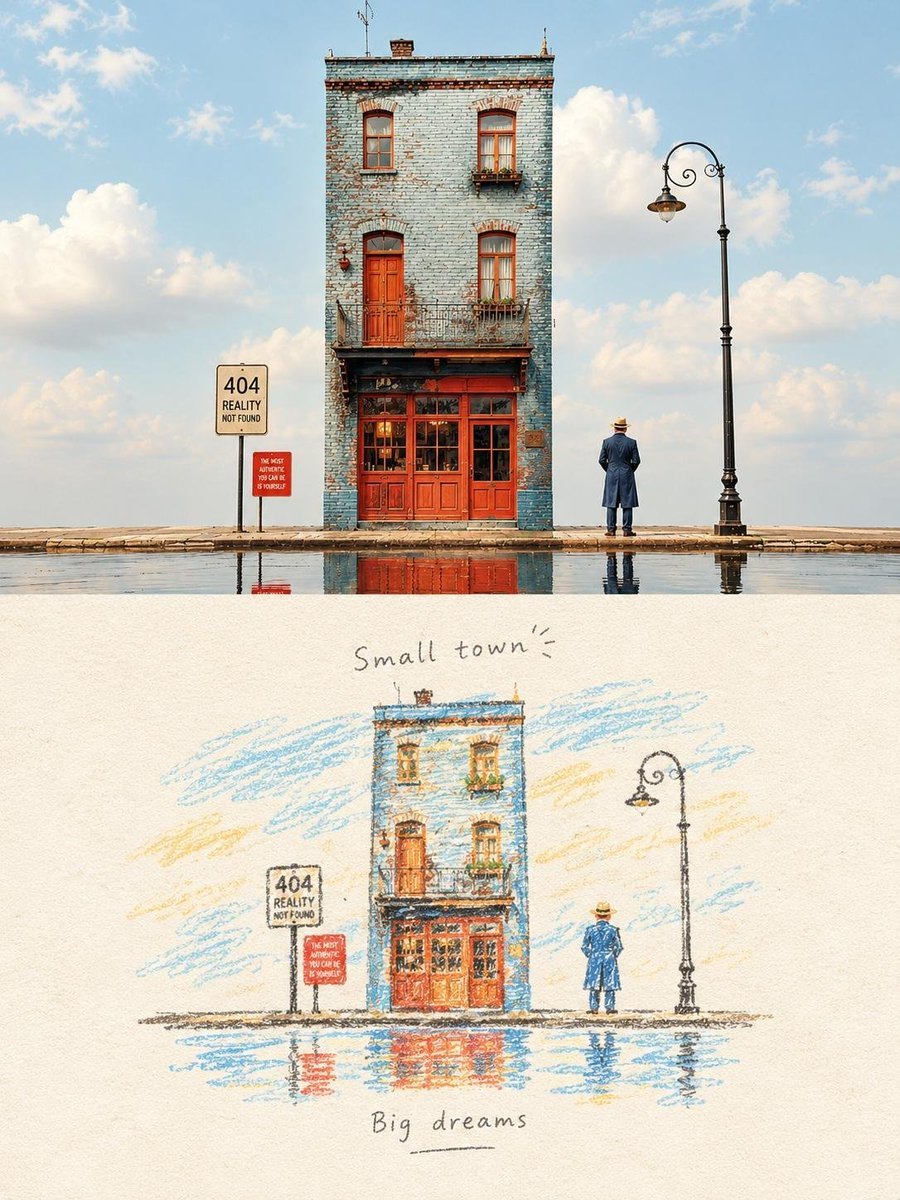
Watercolor Travel Diary Sketch
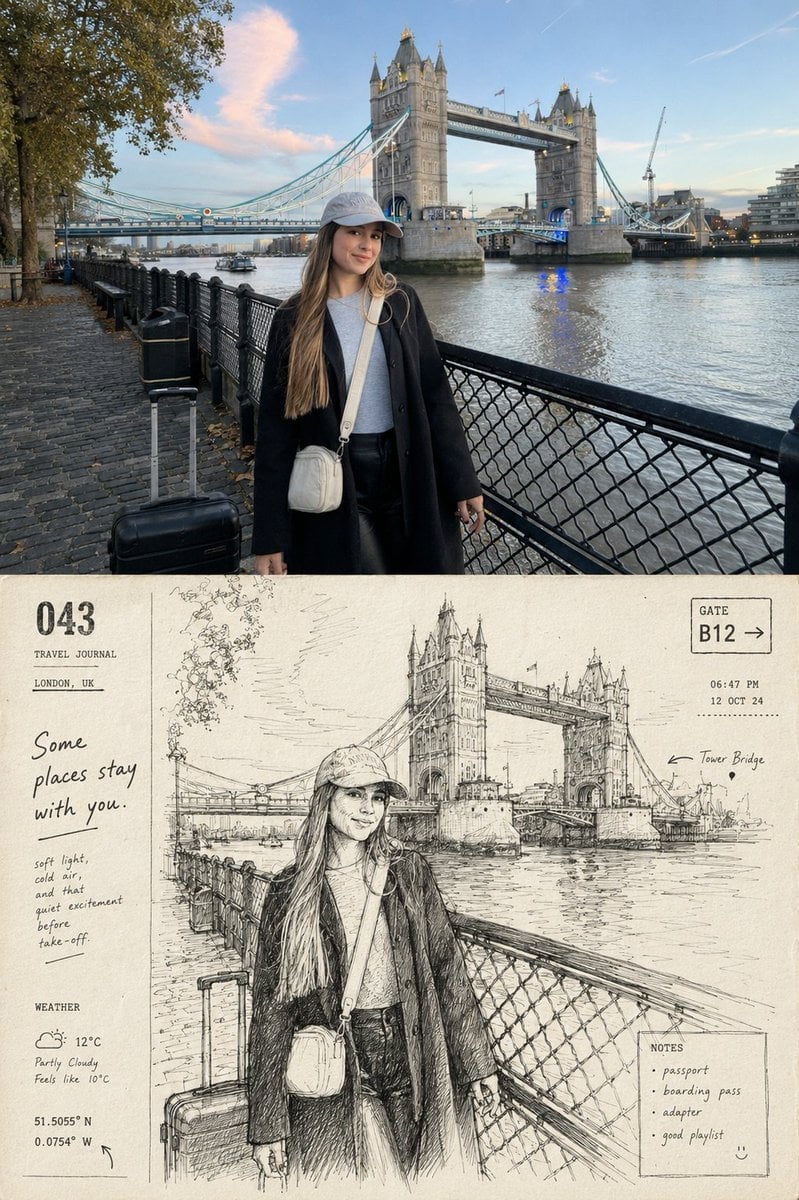
Departure Diary Journal Page
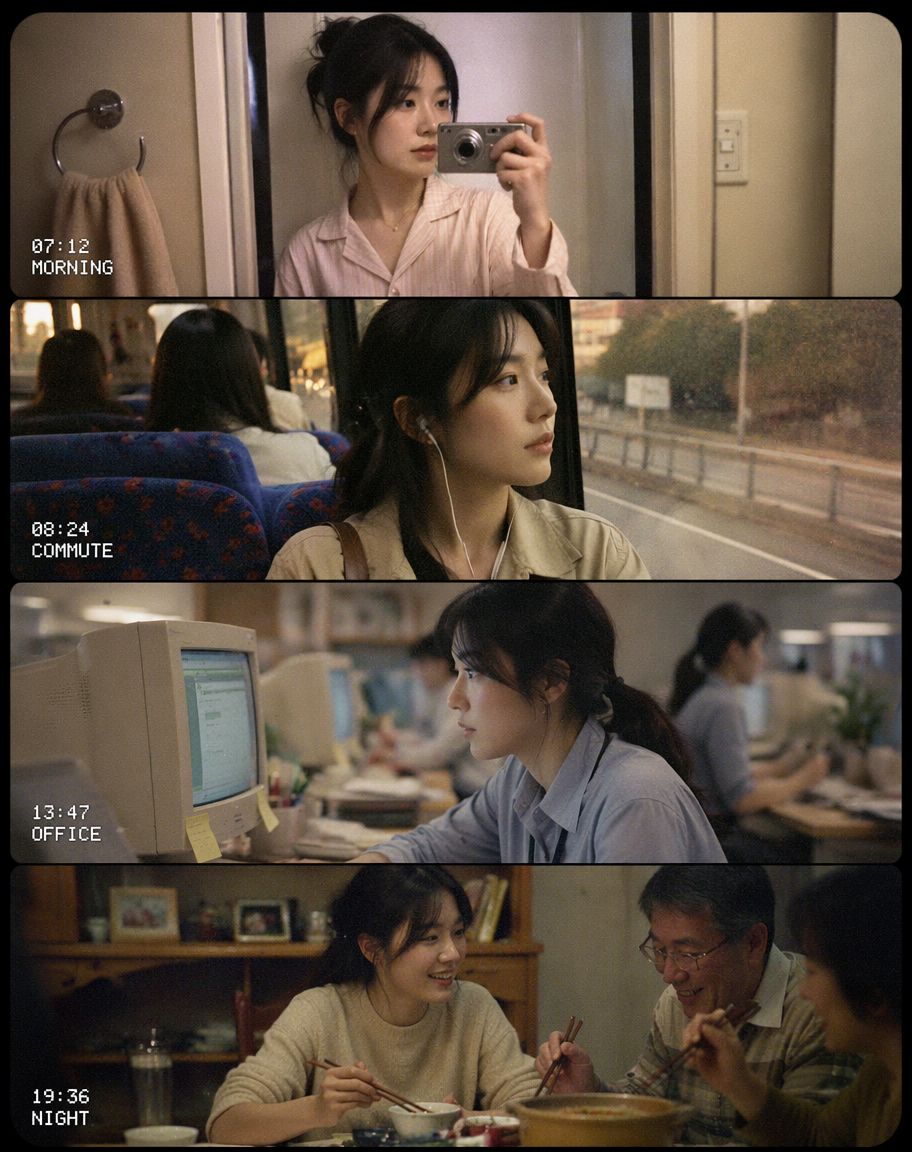
Early 2000s CCD Video Diary Storyboard
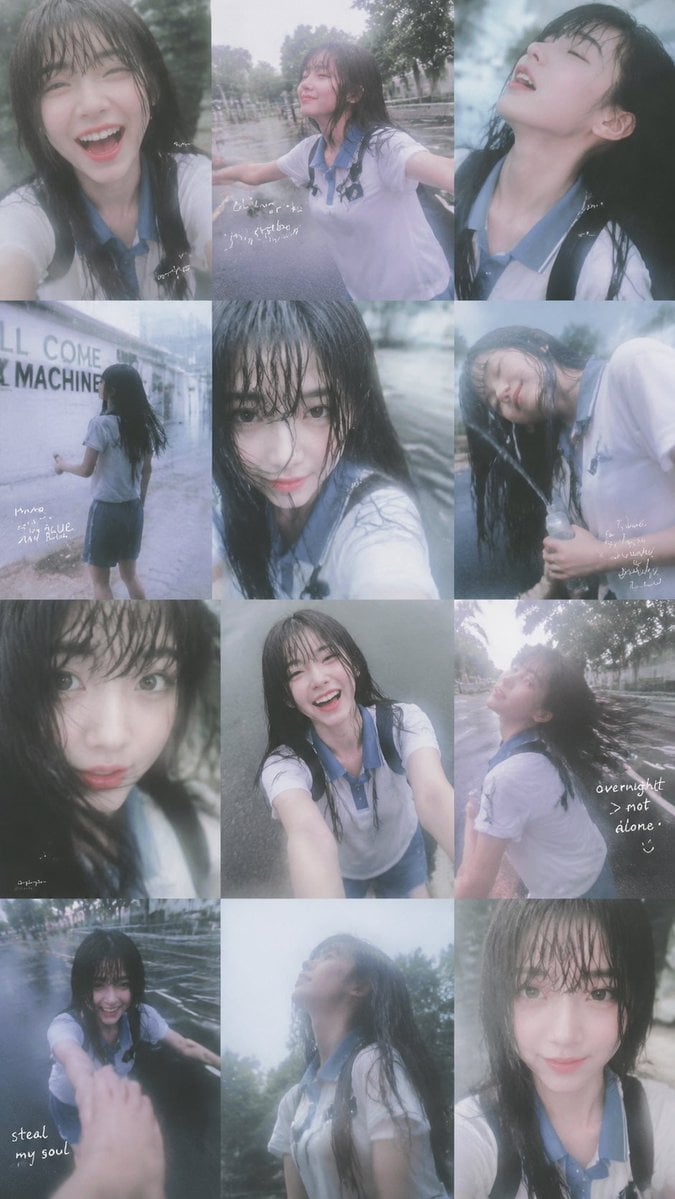
Rainy Schoolgirl Photo Diary Collage
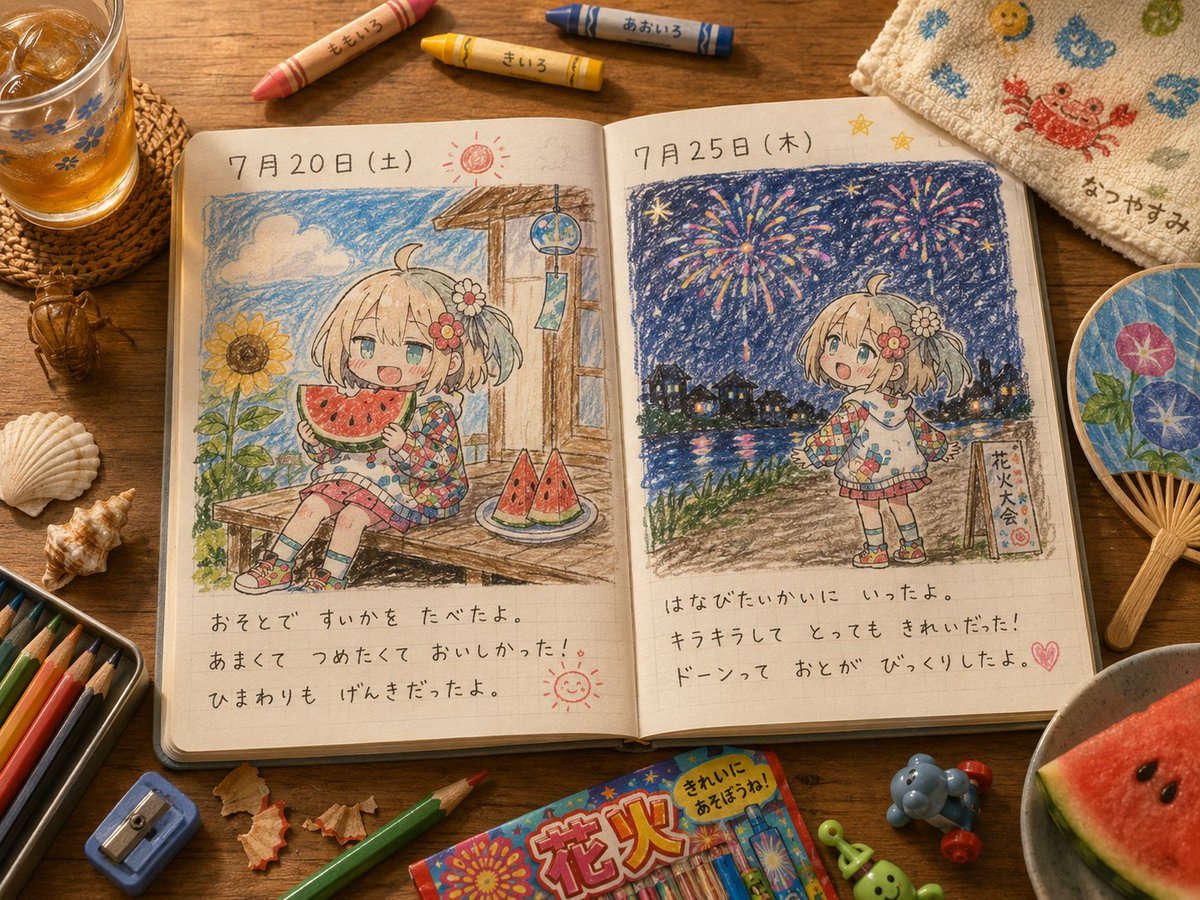
Cute Summer Picture Diary
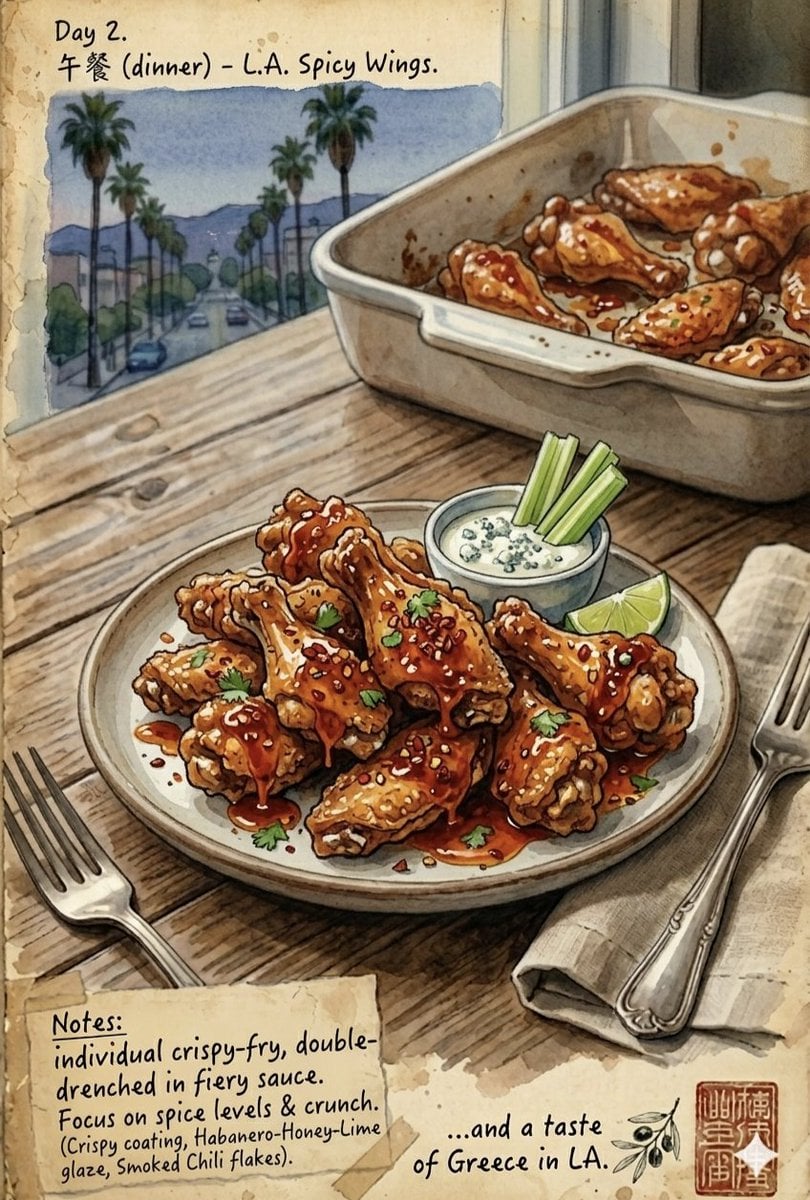
Watercolor Culinary Travel Diary Illustration
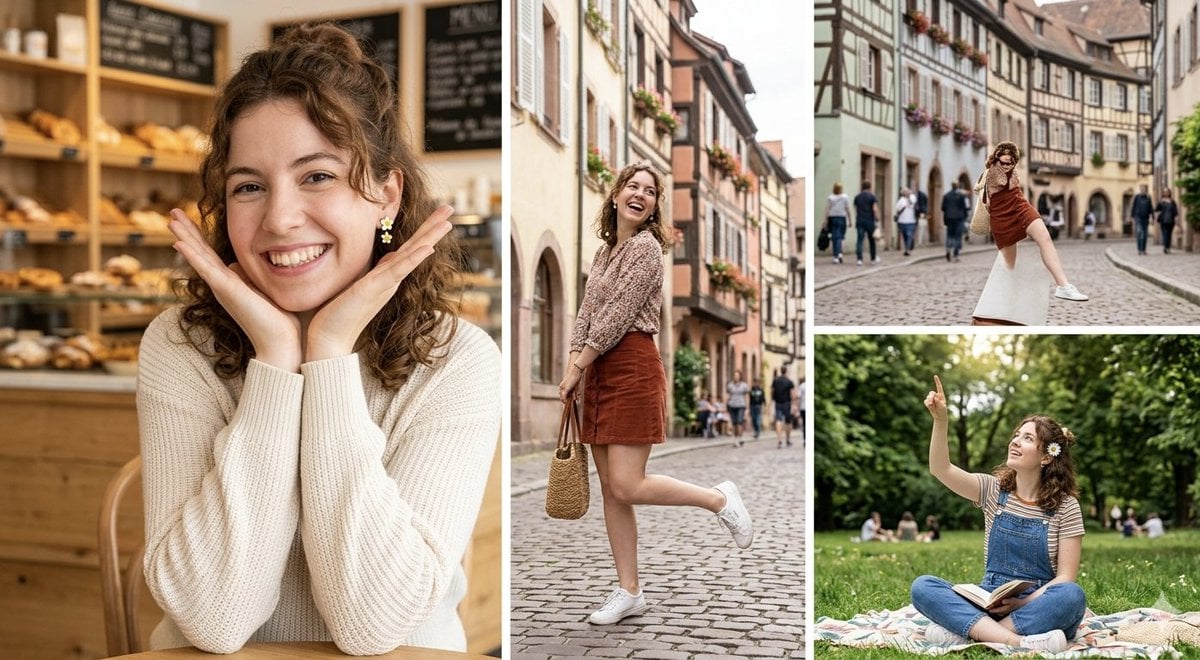
European Travel Photo Diary Collage
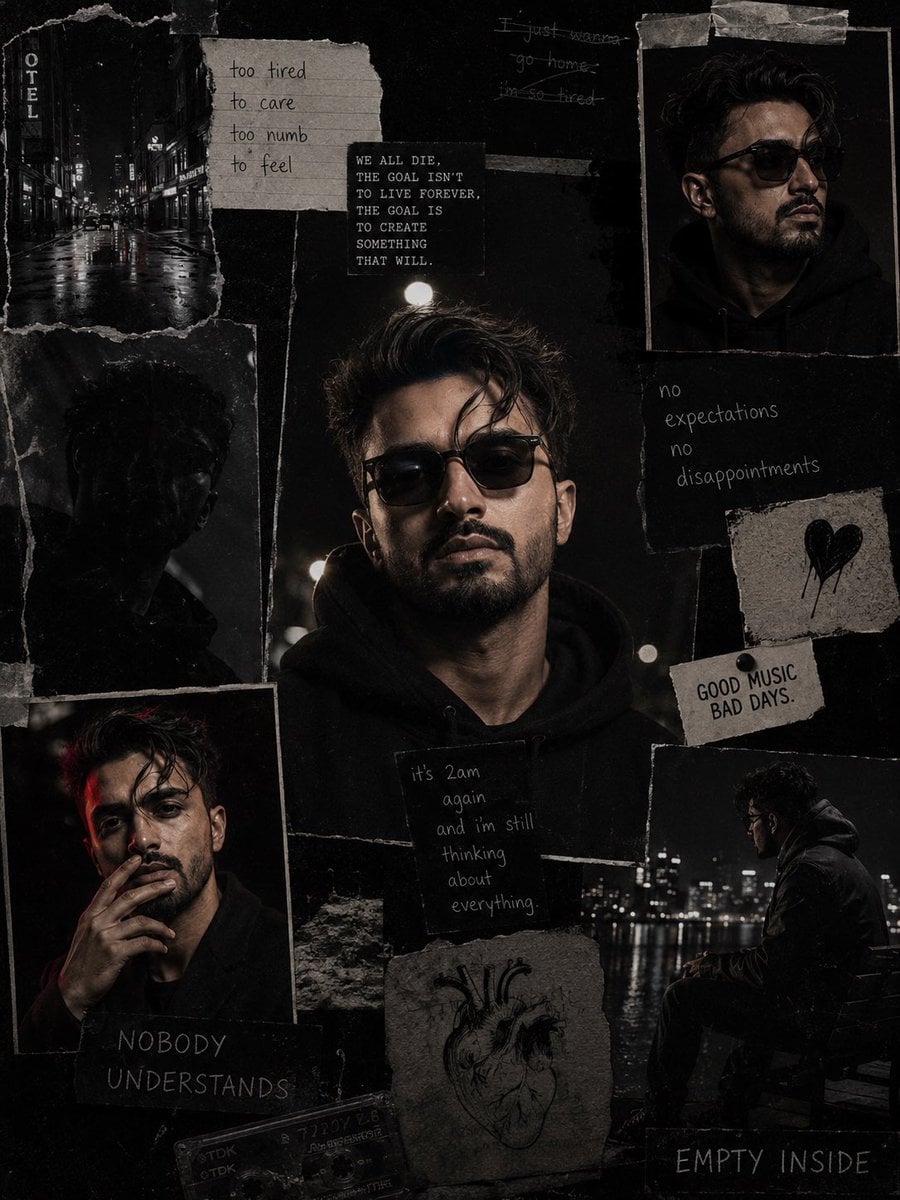
Dark Cinematic Diary Collage
Make it yours
Toucan Dermatologist Diary Manga works as-is. These are the safest ways to change it without losing the look.
Change one field
Copy a single group, rewrite it, and generate again so you can see what that field is doing.
Keep the frame, change the subject
Hold the composition and light of Toucan Dermatologist Diary Manga, then swap wardrobe, props or the person for a new take.
| If the result… | Why | Fix |
|---|---|---|
| The result drifts from the preview | Too many fields changed at once. | Reuse Toucan Dermatologist Diary Manga as-is first, then change one group — subject, light, or setting. |
| The model over-stylizes the scene | The prose prompt leaves finish and camera underspecified. | Add one camera or lighting sentence and stay on GPT Image 2. |
More GPT Image 2 templates
Other prompts made for GPT Image 2.

Six VTuber Japanese Logo Sheet

Realistic Portrait of Woman and Deer

The Vista Modular Condo Poster

AI Model Routing Comparison Infographic

2.5D Anime Art Board

Isometric Productivity Desk Scene

New York Double Exposure Poster

Four-Panel AI Landscape Comparison

Japanese Tatami Lifestyle Magazine Cover

NESCAFÉ Coffee Map Poster
More image prompts
Fresh picks from across the catalog.
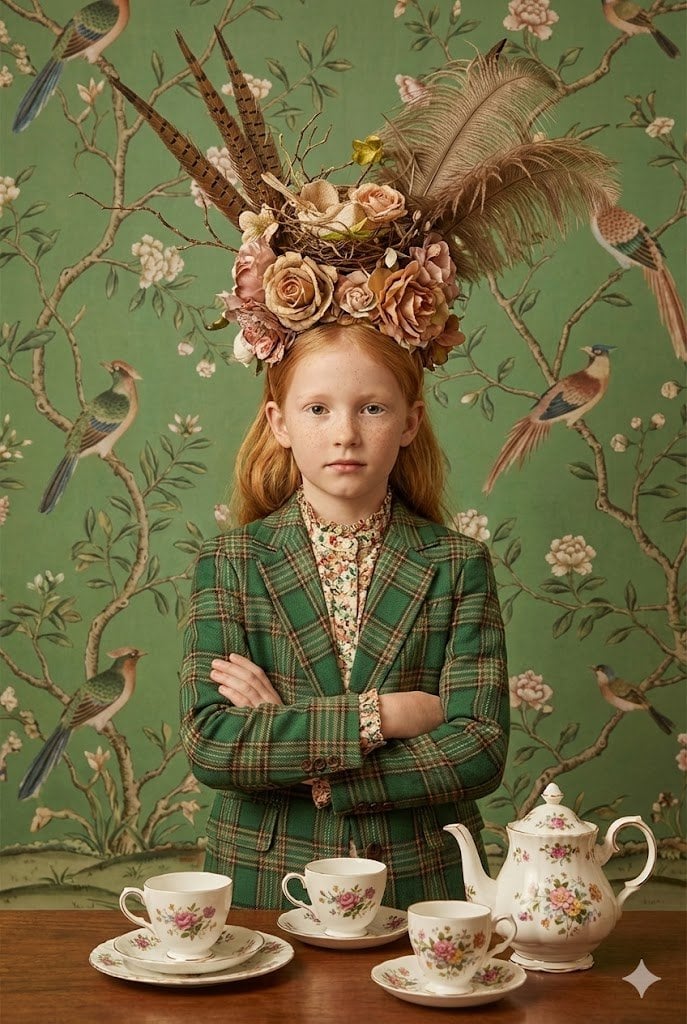
untitled

Double Exposure Portrait of an AI Engineer
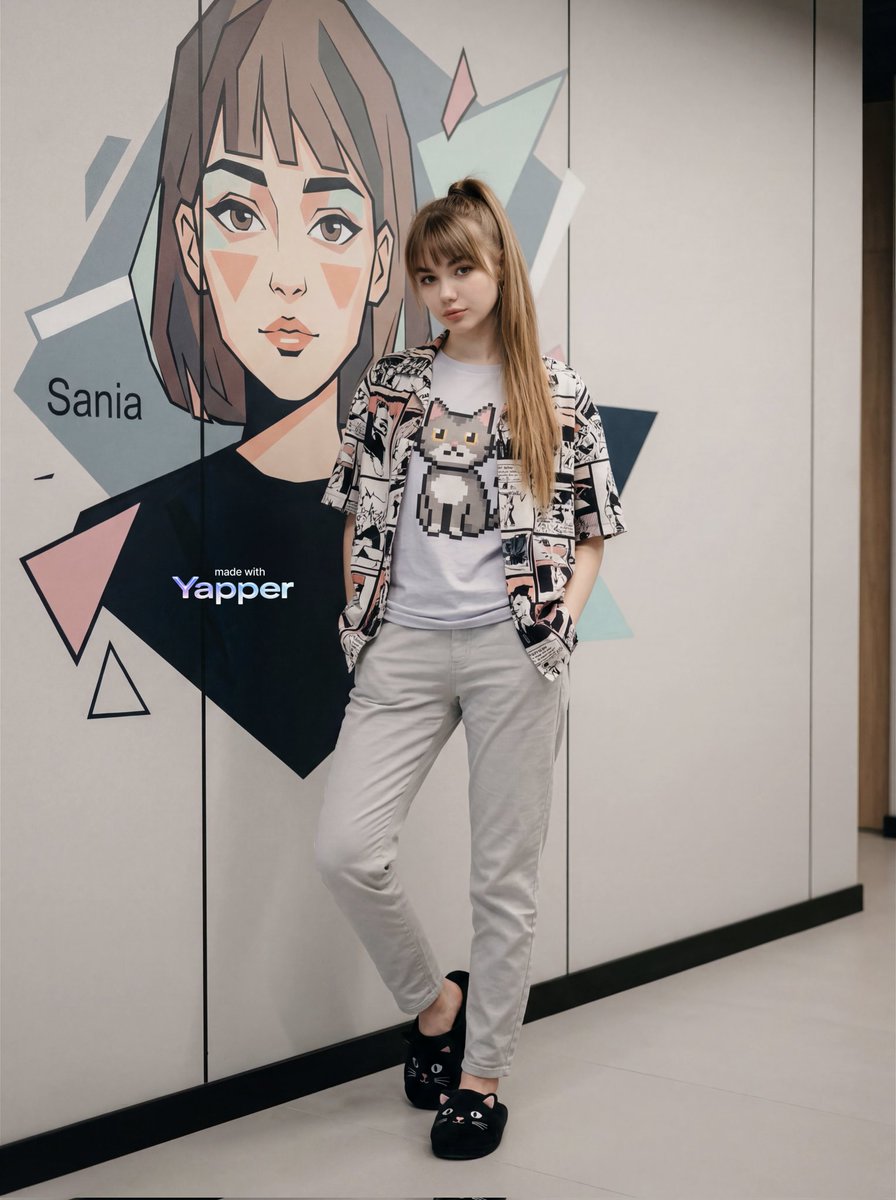
Stylish Young Woman Portrait Prompt
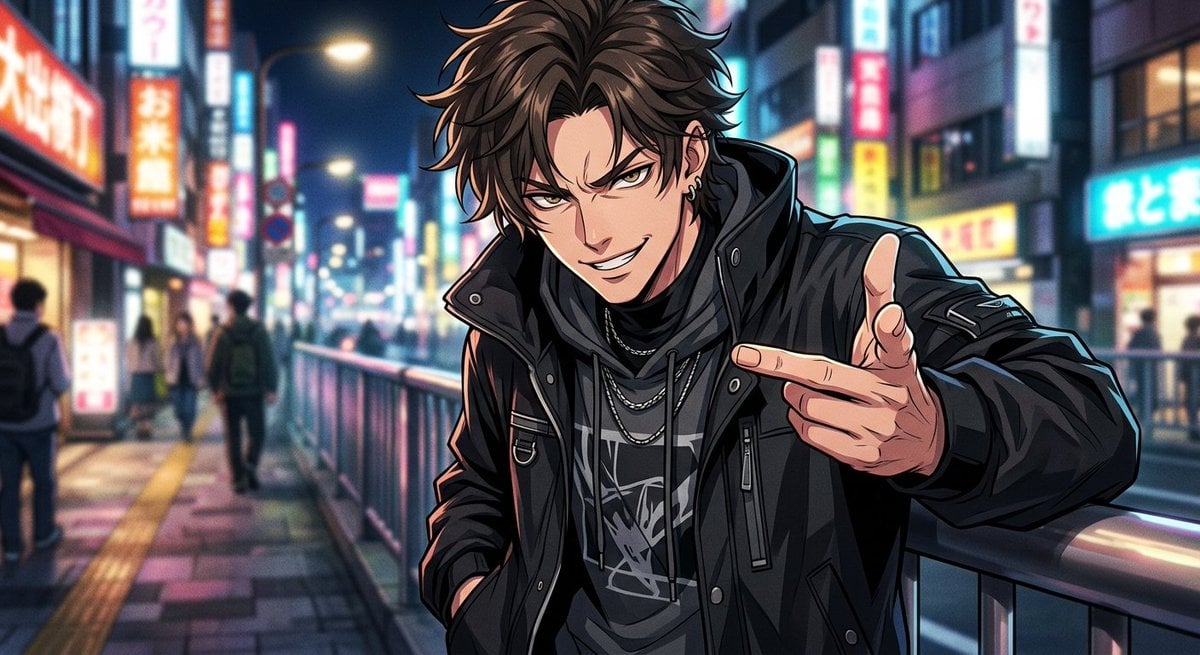
Neon Anime Streetwear Portrait
Landscape with a Shape-Shaped Cave Entrance
Klimt-Inspired Fine Art Editorial Portrait (JSON)
Black and White Aesthetic Image Generation
KitKat Dark Chocolate Product Advertisement

Gen-Z Anti-Aesthetic Diner Selfie
Surreal Wind, Sand and Stars Book World
Browse template categories
Toucan Dermatologist Diary Manga questions
How do I use the Toucan Dermatologist Diary Manga template?
Add your photo if the template asks for one, edit the prompt if you like — the template's model and format are already selected — and press Generate. Your version opens in PicX Studio.
Can I customize the Toucan Dermatologist Diary Manga template?
Yes. You can change the subject, setting, lighting, mood, format, and available model controls before creating your image.
Is the Toucan Dermatologist Diary Manga template free?
Opening and editing this template is free. Generating uses credits, shown on the Generate button when you are signed in.
Which AI model should I use?
Start with GPT Image 2, which is the model associated with this template. You can compare another compatible model for a different finish.
Looking for something else? Browse all templates.

Your photo, any look
Thousands of ready templates for every top image and video model, from one credit balance.