
Travel Diary Poster Transformation
Transforms travel photographs into minimalist, hand-drawn silk-screen style posters while preserving the original composition.
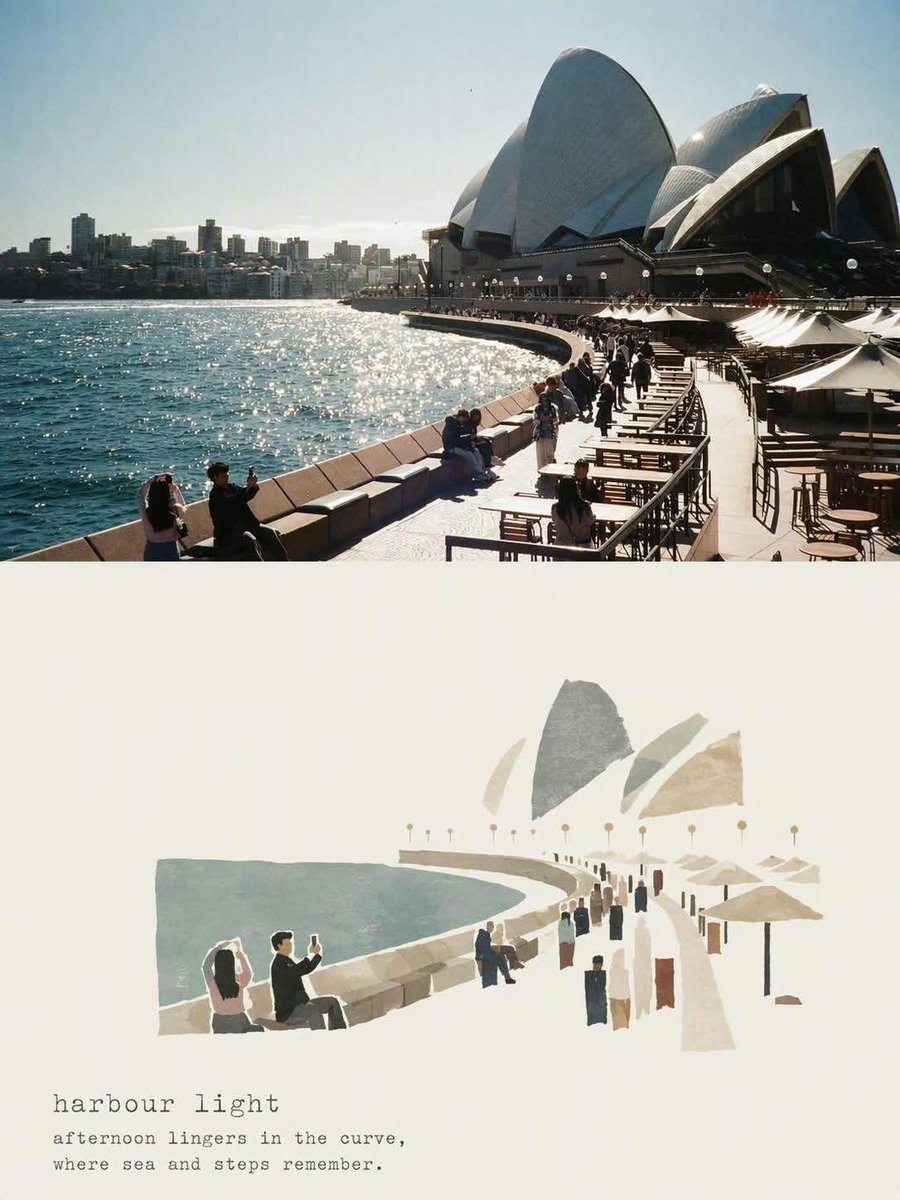
- Prompt included
- Model and format preset
- Free template
The prompt behind this image
Copy the exact prompt behind Travel Diary Poster Transformation, or open it in the studio and make it yours.
# 添付した写真を、ミニマルな旅日記風ポスターに変換してください。 【残すもの】 ・建物・遊歩道・海・人・傘・階段など写真の構図 ・建物の形は「見ればわかる」程度に保つ 【画風】 ・手描き+シルクスクリーン印刷風のイラスト ・形は大きく単純化し、輪郭は細くて少し不揃いなインク線 ・にじんだ水彩、色あせた顔料、紙の粒子、古い印刷のかすれ 【色】 ・くすんだ青・海緑・ベージュ・グレー・テラコッタ ・背景は温かいアイボリーの手すき紙、余白は広め 【文字】 ・下部にタイプライター風の題名を1行 ・その下に小さく一言の詩的なキャプション 【禁止事項】 ・写実的すぎる描写、ごちゃついた配置 ・派手な色、多すぎる文字 【出力】 縦4:5のポスター1枚。落ち着いた海辺の午後の空気感で。 文字は最小限に。 ③ 題名と一言だけ自分の旅に合わせて差し替える 投稿者の例は「{argument name="題名" default="harbour light"}」に 「{argument name="一言" default="afternoon lingers in the curve"}」
How to use Travel Diary Poster Transformation in 3 steps
- 1Upload ImagePNG, JPG or paste
Add your photo
Upload the photo the template builds on. The prompt, model and format are already set.
- 2…a portrait of your subject in softgolden-hour light, 85mm…
Personalize
Edit the subject and creative details for your destination.
- 3Generate
Generate
Press Generate — your image is created in PicX Studio, so you can compare it with the original and refine one variable at a time.
More like this
Templates with the same subject, style or setup. Open one to see its prompt.

Japan Travel Brochure Poster

Clay Miniature Landmark Travel Diorama
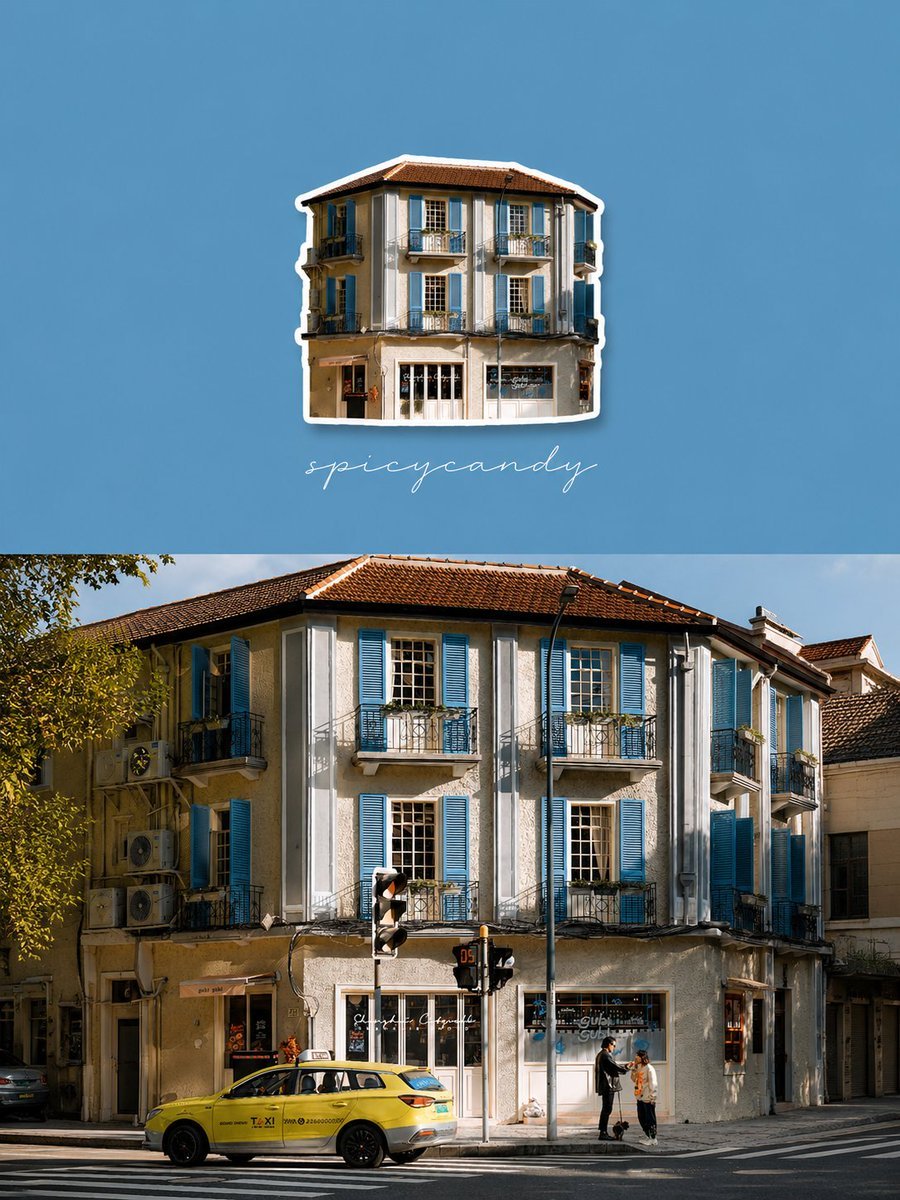
Travel Diary Fridge Magnet Poster

City Posters by Nano Banana Pro
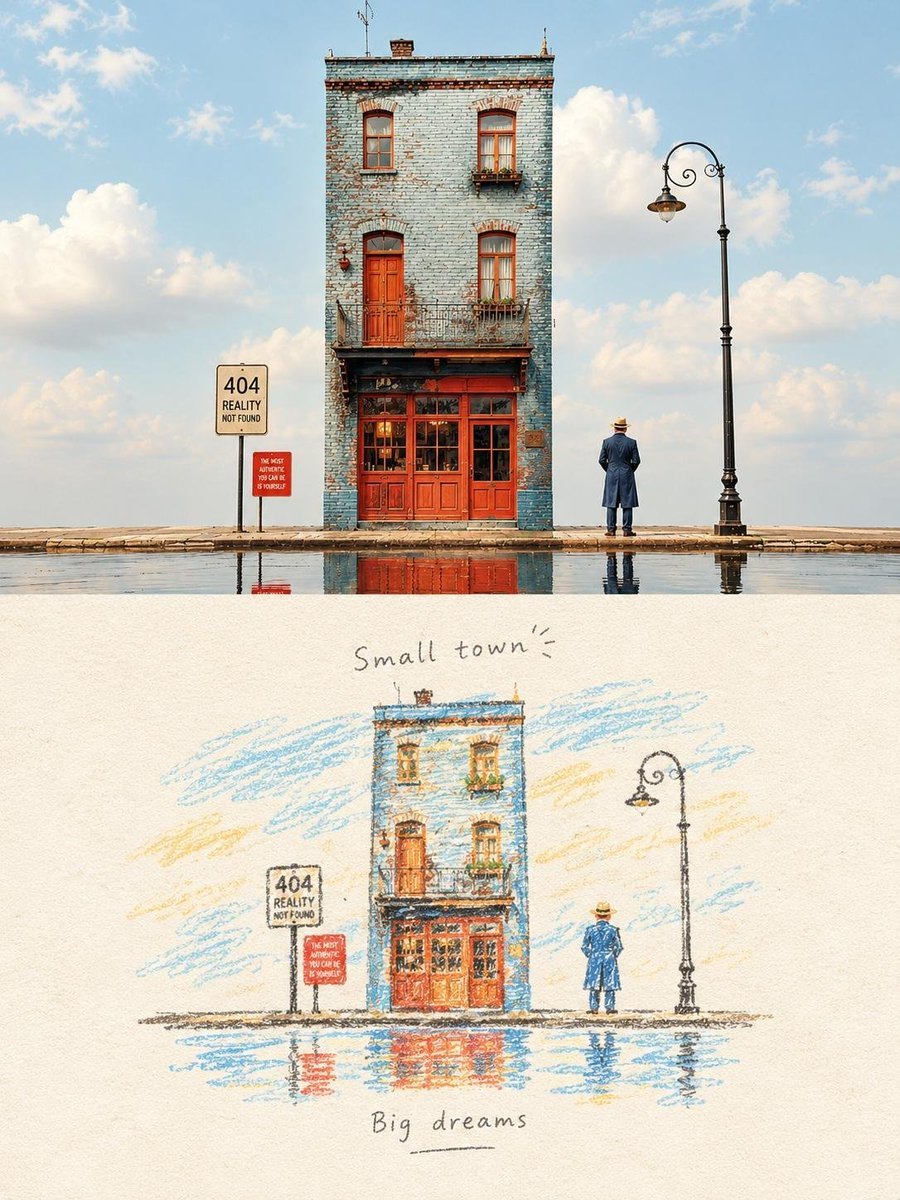
Watercolor Travel Diary Sketch
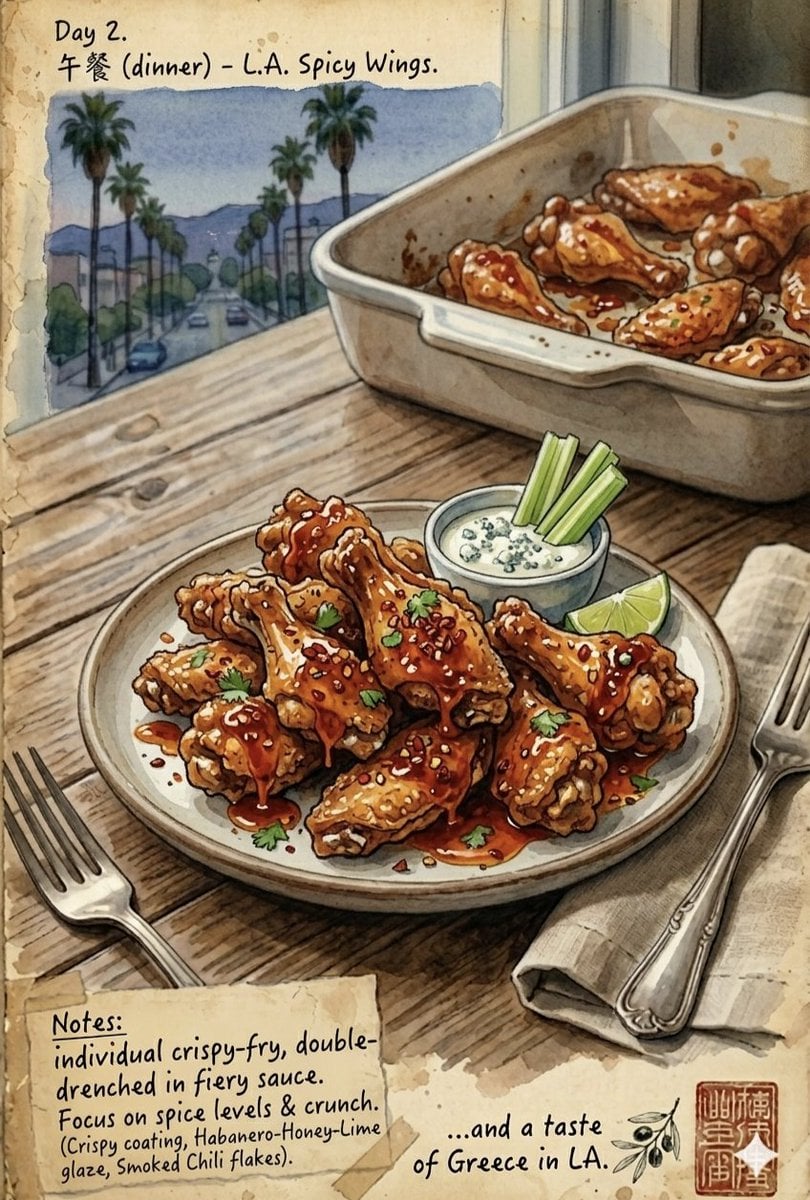
Watercolor Culinary Travel Diary Illustration
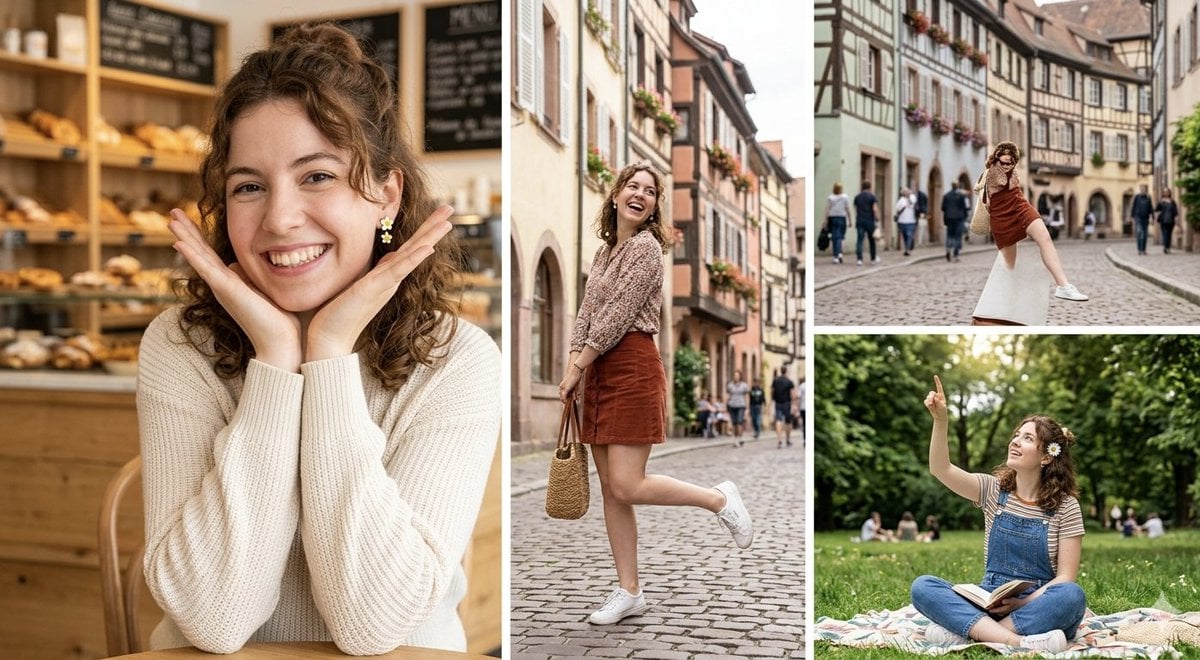
European Travel Photo Diary Collage

Cartoon TV Show Poster Pack

Trendy Cafe Drink Promo Poster

Urban Fashion Editorial Collage Streetwear Poster

Premium Fashion Editorial Cover Layout System

Polo Ralph Lauren Luxury American Heritage Fashion Campaign
Make it yours
Travel Diary Poster Transformation works as-is. These are the safest ways to change it without losing the look.
Change one field
Copy a single group, rewrite it, and generate again so you can see what that field is doing.
Keep the frame, change the subject
Hold the composition and light of Travel Diary Poster Transformation, then swap wardrobe, props or the person for a new take.
| If the result… | Why | Fix |
|---|---|---|
| The result drifts from the preview | Too many fields changed at once. | Reuse Travel Diary Poster Transformation as-is first, then change one group — subject, light, or setting. |
| The model over-stylizes the scene | The prose prompt leaves finish and camera underspecified. | Add one camera or lighting sentence and stay on GPT Image 2. |
More GPT Image 2 templates
Other prompts made for GPT Image 2.

Six VTuber Japanese Logo Sheet

Realistic Portrait of Woman and Deer

The Vista Modular Condo Poster

AI Model Routing Comparison Infographic

2.5D Anime Art Board

Isometric Productivity Desk Scene

New York Double Exposure Poster

Four-Panel AI Landscape Comparison

Japanese Tatami Lifestyle Magazine Cover

NESCAFÉ Coffee Map Poster
More image prompts
Fresh picks from across the catalog.
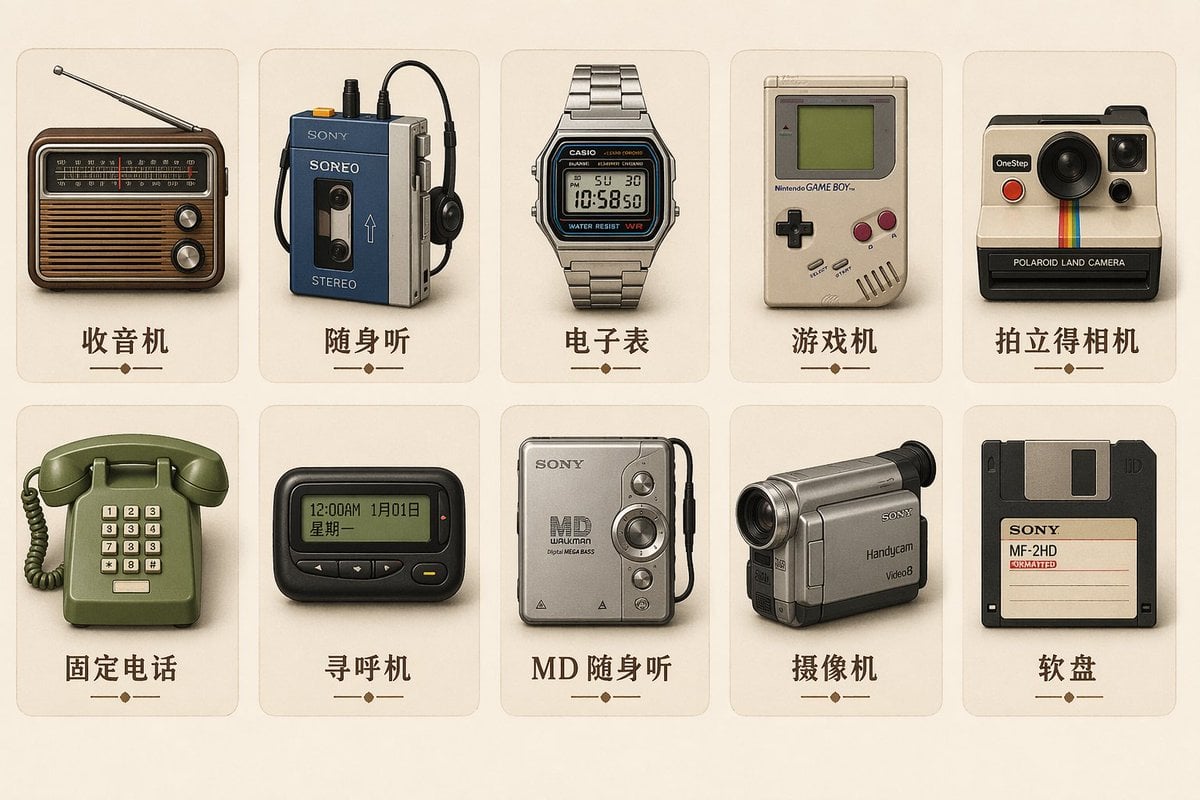
Vintage Skeuomorphic Icon Set
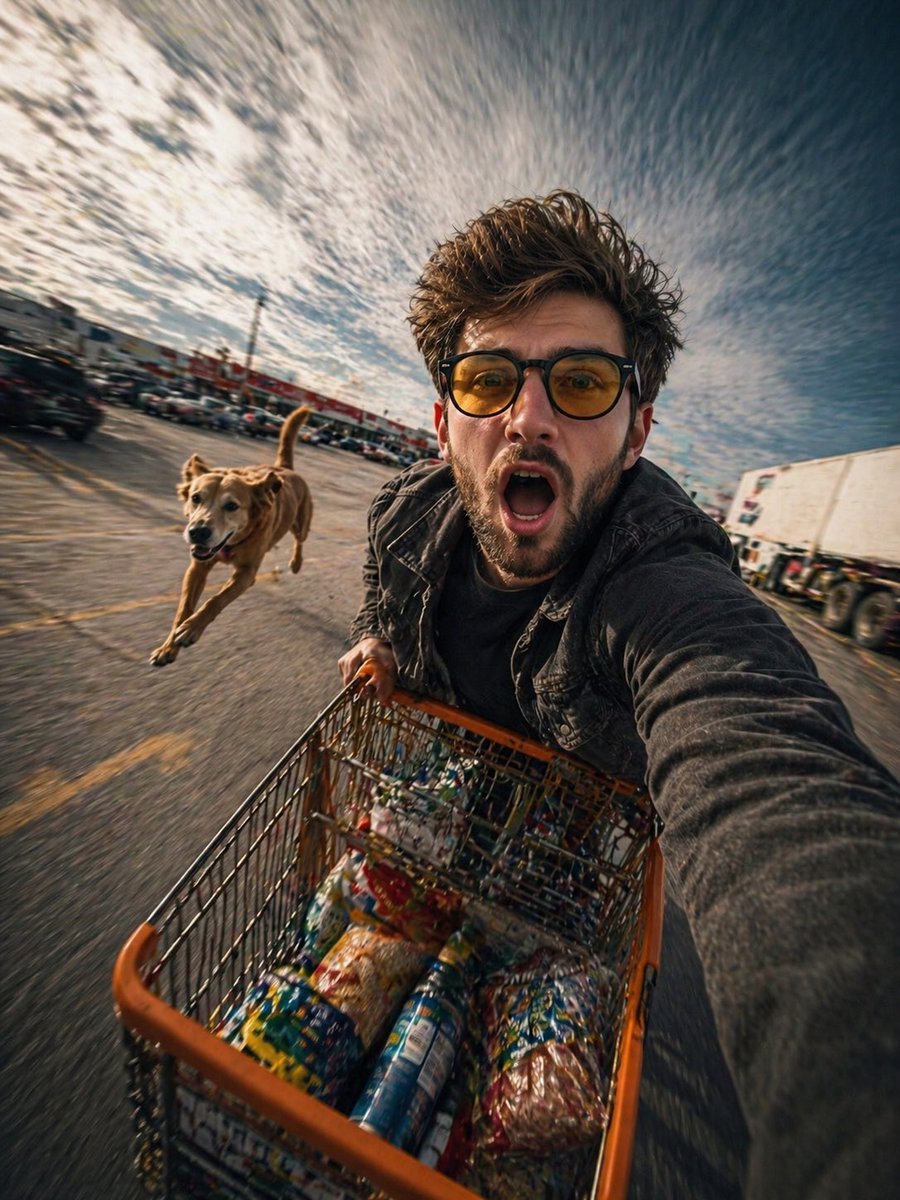
Realistic Action Selfie with Shopping Cart

Kawaii Great White Shark Vector Prompt
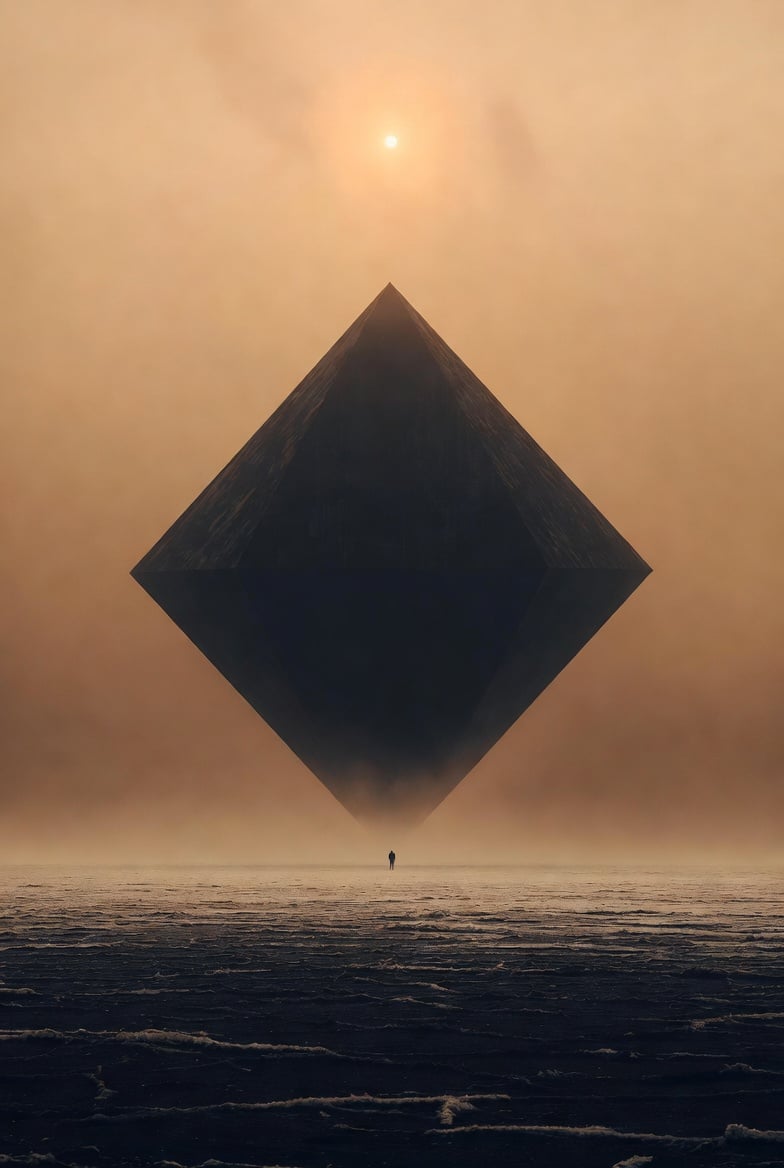
Cinematic Foundation series salt plain
Soft Pink Home Selfie Lifestyle Prompt

Photorealistic Skincare Product Photography Prompt for Nano Banana Pro

Cinematic Autumn Portrait of Man with Vintage Motorcycle
Mid-Century Travel Poster

untitled
Surreal Streetwear Editorial
Browse template categories
Travel Diary Poster Transformation questions
How do I use the Travel Diary Poster Transformation template?
Add your photo if the template asks for one, edit the prompt if you like — the template's model and format are already selected — and press Generate. Your version opens in PicX Studio.
Can I customize the Travel Diary Poster Transformation template?
Yes. You can change the subject, setting, lighting, mood, format, and available model controls before creating your image.
Is the Travel Diary Poster Transformation template free?
Opening and editing this template is free. Generating uses credits, shown on the Generate button when you are signed in.
Which AI model should I use?
Start with GPT Image 2, which is the model associated with this template. You can compare another compatible model for a different finish.
Looking for something else? Browse all templates.

Your photo, any look
Thousands of ready templates for every top image and video model, from one credit balance.