
Watercolor Travel Diary Sketch
Transform your travel photos into nostalgic watercolor and colored pencil illustrations with a tactile, hand-drawn feel on vintage paper.
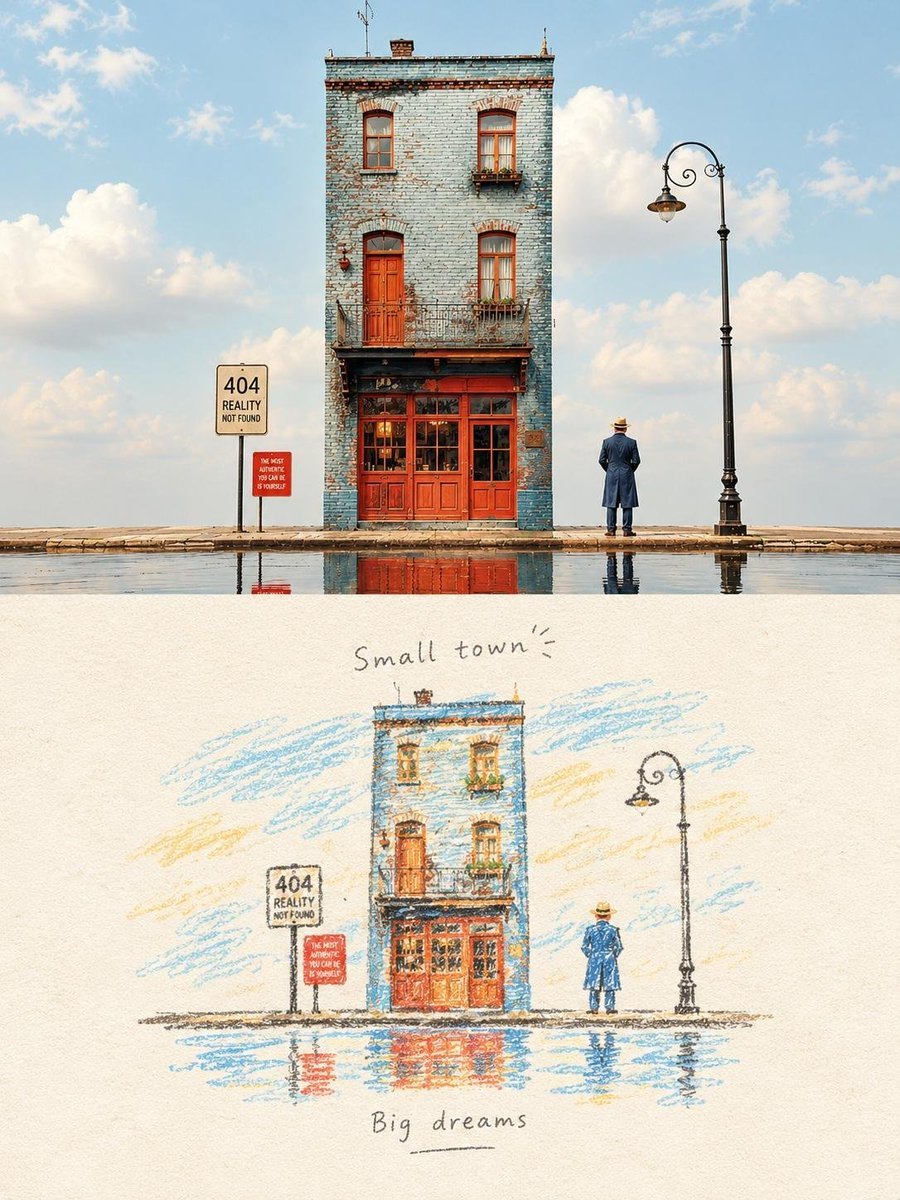
- Prompt included
- Model and format preset
- Free template
The prompt behind this image
Copy the exact prompt behind Watercolor Travel Diary Sketch, or open it in the studio and make it yours.
提示词 1 把照片变成彩铅和水彩手绘旅行日记,保留原有构图、建筑、人物、树木、草地、道路和视角。用温暖的米黄色旧纸张,画出能看到笔触和水彩晕染的手绘感。建筑简化成表现力强的形状,有松散的轮廓、细致的交叉阴影、略显不完美的边缘。保留晴朗夏日氛围、柔和蓝天、暖米色建筑、绿草地、散落的休闲人物和长椅。用褪色复古旅行素描色调。在页面下半部分放插画,上方留大量米色空白。顶部手写 '晴天日子',下方 '— 美好时光 —'。怀旧艺术旅行杂志风格,类似个人速写本的记忆感,没有照片感。 提示词 2 把照片变成古董旅行速写本插画,保留细窄的蓝砖建筑、红门红窗、老路灯、旁边的人、路面、天空和水面倒影。用彩铅和水彩在质感米白纸上手绘。松散的铅笔线条、明显的彩铅笔触、细腻水彩、轻微交叉阴影、略显不规则的边缘,看起来像真的手写日记。简化成艺术形状,但保持原汁原味的建筑和戏剧性空天。用褪色蓝、砖红、温暖赭色、柔和绿和淡蓝天。画上浅水坑里的倒影。顶部手写 '小镇',底部 '大梦想'。欧洲怀旧旅行日记、安静超现实感、极简编辑构图、大量米色留白、能感受到纸张纹理、精致不完美的模拟插画,没有照片感。
How to use Watercolor Travel Diary Sketch in 3 steps
- 1Upload ImagePNG, JPG or paste
Add your photo
Upload the photo the template builds on. The prompt, model and format are already set.
- 2…a portrait of your subject in softgolden-hour light, 85mm…
Personalize
Edit the subject and creative details for your destination.
- 3Generate
Generate
Press Generate — your image is created in PicX Studio, so you can compare it with the original and refine one variable at a time.
More like this
Templates with the same subject, style or setup. Open one to see its prompt.

Japanese Café Sketch Duo Illustration

Delicate Japanese Café Lifestyle Illustration
Watercolor Travel Sketchbook
Watercolor Culinary Travel Diary Illustration
Japanese Café Sketch Duo Illustration
Travel Diary Poster Transformation

Japan Travel Brochure Poster

Miniature Travel Diorama Postcard

Boardwalk Fashion Portrait

Minimal Hand-Drawn Sketch Watercolor Portrait
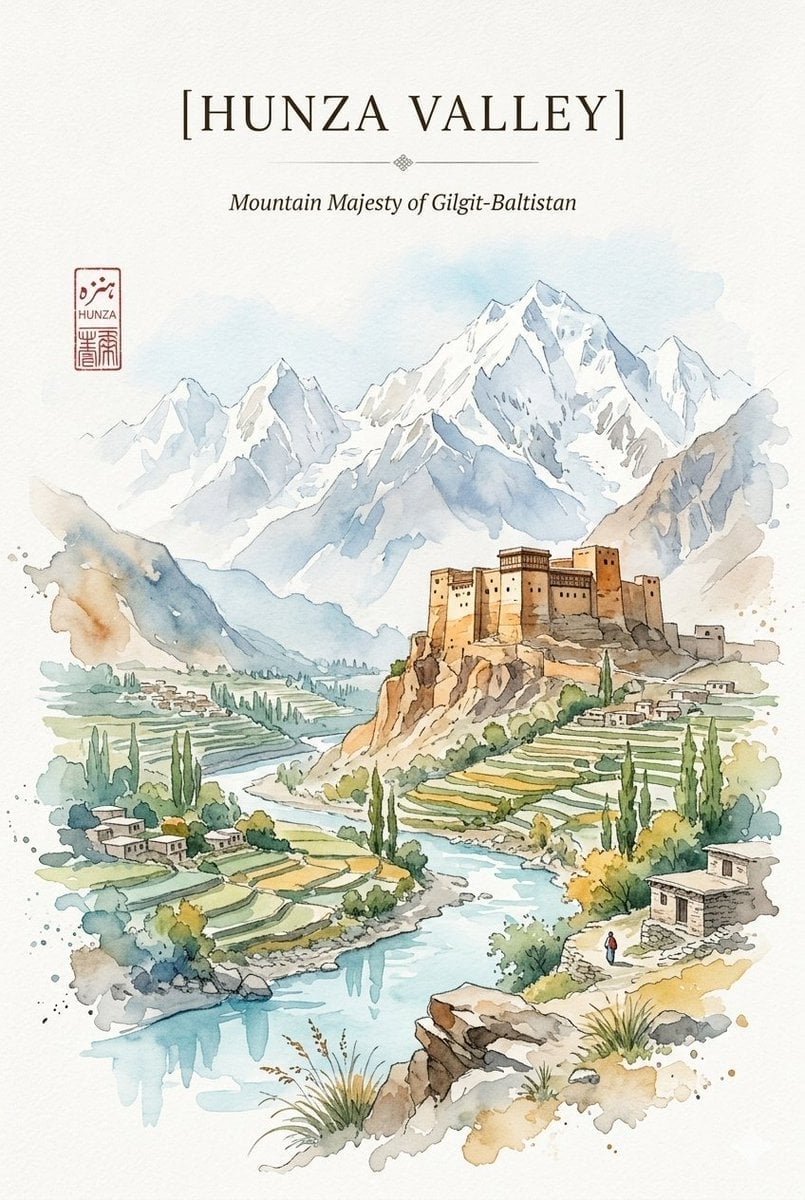
Alpine Watercolor Travel Poster
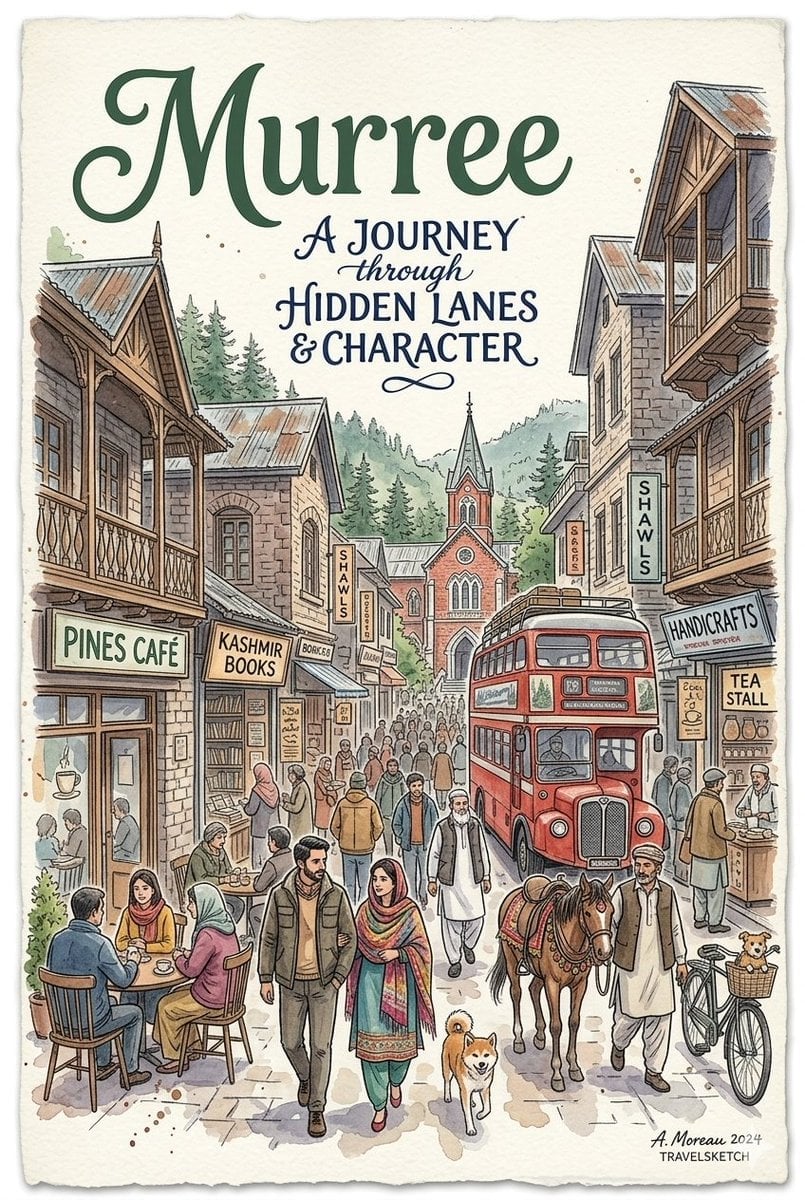
Watercolor Travel Poster Fusion
Make it yours
Watercolor Travel Diary Sketch works as-is. These are the safest ways to change it without losing the look.
Change one field
Copy a single group, rewrite it, and generate again so you can see what that field is doing.
Keep the frame, change the subject
Hold the composition and light of Watercolor Travel Diary Sketch, then swap wardrobe, props or the person for a new take.
| If the result… | Why | Fix |
|---|---|---|
| The result drifts from the preview | Too many fields changed at once. | Reuse Watercolor Travel Diary Sketch as-is first, then change one group — subject, light, or setting. |
| The model over-stylizes the scene | The prose prompt leaves finish and camera underspecified. | Add one camera or lighting sentence and stay on GPT Image 2. |
More GPT Image 2 templates
Other prompts made for GPT Image 2.

Six VTuber Japanese Logo Sheet

Realistic Portrait of Woman and Deer

The Vista Modular Condo Poster

AI Model Routing Comparison Infographic

2.5D Anime Art Board

Isometric Productivity Desk Scene

New York Double Exposure Poster

Four-Panel AI Landscape Comparison

Japanese Tatami Lifestyle Magazine Cover

NESCAFÉ Coffee Map Poster
More image prompts
Fresh picks from across the catalog.
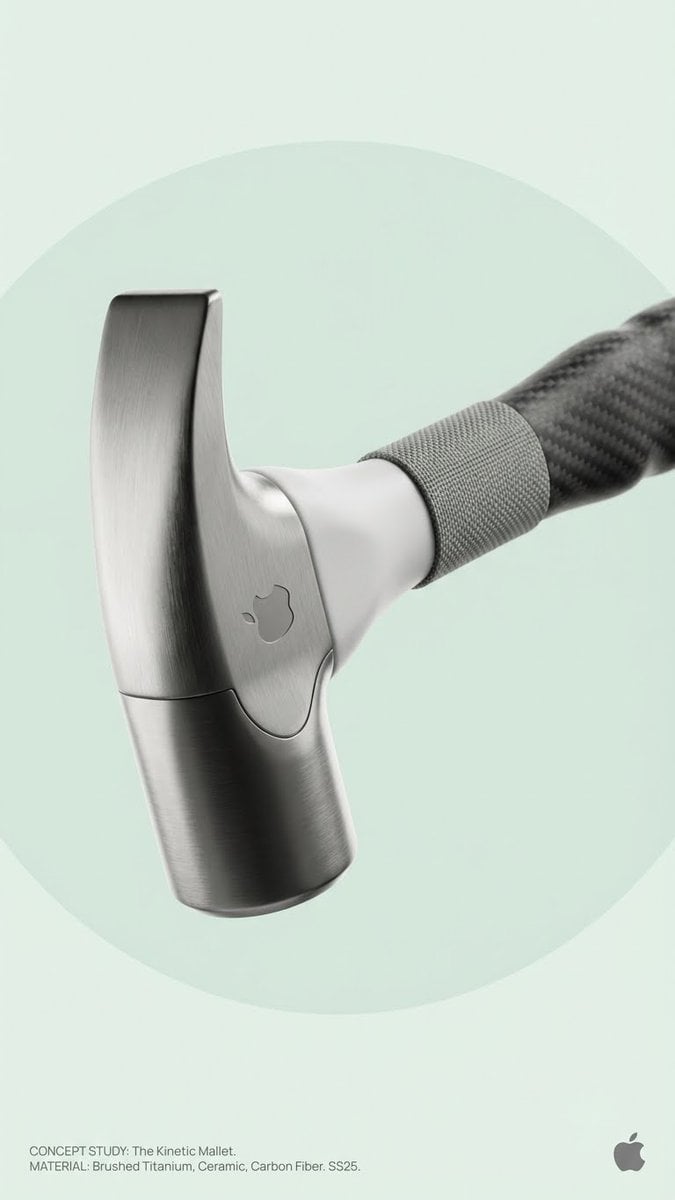
Brand Concept Generation Prompt: Unexpected Functional Objects
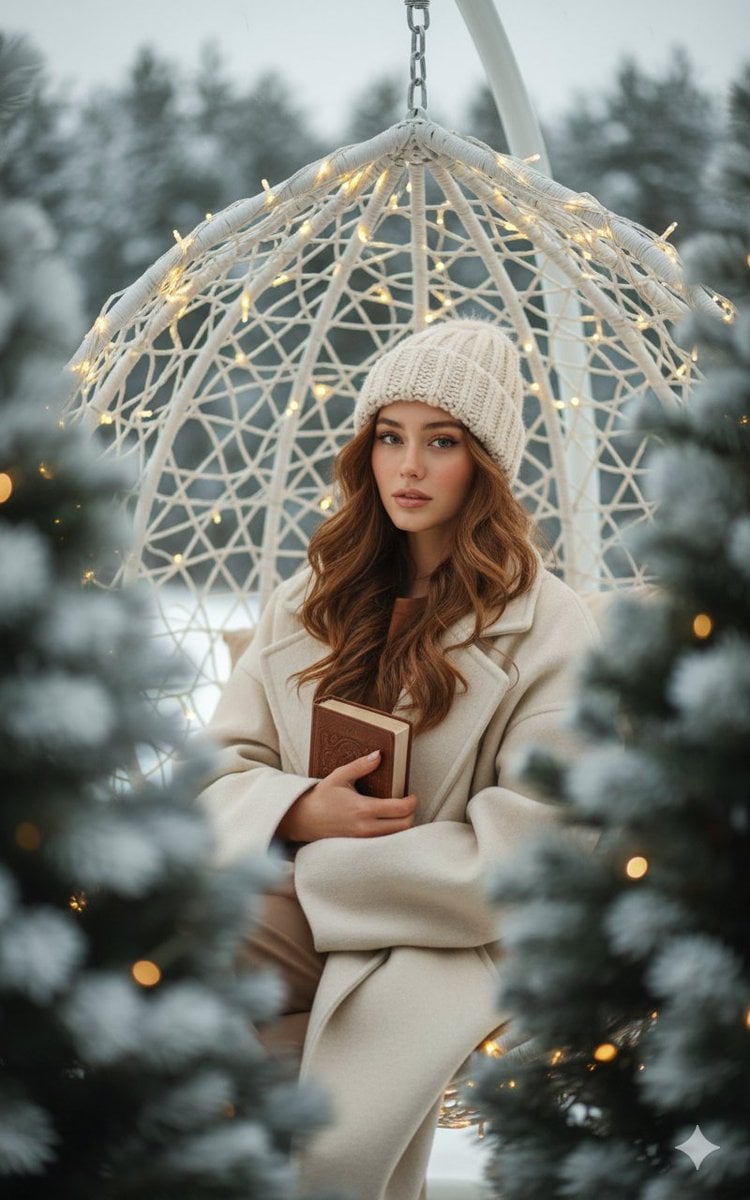
Intimate Portrait with Foreground Bokeh and Fir Tree
Realistic AI Face Generation Prompt for Gemini

Nighttime Automotive Portrait Prompt
JSON Prompt for Digital Nomad Generating AI Art on a Beach Hammock
Six-Panel Numbered Humanoid Storyboard
Fashion Photoshoot with Neon Gradient Background
Old Computer Effect Portrait Prompt
Cinematic Fashion Photo with Motion Blur Prompt
Ink-Etched Family Portrait
Browse template categories
Watercolor Travel Diary Sketch questions
How do I use the Watercolor Travel Diary Sketch template?
Add your photo if the template asks for one, edit the prompt if you like — the template's model and format are already selected — and press Generate. Your version opens in PicX Studio.
Can I customize the Watercolor Travel Diary Sketch template?
Yes. You can change the subject, setting, lighting, mood, format, and available model controls before creating your image.
Is the Watercolor Travel Diary Sketch template free?
Opening and editing this template is free. Generating uses credits, shown on the Generate button when you are signed in.
Which AI model should I use?
Start with GPT Image 2, which is the model associated with this template. You can compare another compatible model for a different finish.
Looking for something else? Browse all templates.

Your photo, any look
Thousands of ready templates for every top image and video model, from one credit balance.