How do I use the Cinematic Fashion Photo with Motion Blur Prompt template?
Choose the primary action to open PicX Studio with the available template settings. Review the model and format, personalize the creative direction, and generate when ready.
A prompt for generating a cinematic fashion photograph featuring a still subject against a background of rapidly moving vintage cars, creating strong motion blur streaks. Change the subject, setting, or lighting one variable at a time.

A cinematic fashion photograph of a confident young woman standing still while vintage cars move rapidly around her, creating strong motion blur streaks. The subject is sharply in focus, hands casually in her pockets, with a calm, introspective expression. She is wearing a loose, slightly oversized button-down shirt in a soft muted blue or warm beige tone, tucked into high-waisted tailored trousers in a deep charcoal or dark brown shade. The outfit feels timeless, minimal, and elegant, inspired by classic editorial fashion. Her hair is styled naturally with a few loose strands framing her face, subtle makeup with natural skin tones and defined lips. The scene has a golden hour color grading, warm sunlight, soft shadows, and a nostalgic cinematic look. The background features vintage cars in motion, blurred with long-exposure photography, creating a sense of speed and contrast against the still subject. Shallow depth of field, film grain texture, editorial photography style, high realism, dramatic lighting, atmospheric mood, 35mm lens look, fashion magazine aesthetic.
Choose the primary action to open PicX Studio with the available template settings. Review the model and format, personalize the creative direction, and generate when ready.
Yes. You can change the subject, setting, lighting, mood, format, and available model controls before creating your image.
This template is free to open and customize. Generation usage is shown in PicX Studio before you create.
© 2026 PicX Studio. All rights reserved.

Start with Nano Banana 2, which is the model associated with this template. You can compare another compatible model for a different finish.
Follow a topic to a crawlable collection of related PicX Studio templates.
43,474 public templates available. Verified via the PicX Studio public templates API; refreshed hourly.











![Naive doodle-style subject illustration — A doodle-style {argument name="subject" default="[subject]"}, naive lines, humorous shape exaggeration](https://pbs.twimg.com/media/G6Wl2YxbsAARB2b.jpg)











![Cinematic Editorial Ink Illustration — Cinematic editorial ink illustration of {argument name="subject" default="[HUMAN]"} in {argument name="scenery" default="](https://cms-assets.youmind.com/media/1781427842978_o5z6fz_HKvPlaWbwAANebH.jpg)




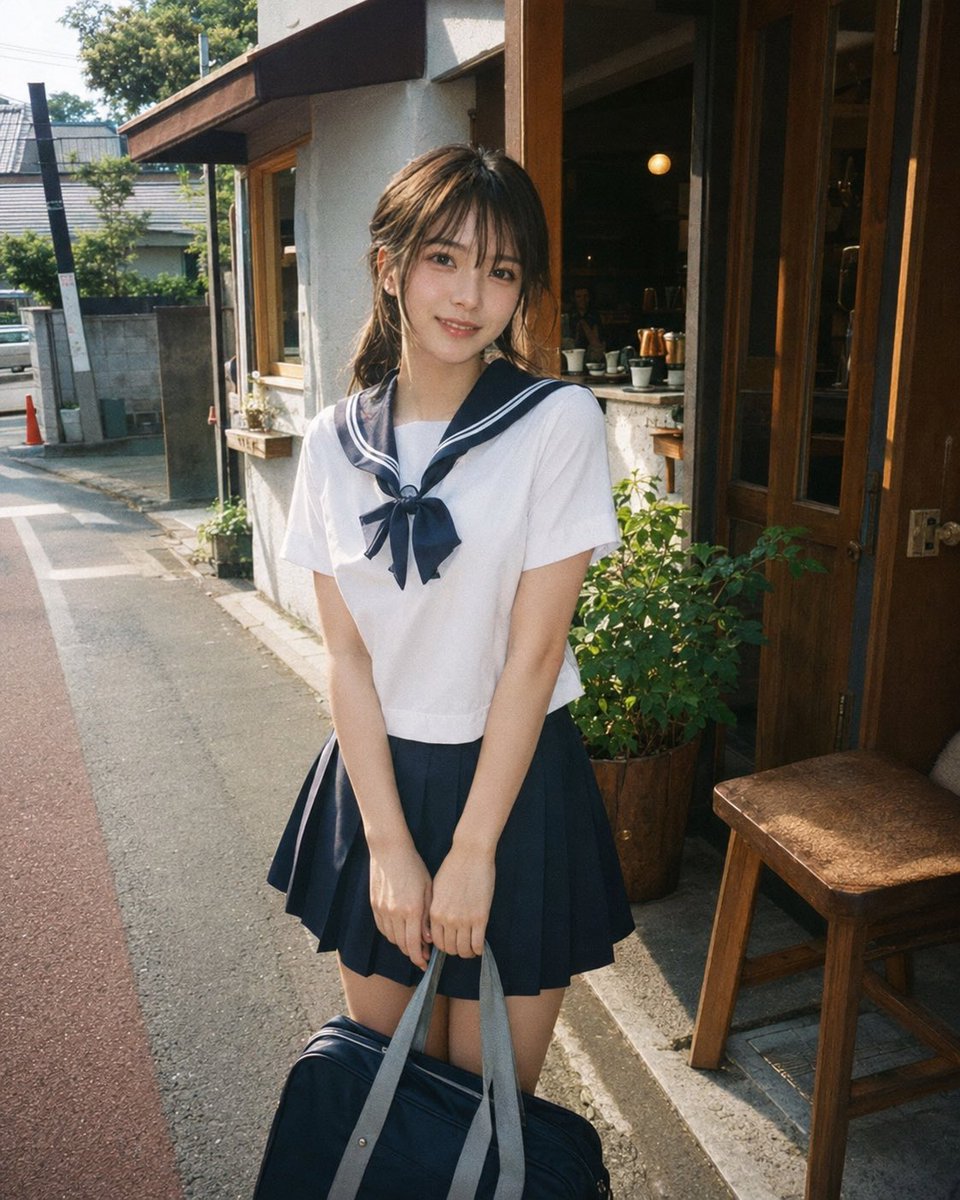
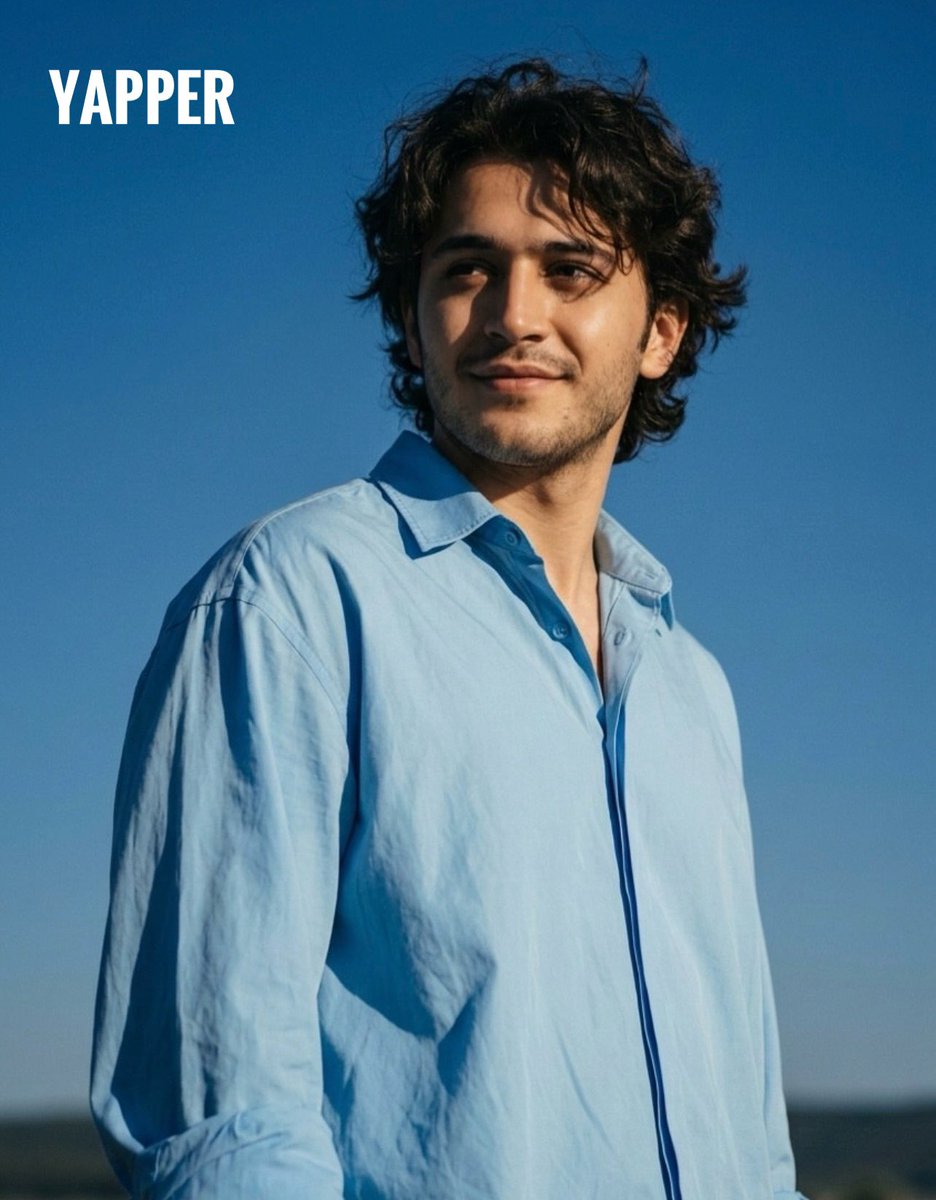

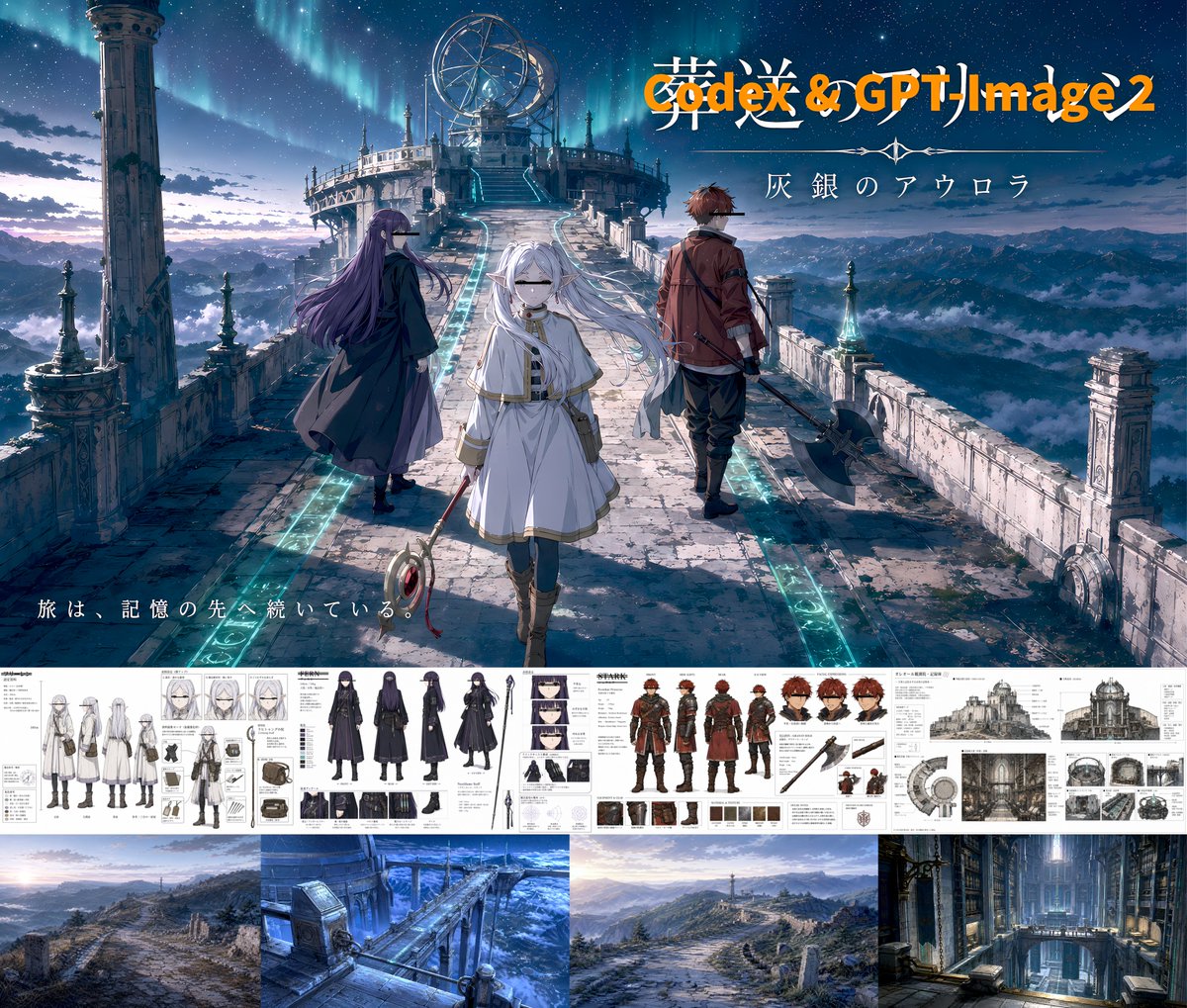


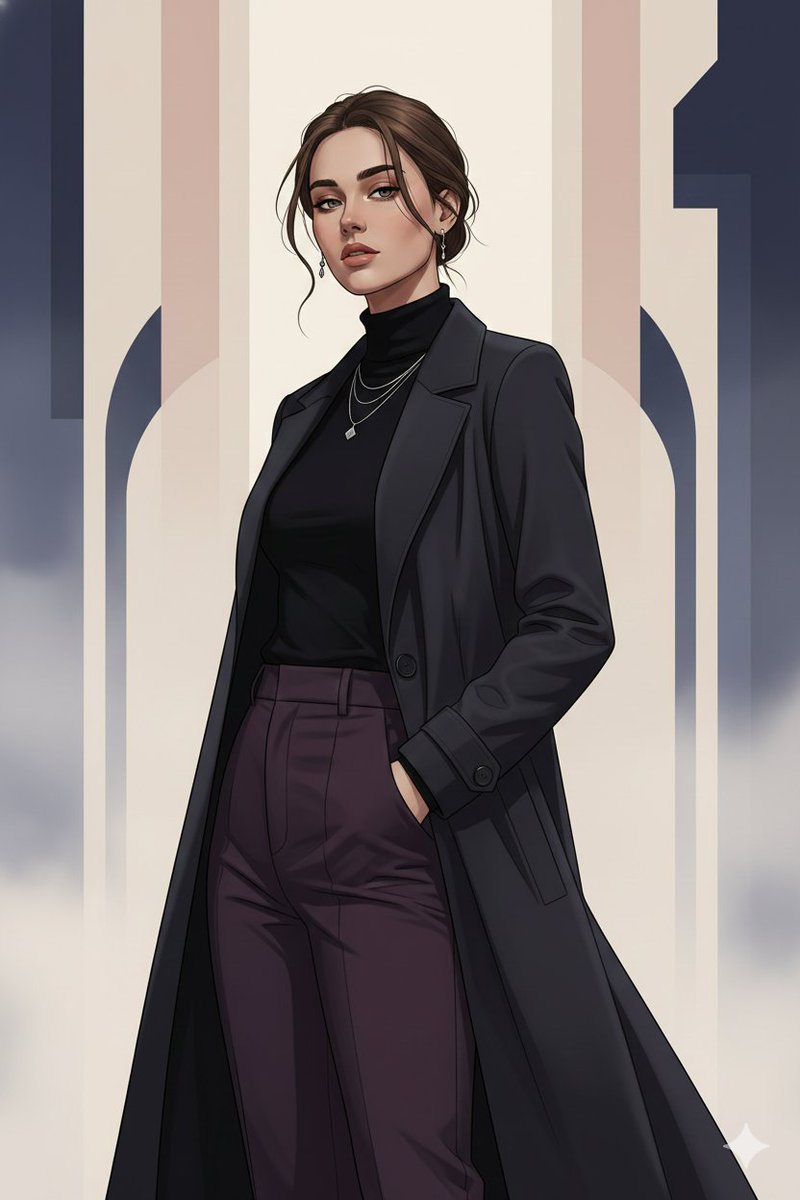
![Lego Set Design Prompt Template — Create a Lego set for [place, movie, image reference], [type of set, adventure, architecture] set, include box and instruction](https://pbs.twimg.com/media/HCabsmiXIAEklYr.jpg)
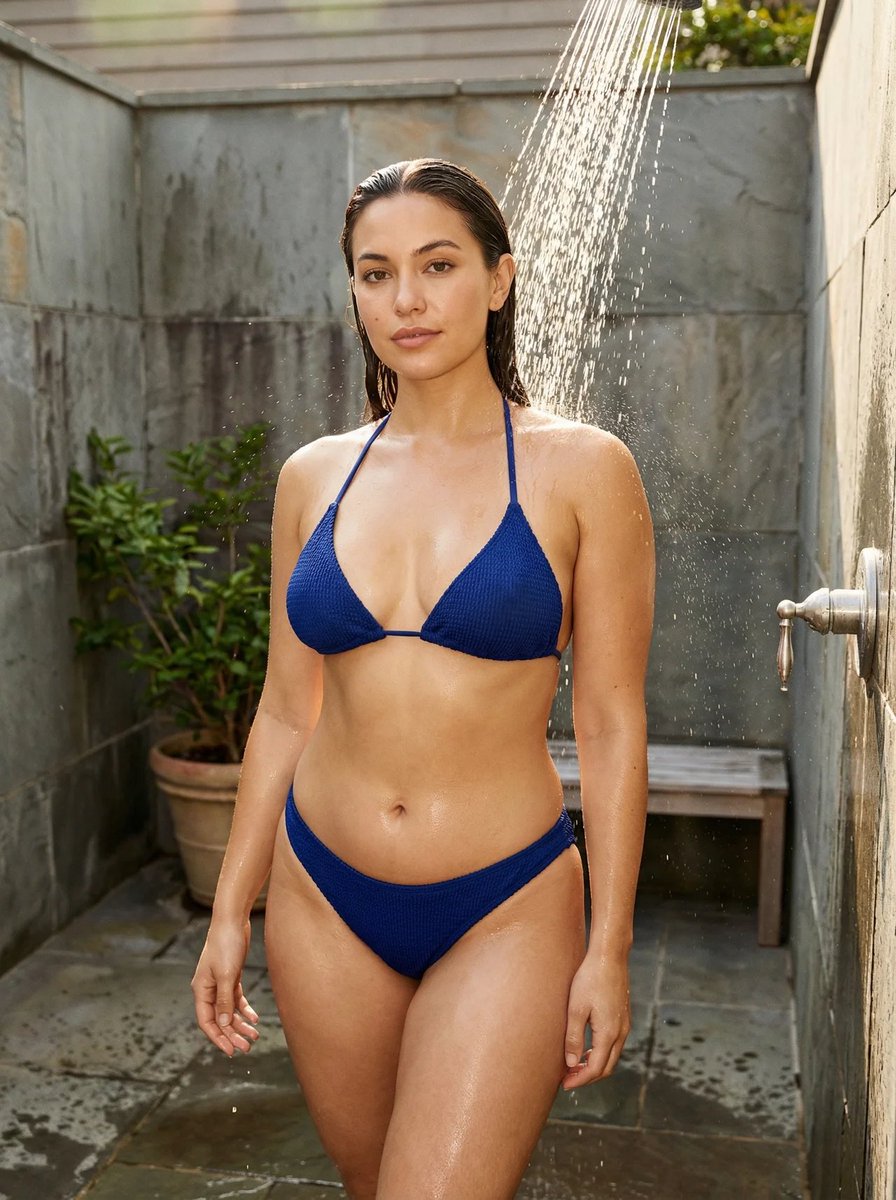
![64K Cinematic Punk Portrait Image Transformation — Transform this image [Upload Your Image] into a 64K DSLR shot resolution of cinematic, ultra-detailed portrai](https://pbs.twimg.com/media/G9lB1AnWsAI8ET6.jpg)
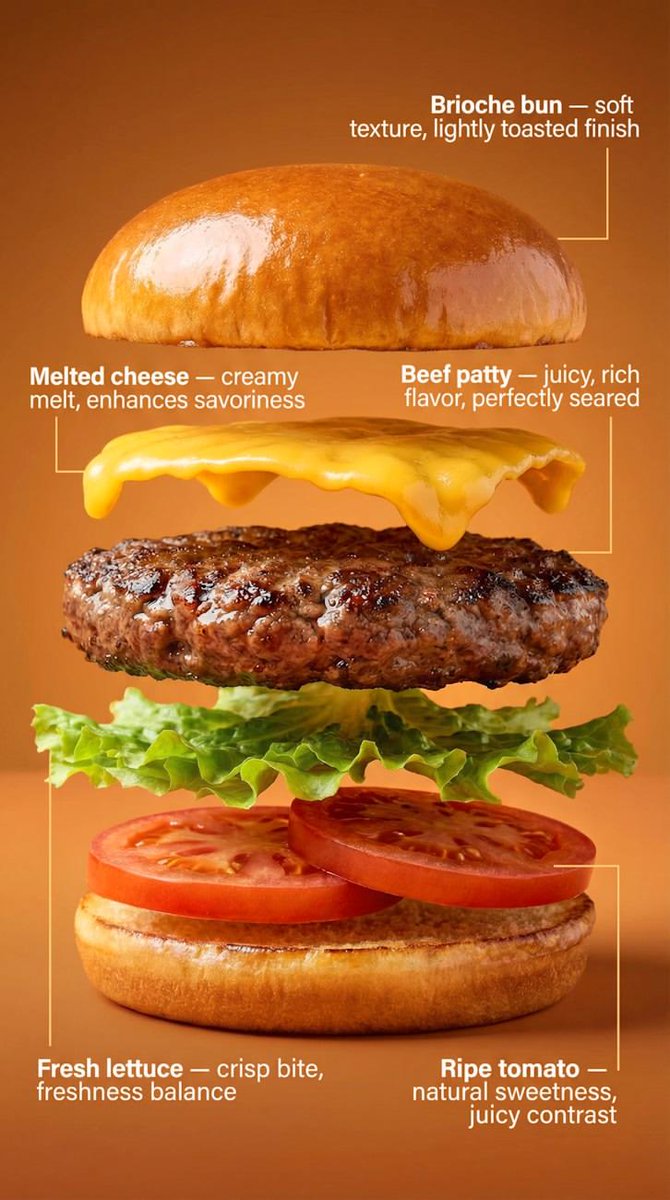

![Adding Food to Character Prompts — 好きなキャラプロンプト+『eating {argument name="食べ物" default="〇〇"}]』だけ(〇〇を食べる)
Nano bananaなら参照画像にプラスするだけ📷](https://pbs.twimg.com/media/HAmgUaPbQAA4Szo.png)