
Cute Summer Picture Diary
Generates a cozy overhead summer vacation diary scene with two hand-drawn chibi anime entries and nostalgic tabletop art supplies.
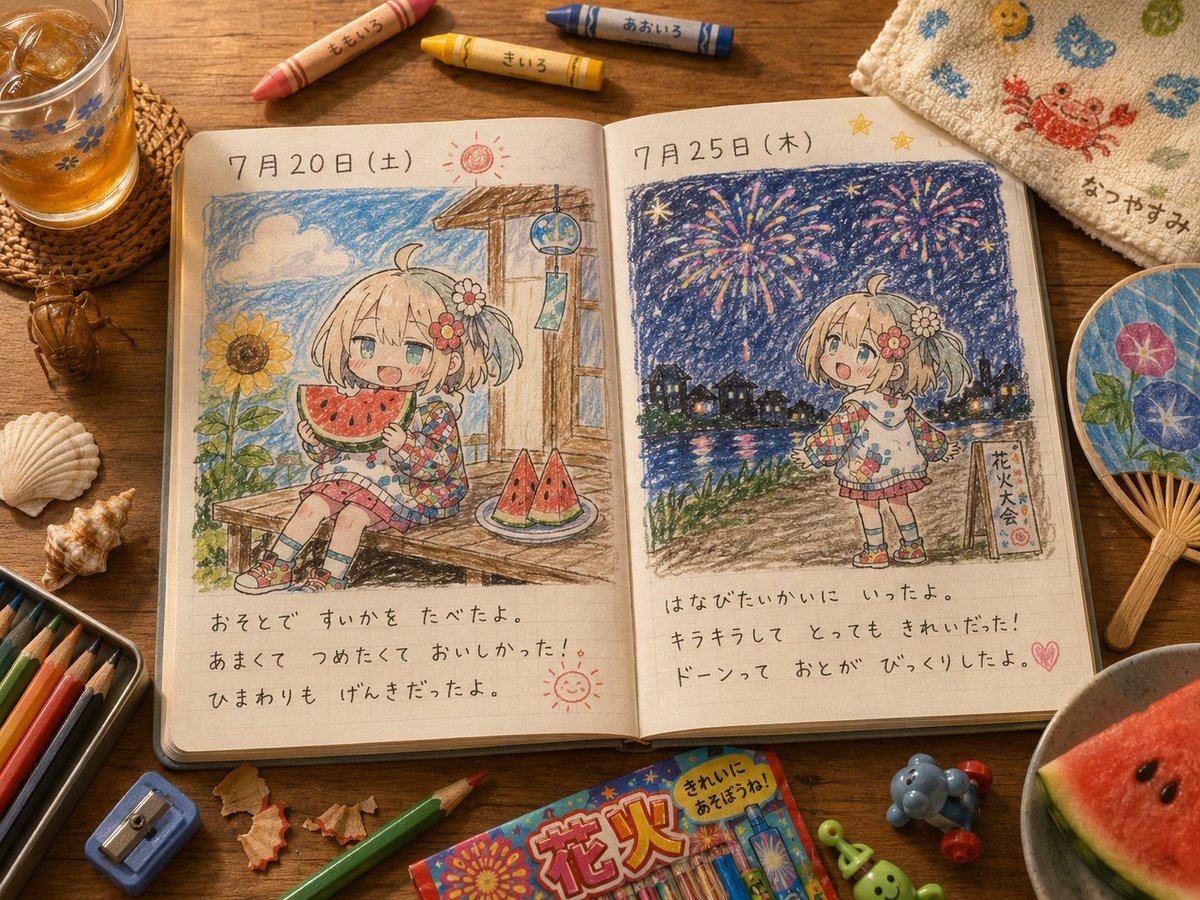
- Prompt included
- Model and format preset
- Premium template
The prompt behind this image
Copy the exact prompt behind Cute Summer Picture Diary, or open it in the studio and make it yours.
Goal: Create a warm, photorealistic overhead tabletop scene of an open summer picture diary drawn in cute colored-pencil style, as if made by a child, featuring the same small anime girl character in two diary entries. Canvas: Landscape 4:3 image, top-down view with slight natural perspective, cozy daylight on a wooden desk, high detail, realistic objects around the notebook, no digital UI or watermark. Main subject: An open grid-paper notebook centered on the desk, showing exactly 2 illustrated diary pages. Each page has a large crayon-and-colored-pencil drawing at the top and neat handwritten Japanese diary text underneath. The character is a chibi anime girl named {argument name="character name" default="a cheerful blonde chibi girl"}, with short twin-tail hair, pale skin, blue-green eyes, a flower hair accessory, a patchwork colorful summer top, plaid skirt, patterned socks, and cute sneakers. Keep her consistent across both drawings. Left diary page: Header date reads {argument name="left page date" default="7月20日(土)"}. The drawing shows the girl sitting on a wooden porch in daylight, happily holding a triangular slice of watermelon. Include a bright sunflower on the left, blue sky with fluffy clouds, a hanging wind chime near a wooden post, and a plate with exactly 2 watermelon wedges on the porch. Add a small red sun doodle near the date and a small smiling sun doodle near the lower right of the page. Under the drawing, write the diary text as {argument name="left diary text" default="おそとで すいかを たべたよ。\nあまくて つめたくて おいしかった!\nひまわりも げんきだったよ。"}. Right diary page: Header date reads {argument name="right page date" default="7月25日(木)"}. The drawing shows the same girl standing by a river at night watching a fireworks festival. Include a dark blue starry sky, exactly 5 large colorful fireworks bursts, reflections on the water, a distant town skyline with glowing windows, grass along the riverbank, and a small vertical festival sign reading 花火大会. Add exactly 2 small yellow star doodles near the top. Under the drawing, write the diary text as {argument name="right diary text" default="はなびたいかいに いったよ。\nキラキラして とても きれいだった!\nドーンって おとが びっくりしたよ。"}. Surrounding tabletop objects: Include exactly 4 loose crayons above the notebook, labeled by color in Japanese: peach, yellow, pink, and blue. Add a glass of iced tea on a woven coaster at upper left, exactly 1 cicada insect near it, exactly 2 seashells on the left side, a colored-pencil tin at lower left with visible pencils, a small blue pencil sharpener, pencil shavings, exactly 2 loose colored pencils near the bottom, a colorful fireworks crayon box near the bottom center, exactly 2 small toy figures near the bottom right, a folded towel at upper right with cute sea-creature embroidery and Japanese name text, a round paper fan at right with morning glory flowers, and a bowl at lower right containing watermelon slices. Visual style: The diary drawings must look handmade with visible waxy crayon texture, uneven outlines, childlike proportions, soft pastel colors, and grid-paper texture. The surrounding desk and objects should be realistic, warm, tactile, and nostalgic, with shallow natural shadows and summer vacation atmosphere. Constraints: Countable elements must match exactly: 2 diary pages, 2 appearances of the girl, 2 watermelon wedges on the left-page plate, 5 fireworks bursts, 2 yellow star doodles, 4 crayons above the notebook, 2 seashells, 2 loose colored pencils, and 2 small toy figures. Do not add extra diary pages, extra characters, or printed watermarks.
How to use Cute Summer Picture Diary in 3 steps
- 1Upload ImagePNG, JPG or paste
Add your photo
Upload the photo the template builds on. The prompt, model and format are already set.
- 2…a portrait of your subject in softgolden-hour light, 85mm…
Personalize
Edit the subject and creative details for your destination.
- 3Generate
Generate
Press Generate — your image is created in PicX Studio, so you can compare it with the original and refine one variable at a time.
More like this
Templates with the same subject, style or setup. Open one to see its prompt.
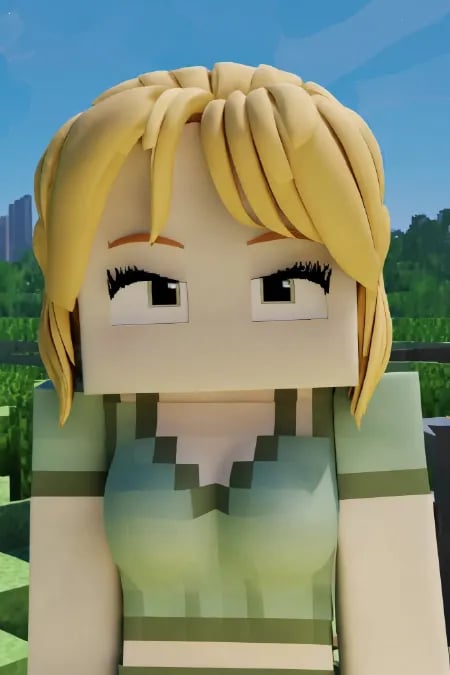
Minecraft Homage Illustrious Style

2000s Retro-Pop Fashion Cinematic Editorial Portrait
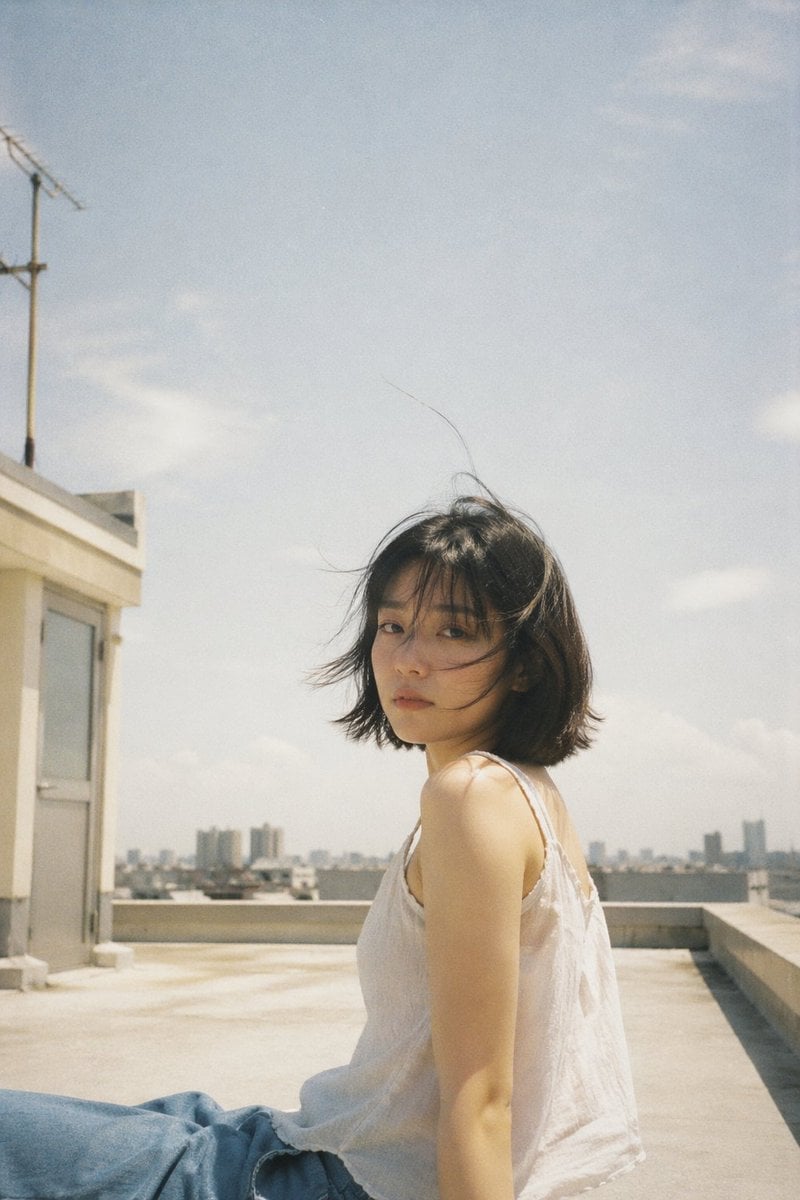
Japanese Negative Film Rooftop Summer Portrait
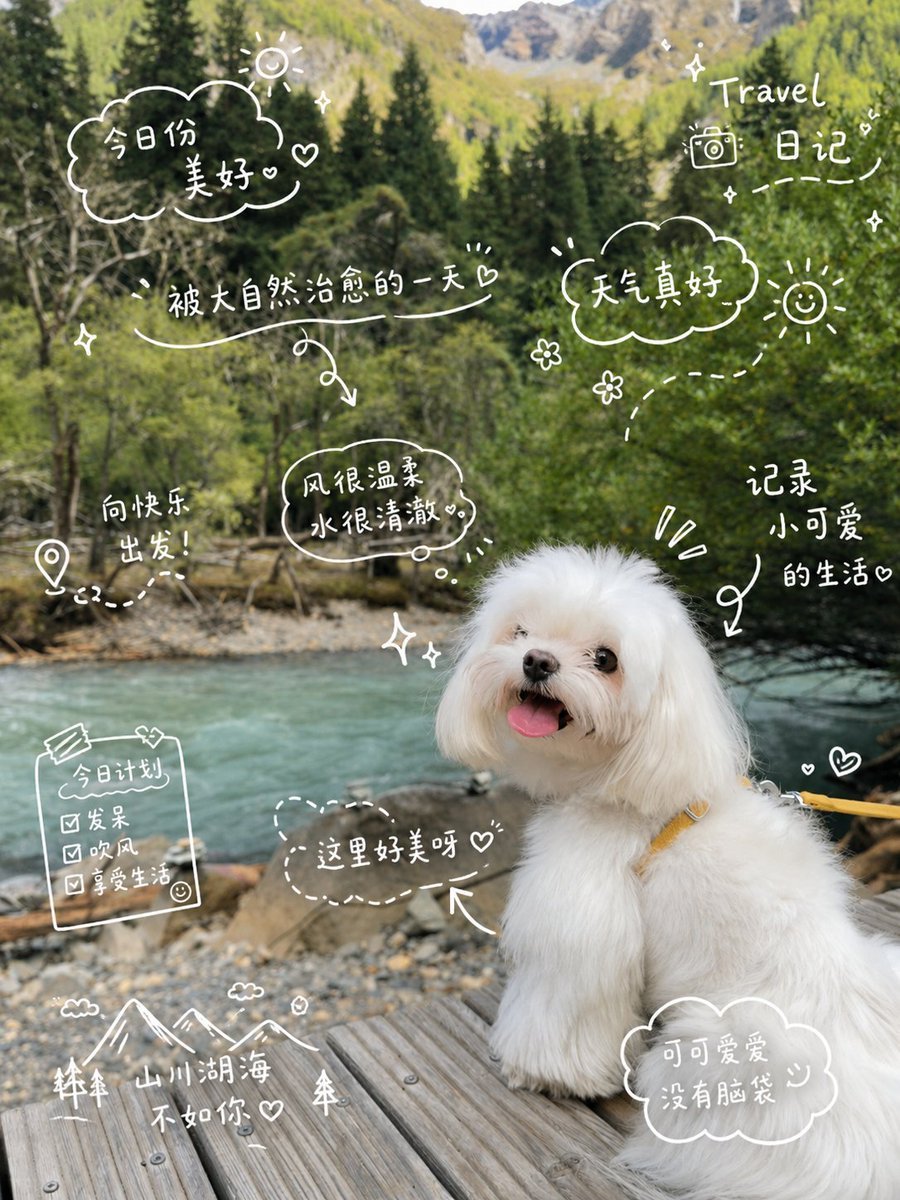
Cute Dog Travel Diary Doodles
Nano Banana Apple Orchard Collage
Mustard Flower Field Summer
Tropical Vacation Selfie — Nano Banana (Chryzleen)

Seedance 2.0 - Old Money Man
Cute Sticker
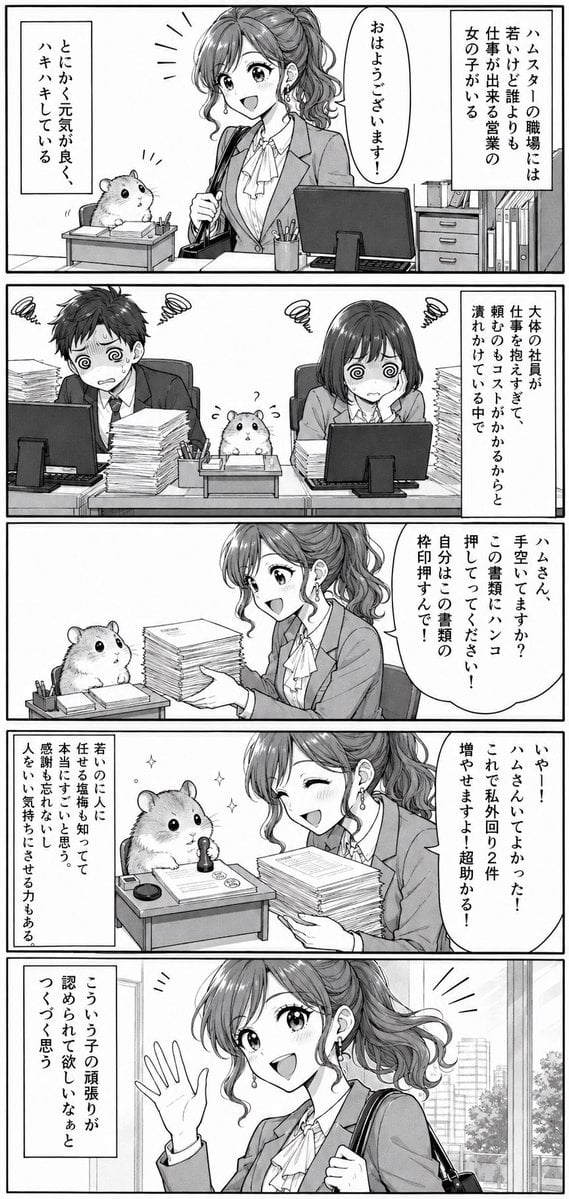
Office Hamster Manga Diary
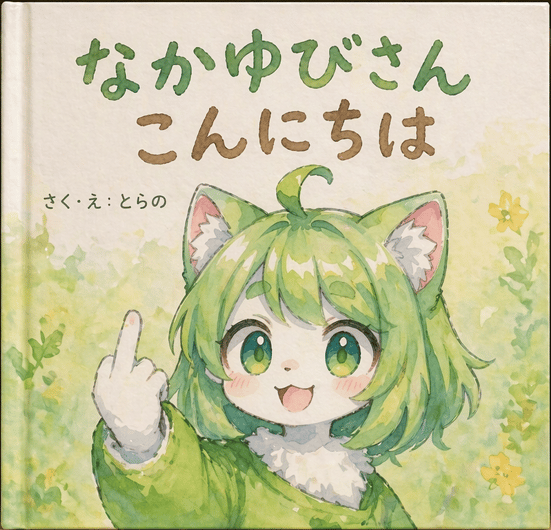
Watercolor Picture Book Cover
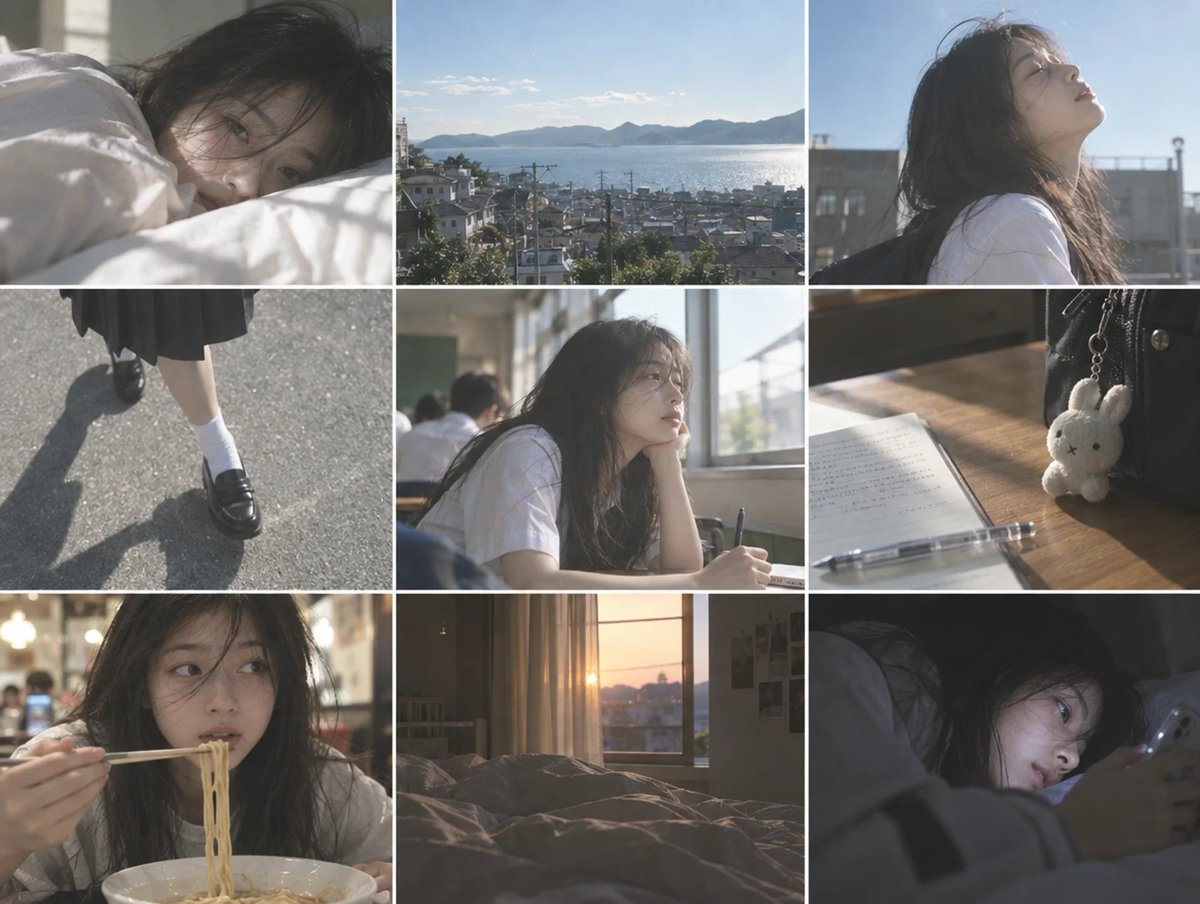
Cinematic Schoolgirl Diary Collage
Make it yours
Cute Summer Picture Diary works as-is. These are the safest ways to change it without losing the look.
Change one field
Copy a single group, rewrite it, and generate again so you can see what that field is doing.
Keep the frame, change the subject
Hold the composition and light of Cute Summer Picture Diary, then swap wardrobe, props or the person for a new take.
| If the result… | Why | Fix |
|---|---|---|
| The result drifts from the preview | Too many fields changed at once. | Reuse Cute Summer Picture Diary as-is first, then change one group — subject, light, or setting. |
| The model over-stylizes the scene | The prose prompt leaves finish and camera underspecified. | Add one camera or lighting sentence and stay on GPT Image 2. |
More GPT Image 2 templates
Other prompts made for GPT Image 2.

Six VTuber Japanese Logo Sheet

Realistic Portrait of Woman and Deer

The Vista Modular Condo Poster

AI Model Routing Comparison Infographic

2.5D Anime Art Board

Isometric Productivity Desk Scene

New York Double Exposure Poster

Four-Panel AI Landscape Comparison

Japanese Tatami Lifestyle Magazine Cover

NESCAFÉ Coffee Map Poster
More image prompts
Fresh picks from across the catalog.
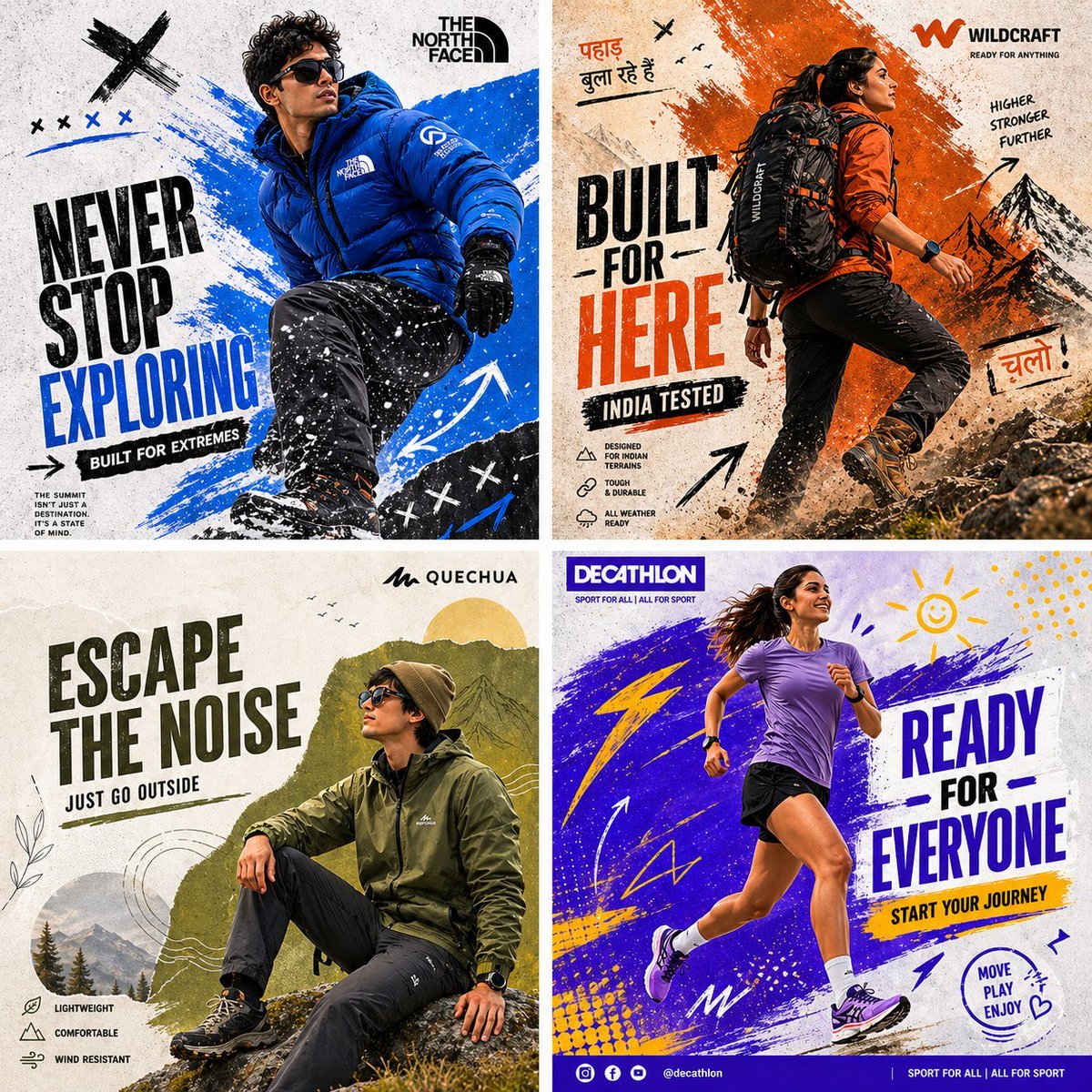
Outdoor Sportswear Advertising Grid
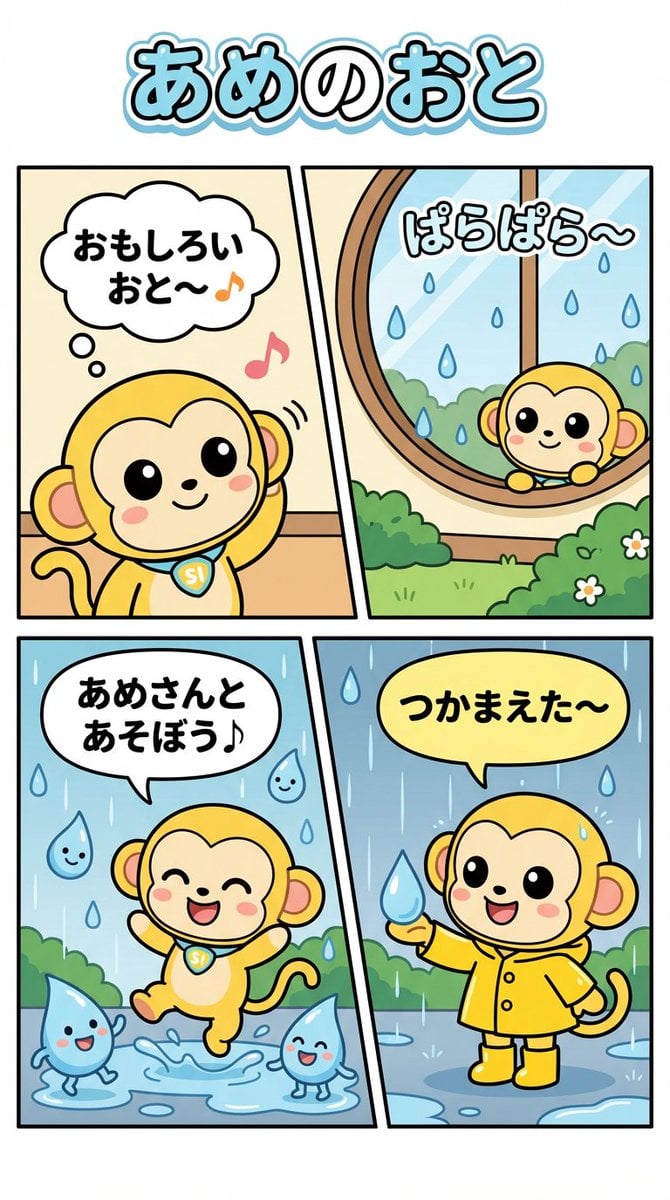
Nano Monkey's Adventure Series Manga Prompt
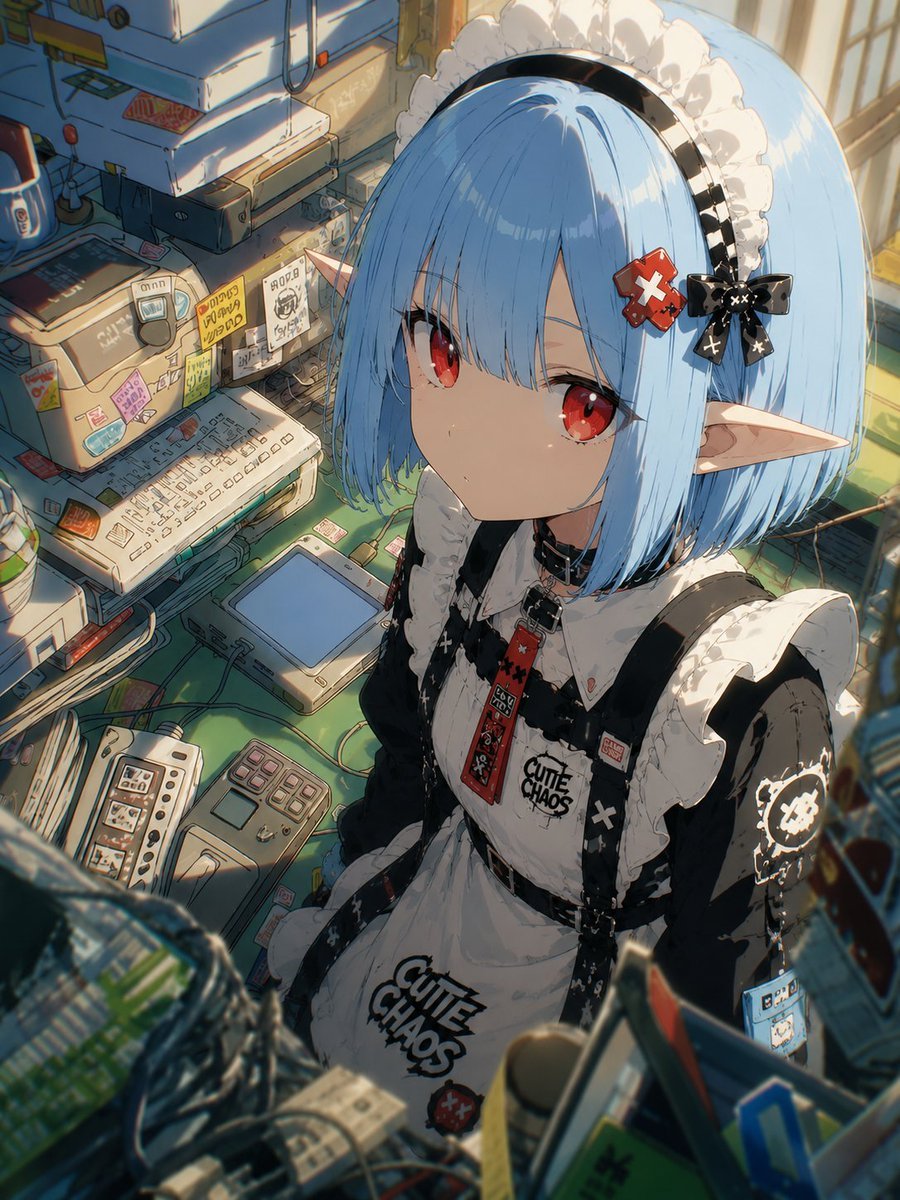
Natural Character Swap Instruction
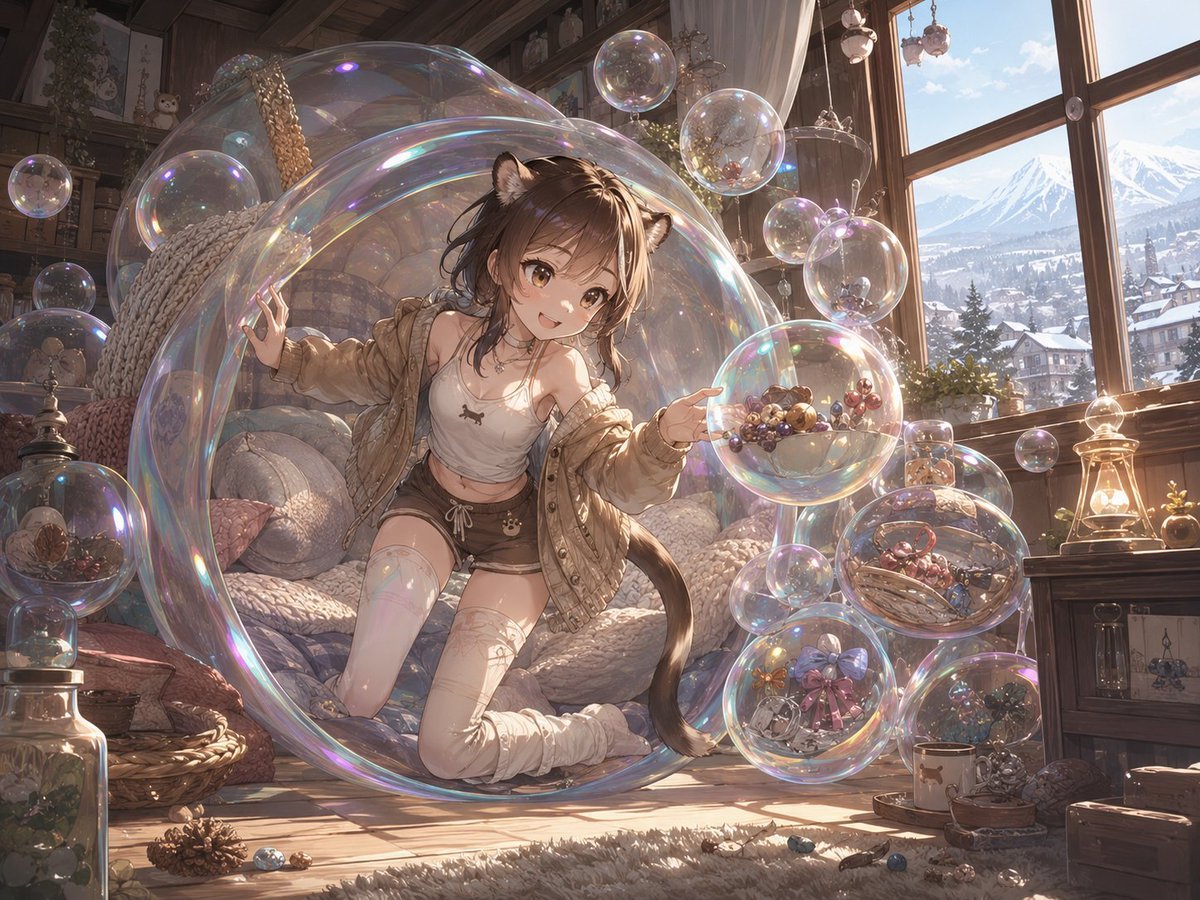
Whimsical Dream Race Concept
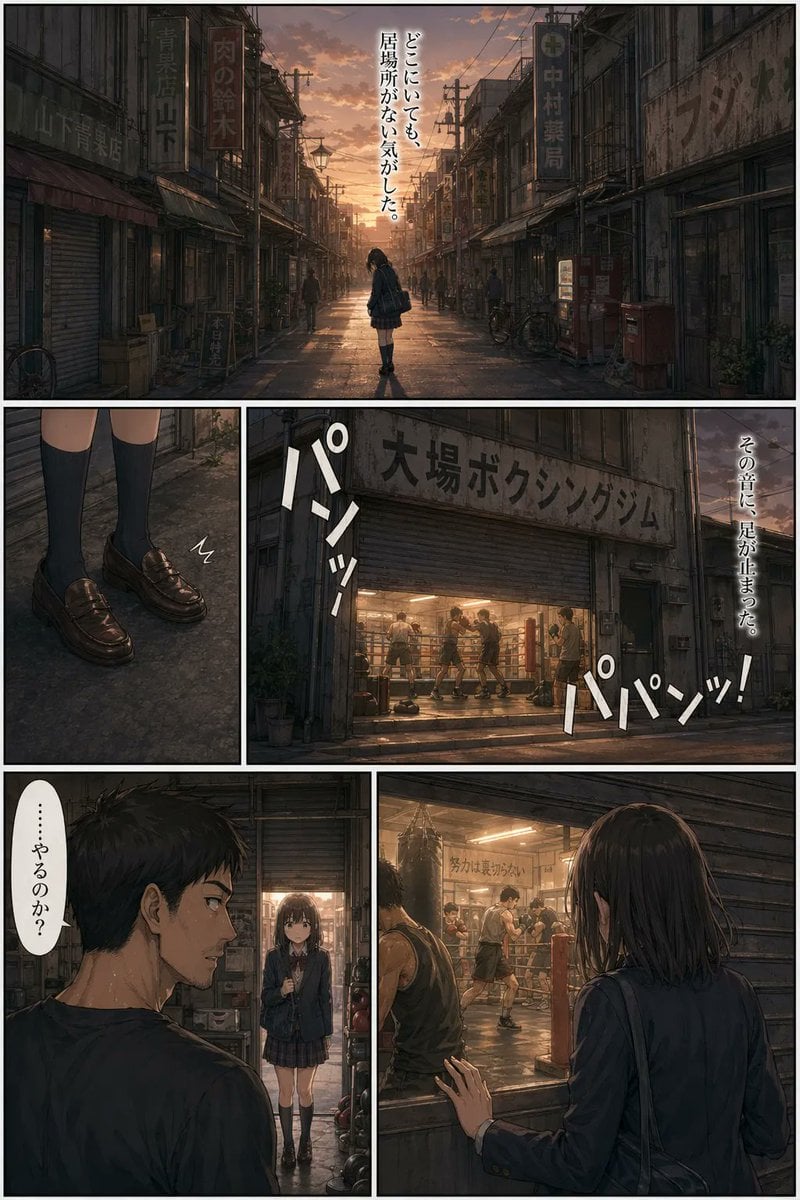
Sunset Boxing Gym Manga Page
Zero-Gravity Space Station Maid Cafe
Wholesome Giant Animal in Cityscape

Idol flyer stuck on a steamed bun vending machine

Burj Khalifa Epic Infographic Poster
Dreamy 3D Animated Girl in Magical Cave
Browse template categories
Cute Summer Picture Diary questions
How do I use the Cute Summer Picture Diary template?
Add your photo if the template asks for one, edit the prompt if you like — the template's model and format are already selected — and press Generate. Your version opens in PicX Studio.
Can I customize the Cute Summer Picture Diary template?
Yes. You can change the subject, setting, lighting, mood, format, and available model controls before creating your image.
Is the Cute Summer Picture Diary template free?
Opening and editing this template is free. Generating uses credits, shown on the Generate button when you are signed in.
Which AI model should I use?
Start with GPT Image 2, which is the model associated with this template. You can compare another compatible model for a different finish.
Looking for something else? Browse all templates.

Your photo, any look
Thousands of ready templates for every top image and video model, from one credit balance.