
Cyberpunk Portal Mascot Poster
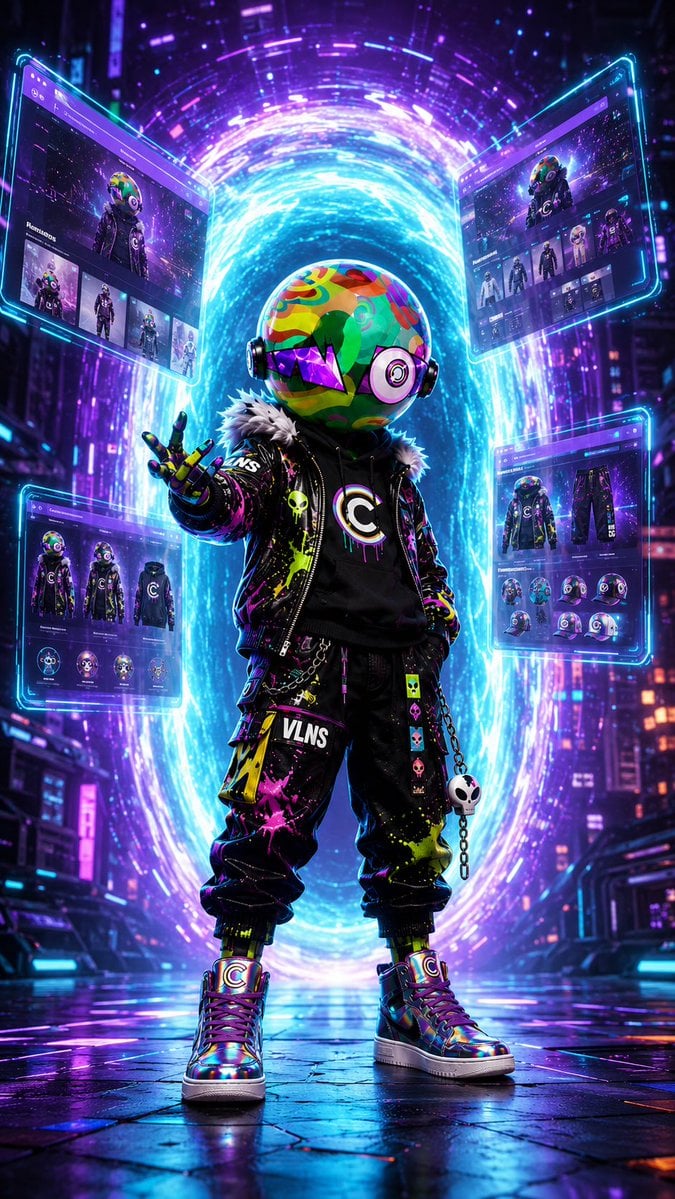
A vertical neon cyberpunk key visual of a streetwear mascot entering a futuristic city through a glowing website portal.
- Prompt included
- Model and format preset
- Premium template
The prompt behind this image
Copy the exact prompt behind Cyberpunk Portal Mascot Poster, or open it in the studio and make it yours.
Create a vertical cinematic cyberpunk promotional poster showing a single full-body mascot character standing in the center of a neon futuristic city street at night, as if stepping out of a glowing portal into a digital brand world. The character is a toy-like villain avatar with an oversized round helmet head covered in bright graffiti camouflage patterns in green, red, yellow, cyan, and pink, wearing glossy black headphones/ear discs, a purple angular visor across the eyes, and no visible human face. Outfit: black streetwear jacket with faux-fur collar, neon paint splatter, patches, chains, skull charms, a black hoodie with a large circular C emblem on the chest, baggy black cargo pants with the word {argument name="brand text" default="VLNS"} printed on one thigh, colorful punk patches, and iridescent high-top sneakers with C logos. Pose: confident front-facing stance, one hand in pocket and the other hand extended toward the viewer in a beckoning portal gesture. Behind the character, create one large vertical oval energy portal, swirling with electric cyan, blue, violet, and magenta light, with particles and circular motion trails. Around the portal float exactly four translucent holographic website UI panels with cyan glowing borders: one upper left panel showing a character profile page, one upper right panel showing a character/gallery page, one lower left panel showing outfit and icon cards, and one lower right panel showing product/asset detail cards. The panels should contain small thumbnails of the same mascot, dark purple browser-style headers, tiny unreadable interface text, and futuristic web layout elements, but no legible extra copy besides the brand text on clothing. Environment: dense futuristic skyscrapers, neon signs, rainy reflective pavement, purple-blue city haze, volumetric light, wet ground reflections, sparks, digital particles, and depth-of-field. Visual style: ultra-detailed 3D render, high-contrast cyberpunk lighting, glossy materials, vibrant magenta/cyan palette, cinematic composition, sharp focus on the character, dramatic rim light, premium official-site launch key visual. Use a 9:16 vertical poster aspect ratio. Customize the character identity as {argument name="character name" default="Villain"}, the portal color emphasis as {argument name="portal color" default="electric cyan and violet"}, the city mood as {argument name="city mood" default="rainy neon night"}, and the emblem letter as {argument name="emblem letter" default="C"}.
How to use Cyberpunk Portal Mascot Poster in 3 steps
- 1Upload ImagePNG, JPG or paste
Add your photo
Upload the photo the template builds on. The prompt, model and format are already set.
- 2…a portrait of your subject in softgolden-hour light, 85mm…
Personalize
Edit the subject and creative details for your destination.
- 3Generate
Generate
Press Generate — your image is created in PicX Studio, so you can compare it with the original and refine one variable at a time.
More like this
Templates with the same subject, style or setup. Open one to see its prompt.
Luxury Travel Glass Portal Poster

Japan Travel Brochure Poster

Obscured Cyberpunk Girl Poster
Cyberpunk Vinyl Character Summoning Portal
Cyberpunk Esports Courier Poster

Anime Rain Poncho Parade

Anime Street Performer Magic

Anime Ferry Boat Arrival

Anime Hidden Mickey Hunt

Anime Popcorn Cart Hero

Anime Nighttime Projection

Anime Character Meet Tent
Make it yours
Cyberpunk Portal Mascot Poster works as-is. These are the safest ways to change it without losing the look.
Change one field
Copy a single group, rewrite it, and generate again so you can see what that field is doing.
Keep the frame, change the subject
Hold the composition and light of Cyberpunk Portal Mascot Poster, then swap wardrobe, props or the person for a new take.
| If the result… | Why | Fix |
|---|---|---|
| The result drifts from the preview | Too many fields changed at once. | Reuse Cyberpunk Portal Mascot Poster as-is first, then change one group — subject, light, or setting. |
| The model over-stylizes the scene | The prose prompt leaves finish and camera underspecified. | Add one camera or lighting sentence and stay on GPT Image 2. |
More GPT Image 2 templates
Other prompts made for GPT Image 2.

Six VTuber Japanese Logo Sheet

Realistic Portrait of Woman and Deer

The Vista Modular Condo Poster

AI Model Routing Comparison Infographic

2.5D Anime Art Board

Isometric Productivity Desk Scene

New York Double Exposure Poster

Four-Panel AI Landscape Comparison

Japanese Tatami Lifestyle Magazine Cover

NESCAFÉ Coffee Map Poster
More image prompts
Fresh picks from across the catalog.

GlowUp App UI Board
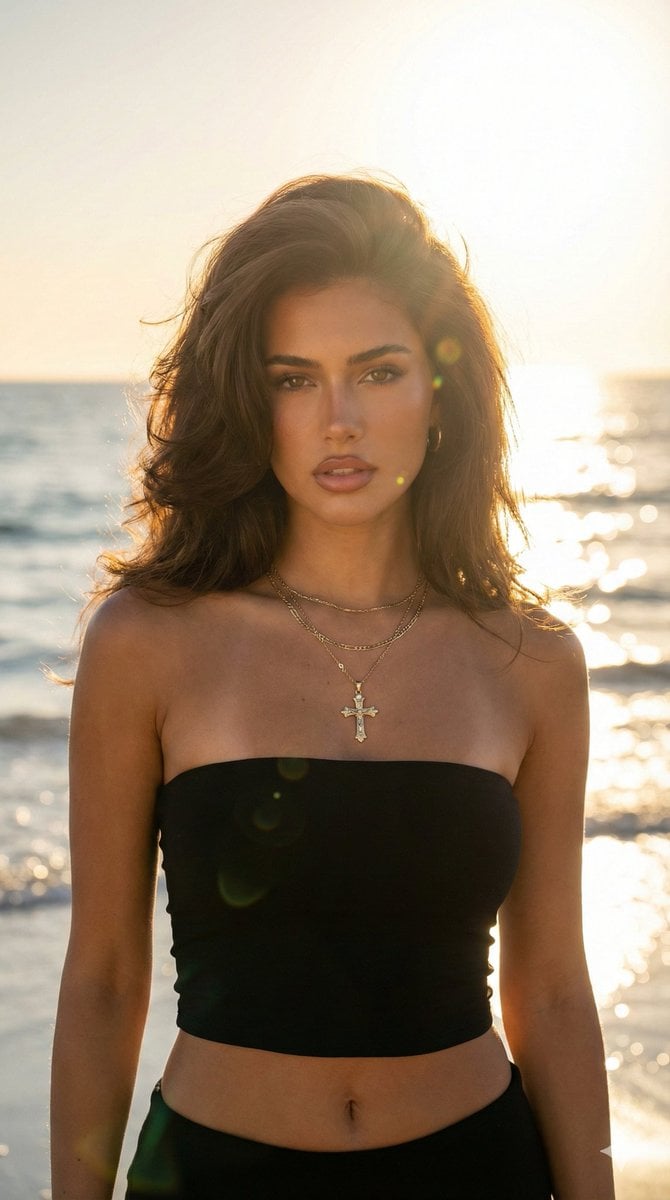
Golden Hour Beach Portrait (90s Supermodel)
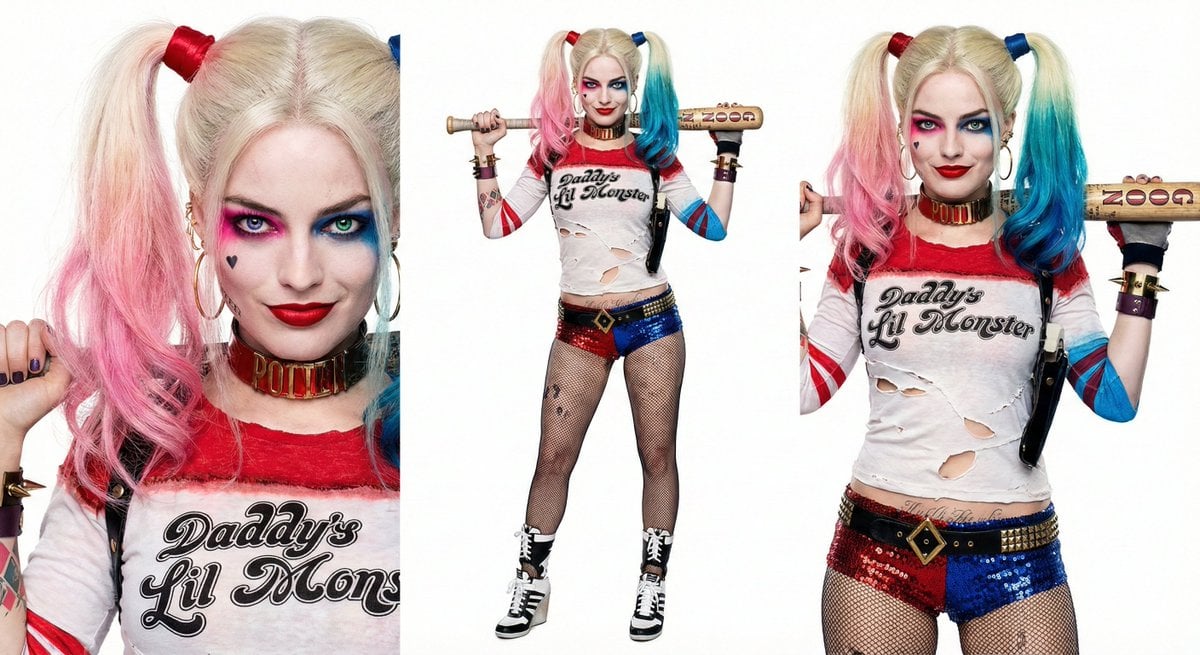
Harley Quinn Archetype Image Generation Prompt
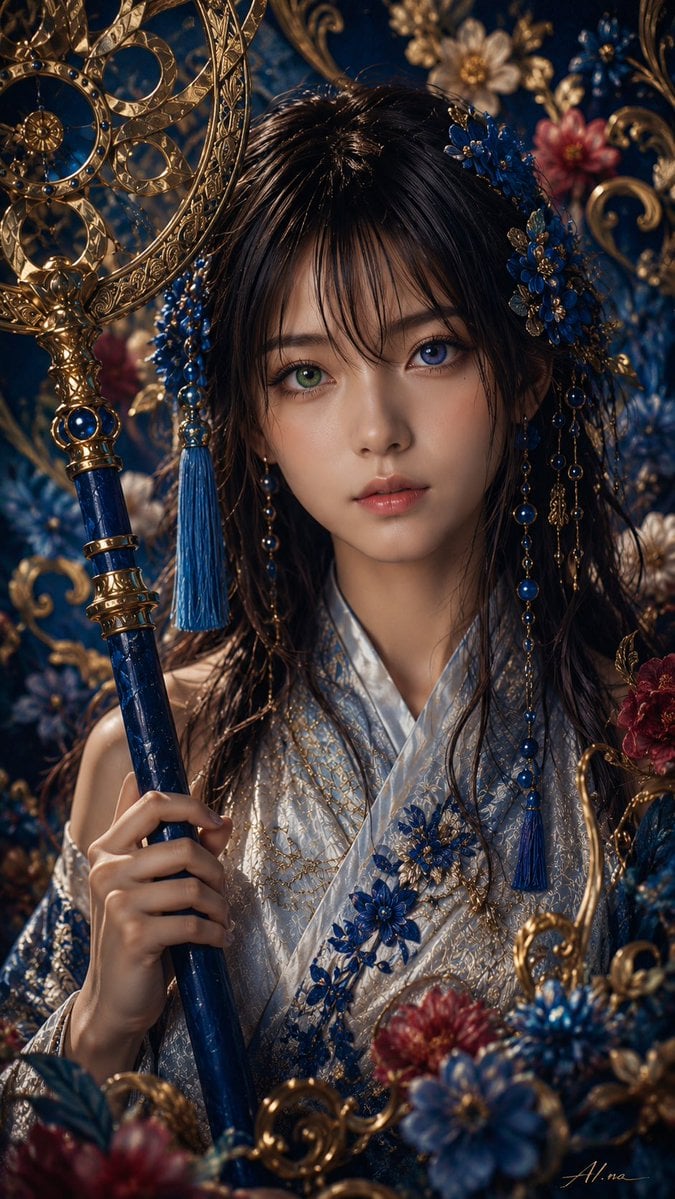
Ornate Yuna Fantasy Portrait
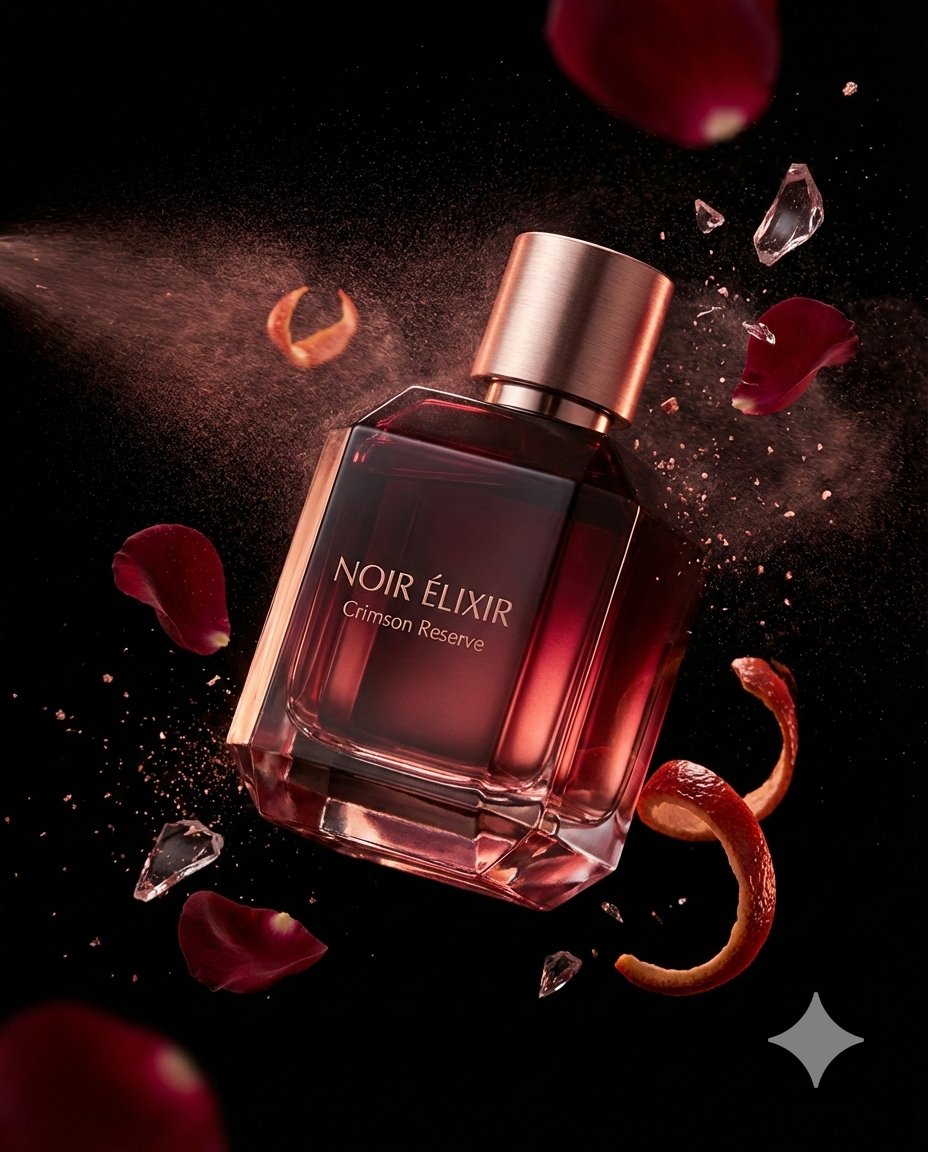
Luxury Fragrance Advertising Photography Prompt
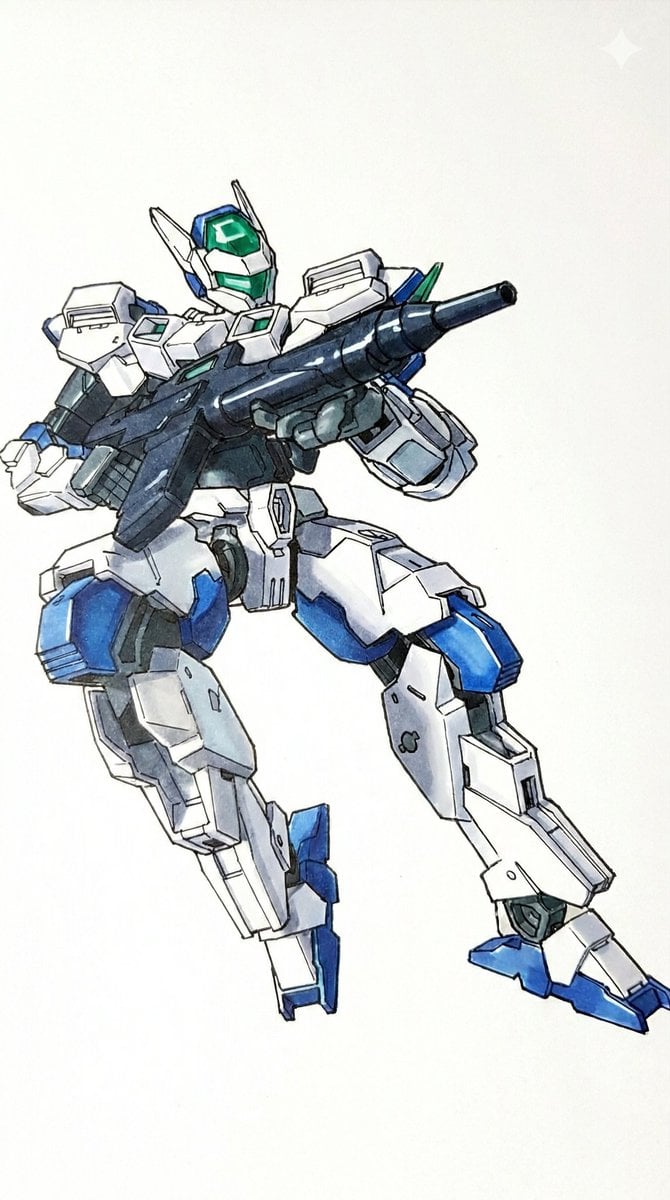
Plamodel Photo Style Transfer Prompt
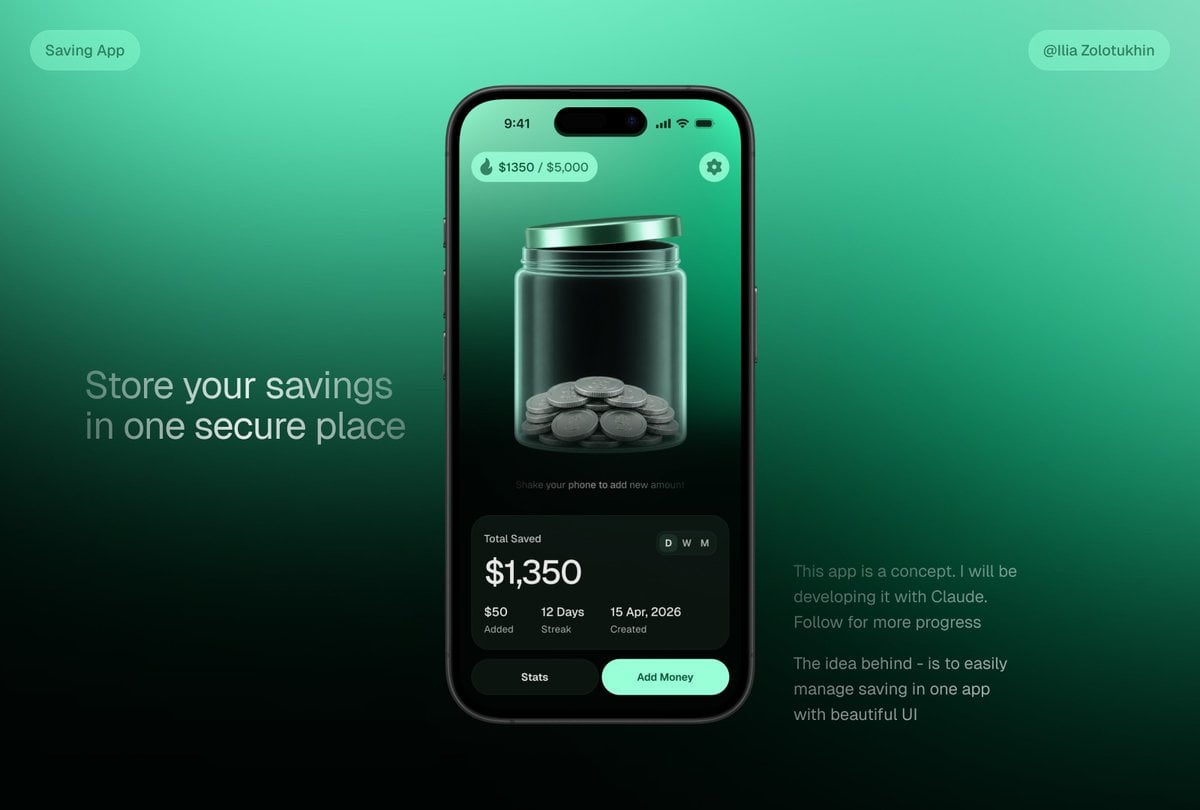
3D Savings App Jar UI Mockup

Pastel Zodiac Avatar Grid

Nano Banana - Peace Sign Bedroom Selfie
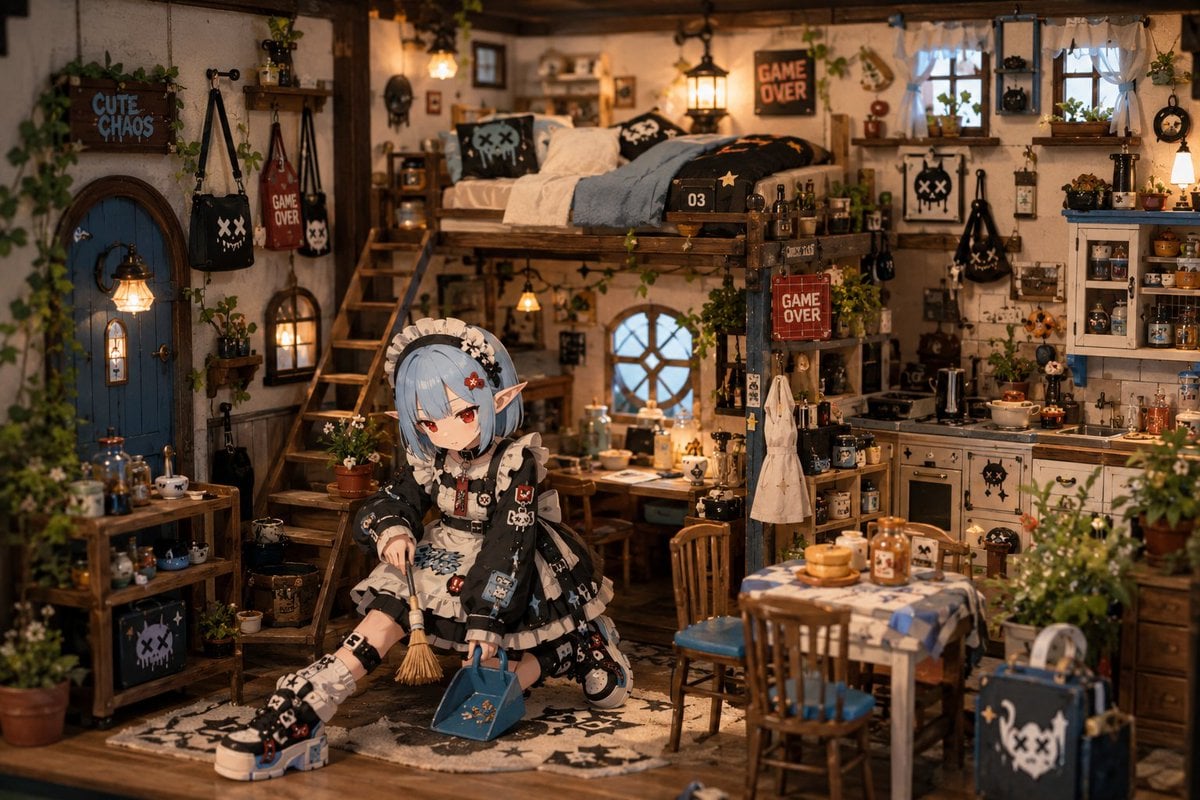
Miniature Diorama Character Living Space
Browse template categories
Cyberpunk Portal Mascot Poster questions
How do I use the Cyberpunk Portal Mascot Poster template?
Add your photo if the template asks for one, edit the prompt if you like — the template's model and format are already selected — and press Generate. Your version opens in PicX Studio.
Can I customize the Cyberpunk Portal Mascot Poster template?
Yes. You can change the subject, setting, lighting, mood, format, and available model controls before creating your image.
Is the Cyberpunk Portal Mascot Poster template free?
Opening and editing this template is free. Generating uses credits, shown on the Generate button when you are signed in.
Which AI model should I use?
Start with GPT Image 2, which is the model associated with this template. You can compare another compatible model for a different finish.
Looking for something else? Browse all templates.

Your photo, any look
Thousands of ready templates for every top image and video model, from one credit balance.