
Pastel Zodiac Avatar Grid
Generates a 12-panel pastel Chinese zodiac avatar set for social media profile icon collections or style exploration.

- Prompt included
- Model and format preset
- Free template
The prompt behind this image
Copy the exact prompt behind Pastel Zodiac Avatar Grid, or open it in the studio and make it yours.
Goal: Create a cute 12-character Chinese zodiac avatar collection in one image, designed as a social media profile icon style expansion set. Canvas: A square 4:5-ish poster-like canvas divided into a clean 3-column by 4-row grid, with 12 equal rectangular portrait panels and thin light borders between panels. Each panel is a close-up bust portrait of one anthropomorphic zodiac animal in a dreamy outdoor flower meadow. Visual style: Soft hand-painted pastel gouache and oil-pastel texture, visible crayon-like strokes, whimsical children’s book illustration, bright spring colors, cozy internet-avatar aesthetic, fluffy textures, rounded faces, expressive eyes, playful accessories, warm sunlight, abundant wildflowers, painterly backgrounds, no photorealism. Subject details: Include exactly 12 zodiac avatar panels, in this order from left to right, top to bottom: 1) Rat: gray mouse wearing yellow sunglasses, holding a wedge of cheese, surrounded by flowers. 2) Ox: shaggy brown ox with horns, wearing a green hoodie and large black headphones, calm expression under a sunny sky. 3) Tiger: orange tiger in a pale hoodie, holding or leaning beside a green skateboard, sleepy cool expression. 4) Rabbit: fluffy white rabbit wearing pink heart-shaped sunglasses and a pink outfit, holding a carrot. 5) Dragon: pastel green dragon with small golden horns and flowing mane, blowing a translucent bubble, magical pink-green background. 6) Snake: cute green snake or turtle-like snake character wearing a pink floral bandana and pink headphones, sipping a drink with a straw among flowers. 7) Horse: gray horse with brown mane, wearing pink headphones around the neck, blowing bubblegum. 8) Goat: fluffy white sheep/goat wearing round yellow glasses and a yellow beret, holding a small vintage camera. 9) Monkey: brown monkey in a purple hoodie with pink sunglasses resting on its head, eating a banana. 10) Rooster: colorful rooster with red comb and green sunglasses, wearing a pearl necklace and sipping a drink. 11) Dog: cheerful tan-and-white dog wearing a backwards green cap and green bandana, raising one paw with visible paw pads and tongue out. 12) Pig: pink pig wearing pink heart-shaped sunglasses and pink overalls, holding a sprinkled donut. Text content: No words, no labels, no logos, no watermark. Customization: The overall theme is {argument name="avatar theme" default="Chinese zodiac social media avatars"}; the art style is {argument name="art style" default="soft pastel gouache and oil-pastel illustration"}; the season and setting are {argument name="setting" default="sunny spring wildflower meadow"}; the color palette is {argument name="color palette" default="bright pastel pink, mint green, sky blue, yellow, and warm cream"}; the accessory mood is {argument name="accessory mood" default="trendy cute internet fashion with sunglasses, headphones, hoodies, drinks, and snacks"}. Constraints: Keep exactly 12 panels and exactly one main animal per panel. Maintain consistent portrait scale, soft square-avatar composition, playful youthful expressions, and dense floral painterly backgrounds across all panels.
How to use Pastel Zodiac Avatar Grid in 3 steps
- 1Upload ImagePNG, JPG or paste
Add your photo
Upload the photo the template builds on. The prompt, model and format are already set.
- 2…a portrait of your subject in softgolden-hour light, 85mm…
Personalize
Edit the subject and creative details for your destination.
- 3Generate
Generate
Press Generate — your image is created in PicX Studio, so you can compare it with the original and refine one variable at a time.
More like this
Templates with the same subject, style or setup. Open one to see its prompt.
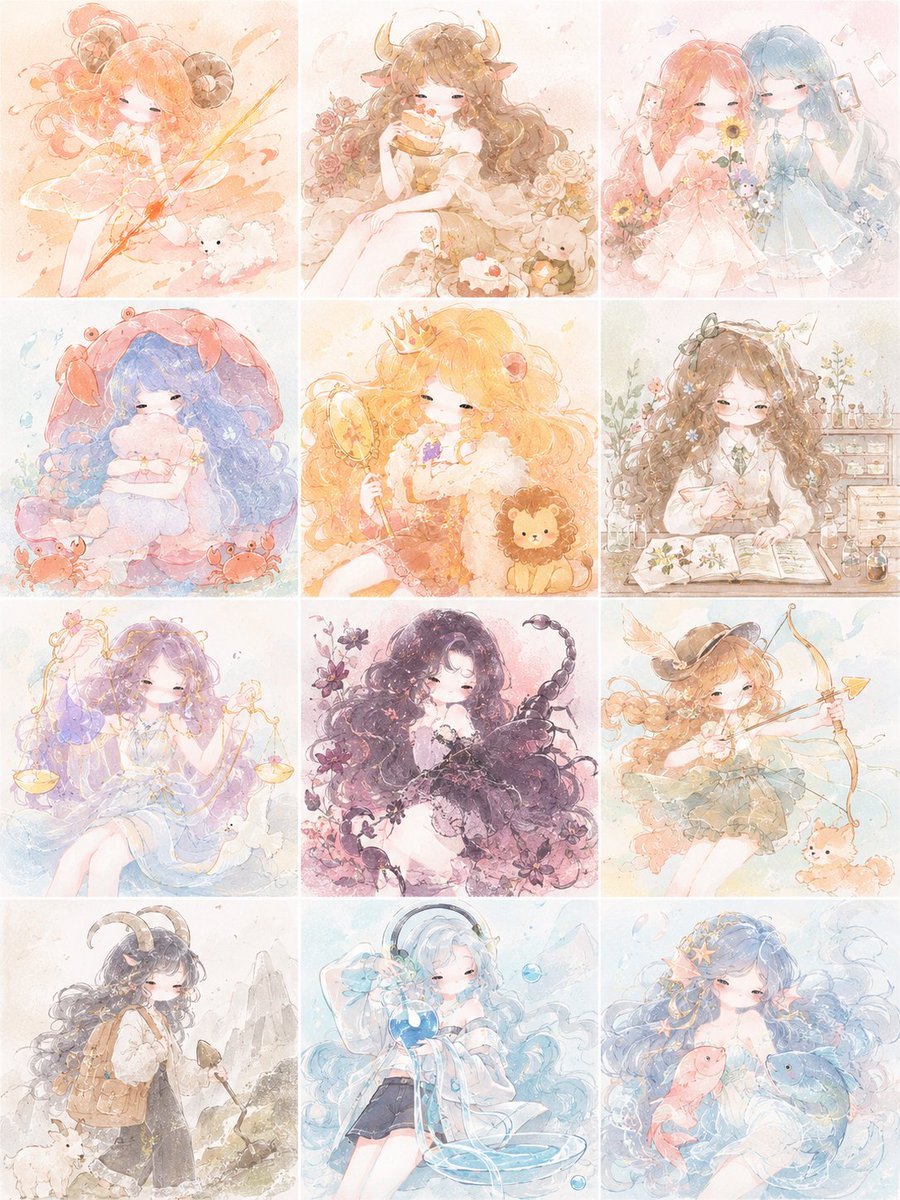
Pastel Zodiac Girls Grid

Eid al-Adha Cute Chaos — Fisheye Selfie with Farm Selfie, Mosque & Animals

Cute Layered Paper Cut Chibi Girl

Layered Paper Cut Illustration Template

Korean Luxury Fashion Editorial 2x2 Grid Series

Minimalist Fashion Editorial Split Layout

Ultra-Realistic Vogue-Style Editorial Fashion Grid

Premium Vintage Travel Poster Landscape

Quiet Minimalist Anime Style Guide
Premium Vintage Travel Poster Landscape

Pastel Fantasy Pagoda Mountain Landscape

Korean Cafe Courtyard Gold Frame Mirror Selfie
Make it yours
Pastel Zodiac Avatar Grid works as-is. These are the safest ways to change it without losing the look.
Change one field
Copy a single group, rewrite it, and generate again so you can see what that field is doing.
Keep the frame, change the subject
Hold the composition and light of Pastel Zodiac Avatar Grid, then swap wardrobe, props or the person for a new take.
| If the result… | Why | Fix |
|---|---|---|
| The result drifts from the preview | Too many fields changed at once. | Reuse Pastel Zodiac Avatar Grid as-is first, then change one group — subject, light, or setting. |
| The model over-stylizes the scene | The prose prompt leaves finish and camera underspecified. | Add one camera or lighting sentence and stay on GPT Image 2. |
More GPT Image 2 templates
Other prompts made for GPT Image 2.

Six VTuber Japanese Logo Sheet

Realistic Portrait of Woman and Deer

The Vista Modular Condo Poster

AI Model Routing Comparison Infographic

2.5D Anime Art Board

Isometric Productivity Desk Scene

New York Double Exposure Poster

Four-Panel AI Landscape Comparison

Japanese Tatami Lifestyle Magazine Cover

NESCAFÉ Coffee Map Poster
More image prompts
Fresh picks from across the catalog.

YouTube thumbnail introducing Nano Banana Pro
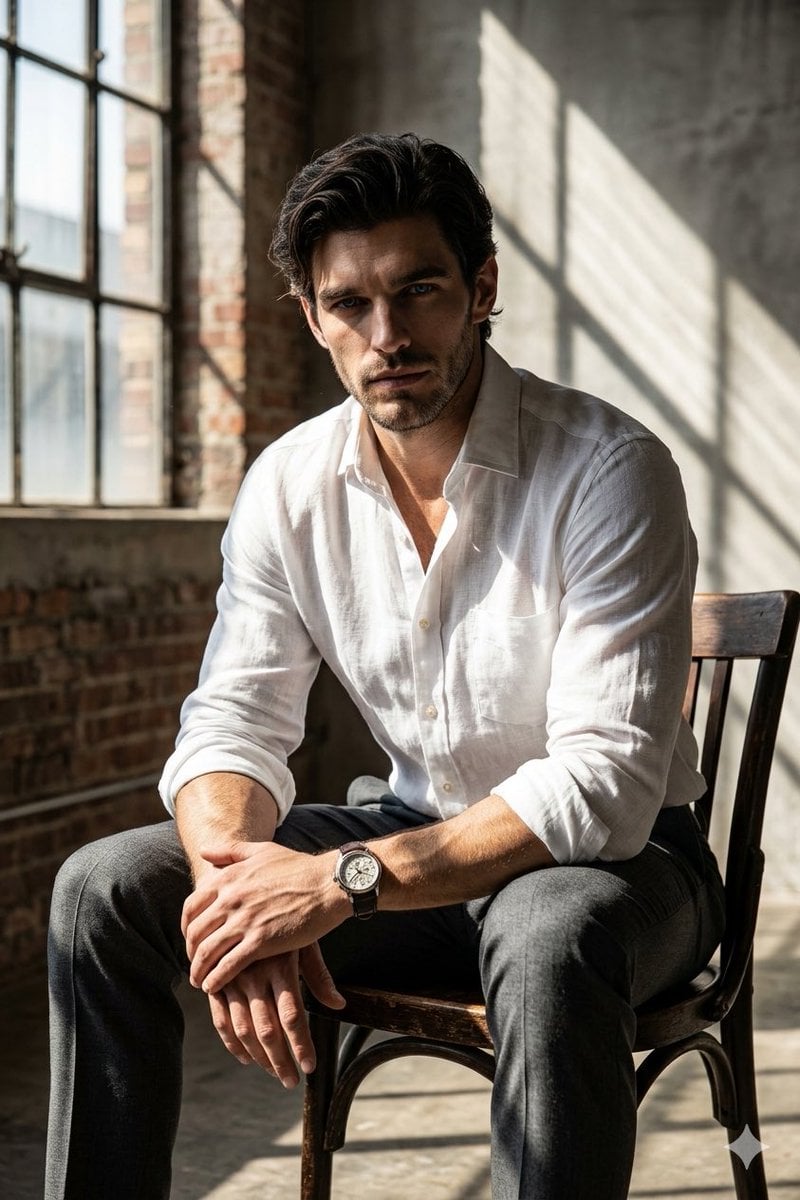
Moody Cinematic Industrial Portrait
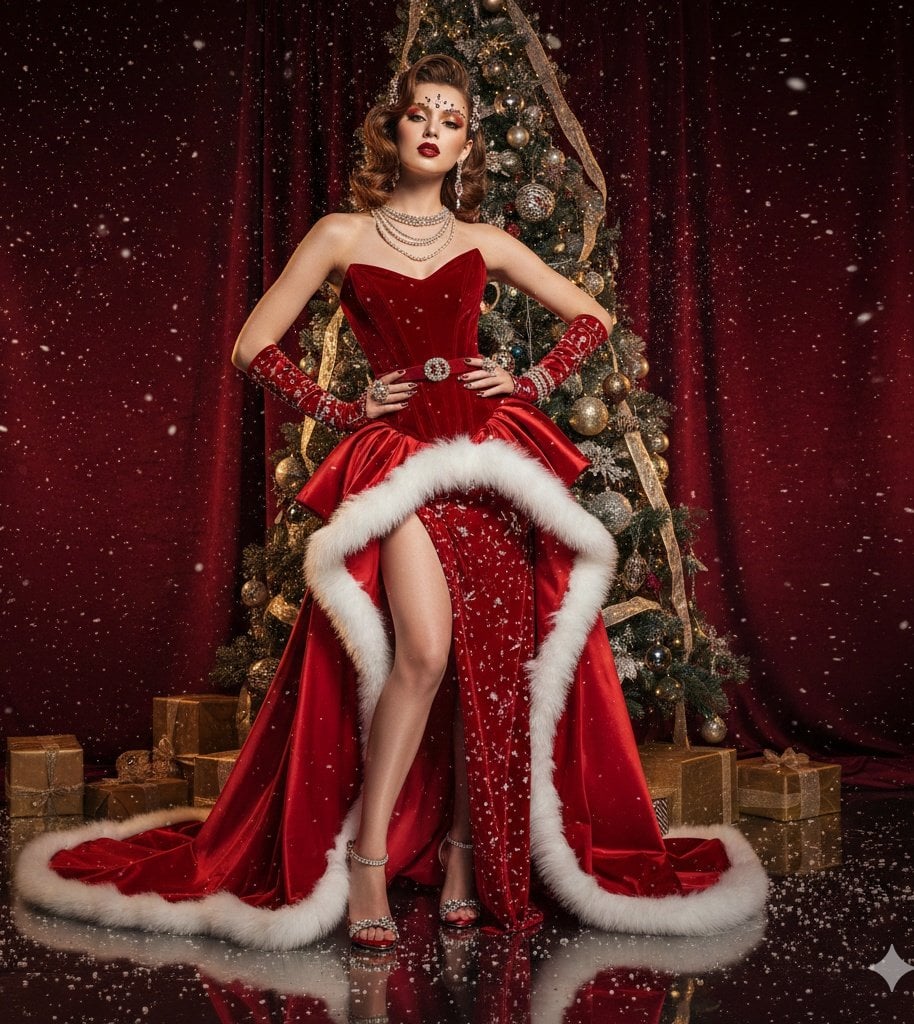
High-Fashion Christmas Editorial Prompt
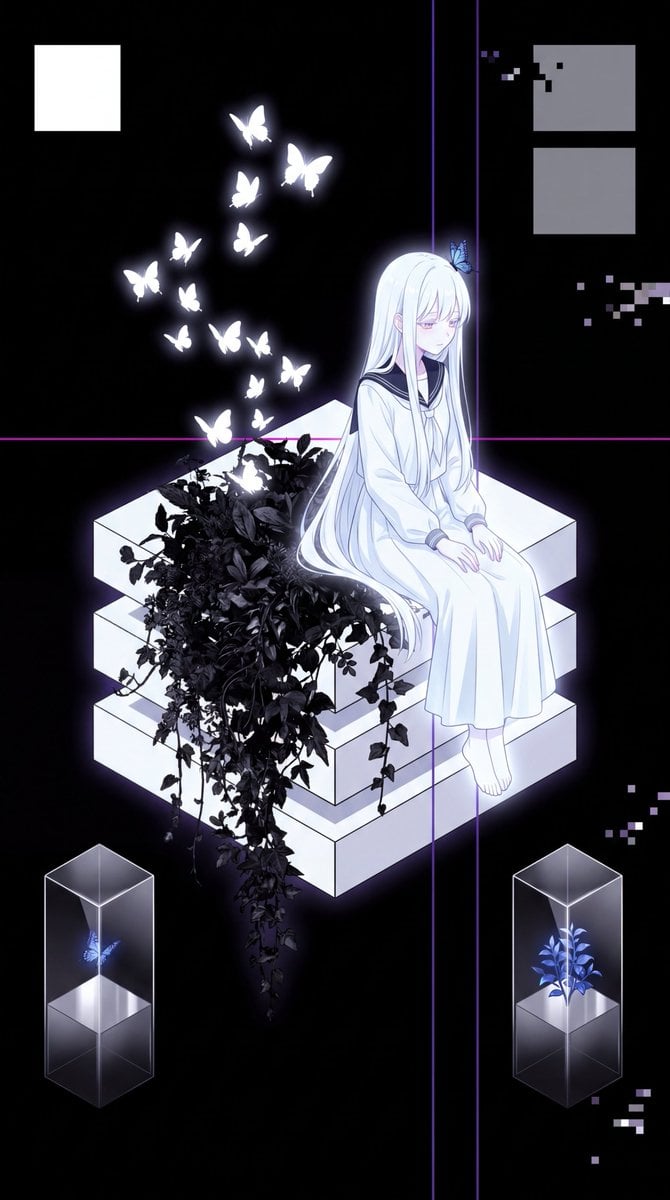
Glitch Aesthetic Anime Illustration
Rainy Hydrangea Street Portrait
Hyper-Realistic Reflection Portrait Prompt
Pixar-Style Miniature Interaction Portrait

Shiba Inu Space Dream Poster
Arctic Explorer Close-Up Portrait

Quiet Wealth GQ Portrait
Browse template categories
Pastel Zodiac Avatar Grid questions
How do I use the Pastel Zodiac Avatar Grid template?
Add your photo if the template asks for one, edit the prompt if you like — the template's model and format are already selected — and press Generate. Your version opens in PicX Studio.
Can I customize the Pastel Zodiac Avatar Grid template?
Yes. You can change the subject, setting, lighting, mood, format, and available model controls before creating your image.
Is the Pastel Zodiac Avatar Grid template free?
Opening and editing this template is free. Generating uses credits, shown on the Generate button when you are signed in.
Which AI model should I use?
Start with GPT Image 2, which is the model associated with this template. You can compare another compatible model for a different finish.
Looking for something else? Browse all templates.

Your photo, any look
Thousands of ready templates for every top image and video model, from one credit balance.