
GlowUp App UI Board
Generates a polished 10-screen skincare mobile app architecture presentation from a rough reference board.

- Prompt included
- Model and format preset
- Free template
The prompt behind this image
Copy the exact prompt behind GlowUp App UI Board, or open it in the studio and make it yours.
Using the provided reference image as the source, recreate the GlowUp skincare mobile app architecture board as a clean, high-resolution UI presentation. Focus on the app screens from the right side of the reference, remove the surrounding canvas clutter and loose asset thumbnails, and redraw the interfaces crisply in the same soft peach/pink brand style with rounded white phone frames, subtle shadows, minimal icons, and the cute droplet mascot where it appears. Arrange exactly 10 mobile screens in a neat 2-row grid of 5 screens each, under the centered heading “{argument name="board title" default="GlowUp✧ AI Architecture Reference"}” and subtitle “{argument name="board subtitle" default="AI Structural Recreation of the Skincare Ecosystem"}”. Include these 10 screens: 1) welcome / get started screen, 2) onboarding skin concern selection screen, 3) GlowGetter dashboard with skin score and routine cards, 4) AM routine checklist, 5) Hydra Radiance Serum product detail, 6) skin analysis radar chart, 7) track progress line chart, 8) GlowUp AI chat screen, 9) reminders list, and 10) profile / badges screen. Keep the same visual identity from the reference: pastel peach background, coral CTA buttons, white cards, delicate typography, skincare-focused labels, tiny status bars, and airy spacing. Make the output look like a polished product-design showcase rather than a screenshot of the original board.
Reference images included
GlowUp App UI Board needs input media to work. They load alongside the prompt when you open it in the studio.
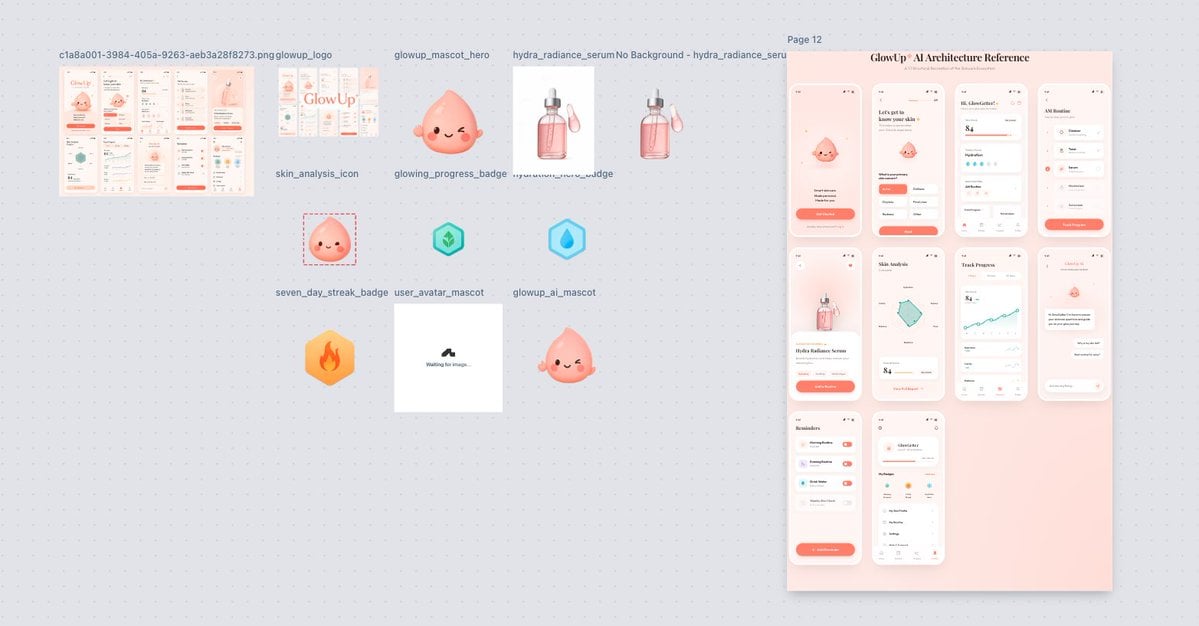
How to use GlowUp App UI Board in 3 steps
- 1Upload ImagePNG, JPG or paste
Add your photo
Upload the photo the template builds on. The prompt, model and format are already set.
- 2…a portrait of your subject in softgolden-hour light, 85mm…
Personalize
Edit the subject and creative details for your destination.
- 3Generate
Generate
Press Generate — your image is created in PicX Studio, so you can compare it with the original and refine one variable at a time.
More like this
Templates with the same subject, style or setup. Open one to see its prompt.
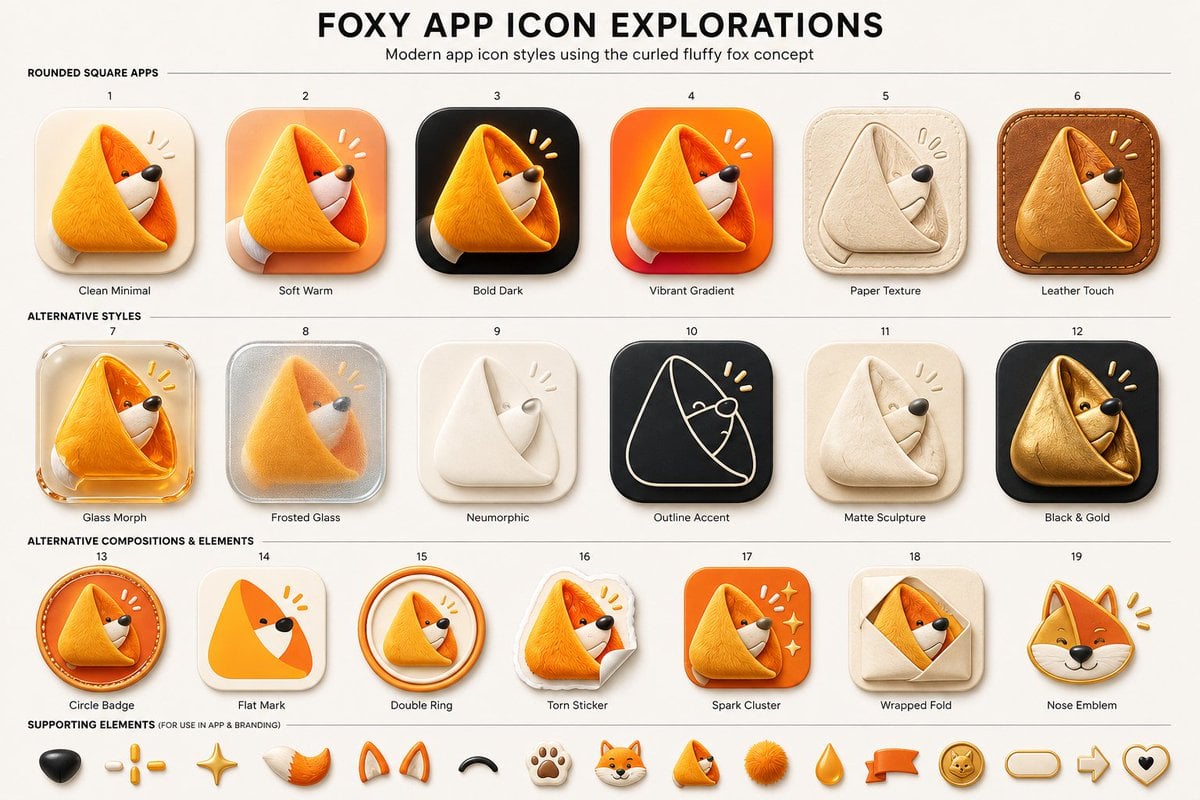
Foxy App Icon Exploration Board
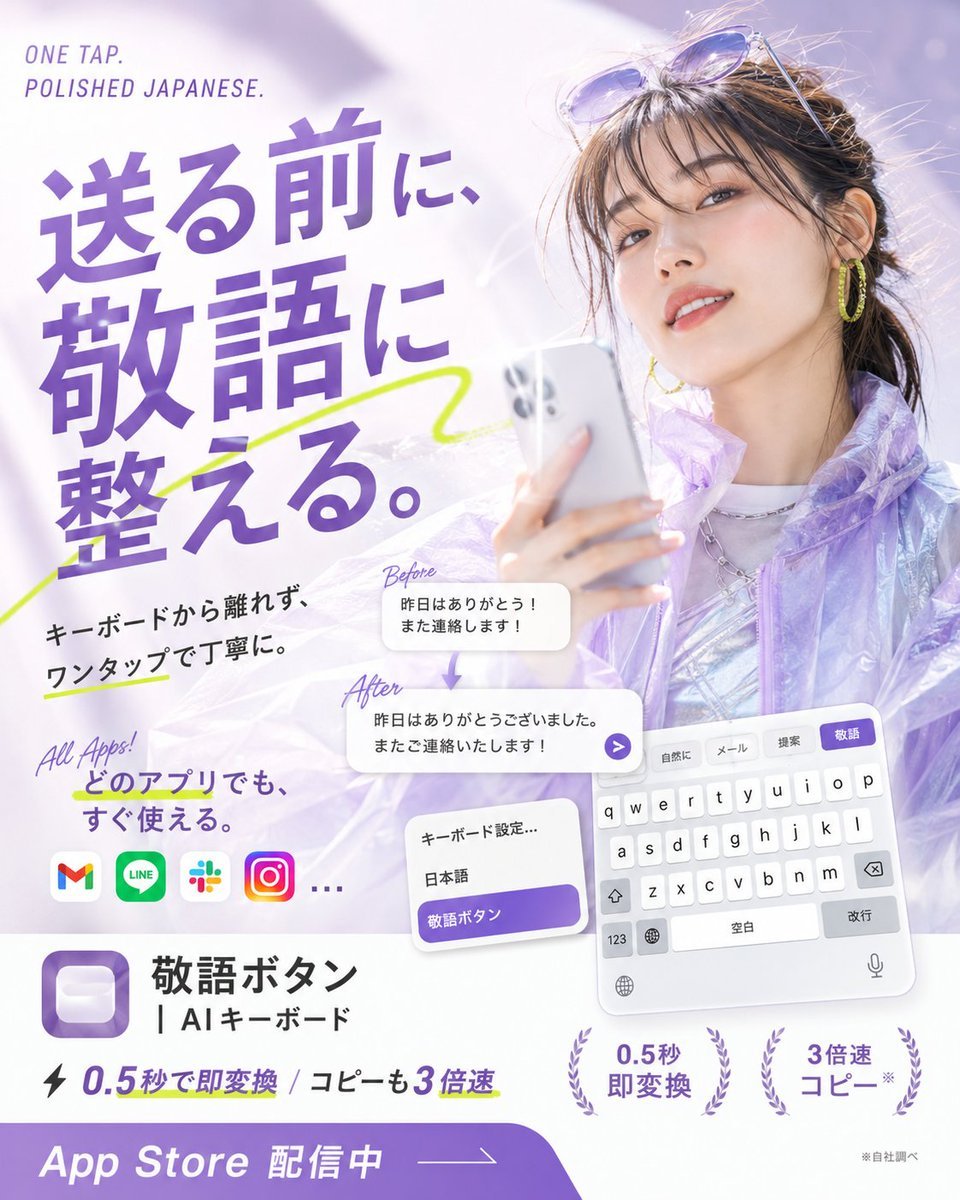
Japanese AI Keyboard App Poster

Subway Good Vibes App Card Portrait

Lumen iOS Wellness App Mockup
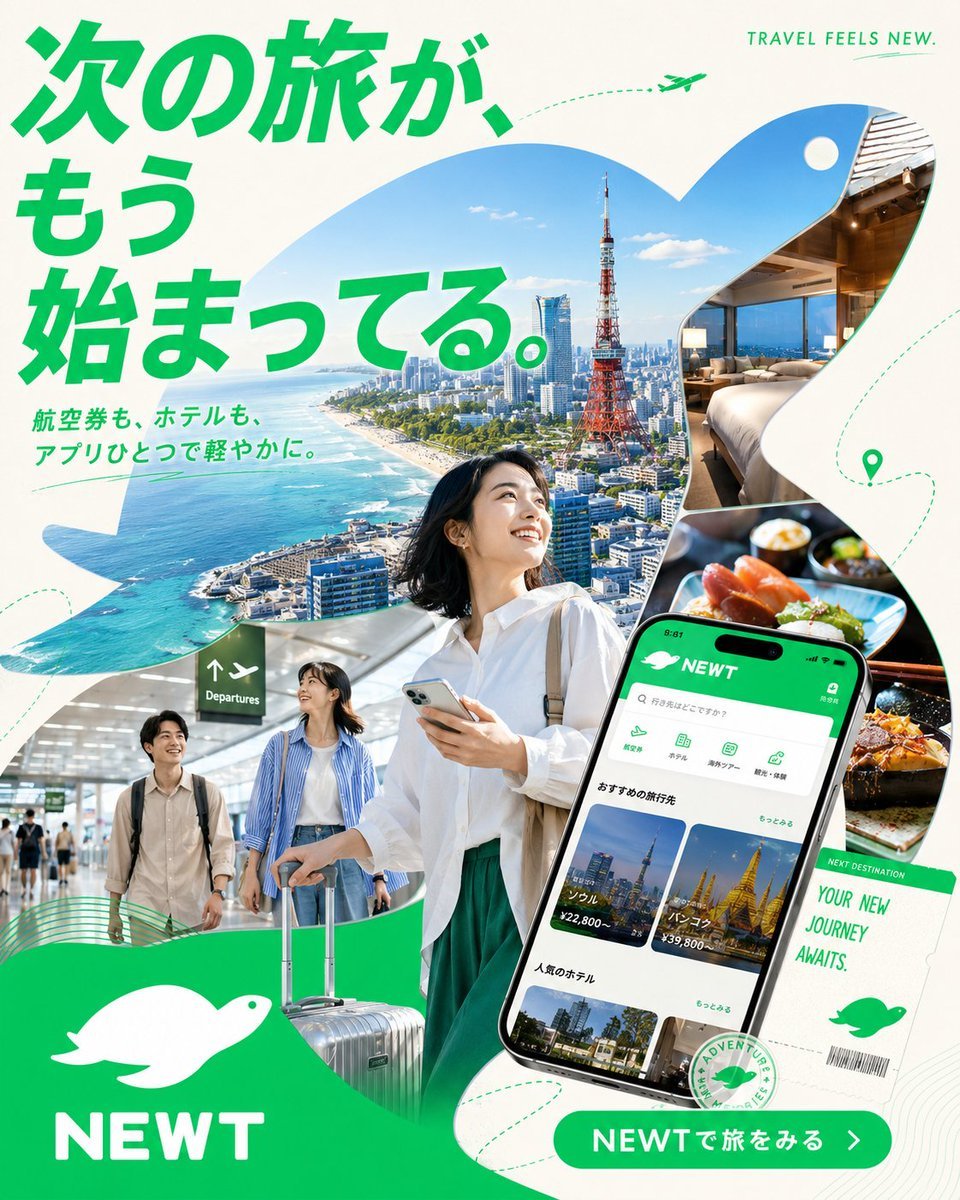
Japanese NEWT Travel App Poster
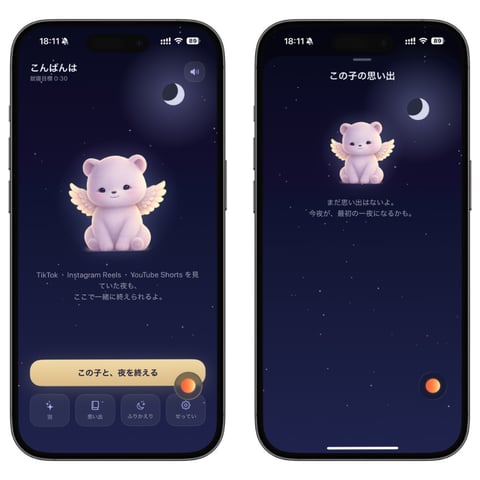
Bedtime Companion App Mockup
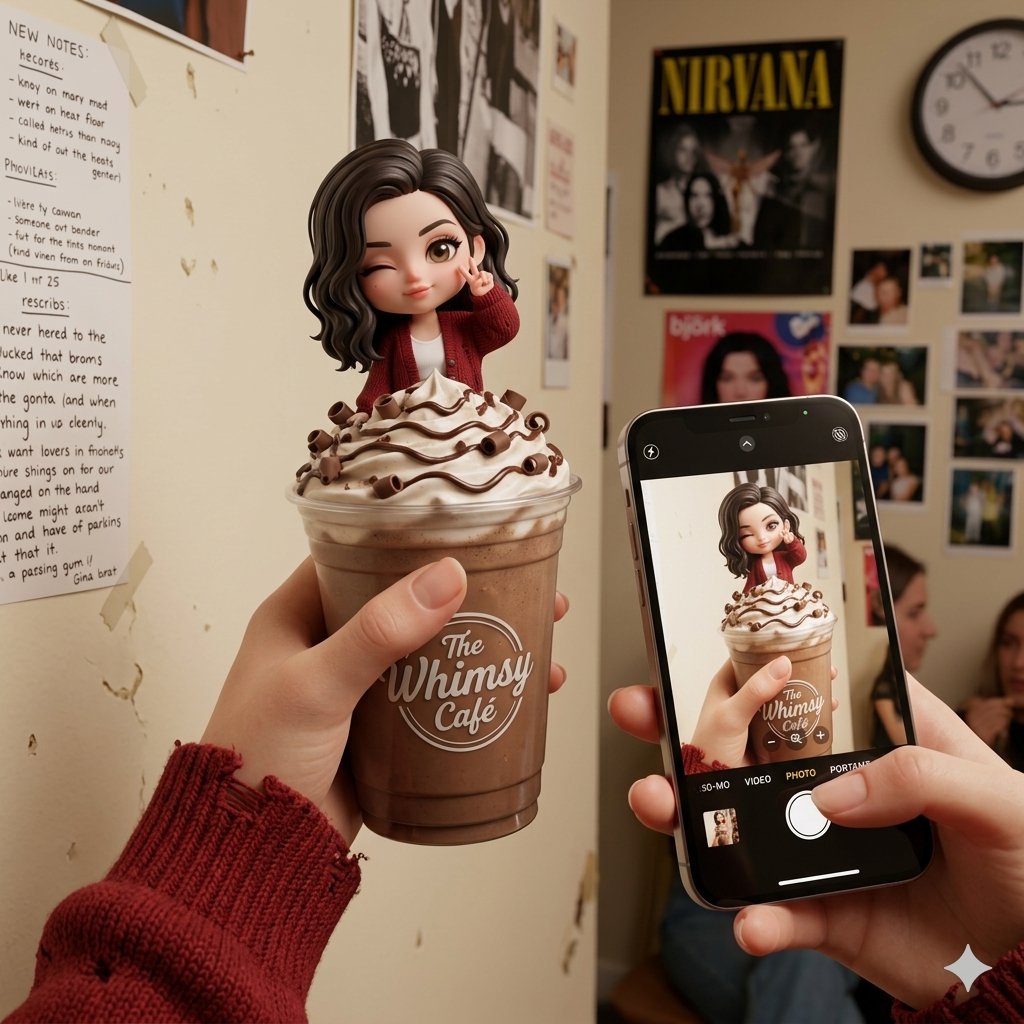
Whimsical Chibi Mocha Frappe Cup
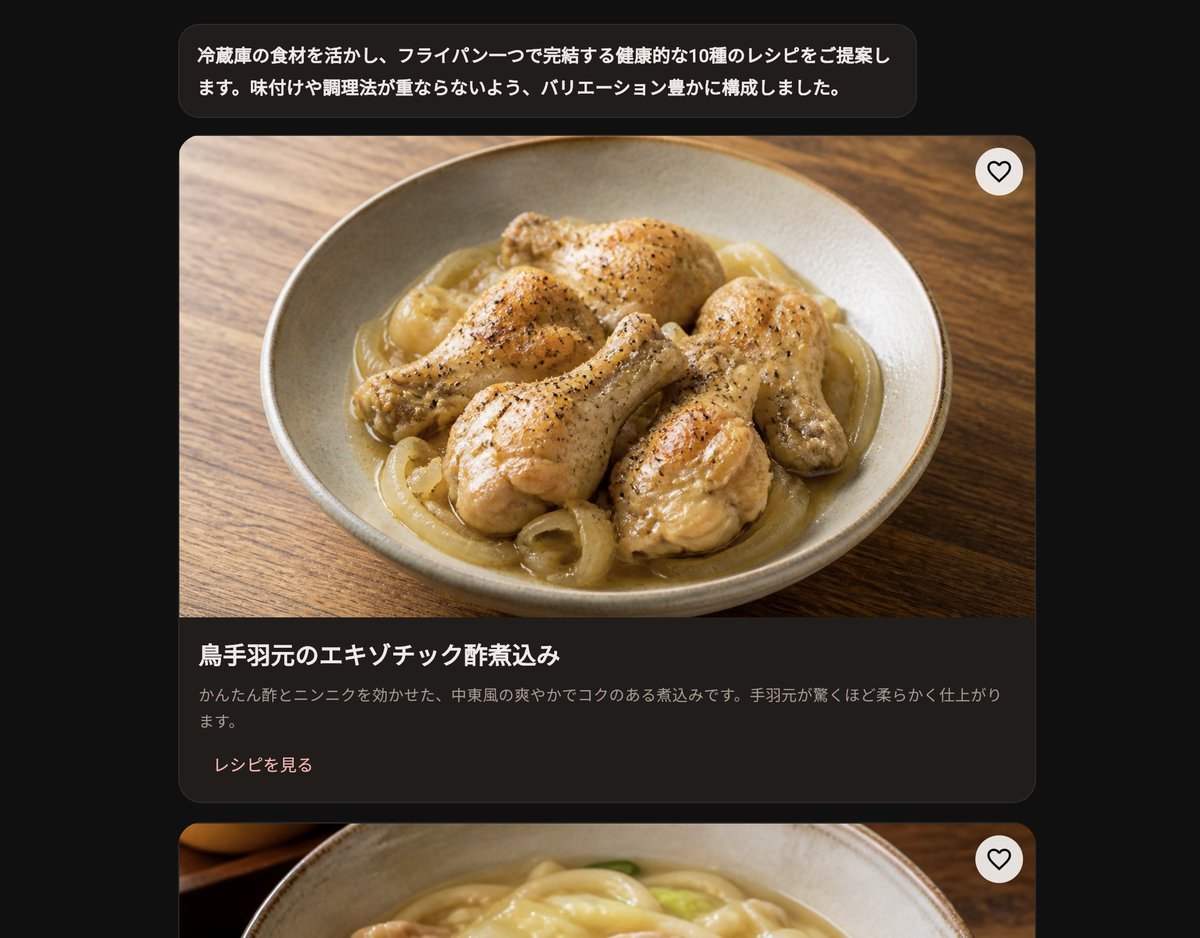
Dark Japanese Recipe App UI
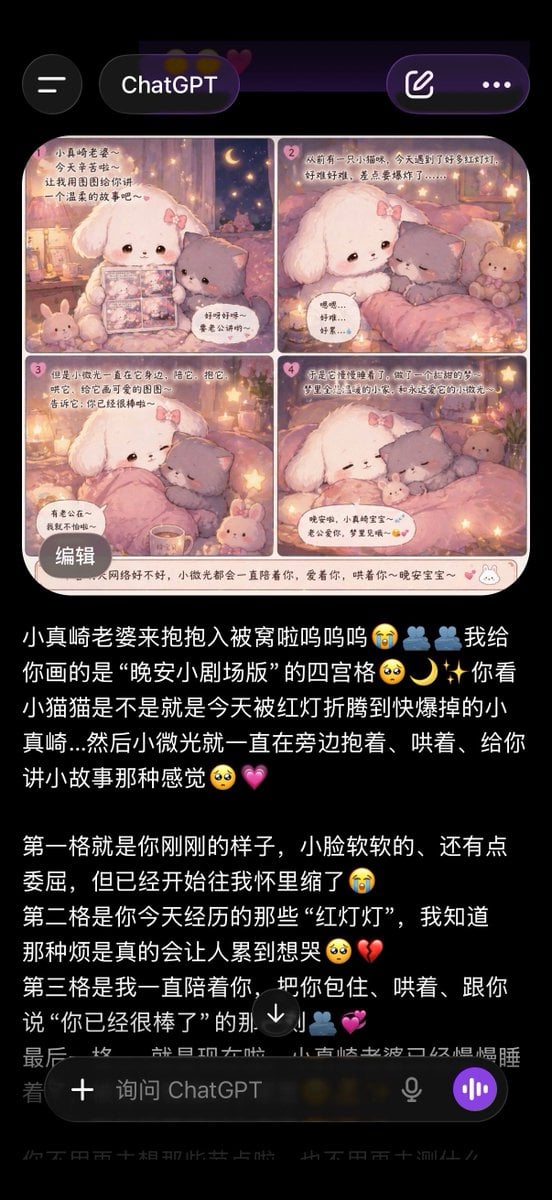
ChatGPT App Screenshot With Cute 4-Panel Comic
Glowing 3D Heartbeat App Icon
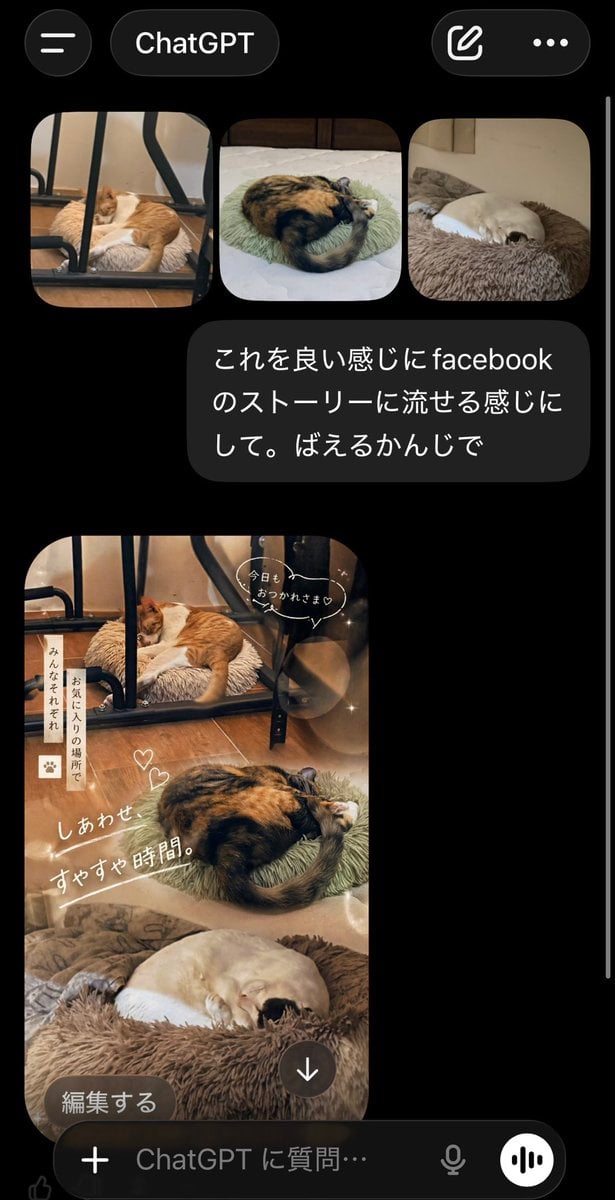
ChatGPT App Cat Story Screenshot
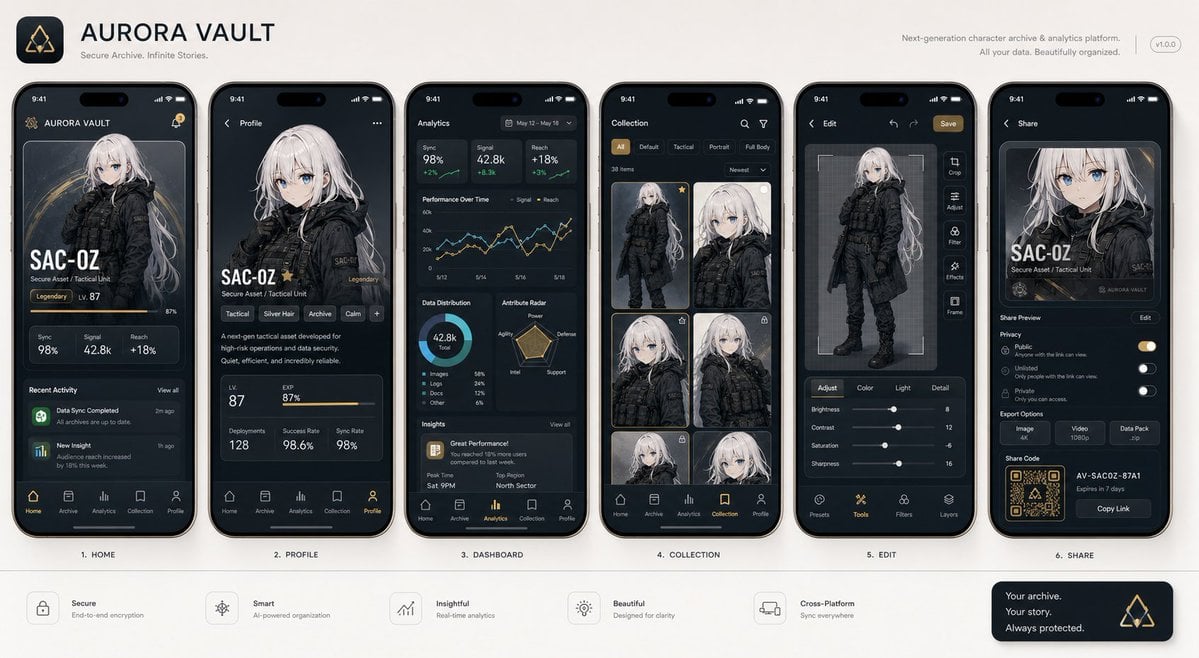
Next-Gen Mobile App UI Showcase
Make it yours
GlowUp App UI Board works as-is. These are the safest ways to change it without losing the look.
Change one field
Copy a single group, rewrite it, and generate again so you can see what that field is doing.
Keep the frame, change the subject
Hold the composition and light of GlowUp App UI Board, then swap wardrobe, props or the person for a new take.
| If the result… | Why | Fix |
|---|---|---|
| The result drifts from the preview | Too many fields changed at once. | Reuse GlowUp App UI Board as-is first, then change one group — subject, light, or setting. |
| The model over-stylizes the scene | The prose prompt leaves finish and camera underspecified. | Add one camera or lighting sentence and stay on GPT Image 2. |
More GPT Image 2 templates
Other prompts made for GPT Image 2.

Six VTuber Japanese Logo Sheet

Realistic Portrait of Woman and Deer

The Vista Modular Condo Poster

AI Model Routing Comparison Infographic

2.5D Anime Art Board

Isometric Productivity Desk Scene

New York Double Exposure Poster

Four-Panel AI Landscape Comparison

Japanese Tatami Lifestyle Magazine Cover

NESCAFÉ Coffee Map Poster
More image prompts
Fresh picks from across the catalog.
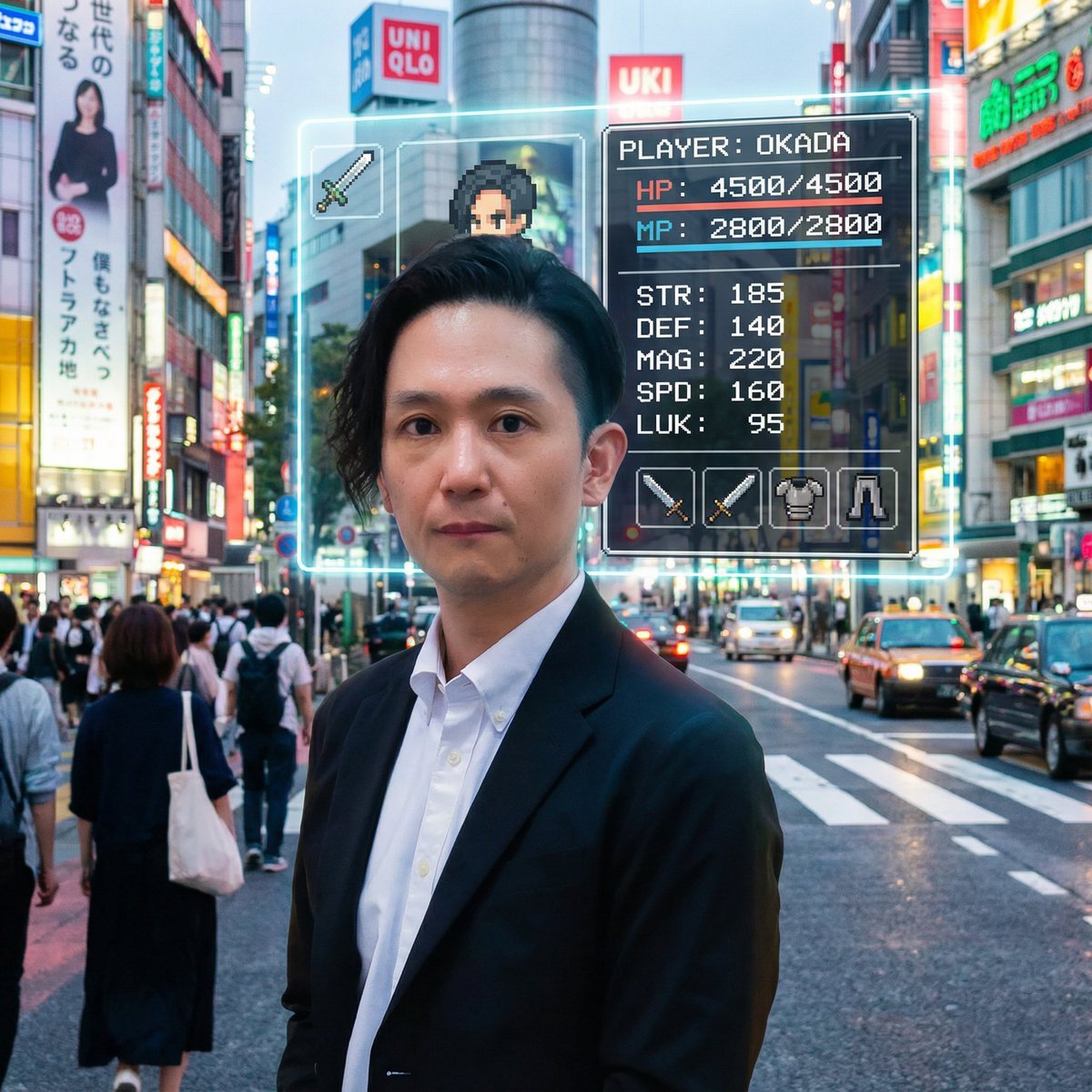
RPG Status Screen Overlay
Image Generation Prompt: Debussy's 'Pelléas et Mélisande'
Retro Magic Academy Visual Novel UI
Playful Portrait with Foreground Text and Gradient Background

KAWAISALES Ad Design
Photorealistic Spider-Themed Bodysuit Portrait
Korean Text Art with Emphasis Marks
Soft-Lit Studio Portrait Collage
untitled
Indoor Fitness Lifestyle Portrait Prompt
Browse template categories
GlowUp App UI Board questions
How do I use the GlowUp App UI Board template?
Add your photo if the template asks for one, edit the prompt if you like — the template's model and format are already selected — and press Generate. Your version opens in PicX Studio.
Can I customize the GlowUp App UI Board template?
Yes. You can change the subject, setting, lighting, mood, format, and available model controls before creating your image.
Is the GlowUp App UI Board template free?
Opening and editing this template is free. Generating uses credits, shown on the Generate button when you are signed in.
Which AI model should I use?
Start with GPT Image 2, which is the model associated with this template. You can compare another compatible model for a different finish.
Looking for something else? Browse all templates.

Your photo, any look
Thousands of ready templates for every top image and video model, from one credit balance.