
Girl and Puppy Over Stone Wall
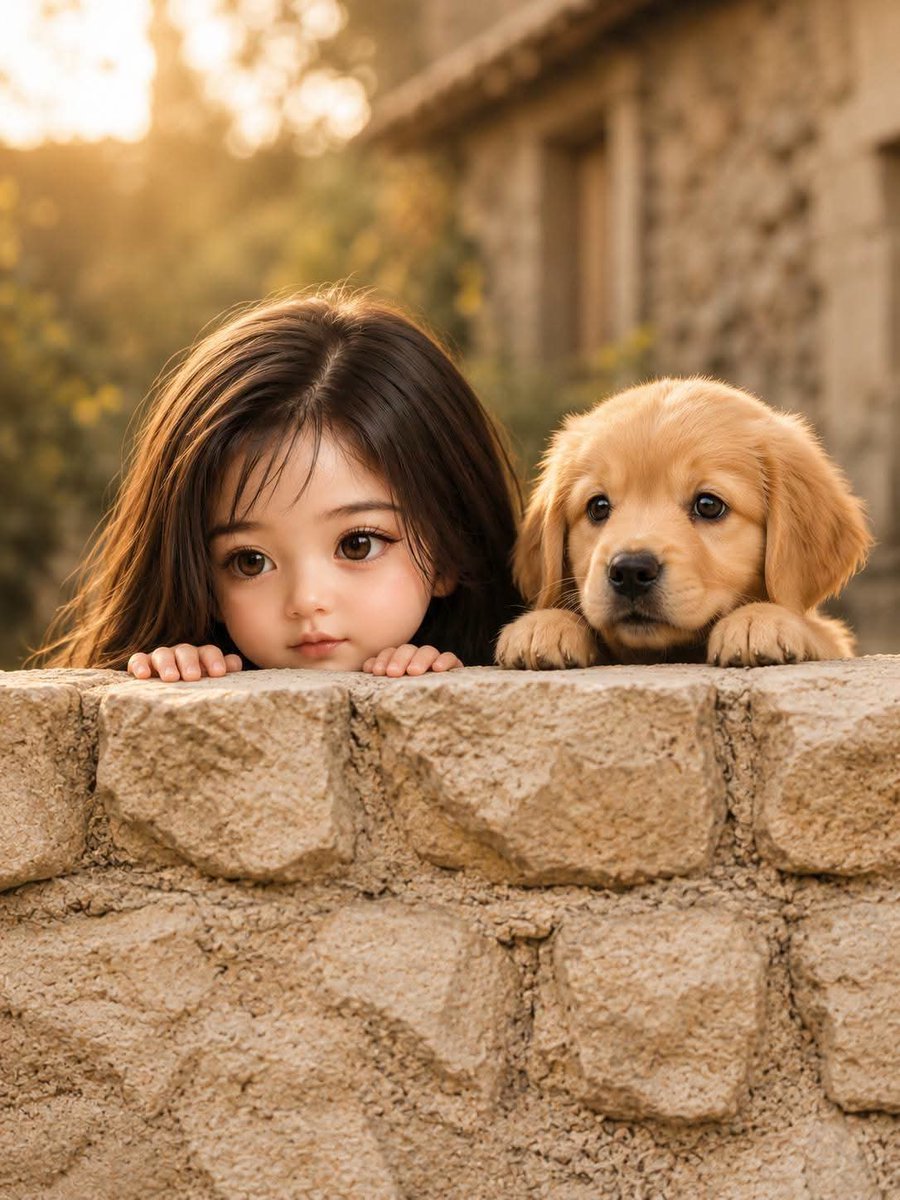
A cinematic photorealistic portrait of a little girl and golden retriever puppy peeking over a rustic stone wall at golden hour.
- Prompt included
- Model and format preset
- Free template
The prompt behind this image
Copy the exact prompt behind Girl and Puppy Over Stone Wall, or open it in the studio and make it yours.
Create an ultra-detailed cinematic portrait of {argument name="character description" default="a cute little girl"} and {argument name="puppy breed" default="a golden retriever puppy"} peeking over an old rustic stone wall together. The girl is on the left and the puppy is on the right, both mostly hidden behind the wall, with only their heads, the girl's small fingers, and the puppy's tiny paws visible resting on the top edge. Use an eye-level camera angle and an intimate centered composition, with exactly two subjects. The stone wall should fill the lower half of the frame, made of rough beige sandstone blocks with visible mortar, cracks, and natural texture. Behind them, show a softly blurred countryside setting with an old stone building on the right, warm greenery on the left, and golden-hour sunlight glowing from the upper left. Use shallow depth of field, creamy bokeh, warm amber color grading, realistic fur and hair detail, soft backlighting, gentle rim light, and a wholesome heartwarming mood. The girl should have {argument name="hair color" default="long brown hair"} falling forward as she peeks shyly, while the puppy has fluffy golden ears and one paw draped over the wall. Photorealistic, cinematic lens look, 4:5 vertical portrait, no text, no watermark, no extra people or animals.
How to use Girl and Puppy Over Stone Wall in 3 steps
- 1Upload ImagePNG, JPG or paste
Add your photo
Upload the photo the template builds on. The prompt, model and format are already set.
- 2…a portrait of your subject in softgolden-hour light, 85mm…
Personalize
Edit the subject and creative details for your destination.
- 3Generate
Generate
Press Generate — your image is created in PicX Studio, so you can compare it with the original and refine one variable at a time.
More like this
Templates with the same subject, style or setup. Open one to see its prompt.
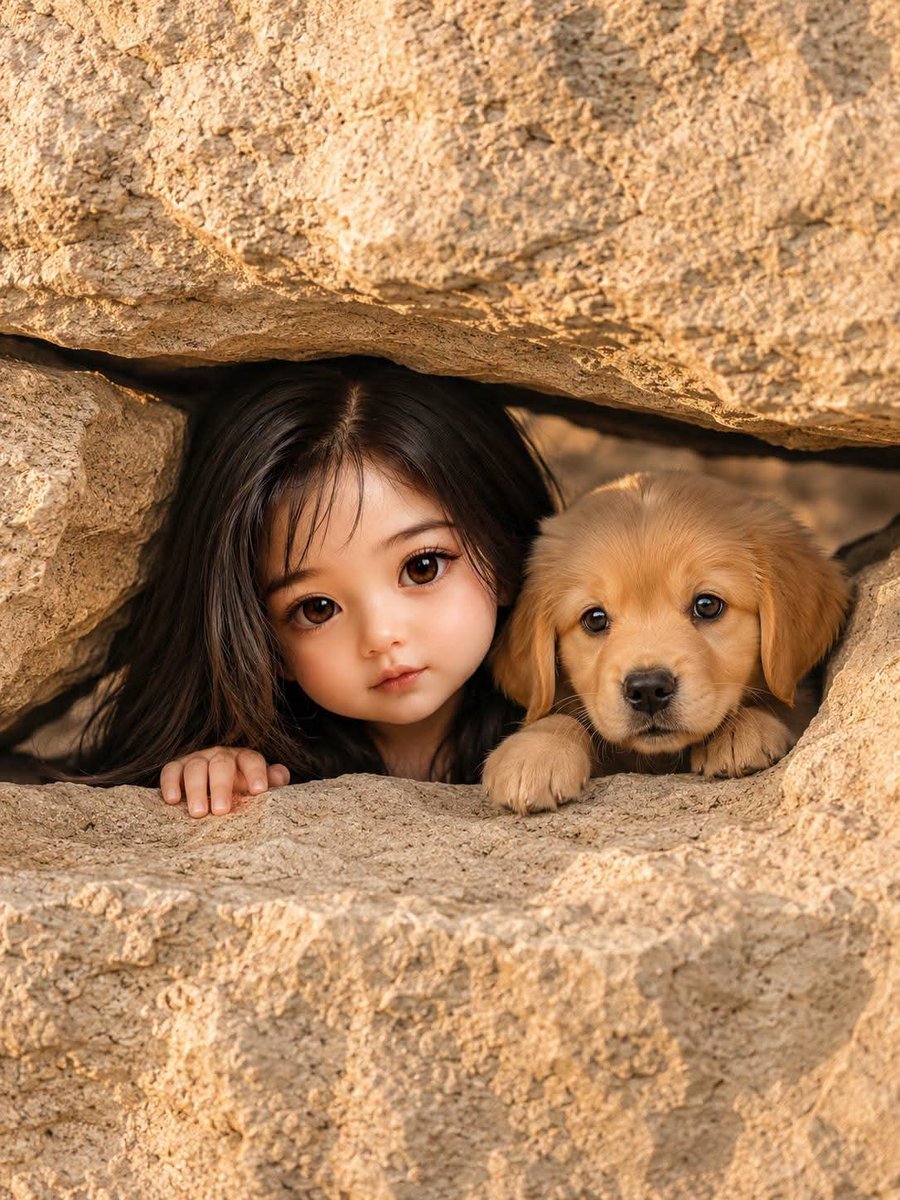
Girl and Puppy in Sandstone Gap

Teen Girl Alpine Lake Mountain View
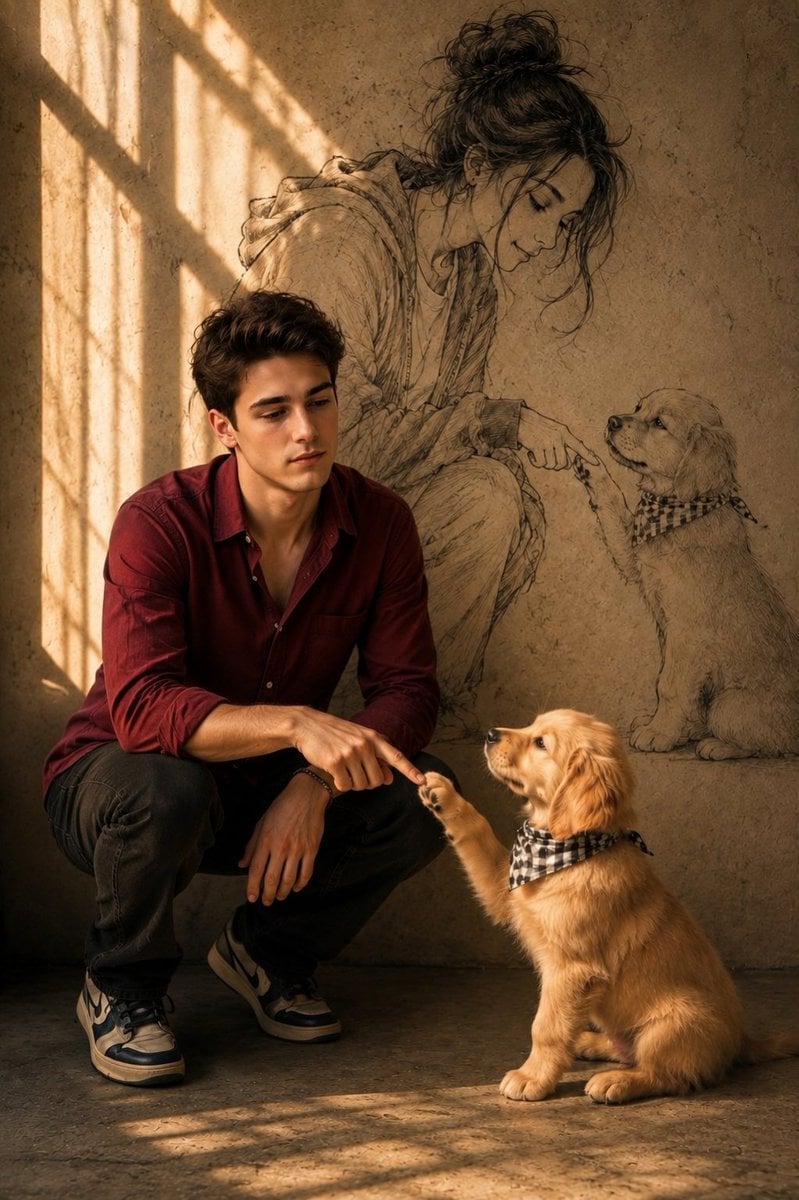
Man and Puppy With Wall Sketch

Minimalist Skincare Product Water Stone Still

Botanical Skincare Minimal Product Advertising

Japanese Schoolgirls Ultra Wide Wallpaper
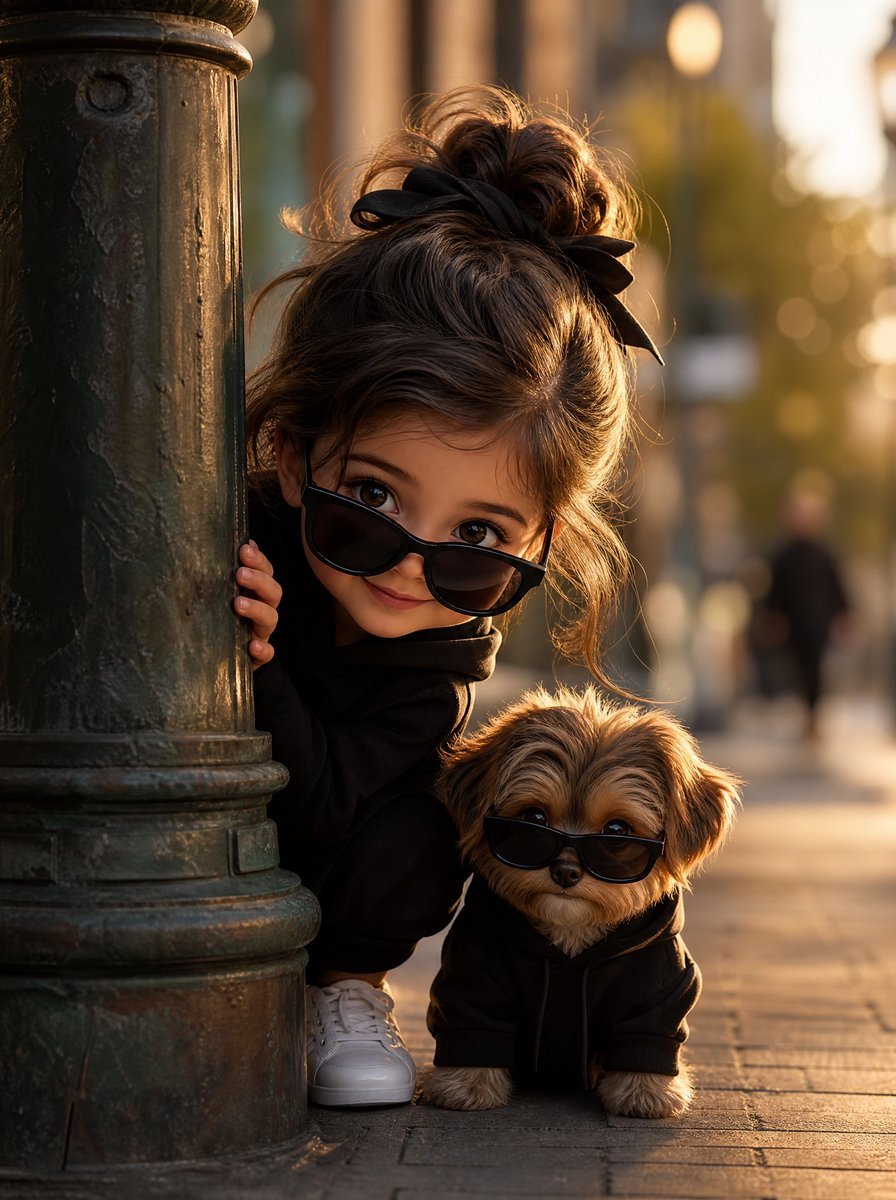
Girl and Puppy Behind Lamppost

Puppy and Robot Dog Cyber Portal

Resort Fashion Stone Steps Portrait

Obscured Cyberpunk Girl Poster

Sunlit Orchard Girl With Apples
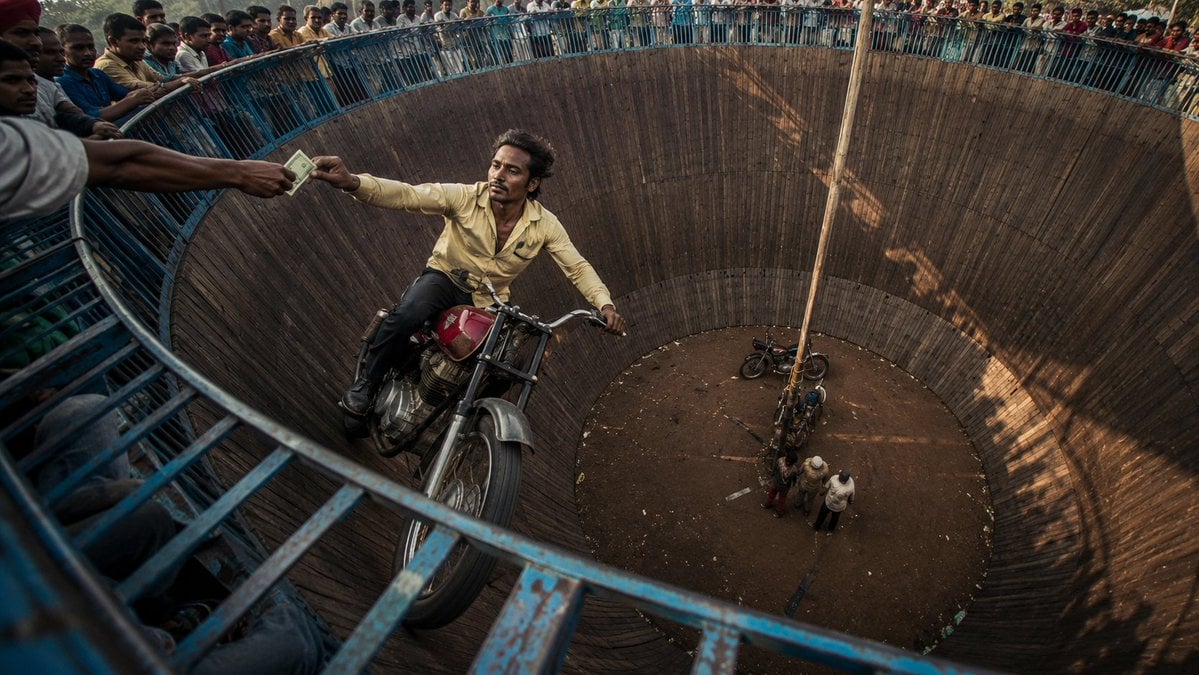
Wall of Death Fisheye Documentary
Make it yours
Girl and Puppy Over Stone Wall works as-is. These are the safest ways to change it without losing the look.
Change one field
Copy a single group, rewrite it, and generate again so you can see what that field is doing.
Keep the frame, change the subject
Hold the composition and light of Girl and Puppy Over Stone Wall, then swap wardrobe, props or the person for a new take.
| If the result… | Why | Fix |
|---|---|---|
| The result drifts from the preview | Too many fields changed at once. | Reuse Girl and Puppy Over Stone Wall as-is first, then change one group — subject, light, or setting. |
| The model over-stylizes the scene | The prose prompt leaves finish and camera underspecified. | Add one camera or lighting sentence and stay on GPT Image 2. |
More GPT Image 2 templates
Other prompts made for GPT Image 2.

Six VTuber Japanese Logo Sheet

Realistic Portrait of Woman and Deer

The Vista Modular Condo Poster

AI Model Routing Comparison Infographic

2.5D Anime Art Board

Isometric Productivity Desk Scene

New York Double Exposure Poster

Four-Panel AI Landscape Comparison

Japanese Tatami Lifestyle Magazine Cover

NESCAFÉ Coffee Map Poster
More image prompts
Fresh picks from across the catalog.
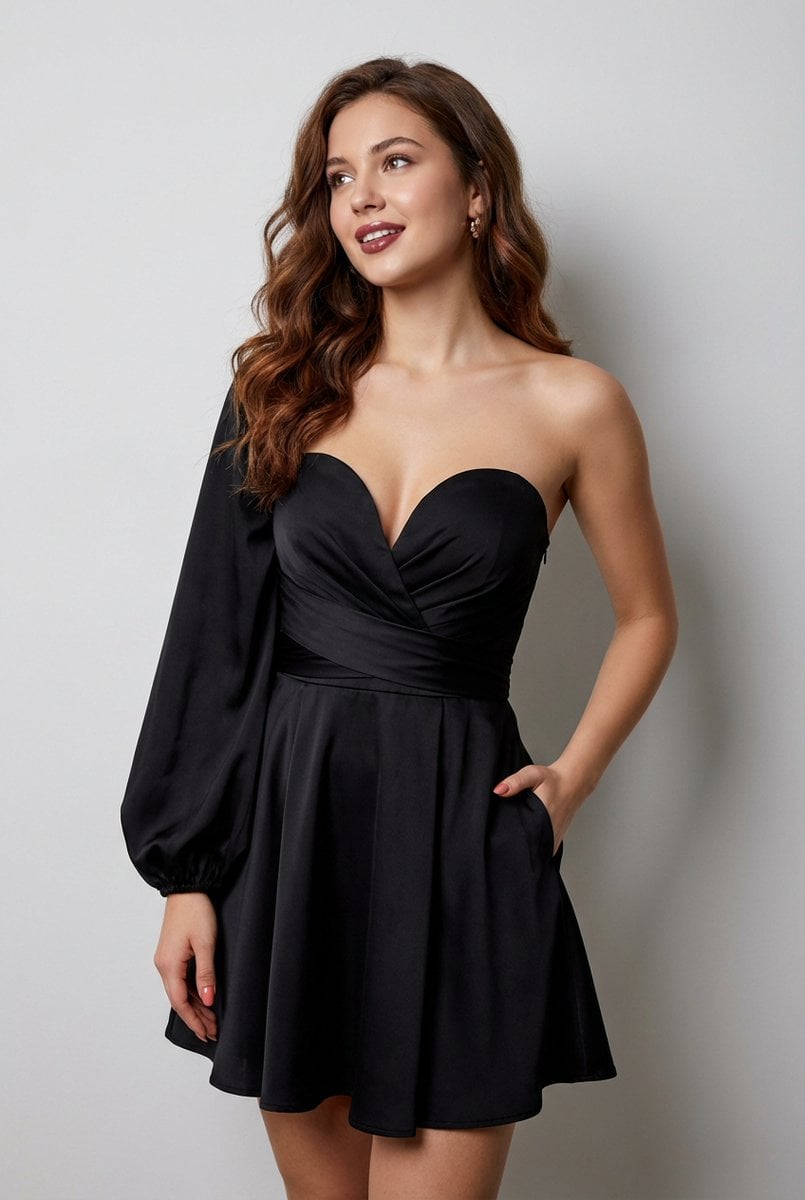
Elegant Strapless Black Dress Fashion Portrait (JSON)
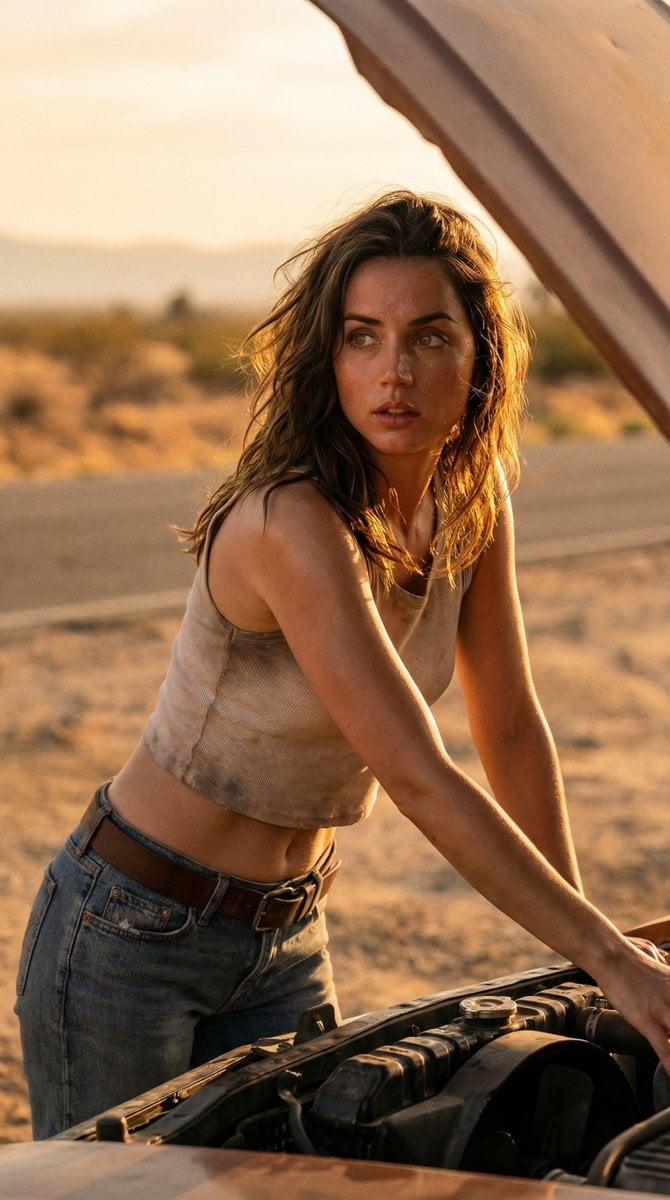
Cinematic Desert Portrait Leaning on Car Hood

Sport Motorcycle Wheelie Street Photo
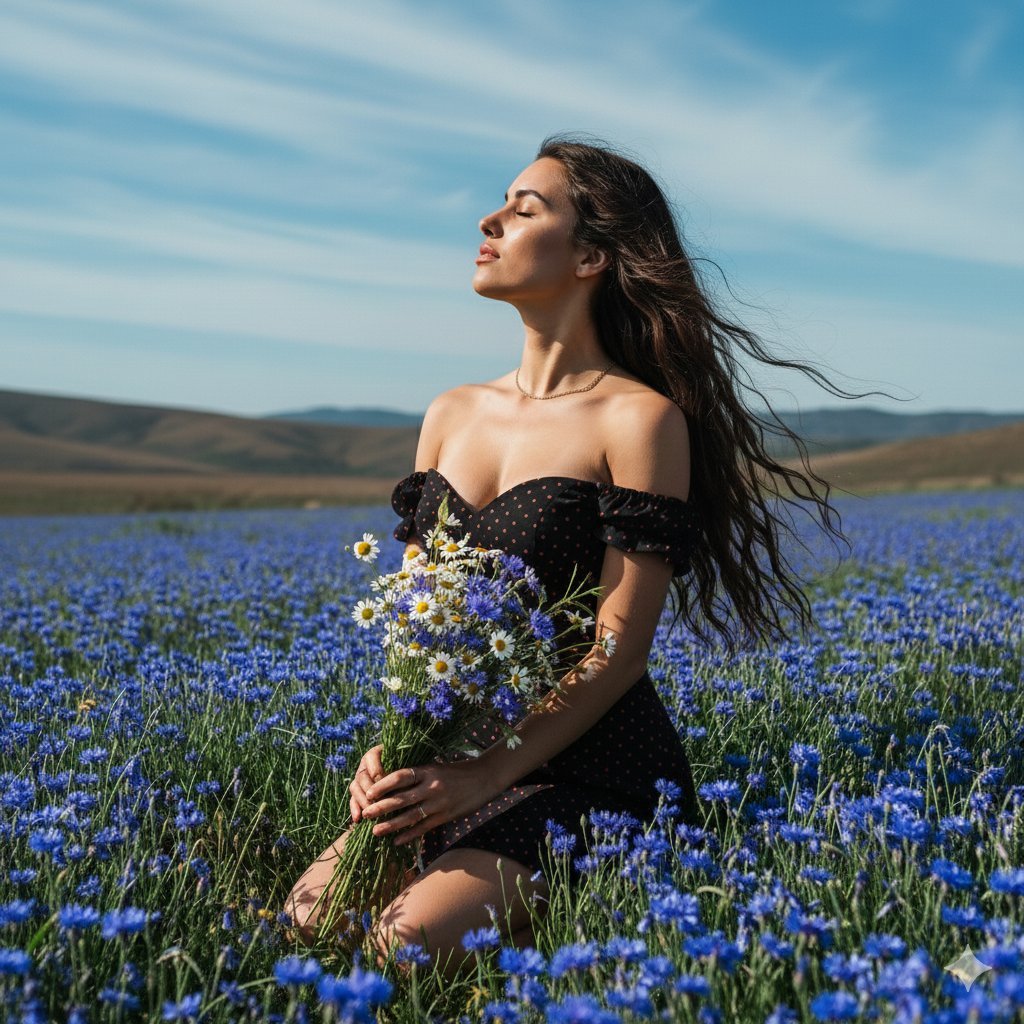
Serene Portrait of a Woman Kneeling in a Wildflower Field

Cinematic New Year's Eve Cityscape Portrait

Cute Puppy LINE Sticker Grid
Kling 3.0 Video Generation from Nano Banana Pro Images

Luxury Caramel Frappuccino Poster

Winter Anime Realism Sequence
Candid Cafe Beauty Portrait
Browse template categories
Girl and Puppy Over Stone Wall questions
How do I use the Girl and Puppy Over Stone Wall template?
Add your photo if the template asks for one, edit the prompt if you like — the template's model and format are already selected — and press Generate. Your version opens in PicX Studio.
Can I customize the Girl and Puppy Over Stone Wall template?
Yes. You can change the subject, setting, lighting, mood, format, and available model controls before creating your image.
Is the Girl and Puppy Over Stone Wall template free?
Opening and editing this template is free. Generating uses credits, shown on the Generate button when you are signed in.
Which AI model should I use?
Start with GPT Image 2, which is the model associated with this template. You can compare another compatible model for a different finish.
Looking for something else? Browse all templates.

Your photo, any look
Thousands of ready templates for every top image and video model, from one credit balance.