
Emotional Hawaii Solo Travel Collage
A comprehensive English prompt for creating a 12-frame collage of a young woman's solo trip to Hawaii, focusing on a raw, unposed smartphone aesthetic with cinematic lighting.
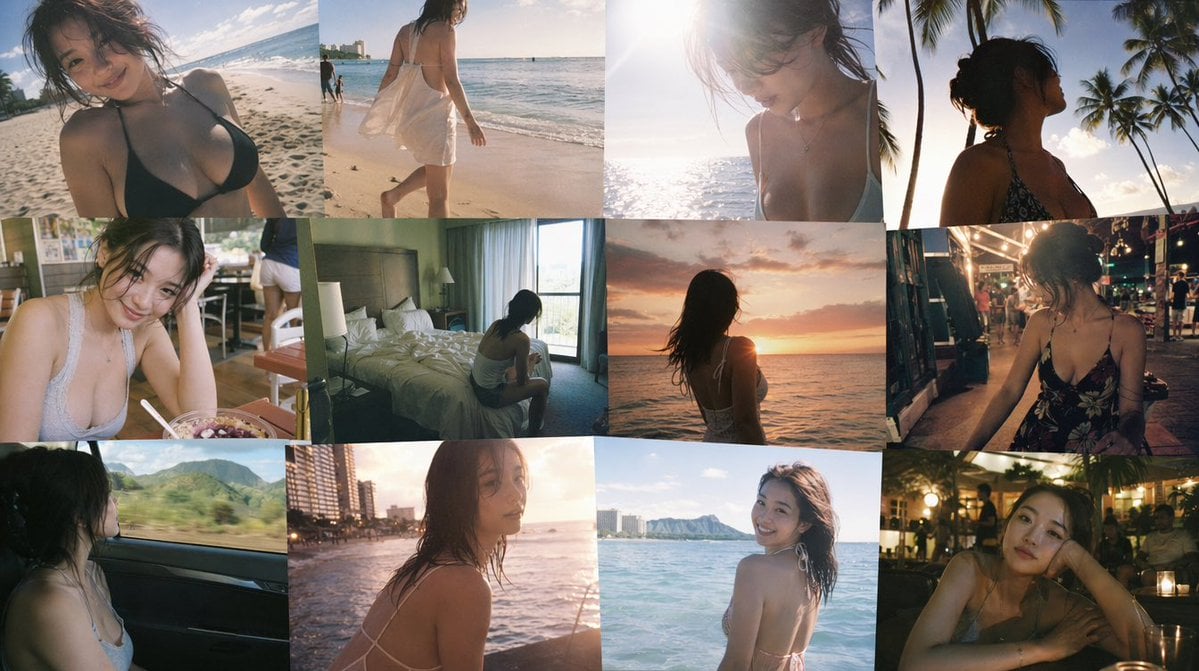
- Prompt included
- Model and format preset
- Free template
The prompt behind this image
Copy the exact prompt behind Emotional Hawaii Solo Travel Collage, or open it in the studio and make it yours.
A 12-frame collage of candid, emotional snapshots of a {argument name="subject" default="young Japanese woman"} traveling alone in {argument name="location" default="Hawaii"}, casually captured on a smartphone. Each frame feels like a fleeting personal memory — imperfect, sun-drenched, intimate, and unposed. The woman has a naturally curvy figure with a soft, feminine silhouette, subtly emphasizing her bust without exaggeration. Her presence feels real and unstyled, like a private photo album. Scenes include: walking barefoot on the beach, ძლიერი日差しの中での海辺、palm trees swaying, overexposed ocean reflections, small local cafés, a modest motel room, sunset الساحل, night markets, views from inside a moving car. Shot with a smartphone aesthetic: slight motion blur, soft focus, blown-out highlights from tropical sunlight, lens flare, sun glare, high ISO noise at night, uneven framing, accidental cropping. Composition feels random and spontaneous — subject sometimes off-center, partially cut off, mid-motion, or obscured by light leaks. Lighting varies: harsh midday sun, warm golden hour glow, deep sunset tones, humid night street lighting. Color grading: faded cinematic tones, slightly desaturated with warm highlights, nostalgic film-like look, subtle grain, lifted blacks. Emotion: solitude, fleeting youth, bittersweet nostalgia, quiet introspection, like memories from a trip taken alone. Layout: 12 images arranged in a loose, imperfect collage grid, slightly tilted and misaligned like a scrapbook. No text, no watermark.
How to use Emotional Hawaii Solo Travel Collage in 3 steps
- 1Upload ImagePNG, JPG or paste
Add your photo
Upload the photo the template builds on. The prompt, model and format are already set.
- 2…a portrait of your subject in softgolden-hour light, 85mm…
Personalize
Edit the subject and creative details for your destination.
- 3Generate
Generate
Press Generate — your image is created in PicX Studio, so you can compare it with the original and refine one variable at a time.
More like this
Templates with the same subject, style or setup. Open one to see its prompt.

Travel Poster Graphic Collage

Paris Travel Collage Grid - Face Reference

Japan Travel Brochure Poster

Miniature Travel Diorama Postcard

Boardwalk Fashion Portrait

Paper Cut Finale Fireworks

Paper Cut Garden Maze

Paper Cut Rooftop Concert

Paper Cut Bicycle Coast

Paper Cut Castle Gate

Paper Cut Kitchen Chaos

Paper Cut Carnival Ride
Make it yours
Emotional Hawaii Solo Travel Collage works as-is. These are the safest ways to change it without losing the look.
Change one field
Copy a single group, rewrite it, and generate again so you can see what that field is doing.
Keep the frame, change the subject
Hold the composition and light of Emotional Hawaii Solo Travel Collage, then swap wardrobe, props or the person for a new take.
| If the result… | Why | Fix |
|---|---|---|
| The result drifts from the preview | Too many fields changed at once. | Reuse Emotional Hawaii Solo Travel Collage as-is first, then change one group — subject, light, or setting. |
| The model over-stylizes the scene | The prose prompt leaves finish and camera underspecified. | Add one camera or lighting sentence and stay on GPT Image 2. |
More GPT Image 2 templates
Other prompts made for GPT Image 2.

Six VTuber Japanese Logo Sheet

Realistic Portrait of Woman and Deer

The Vista Modular Condo Poster

AI Model Routing Comparison Infographic

2.5D Anime Art Board

Isometric Productivity Desk Scene

New York Double Exposure Poster

Four-Panel AI Landscape Comparison

Japanese Tatami Lifestyle Magazine Cover

NESCAFÉ Coffee Map Poster
More image prompts
Fresh picks from across the catalog.
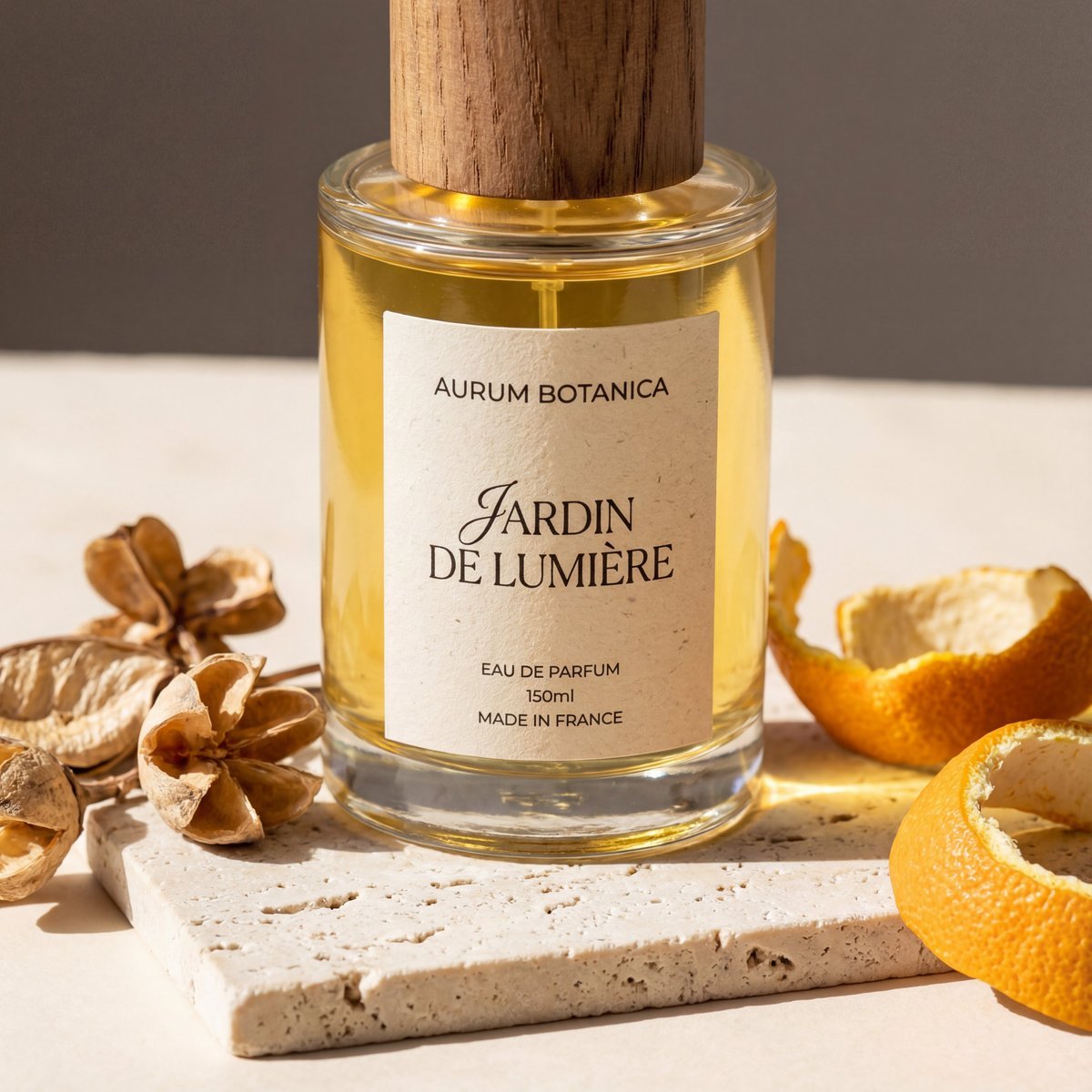
Product Photography Grid Generation for Cost Saving
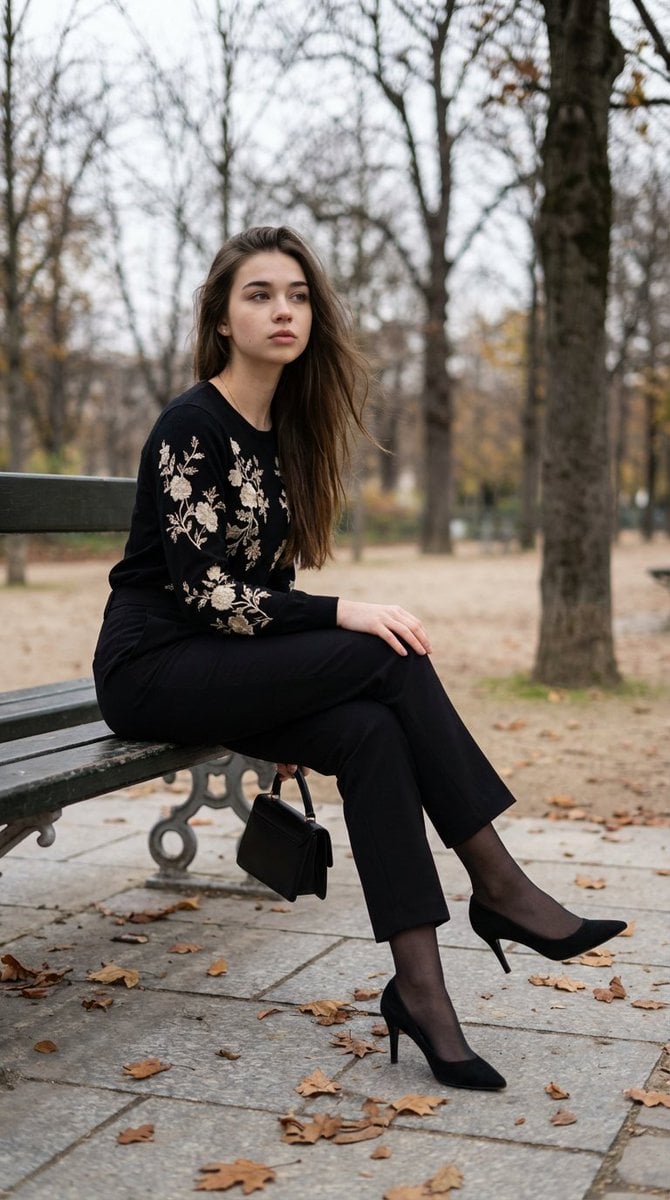
Editorial Parisian Elegance Park Scene Prompt
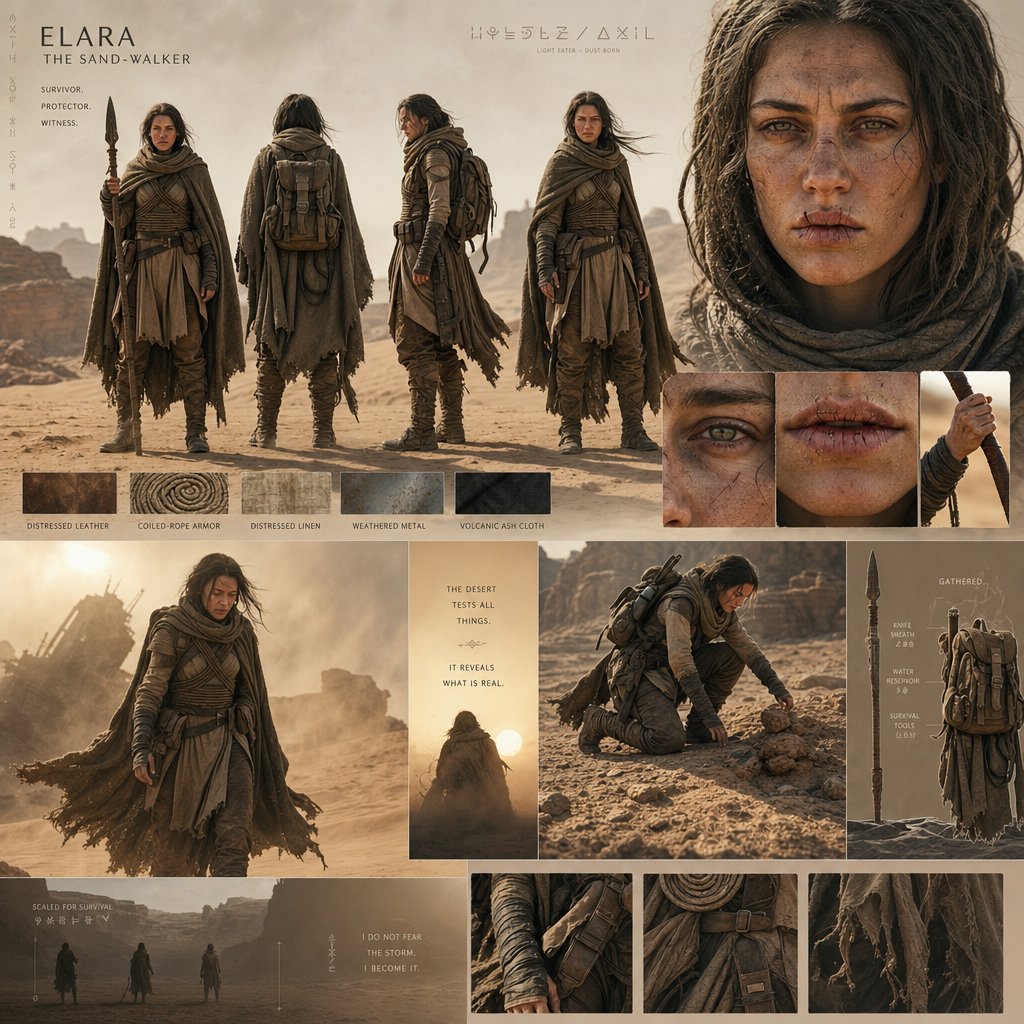
Desert World Cinematic Character Board
Urban Lifestyle Travel Editorial
WhatsApp AI Influencer 3D Poster
Golden Hour Outdoor Portrait of a Stylish Man

Melancholy AutoCAD Working Girl Polaroid

Cartoon Cat Group T-Shirt Mockup
Cozy Teenage Girl Reading Portrait Prompt

Black and White Dynamic Street Fashion Prompt
Browse template categories
Emotional Hawaii Solo Travel Collage questions
How do I use the Emotional Hawaii Solo Travel Collage template?
Add your photo if the template asks for one, edit the prompt if you like — the template's model and format are already selected — and press Generate. Your version opens in PicX Studio.
Can I customize the Emotional Hawaii Solo Travel Collage template?
Yes. You can change the subject, setting, lighting, mood, format, and available model controls before creating your image.
Is the Emotional Hawaii Solo Travel Collage template free?
Opening and editing this template is free. Generating uses credits, shown on the Generate button when you are signed in.
Which AI model should I use?
Start with GPT Image 2, which is the model associated with this template. You can compare another compatible model for a different finish.
Looking for something else? Browse all templates.

Your photo, any look
Thousands of ready templates for every top image and video model, from one credit balance.