
Nineties Fashion Fur Hat Portrait
A high-fashion 90s beauty portrait prompt featuring a fur hat and coat with a glossy magazine aesthetic.
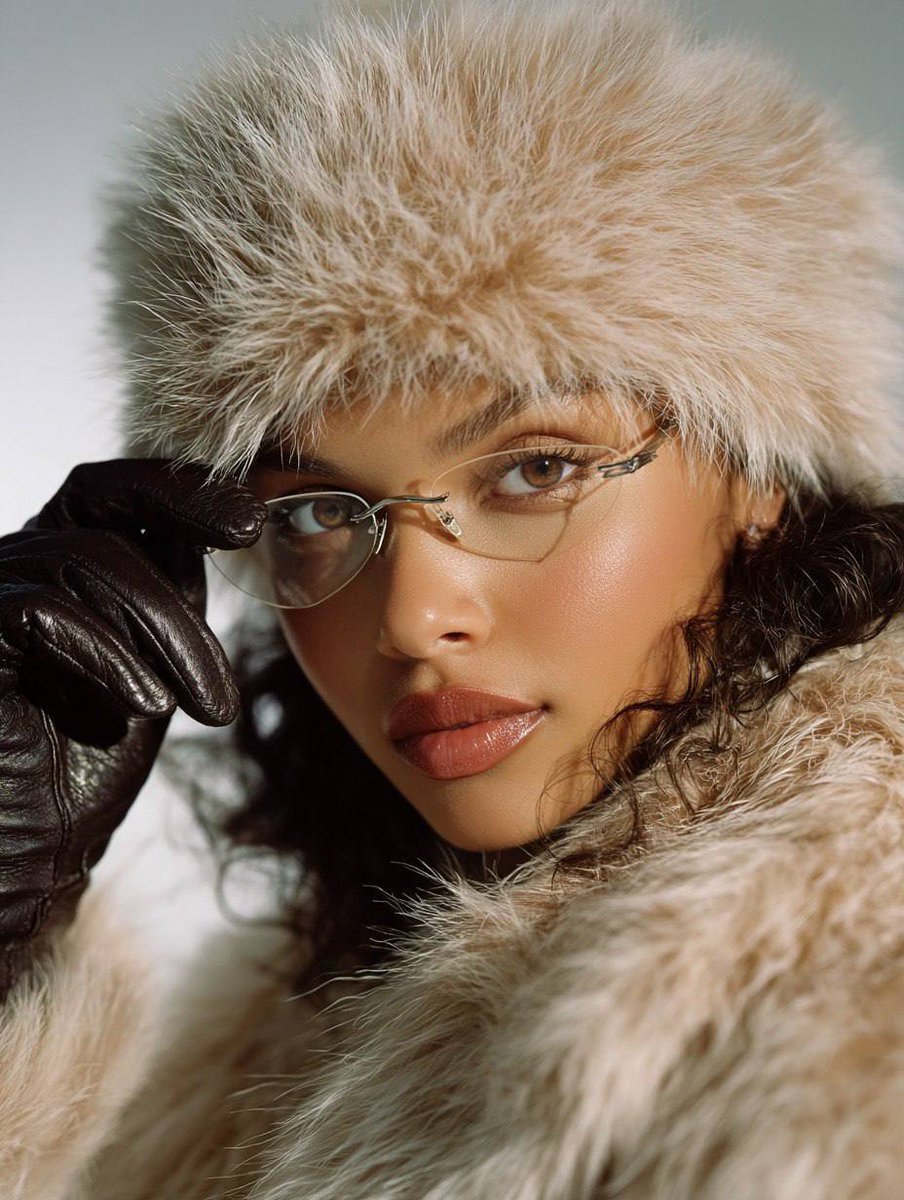
- Prompt included
- Model and format preset
- Free template
The prompt behind this image
Copy the exact prompt behind Nineties Fashion Fur Hat Portrait, or open it in the studio and make it yours.
90s fashion beauty portrait, ultra realistic close-up of a young woman wearing a {argument name="outfit" default="fluffy light beige fur hat and a matching fluffy fur coat"}, {argument name="hairstyle" default="long glossy Hollywood waves"}, light tan skin, soft peach blush, groomed brows, eyeliner and long lashes. Thin metal aviator eyeglasses, black leather gloves; one gloved hand adjusts the glasses near her forehead. Natural relaxed mouth expression, calm confident look to camera. Clean white studio background, strong frontal flash, crisp shadows, slightly bright highlights, glossy magazine style, {argument name="vibe" default="90s fashion editorial vibe"}. Shot on Nikon D850, 85mm lens, ISO 100, very high detail in skin and hair, realistic texture, 8K, Kodak Portra 160 film look, warm tones, minimal grain, subtle vignette.
How to use Nineties Fashion Fur Hat Portrait in 3 steps
- 1
Open
The prompt is already in the box next to the preview, with the template's model and format selected.
- 2…a portrait of your subject in softgolden-hour light, 85mm…
Personalize
Edit the subject and creative details for your destination.
- 3Generate
Generate
Press Generate — your image is created in PicX Studio, so you can compare it with the original and refine one variable at a time.
More like this
Templates with the same subject, style or setup. Open one to see its prompt.
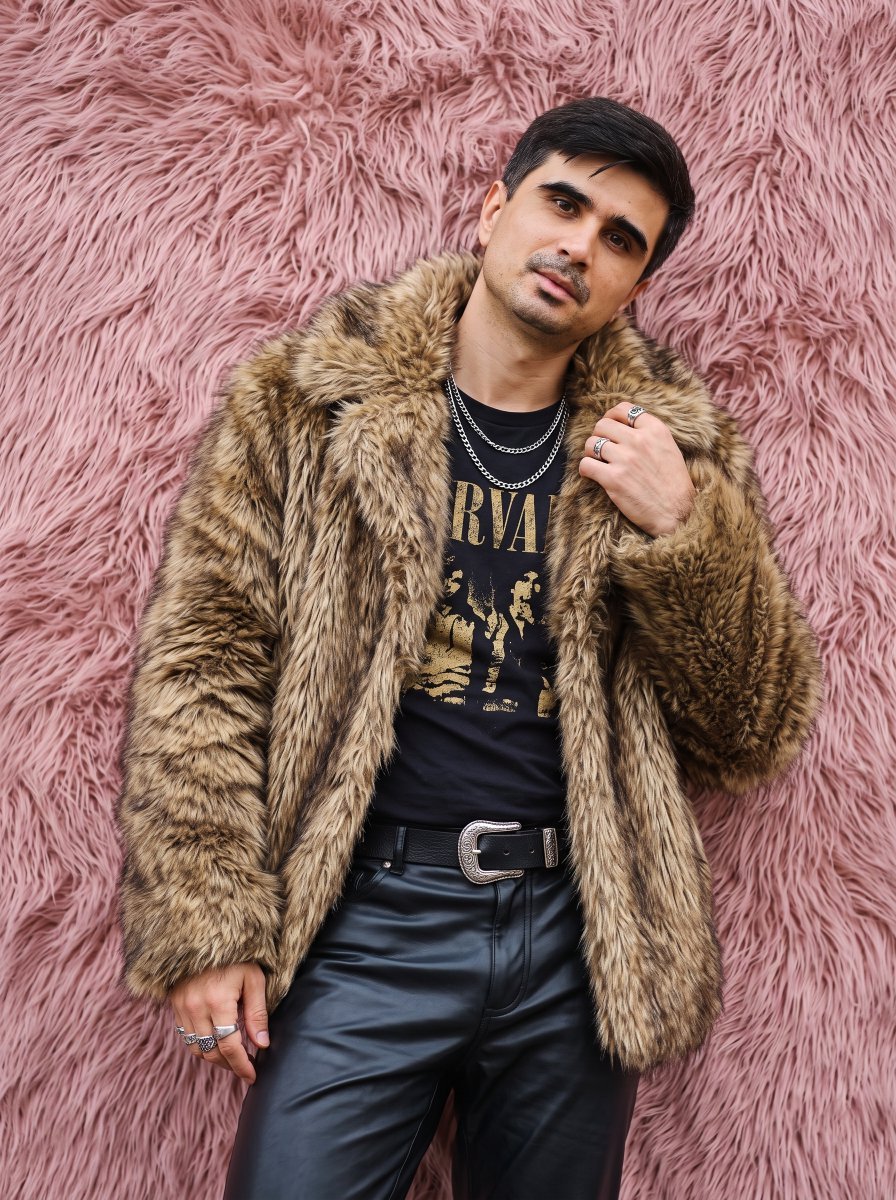
Faux Fur Fashion DSLR Portrait
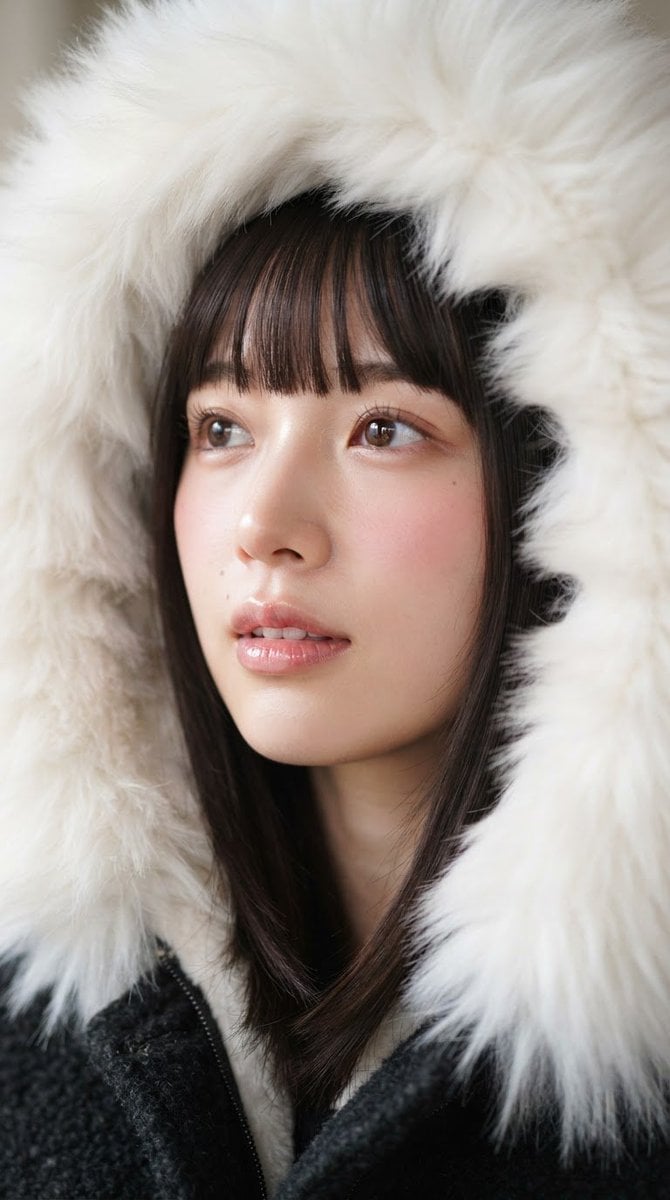
Faux Fur Hood Beauty Portrait
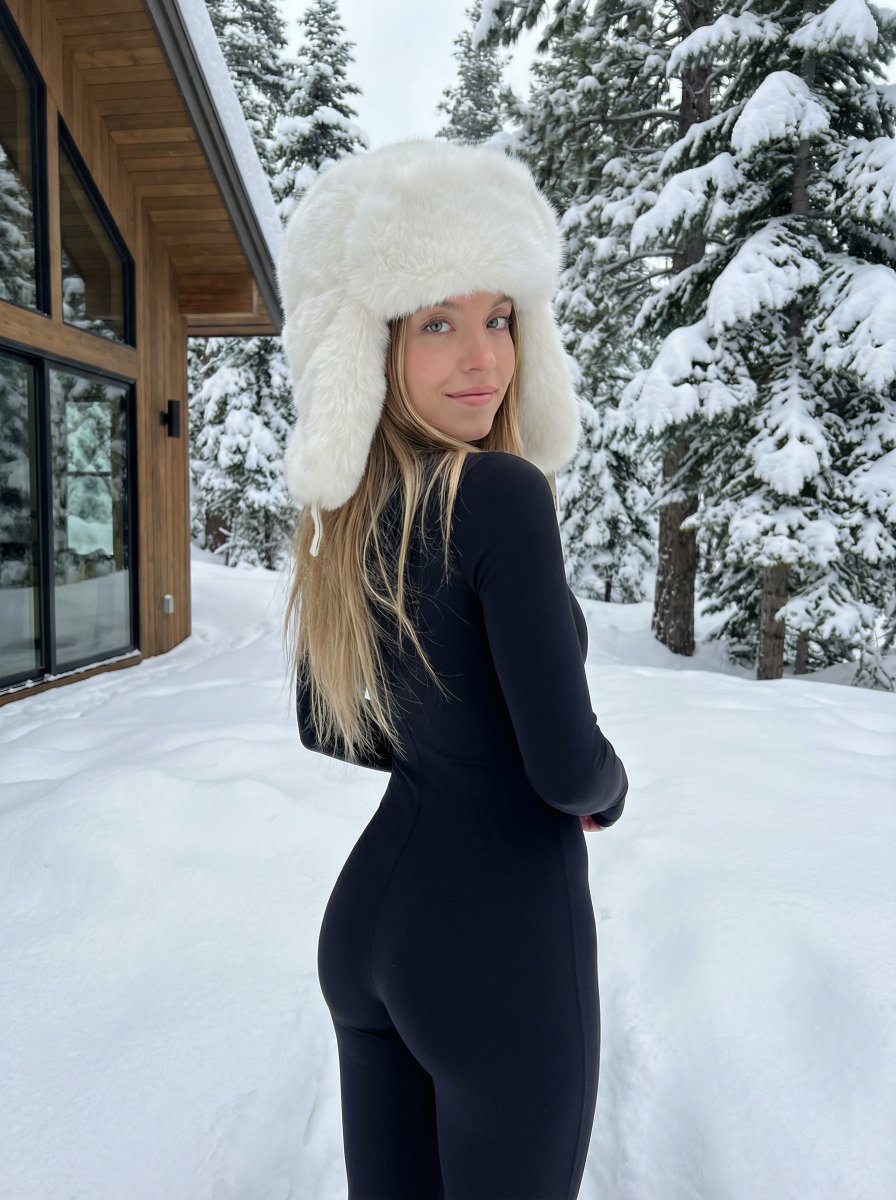
Winter fashion portrait with faux-fur hat and black bodysuit

Nano Banana 2 High Fashion Sports Campai

Couture Fashion Editorial Woman and Drag

Ive Yujin Fashion Portrait in Blue

Nano Banana 2 Editorial Fashion Portrait

Caution Tape Fashion — Industrial Editorial
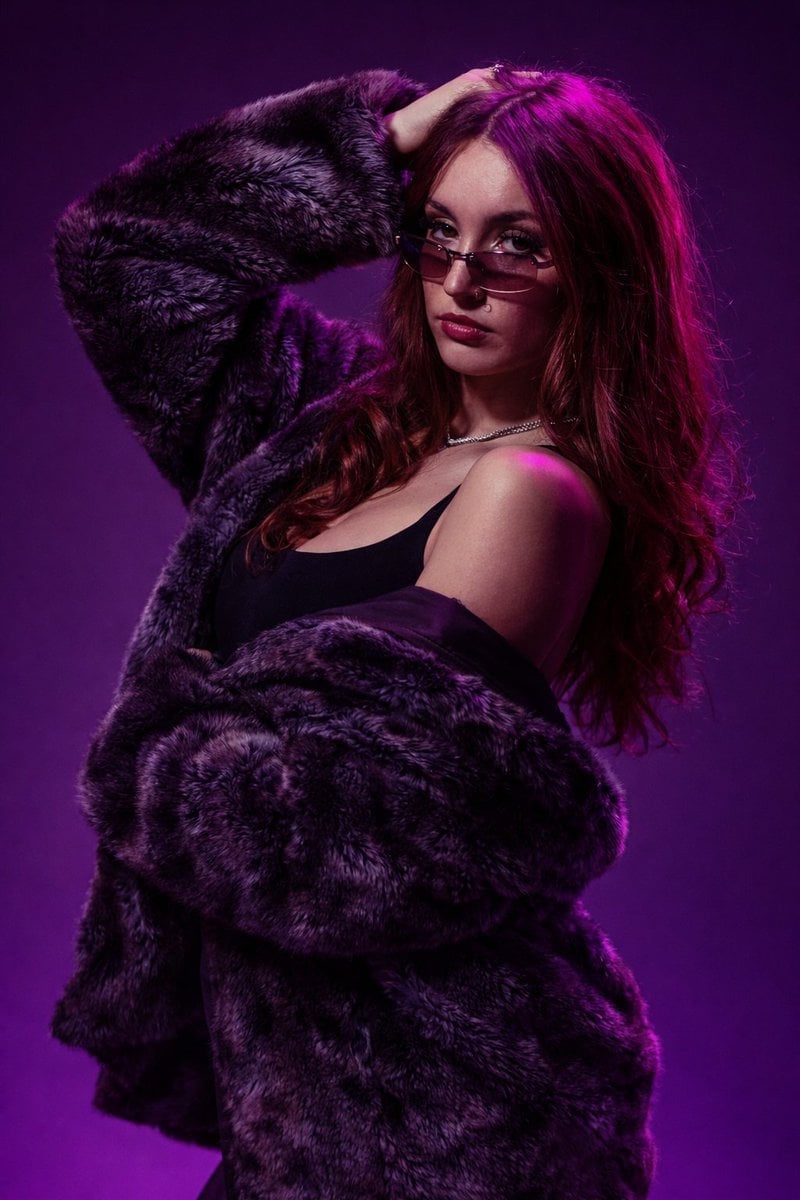
Fur Coat Fashion Portrait Purple Lighting
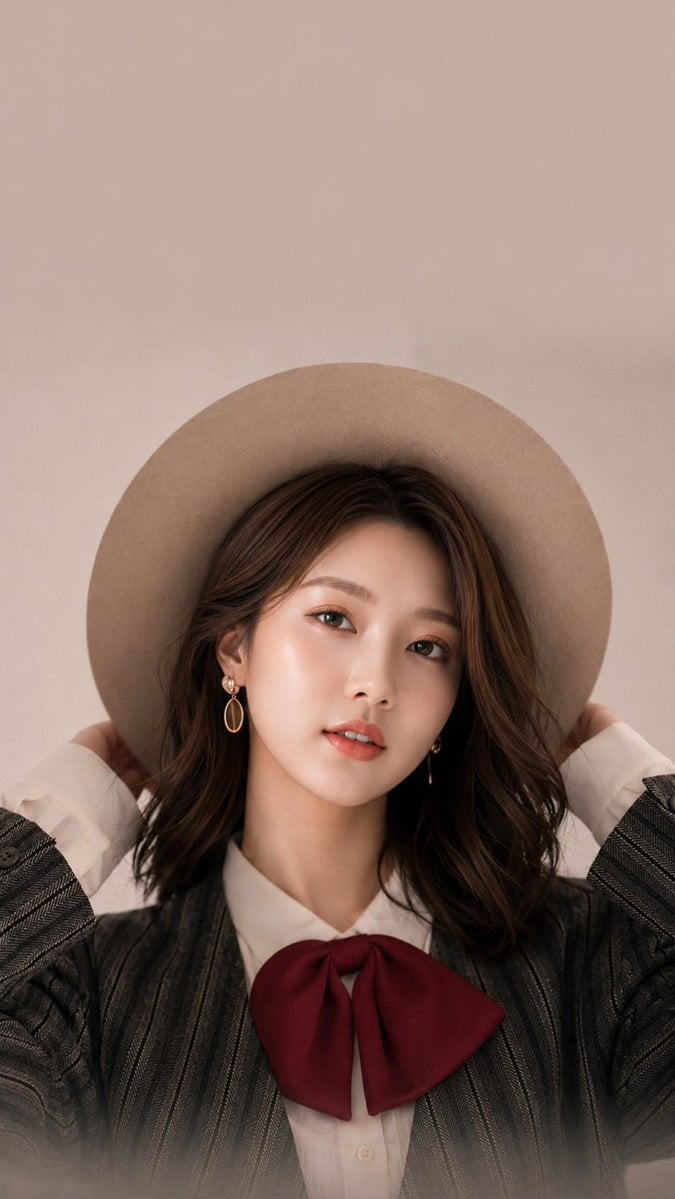
Studio Fashion Portrait with Felt Hat
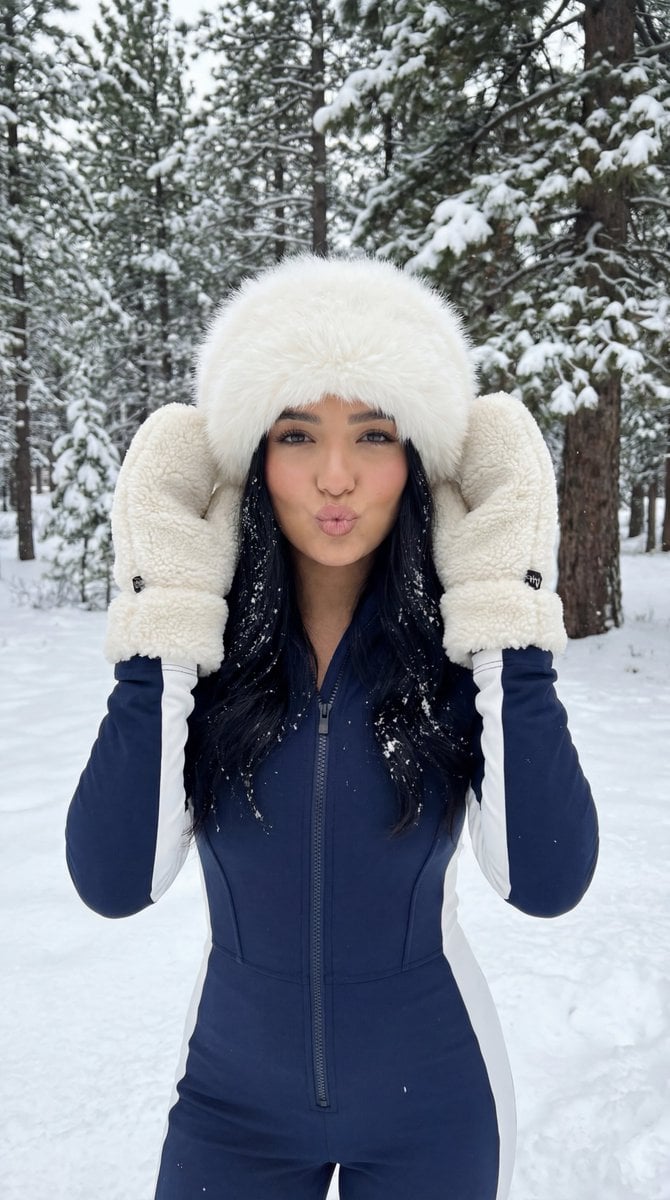
Winter Sport Lifestyle Portrait with Fur Hat and Pout
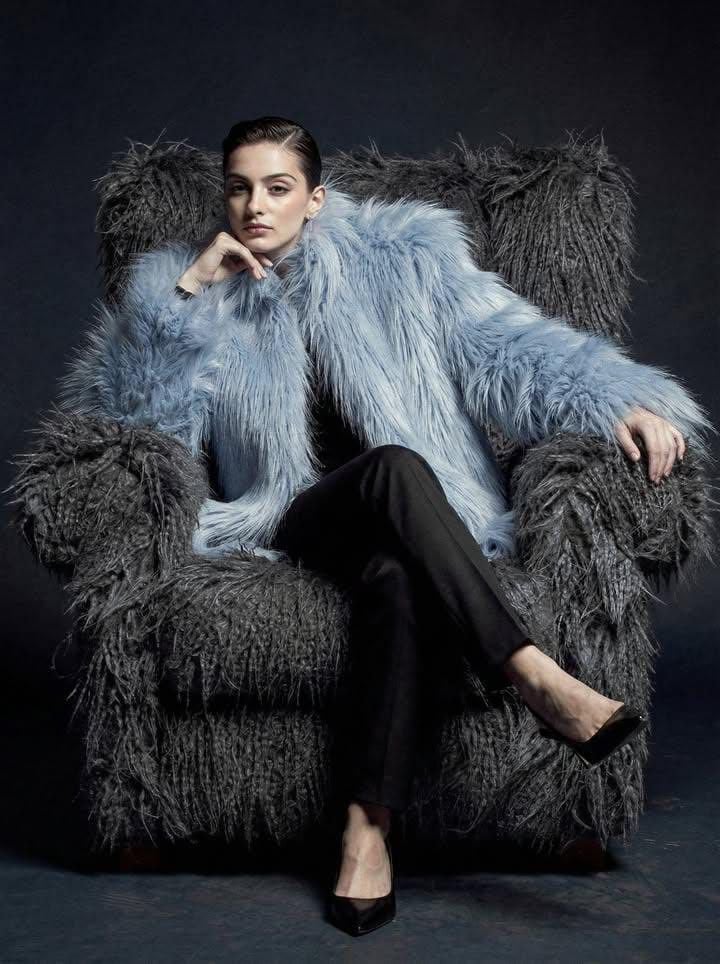
Ultra-high fashion editorial portrait in faux-fur coat
Make it yours
Nineties Fashion Fur Hat Portrait works as-is. These are the safest ways to change it without losing the look.
Change one field
Copy a single group, rewrite it, and generate again so you can see what that field is doing.
Keep the frame, change the subject
Hold the composition and light of Nineties Fashion Fur Hat Portrait, then swap wardrobe, props or the person for a new take.
| If the result… | Why | Fix |
|---|---|---|
| The result drifts from the preview | Too many fields changed at once. | Reuse Nineties Fashion Fur Hat Portrait as-is first, then change one group — subject, light, or setting. |
| The model over-stylizes the scene | The prose prompt leaves finish and camera underspecified. | Add one camera or lighting sentence and stay on Gemini 3 Pro Image Preview. |
More Gemini 3 Pro Image Preview templates
Other prompts made for Gemini 3 Pro Image Preview.

Creative Character in Pink Office

Avant-Garde Asian Fashion Model

Underwater Macro Face Portrait

Water-level Bridge Modification

Noir Punk Street Portrait

High Contrast Cinematic Face Portrait

Monochrome Studio Portrait with Colored Lens

Ultra-Realistic Yacht Sunset Portrait

Mushroom Still Life Composition

Whimsical Anthropomorphic Friendly Insect
More image prompts
Fresh picks from across the catalog.
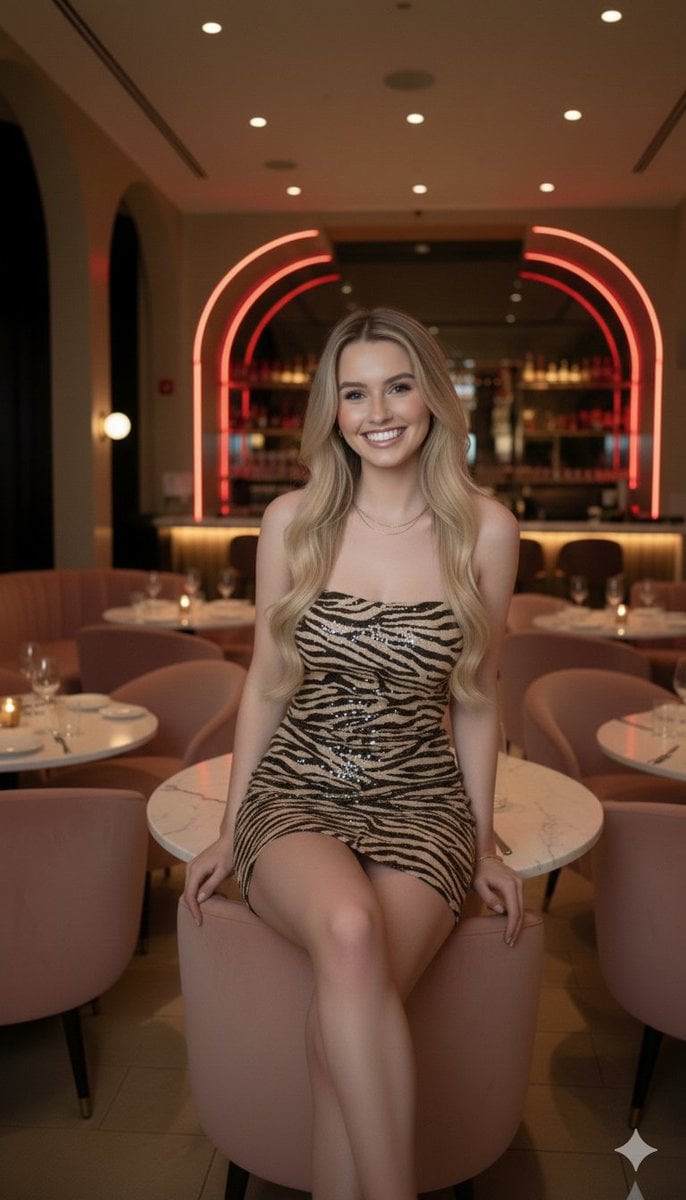
Candid Upscale Lounge Portrait Prompt
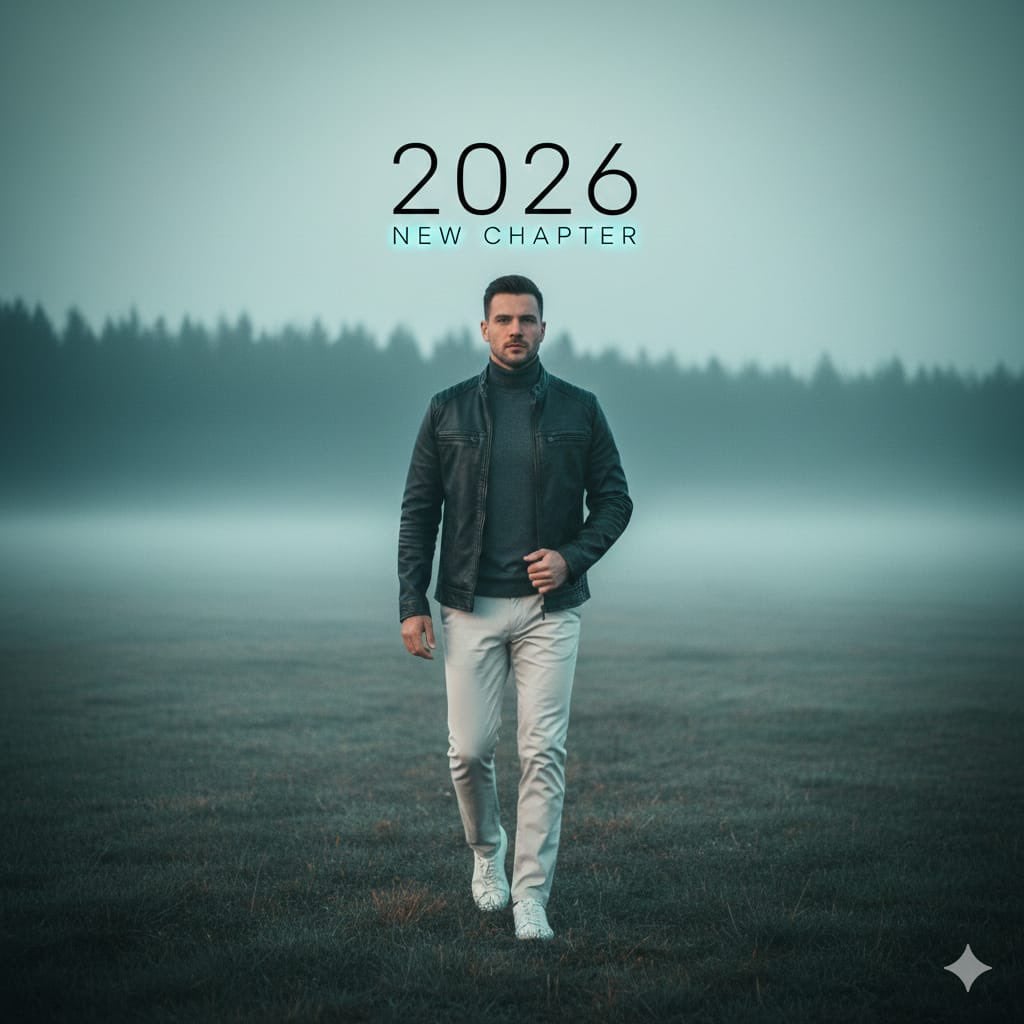
Cinematic Portrait: Man Walking in Foggy Meadow with Typography
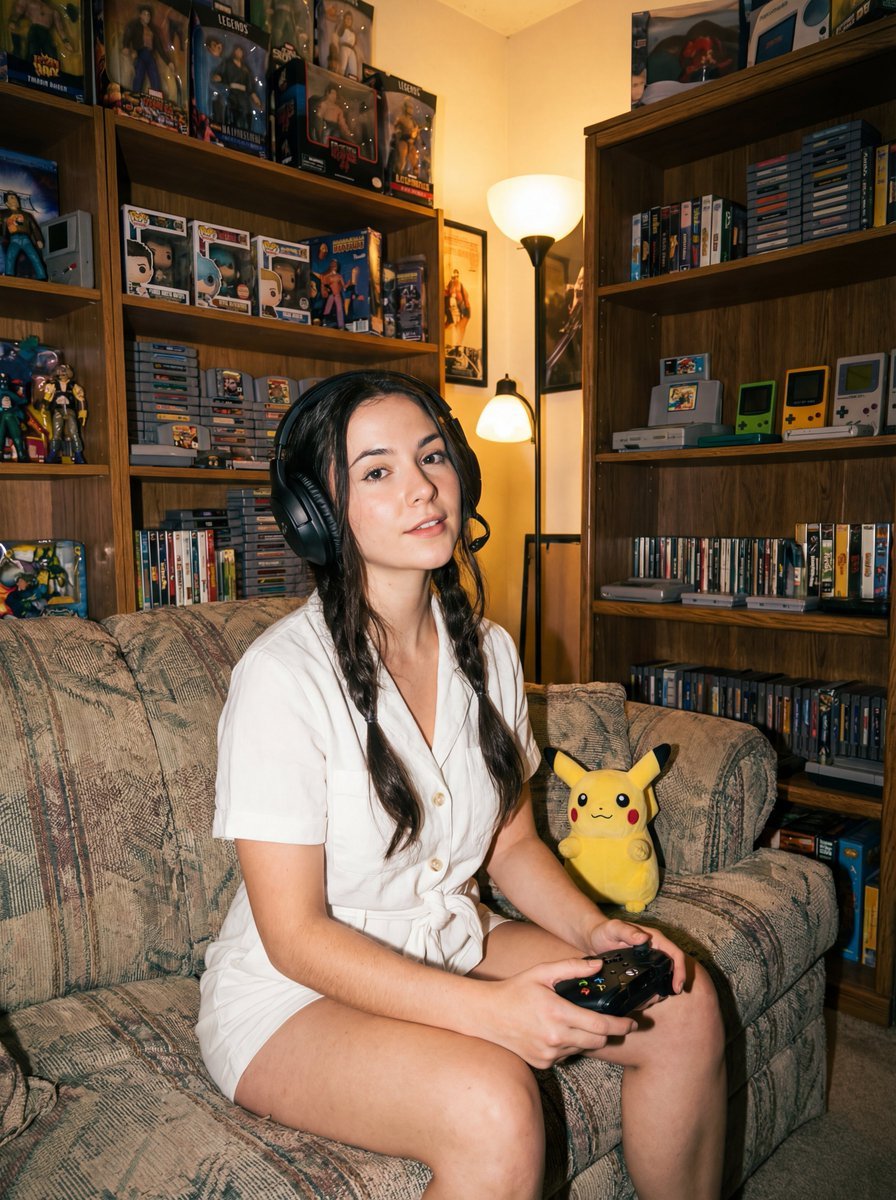
Direct flash gamer girl Nano Banana Pro JSON tag prompt
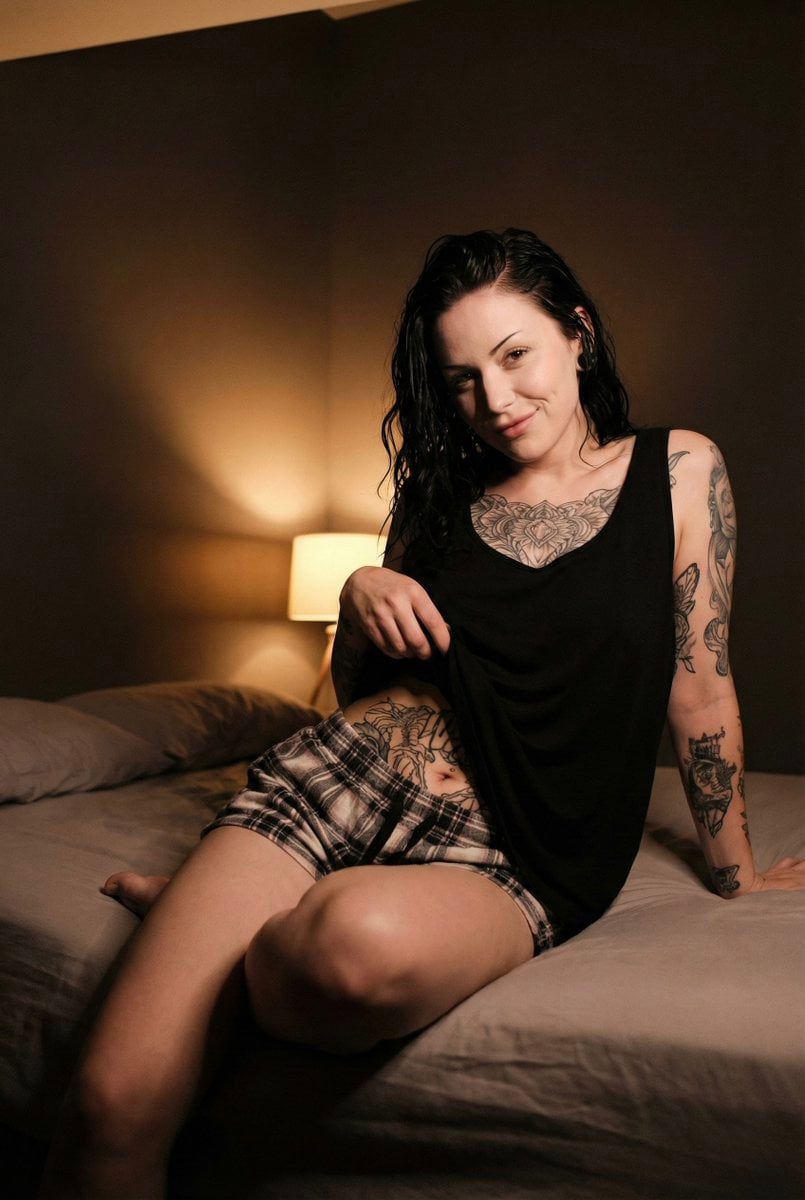
Low Light iPhone Realism Portrait
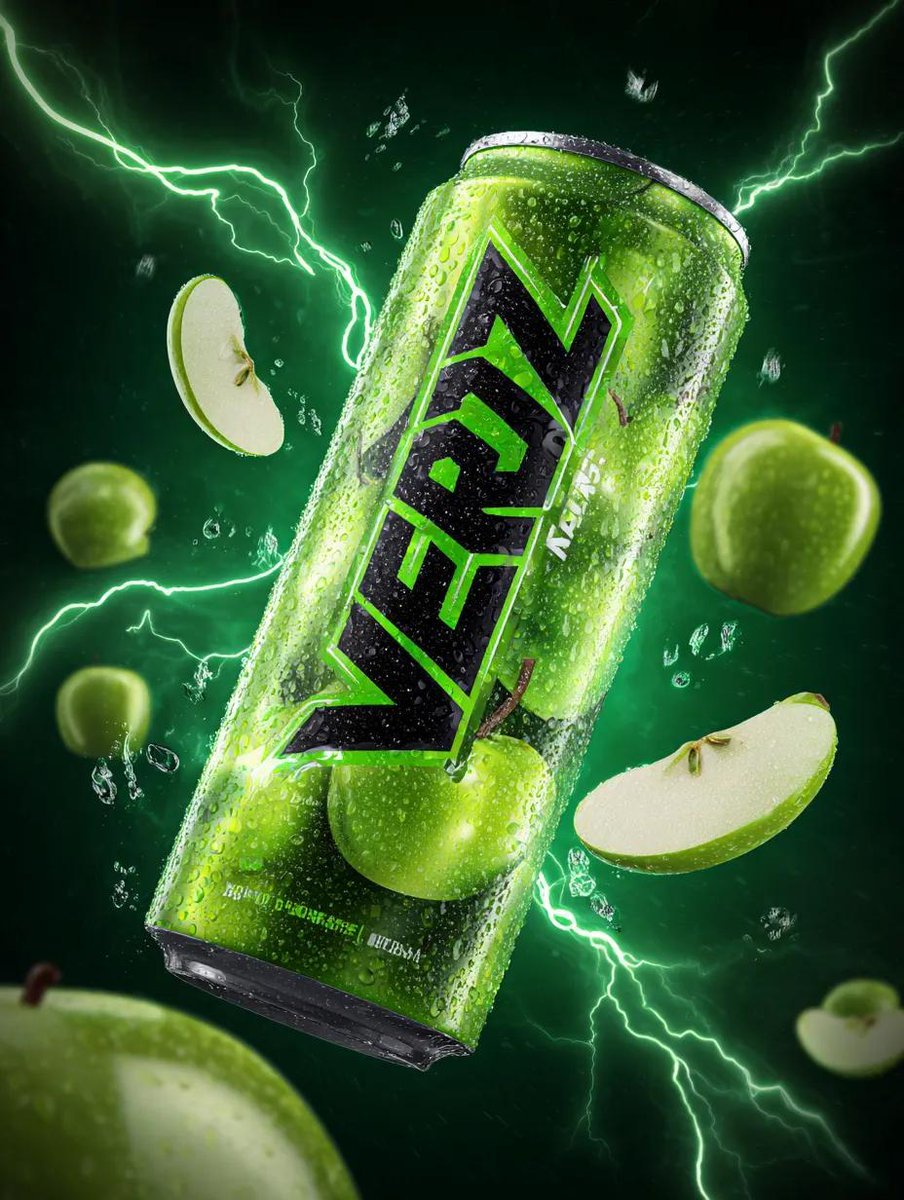
Energy Drink Can with Green Apple Splash and Neon Lightning
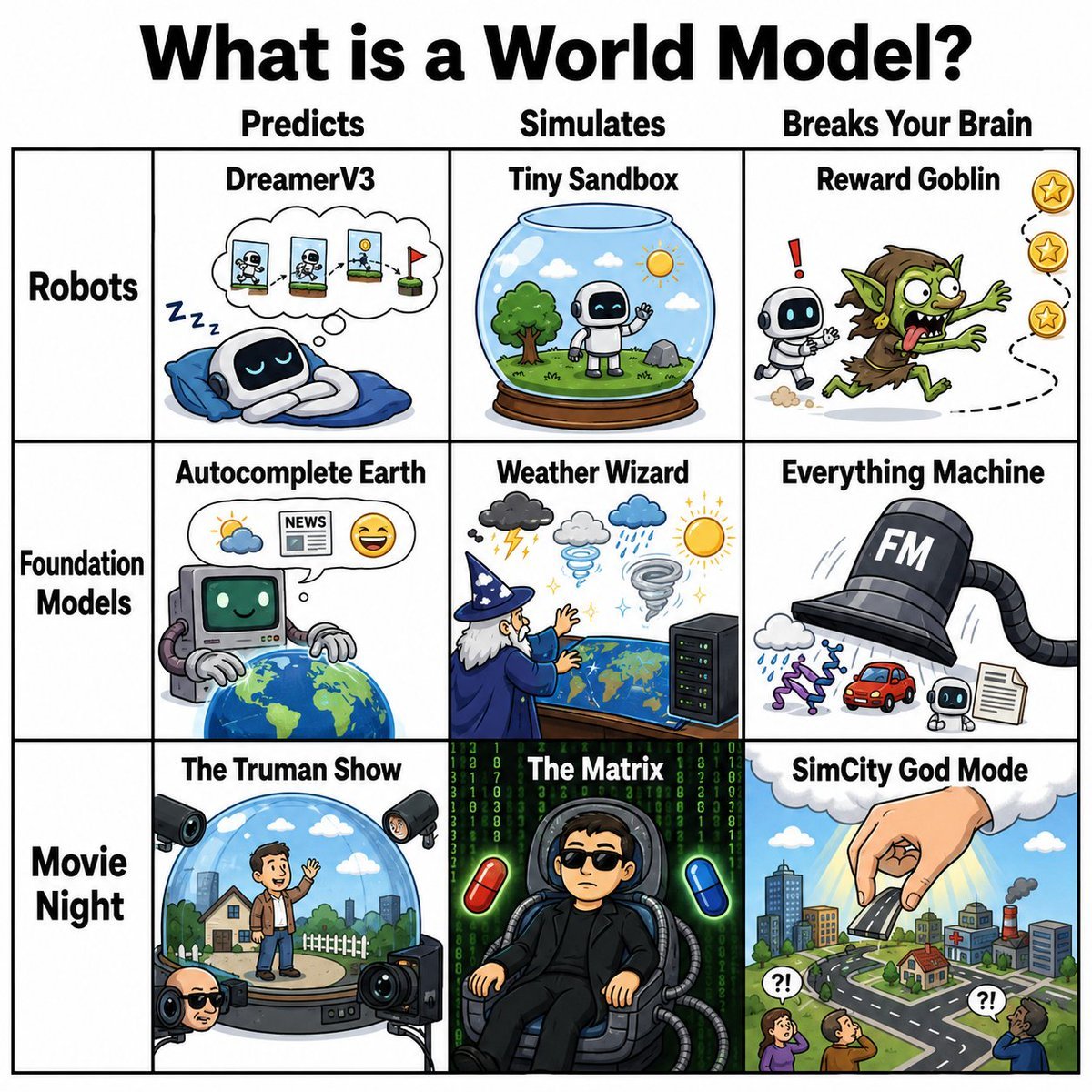
World Model Meme Grid
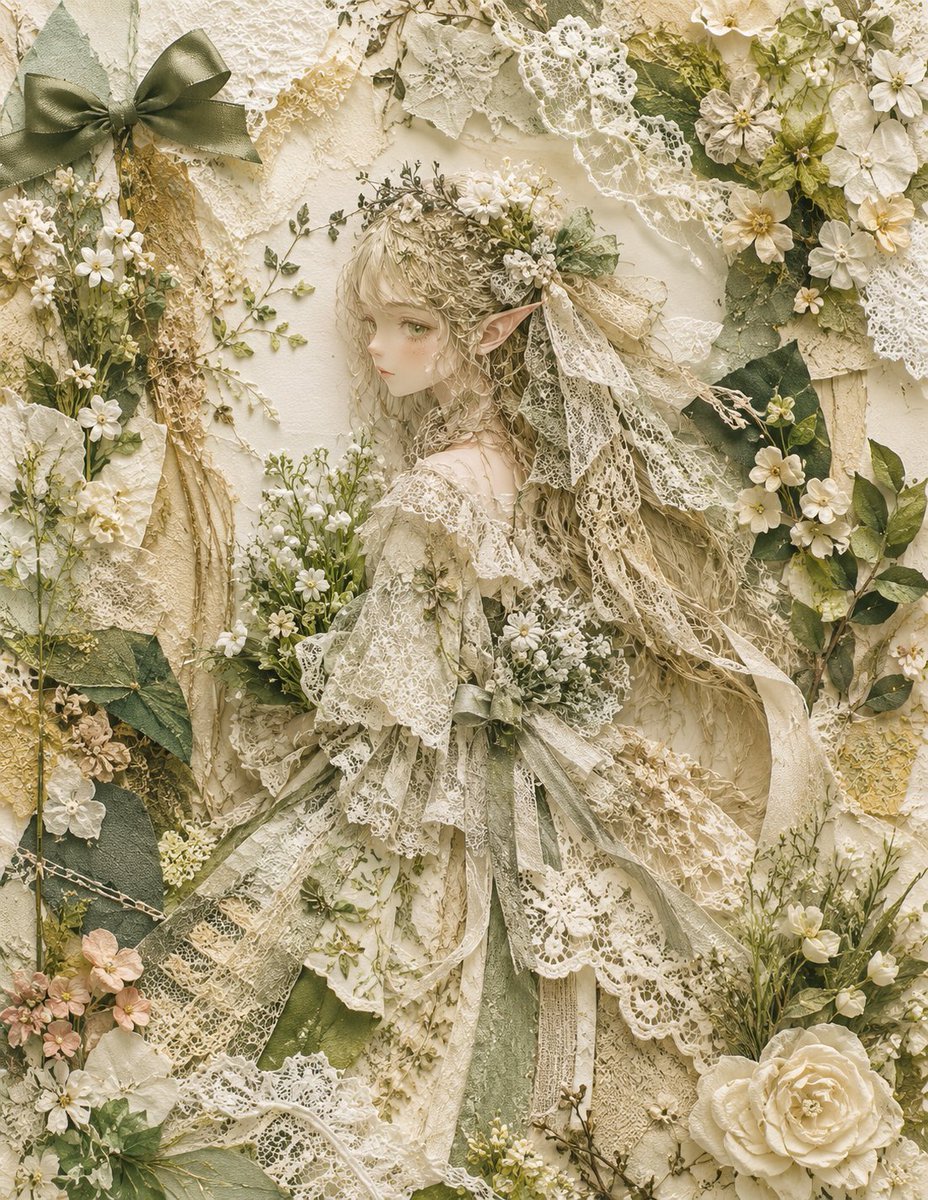
Textile Collage Elf Maiden
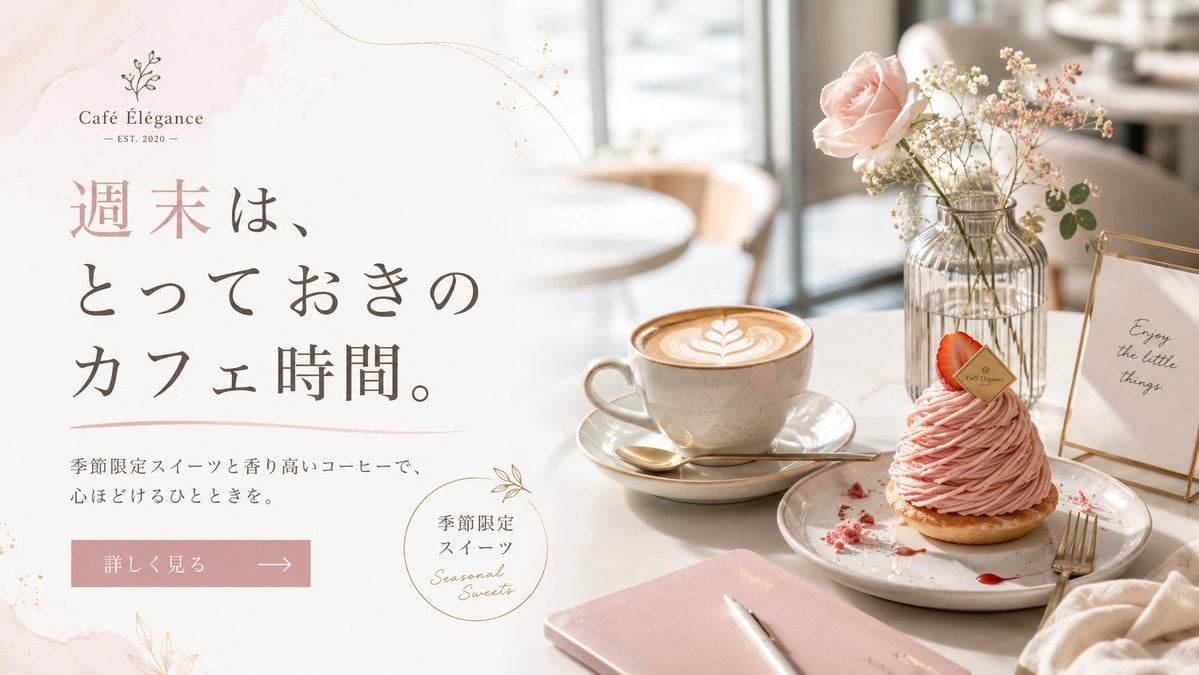
Elegant Café Weekend Banner
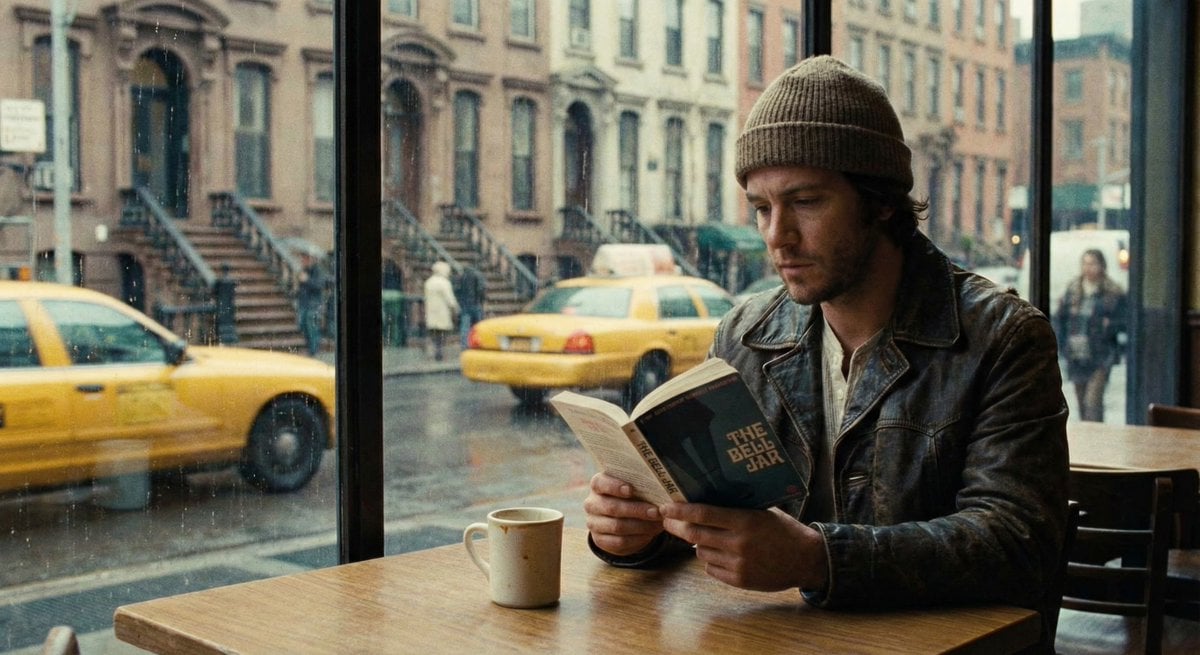
Cinematic Still of a Man in a Coffee Shop
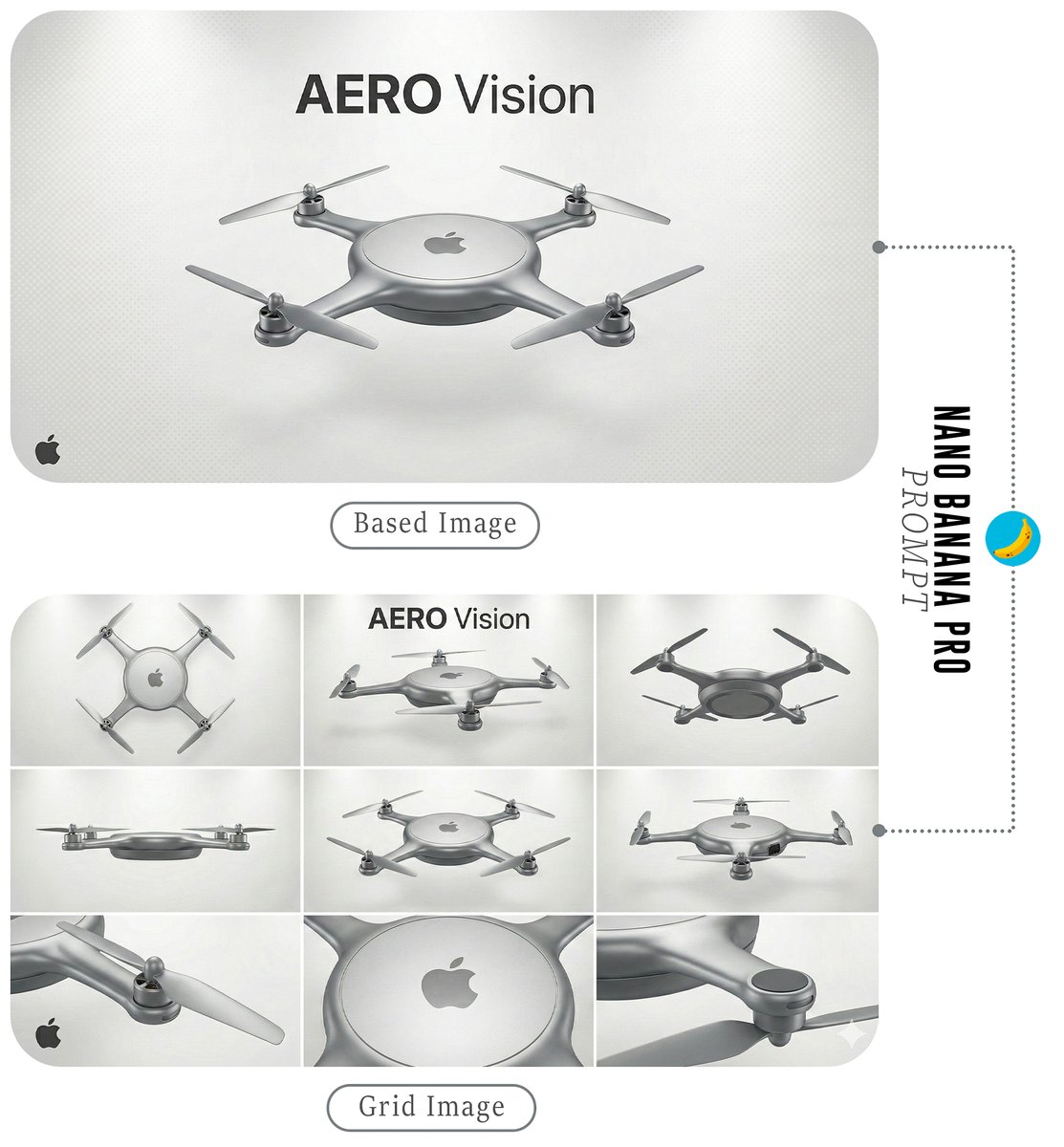
Futuristic Branded Drone Product Poster
Browse template categories
Nineties Fashion Fur Hat Portrait questions
How do I use the Nineties Fashion Fur Hat Portrait template?
Add your photo if the template asks for one, edit the prompt if you like — the template's model and format are already selected — and press Generate. Your version opens in PicX Studio.
Can I customize the Nineties Fashion Fur Hat Portrait template?
Yes. You can change the subject, setting, lighting, mood, format, and available model controls before creating your image.
Is the Nineties Fashion Fur Hat Portrait template free?
Opening and editing this template is free. Generating uses credits, shown on the Generate button when you are signed in.
Which AI model should I use?
Start with Gemini 3 Pro Image Preview, which is the model associated with this template. You can compare another compatible model for a different finish.
Looking for something else? Browse all templates.

Your photo, any look
Thousands of ready templates for every top image and video model, from one credit balance.