How do I use the High Fashion Editorial Studio Portrait template?
Choose the primary action to open PicX Studio with the available template settings. Review the model and format, personalize the creative direction, and generate when ready.
An ultra-realistic high-fashion editorial portrait prompt of a woman against a bold crimson-red studio background, inspired by luxury fashion campaigns.
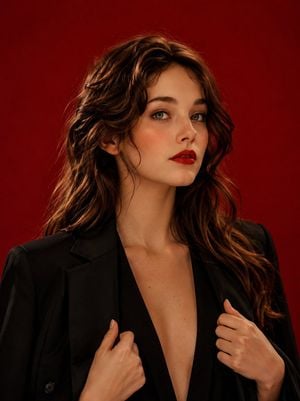
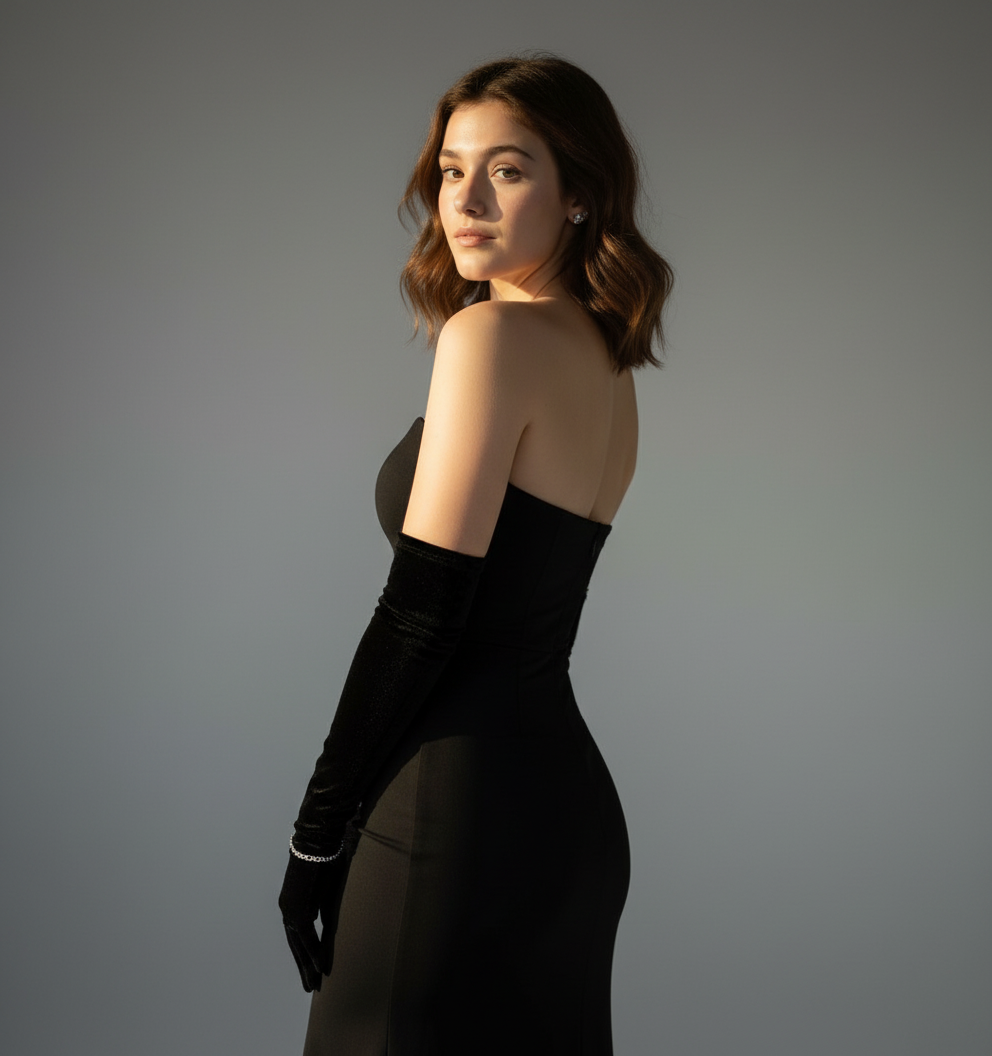
Using the provided reference image, create an ultra-realistic high-fashion editorial portrait of the same woman against a bold seamless {argument name="background color" default="crimson-red"} studio background. The composition is clean, minimal, and dramatic, inspired by luxury campaigns from Saint Laurent, Vogue, and high-end beauty editorials. The woman has long silky {argument name="hair color" default="auburn"} hair styled in soft side-parted waves draped over one shoulder, fair porcelain skin with subtle freckles, piercing light-colored eyes, sculpted brows, and bold matte crimson-red lipstick. She wears a confident, intense expression while looking directly into the camera. She is dressed in an {argument name="clothing" default="oversized tailored black blazer"} casually draped over her shoulders, worn over a deep-plunge black outfit with elegant minimalist styling. Both hands gently hold the blazer lapels near her chest, creating a powerful yet refined pose. The lighting is soft but dramatic, with studio-quality illumination that highlights facial contours and creates subtle shadows while preserving flawless skin texture and luxurious fabric detail. The background remains a smooth, vibrant red gradient with no distractions. Photographed with a medium-format camera, 85mm portrait lens, shallow depth of field, ultra-sharp focus, cinematic color grading, premium editorial styling, photorealistic skin texture, detailed hair strands, luxury fashion campaign aesthetic, masterpiece quality, 8K resolution.
Choose the primary action to open PicX Studio with the available template settings. Review the model and format, personalize the creative direction, and generate when ready.
Yes. You can change the subject, setting, lighting, mood, format, and available model controls before creating your image.
This template is free to open and customize. Generation usage is shown in PicX Studio before you create.
Start with GPT Image 2, which is the model associated with this template. You can compare another compatible model for a different finish.
Follow a topic to a crawlable collection of related PicX Studio templates.